
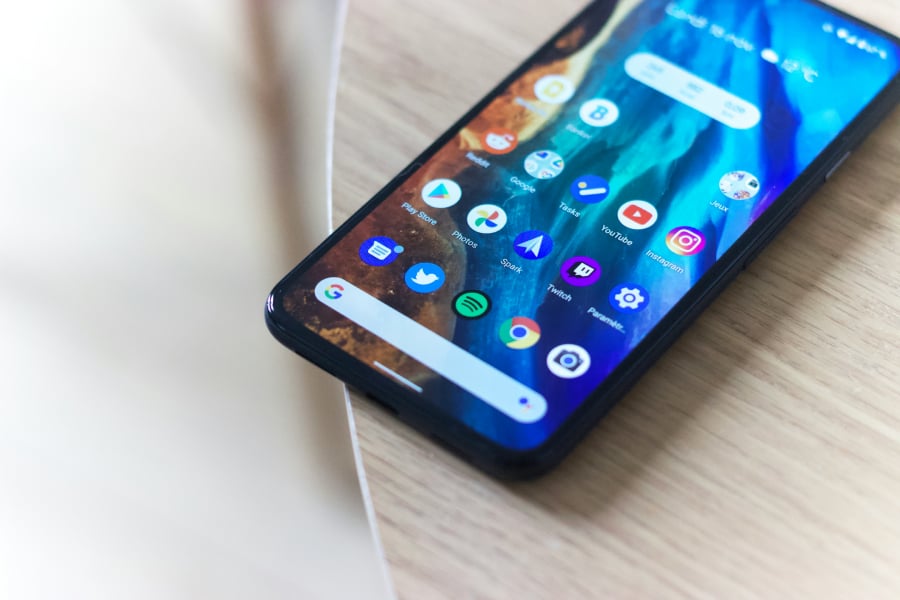


Your Android phone is a bit like a Swiss Army knife: most people only ever use the main blade, while a dozen other specialized tools stay folded away, gathering dust.
But as mobile software becomes increasingly dense, some of these “hidden” tools are shifting from optional perks to daily essentials.
1. The power-user gateway
If you feel like your phone’s performance is being held back, the “Developer Options” menu is your secret control center. This isn’t just for coders; it allows you to force higher screen refresh rates for smoother gaming or limit background processes to save battery.
To unlock it, go to Settings, find “Build Number” (often under About phone or Software information), and tap it seven times. However, a word of caution: don’t toggle things at random, as some settings can significantly alter how your phone functions.
2. Emergency preparedness
Android’s Medical Info feature lets first responders access critical health information, such as blood type and allergies, from your lock screen during emergencies. Set it up under Safety & Emergency in Settings — it takes seconds and could save your life.
Emergency SOS, activated by pressing the power button five times, can trigger a loud alarm, call emergency services, and alert your emergency contacts with your location and battery status.
3. Multitasking made simple
Split-screen mode has been around for years, but many users don’t use it. The feature lets you run two apps simultaneously on one screen, perfect for watching videos while texting or checking your calendar during a video call.
To activate it, swipe up to view your recent apps, tap the menu button on any app, select “Split screen,” then choose your second app. You can drag the divider to adjust how much screen space each app gets.
4. Accessibility features everyone can use
Live Transcribe converts spoken conversations into real-time text, helpful not just for those who are deaf or hard of hearing, but also for taking notes during meetings or keeping records of important conversations.
Google Lens, accessible through the camera icon in Chrome’s search bar, can translate text in real time in your camera viewfinder, an invaluable feature when traveling abroad.
Must-read developer coverage
- What Powers Your Databases? Take This DZone Survey Today!
- Microsoft’s Historic 6502 BASIC Code is Now Open Source
- TIOBE Index: Top 10 Most Popular Programming Languages
- TechRepublic Exclusive: AWS Says Entry-Level Workers Need ‘Curiosity’ In the Age of AI
5. Privacy and security shortcuts
Handing your phone to someone to show them a photo shouldn’t mean risking them swiping through your entire camera roll. App Pinning locks the phone to a single app — just open your recent apps, tap the icon above the app you want to pin, and select “Pin.” They’ll need your PIN to switch to anything else.
For slightly more access, Guest Mode creates a completely separate user profile with no access to your personal accounts, messages, or data. It’s accessible right from the Quick Settings panel.
6. Taking control of your data
Data usage sneaks up fast, but Android has built-in tools to prevent unwanted overages. Under Mobile Network settings, you can set daily or monthly data limits that either warn you or immediately stop mobile data when you hit the cap.
For even tighter control, the Data Saver feature restricts background data usage for all apps except those you specifically exempt. Fair warning: this means you won’t get notifications from messaging apps unless they’re actively open, though you can add exceptions for critical apps.
Why do these tips stay hidden?
Android’s biggest strength — flexibility — is also why many features go unnoticed. Android phones are packed with tools designed to make everyday use smoother, faster, and more personal. The problem isn’t a lack of features; it’s that many of the best ones stay out of sight.
With different phone makers, Android versions, and menu layouts, useful tools don’t always appear in the same place. As a result, many Android owners only discover these features years later, usually after a tip from a friend, a random article, or a moment of frustration.
For users willing to dig a little deeper into settings, Android often rewards them with a “why didn’t I know this sooner?” moment.
Also read: A leaked built-in privacy screen for Samsung’s Galaxy S26 Ultra hints at a hardware-based feature designed to block side-angle viewing.