
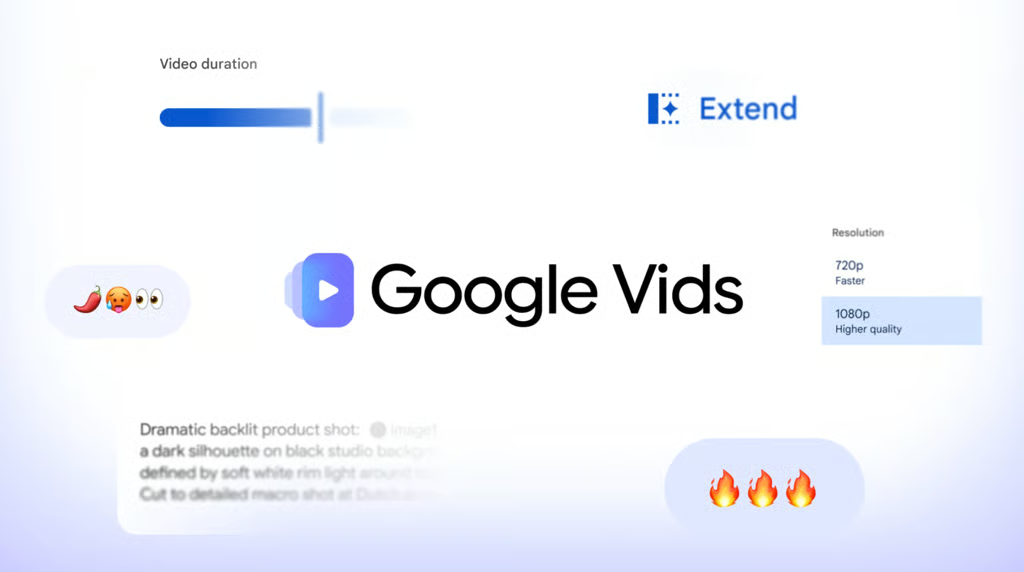


Google Vids now lets people with personal Google accounts generate AI video clips for free, within a monthly limit.
Announced Wednesday, the search giant has rolled its Gemini Omni 1.1 Flash model into Google Vids, granting free tier access to users holding personal Google accounts as well as Google Workspace subscribers.
Justin Luk, product manager for Google Vids, noted that the rollout aims to help creators produce content “without professional editing skills or a big budget.”
The update adds controls for extending scenes, setting clip durations, and creating 1080p video. Users can visit vids.new on desktop to tap the “Create AI videos” option, unlocking 1080p high-definition generation and the ability to upscale existing clips.
Users can extend scenes while aiming to preserve lighting, settings, and character appearances, and set specific clip durations. Google says clips generated with Omni 1.1 in Vids include an imperceptible SynthID watermark that can help identify them as AI-generated.
Democratizing access to video generation
Free access gives individuals and small teams a way to test AI-generated clips for presentations, announcements, and promotional videos. The monthly allowance matters, though, for anyone planning to produce them regularly.
By pairing video creation with standard Google Drive and Photos media imports, Google is bridging the chasm between raw synthetic asset generation and practical, timeline-based video editing.
Operational limits to weigh
Free access comes with distinct operational constraints. Although users can experiment with the platform at no charge, personal Google accounts are limited to six AI video clip or avatar generations per month combined, according to Google’s Vids help page. Google says some AI video editing features may also be restricted; paid Google AI and eligible Workspace plans offer different allowances.
Additionally, generation and editing workflows remain strictly restricted to desktop environments, leaving mobile users exclusively to viewing finished output.
What this means for everyday users
For small teams, the free tier offers a way to try short video projects before paying for more capacity. Anyone planning a regular production schedule should check the generation allowance for their account and, for a work account, whether their administrator has enabled Vids. Users can convert static product photos into promotional assets or build event announcements from templates without hiring outside animators.
The tool will soon close another creative bottleneck: Google confirmed it will roll out Gemini 3.8 Flash-Lite text-to-speech inside Vids. The feature will turn written scripts into voiceovers in more than 100 languages. If it works as described, users could eventually move from a written idea to generated footage and narration within the same tool, reducing the need to record audio or move between multiple applications.
Want to learn more AI tips, tricks, and prompting techniques? TechRepublic readers get free 7-day access to The Neuron Academy, our practical learning platform designed to help professionals use AI more confidently at work. Browse all lessons →
Let us teach you How to Talk to AI for free! Try our six-minute course at The Neuron Academy and learn a few simple ways to write better prompts and get more useful results from AI, or browse our other AI course for free for seven days. Check out all the lessons here →