


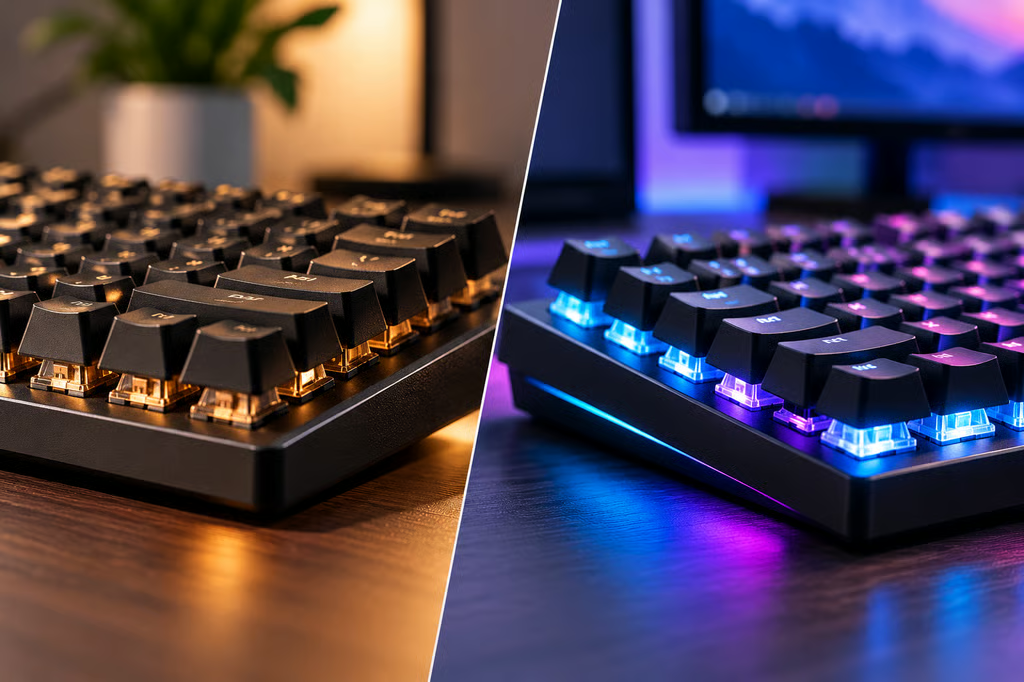
Magnetic keyboards promise faster responses and more control over how keys behave. But are they actually better than traditional mechanical keyboards?
Independent testing raises questions about one of their selling points: precision. RTINGS tested 14 keyboards with adjustable actuation and found that none registered keypresses at exactly the depth selected in their software.
That doesn’t mean magnetic keyboards are ineffective. They offer useful gaming features that conventional mechanical models generally lack. The question is whether those extras are worth paying for, especially if you primarily type, code, or work.
Mechanical vs magnetic keyboards at a glance
| Feature | Mechanical keyboards | Magnetic keyboards |
|---|---|---|
| How keys register | Metal contacts | Magnetic sensors |
| Adjustable sensitivity | Usually no | Yes, on supported models |
| Rapid Trigger | Generally no | Common on gaming models |
| Typing feel | Linear, tactile, and clicky options | Mostly linear |
| Switch customization | Wider range of compatible options | More limited compatibility |
| Price | Options across most budgets | Often more expensive |
| Best for | Typing, work, customization | Competitive gaming |
How we compared
We compared typing feel, gaming features, response times, customization, software, and value.
Our assessment draws on manufacturer specifications, RTINGS’ independent testing, and Ars Technica’s technical reporting. We did not conduct our own hands-on tests or assume that advertised speed claims translate into better real-world performance.
What’s different about magnetic keyboards?
Traditional mechanical keyboards register a keypress when two metal contacts meet inside a switch. The key usually needs to travel a set distance before it registers.
Magnetic keyboards work differently. They use a small magnet and sensor to track how far each key moves.
This technology, commonly called Hall effect, lets users adjust how sensitive their keys are.
For example, a gamer can make movement keys respond to a light touch while setting other keys to require a deeper press. Conventional mechanical keyboards generally cannot offer that level of adjustment.
Magnetic keyboards also commonly feature Rapid Trigger, which lets a key reset as soon as the user begins releasing it. That makes it easier to repeat certain movements quickly in competitive games.
Other technologies, including optical switches, can provide similar features. They’re not exclusive to magnetic keyboards.
Are magnetic keyboards faster?
They can be, but not automatically.
Magnetic switches avoid a small delay associated with the metal contacts inside conventional mechanical switches. However, the keyboard’s electronics, firmware, and connection also affect response times.
A well-designed mechanical keyboard can still perform competitively.
More importantly, RTINGS found that adjustable sensitivity settings aren’t always as precise as their software suggests.
Across 14 tested keyboards, the measured activation distances differed from the selected settings. On the Wooting 80HE, the five shortest settings were off by approximately 0.19–0.31 mm.
Most users are unlikely to notice such small differences. Still, buyers shouldn’t assume a keyboard set to activate at 0.1 mm will register at that exact depth.
The findings don’t invalidate adjustable sensitivity or Rapid Trigger. They simply mean that software settings alone aren’t reliable measurements of performance.
Typing feel, customization, and price
For everyday use, switch feel may matter more than gaming features.
Traditional mechanical keyboards come with a wide variety of switches:
- Linear: Smooth keypresses without a noticeable bump.
- Tactile: A small bump that helps users feel when a key registers.
- Clicky: A noticeable bump accompanied by an audible click.
Most magnetic keyboards use linear switches, giving buyers fewer choices if they prefer tactile feedback or a distinctive typing sound.
Mechanical keyboards also generally offer more flexibility for replacing switches. Magnetic models can support removable switches, but replacements must be compatible with the keyboard’s sensors and software.
Durability is less clear-cut. Magnetic switches avoid wear on electrical contacts, but quality mechanical switches can also last for tens of millions of presses. Neither technology guarantees a longer-lasting keyboard.
Software is another consideration.
Many magnetic keyboards use companion apps to adjust sensitivity and Rapid Trigger settings. Buyers should check whether their preferred settings are saved directly to the keyboard and whether the software supports their operating system.
For a shared workstation or office computer, those details can matter more than advanced gaming controls.
Are magnetic keyboards worth the extra money?
Magnetic keyboards often cost more than comparable mechanical models, although prices vary considerably by brand and features.
The premium makes the most sense if you’ll regularly use adjustable sensitivity or Rapid Trigger.
If your main activities are typing, coding, email, and general office work, a good mechanical keyboard can deliver a similarly satisfying experience without those additional controls.
Before buying, compare current prices, switch options, software support, and whether the keyboard works as expected without an app running.
Retailer prices and availability may differ from manufacturers’ listed prices.
Mechanical vs magnetic keyboards: Which should you buy?
Choose a magnetic keyboard if:
- You play competitive FPS or rhythm games.
- You want to adjust how quickly individual keys respond.
- You plan to use Rapid Trigger.
- You’re comfortable configuring keyboard software.
Choose a mechanical keyboard if:
- You mainly type, code, or work.
- You prefer tactile or clicky switches.
- You want more choice when customizing switches.
- You don’t need advanced gaming features.
Competitive players should also check their games’ rules. Counter-Strike 2 restricts certain automated movement features, but that doesn’t mean Rapid Trigger itself is prohibited.
Ultimately, magnetic keyboards offer more control, while traditional mechanical keyboards provide greater variety and often better value for everyday use.
RTINGS’ findings reinforce one practical buying rule: judge a keyboard by its actual performance and typing experience, not simply the sensitivity numbers advertised in its software.
Also read: Choosing the right peripherals is one part of building a gaming PC. Our RTX 5070 Ti vs Radeon RX 9070 XT comparison examines another important hardware decision.