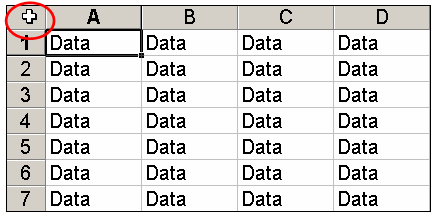
When you need to flip-flop data in an Excel worksheet, don’t waste time doing it manually. Excel offers a handy Transpose option that will quickly take care of the task.
The business world is full of users who have neither the opportunity nor the inclination to figure out Excel’s shortcuts. They end up wasting a lot of time (and adding to your support burden) because they just don’t know the smartest ways to work with spreadsheet data. Here are some highly useful tips that can streamline typical tasks and boost productivity.
Never assume that hiring managers don’t look at cover letters, even when you apply for a job via e-mail. Use this outline to make sure you include the right information in your cover letter.
A TechRepublic member wrote for advice on calculating the years, months, and days elapsed between two dates. This tutorial explains the solution provided by TechRepublic contributor Jeff Davis.
Don’t point fingers when something goes wrong. Whether you’re a manager or just part of the IT team, use this approach to keep a cool head when a crisis occurs.
Does your company do business in more than one state or country? If so, here’s an Excel tip that makes it easy to display important data organized by location.
If you want to parse strings such as "First Last" into separate columns, you don’t need to use fancy formulas. Excel has a tool that makes the job a snap.