15 accounting, finance, and budgeting apps ideal for SMBs - TechRepublic

15 accounting, finance, and budgeting apps ideal for SMBs

  • budgetistock000070142979small.jpg

    ​Your business software is part of the team, too

    Choosing the right people for the job is an essential part of succeeding in the SMB world, and choosing SMB software is no different. The accounting, finance, and budgeting platform decisions you make can have long-lasting effects on a business, and a bad choice could spell disaster.

    But how do you choose a proper SMB accounting and finance suite, and other essential software, when there are so many options? Knowing what kind of business a software is best for, its pricing, and its features is a start. Here are 15 accounting platforms, budgeting apps, and business financial tools, along with their most important features and details.

    Note: All prices are in US dollars unless otherwise specified.

    SEE: How to choose SMB finance and accounting software: 5 tips (TechRepublic)

    Image: iStock
  • 01-wave.jpg

    ​Wave Accounting

    Price: Free

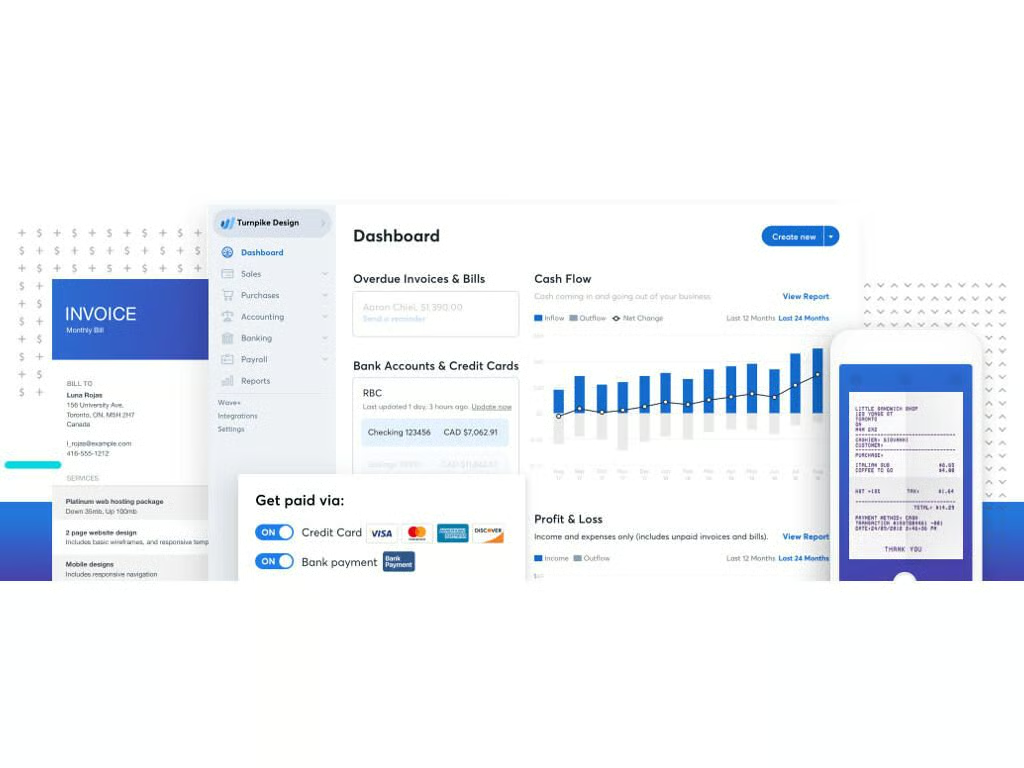
    Best for: Freelancers, sole proprietors, businesses on a budget, and businesses with less than 10 employees. If your business is spinning up and you don’t want to add another bill to the pile, Wave is a great choice–it has robust features without a fee, provided you don’t want to take credit card payments or process payroll–those will cost you.

    Wave’s key features: Wave has features that make it competitive with many paid SMB management platforms, such as linking bank accounts to track expenses, receipt digitization, invoice generation, and more–all without having to pay a monthly subscription fee. Wave uses a web client that scales to desktop, smartphones, or tablets, and it also has dedicated Invoice creation and receipt scanning mobile apps for iOS and Android.

    What Wave is missing: Integrations. Wave doesn’t play well with others, with the exception of PayPal, Etsy, and Shoeboxed. If you use other software and want to connect it to Wave, you’ll have to go through Zapier and use its third-party workflow automation apps.

    Image: Wave Financial Inc.
  • 02-quickbooks.jpg

    ​QuickBooks Online

    Price: Three tiers, starting at $20/month after a 30-day trial

    Best for: Small LLCs, nonprofits, and businesses that anticipate growth. QuickBooks Online is designed to grow with businesses, though it is still best for SMBs.

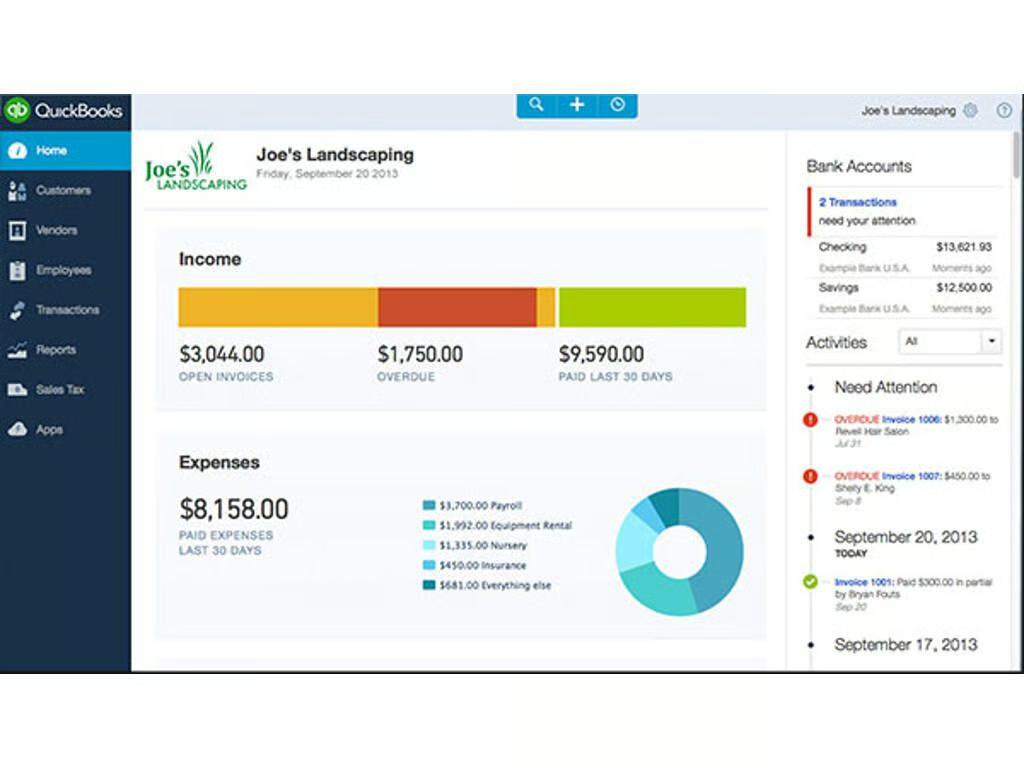
    QuickBooks Online’s key features: QuickBooks Online is well known among SMB business apps for being the complete package: If you need to budget, handle accounting, or manage finances, QuickBooks Online likely has what you need. QuickBooks Online also has a robust list of integrations–so many, in fact, that it has its own app store.

    What Quickbooks Online is missing: The biggest complaints that QuickBooks Online seems to get are due to its price and its lack of coherent documentation. The $20/month fee for the entry level lacks a lot of necessary features, including bill payment, inventory tracking, billable hour tracking, and budgeting. It has also been criticized for being difficult to learn, and its online tutorials can be less than adequate for explaining features.

    Image: Intuit
  • 03-freshbooks-laptop.jpg

    ​FreshBooks

    Price: Three tiers, starting at $15/month

    Best for: Self-employed people and very small businesses that will be regularly billing the same clients. FreshBooks is restrictive in regards to the number of clients it supports, with the $15/month tier only being allowed five, the $25/monthly tier allowing 50, and the $50/month tier supporting 500.

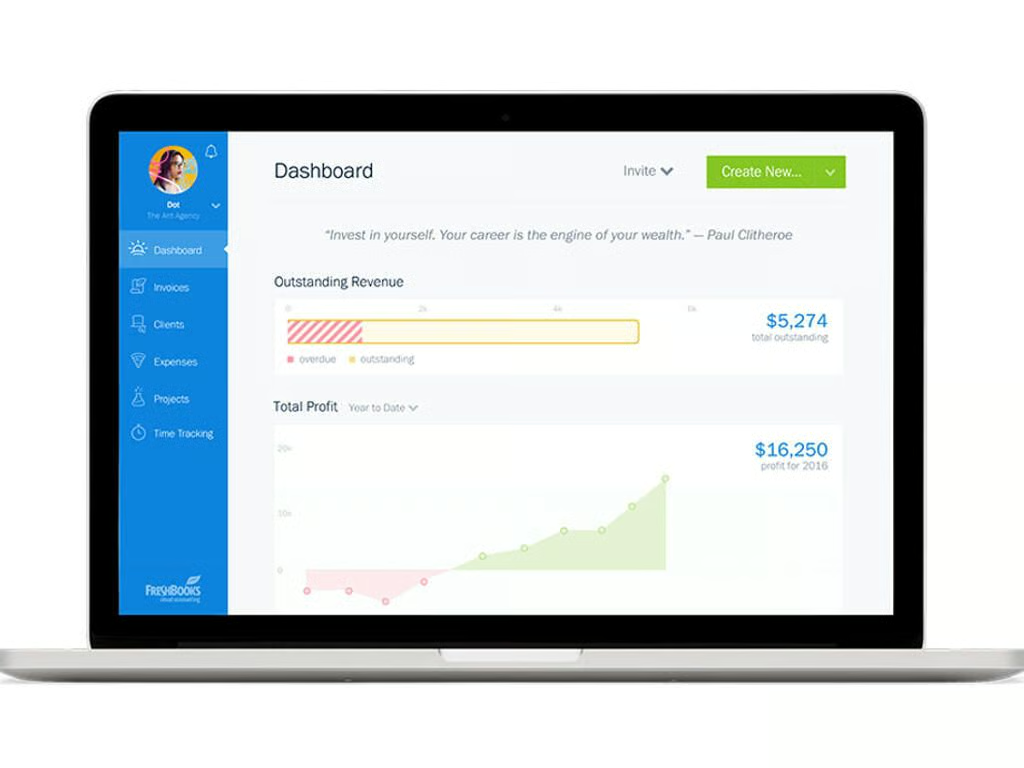
    FreshBooks’ key features: If you’re going to be invoicing the same people repeatedly, FreshBooks is a great choice, especially with as much automation as it features. “Put your business on autopilot” is a tagline found in the FreshBooks site, and that’s the truth–it’s robust in its features.

    What FreshBooks is missing: If you have a lot of inventory to manage, you’ll want to avoid FreshBooks: There’s no inventory management features to speak of. It’s also a bit light on its reporting capabilities–they’re there, but you can’t drill down into them like you can with other platforms.

    Image: FreshBooks
  • 04-xero.jpg

    ​Xero

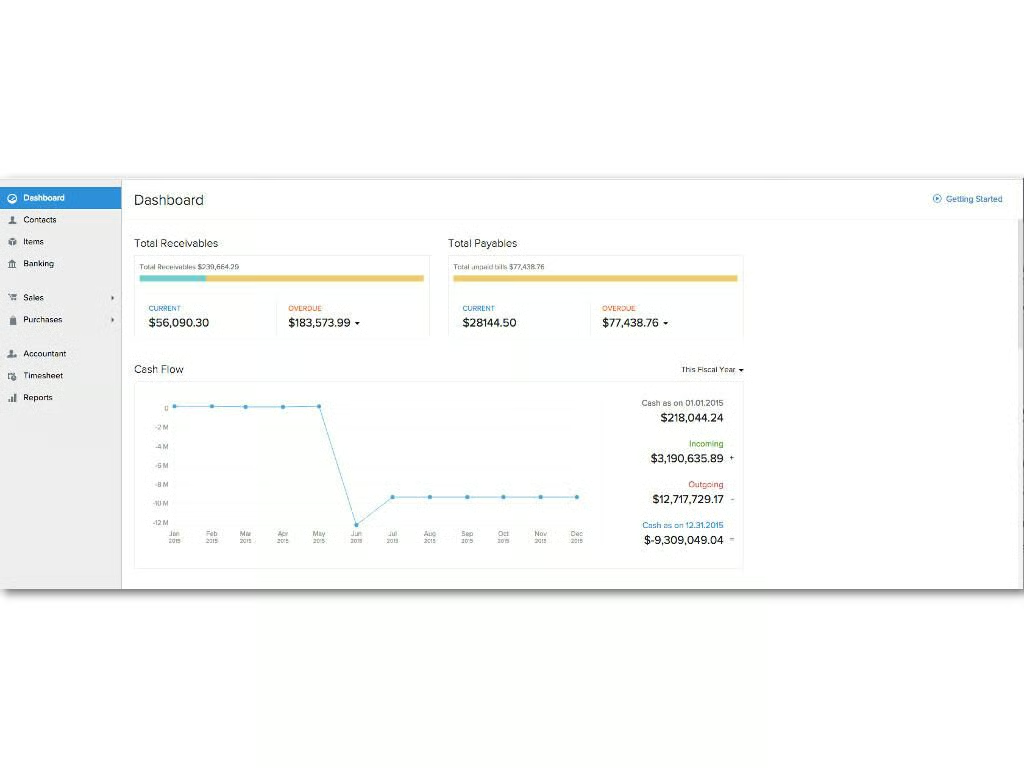
    Price: Three tiers, starting at $9/month

    Best for: Established small businesses that can afford the higher tier prices. Many of Xero’s more useful features are reserved for businesses willing to pay $60/month–it even restricts its receipt scanning and project management apps to the highest tier. With features like these available as a basic part of other platforms, you’ll want to consider whether they’re essentials worth paying extra for.

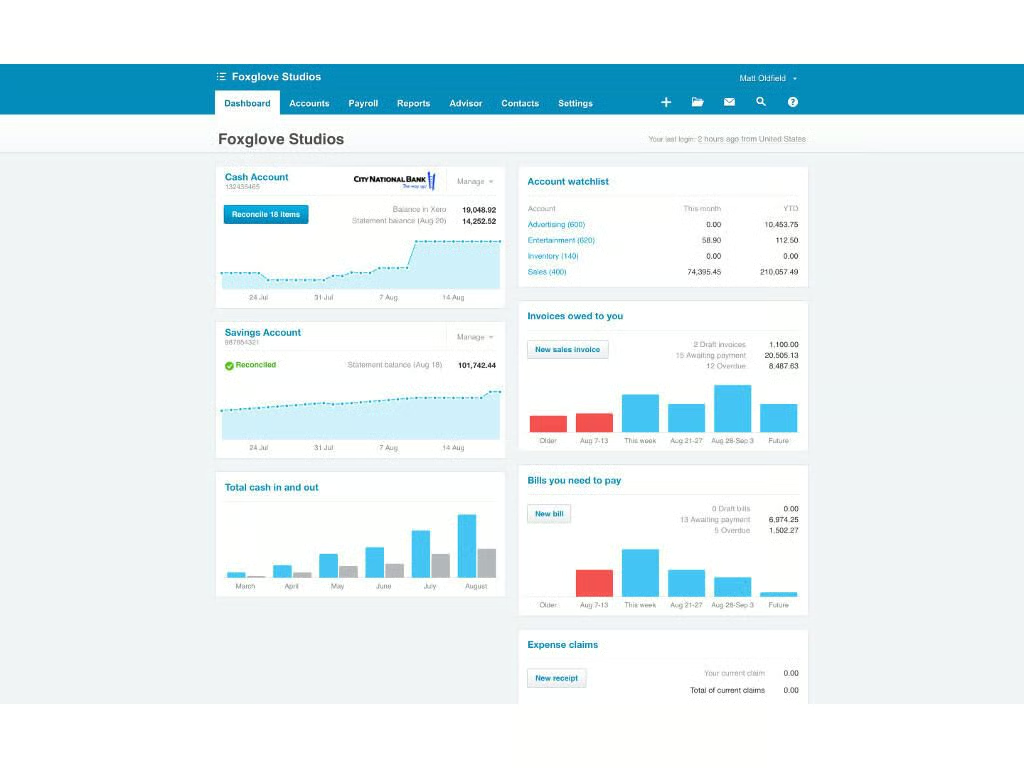
    Xero’s key features: Xero is a bookkeeper’s dream, so if keeping finances in order without dealing with the hassle of complicated interfaces and an overabundance of buttons is a concern, this is your ideal choice. Xero’s interface is slick; it can connect to bank accounts and easily reconcile transactions; and its reports are super customizable to get you (or your accountant) all the necessary info.

    What Xero is missing: Many of the reviews of Xero that I’ve read take issue with its support, which is email only. Some users have complained of long wait times, and if you’re experiencing a critical issue, going back and forth via email can lead to lost time and money. As mentioned above, lower tiers are a bit restricted in terms of features, and that includes the number of bills and bank transactions it can reconcile: For $9/month you can only enter five bills and reconcile 20 bank transactions. $30/month will get you the ability to enter unlimited bills and transactions, but you still won’t be able to scan receipts or use Xero’s project management app.

    Image: Xero Limited
  • 06-zohobooks.jpg

    ​Zoho Books

    Price: Three tiers, starting at $9/month

    Best for: Small businesses that want a lot of features for the price. Zoho Books packs a lot in, even at the entry level $9/month tier.

    Zoho Books’ key features: Zoho Books offers a lot for its price, which makes it solid competition for other low-priced SMB accounting programs. One way that Zoho Books differentiates itself from its competitors is through its built-in workflow capabilities that function like other workflow platforms such as IFTTT. Workflows can be designed to do a number of things, such as notify a manager when a payment exceeds a threshold, or notify a project manager when a down payment invoice is paid.

    What Zoho Books is missing: Zoho Books doesn’t have any payroll software, unless you’re located in California, which Zoho started supporting for payroll in 2018. Other US states may be coming, but without word from Zoho it’s safe to assume you’ll be paying for a separate payroll solution for the time being.

    Image: Zoho Books
  • 05-godaddy.jpg

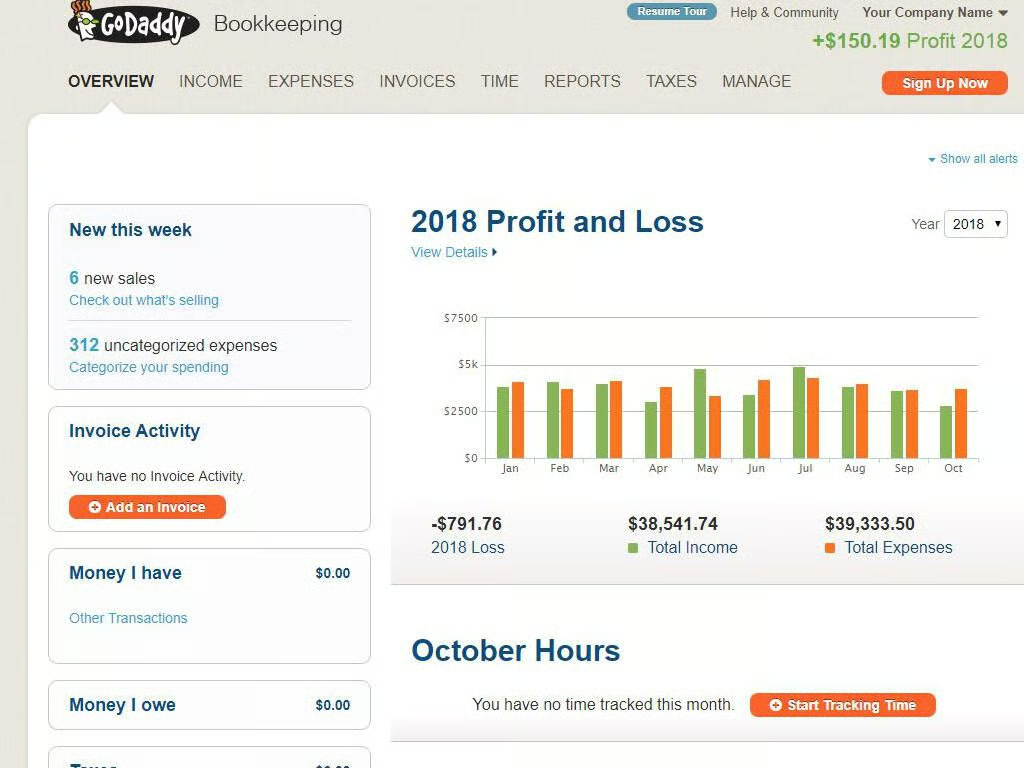
    ​GoDaddy Bookkeeping

    Price: Three tiers, starting at $3.99/month

    Best for: Online sellers who use eBay, Amazon, or Etsy. GoDaddy Bookkeeping lacks a lot of the features included in more robust platforms, but it syncs with eBay, Amazon, and Etsy to make managing business through those sources a snap. Those features are only available for the more expensive tiers, which are still cheap at $7.99 and $11.99/month, respectively.

    GoDaddy Bookkeeping’s key features: GoDaddy Bookkeeping makes life simple for online sellers by automatically importing transactions and calculating quarterly taxes due. It offers additional features as well, such as PayPal integration, invoice generation, and several other essentials. Simply put, if you’re a maker who is more concerned with selling than dealing with complex accounting software, GoDaddy is a great choice.

    What GoDaddy Bookkeeping is missing: Depth. GoDaddy Bookkeeping isn’t for users that have to deal with a lot of little business details; so, if you expect grow beyond selling things on Etsy, eBay, or Amazon, you may want to consider a different product.


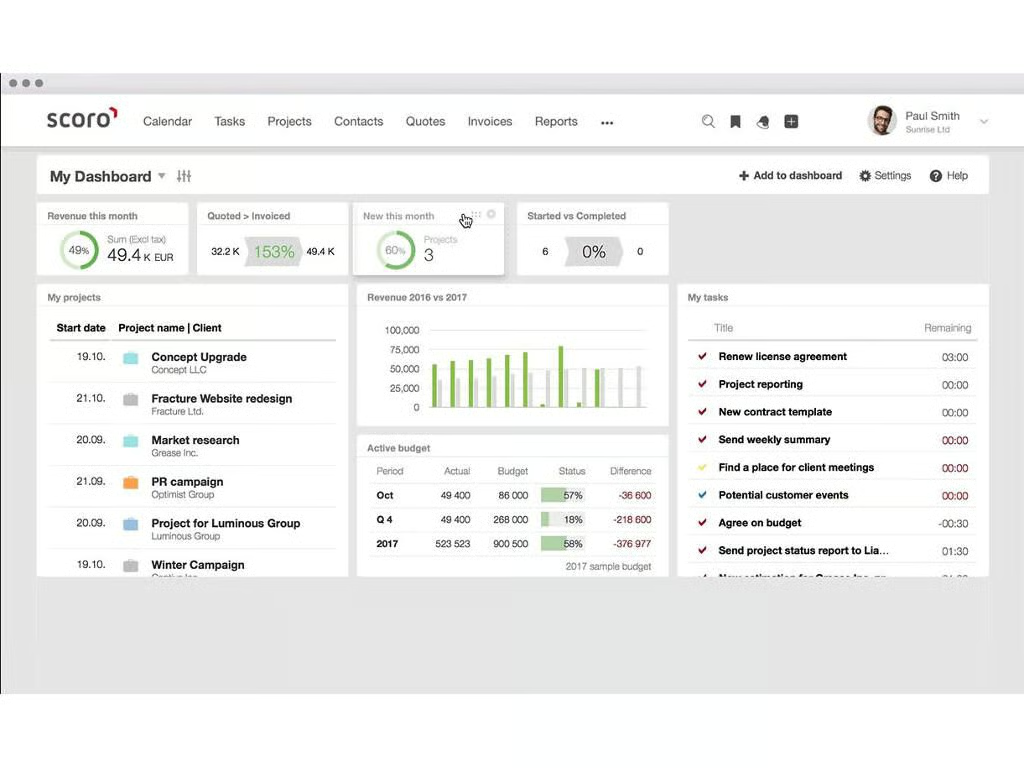
  • Scoro

    Price: Three tiers, starting at $22/month per user (minimum 5 users). $899 (starting) onboarding fee.

    Best for: Medium-sized businesses that want a total business management platform.

    Scoro’s key features: Put simply, Scoro is packed with features. It’s not only a finance, accounting, and budgeting program, but it’s also a scheduling, CRM, quoting, and project management platform. It’s not cheap–that $22/month figure actually comes out to $110/month when the minimum five users is accounted for. If your business can afford the price, it’s a worthwhile option since it has everything an established, yet still growing, business needs to stay organized.

    What Scoro is missing: Reviews of Scoro tend to be glowing, and users who’ve rated it say it has all the features they need, and any that are missing will soon be addressed through Scoro’s regular updates. That said, navigability seems to be a common complaint, with users saying it can be tough to find what they’re looking for among all the data Scoro presents.

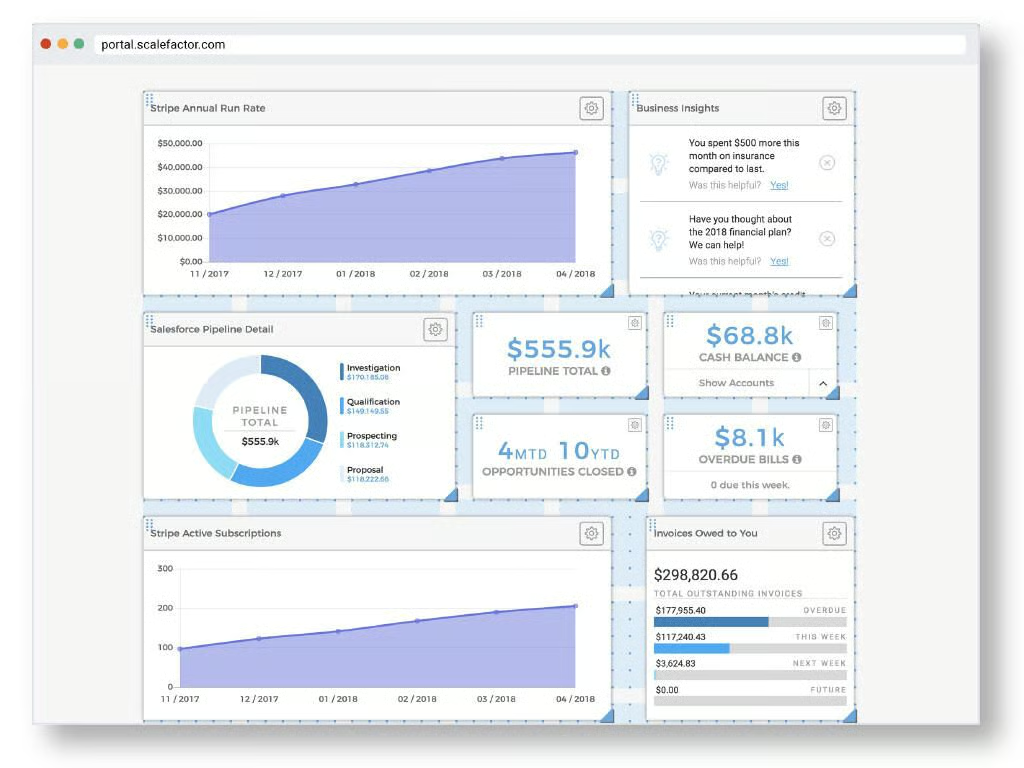
  • ScaleFactor

    Price: Three tiers, starting at $299/month (all three tiers are billed annually)

    Best for: Established small businesses looking to automate away much of their accounting and finance workload and translate company data into usable metrics.

    ScaleFactor’s key features: ScaleFactor is a full-featured accounting, budgeting, tax compliance, payroll, invoicing, and bill payment platform. Its standout feature is its automation capabilities, which are able to handle much of the day-to-day financial work that small businesses deal with. On top of that, ScaleFactor turns business financial data into information that non-accountants can clearly understand and take action on. That automation doesn’t come cheap, however, with its up-front annual fee starting at $3,588.

    What ScaleFactor is missing: ScaleFactor is well liked by its users, who don’t report any significant complaints with the platform. That said, ScaleFactor is fairly new compared to some other platforms, which could make it a risk for companies looking for a time-tested SMB accounting system.

    Image: ScaleFactor
  • FreeAgent

    Pricing: US: $12/month for the first six months, $24/month thereafter. UK: Three tiers, starting at \u00a39.50/month for the first six months and \u00a319/month thereafter.

    Best for: Like its name suggests, FreeAgent is designed around being a simple finance solution for sole proprietors, freelancers, and businesses with only a handful of employees.

    FreeAgent’s key features: Features that freelancers and sole proprietors need, such as IRS Schedule C data, are done automatically with FreeAgent, which is a plus for businesses that don’t want to spend a lot of time preparing for tax season. FreeAgent offers estimating, invoicing, bank syncing, and other important features.

    What FreeAgent is missing: The biggest drawback to FreeAgent is its relatively shallow feature pool. It doesn’t have very many integrations, meaning a lot of ecommerce transaction tracking has to be done manually, and there aren’t many add-ons available either. Even worse, if you want to use its iOS or Android mobile app (which enable receipt scanning), you have to pay an extra $5.99/month.

    Image: FreeAgent Central
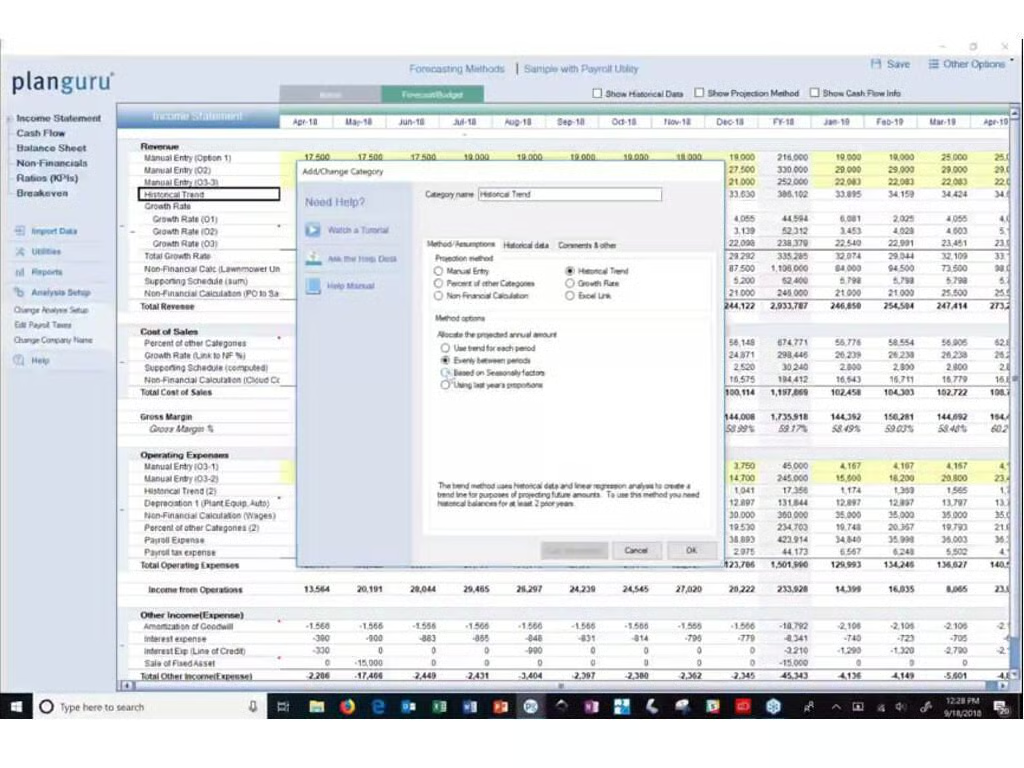
  • PlanGuru

    Pricing: $99/month, $29/month more for each user beyond the first

    Best for: Small businesses facing tight budgets, companies that need to forecast growth, and CPAs looking for a budget planning platform.

    PlanGuru’s key features: PlanGuru isn’t an accounting platform–it’s a budgeting, planning, and analytics platform designed for small businesses. If you want to make several different predictive models of the financial future of your company PlanGuru is worth checking out.

    What PlanGuru is missing: Simplicity isn’t part of PlanGuru’s design, so if you can’t handle looking at spreadsheets and dense collections of numbers, you may want to talk to an accountant instead of giving PlanGuru a try on your own. Simply put, it’s not built for the layman.

    Image: PlanGuru, LLC
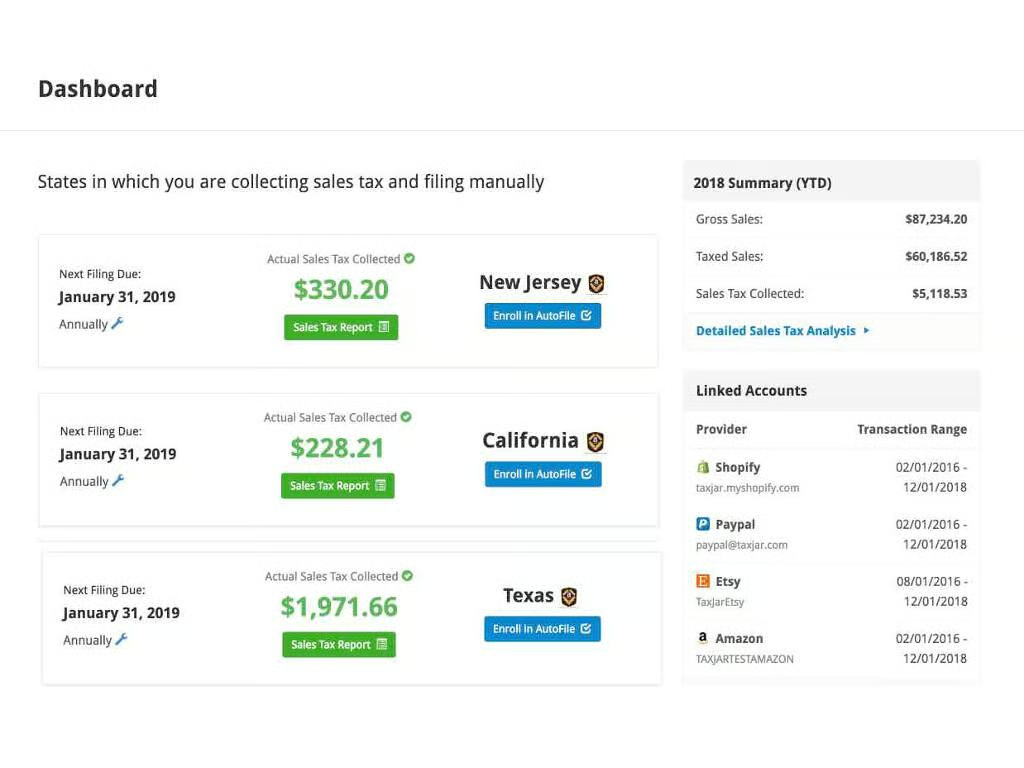
  • TaxJar

    Pricing: $17/month

    Best for: Online retailers who sell products across multiple US states.

    TaxJar’s key features: TaxJar is a simple product, and that’s its point: It integrates with ecommerce platforms including eBay, Amazon, Square, Etsy, and others and tracks all of the sales tax your business needs to pay. It also prepares regular reports for each state you’ve sold in, and can even automatically file sales tax paperwork on your behalf.

    What TaxJar is missing: TaxJar isn’t designed to be a full-featured accounting platform, so all those features are missing. Online retailers will find it incredibly useful, though, especially if that’s their only source of business income.

    Image: TPS Unlimited
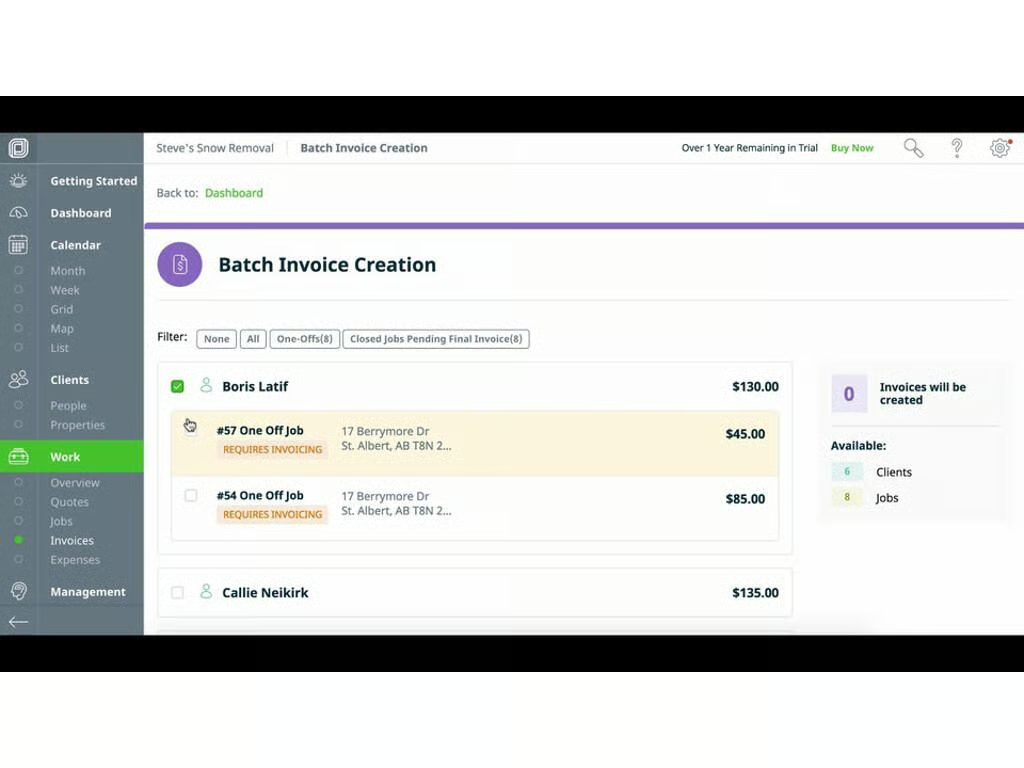
  • ​Jobber

    Pricing: Three tiers, starting at $69/month for up to two users.Best for: Service-based businesses such as landscapers, handymen, and roofers.

    Jobber’s key features: Jobber is a one-stop platform for service professionals. It handles CRM, scheduling and dispatching, invoicing, payments, expense tracking, and more. It also integrates with Quickbooks and Xero for more finance needs.

    What Jobber is missing: Service companies probably won’t be able to get by on Jobber alone, and will likely need to invest in more robust accounting software. That’s not to say it couldn’t be done, but there would be a lot of manual work involved to stay on top of all the work another software package could perform. Also, some essential features like time tracking are reserved for higher subscription tiers.

    Image: Octopusapp Inc.
  • 14-quicken.jpg

    ​Quicken Home & Business

    Pricing: $89.99/year

    Best for: Sole proprietors that want to roll their business and personal finance into one application.

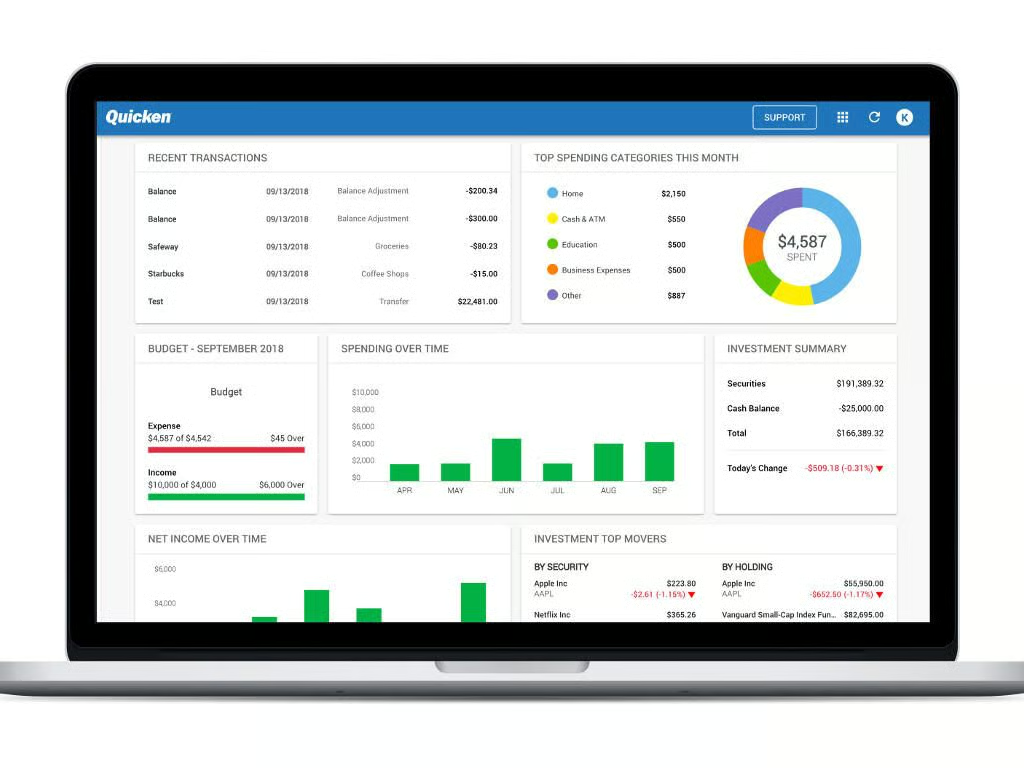
    Quicken Home & Business’ key features: Quicken Home & Business is unique among the products in this gallery in that it combines small business financial management and personal finance into one platform. If you’re the only person in your company, and that isn’t likely to change, Quicken Home & Business is a good bet.

    What Quicken Home & Business is missing: Quicken software is locally installed on a personal PC, so if you’re concerned about being able to access your data from a different machine or a mobile device, you’re out of luck with this product. There also isn’t a version of Quicken Home & Business for macOS, so Windows users are the only ones who can use this platform.

  • ​Bill.com

    Pricing: Four pricing tiers, starting at $29/month/user

    Best for: Accounting firms and businesses with a lot of clients to manage.

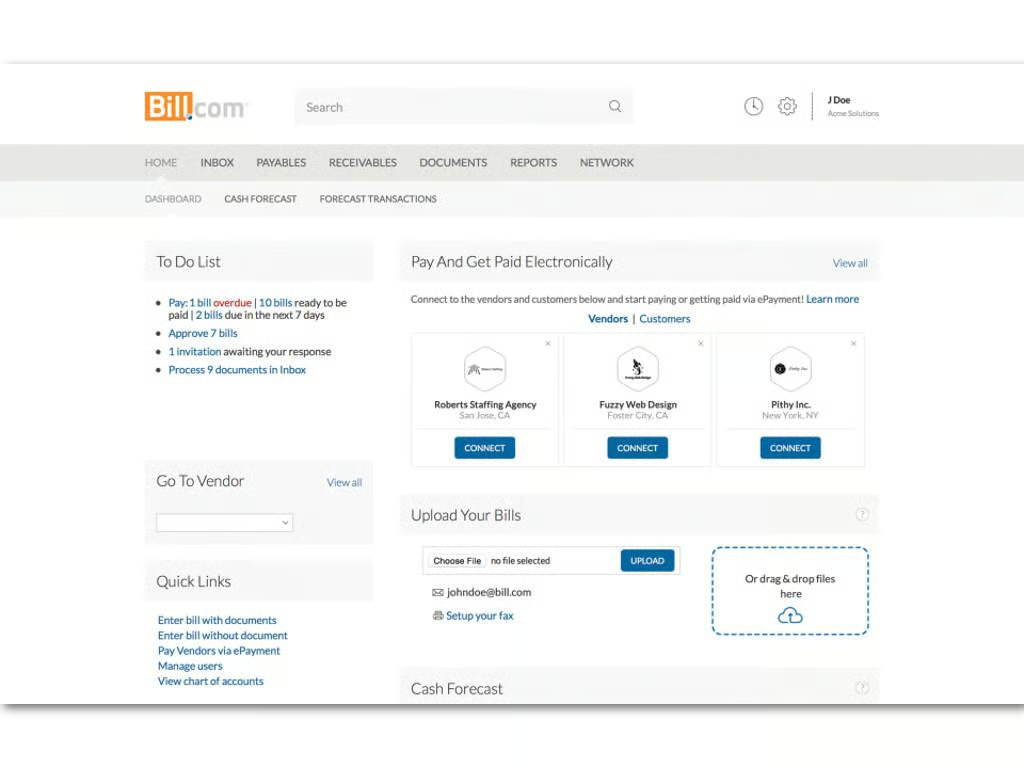
    Bill.com’s key features: Bill.com describes its platform as a way to automate paying bills, sending invoices, and getting paid. Bill.com wants to be an alternative to the billing system of your other accounting software, and it can do so by integrating with practically every other platform out there. If you aren’t satisfied with how your SMB software handles billing, and you can cough up extra cash for the subscription fee, Bill.com might be a worthwhile alternative.

    What Bill.com is missing: Bill.com restricts credit card processing a bit, and only allows transactions it manages to be handled by the credit card processing firm Vantage. Users also frequently complain of poor customer service.

    Also see

    Image: Capterra
1 of 15
Brandon Vigliarolo

Brandon is a Staff Writer for TechRepublic. He's an award-winning feature and how-to writer who previously worked as an IT professional and served as an MP in the US Army.