A photo tour of the new Android M - TechRepublic

A photo tour of the new Android M

  • am1.jpg

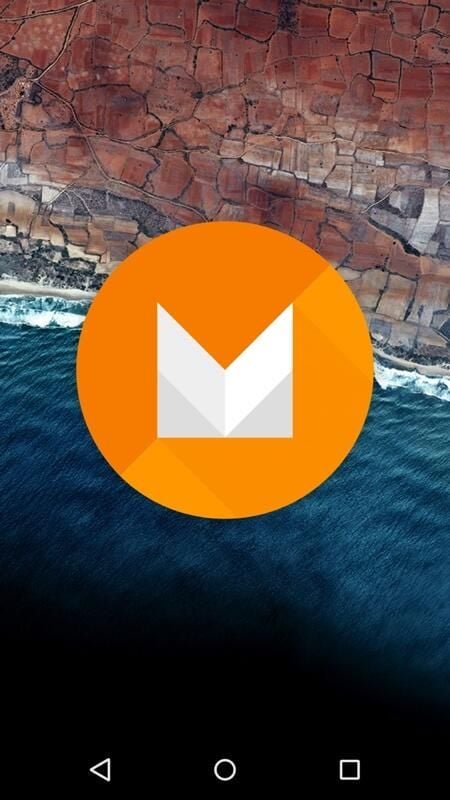
    Android M

    Google unveiled its newest OS, Android M, at the I/O conference in 2015. Here’s a preview of what it looks like on a Nexus 5.

    Android M was announced at the 2015 Google I/O conference, with updates primarily targeting user experience.

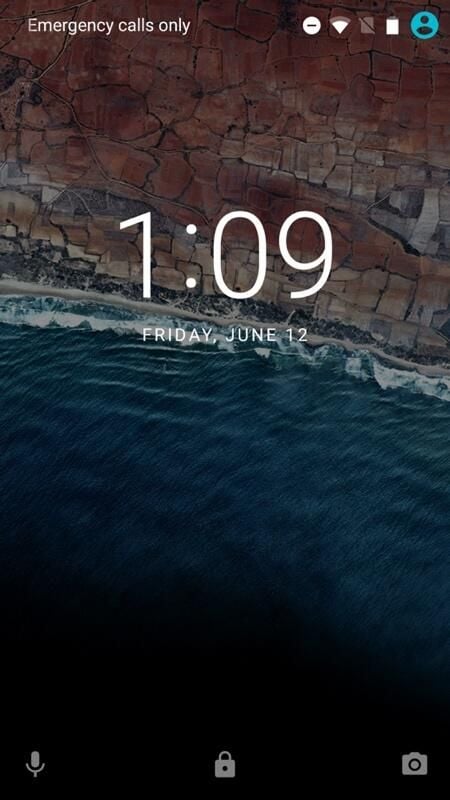
  • The Android M lock screen

    There weren’t many design changes with M, as the major design overhaul came with Android Lollipop.

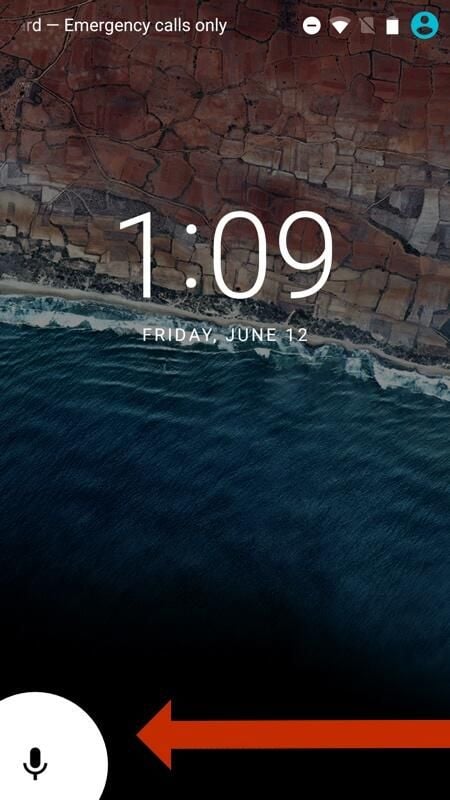
  • New lock screen actions

    The bottom left lock screen icon can be used to access Google Now, instead of the dialer, as it was with Lollipop.

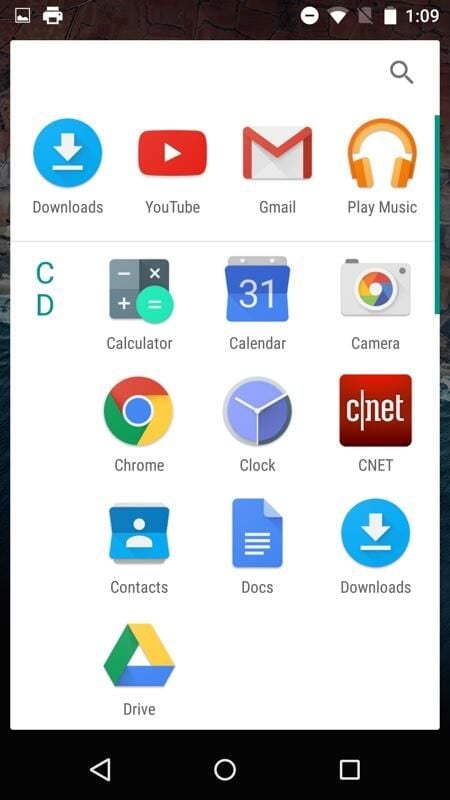
  • New app drawer

    The app drawer in Android M is now alphabetized and includes apps at the top that are either most-used or recently used.

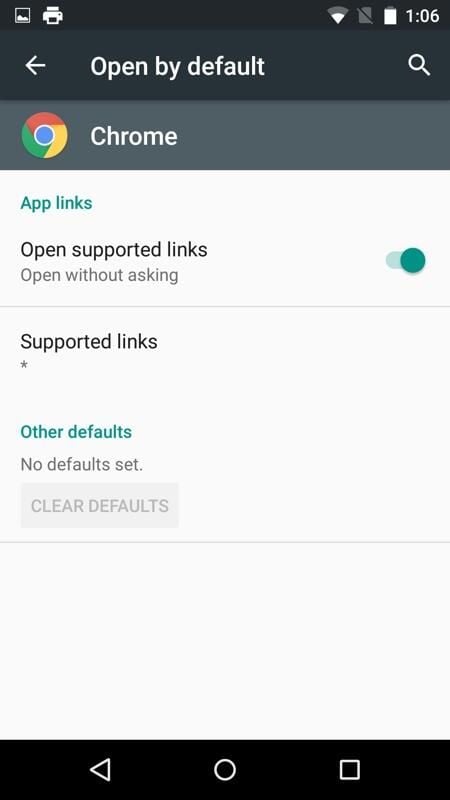
  • New app defaults

    Android M allows users to set new defaults for apps, such as opening supported links without asking.

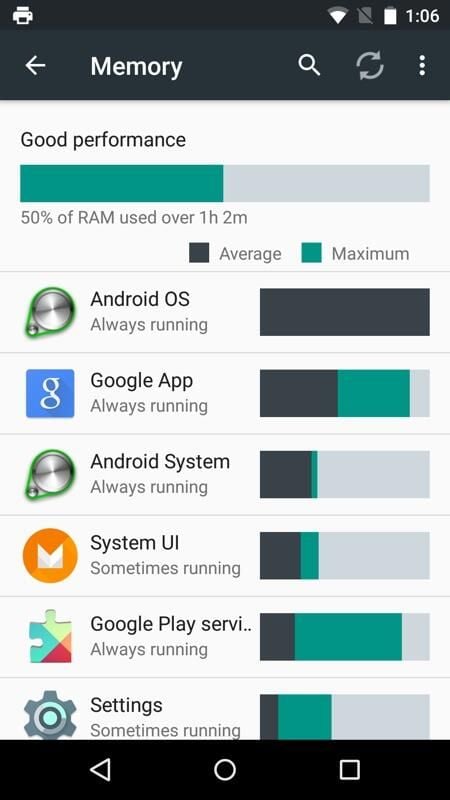
  • Memory display

    Users can access an upgraded memory console to see what apps are using the most memory.

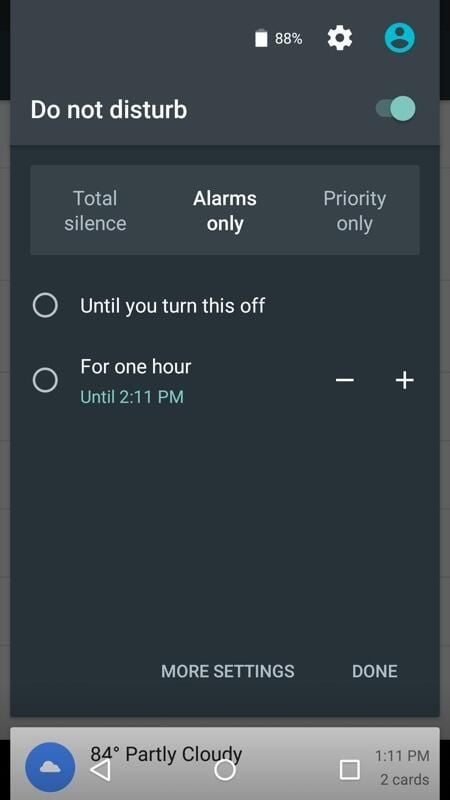
  • More priority control

    Users now have more control over priorities and alarms, including “Total Silence.”

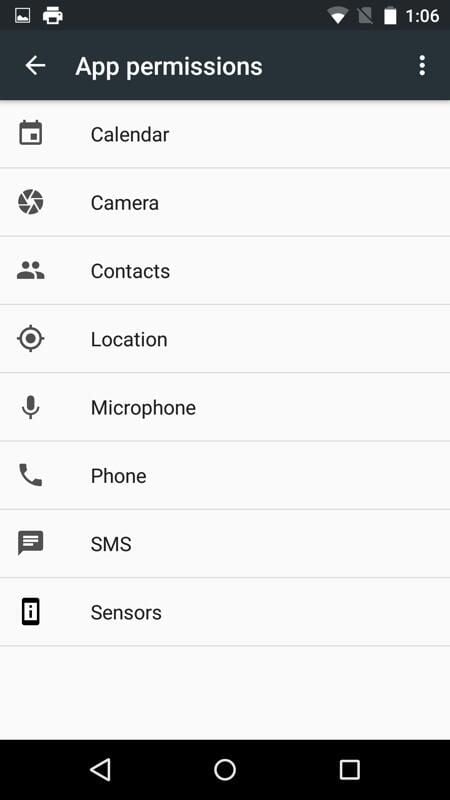
  • App permissions

    One of the biggest aspects of M is that users have more granular control over app permissions during the first use of a feature in a given app.

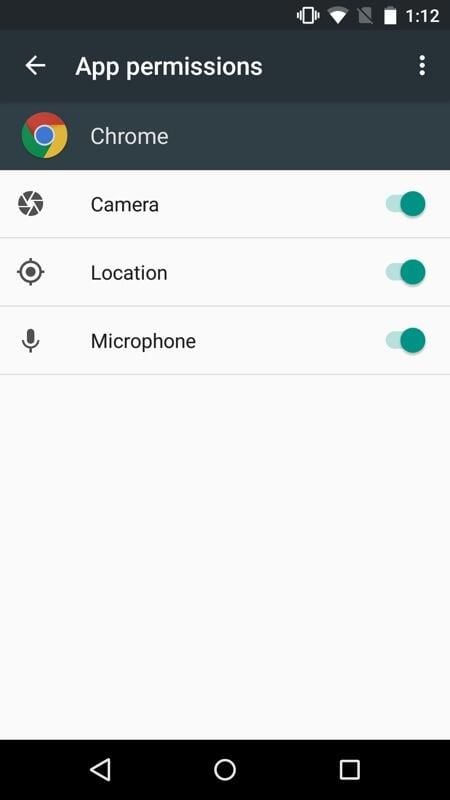
  • Individual app permissions

    App permissions for things like the camera and microphone can be toggled on or off at any point

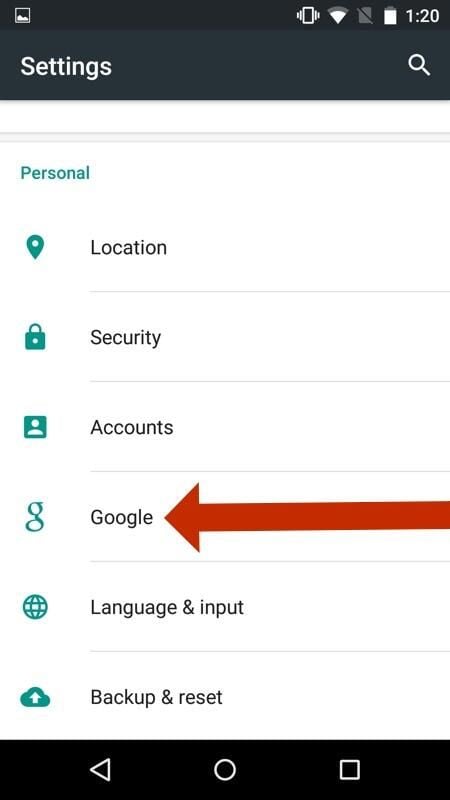
  • New settings

    The former Google application is now embedded as a setting in Android M.

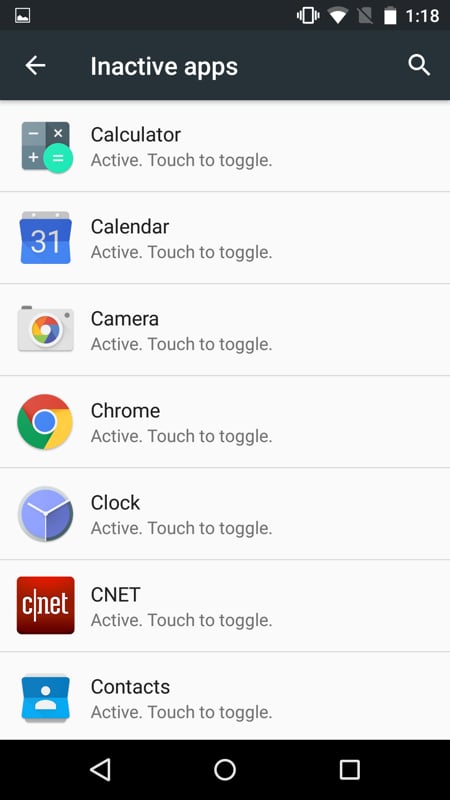
  • List of inactive apps

    Users can toggle app activity.

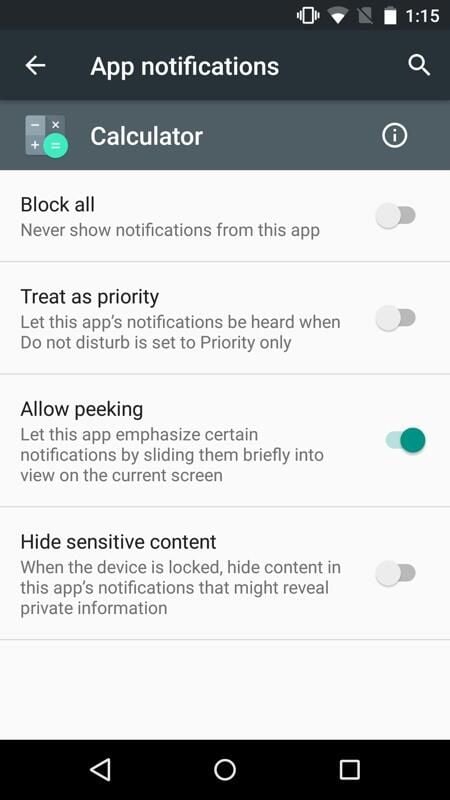
  • New app notifications

    Android M brings new notification such as “Allow Peeking” to emphasize apps.

1 of 12
Conner Forrest

Conner is a former Senior Editor for TechRepublic. He is now a Senior Research Analyst at 451 Research.