Photos: Cracking Open the Apple Pencil - TechRepublic

Photos: Cracking Open the Apple Pencil

  • applepencilteardown002.jpg

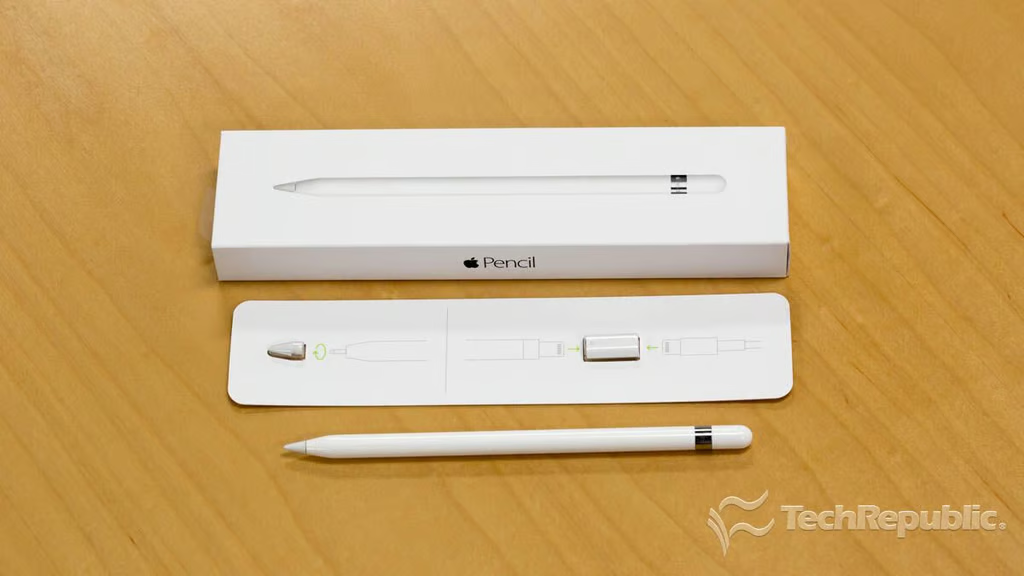
    Apple Pencil teardown

    Released alongside the iPad Pro, the Apple Pencil let’s you draw, take notes, mark up documents, annotate photos and do basically anything you can do with a traditional pencil. It’s also an excellent precision input device for the iPad Pro, and makes it easy to select small menu items or finely adjust app controls.

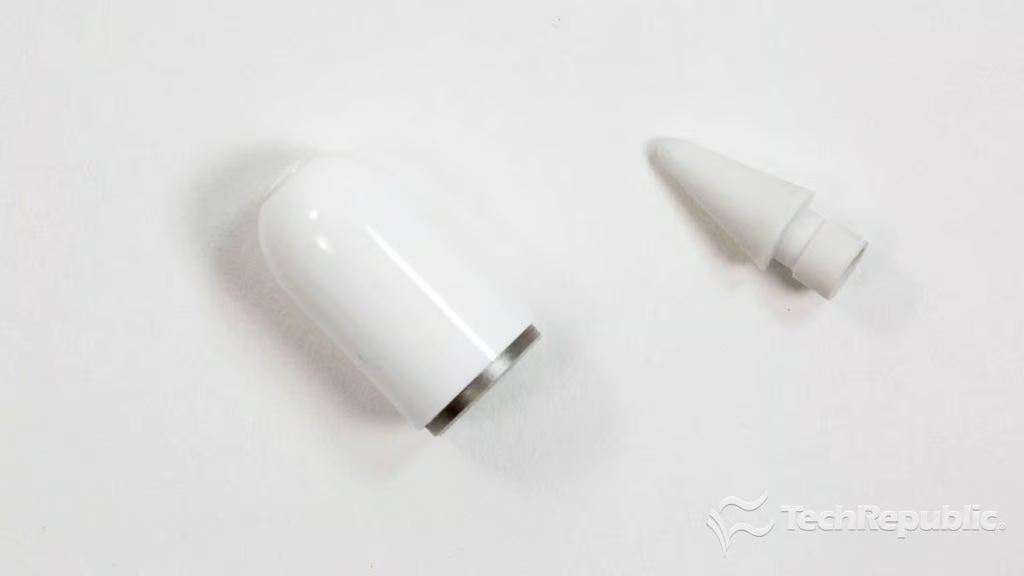
    Included with the Pencil, is a spare tip, as well as a Lightning-to-Lightning adapter that lets you charge the pencil with a regular iPad or iPhone charger.

    In this TechRepublic teardown gallery, I walk you through the process of cracking open the Pencil and show you the tiny tech inside.

    To watch a video of the teardown and read my full analysis, check out my article, Cracking Open: Apple Pencil is powered by amazingly tiny tech.

    Chris McElhone/TechRepublic
  • applepencilteardown001.jpg

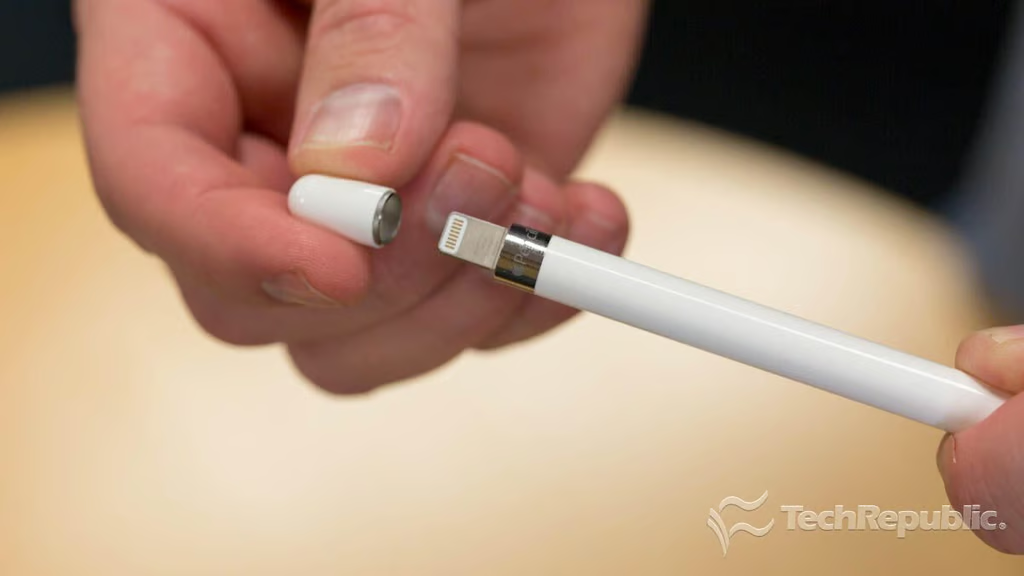
    Cracking Open Apple Pencil: Removing the Lightning connector cap

    The pencil connects to the iPad Pro via Bluetooth and charges via a Lightning connector, hidden under a magnetic cap. According to Apple, a full charge will last about 12 hours.

    Chris McElhone\/TechRepublic
  • applepencilteardown019.jpg

    Cracking Open Apple Pencil: Lightning connector cap and removable tip

    Bill Detwiler\/TechRepublic
  • applepencilteardown003.jpg

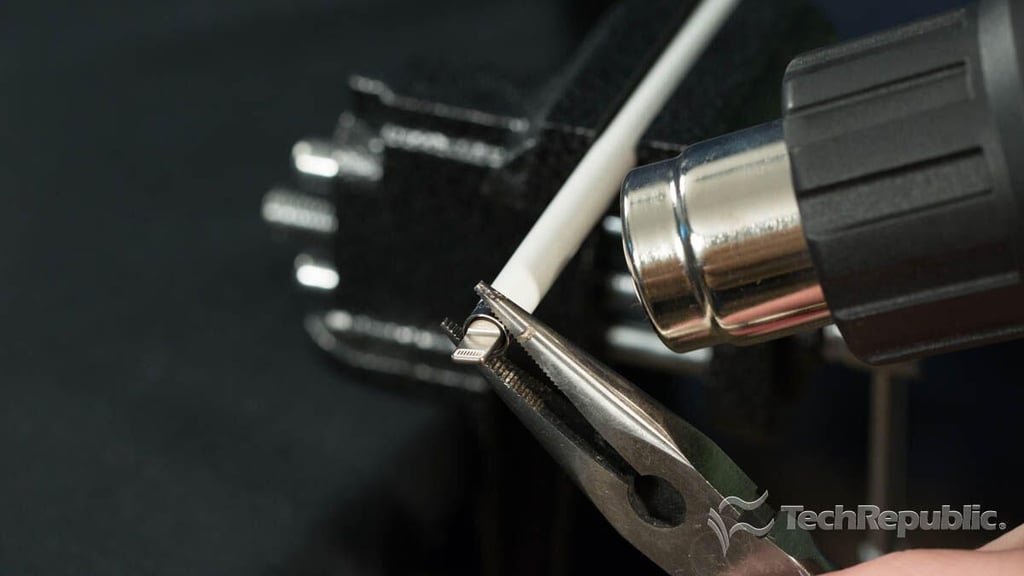
    Cracking Open Apple Pencil: Heating the outer plastic shell

    Chris McElhone\/TechRepublic
  • applepencilteardown004.jpg

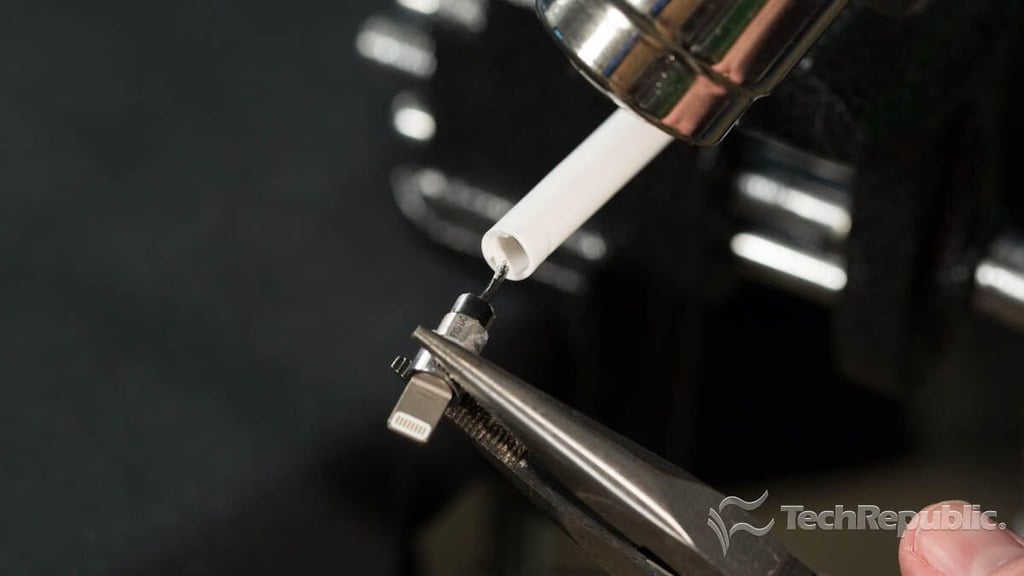
    Cracking Open Apple Pencil: Removing the Lightning connector

    Chris McElhone/TechRepublic
  • applepencilteardown018.jpg

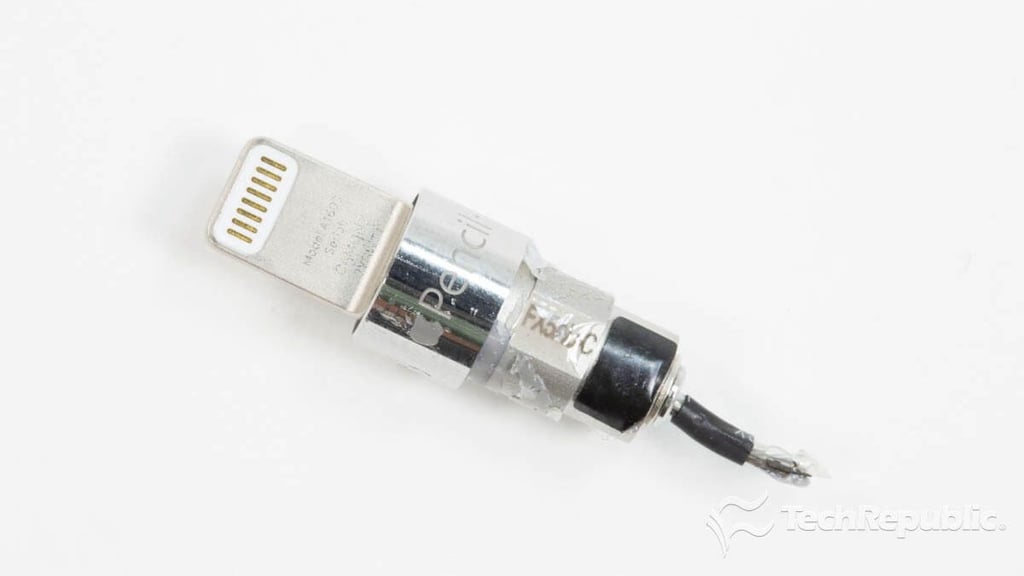
    Cracking Open Apple Pencil: Lightning connector

    Bill Detwiler\/TechRepublic
  • crackingopenapplepencilcuttingthumb.jpg

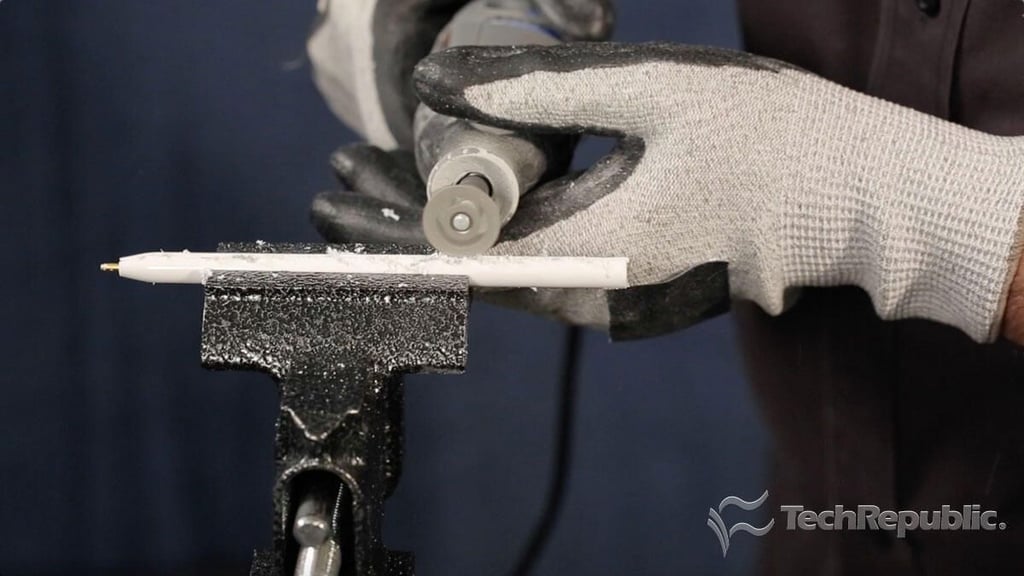
    Cracking Open Apple Pencil: Cutting the plastic outer shell

    Chris McElhone/TechRepublic
  • applepencilteardown020.jpg

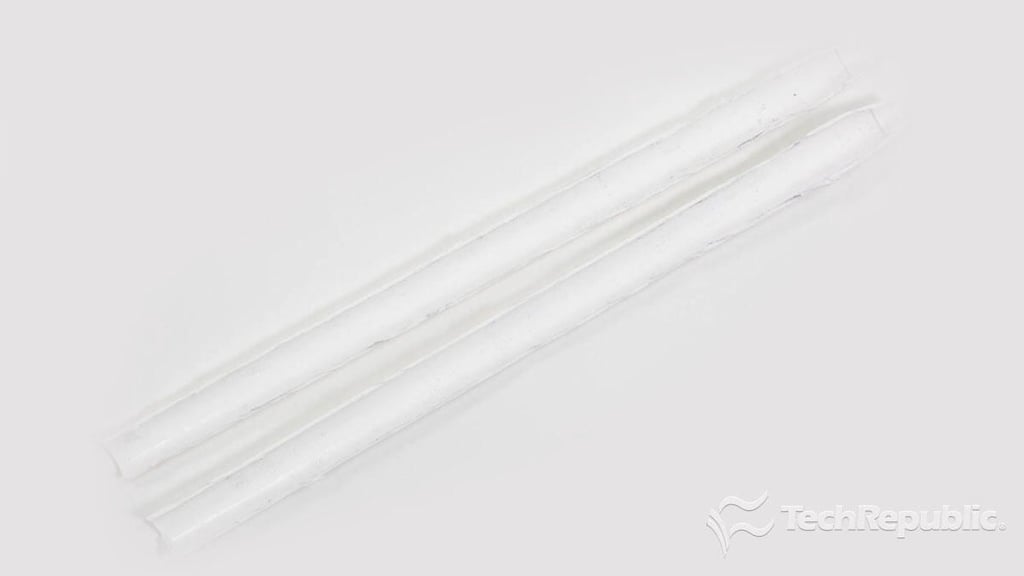
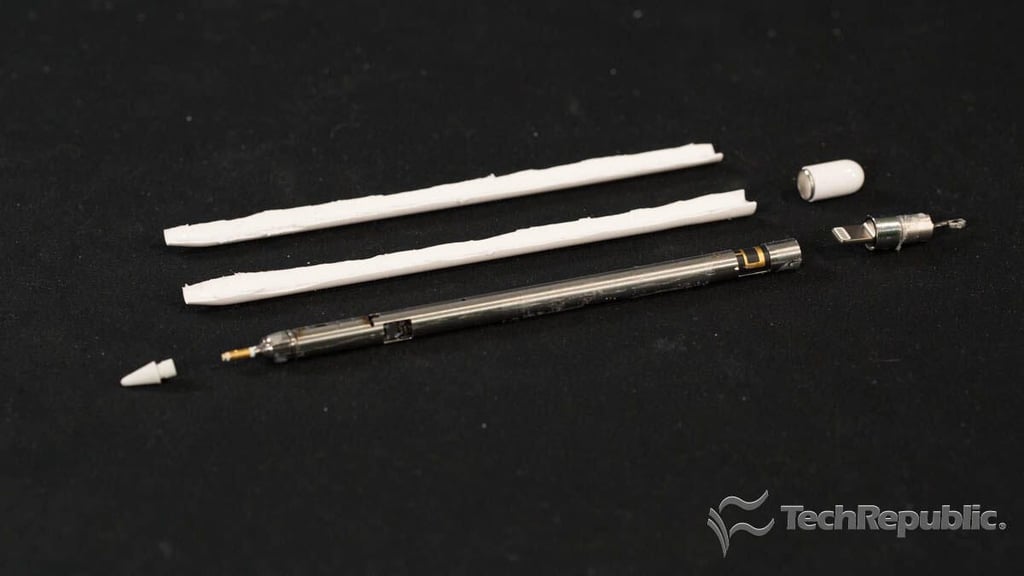
    Cracking Open Apple Pencil: Plastic outer shell cut in half

    Bill Detwiler\/TechRepublic
  • applepencilteardown005.jpg

    Cracking Open Apple Pencil: Outer shell removed

    Chris McElhone\/TechRepublic
  • applepencilteardown006.jpg

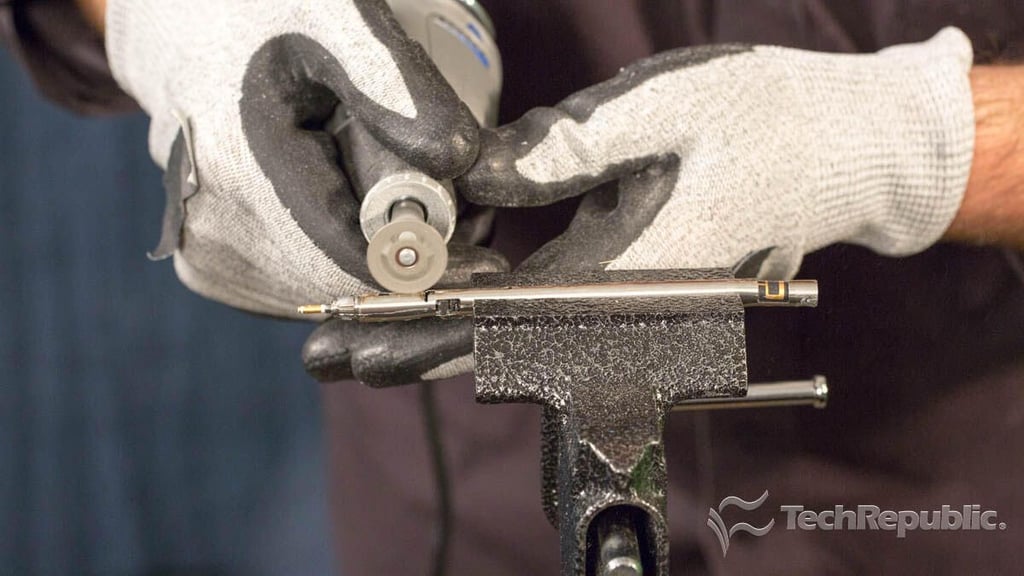
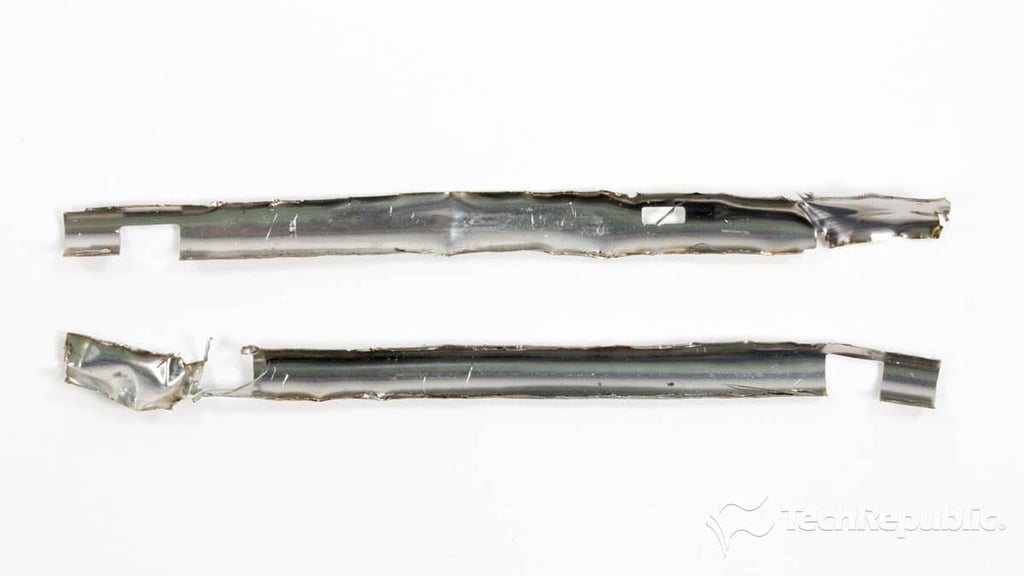
    Cracking Open Apple Pencil: Cutting the inner metal shield

    Chris McElhone\/TechRepublic
  • applepencilteardown007.jpg

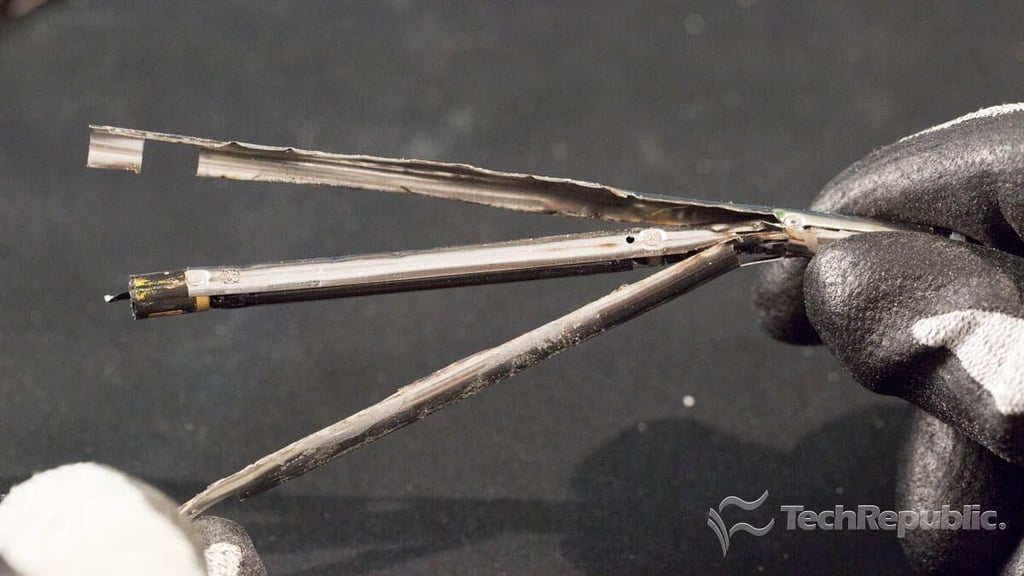
    Cracking Open Apple Pencil: Removing the inner metal shield

    Chris McElhone/TechRepublic
  • applepencilteardown008.jpg

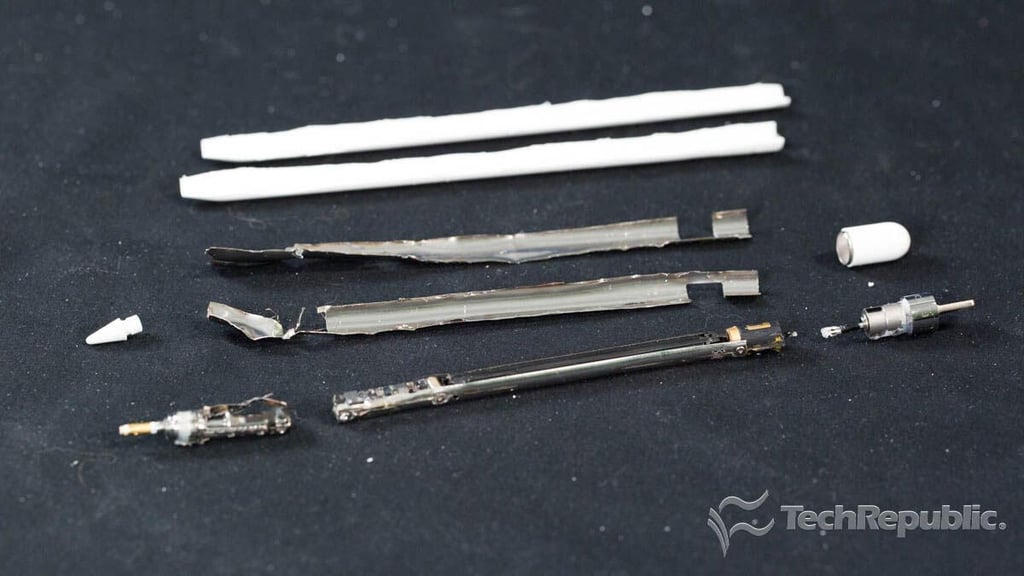
    Cracking Open Apple Pencil: Outer shell and inner shield removed

    Chris McElhone\/TechRepublic
  • applepencilteardown016.jpg

    Cracking Open Apple Pencil: Inner metal shield cut in half

    Bill Detwiler\/TechRepublic
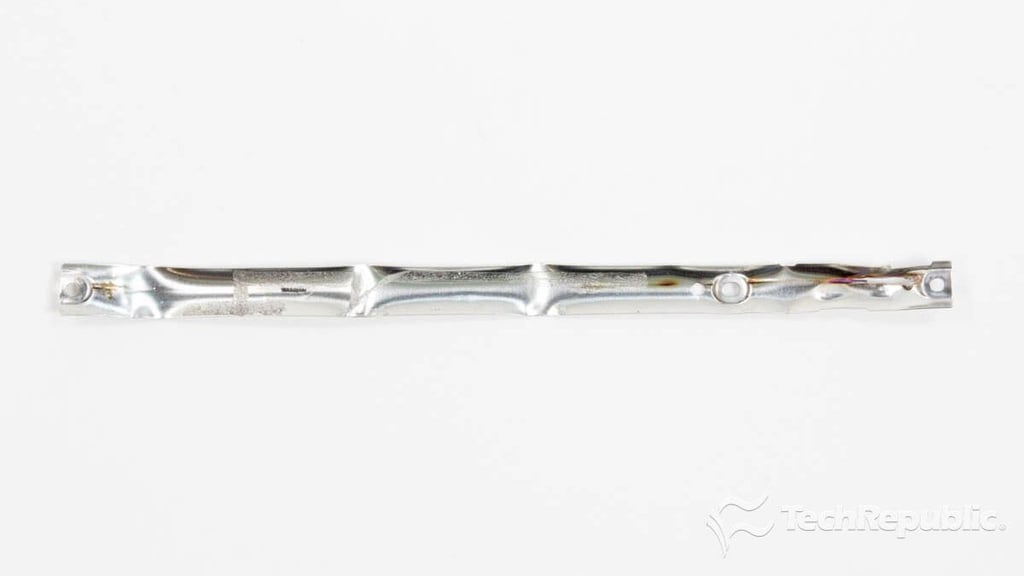
  • Cracking Open Apple Pencil: Inner metal strip

  • applepencilteardown009.jpg

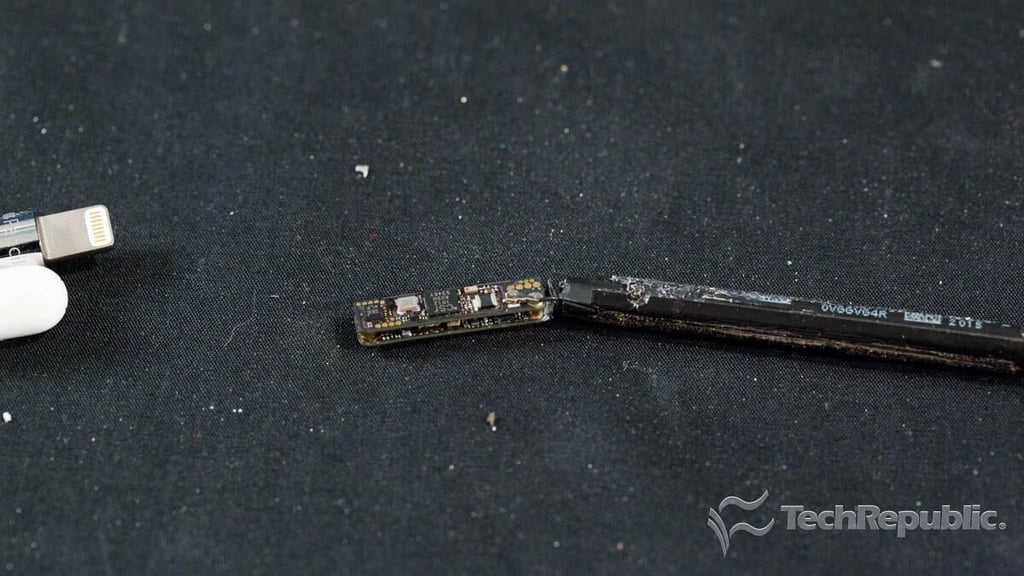
    Cracking Open Apple Pencil: System boards and battery

    The Apple Pencil has some of the smallest internal components I’ve ever seen. This photo shows a pair of circuit boards, folded on top of each other and attached to the battery.

    Chris McElhone\/TechRepublic
  • applepencilteardown010.jpg

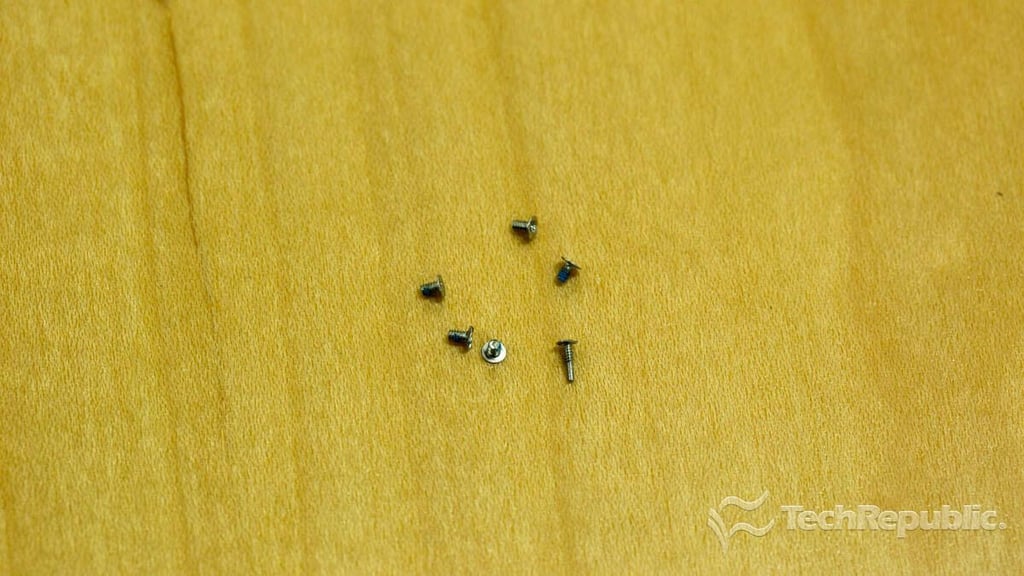
    Cracking Open Apple Pencil: Internal screws

    I’m not sure why Apple used screws inside a device that is clearly not meant to be taken apart, but here they are…six, amazingly tiny tri-wing screws.

    Chris McElhone\/TechRepublic
  • applepencilteardown015.jpg

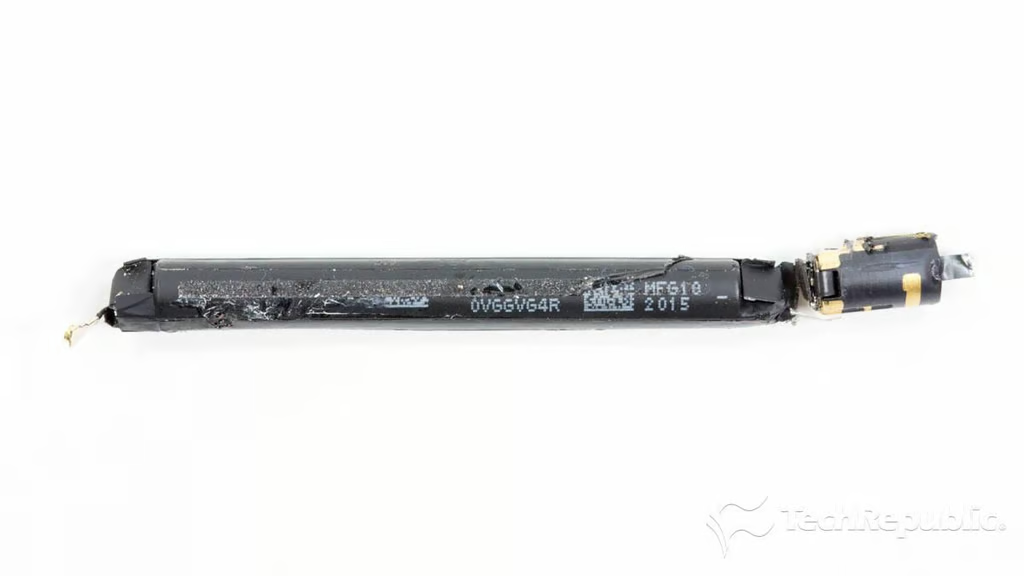
    Cracking Open Apple Pencil: Battery and wireless antenna

    Powering the Apple Pencil is a 3.82 V, 0.329 Wh lithium-ion battery.

    Bill Detwiler\/TechRepublic
  • applepencilteardown013.jpg

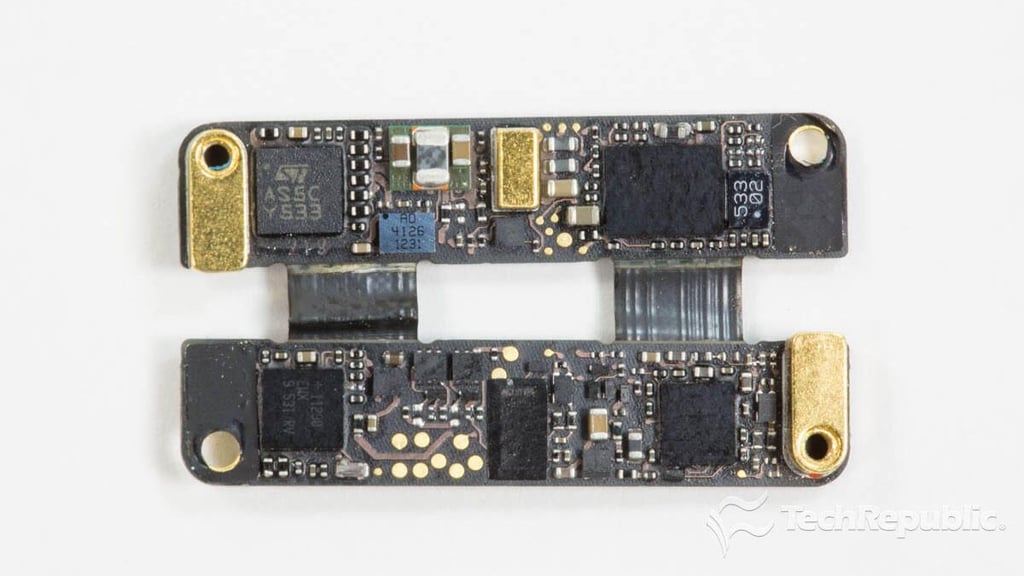
    Cracking Open Apple Pencil: System boards inner sides

    The Apple Pencil’s two system boards are connected by a pair of flat-flexible cables. Mounted to the inner surfaces of the boards are a 32-bit RISC ARM-based Cortex-M3 MCU from ST Micro, and three other chips with unknown functions.

    Bill Detwiler/TechRepublic
  • applepencilteardown013.jpg

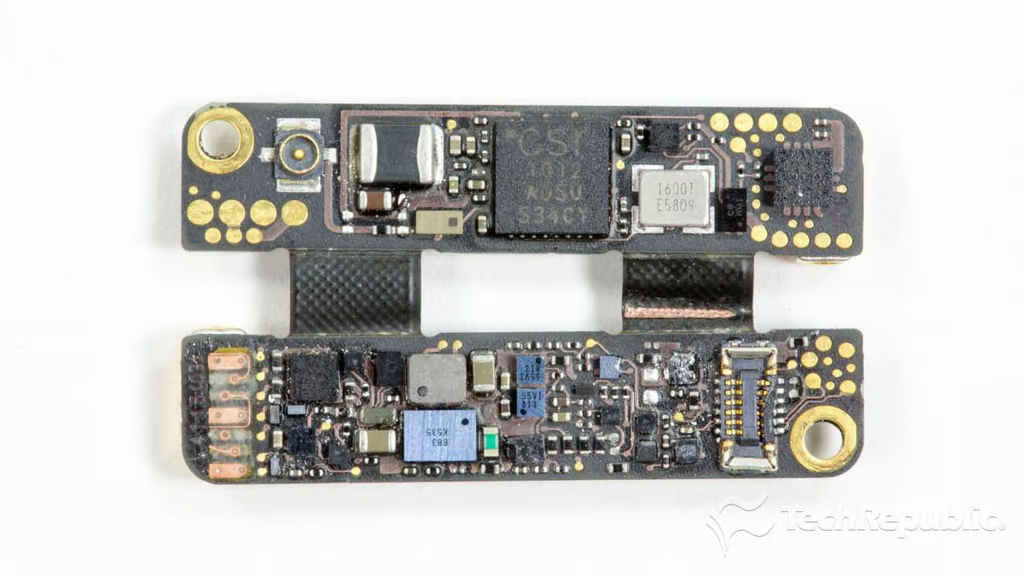
    Cracking Open Apple Pencil: System boards outer sides

    A CSR1012A05 Bluetooth chip from Cambridge Silicon Radio CSR (now part of Qualcomm) is mounted to the outer side of one system board.

    Bill Detwiler\/TechRepublic
  • applepencilteardown014.jpg

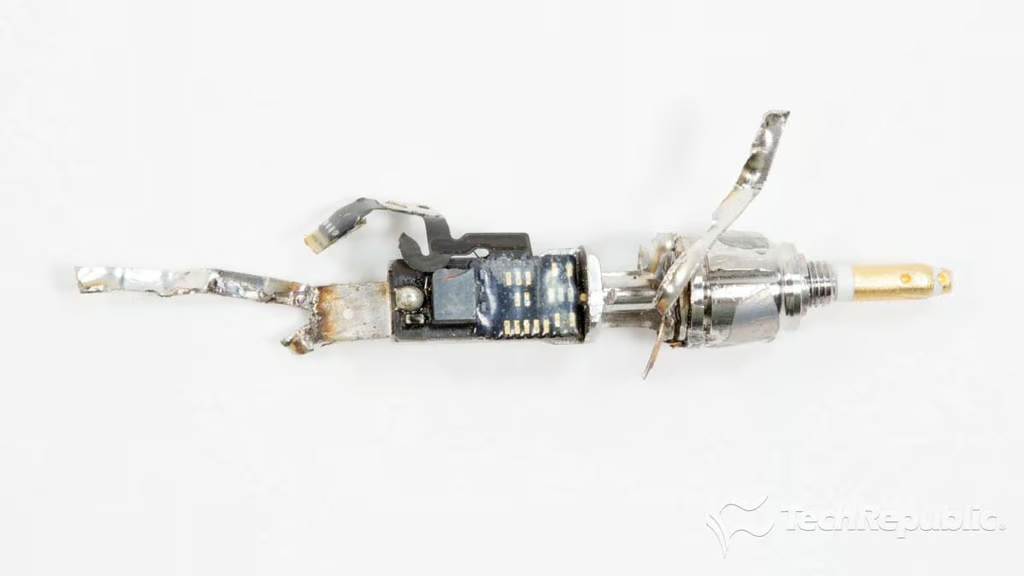
    Cracking Open Apple Pencil: Tip sensors

    Thanks to a series of internal sensors (shown in this photo), the Pencil can detect how hard the tip is pressed against the tablet and the tip’s angle as you move it across the screen, allowing you to make light lines, thick lines, and shaded areas.
    Bill Detwiler\/TechRepublic
  • applepencilteardown011.jpg

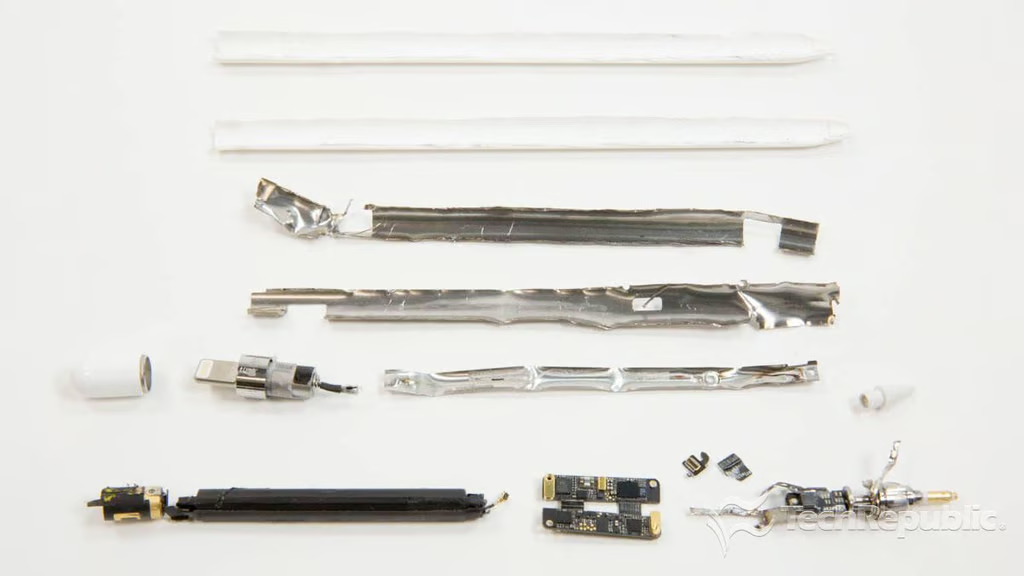
    Cracking Open Apple Pencil: Completely disassembled

    The Apple Pencil is definitely NOT meant to be taken apart. Which is a real shame, because other styluses, like the Pencil from FiftyThree can be disassembled.

    Despite being one of the more destructive teardowns I’ve done, it was also a lot of fun and very educational.

    Bill Detwiler/TechRepublic
1 of 21
BD

Bill Detwiler is the Editor for Technical Content and Ecosystem at Celonis. He is the former Editor in Chief of TechRepublic and previous host of TechRepublic's Dynamic Developer podcast and Cracking Open, CNET and TechRepublic's popular online show. Previously, Bill was an IT manager in the social research and energy industries. He has bachelor's and master's degrees from the University of Louisville, where he has also lectured on computer crime and crime prevention.