An initial look at the Alienware Aurora m9700 notebook. A full review is forthcoming.
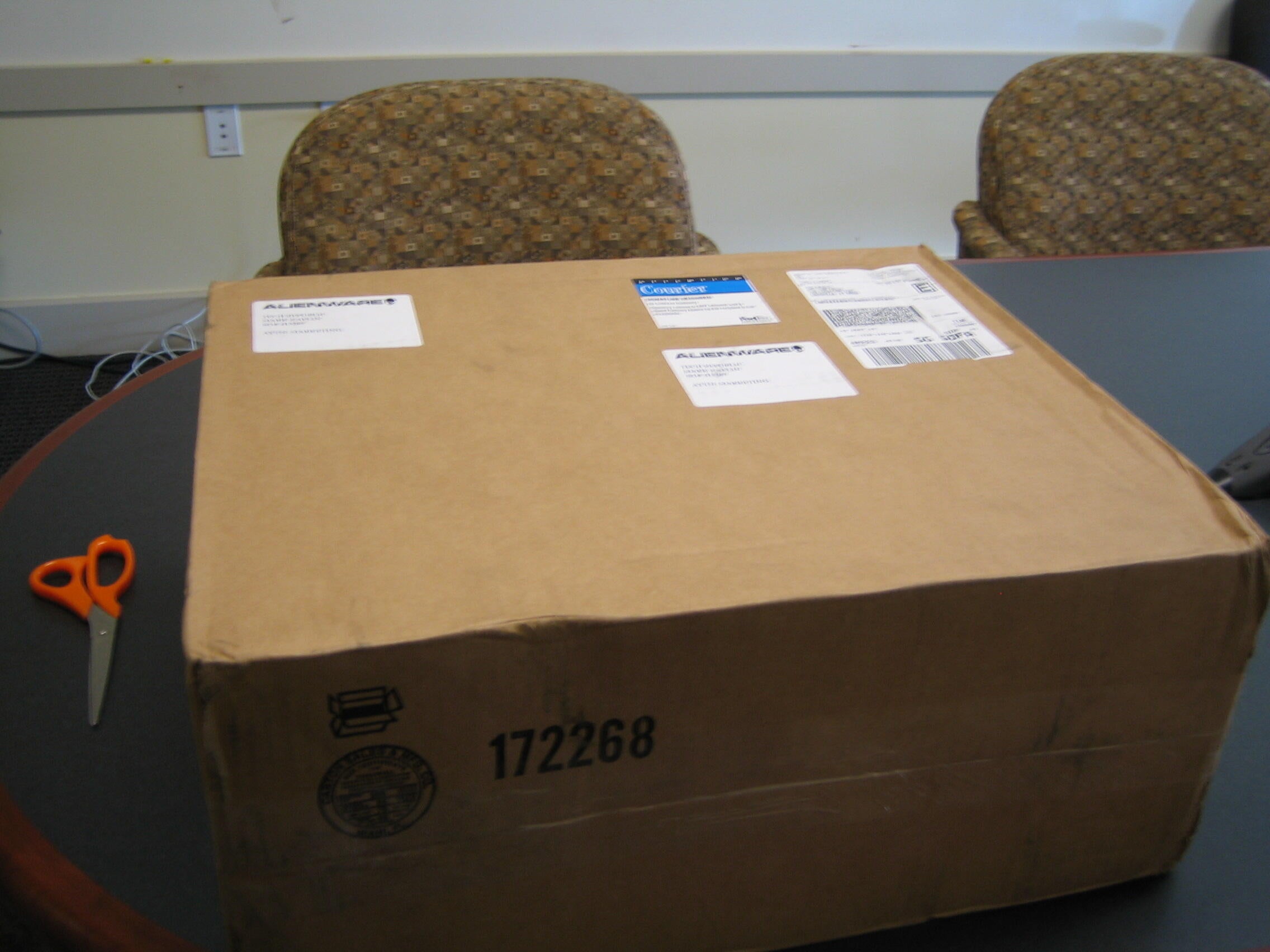
The shipping box was disappointing — where is the Alienware logo.
IMG_1302.JPG
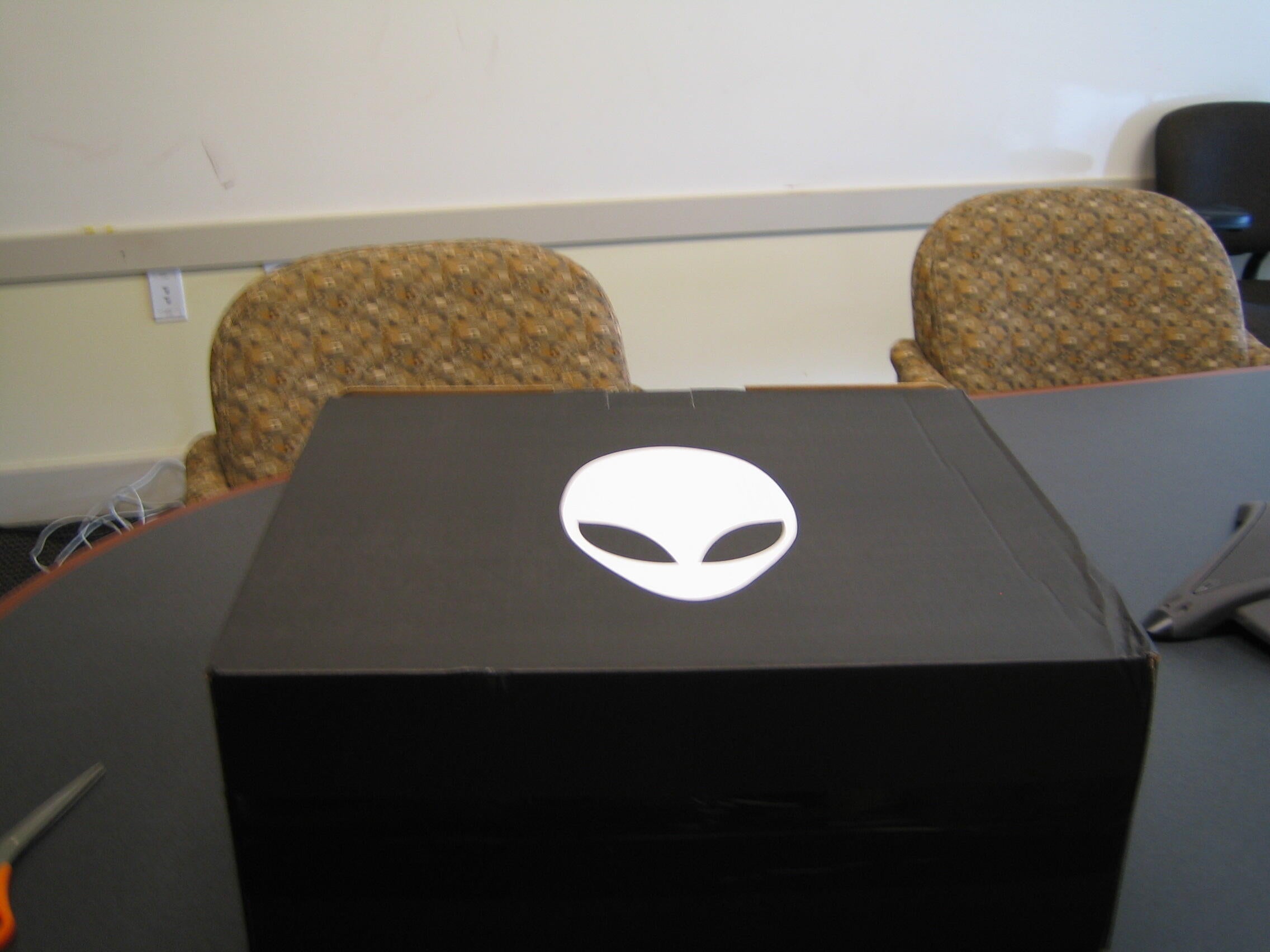
Ah there it is! This box has a carrying handle on it which came in handy the first time I had to carry home the notebook and all the pieces with me.
IMG_1303.JPG
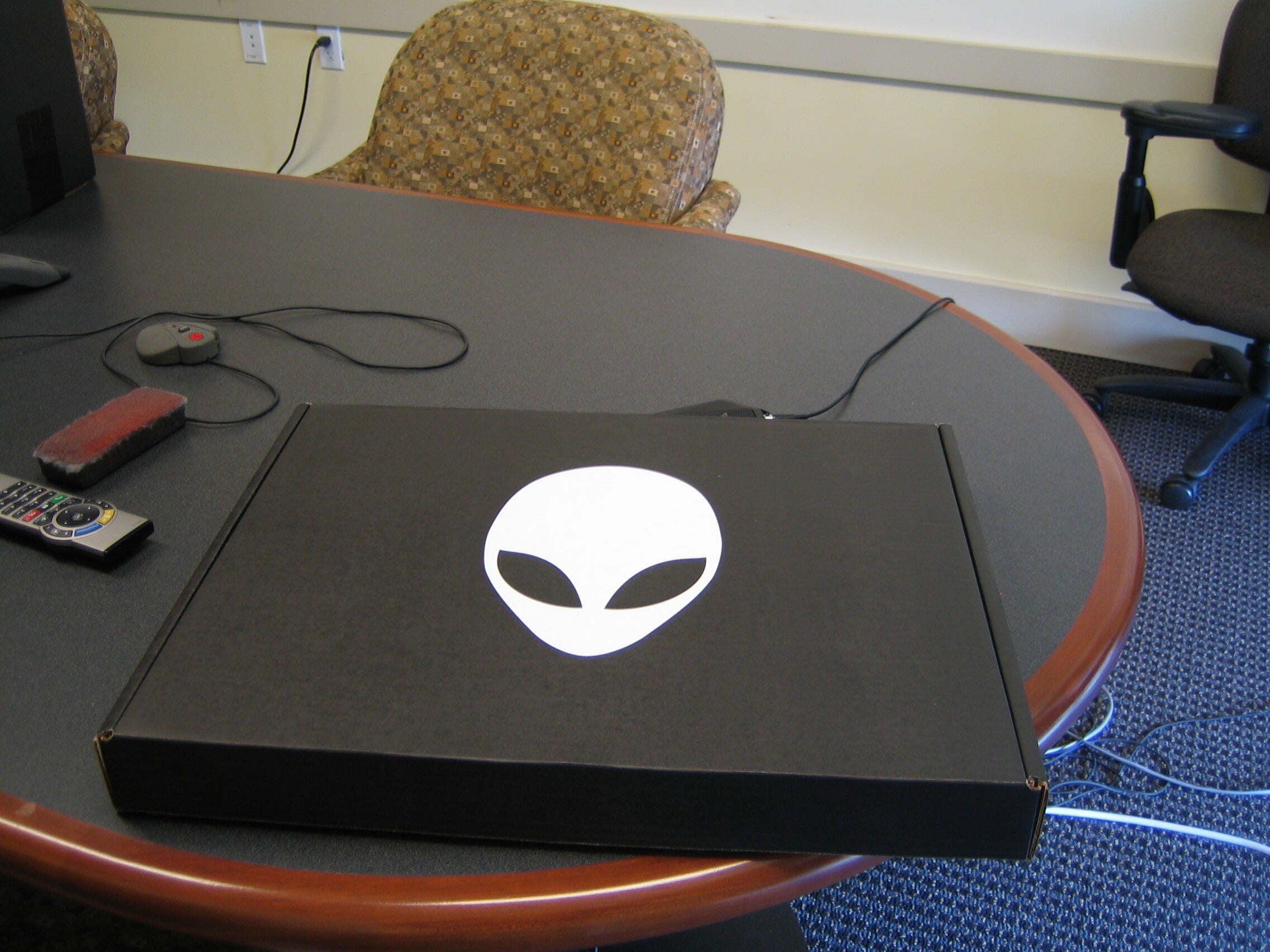
The thin box inside the box even has the logo on it. I feel better now – this is an Alienware.
I wonder what’s in here.
IMG_1304.JPG
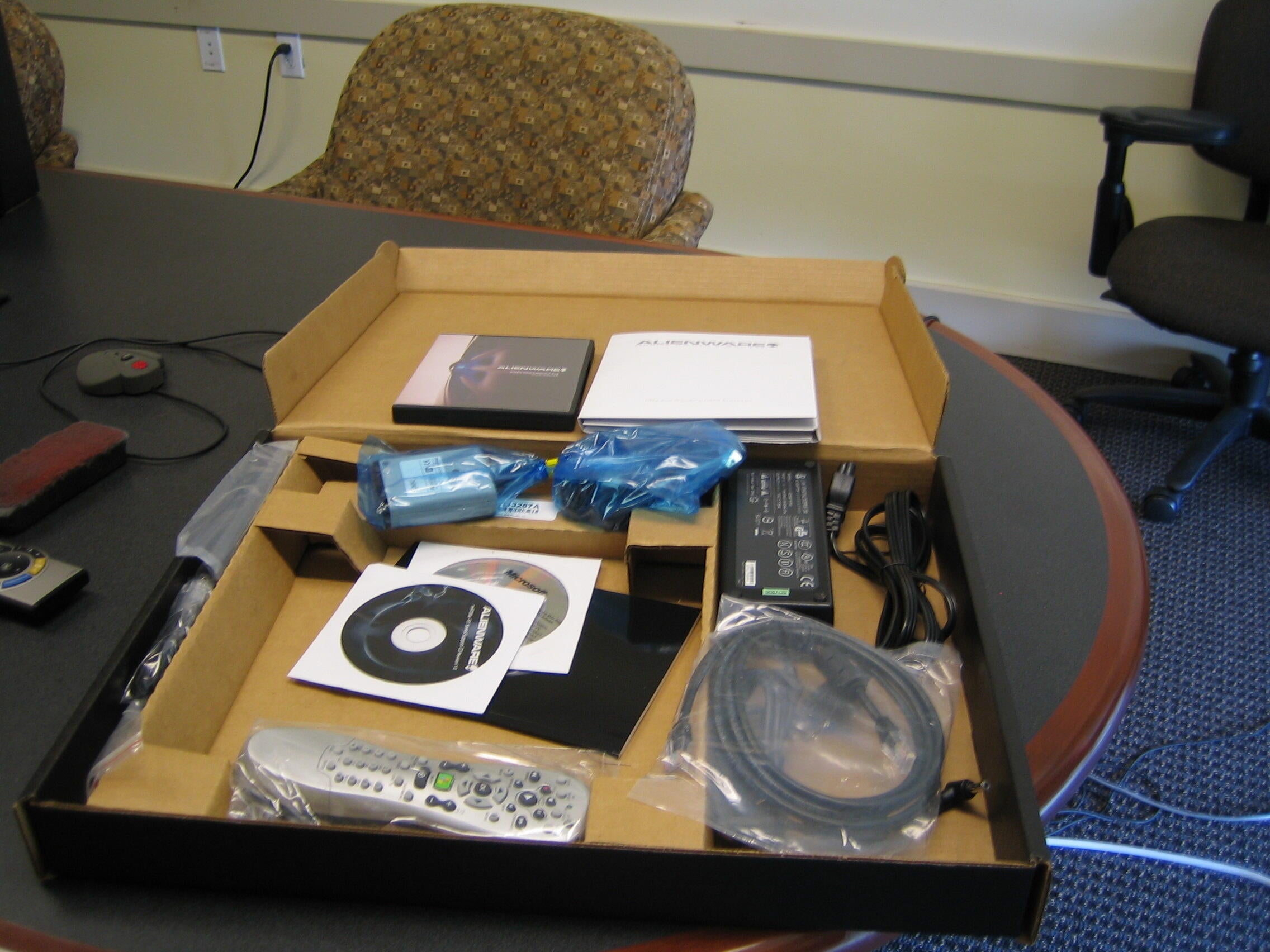
Perhaps a better question would have been, what’s not in here.
The Aurora m9700 comes with the Windows Media Center so there is a remote control. There are connecting wires for a fax/modem, TV, Audio, and Bluetooth Audio.
There is also a very large power brick for AC power.
IMG_1305.JPG
I’m a big fan of Alienware style. The Aurora m9700 is definitely a head-turner.
IMG_1306.JPG
Some other perks were included in the box: a T-shirt, mouse pad, and a Reviewer’s Guide.
I have one of the mouse pads — it is a very good surface for game mousing.
IMG_1307.JPG
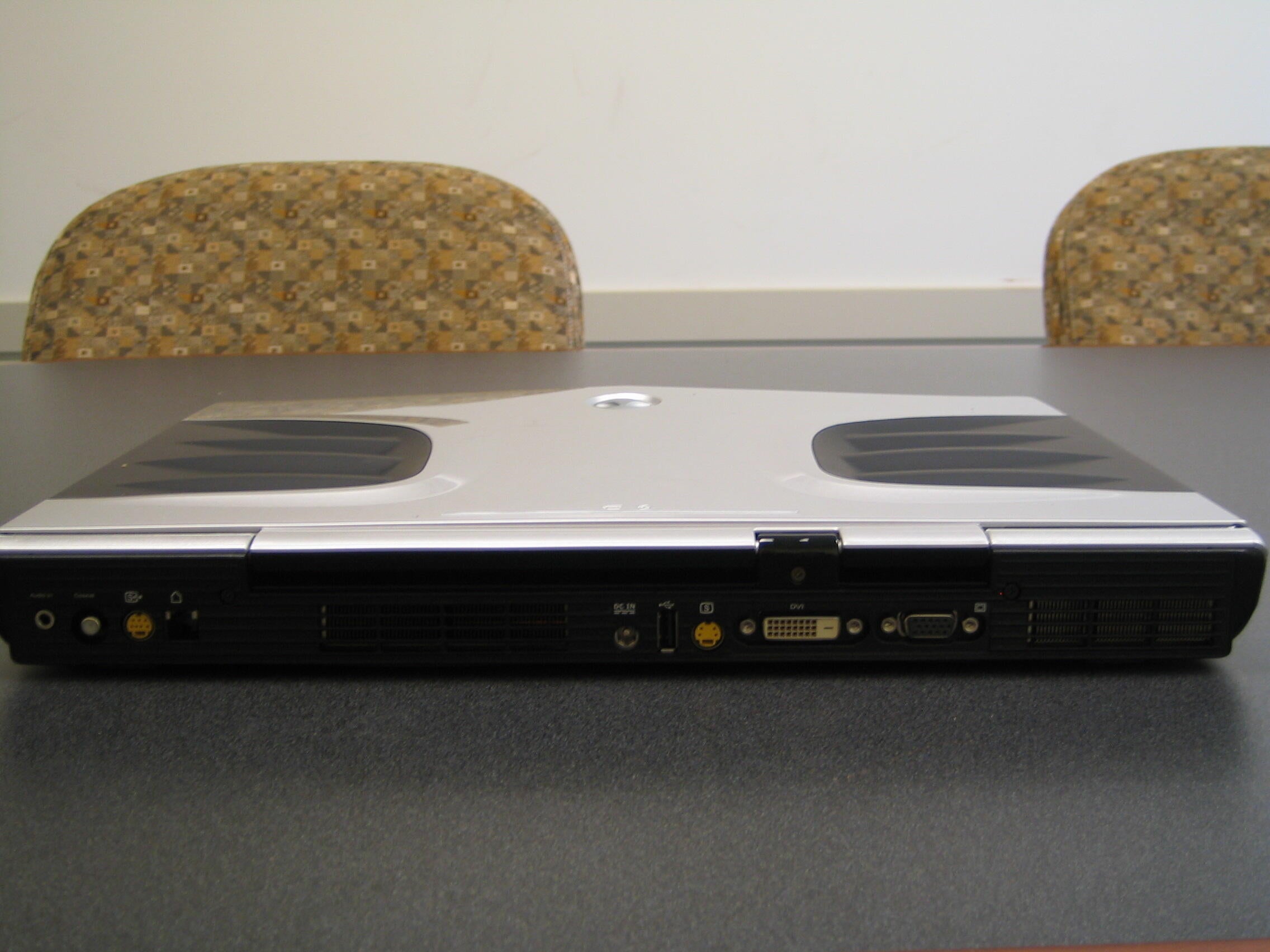
Lots of connections in the rear: S-video in and out, audio in, coaxial, Modem connection, DVI and VGA out, and a lone USB port.
IMG_1308.JPG
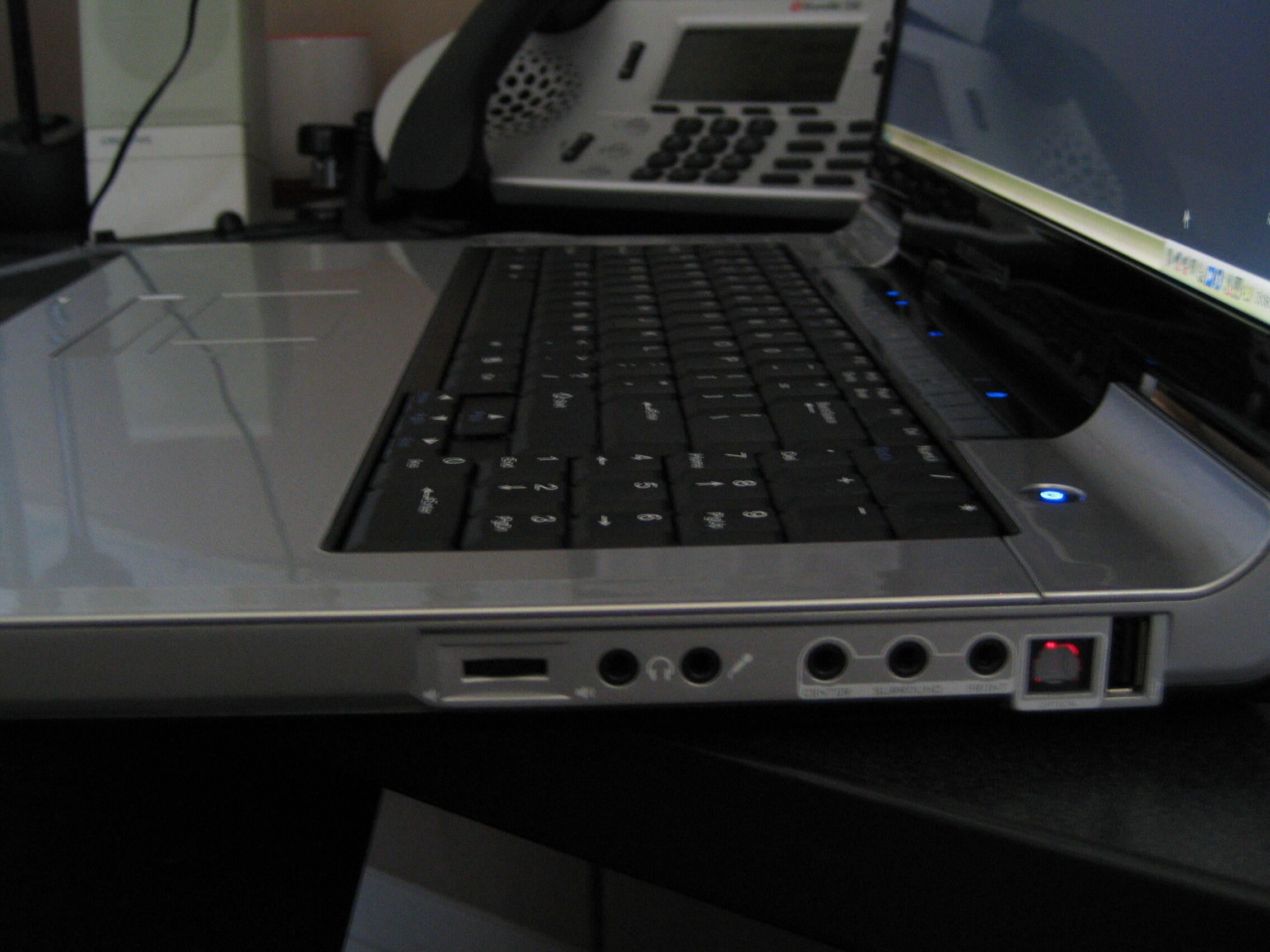
On the right side we have standard headphone and microphone jacks along with a volume control. There are also jacks for surround sound speaker systems and another USB port. The red light is the optical port.
IMG_1309.JPG
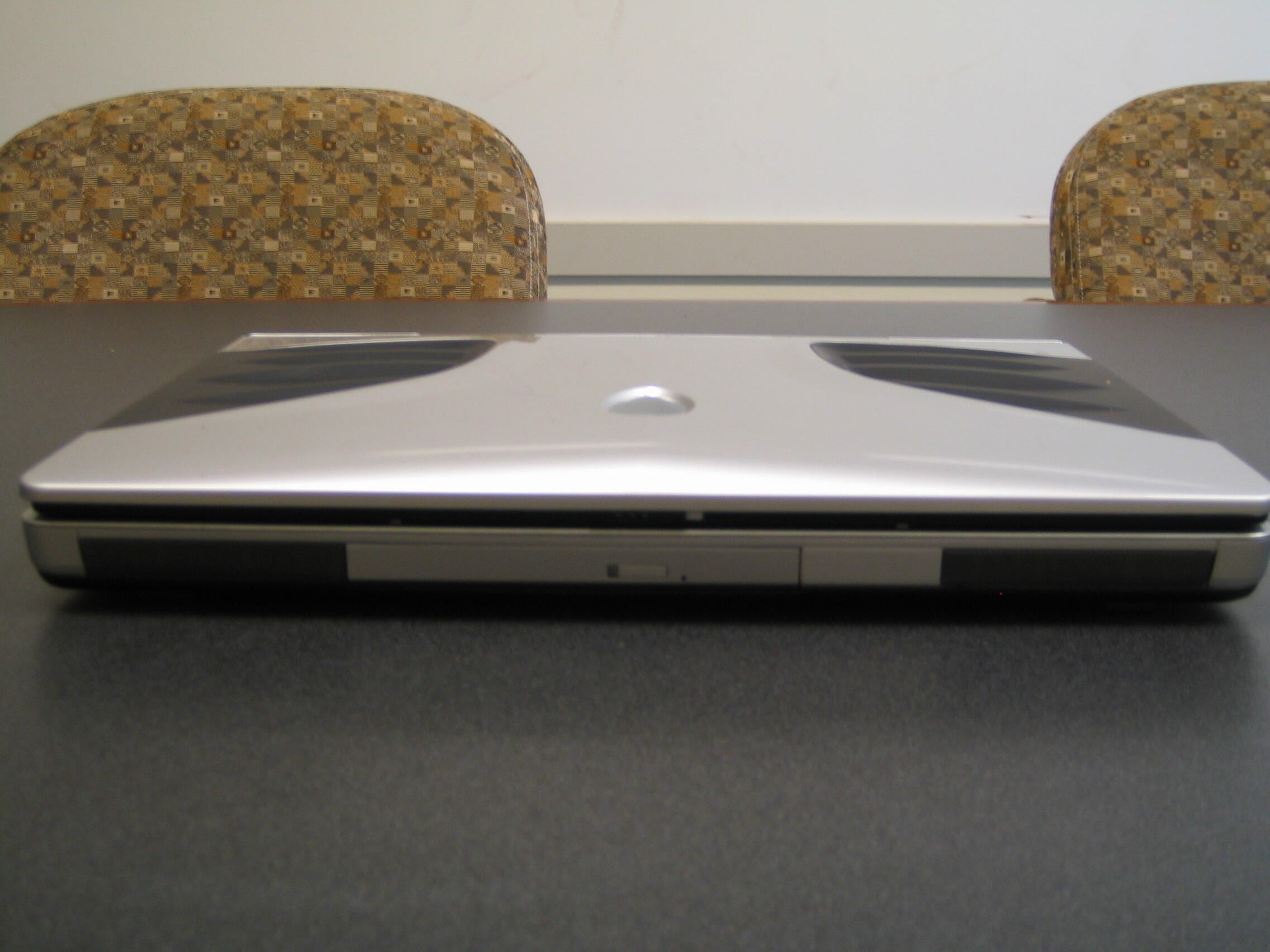
The front is where the DVD/CD burner combo drive is located. The drive can burn DVDs at 8X.
IMG_1310.JPG
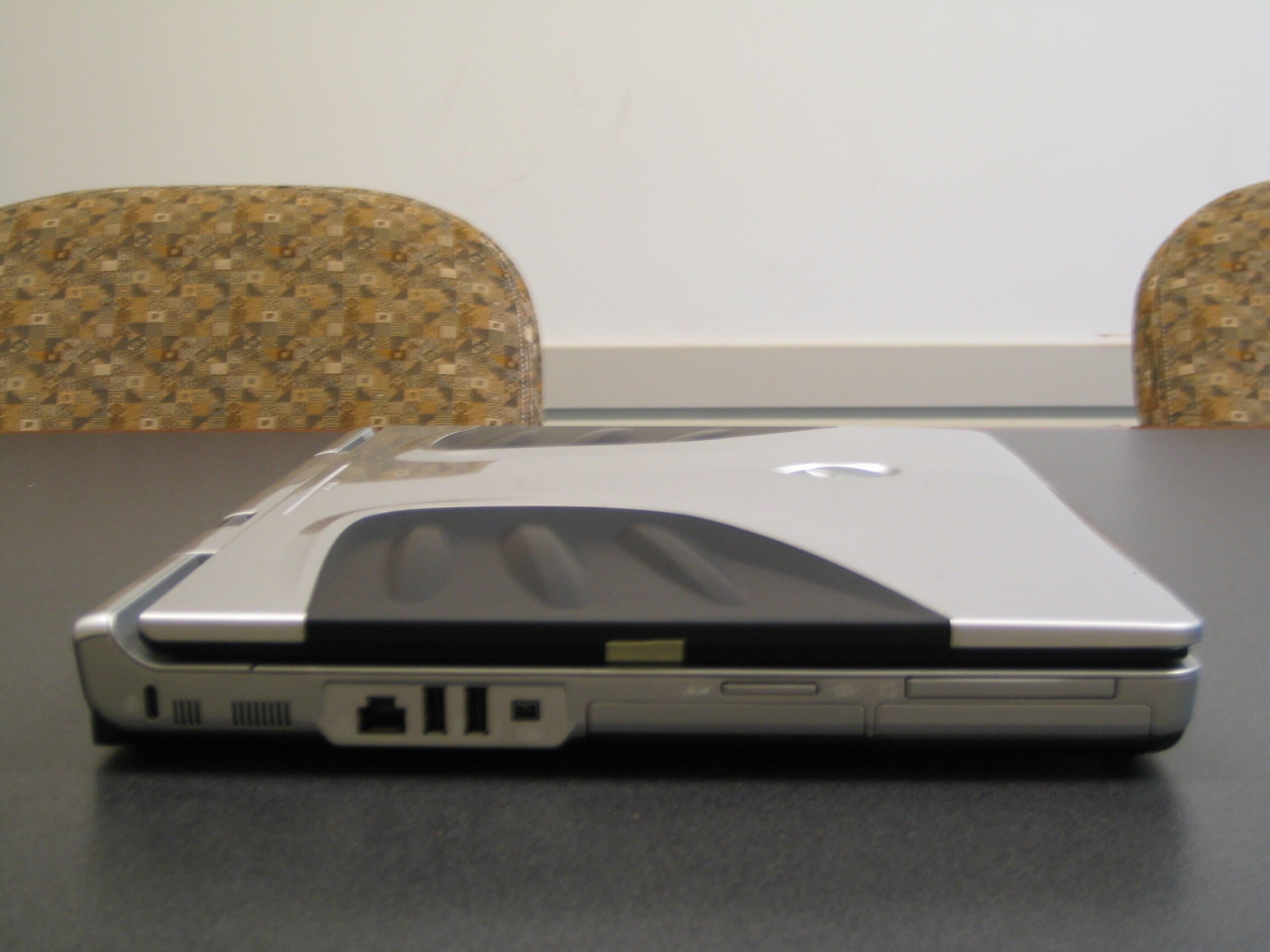
The left side is packed with connections and slots. The Ethernet port is here, two USB connections, Firewire, and two memory card slots.
IMG_1312.JPG
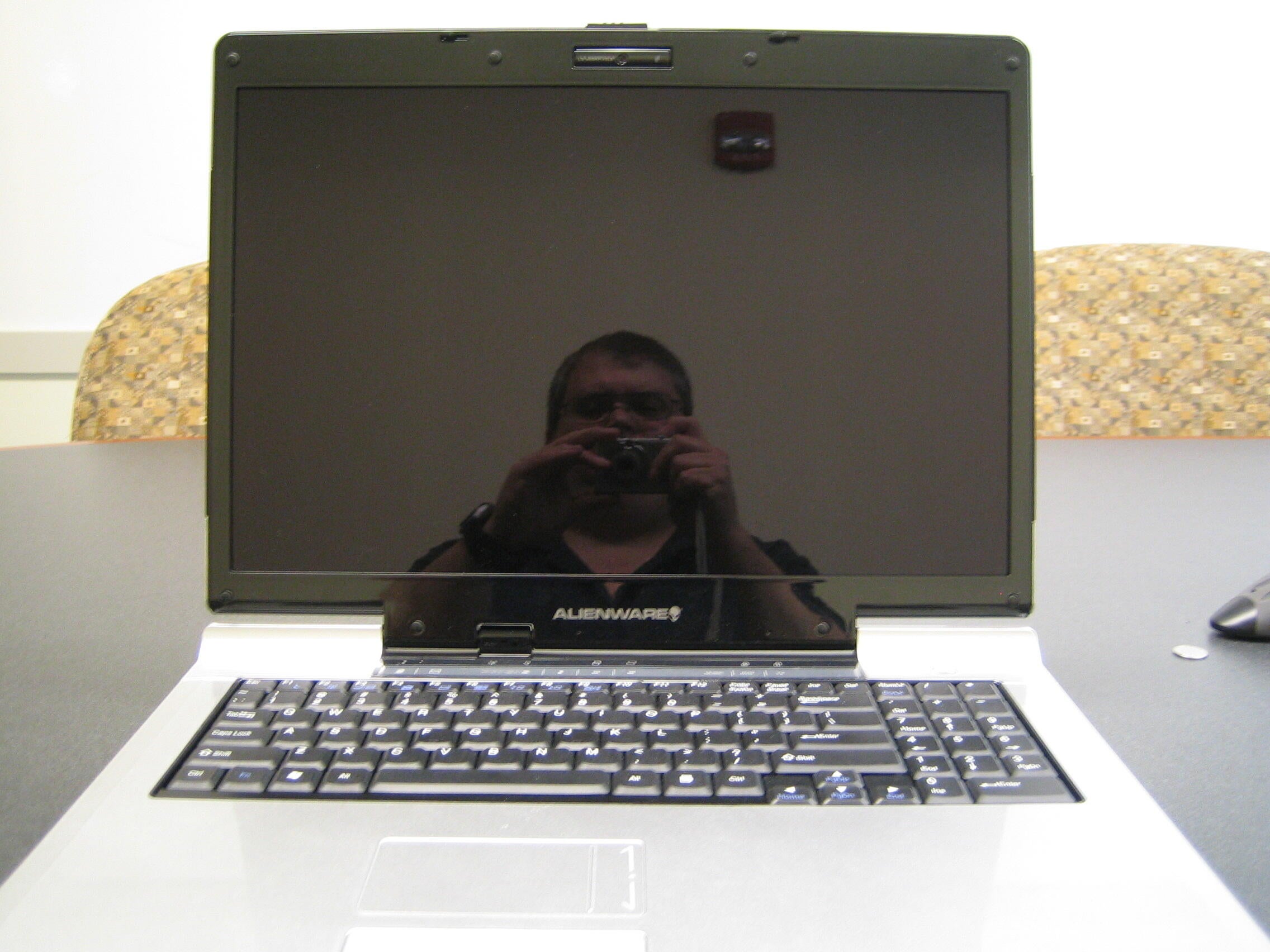
I wanted to show you how black the LCD screen looks, but it was so black it actually reflected the camera like a mirror. An interesting effect.
You’ll have to trust me — the screen is pitch black.
IMG_1313.JPG
The keyboard is full size and even has a number pad — a feature I find very useful. At first glance the keyboard seems to be a little too far towards the back, but it is not as bad as first thought it would be.
IMG_1314.JPG
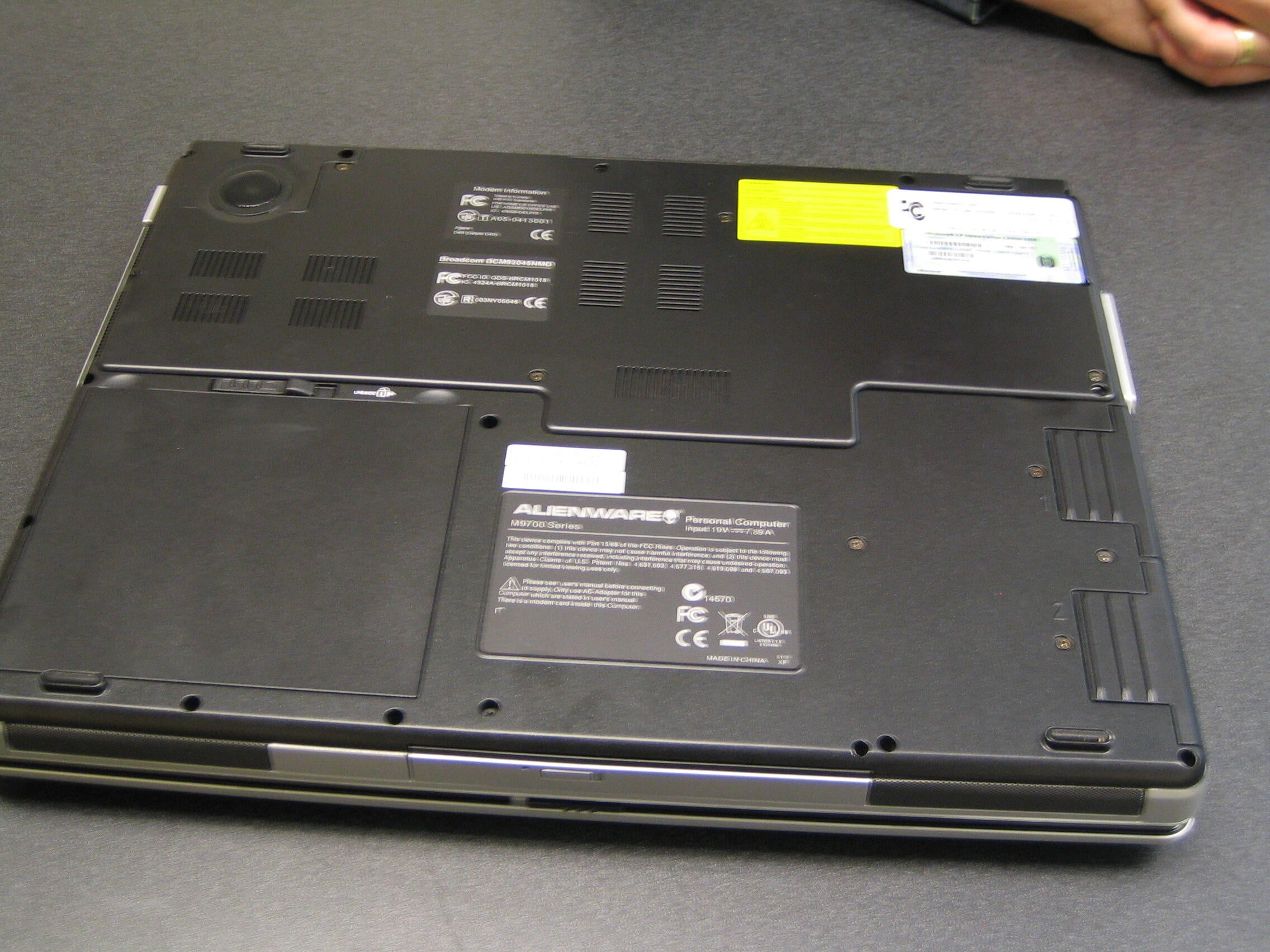
There is room for two hard drives as you can see from this bottoms up view. There is also a subwoofer up in the left corner.
z.jpg
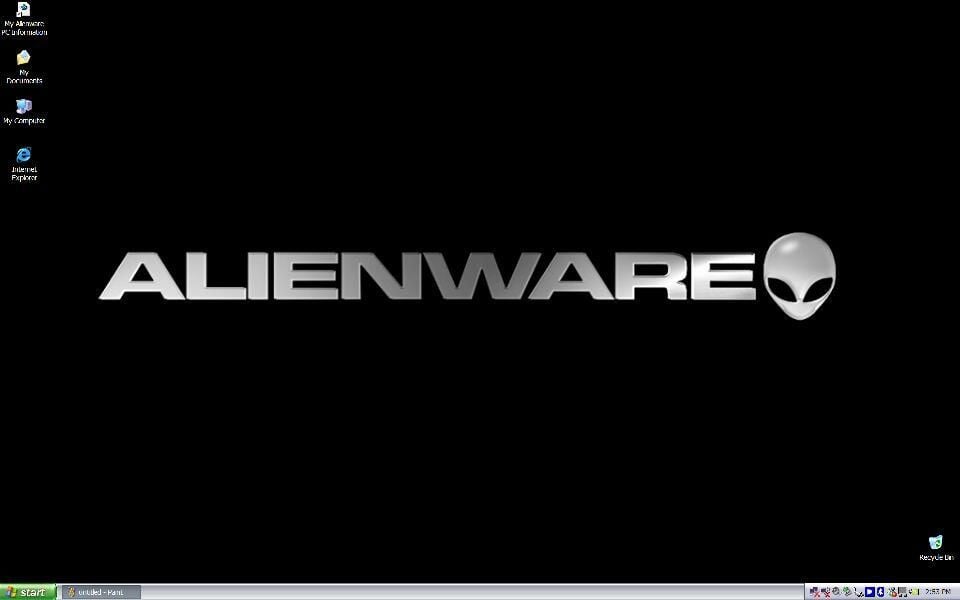
The screen after initial start up. The blissfully wonderful feeling of no desktop clutter.
zz.jpg
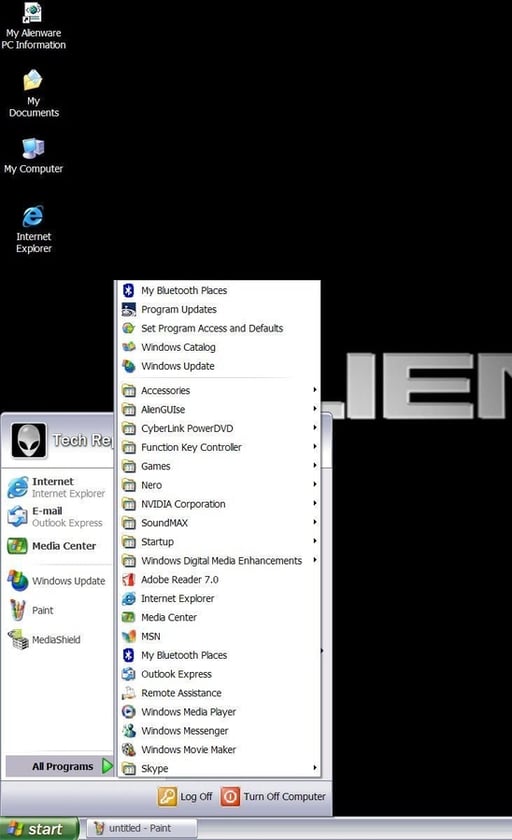
A quick look at the installed software. What no AOL, no MSN, no Earthlink, no Microsoft Works, no Norton anti-virus. You mean I can just start using my new notebook — what an absolutely alien idea.
Mark W. Kaelin has been writing and editing stories about the information technology industry, software, hardware, gaming, finance, accounting, and technology geekdom for more than 30 years.