Five Apps: Control your home with these automation solutions - TechRepublic

Five Apps: Control your home with these automation solutions

  • 00jetsonfamily800.jpg

    Five Apps: Control your home with these automation solutions

    Despite being on the technology radar for decades, home\r\nautomation remains fairly fragmented, with multiple communication standards and\r\nan array of small vendors rather than a few dominant players. However, interest\r\nin home automation has recently been rekindled as major players are getting into\r\nthe game and Internet of Things-style technologies take hold.

    Note: This gallery is also available as an article.

  • Nest (free app that requires purchase of Nest hardware)

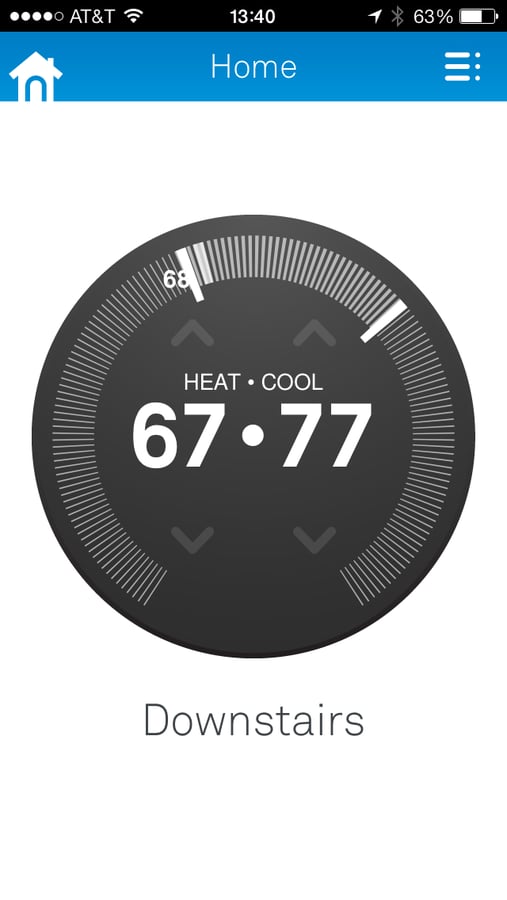
    The “media darling” of home automation is the Nest, a controllable thermostat and associated\r\napp. Nest took the rather mundane home thermostat, applied some exceptional\r\nindustrial design, and made automating the device fairly easy. While certainly\r\nnot the first automated thermostat, the Nest device is Wi-Fi enabled and doesn’t\r\nrequire any additional hardware. It also claims to “learn” your\r\nhabits based on how you adjust the temperature. It can turn down the heating\r\nand cooling while you’re away and send you pretty emails detailing your energy\r\nusage.

  • Haiku ($49.99; requires a compatible alarm panel)

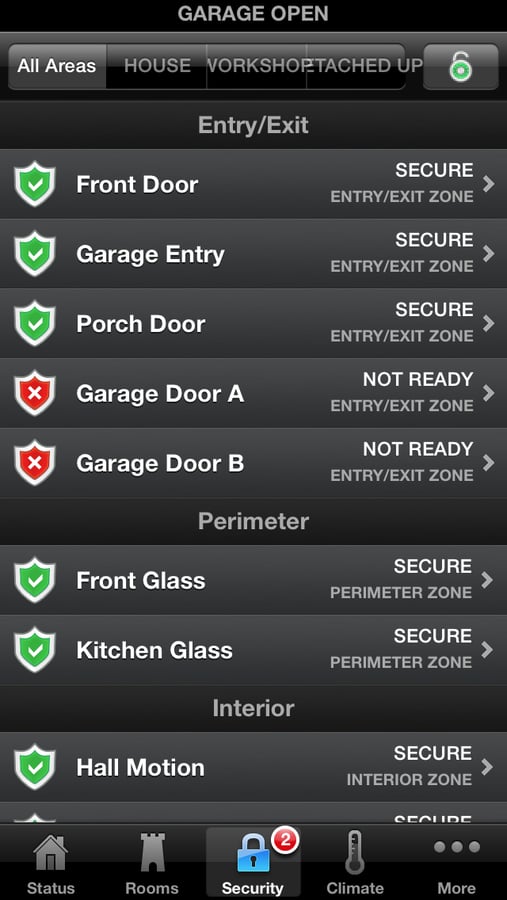
    Much to the chagrin of my\r\nwife, I’m amused to no end that I can turn our lights on and off from an\r\nairplane or another continent. More pragmatically, I can turn off the alarm and\r\nopen the garage door to let a repairman in the house if no one is home.

  • Plex (free software; Plex Pass service offers additional functionality)

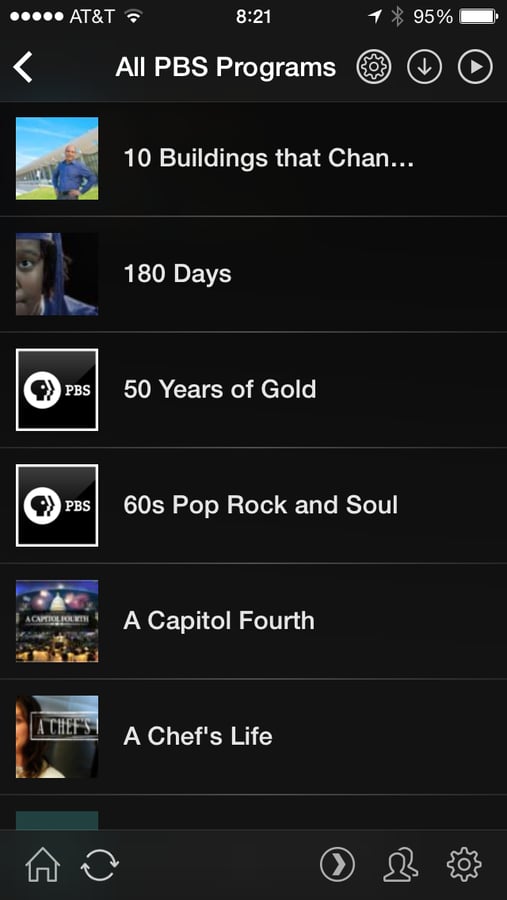
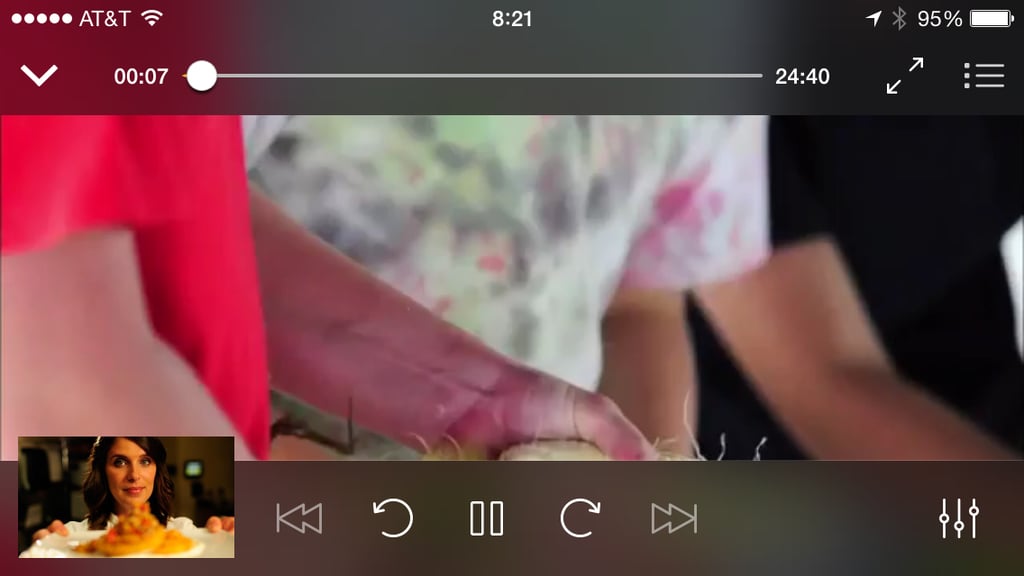
    A major area targeted for home automation has been audio and\r\nvideo entertainment. If you’re willing to forgo the convenience (and associated\r\nrestrictions) of something like AppleTV, Plex offers a fairly compelling solution to viewing audio and video content on a\r\nvariety of devices. The system consists of the Plex server application, which\r\nruns on Windows, Mac, and Linux, as well as client applications that run on\r\neverything, including desktops, televisions, Roku devices, smartphones, and tablets. Provide Plex with links to where you’ve\r\nstored media files, and it creates a beautiful user interface with downloaded\r\ninformation about the title, watched and unwatched indicators, and even an\r\nability to sync content to an iOS or Android device.

  • Plex (free software; Plex Pass service offers additional functionality)

    Plex takes most of the hard work out of playing your media\r\ncollection on almost any device, but do be aware that converting your existing\r\nmedia, especially studio-released movies on DVDs and Blu-ray discs, is\r\ntime-consuming, frustrating, and potentially illegal depending on where you\r\nreside and the current state of copyright law, even if you’ve purchased those\r\ndiscs.

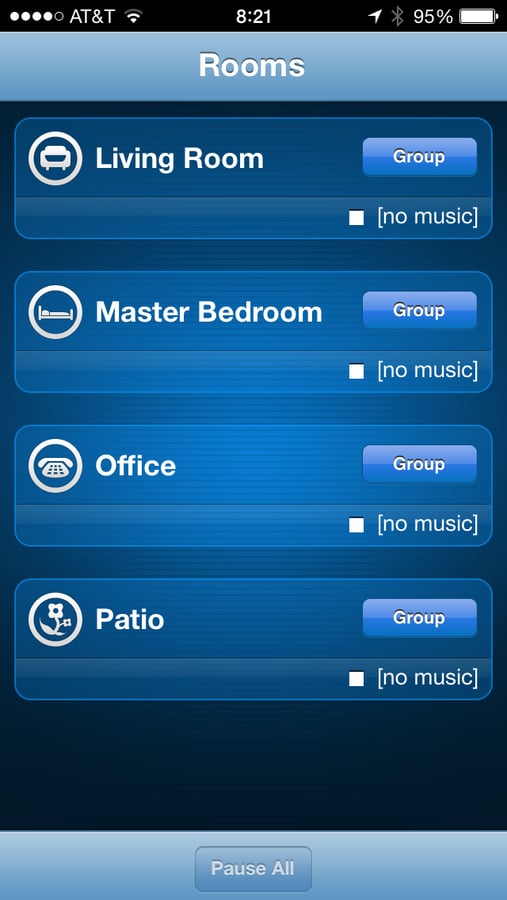
  • Sonos (free app; requires purchase of Sonos hardware)

    Another standard component of most home automation systems\r\nis multi-room audio, whereby you can play and control music in multiple\r\nlocations in your home or apartment. The problem with these systems is that\r\nthey’re generally difficult to retrofit, since they require speakers and wiring\r\ninstalled in each room. Sonos works\r\naround this problem by providing boombox-like hardware that can be placed in\r\nany room and controlled via a smartphone.

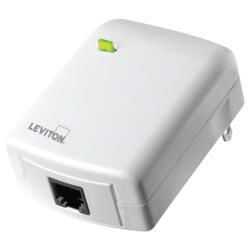
  • Z-Wave

    The obvious benefit to using a wireless protocol like Z-Wave\r\nis that you can retrofit automation components to an existing home without\r\nremoving drywall and running wires. The main drawbacks to Z-Wave are similar to\r\nevery wireless standard: limited range, slower transmission speeds, higher\r\ncost, and less reliability than wired. While that’s a daunting list, as someone\r\nwho’s attempted to run new wires behind existing drywall, I can attest that\r\navoiding that task is often worth the drawbacks.

    Z-Wave is not specifically an “app,” but a variety\r\nof devices can communicate via the Z-Wave protocol, and smartphone applications\r\nthat can control them. Most automation controllers, ranging from traditional\r\nalarm and automation panels to stand-alone automation controllers like the Mi Casa Verde,\r\ncan “talk” Z-Wave and be controlled by a smartphone application.\r\nSimilarly, you can purchase a USB stick that will communicate with a Z-Wave\r\nnetwork and use an application like InControl,\r\nor even an open source automation controller like openHAB.

    Image: CNET
1 of 7
Patrick Gray

Patrick Gray works for a leading global professional services firm, where he helps companies rapidly invent and launch new businesses. He is the author of Breakthrough IT: Supercharging Organizational Value through Technology as well as the companion e-book The Breakthrough CIO's Companion. He has spent over two decades providing strategy consulting services to Fortune 500 Companies and the world's top brands across the globe. Patrick can be reached at patrick.gray@prevoyancegroup.com. All opinions are his and may not represent those of his employer.