Five apps to help you do more with Word 2013 - TechRepublic

Five apps to help you do more with Word 2013

  • Intro

    Introduction

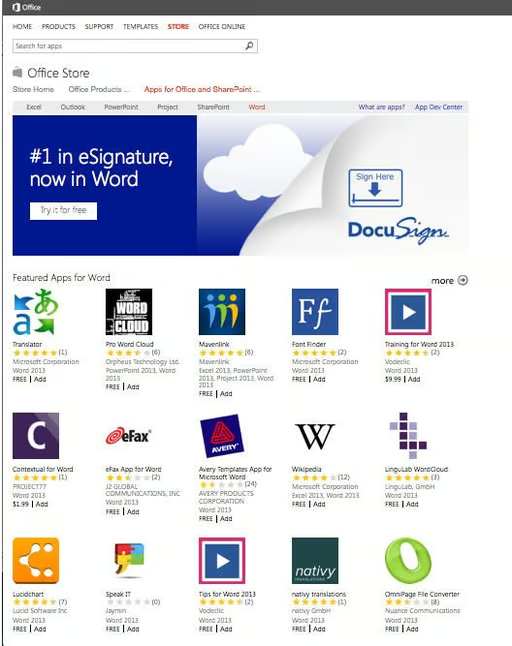
    One of the most underrated features of Word 2013 is its\r\nability to run apps. While it might seem silly to run an app within an app, doing\r\nso can provide a great deal of new functionality. You can install or launch\r\nWord 2013 apps by clicking on the Ribbon’s Insert tab and then clicking the\r\nApps For Office button and following the prompts. Here are five useful apps for\r\nWord 2013 to kick things off.

    Note: This gallery is also available as an article.

  • Consistency Checker

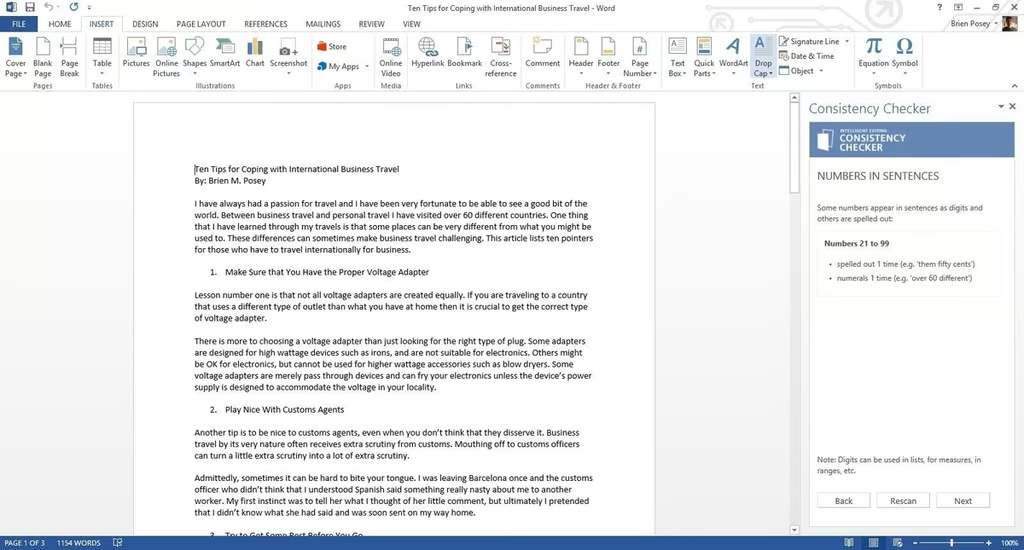
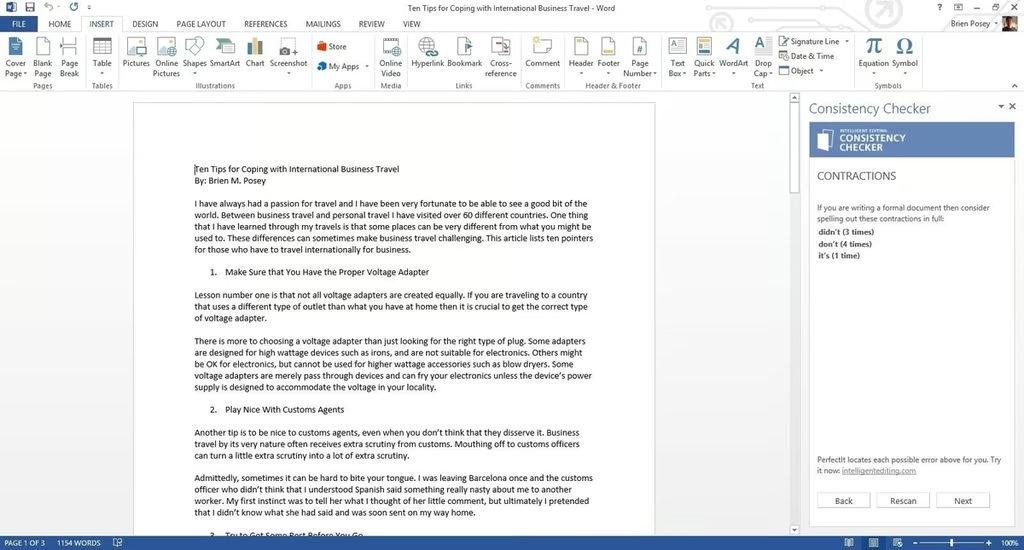
    Consistency Checker is a free utility that works similarly to a\r\ngrammar checker. The thing that differentiates Consistency Checker from a\r\nrun-of-the-mill grammar checker is that it checks for things grammar checkers\r\ntypically overlook. Specifically, the utility tries to verify consistency\r\nwithin your documents.For example, it\r\nwill let you know if you hyphenated a word in one location but not in another.

  • Consistency Checker

    Consistency Checker will let you know if you hyphenated a word\r\nin one location but not in another. And it will check to see whether you\r\nexpress numbers as numerals (1, 2, 3, etc.) and in written form (one, two,\r\nthree, etc.) within the same document.

  • Font Finder

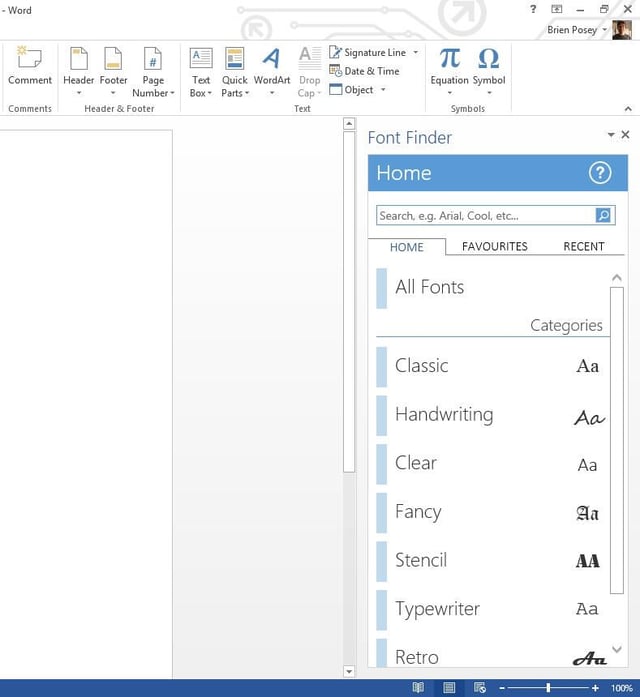
    Font Finder categorizes your fonts by type (classic,\r\nhandwriting, retro, etc.). Clicking on a font category displays all the fonts\r\nwithin that category. A built-in search engine lets you to track down the fonts\r\nyou need. Once you find a font you like, simply select text within your\r\ndocument and click on the font to apply it.

  • Free Legal Forms

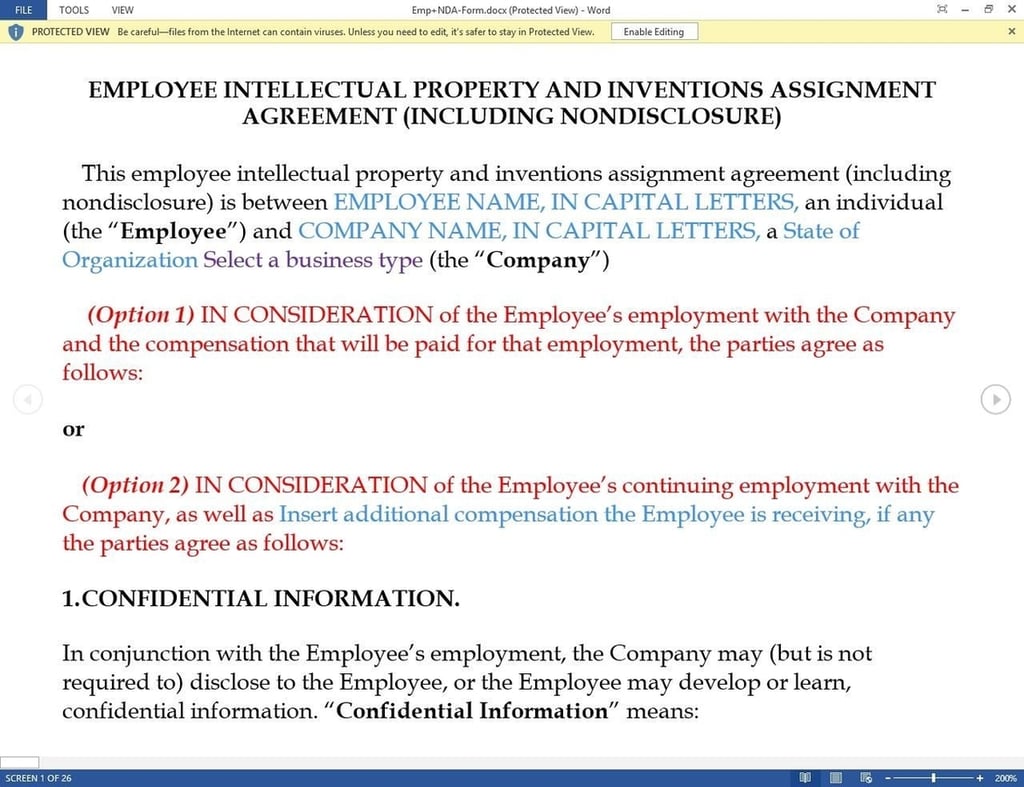
    Forms include a bill of sale, a pet-sitting agreement, and a\r\nnondisclosure agreement. Clicking on any of these options opens the form in\r\nWord.

  • Sticky Notes for Office

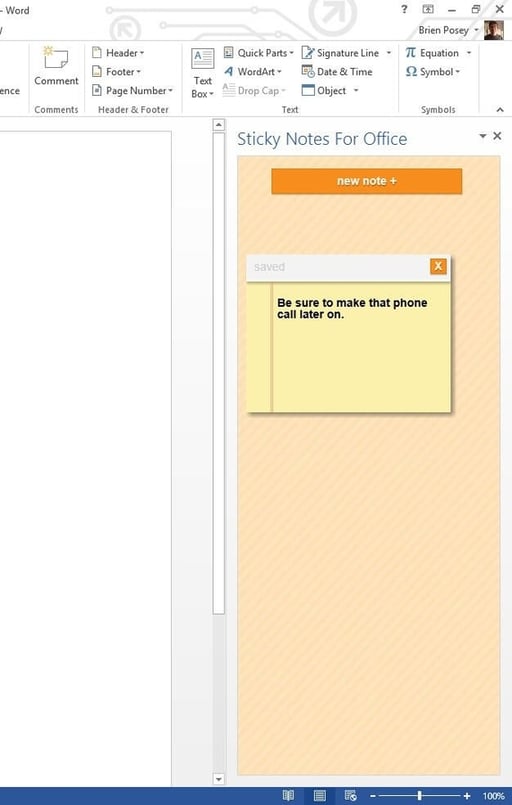
    Simply click the New Note\r\nbutton and compose your sticky note. The note will be displayed on the right\r\nside of the interface until you either delete it or close the app.

  • WordCalc

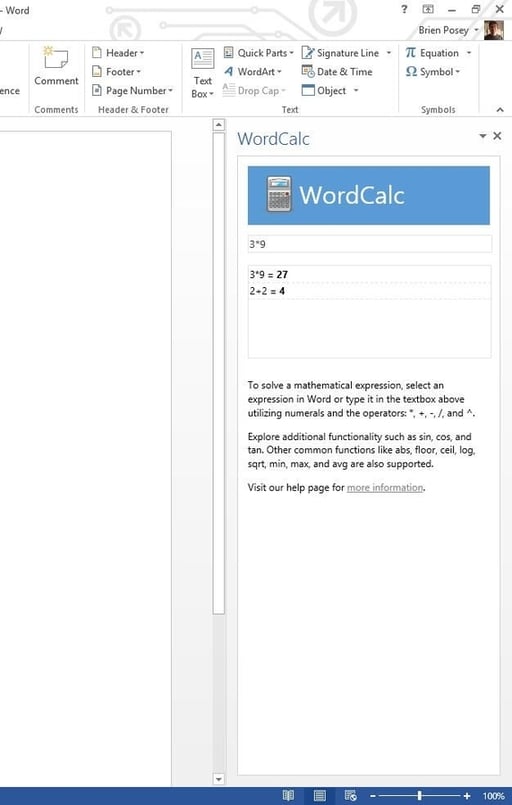
    One great thing about WordCalc\r\nis that it displays your last several calculations. It also supports basic math\r\nand functions such as SIN, COS, and LOG.

1 of 7
Brien Posey

* 1988 - Started teaching myself about computers \ * 1992 - Mainframe programmer for an insurance company \ * 1993 - Network Administrator for a different insurance company \ * 1996 - Author for The Cobb Group \ * 1998 - Network Administrator for Fort Knox \ * 1999 - CIO for chain of hospitals \ * 2000 - Gave up the corporate rat race to work out of my home. I have been a full time technical author ever since. Visit my Web sites at http://www.brienposey.com and http://www.relevanttechnologies.com \