Five free business card readers - TechRepublic

Five free business card readers

  • 00istock000030230136small.jpg

    Introduction

    Ah, the business card. That tiny fragment of paper that is\r\nyour palm-size resume, ready to reach out and give people your pertinents — snapshot\r\ndetails that explain who you are, what you do, and how to contact you. In\r\nreturn, you get them by the handfuls. The problem is, the modern world really\r\nisn’t made for paper business cards. So what do you do every time someone hands\r\nyou a business card? If it’s someone you want to keep in touch with, you scan\r\nit into your mobile device and save it in your contacts.

    But how do you get the information from the business card\r\ninto your device without having to manually enter it? You use a business card\r\nreader app — of which there are plenty. I’ll highlight some of my favorite such\r\napplications, all of them free, so you can begin the process of converting that\r\nmountain of business cards into a more useful digital format.

    Note: This gallery is also available as an article.

  • CamCard Free

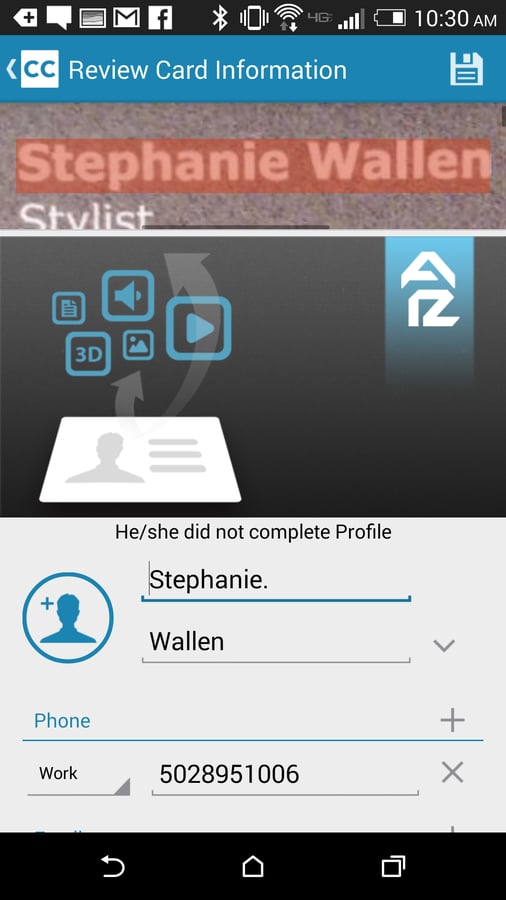
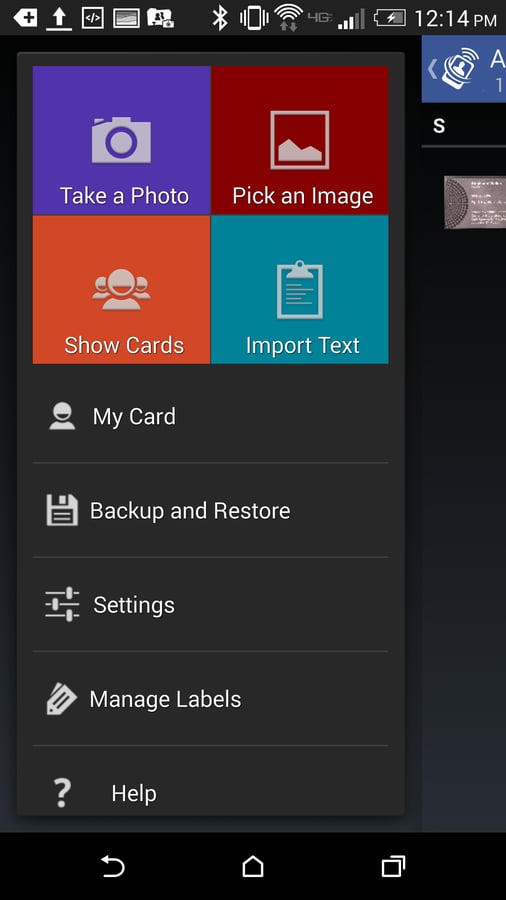
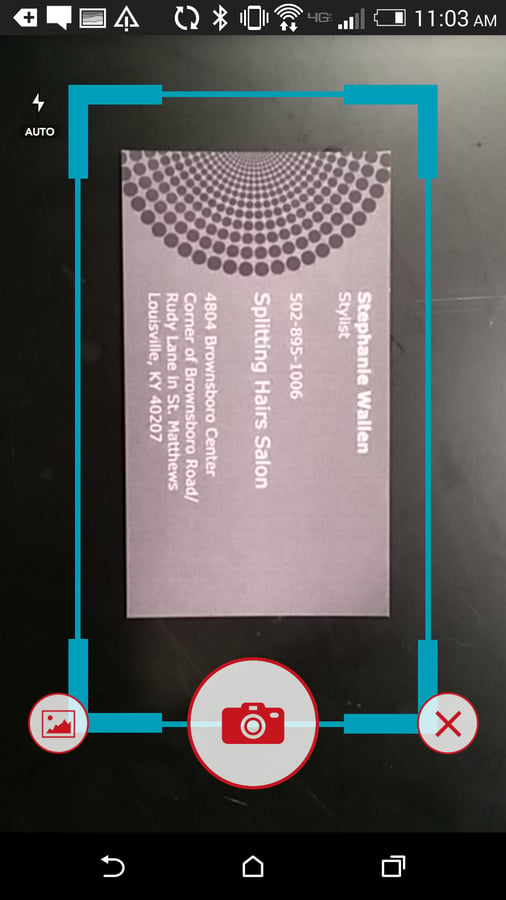
    CamCard Free allows you to save the imported contact\r\ninformation to pretty much any contact listing you have on your phone (phone\r\ncontacts, Google contacts, etc.). The free version of the app does have\r\nrestrictions: If you’re registered on the site, you can add 100 cards for free\r\nand 10 cards per week (after first launch). If you don’t register with CamCard,\r\nyou can add 50 cards for free and two cards per week (after first launch). This\r\napp is available for both Android and IOS.

  • CardToContact

    CardToContact\r\nalso has a powerful filtering system. If you have an overwhelming number of\r\ncards scanned into the app, you can filter by data, name, and company (both\r\nascending and descending) or list by label and search by criteria. When you tap\r\non a card, you can edit it, share it, add it to a different account, or delete it.\r\nCardToContact is free; there is no paid version of the app.

  • FullContact Card Reader

    With FullContact Card Reader, you snap the photo, add notes,\r\nand then submit it for transcription. The transcription can take up to about 20\r\nminutes. As a card is being transcribed, you can snap photos of new cards and\r\nsubmit them. FullContact Card Reader allows you to scan cards into more than\r\n250 applications (such as BaseCRM, Dropbox, Evernote, Facebook, LinkedIn, and MailChimp).\r\nWith this type of integration, FullContact Card Reader makes a great app for\r\nthe business sector. FullContact is free for a limited time. It’s available for\r\nAndroid and IOS.

  • ScanBizCards Lite

    ScanBizCards Lite limits you to adding two contacts per week,\r\nlimits exporting to a CRM to five, removes clipboard scanning, and allows you\r\nto create only one folder. ScanBizCards Lite is available for Android and IOS.

1 of 5
Jack Wallen

Jack Wallen is an award-winning writer for TechRepublic, The New Stack, and Linux New Media. He's covered a variety of topics for over twenty years and is an avid promoter of open source. For more news about Jack Wallen, visit his website jackwallen.com.