Five free encryption apps to help secure your Android device - TechRepublic

Five free encryption apps to help secure your Android device

  • Intro

    Introduction

    Do your hats tend to fall into the tinfoil range? Are you\r\nafraid there is always somebody watching you? If so, rest assured that the\r\nAndroid ecosystem offers plenty of apps to soothe your paranoia. But which apps\r\nare the must-haves? Here are five apps you should immediately install and put\r\nto work. They’ll bring you peace in the knowledge that your mobile data is far\r\nmore secure than those around you.

    Note:\r\nThis gallery is also available as an article.

    Image: iStockphoto.com/Pepgooner
  • Orbot Proxy with Tor

    Orbot Proxy with Tor

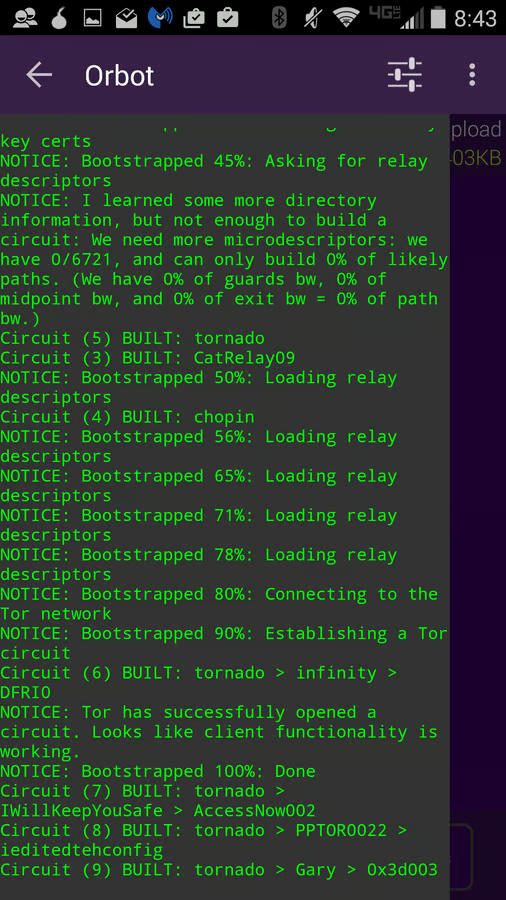
    To use Tor on Android, your best bet is Orbot Proxy with\r\nTor. Once you have it installed and connected, it will encrypt all internet\r\ntraffic leaving your device. This is the only\r\napp that produces a truly secure and encrypted connection for your Android\r\ndevice. If you are really paranoid, you need Orbot Proxy with Tor. It’s free…\r\nwhat do you have to lose?

  • CSipSimple

    CSipSimple

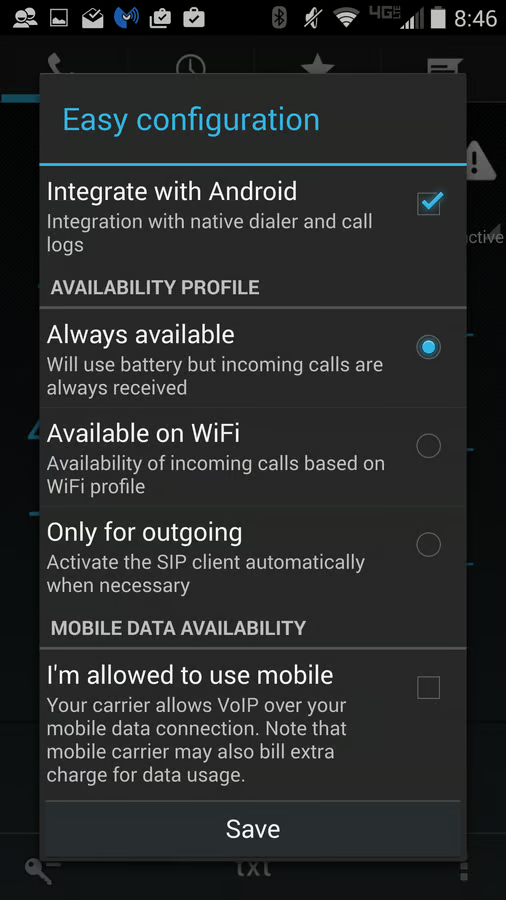
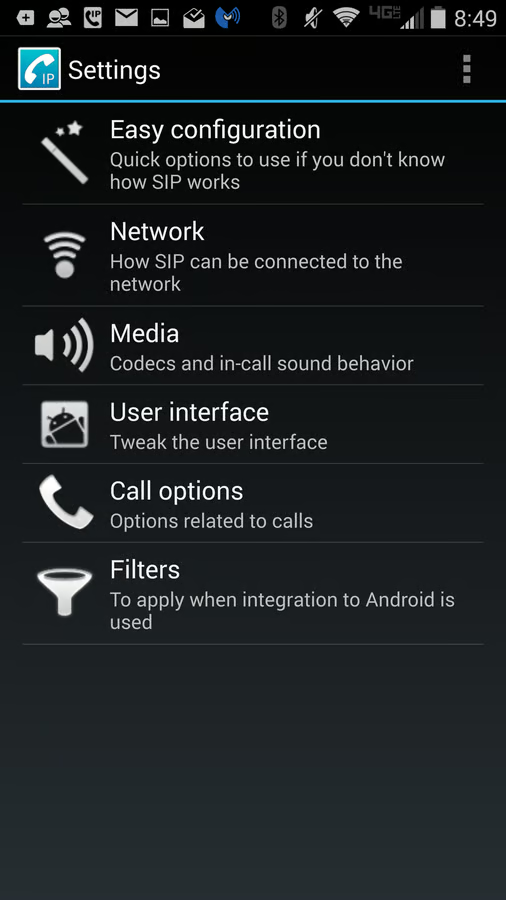
    CSipSimple lets you do encrypted SIP calling\r\nvia your Android device. It’s open source and free, and it offers an easy-to-use\r\nWizard for setting up the app. You are required to have an account on a SIP\r\nserver, and I highly recommend using Ostel. It works seamlessly and has its own wizard for setting up the SIP account\r\nwithin CSipSimple. Even the Ostel account is free—so the only cost associated\r\nwith this will be any data usage from your provider.

  • CSipSimple

    CSipSimple

    You can set up CSipSimple to only use\r\nWi-Fi, to avoid any charges whatsoever. CSipSimple uses rewrite/filtering rules\r\nto integrate with Android and allows you to record calls.

  • ChatSecure

    ChatSecure

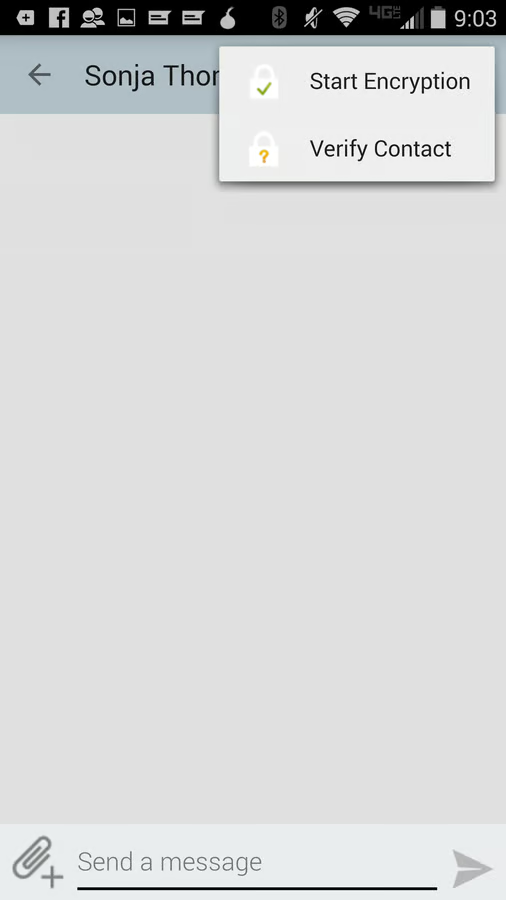
    With ChatSecure, setting up an OTR session is simple. When\r\nyou start a chat with someone, you can first verify the contact and then start\r\nthe encryption. This app isn’t perfect. You might run into instances where the\r\nencryption won’t start or the connection with Orbot isn’t made. But should\r\neither happen, you can restart the app and try again. It doesn’t occur often,\r\nbut when you’re dealing with the need for 100% security, you don’t want to use\r\nthe app without the aid of Tor.

  • Built-in device encryption

    Built-in device encryption

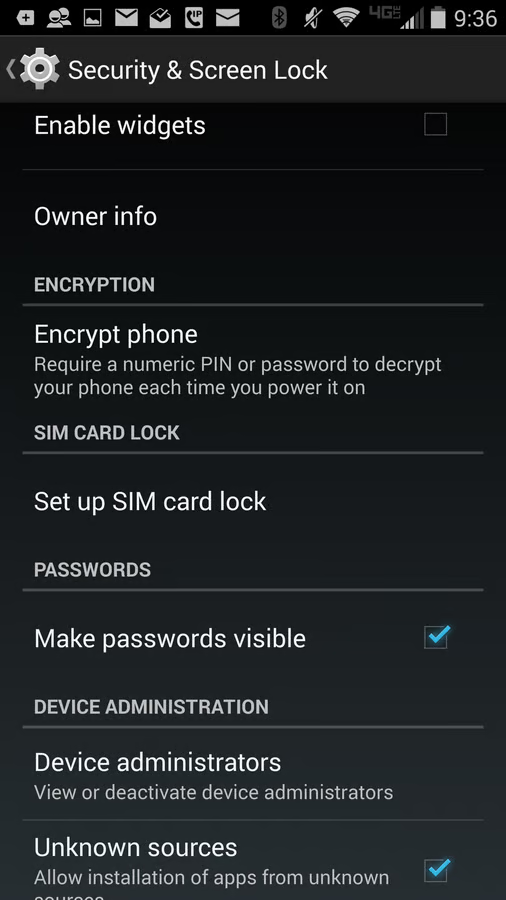
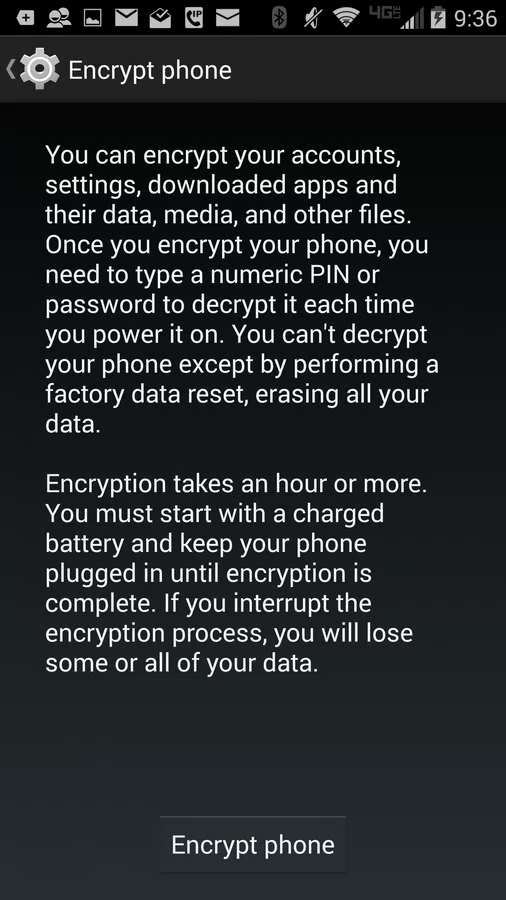
    This option is for those who want to ensure the privacy of\r\ntheir device should it fall into the wrong hands. This built-in encryption\r\nsystem works with all data—including app data, downloaded files… everything on your\r\ndevice.

  • Built-in device encryption

    Built-in device encryption

    This level of security does come with its drawbacks. First, older (or lower-end) devices might see a hit on the\r\nperformance. (Newer and flagship devices shouldn’t so much as hiccup with\r\nsystem-wide encryption.) Second, you’ll have to enter the encryption password\r\non every startup of the device—but that’s a small price to pay for this level\r\nof security. Pay it and be safe. Also understand that once you’ve encrypted\r\nyour Android device, the only way to disable the encryption is to do a factory\r\nreset. Note: Android Lollipop defaults to device encryption.

1 of 7
Jack Wallen

Jack Wallen is an award-winning writer for TechRepublic, The New Stack, and Linux New Media. He's covered a variety of topics for over twenty years and is an avid promoter of open source. For more news about Jack Wallen, visit his website jackwallen.com.