Five versatile photo editors that won't break your budget - TechRepublic

Five versatile photo editors that won’t break your budget

  • Intro

    Introduction

    In this visual and social age, pictures are one of fastest\r\nmeans of grabbing attention. And with Facebook clamping down on post reach,\r\nmarketing your business on social networks almost requires images to be included.

    When you need to post images, you’ll probably want to edit\r\nthem — and you may not want to shell out the coin for the likes of Photoshop. But\r\nwhat photo editing software can you add to your toolbox without have to spend\r\nmuch (or any) of your budget? Luckily, there are plenty of options. Here are my\r\nfive favorite affordable photo editors.

    Note: This gallery is also available as an article.

    Image: iStockphoto.com/naqiewei
  • Pixlr Editor

    Pixlr Editor

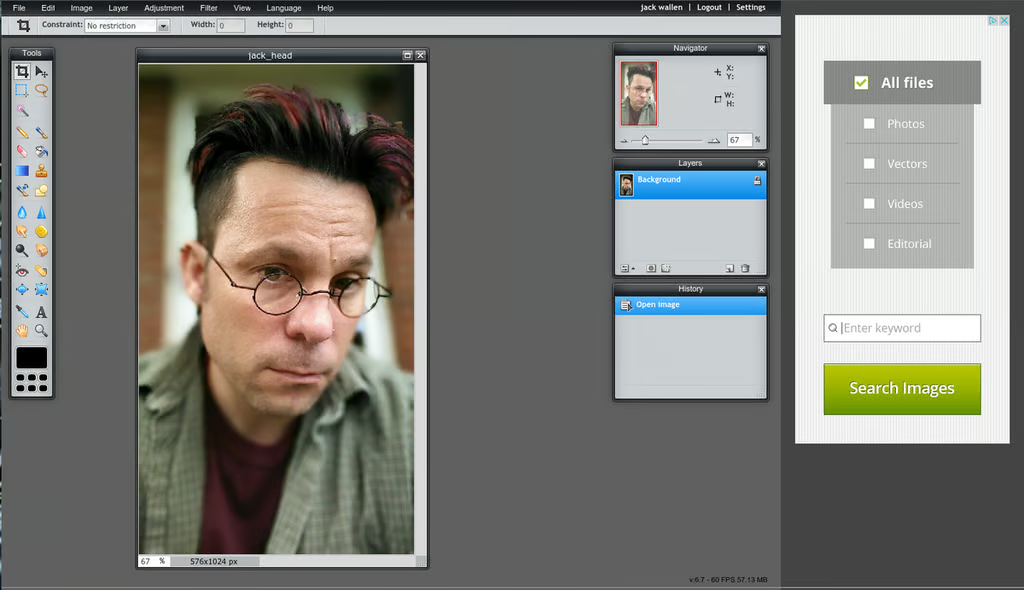
    Pixlr Editor is the more robust tool in the Pixlr lineup. It offers plenty\r\nof features to entice those looking for a powerful editor they can use from\r\nanywhere \u2500 which, in the end, is one of the few caveats to using Pixlr: It’s an\r\nonline-only tool. But that does not detract from its features and usability. In\r\nfact, for an online tool, Pixlr is impressively customizable. Of course, the\r\nability to customize means you must have an account. Like the tool, the account\r\nis free.

  • Pixlr Editor

    Pixlr Editor

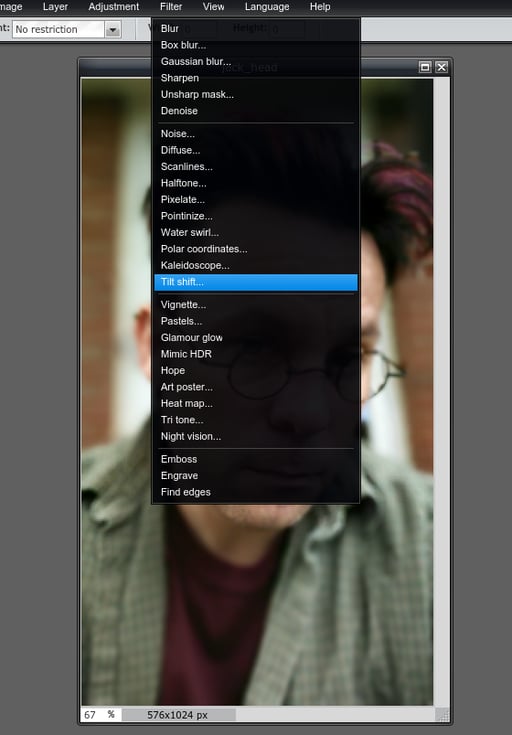
    You can save images to an online image library within your account. You\r\ncan also save images to local storage, Facebook, Flickr, or Picassa. The array\r\nof filters included with Pixlr is impressive and can take care of just about\r\nany need you have for image manipulation (blurs, Tilt Shift, Night Vision, and\r\nmuch more).

  • Photo Editor by Aviary

    Photo Editor by Aviary

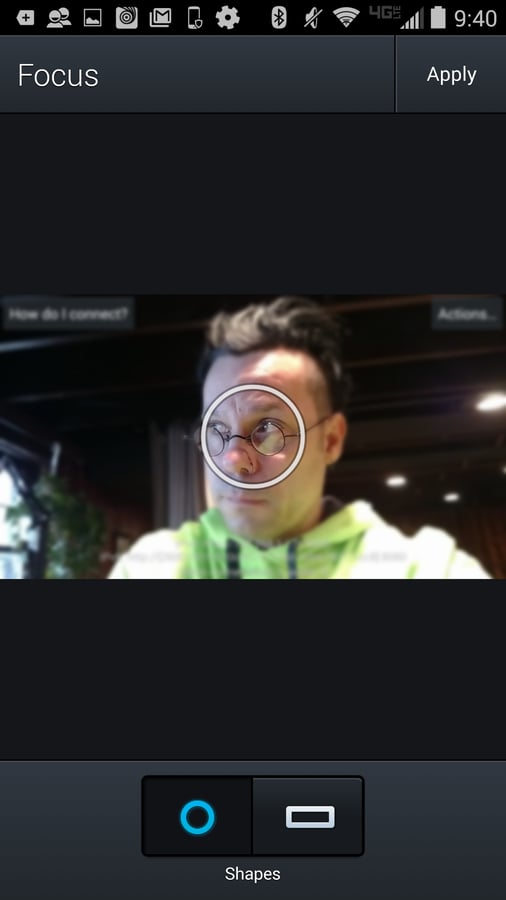
    Photo Editor by Aviary is a solid entry for\r\nthe Android platform. With the free version you get some quality effects and\r\ntools, and from the in-app shop, you can purchase new effects, frames,\r\nstickers, and overlays. Don’t let the fact that Photo Editor contains frames\r\nand stickers turn you off. For a mobile image editor, it can do what you need\r\nto get done.

  • PicMonkey

    PicMonkey

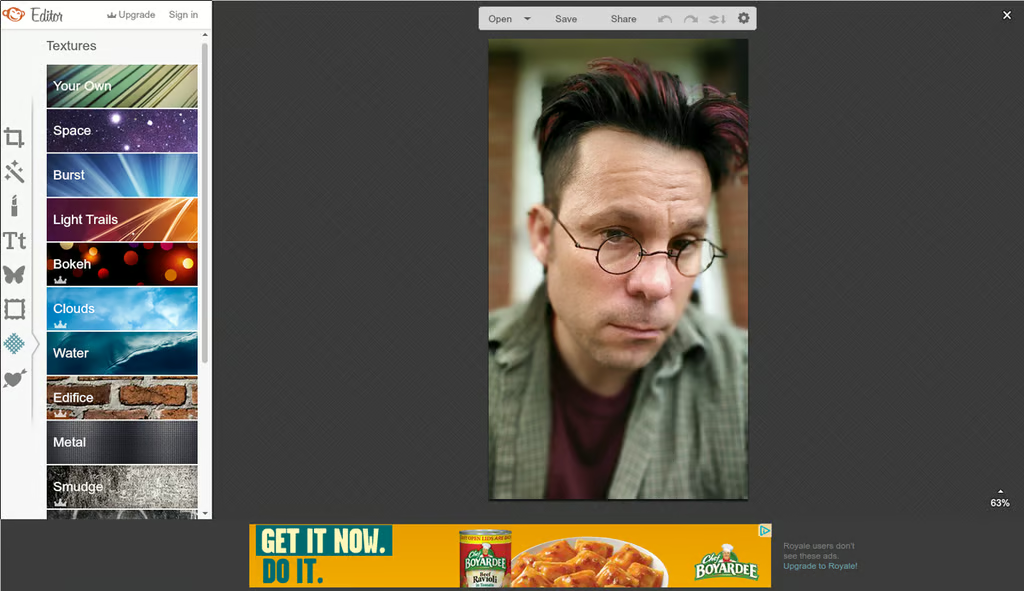
    PicMonkey\r\nis an online editor that offers the same types of features found in mobile\r\napps, but also lets you add text, do minor touchups, resize/rotate, create\r\ntexture overlays, and more. The interface is incredibly easy to use, but it\r\ncan’t work on mobile browsers yet (it requires Flash). A mobile app is in the\r\nworks, but there’s no release date at the moment.

  • PaintShop Pro

    PaintShop Pro

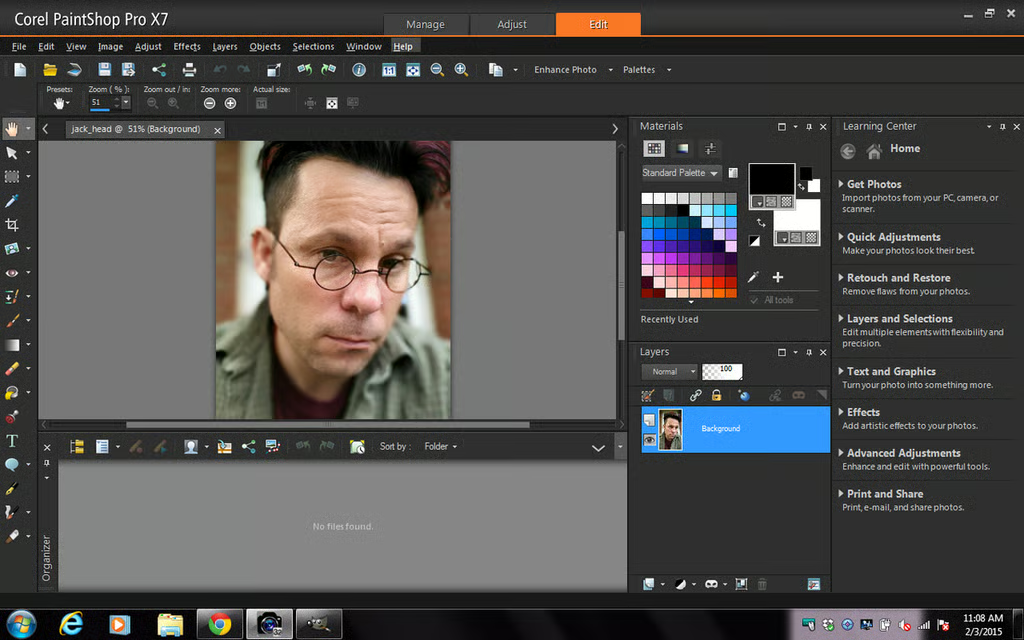
    PaintShop Pro has often been hailed as the one true alternative to Photoshop.\r\nThere’s a reason for that. It’s powerful, it offers a more traditional\r\ninterface and feature set, and it doesn’t cost nearly as much as Photoshop. You\r\ncan purchase the full version of PaintShop Pro X7 for $63.99 or PaintShop Pro\r\nUltimate for $79.99.

1 of 6
Jack Wallen

Jack Wallen is an award-winning writer for TechRepublic, The New Stack, and Linux New Media. He's covered a variety of topics for over twenty years and is an avid promoter of open source. For more news about Jack Wallen, visit his website jackwallen.com.