Five web-based business dashboard apps - TechRepublic

Five web-based business dashboard apps

  • 00dash.jpg

    Introduction

    In this era of big data, companies are gathering tons of\r\ninformation. But much of that data is stored in ways that make it difficult for\r\nemployees and managers to access it. One solution has been to write reports to\r\nshare critical information. However, reports usually tell only one story or\r\ndisplay just one piece of information.

    Enter dashboards. Dashboards provide one spot to display key\r\npieces of information at the same time to a common group of information\r\nconsumers. Creating dashboards can be a cumbersome task, but luckily, there are\r\ntools that make it easier and deliver great results.

    Let’s take a look at five web-based dashboard apps\r\nthat connect to a variety of data sources and offer a variety of “look and\r\nfeel” choices to suit your needs.

    Note: This gallery is also available as an article.

  • Dashzen

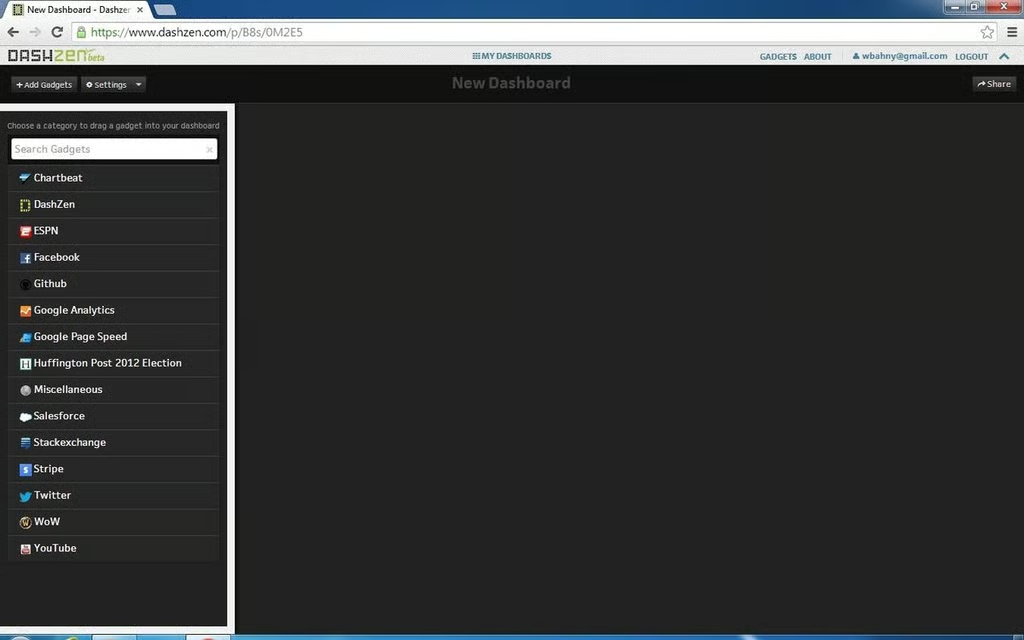
    Dashzen connects to a variety of data sources.It uses a clean, black work surface.

  • Dashzen

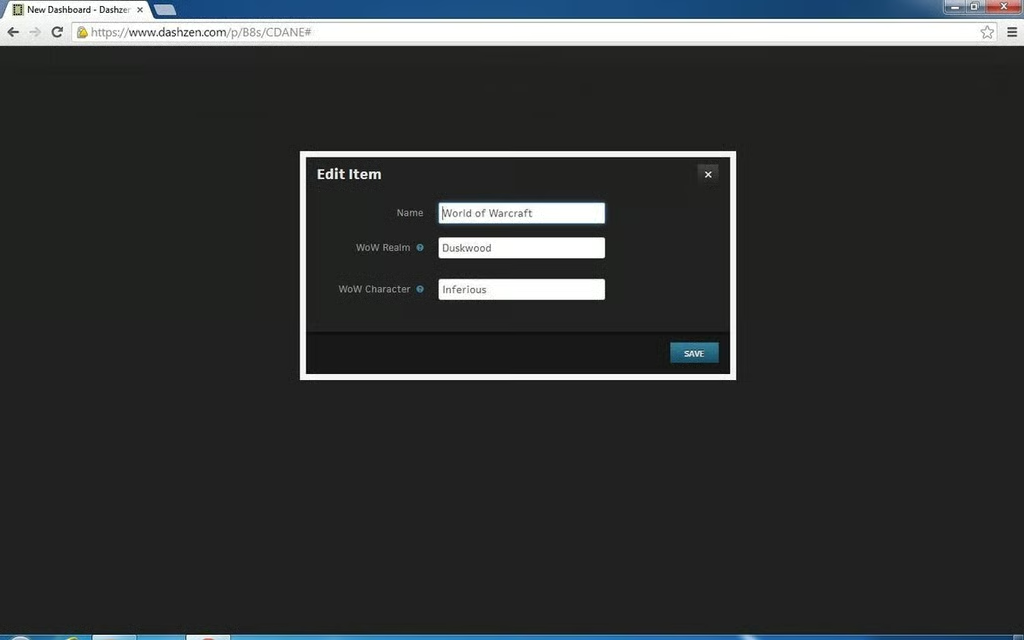
    Oddly enough, Dashzen supports connection to World of Warcraft\r\ndata, displaying basic character statistics.

  • Dashzen

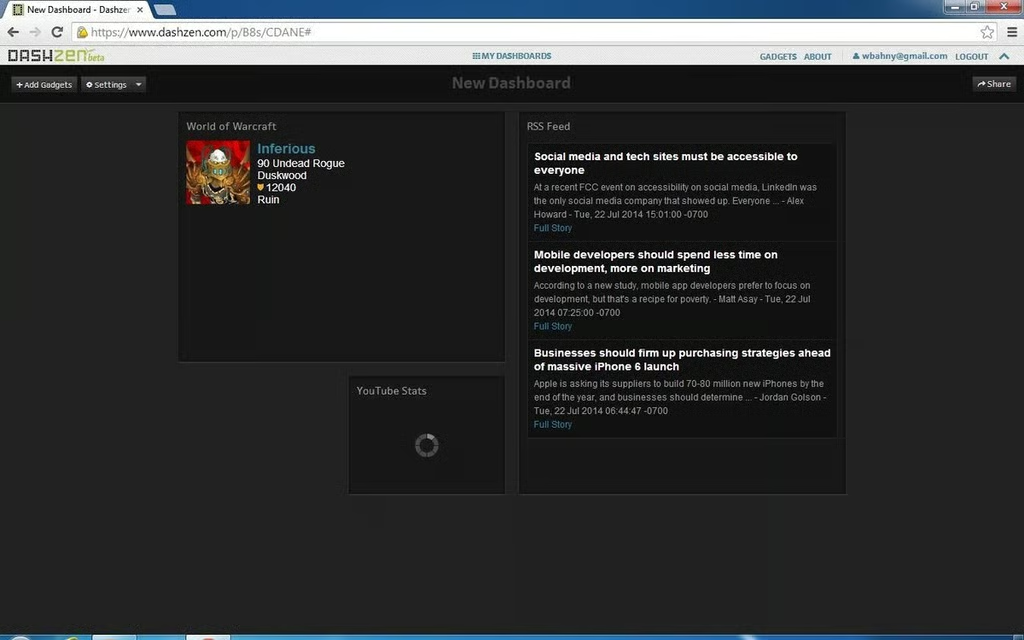
    In addition to WoW, Dashzen displays things like\r\nRSS feeds and YouTube video stats.

  • Ducksboard

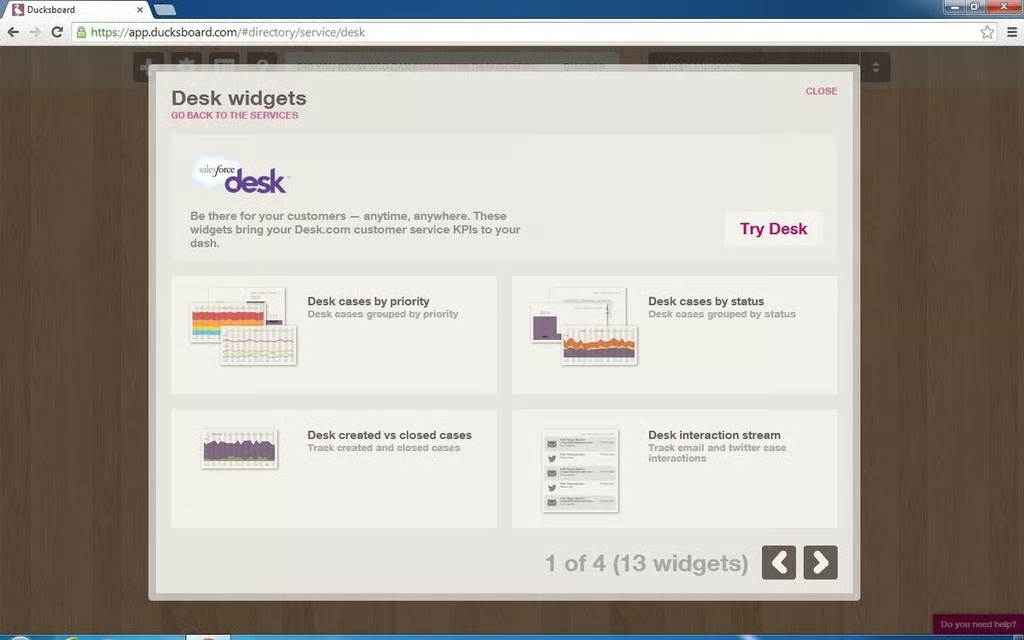
    For example, Salesforce Desk allows you to\r\ndisplay help desk statistics.

  • Klipfolio

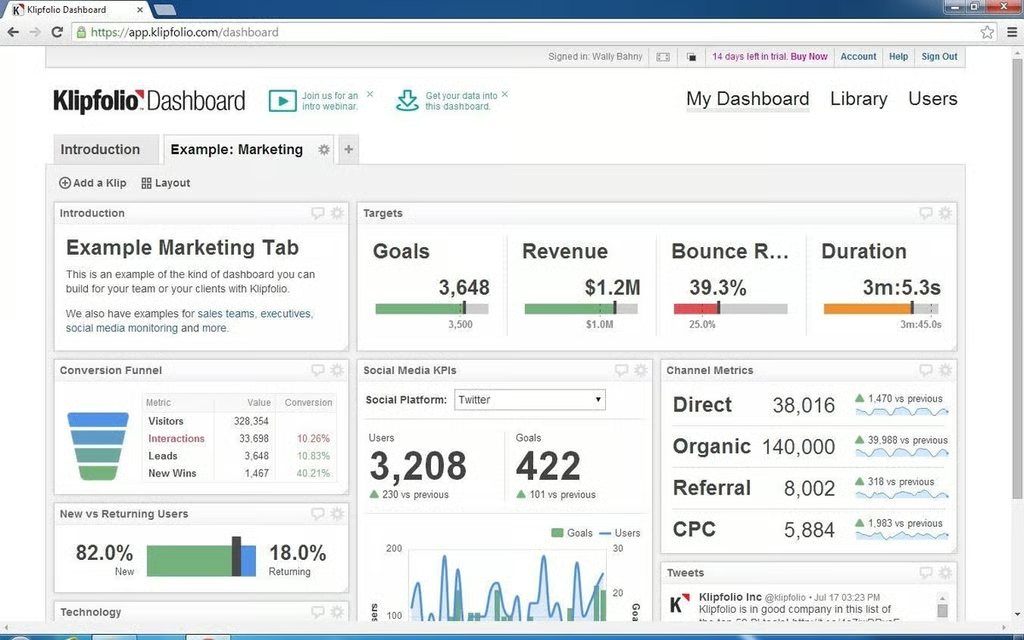
    One of the examples is this full dashboard for a marketing team.

  • Leftronic

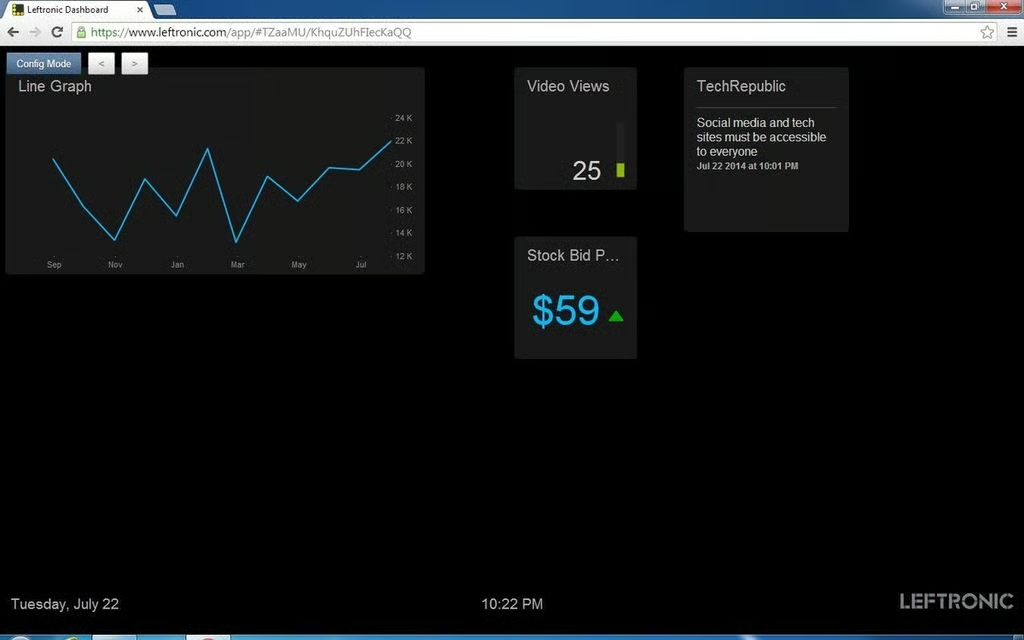
    This is the previous dashboard switched to Display Mode, which hides\r\nthe grid layout.

  • Dash

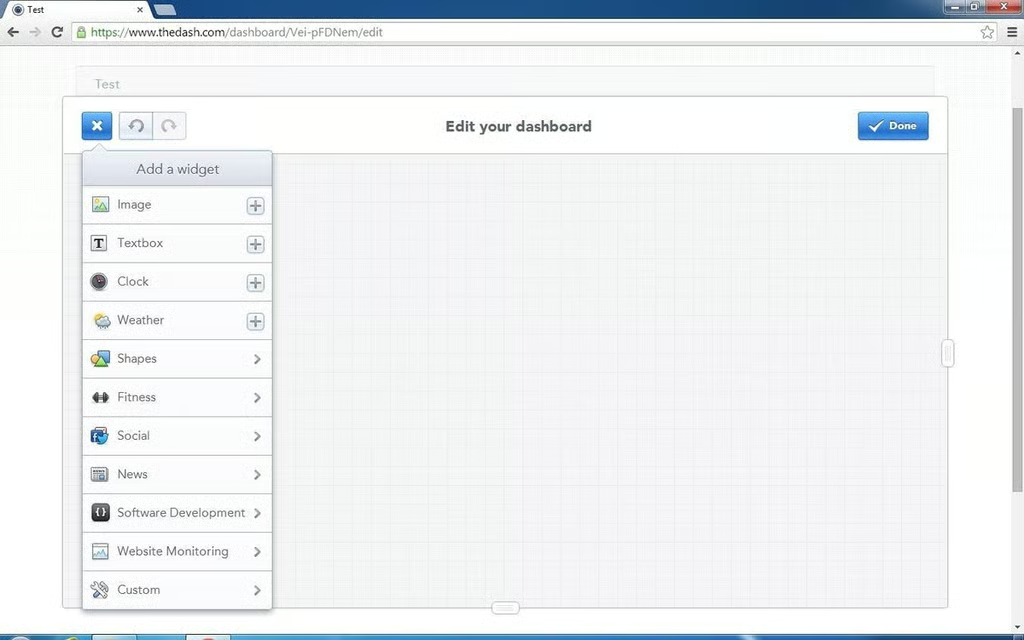
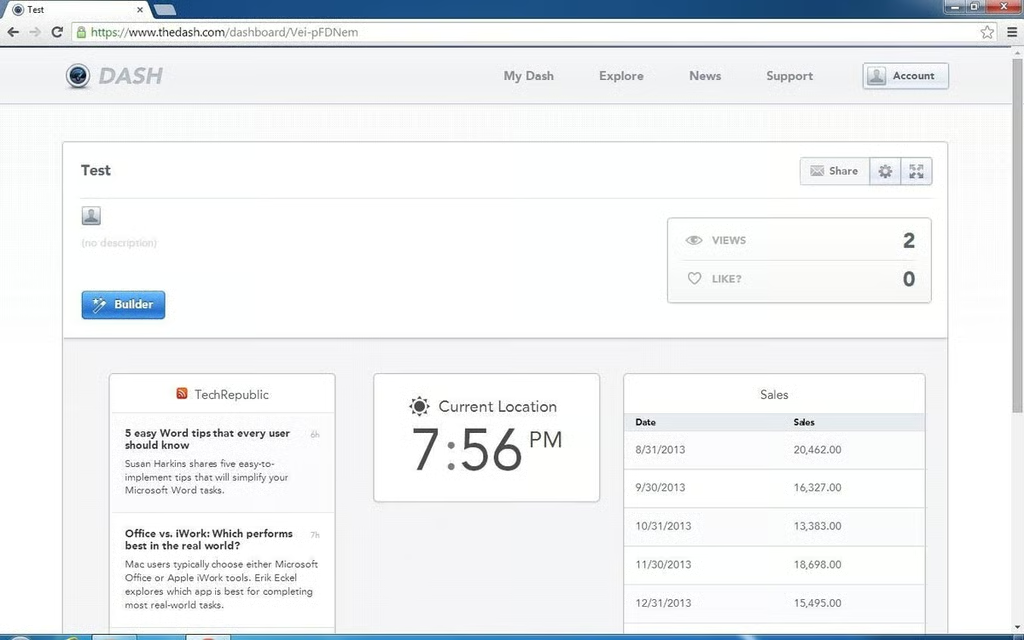
    Dash has a simple, clean-looking interface. There are several choices for widgets,\r\nincluding some unique ones like static images and text as well as clock and\r\nweather widgets.

  • Dash

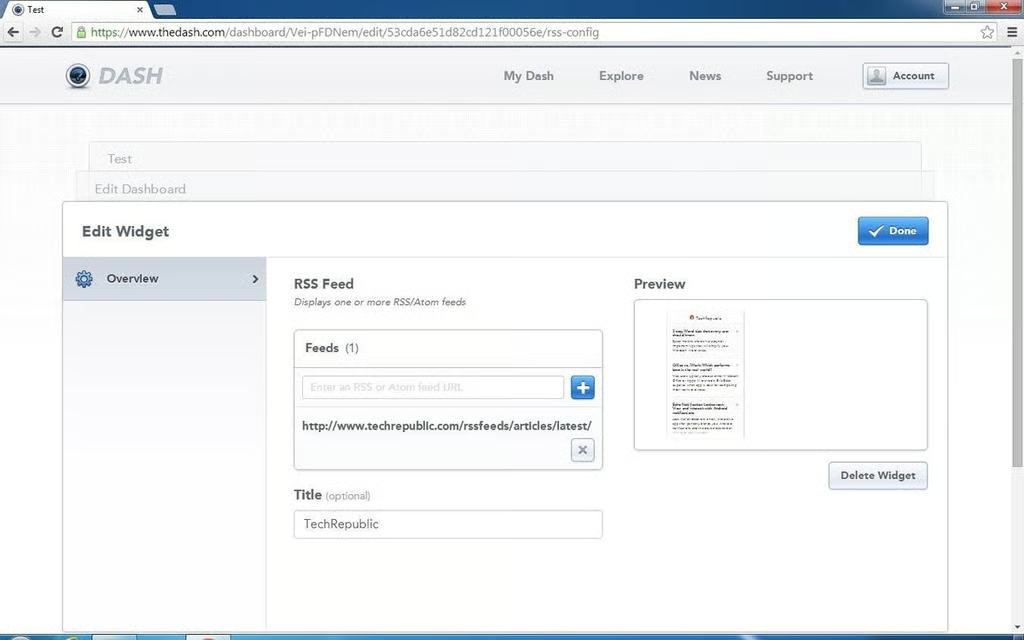
    Adding a widget is easy;  just answer a few questions.

  • Dash

    This dashboard includes an RSS feed from TechRepublic, a\r\nclock, and a tables of sales figures.

1 of 10