Fed up with social media? Sick and tired of hiding from identity thieves? It’s not easy to eliminate your online presence, but it can be done if you’re willing to put in the legwork.
Here are some tools, tips, and strategies for getting rid of your internet footprint.
Note: This gallery is also available as a free PDF download.
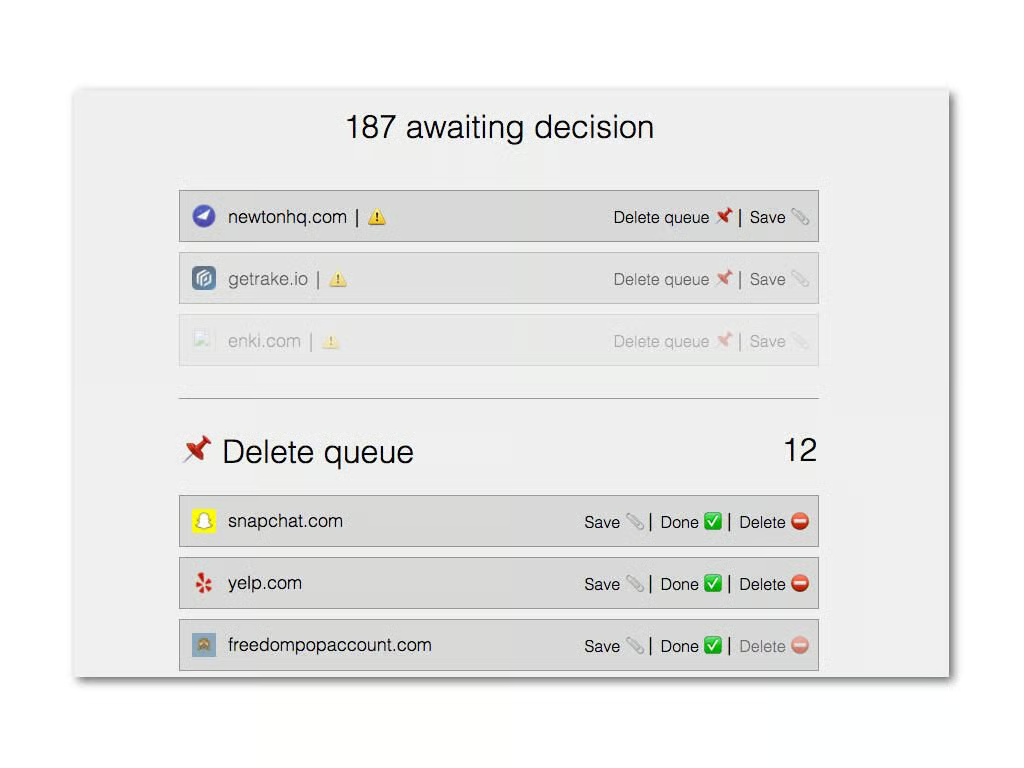
Deseat.me requires you to log in with either a Google or Outlook account, but if you’re getting to wipe your internet presence out that shouldn’t be too big of a concern.
Once you log in, Deseat.me will comb the account you logged in with for other accounts. All you have to do is choose whether you want to keep or delete that account and Deseat.me will do the work for you (some accounts have to be closed manually and Deseat.me will take you to the appropriate page in that case).
If you want to get rid of a bunch of accounts you forgot you had, Deseat.me is a good place to start.
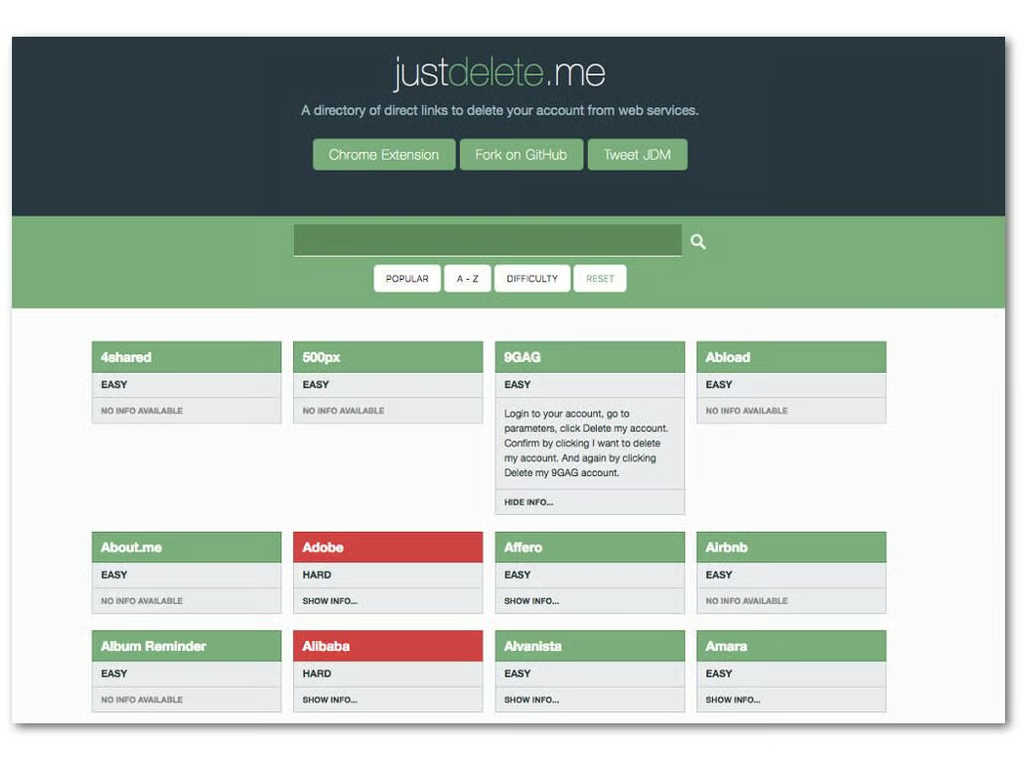
JustDelete.me is a huge index of sites you may have signed up for along with steps on how to remove your account. If Deseat.me missed a few, this is the place to go to find the rest and get rid of them.
If you have one or more accounts you can’t, or don’t want to, delete the best thing to do is make some changes to your identity on those sites. Change your email address, birthdate, your name, your phone number … any identifying info that you don’t want possibly being used to figure out who you are.
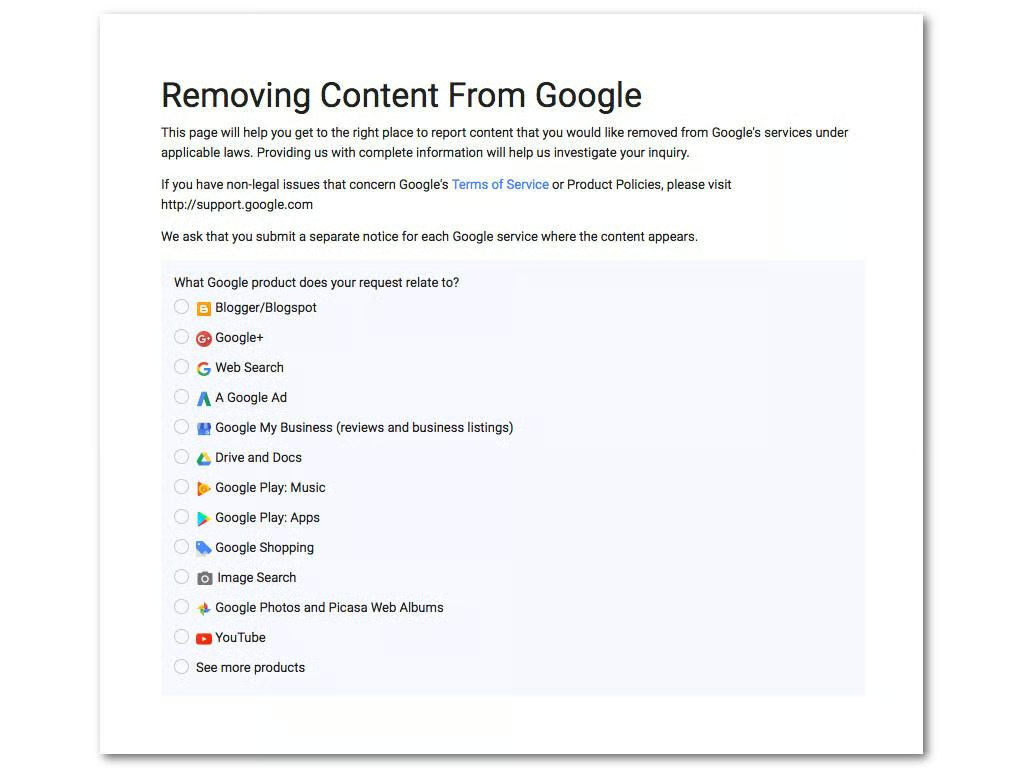
If you’ve had a particular piece of personal info posted on the internet you can ask Google to scrub it with a submission on this page. Photos, addresses, social security numbers, and other illegally shared info can all be removed, but don’t expect it to be instant–Google reviews each case individually and that can take time.
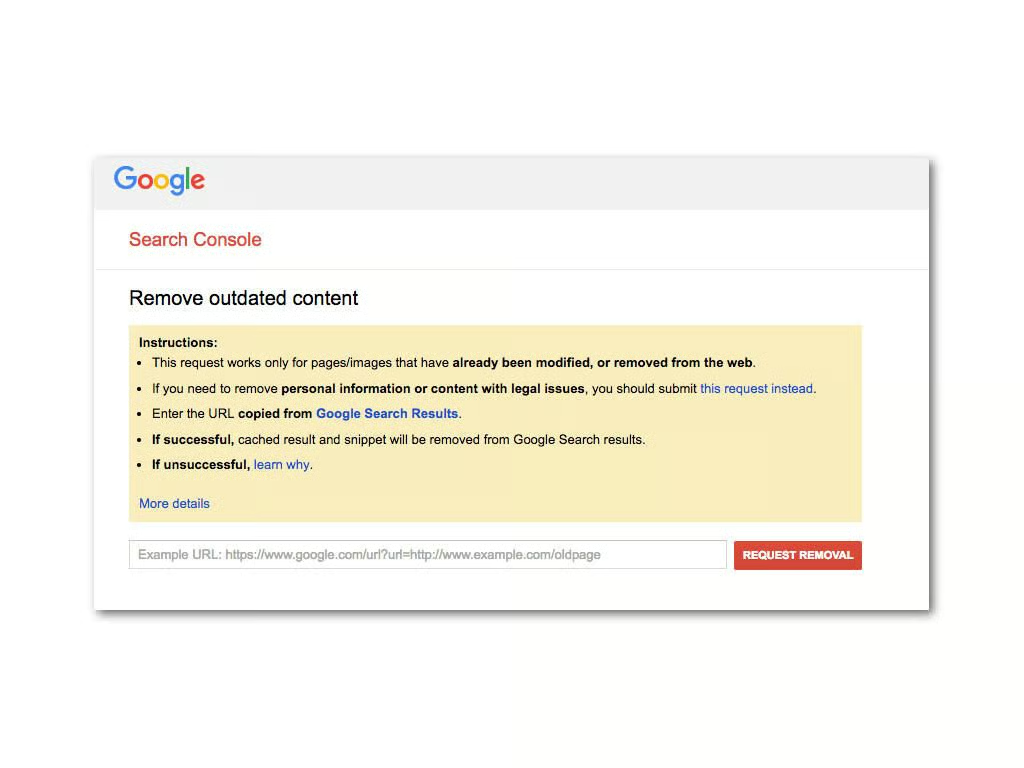
Google can eliminate outdated links that pertain to you. It’s a simple request–just paste the link as it appears on a Google search into the appropriate field on this page and wait. Again, this can take some time.
Intelius, Acxiom, PeopleFinder–those are just a few examples of the dozens of data broker websites out there that buy and sell your personal info. Getting yourself free of their clutches can be tricky too: Delisting methods vary per site and some even require you to fax in paper forms for verification.
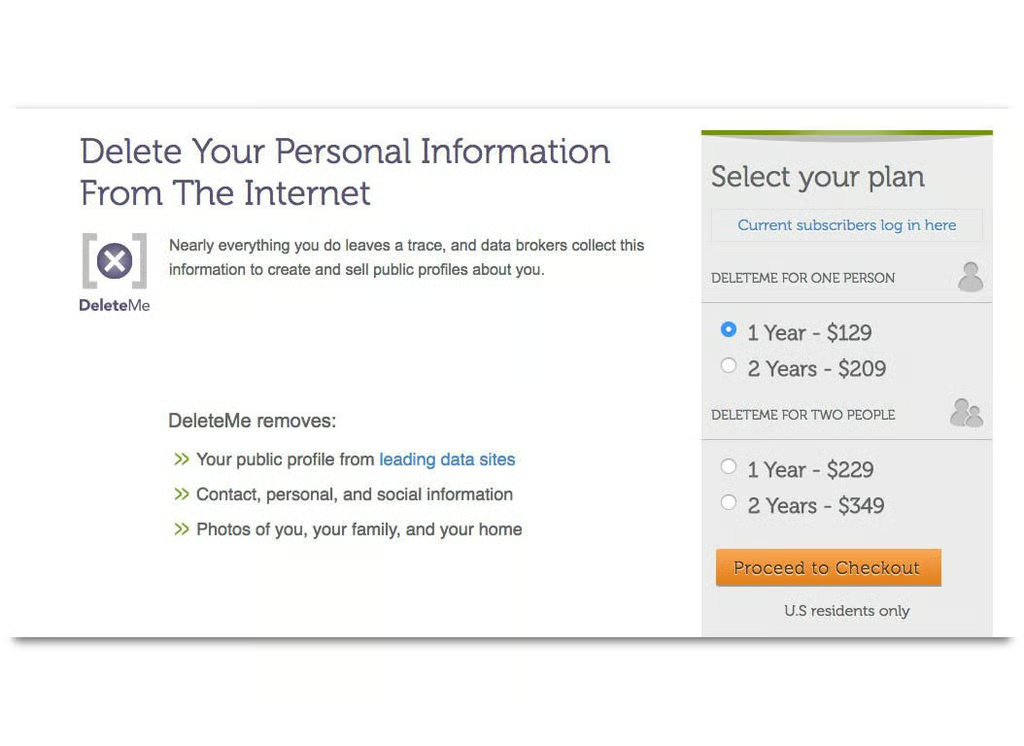
You’ll have to go through the myriad data brokers one by one to get rid of your personal info but there is an easier, albeit costly, method: DeleteMe. For a yearly fee of $129 (for one individual) DeleteMe will remove your info, and keep it removed, from data broker websites. If you really want to go dark on the internet this is almost a must-have.
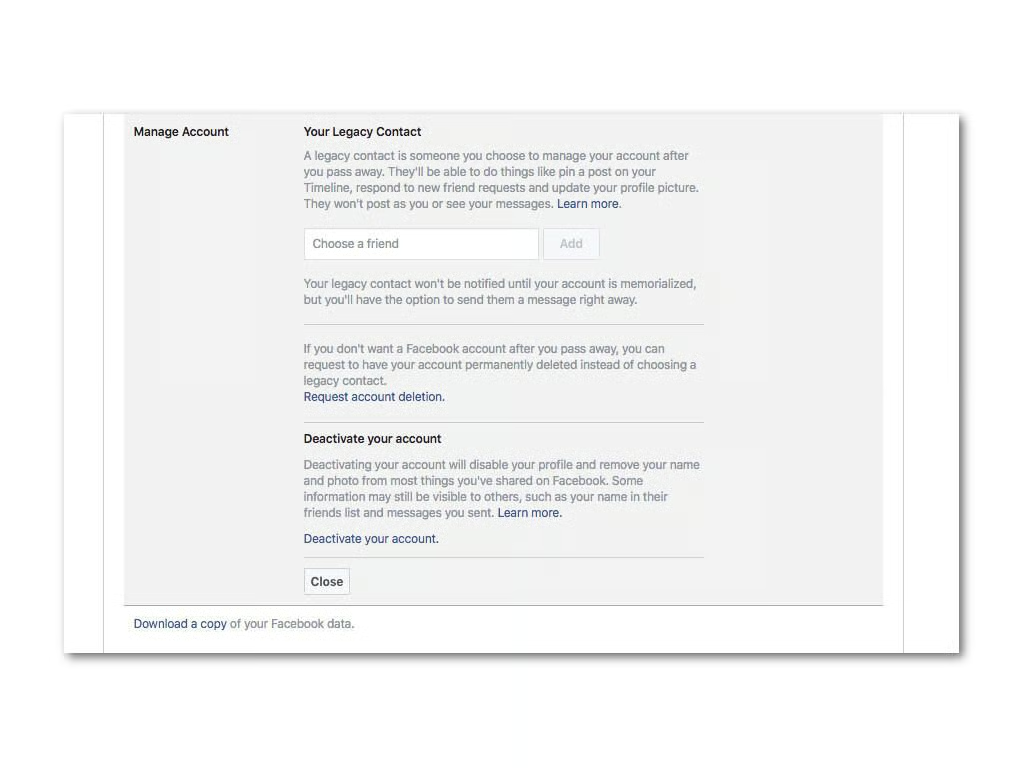
Getting rid of your Facebook account is a task in itself. If you want to close it follow these steps:
If you want to save photos and other info you’ve accumulated on Facebook over the years you can do that by clicking on Download A Copy Of Your Facebook Data” at the bottom of the page.
You can find out how to eliminate other social media accounts with this infographic.
If you don’t unsubscribe from mailing lists you’re leaving a bit of personal data out there, so it’s a good idea to get rid of them. Even if you don’t want to leave the internet it’s still a good idea to get rid of old mailing list subscriptions once in awhile–they take up a lot of inbox space!
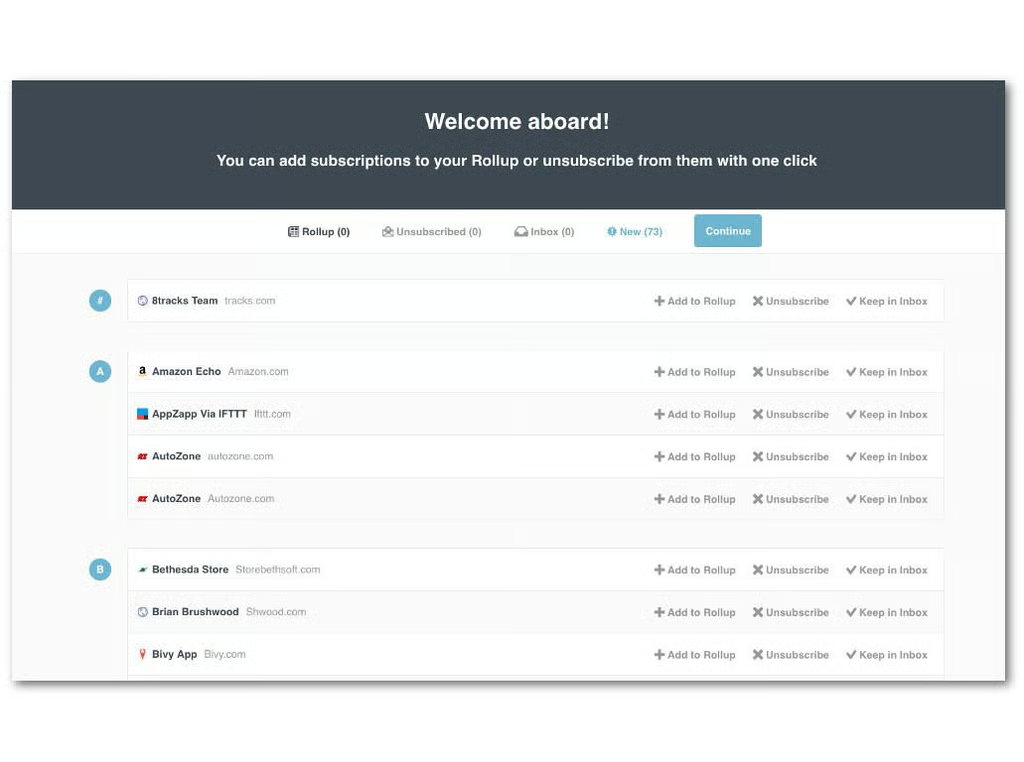
I recommend using Unroll.me. When you sign up with your email account Unroll.me will scan your inbox to find all the mailing lists you’re subscribed to. Go down the list and click Unroll on the ones you want to get rid of.
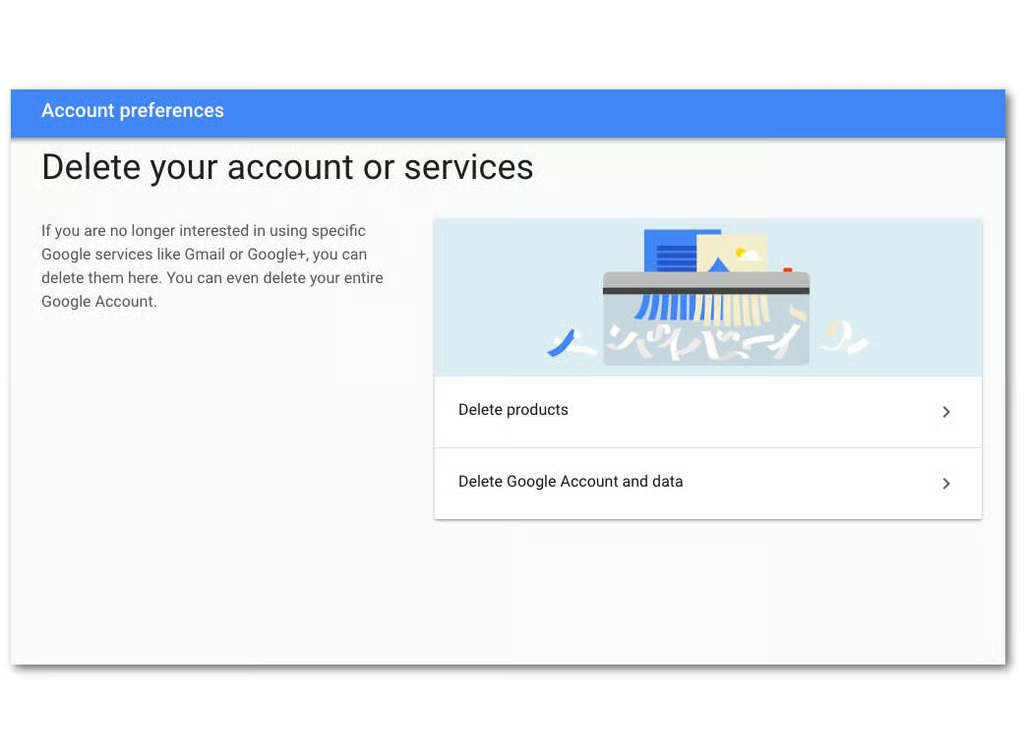
The last bit of internet footprint you’ll likely have is your email account, and now it’s time to kill that. You can find steps to delete several different kinds of email accounts here.
Now sit back and enjoy your internet-free life.