HP Compaq Tablet PC TC1100/TR1105 - TechRepublic

HP Compaq Tablet PC TC1100/TR1105

  • HP Compaq Tablet PC TC1100/TR1105 (1 of 35)

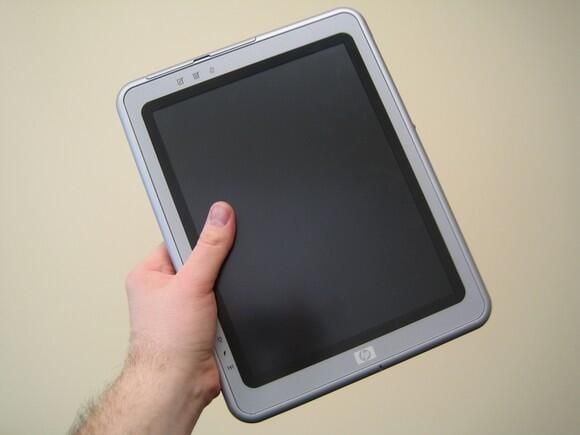
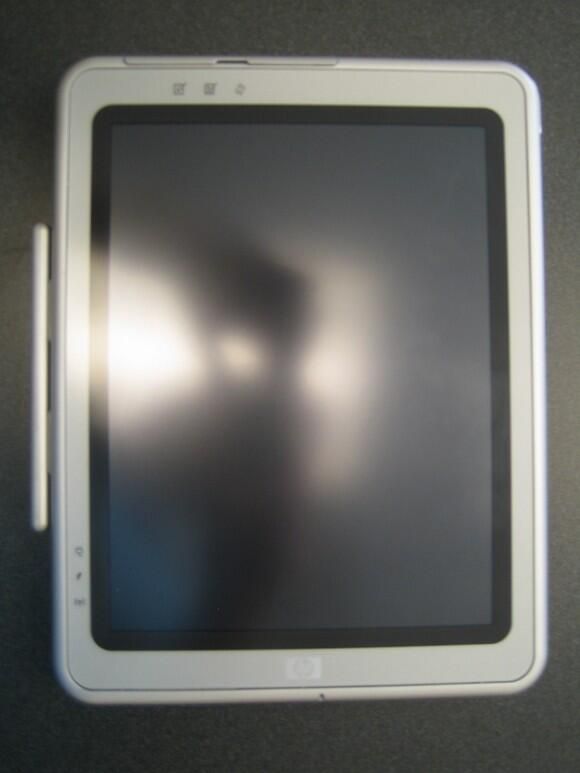
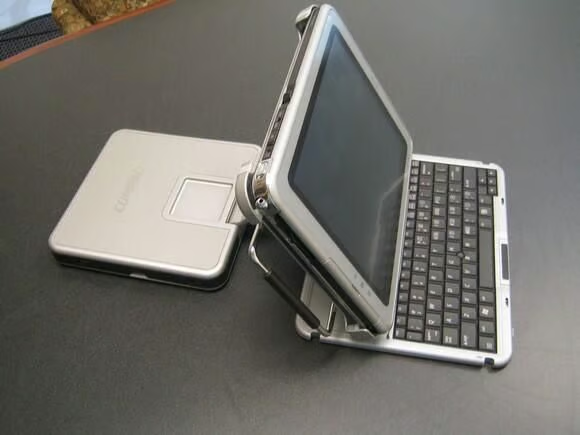
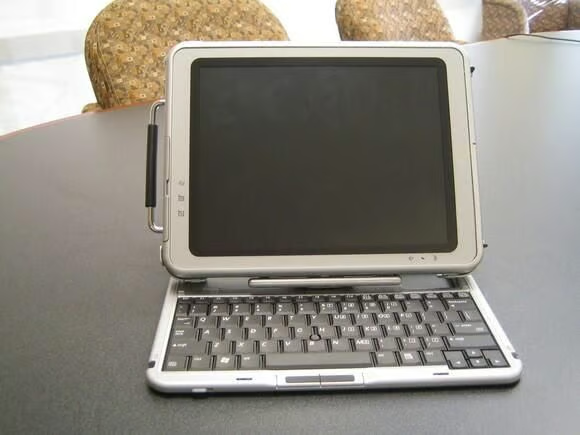
    HP Compaq’s TC1100/TR1105 is a light-weight tablet PC that offers portability and performance. Yet after using the unit for several months, I believe only those who need a slate-style tablet will be truly happy with this unit. You can see all my comments about the TC1100/TR1105 in my blog.

    © CNET Networks - Submitted by Bill Detwiler
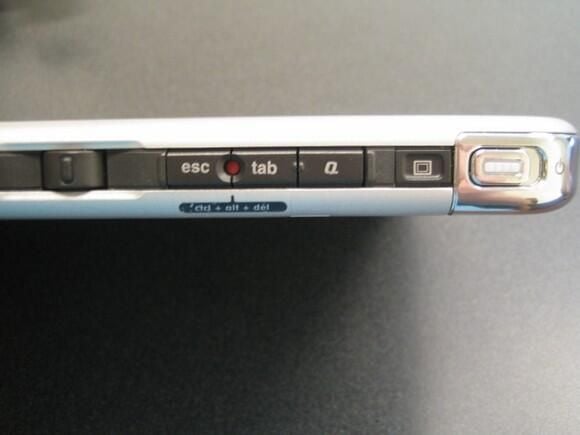
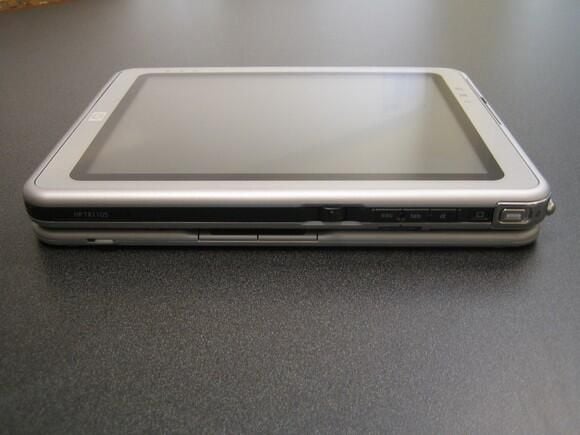
  • Moving from left to right: The Jog Dial which allows you to scroll and click; ESC button; Windows Security Button (CTRL+ALT+DEL); Tab button; Display Toggle (F4) Button; Power Switch and Power Light.

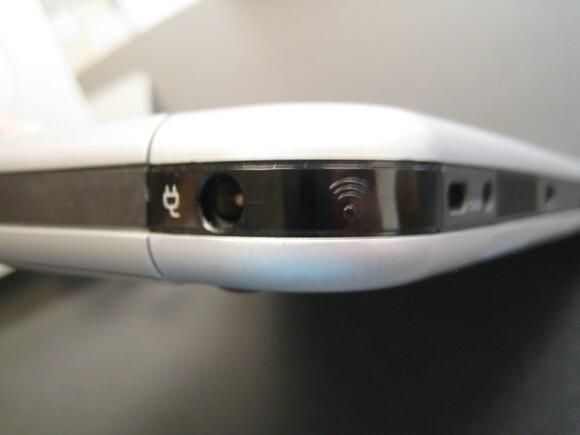
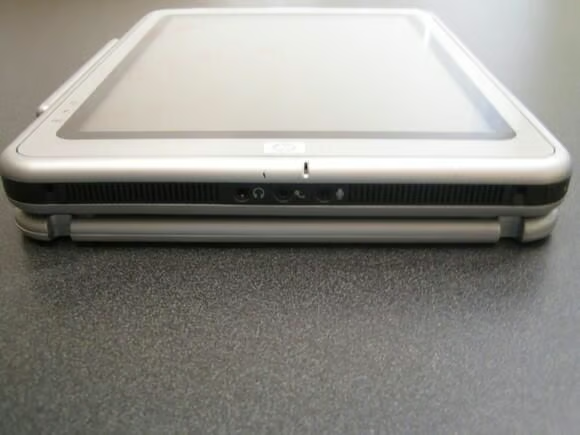
  • AC Power Connector and Integrated IR

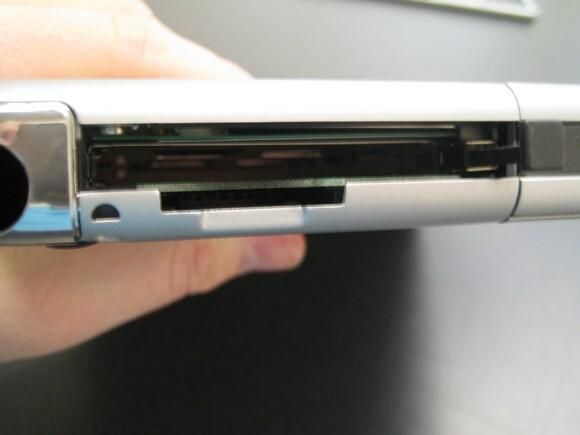
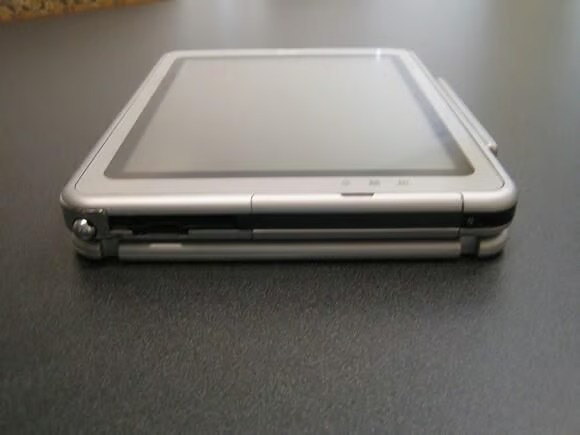
  • PC Card Slot and Secure Digital (SD) Slot

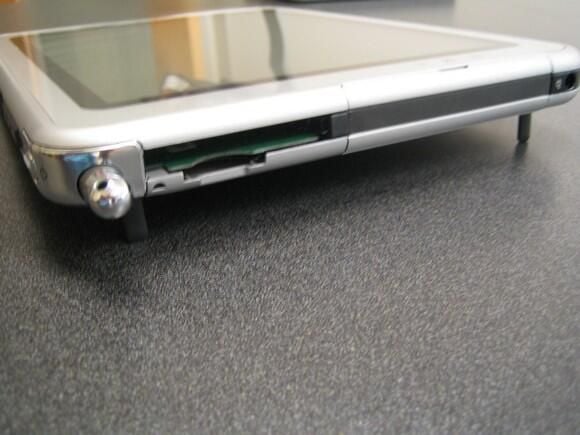
  • The TC1100/TR1105 has small, flip-up stands that position the unit at an angle.

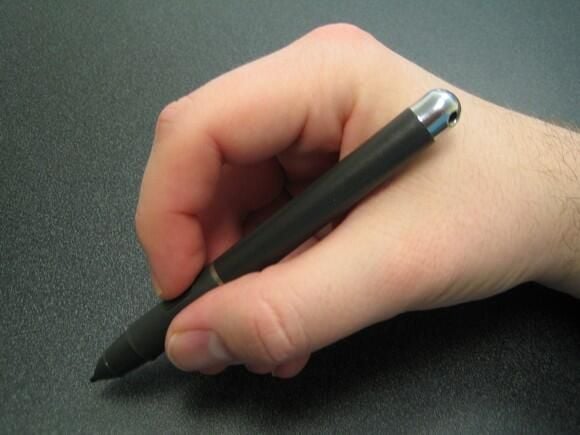
  • The battery-free stylus is comfortable and easy to use.

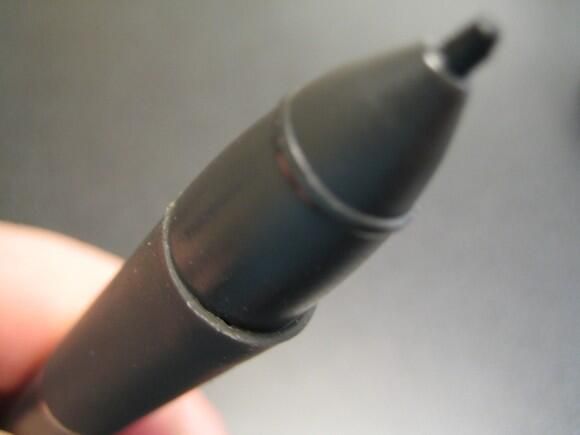
  • The stylus has a rubber grip that makes the device easier to grasp, but tends to stretch with repeated use.

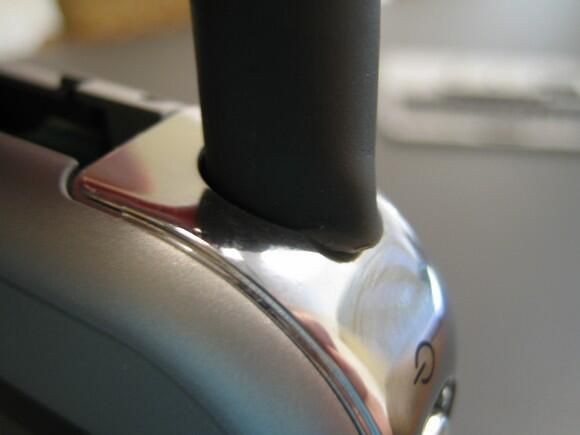
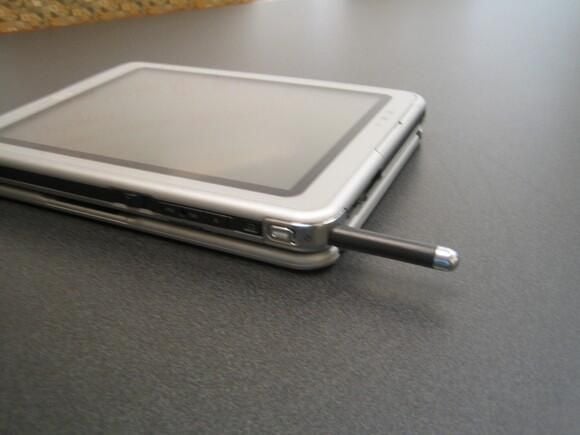
  • The stylus can be stored within the TC1100/TR1105. Unfortunately as the stylus’ rubber grip stretches, it becomes difficult to insert.

  • I found the detachable keyboard cramped and an inconvenience. Removing the keyboard saves a little weight when using the TC1100/TR1105 in slate-only mode, but I don’t believe the savings are worth the annoyance of constantly removing and reattaching the keyboard.

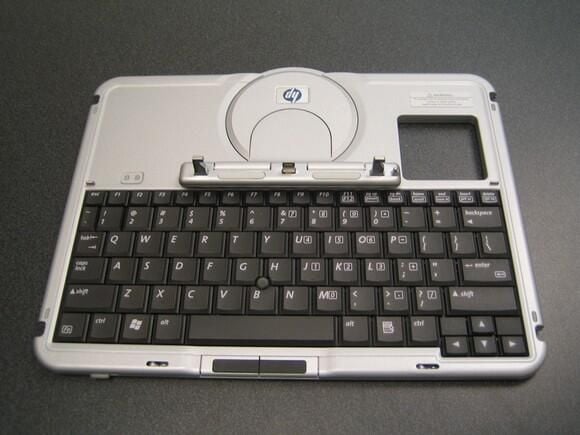
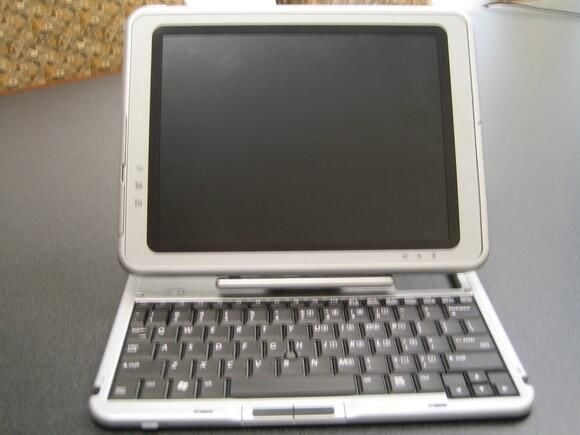
  • TC1100/TR1105 from the top, with keyboard attached

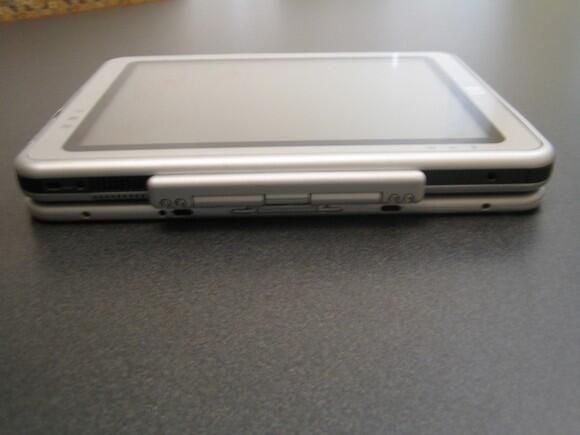
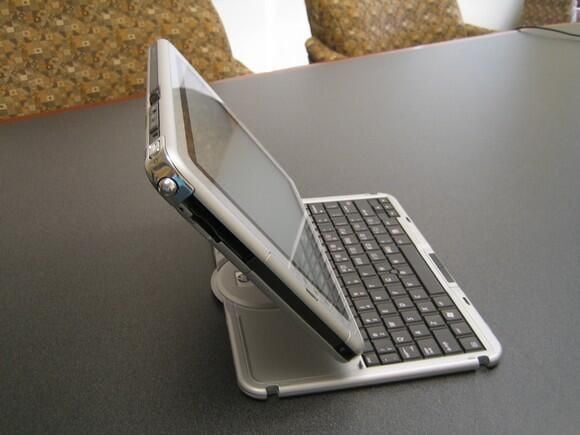
  • The keyboard noticeably increases the TC1100/TR1105’s thickness.

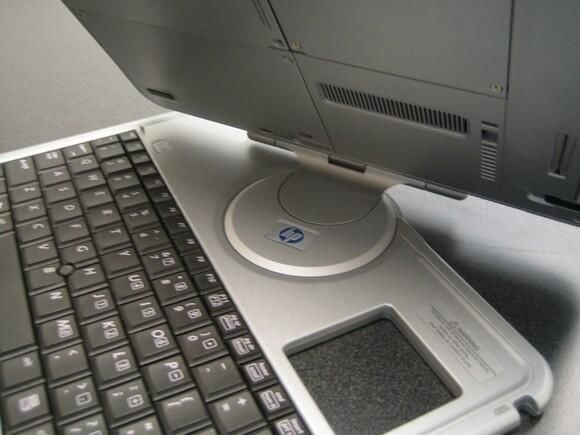
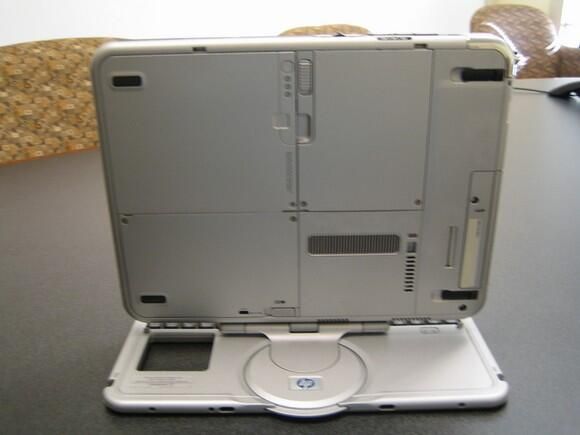
  • The TR1100/TR1105’s keyboard has a swivel and hinge that converts the unit from slate-mode to keyboard mode.

  • TR1100/TR1105 in keyboard mode

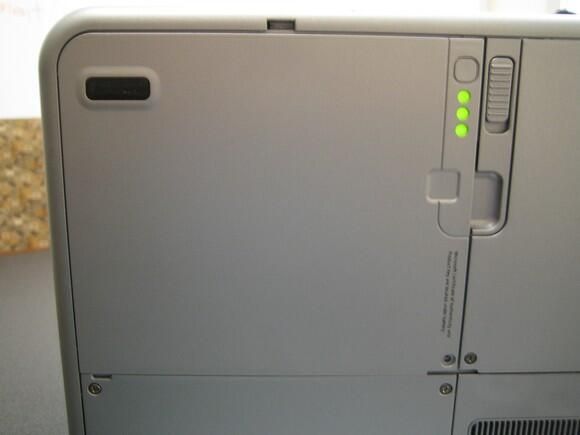
  • Indicator lights on the back show the battery’s charge level.

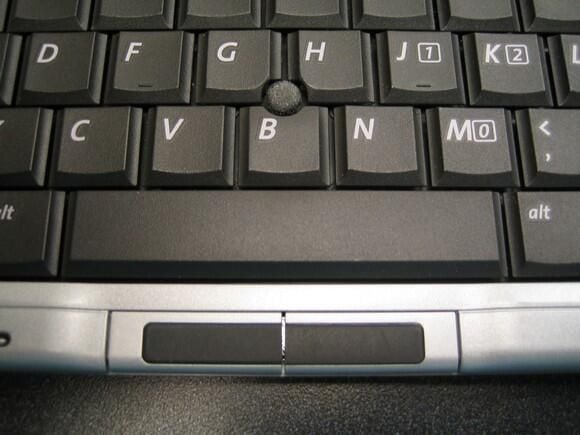
  • Keyboard’s point stick and mouse buttons

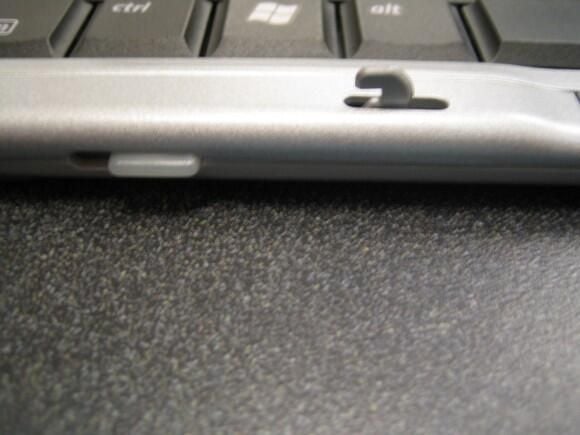
  • Latches hold the keyboard closed when in slate-only mode.

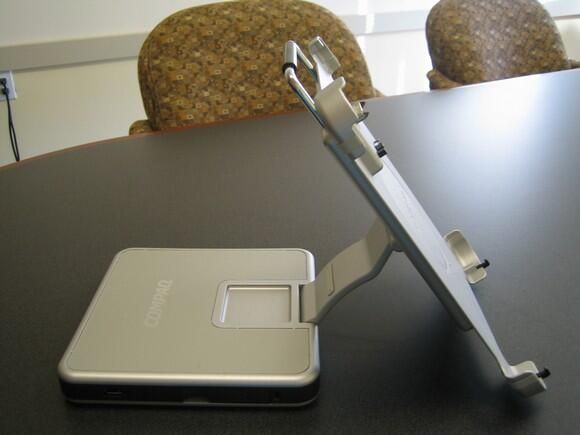
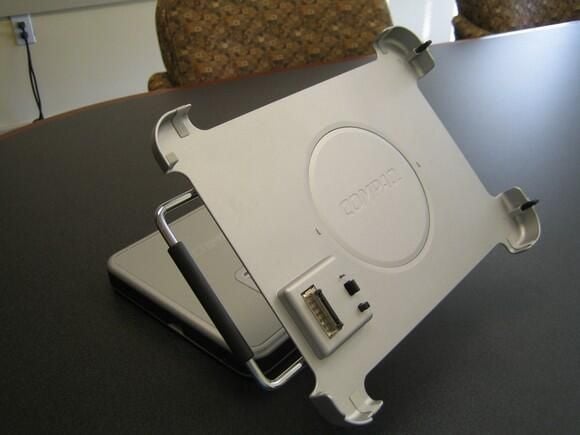
  • The optional table PC docking station

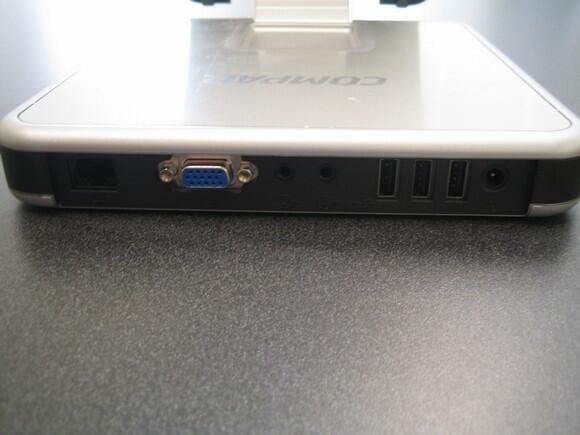
  • The back of the docking station contains an RJ-45 Ethernet jack, VGA port, speaker and microphone jacks, three USB ports, and a power jack. A PS2 port is conspicuously absent.

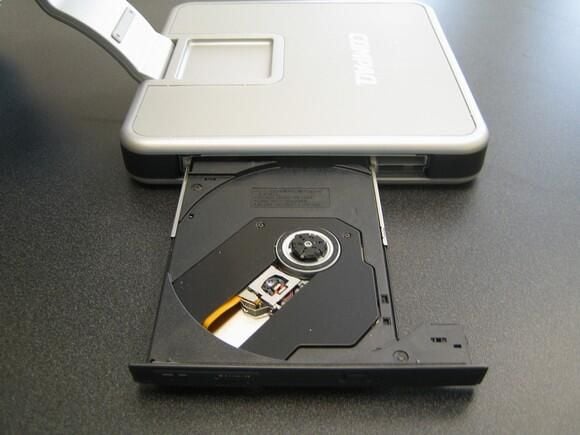
  • The DVD/CD RW drive

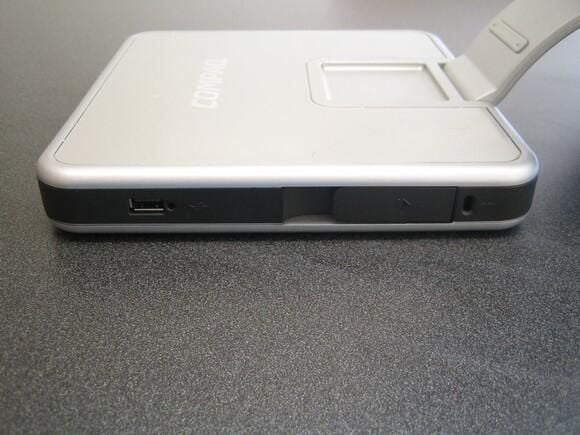
  • A fourth USB port and the security lock connection and release
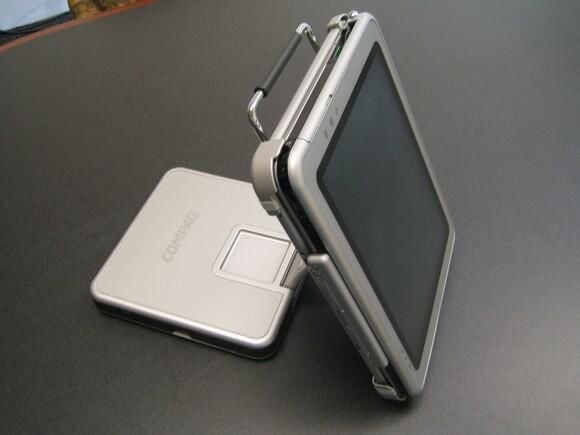
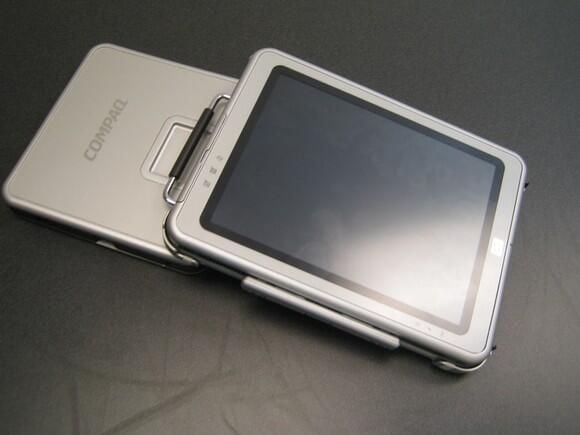
  • You can rotate the docking station to view the TC1100/T1105 in portrait or landscape mode.

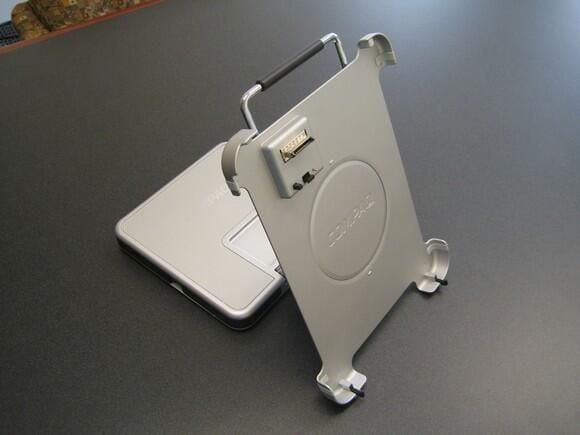
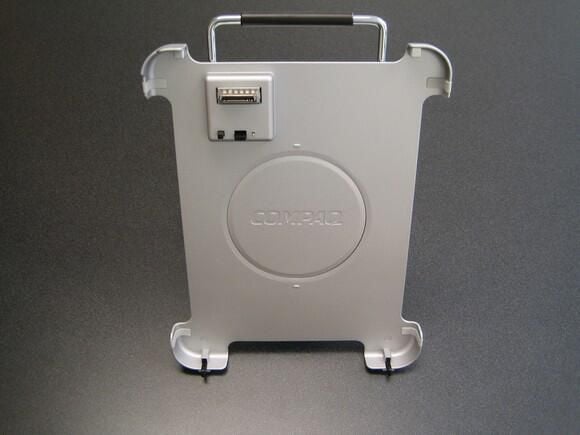
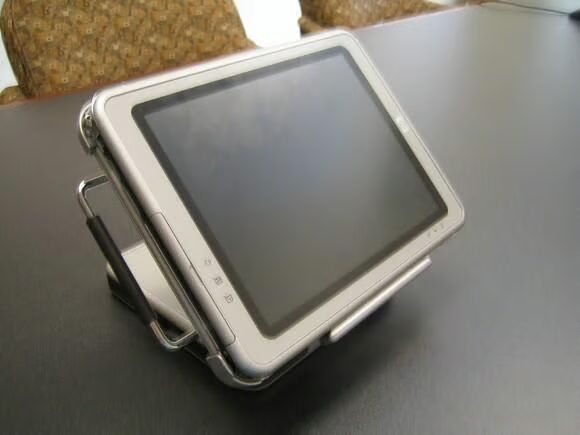
  • The TC1100/TR1105 attached to the docking station. Pulling the silver handle will release the unit from the docking station.

  • Landscape mode

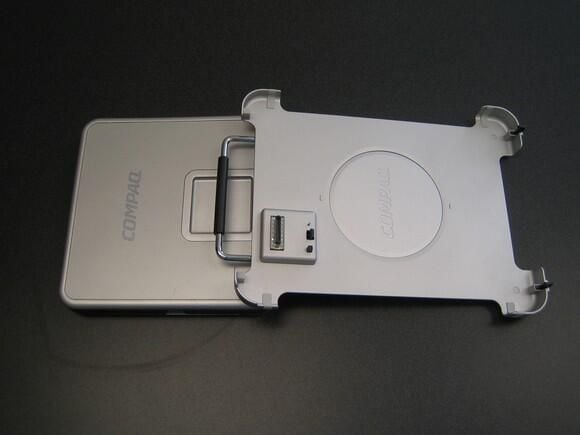
  • The docking station with the keyboard extended. Although I routinely used the TC11005/TR1105 in this configuration, the owner’s manual states that it is not supported. Instead, HP recommends that you use a separate keyboard and mouse attached to the docking station.

1 of 35
BD

Bill Detwiler is the Editor for Technical Content and Ecosystem at Celonis. He is the former Editor in Chief of TechRepublic and previous host of TechRepublic's Dynamic Developer podcast and Cracking Open, CNET and TechRepublic's popular online show. Previously, Bill was an IT manager in the social research and energy industries. He has bachelor's and master's degrees from the University of Louisville, where he has also lectured on computer crime and crime prevention.