Images: Windows Vista Beta 5270 Security Features - TechRepublic

Images: Windows Vista Beta 5270 Security Features

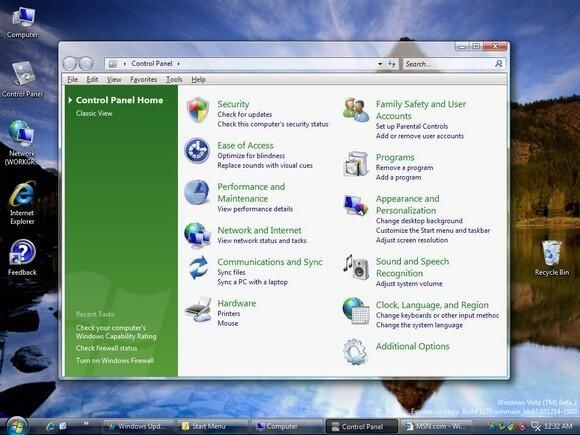
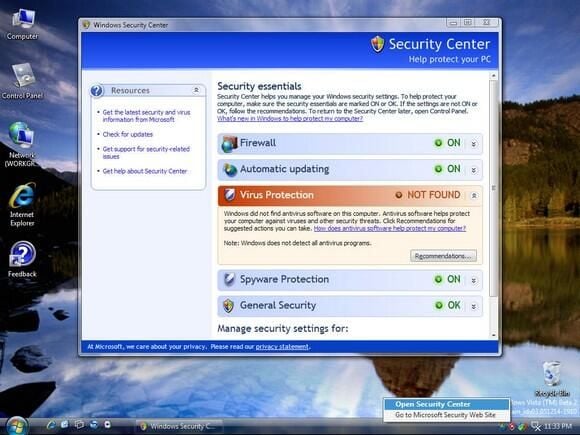
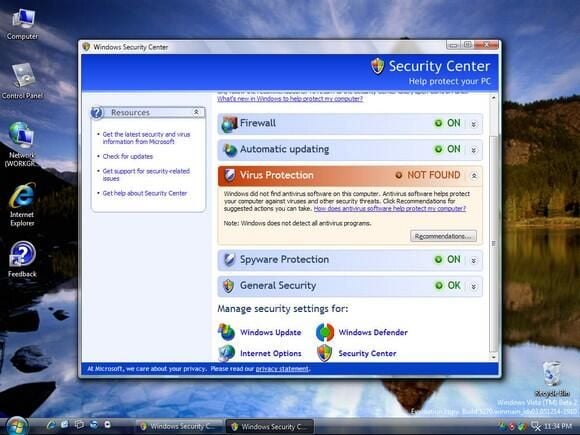
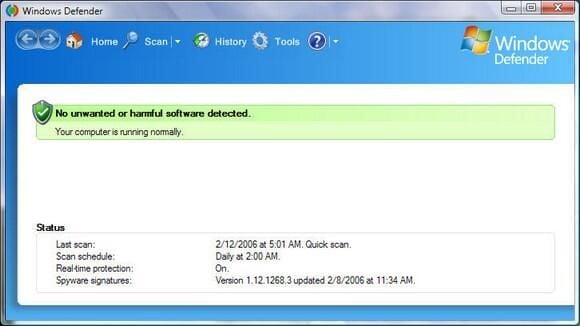
  • In his The Hot Button blog, TechRepublic columnist Steven Warren wrote about his experience installing, configuring, and using Windows Vista 5270 Beta. This gallery’s 14 screenshots showcase several of the new security features Vista will offer, including: Windows Defender, Microsoft’s Phishing Filter, Secure Startup and more.

  • Windows Vista Beta 5270: Security Center (1 of 2)

  • Windows Vista Beta 5270: Security Center (2 of 2)

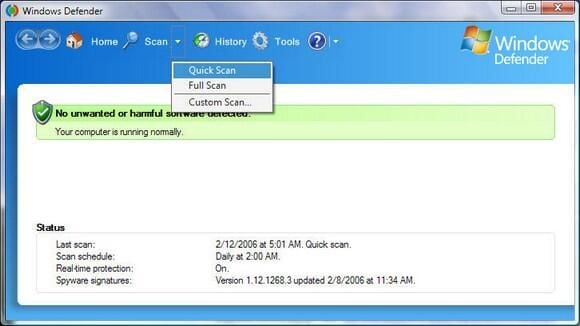
  • Windows Vista Beta 5270: Windows Defender (1 of 3)

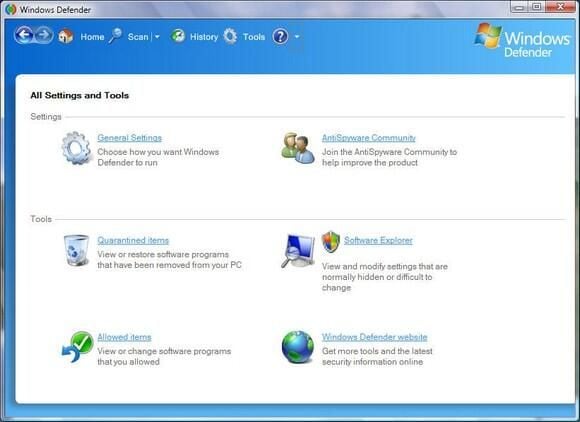
  • Windows Vista Beta 5270: Windows Defender (2 of 3)

  • Windows Vista Beta 5270: Windows Defender (3 of 3)

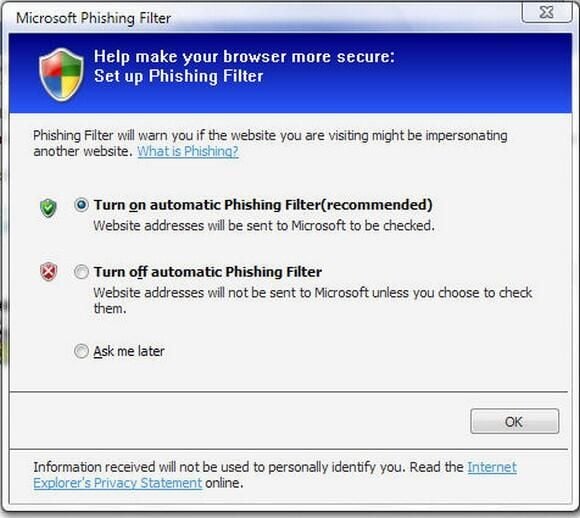
  • Windows Vista Beta 5270: Windows Phishing Filter

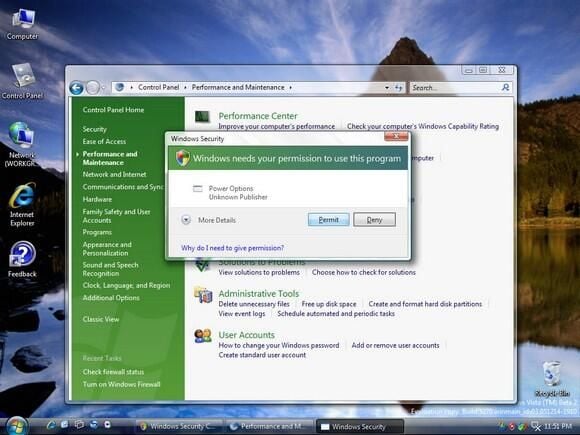
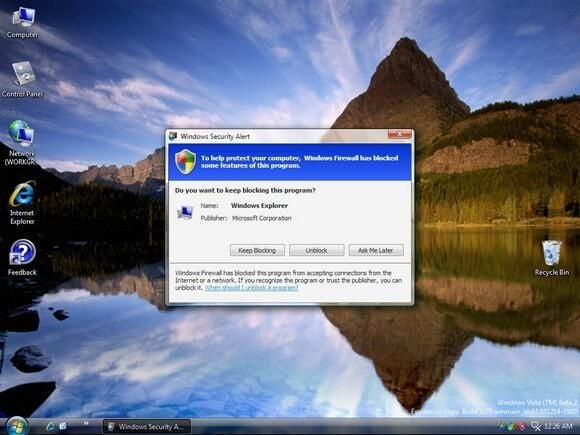
  • Windows Vista Beta 5270: Windows Security Alert

  • Windows Vista Beta 5270: Windows Firewall

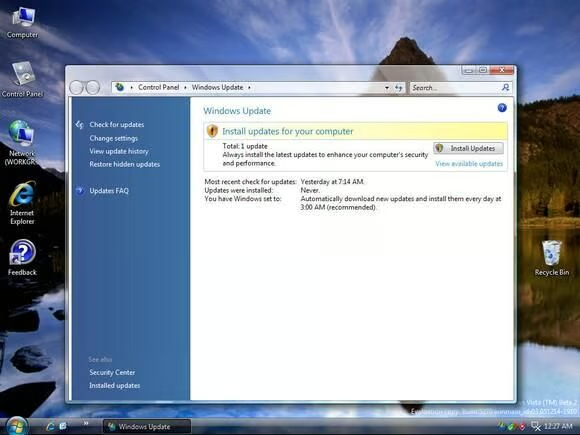
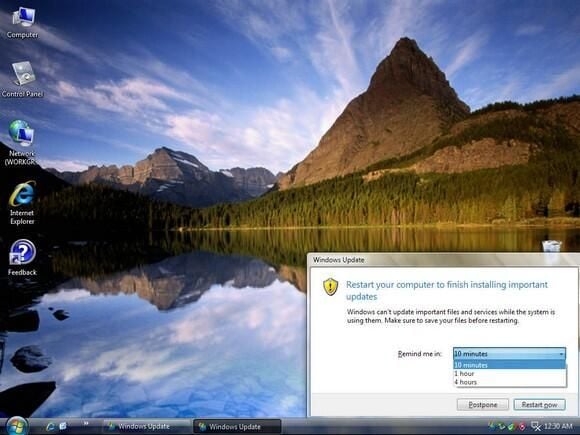
  • Windows Vista Beta 5270: Windows Update (1 of 4)

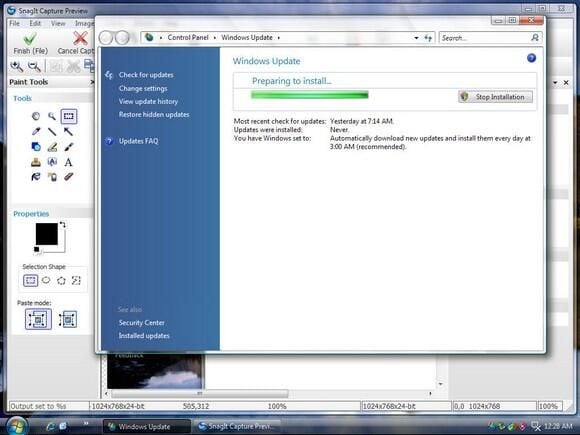
  • Windows Vista Beta 5270: Windows Update (2 of 4)

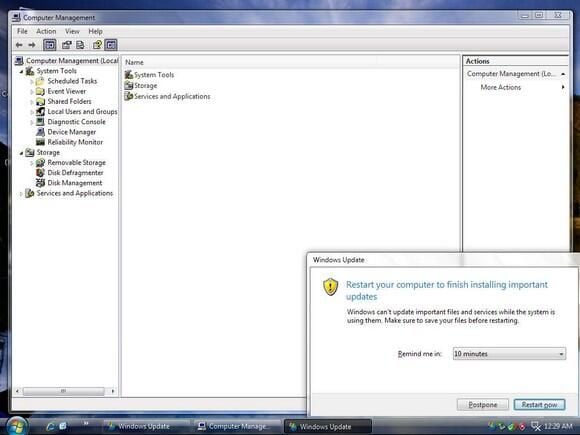
  • Windows Vista Beta 5270: Windows Update (3 of 4)

  • Windows Vista Beta 5270: Windows Update (4 of 4)

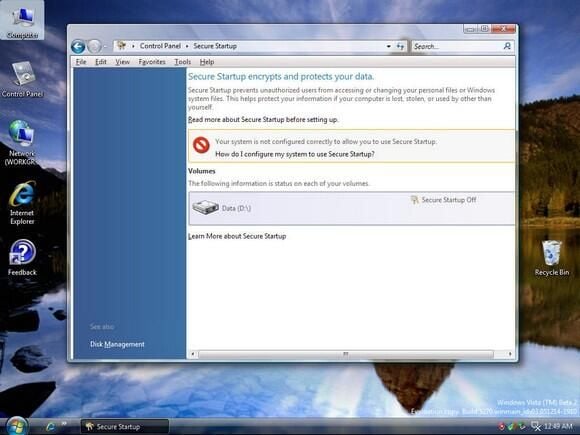
  • Windows Vista Beta 5270: Secure Startup

1 of 14
BD

Bill Detwiler is the Editor for Technical Content and Ecosystem at Celonis. He is the former Editor in Chief of TechRepublic and previous host of TechRepublic's Dynamic Developer podcast and Cracking Open, CNET and TechRepublic's popular online show. Previously, Bill was an IT manager in the social research and energy industries. He has bachelor's and master's degrees from the University of Louisville, where he has also lectured on computer crime and crime prevention.