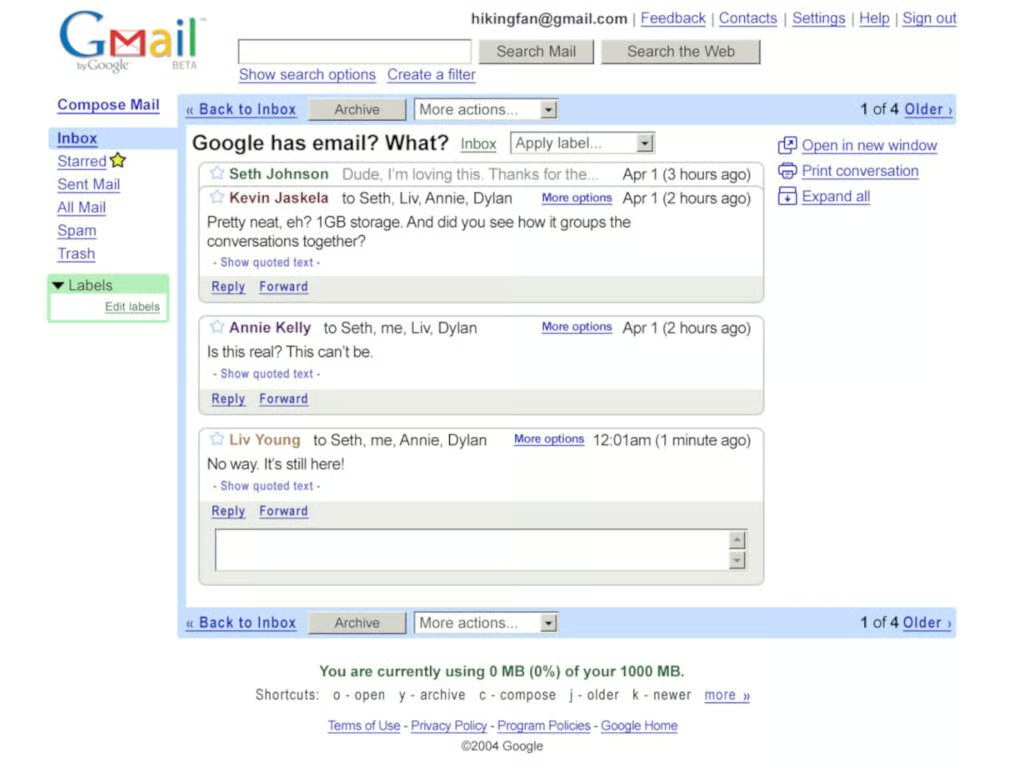
With its launch on April 1, 2004, many people thought Gmail was an elaborate April Fool’s prank. It was anything but that, and the past 15 years have proven how serious Google is about email.
At launch, Gmail offered 1 GB of storage, which was unheard of at the time. It also had sophisticated search features and introduced threaded email conversations, a feature that is now nearly universal in email clients.
Early Gmail users had to get an invite from an existing user. I was lucky enough to get mine early in the public beta, and I am still using the same address!
The past 15 years have been innovative ones for Gmail, and Google shows no signs of stopping.
SEE: More must-see photo galleries (TechRepublic on Flipboard)
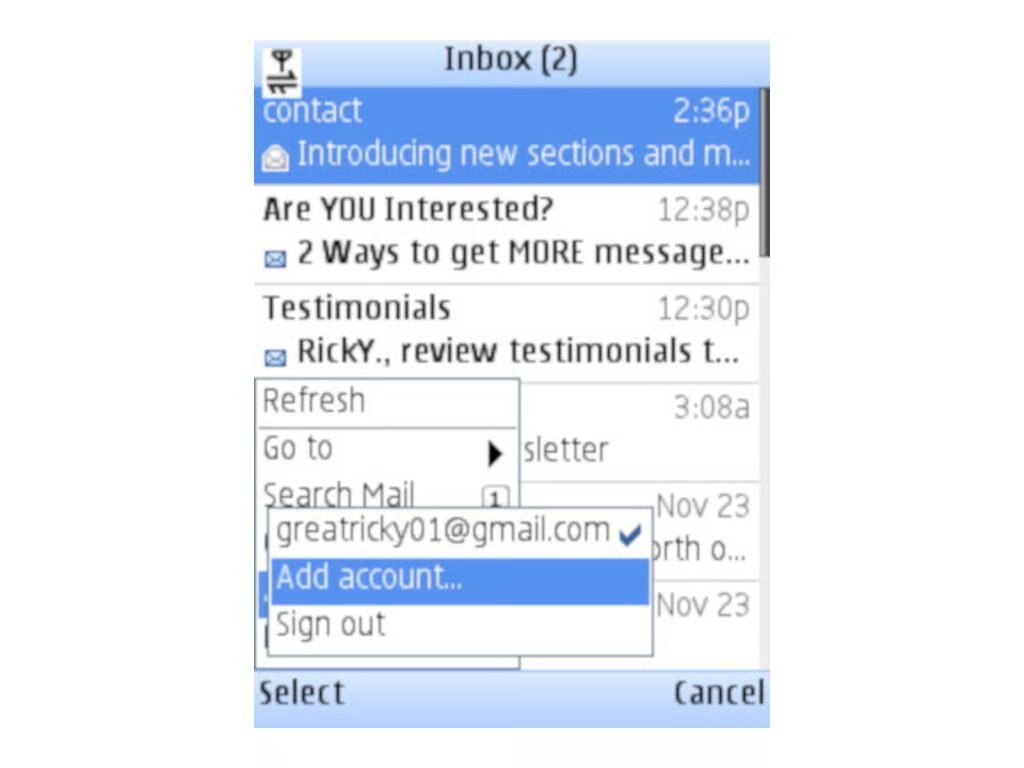
In the era before smartphones were ubiquitous, there was no reliable way to get email on the go. Google decided to try solving that problem in 2006 with the release of a Java-based Gmail app for devices that supported .JAR apps.
SEE: More must-see photo galleries (TechRepublic on Flipboard)
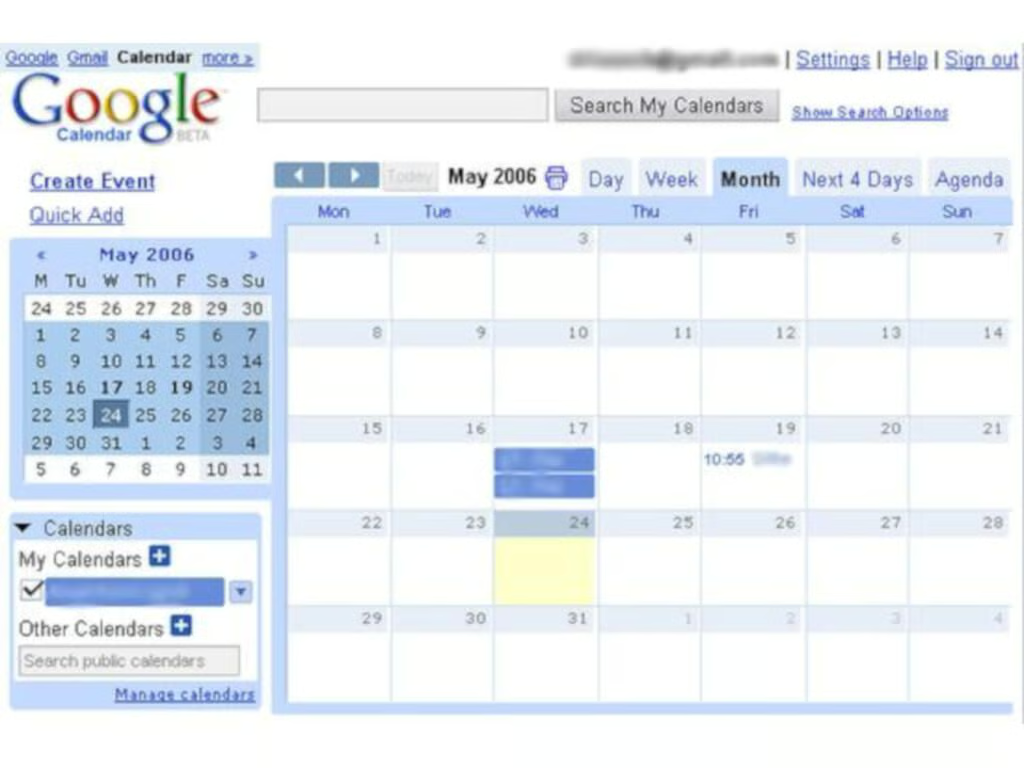
Email without an integrated calendar is unthinkable in 2019, but in 2006 it was still novel for those who didn’t use Microsoft Outlook.
Google announced Google Calendar in April 2006, and it has been closely integrated with Gmail ever since.
SEE: More must-see photo galleries (TechRepublic on Flipboard)
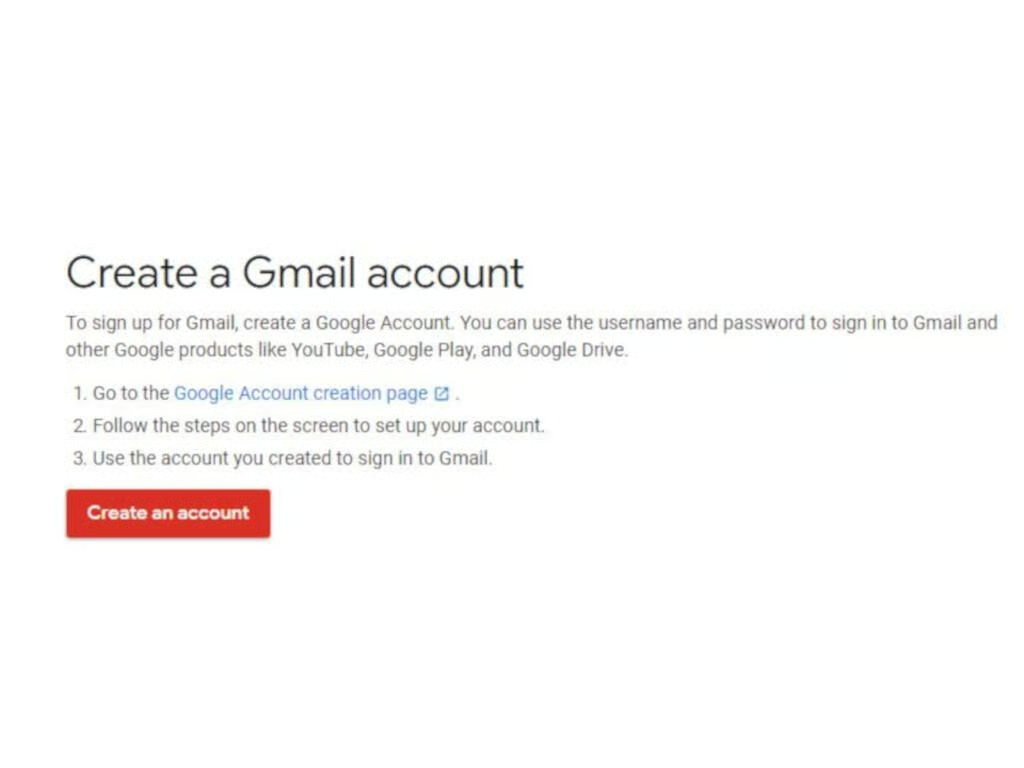
Google had a big Valentine’s Day treat for eager Gmail users in 2007: It ended the invite program and opened up Gmail signups to anyone who wanted an account.
SEE: More must-see photo galleries (TechRepublic on Flipboard)
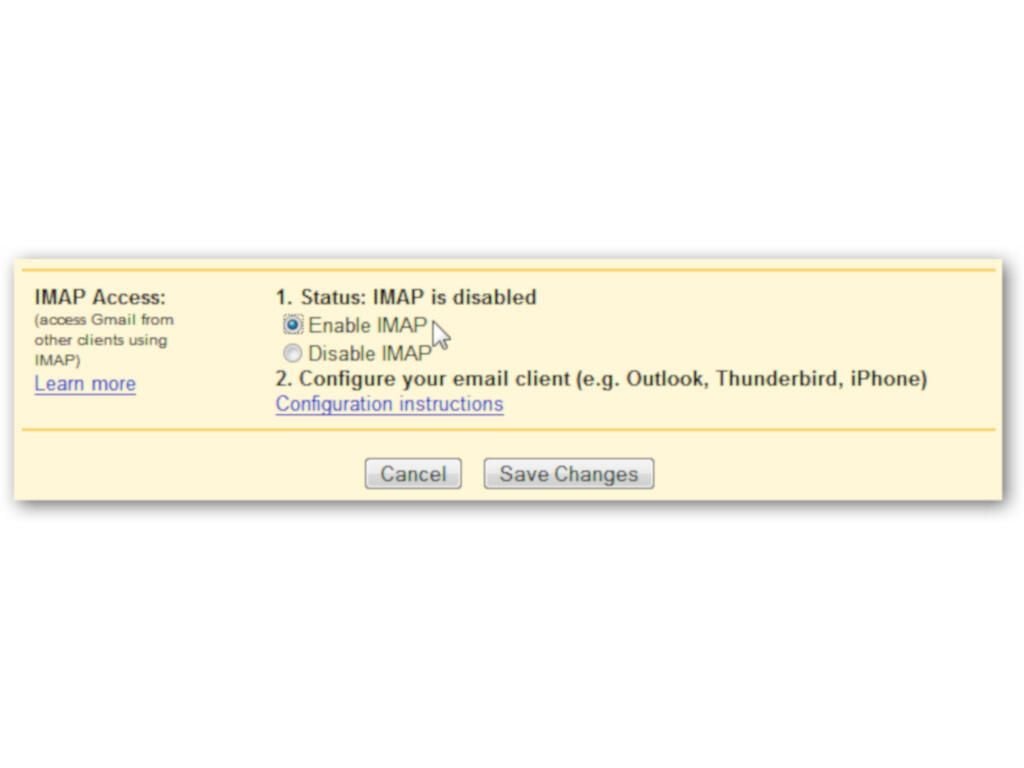
IMAP, which allows email users to add their accounts to third-party email apps like Outlook, Windows Mail, and Thunderbird, used to be a premium service. Those third-party apps, which many people prefer to web clients, were out of reach until Gmail and other email providers (Gmail wasn’t the first, but it was an early adopter) made IMAP free for everyone.
SEE: More must-see photo galleries (TechRepublic on Flipboard)
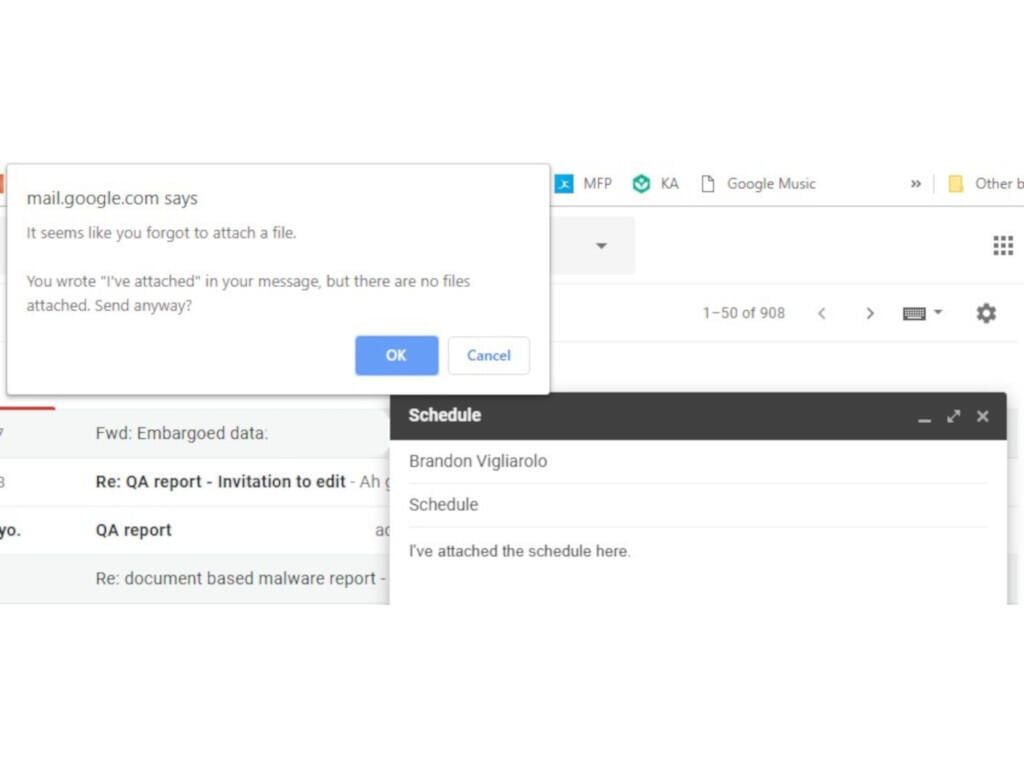
If you sent an Gmail message before 2008, you’ve probably been there: A message was sent without the attachment it was supposed to include.
It can still happen today on less robust email services, but Gmail users have been avoiding an embarrassing second sent message since September 15, 2008.
SEE: More must-see photo galleries (TechRepublic on Flipboard)
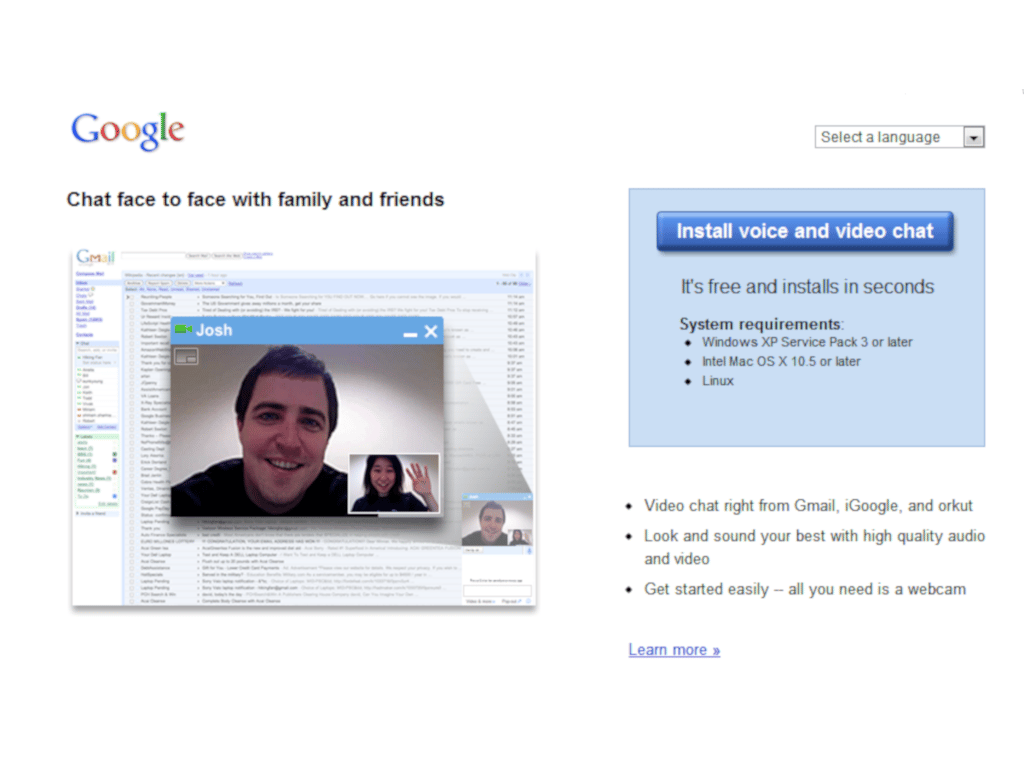
In what could be seen as one of the first signs of the coming remote work revolution, Google added video and voice chat to Gmail in 2009.
SEE: More must-see photo galleries (TechRepublic on Flipboard)
It took over five years, but Gmail finally left beta in July 2009. Not much changed for Gmail users on that momentous day except that “beta” no longer appeared in the Gmail logo.
SEE: More must-see photo galleries (TechRepublic on Flipboard)
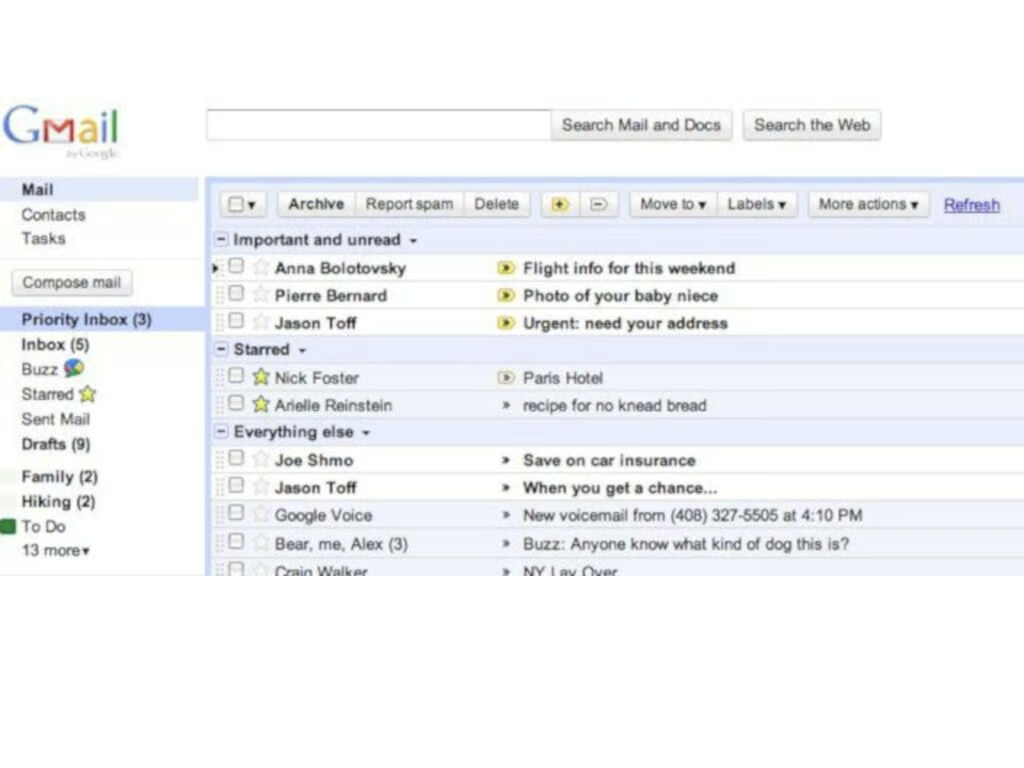
Priority inbox may have been the biggest evolution in Gmail since its introduction in 2004. When turned on, priority inbox separates messages into three categories: Important and unread, starred, and everything else. By separating the three categories, important emails were easier than ever to see and respond to.
SEE: More must-see photo galleries (TechRepublic on Flipboard)
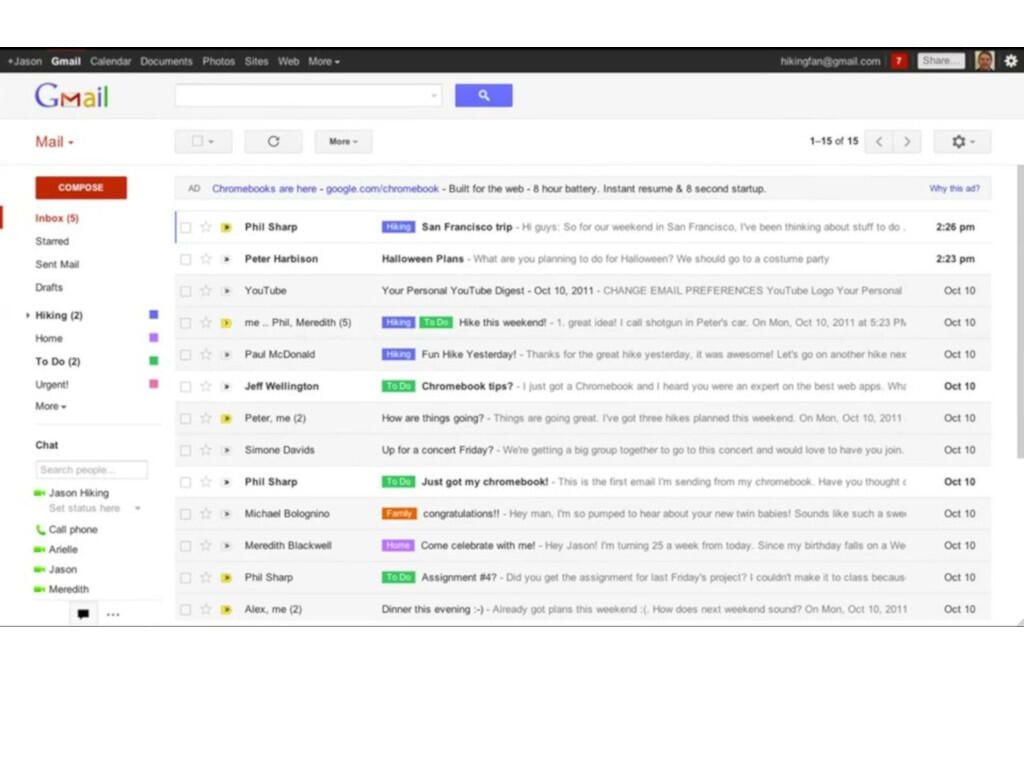
Google got a new look in 2011, which included quite a few functionality updates. The redesign included resizable elements, a different look for email threads, new search functionality, and more.
It was the biggest visual update to Gmail since its 2004 launch, and perhaps the largest change in basic functionality as well.
SEE: More must-see photo galleries (TechRepublic on Flipboard)
Gmail finally overtook Hotmail as the most popular email platform in 2012, and it hasn’t really had any considerable competition since then.
Whether you like Gmail or hate it, it’s hard to not admit that it’s a well-designed, easy-to-use email service.
SEE: More must-see photo galleries (TechRepublic on Flipboard)
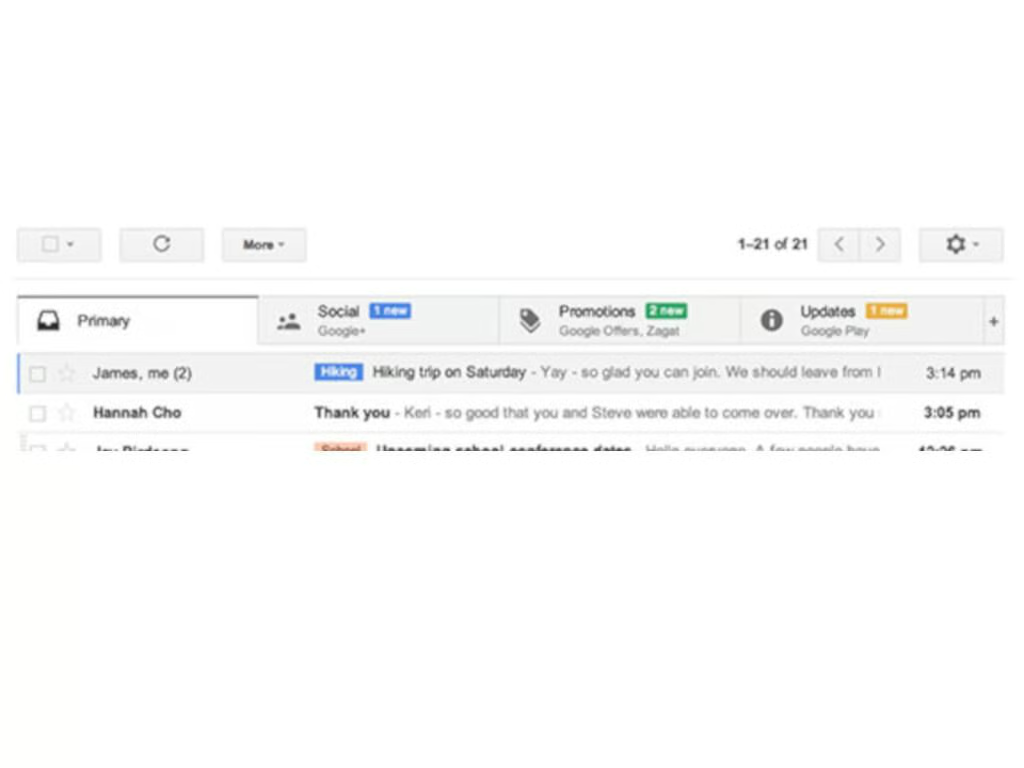
The inbox got another big change in 2013 with the introduction of tabs. By default, the new Gmail tabs were (and are) primary, social, and promotions. It’s yet another way that Google streamlined the inbox experience by putting the most important messages front and center.
SEE: More must-see photo galleries (TechRepublic on Flipboard)
It’s hard to find a list of any new revolutionary Gmail features that were added between the introduction of inbox tabs and 2018’s redesign, and the reason may very well be that Google was saving up everything for its massive new Gmail launched last year.
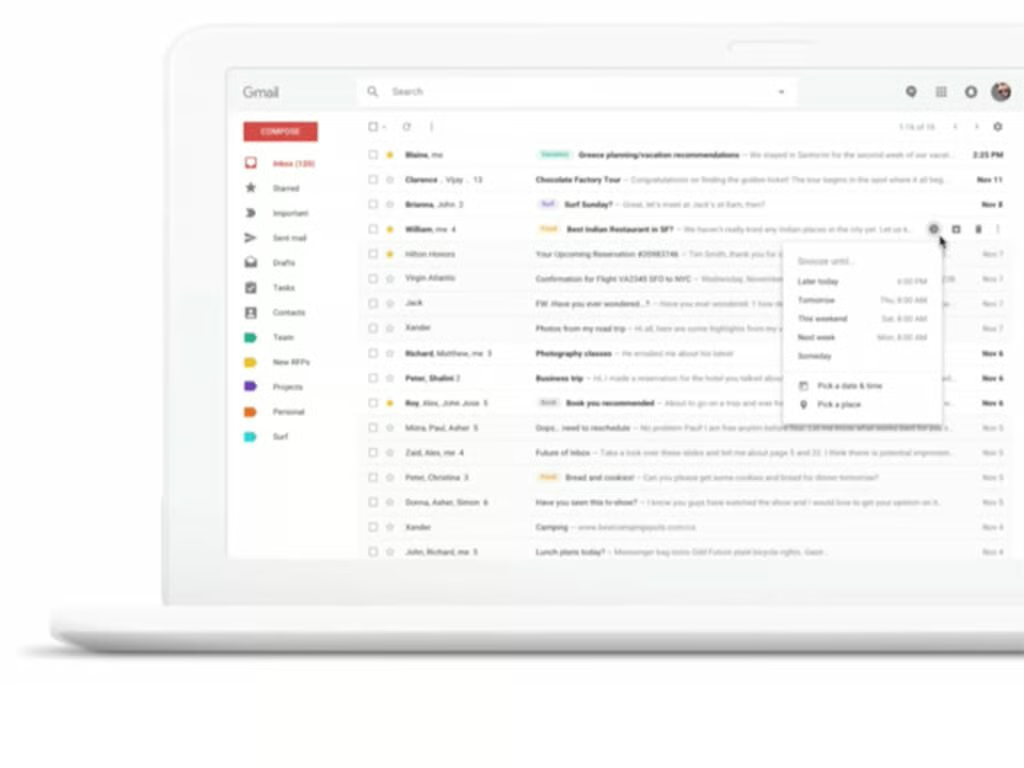
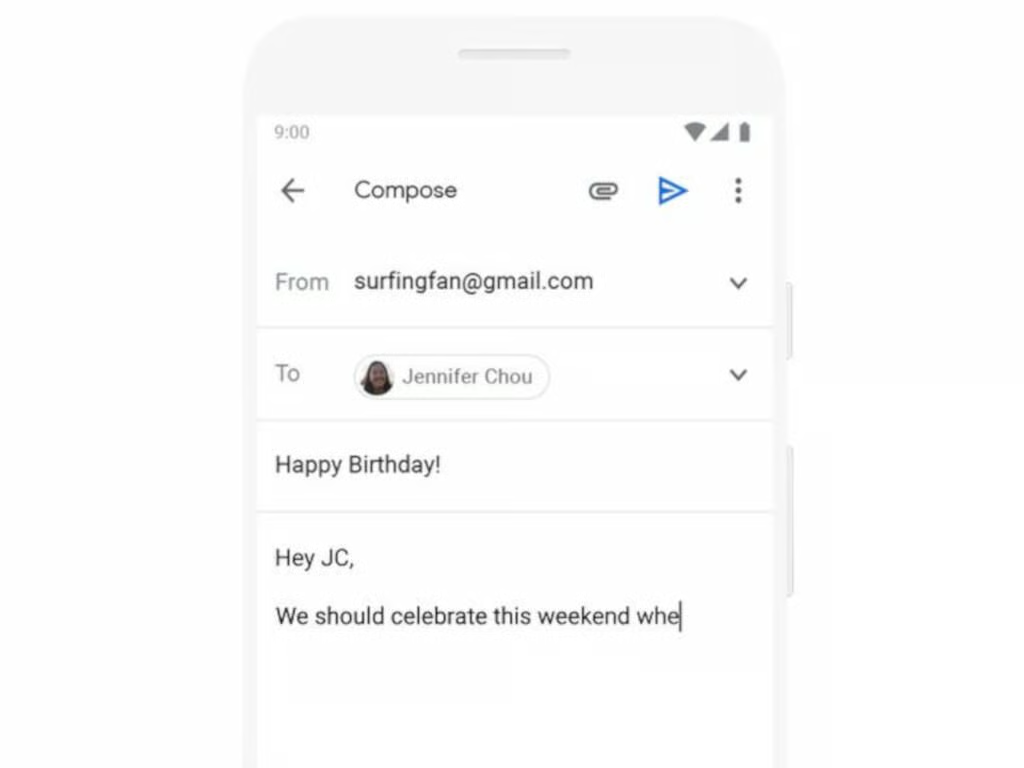
Some of the biggest changes to Gmail have also been the most recent: Its new design, snoozing notifications, smart replies, smart compose, nudges, assistive unsubscribe, and more all came in April 2018.
SEE: More must-see photo galleries (TechRepublic on Flipboard)
\tThere has been a lot of Gmail evolution over the years, and Google has no intent of stopping now. New features in the works include:
\t
\t
\t