Screenshots: Create your own Wi-Fi hotspot with the help of these five free tools - TechRepublic

Screenshots: Create your own Wi-Fi hotspot with the help of these five free tools

  • 00istock000076955863small.jpg

    Introduction

    Whether you want to\r\nshare a wired connection with your friends or just link multiple devices to a\r\nsingle Ethernet connection, having your own portable Wi-Fi hotspot can come in\r\nhandy. Here are five free applications that can turn your own PC into a Wi-Fi\r\nhotspot to share its internet connection.

    Note: This gallery is also available as an article.

    Arman Zhenikeyev
  • Free WiFi Hotspot

    Free WiFi Hotspot

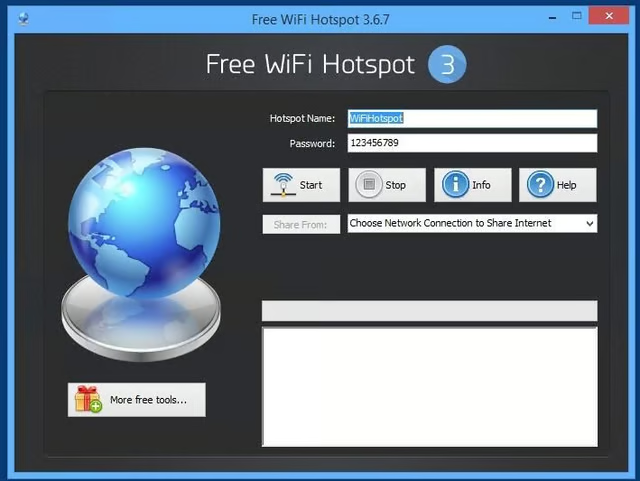
    Free WiFi Hotspot is a basic\r\ntool for sharing your Wi-Fi hotspot. Its only real configuration\r\noptions are the hotspot name (the SSID) and password.

  • Free WiFi Hotspot

    Free WiFi Hotspot

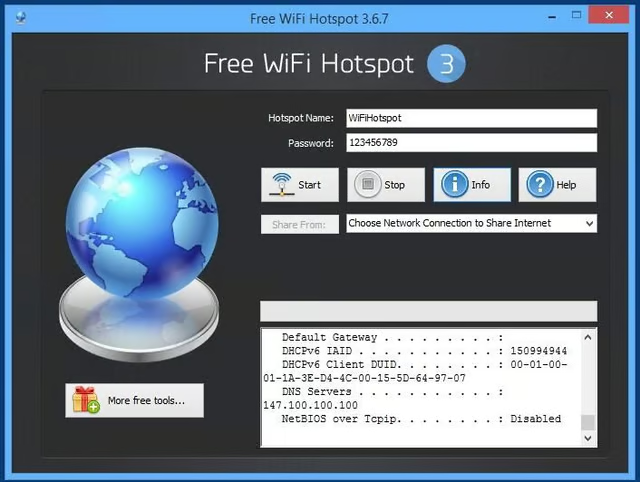
    After entering this information, you simply select\r\nyour network connection and click Start to begin sharing. When you’re finished,\r\nyou can terminate the connection by clicking the Stop button.

  • Virtual WiFi Router

    Virtual WiFi Router

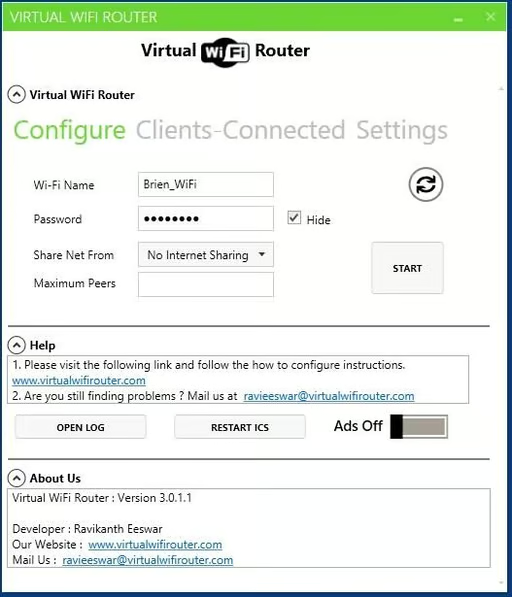
    Virtual WiFi Router also offers an option to see which devices are\r\nconnected.

  • Winhotspot WiFi Router

    Winhotspot WiFi Router

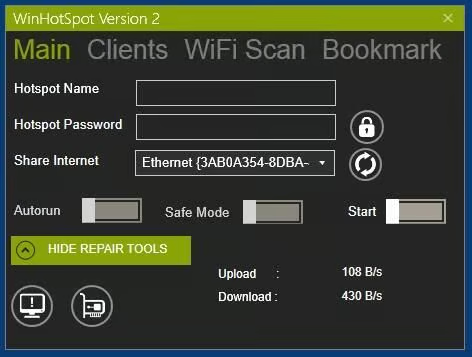
    You can also monitor upload and download bandwidth\r\nand see which clients are connected to your network. There is also an auto run\r\noption and a safe mode option.

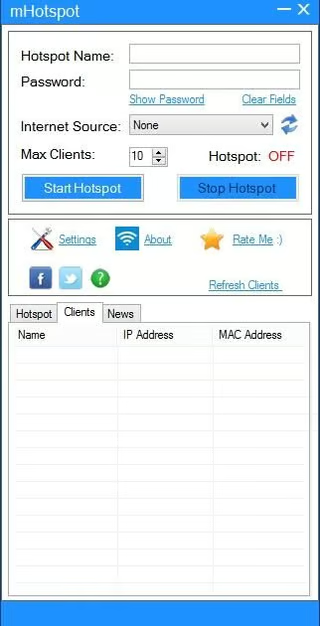
  • mHotspot

    mHotspot

    This tool lets you specify your hotspot’s SSID, password,\r\ninternet source, and maximum number of clients, and it provides detailed\r\ninformation about bandwidth usage and device connectivity.

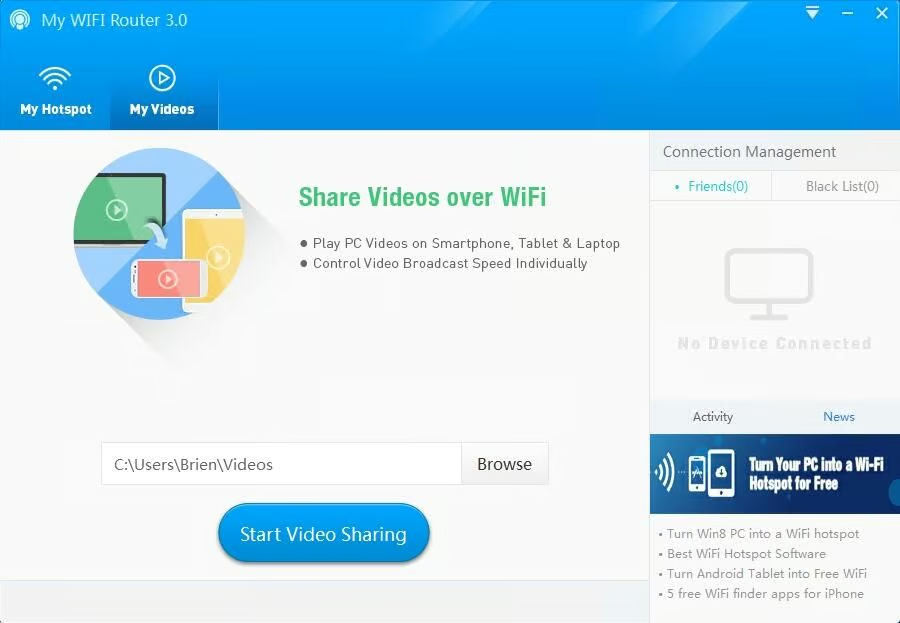
  • My WiFi Router

    My WiFi Router

    My WiFi Router takes\r\nthings to the next level. In addition to letting you share an internet\r\nconnection with your friends, it has built-in video sharing capabilities.

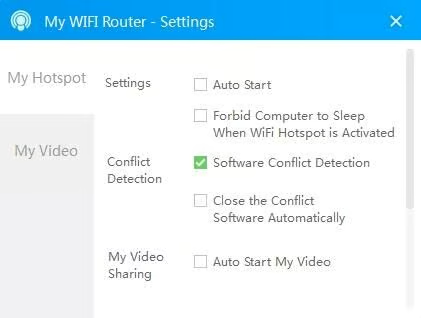
  • My WiFi Router

    My WiFi Router

    My WiFi Router also\r\nhas some nice extras, such as automatic conflict detection and the ability to\r\nprevent your PC from going to sleep when the Wi-Fi hotspot is activated. There\r\nis even a power-off timer you can use if you want to provide limited internet\r\nconnectivity.

1 of 8
Brien Posey

* 1988 - Started teaching myself about computers \ * 1992 - Mainframe programmer for an insurance company \ * 1993 - Network Administrator for a different insurance company \ * 1996 - Author for The Cobb Group \ * 1998 - Network Administrator for Fort Knox \ * 1999 - CIO for chain of hospitals \ * 2000 - Gave up the corporate rat race to work out of my home. I have been a full time technical author ever since. Visit my Web sites at http://www.brienposey.com and http://www.relevanttechnologies.com \