Screenshots: Five apps that make it easy to work with text files - TechRepublic

Screenshots: Five apps that make it easy to work with text files

  • Intro

    Introduction

    Although text files are undoubtedly useful, they are\r\nsomewhat limited when it comes to function. Thankfully, a number of utilities\r\ncan convert, edit, or manipulate them. This article lists five such tools.

    Note: This gallery is also available as an article.

    Gallery Image: iStockphoto.com/BillRicePhoto
  • TTSReader

    TTSReader

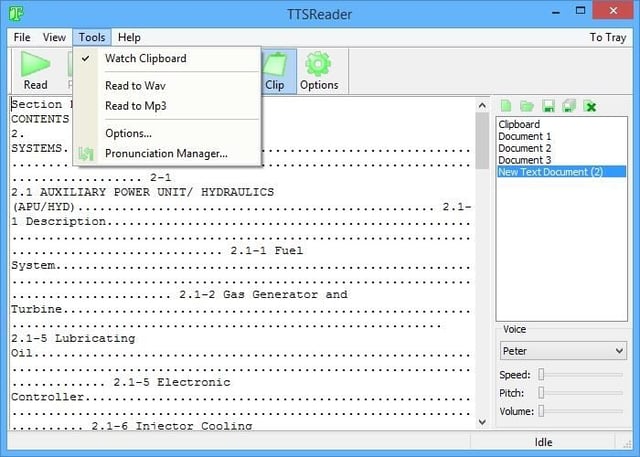
    With TTSReader, you can adjust the speed, pitch, volume, and gender of the voice. Best\r\nof all, the audio can be saved as a WAV file or as an MP3 file.

  • Go2PDF

    Go2PDF

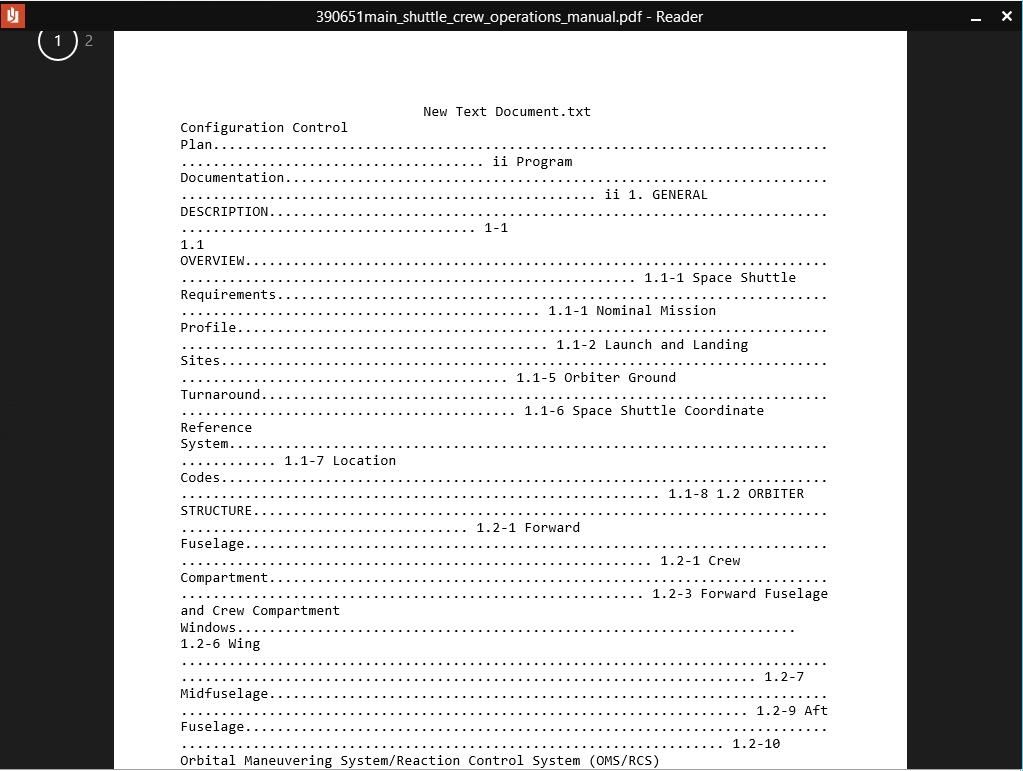
    Go2PDF exists on your system as a virtual printer driver. Any document\r\ncan be converted to PDF format simply by “printing” it.

  • Free File Merge

    Free File Merge

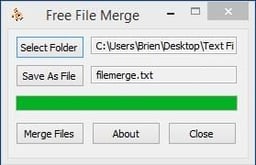
    Although this tool does exactly as it claims, there are two\r\nlimitations you should be aware of. First, all the files in the selected folder\r\nare merged. There is no mechanism for choosing individual files. Second, you\r\ncan’t control the order in which files are merged. As such, this tool is good\r\nfor merging data files, but may not be the best choice for merging documents.

  • Batch Text File Editor

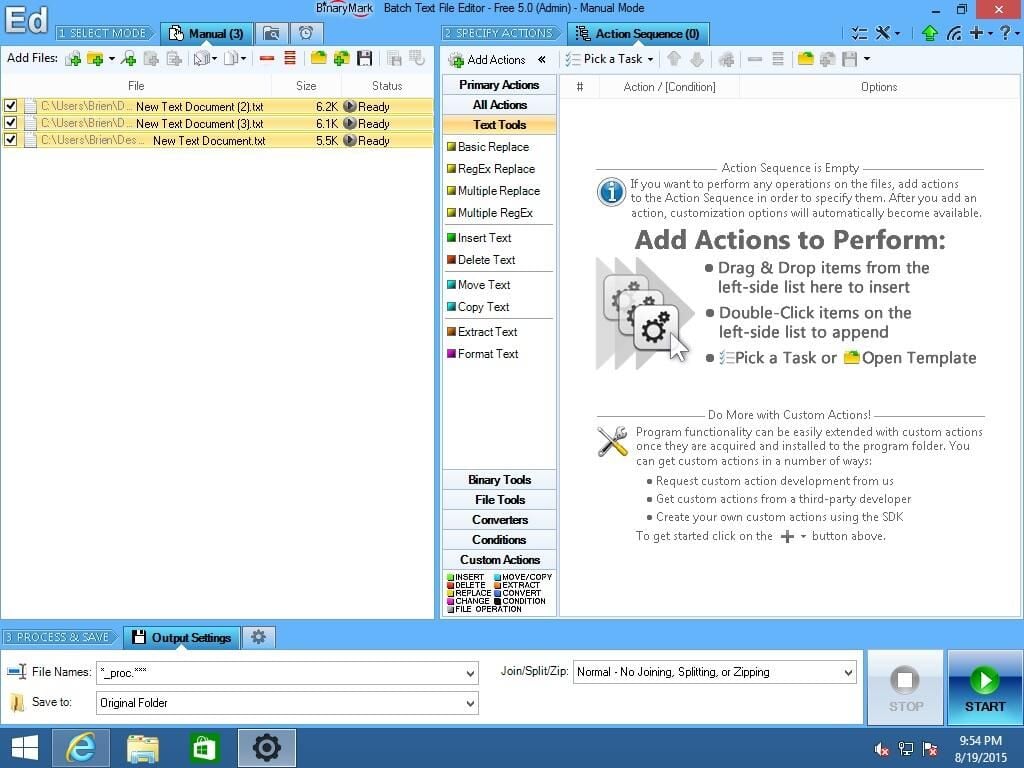
    Batch Text File Editor

    Supported editing functions include basic\r\nreplace, RegEx replace, multiple replace, multiple RegEx replace, insert text,\r\ndelete text, move text, copy text, extract text, and format text.

    Batch Text File Editor sells for $39.00, but a free trial\r\nversion is available for download.

  • MasterSplitter

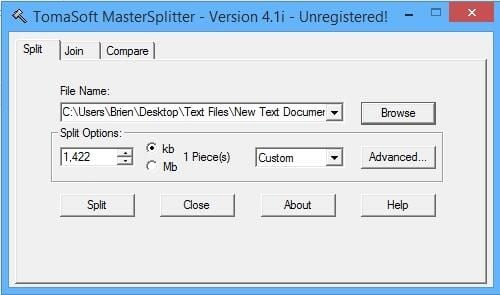
    MasterSplitter

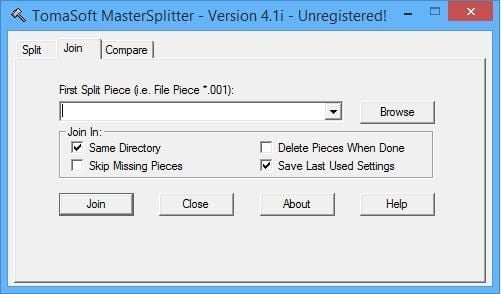
    MasterSplitter\r\ncan split a text file into multiple pieces and then later reassemble them. The\r\nnice thing about this tool is that you can choose the size of the split. For\r\nexample, you could set the size of each resulting file to a specific number of\r\nmegabytes (or kilobytes).

  • MasterSplitter

    MasterSplitter

    This tool might be most useful to those who do scientific\r\nresearch and generate huge amounts of raw data that needs to be stored to\r\nremovable media.

    MasterSplitter sells for $12.95, but a free trial is\r\navailable for download.

1 of 7
Brien Posey

* 1988 - Started teaching myself about computers \ * 1992 - Mainframe programmer for an insurance company \ * 1993 - Network Administrator for a different insurance company \ * 1996 - Author for The Cobb Group \ * 1998 - Network Administrator for Fort Knox \ * 1999 - CIO for chain of hospitals \ * 2000 - Gave up the corporate rat race to work out of my home. I have been a full time technical author ever since. Visit my Web sites at http://www.brienposey.com and http://www.relevanttechnologies.com \