Screenshots: Five cost-effective Android apps to help drive collaboration - TechRepublic

Screenshots: Five cost-effective Android apps to help drive collaboration

  • individuals collaborating around a laptop

    Introduction

    Collaboration is the name of the\r\ngame for many mobile business users. Thing is, sometimes it can be a challenge\r\nto find the right apps to help drive the task. And if you graze around the Google Play Store, many of the\r\ncollaboration apps require expensive services. Fortunately, there are some apps\r\navailable that won’t break your bank or your brain.

    Let’s take a look at some of the\r\nbetter, affordable collaboration apps available for the Android platform and\r\nsee if one of them won’t suit your needs.

    Note: This gallery is also available as an article.

    Image:iStockphoto.com/UberImages
  • Twoodo

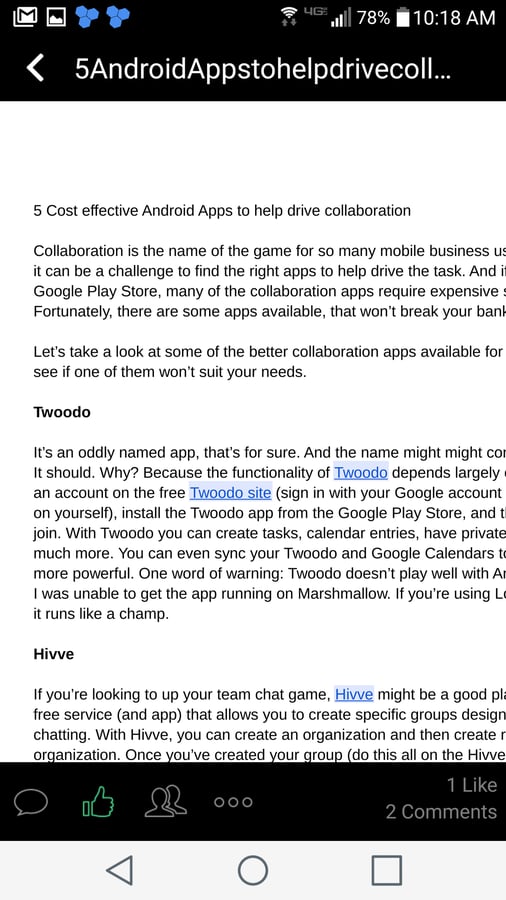
    Twoodo

    With Twoodo you can create tasks\r\nand calendar entries, have private and team chats, and much more. You can sync\r\nyour Twoodo and Google Calendars to make this tool even more powerful. One word\r\nof warning: Twoodo doesn’t play well with Android 6.0 at the moment. I was\r\nunable to get the app running on Marshmallow. If you’re using Lollipop, on the\r\nother hand, it runs like a champ.

  • Hivve

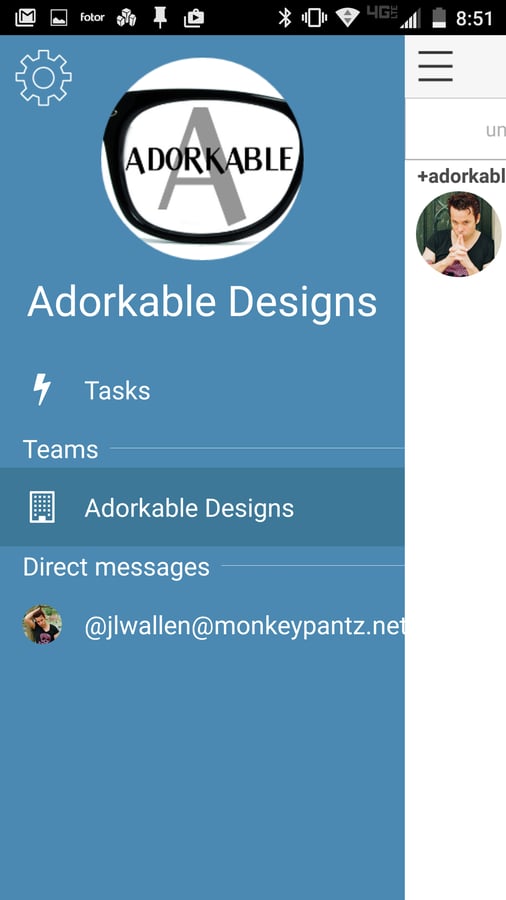
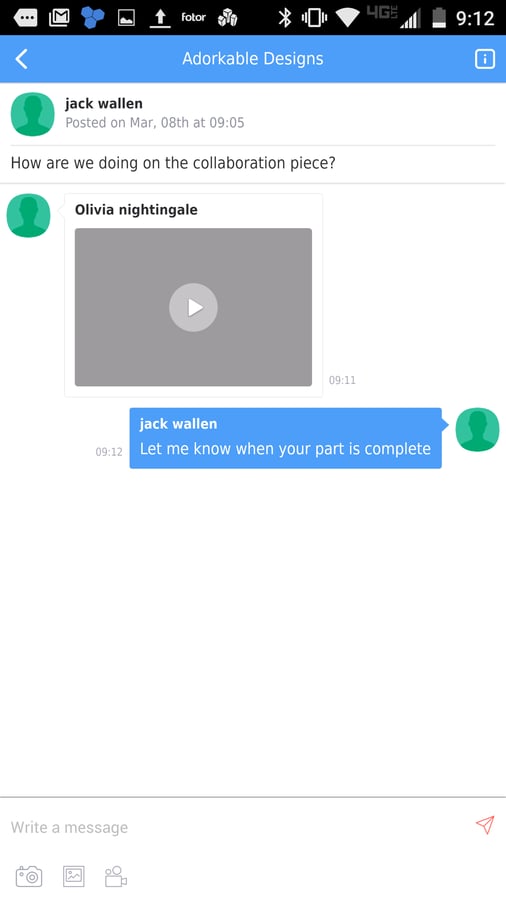
    Hivve

    Once joined, members can start\r\nchatting. They can add video, images, and files to chats. And Hivve integrates\r\nwith the Android notification system, so your team won’t miss a beat.

  • Swoodle

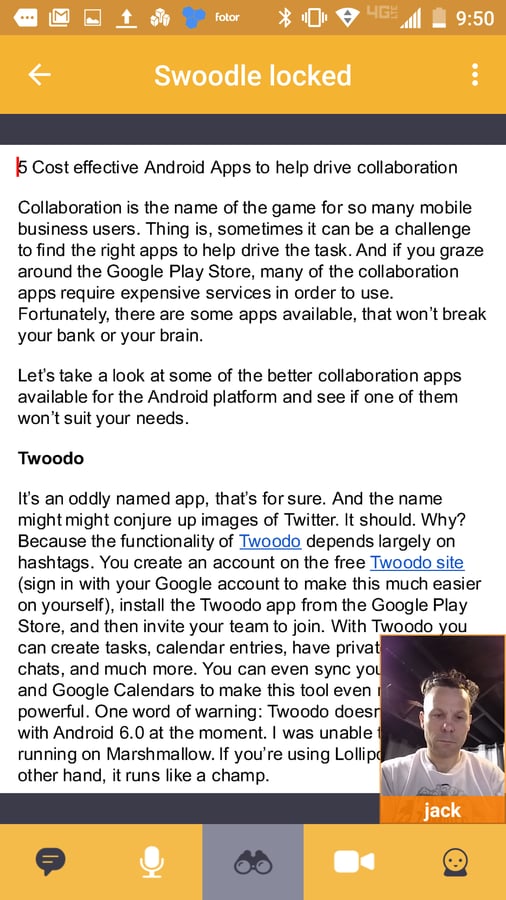
    Swoodle

    Chatting with team members is\r\nincredibly simple (you can even add files). Swoodle allows you to easily\r\ncollaborate on documents, although it doesn’t support Google documents, and\r\neven do video chat while editing. Swoodle is free and offers an outstanding,\r\nuser-friendly interface.

  • OpenCore Text

    OpenCore Text

    When you sign up for a free\r\npersonal account, you get 2 GB of storage. This makes for a great way to test\r\nOpenCore Text to see if it’s suited for your team’s needs. If it works out, you\r\ncan subscribe to a Team, Business, or Enterprise account. Find out more about\r\neach on their price/feature matrix. The one caveat is that OpenCore\r\nText does not have a built-in document editor, so you’ll have to have another\r\napp installed for this purpose.

1 of 5
Jack Wallen

Jack Wallen is an award-winning writer for TechRepublic, The New Stack, and Linux New Media. He's covered a variety of topics for over twenty years and is an avid promoter of open source. For more news about Jack Wallen, visit his website jackwallen.com.