Screenshots: Five tools to beef up your tech emergency toolkit - TechRepublic

Screenshots: Five tools to beef up your tech emergency toolkit

  • Intro

    Introduction

    What\r\napplications do you carry with you at all times? I’ve covered this topic once before, but it’s important enough to\r\nrevisit. Why? Because you can never have enough emergency apps to\r\ncarry with you in the field.

    As\r\nyou might expect, everyone has different needs and every emergency\r\ncalls for a different tool. That’s why you need to have a variety of\r\ntools on hand to cover nearly every issue. In this take on the\r\nemergency apps, we’ll examine some tools that, although you may not\r\nalways use, they will prove irreplaceable when the time comes to fire\r\nthem up.

    Note: This gallery is also available as an article.

    Image: iStockphoto.com/eatcute
  • Mozilla Firefox, Portable Edition

    Mozilla Firefox, Portable Edition

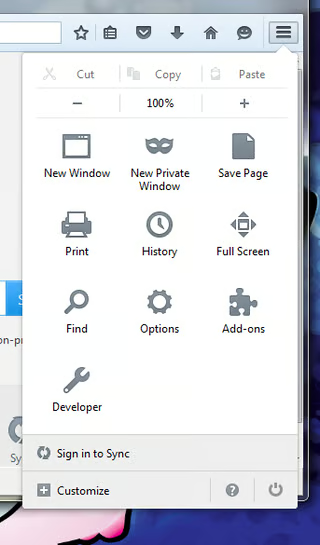
    What’s\r\ngreat about this tool is that it looks and feels exactly like the\r\nstandard edition desktop browser. As a bonus, if you use the browser\r\nwith the

    Portable Apps Platform, the\r\nportable edition of Firefox will always run in private mode, so you\r\ndon’t leave any information behind.

  • FileZilla Portable

    FileZilla Portable

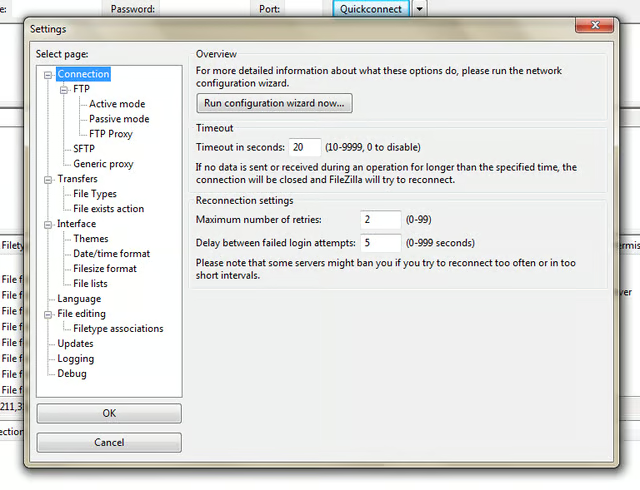
    Although\r\nyou might be able to download from an FTP site with your favorite\r\nbrowser, uploading can be an issue. And what happens when the browser\r\nis misbehaving and you simply need to snag some data? That’s when a\r\nportable FTP client can come in handy. Like the portable version of\r\nFirefox, FileZilla Portable behaves exactly like the desktop\r\niteration of the app.

  • McAfee Stinger

    McAfee Stinger

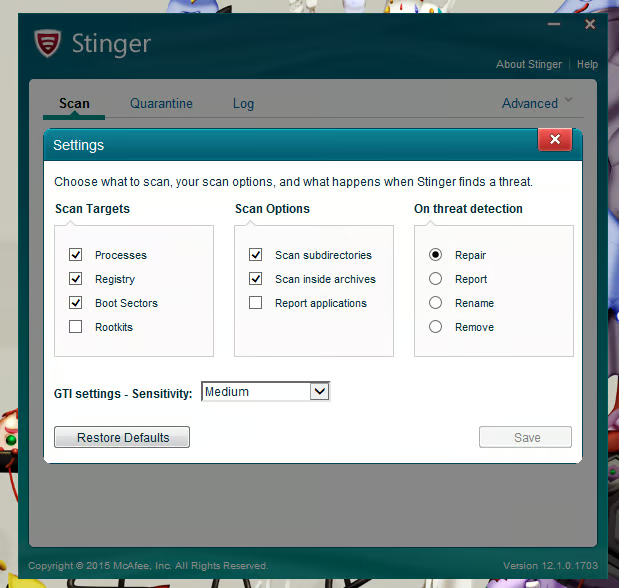
    This\r\nis not to be considered a substitution for a full-blown antivirus\r\nsolution, as Stinger only looks for specific threats. And while it\r\nisn’t the fastest scanner you’ll ever use, it is certainly effective.\r\nOnce run, it will isolate suspicious and infected files to\r\nC:\\Quarantine\\Stinger.

  • EditPad Lite

    EditPad Lite

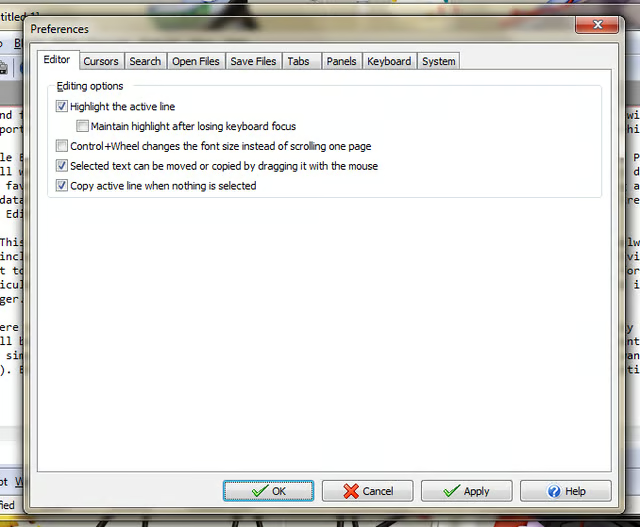
    EditPad\r\nalso features a built-in clipboard tool, search and replace, and\r\nplenty of configuration options.

  • MBRtool

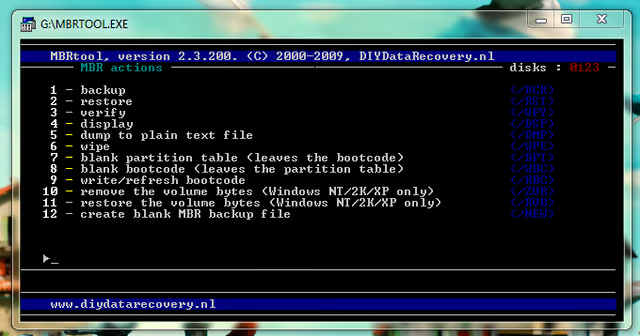
    MBRtool

    The\r\nonly caveat to using this tool is that it presumes you have backed up\r\nthe MBR to a location outside the C drive (preferably on a portable\r\ndrive you have access to) so you can then restore the MBR back to the\r\ncorrupted system. Also note that MBRtool is an app that works with\r\nDOS, so there is no fancy GUI to help guide you through the process.\r\nYou’ll want to take a careful look at the MBRTool User Guide.

1 of 6
Jack Wallen

Jack Wallen is an award-winning writer for TechRepublic, The New Stack, and Linux New Media. He's covered a variety of topics for over twenty years and is an avid promoter of open source. For more news about Jack Wallen, visit his website jackwallen.com.