Screenshots: Microsoft Office 2016 Preview - TechRepublic

Screenshots: Microsoft Office 2016 Preview

  • aoffice2016pre.png

    Office 2016 Preview

    At the Microsoft Ignite 2015\r\nconference, held in early May, the company showcased its latest iteration of Microsoft\r\nOffice. You can download and try the Office2016 Preview for yourself if you are curious, or you can just\r\nflip through the screenshots in this image gallery.

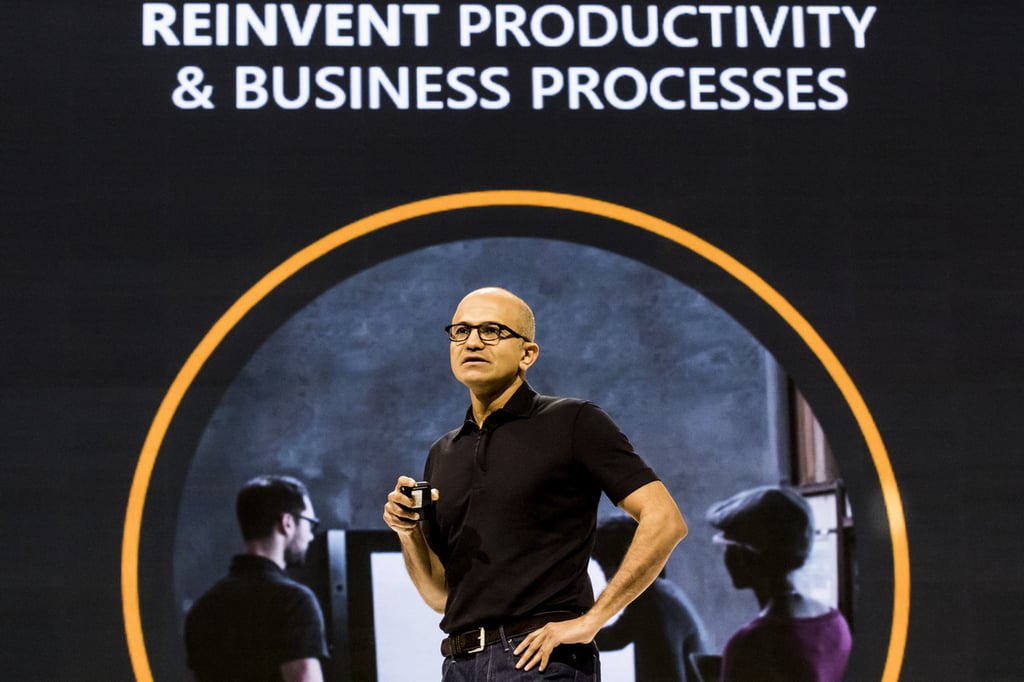
    This image shows Satya Nadella explaining Microsoft’s\r\ncommitment to providing the tools for a modern collaborative workforce.

    Image: Microsoft News
  • bboffice2016pre.png

    Word Ribbon interface

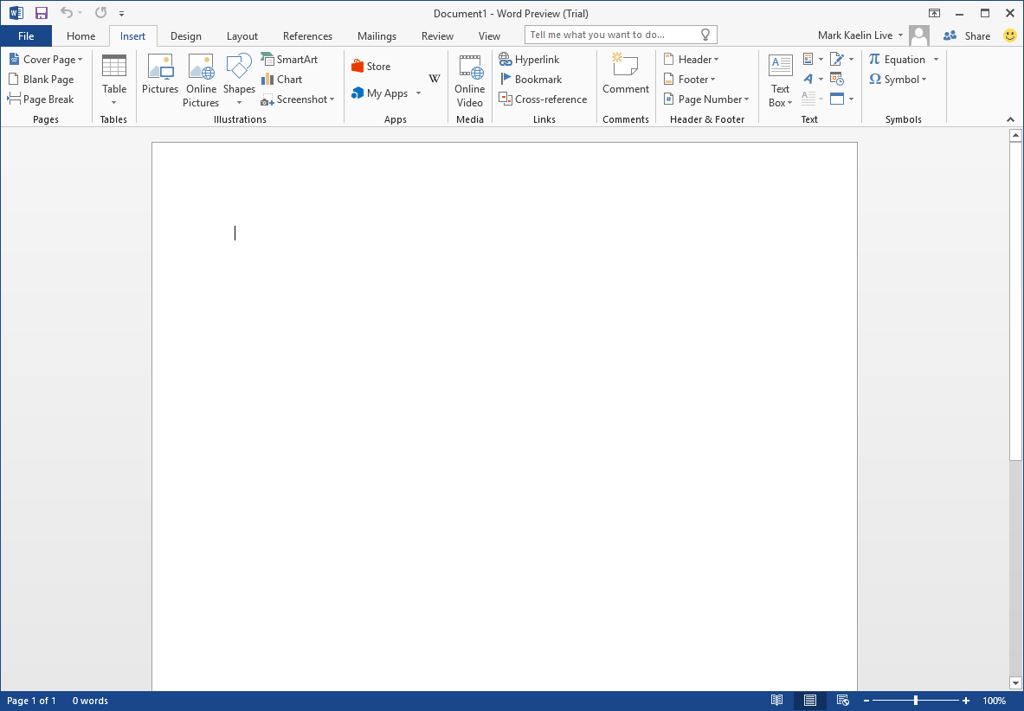
    It has the same Ribbon interface that you either\r\nhate or love.

    Image: Mark Kaelin
  • coffice2016pre.png

    Options and configuration settings

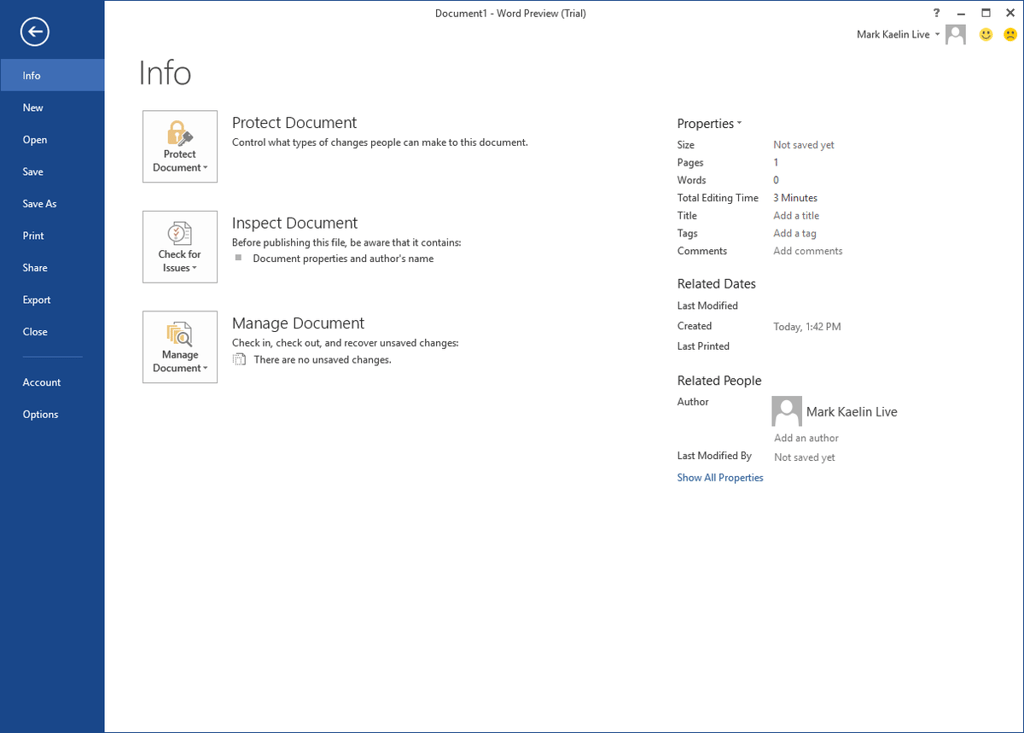
    The options and configuration settings found under\r\nthe File tab are also very similar to Office 2013.

    Image: Mark Kaelin
  • doffice2016pre.png

    Enhanced collaboration features

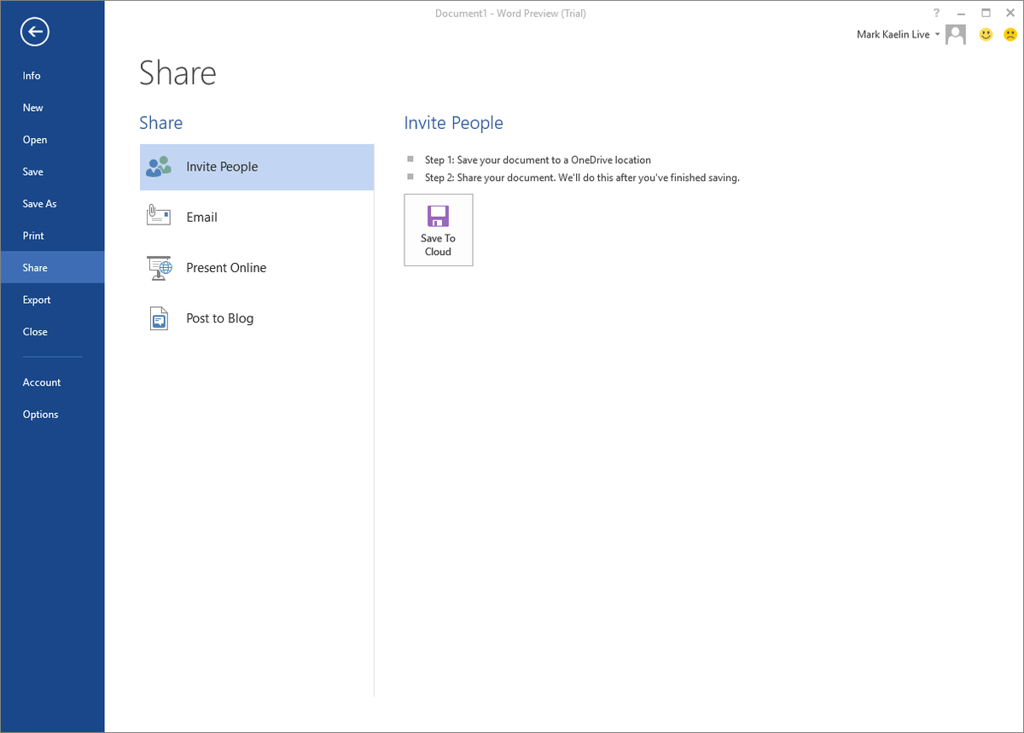
    The most important change for Office 2016,\r\naccording to Microsoft, are the enhanced collaboration features. So, while you\r\ncould share documents in Office 2013, users of Office 2016 will be able to do\r\nmuch more. However, so far in this gallery, it is hard to tell how.

    Image: Mark Kaelin
  • foffice2016pre.png

    Ribbon associated with Tabs

    I could show you an image of the Ribbon associated\r\nwith each Tab, but there’s very little difference between 2013 and 2016 in\r\nthis regard.

    Image: Mark Kaelin
  • ffoffice2016pre.png

    Ribbon under the Insert tab
    This is the Ribbon found under the Insert tab.

    Image: Mark Kaelin
  • goffice2016pre.png

    Excel 2016

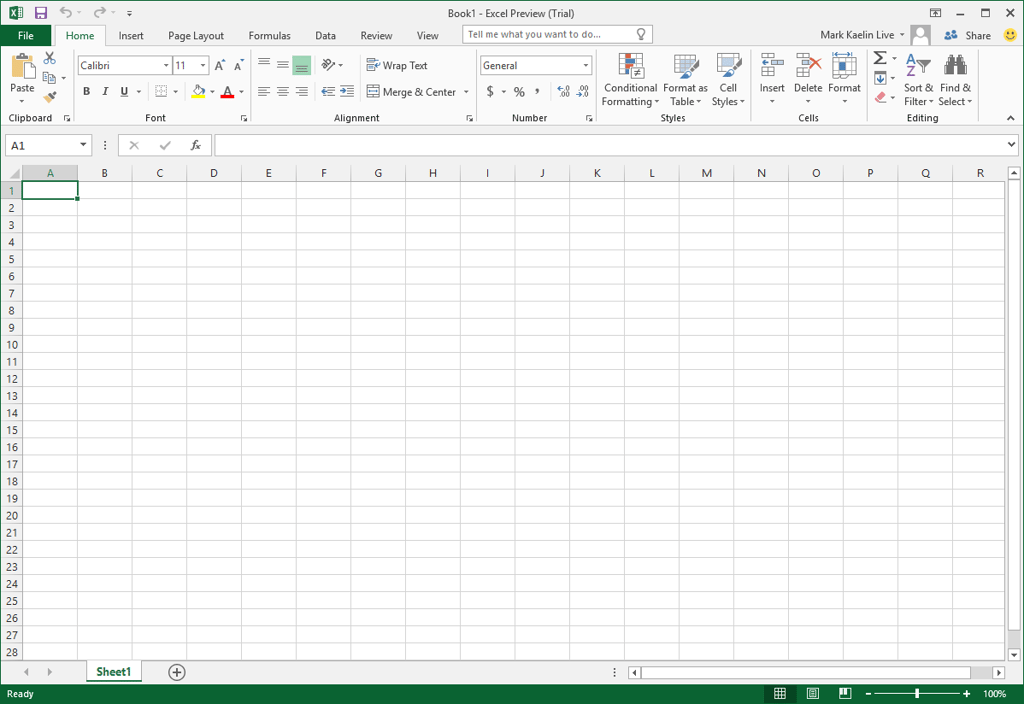
    This is a blank workbook in Excel 2016. Again, it\r\nlooks like Excel 2013.

    Image: Mark Kaelin
  • hoffice2016pre.png

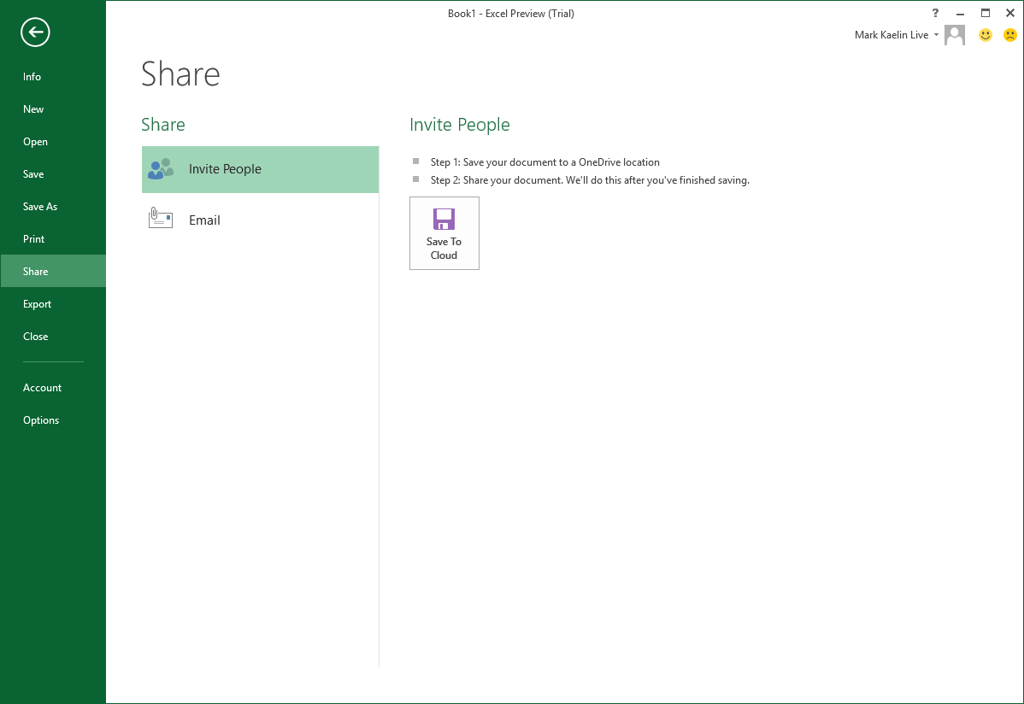
    Easy collaboration

    No matter which application you are using,\r\ncollaboration is always a click or two away.

    Image: Mark Kaelin
  • ioffice2016pre.png

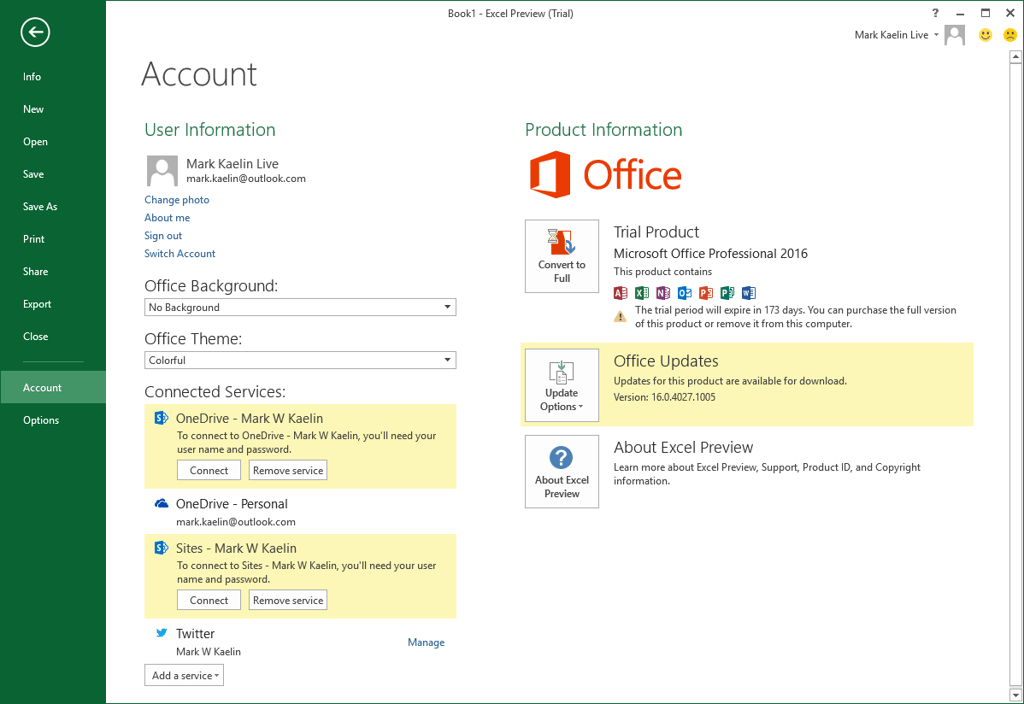
    One Drive for Business

    And collaboration goes hand-in-hand with One Drive\r\nfor Business and cloud services.

    Image: Mark Kaelin
  • joffice2016pre.png

    Ribbon under the Formulas tab

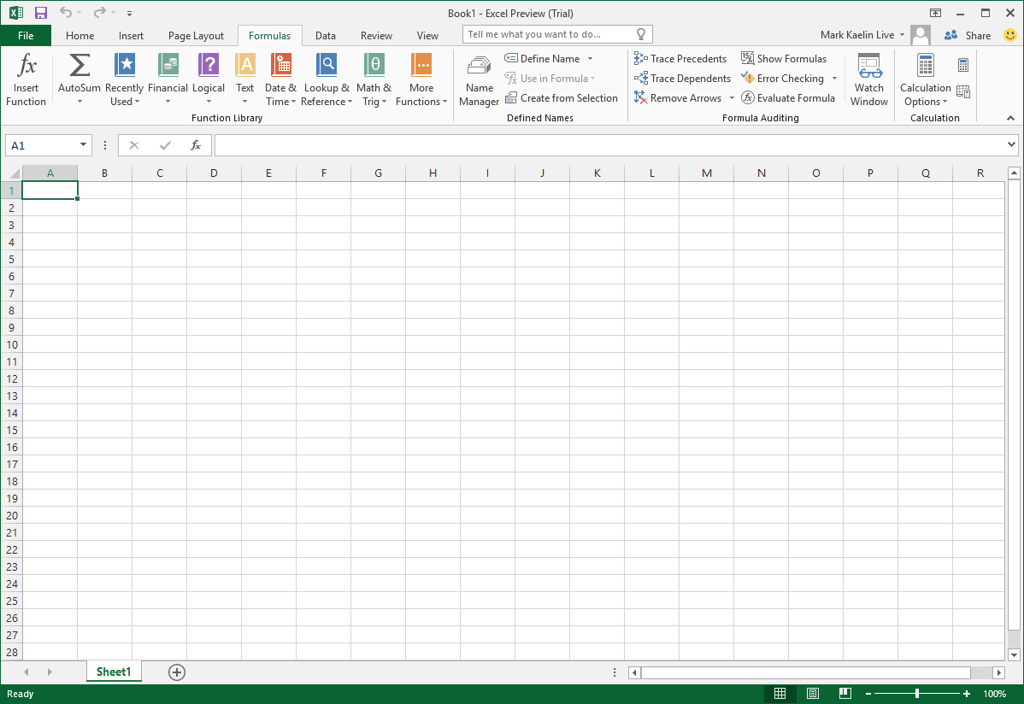
    This is the Ribbon you see under the Formulas tab\r\nin Excel 2016.

    Image: Mark Kaelin
  • koffice2016pre.png

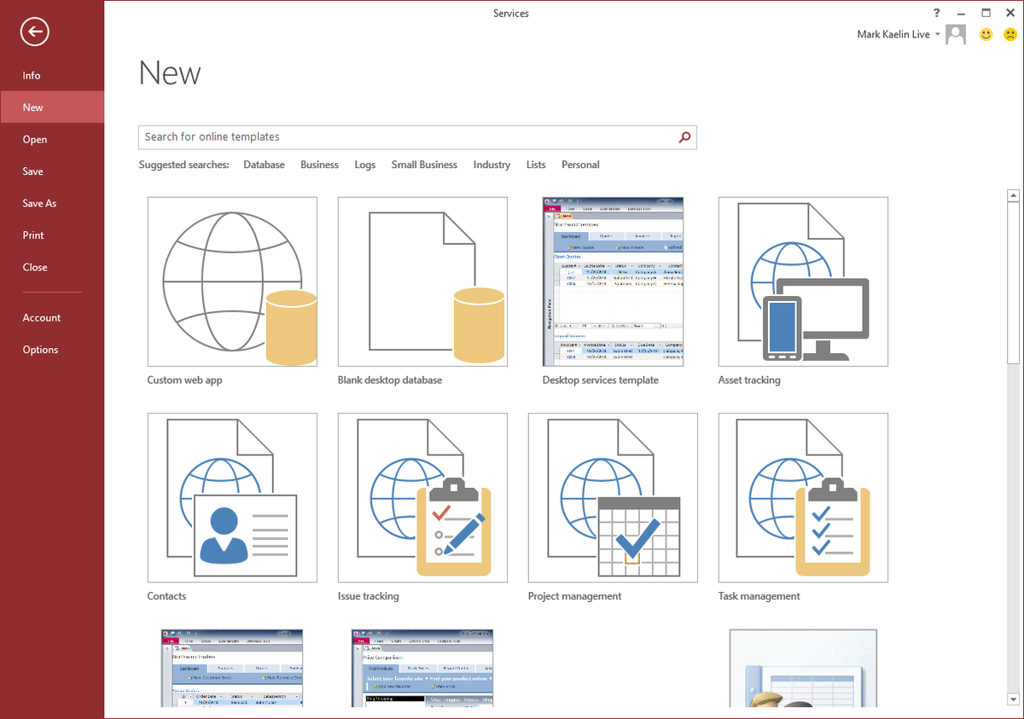
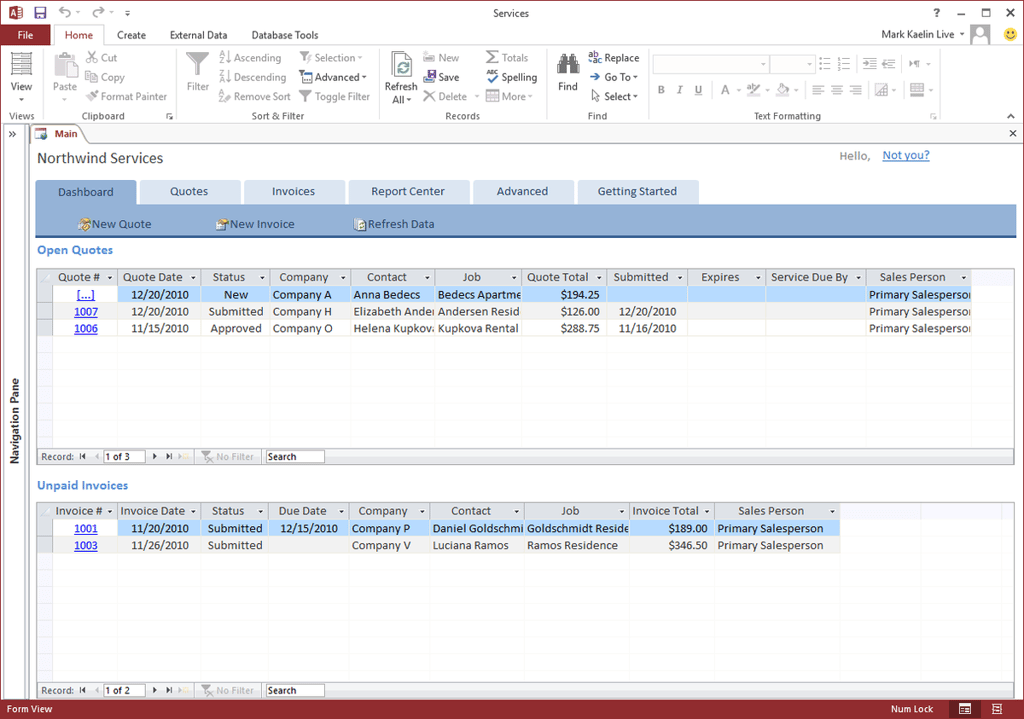
    Access 2016

    This is a screenshot of the commonly available\r\ntemplates found in the opening screen of the often forgotten database application: Access.

    Image: Mark Kaelin
  • loffice2016pre.png

    Power of Access

    It’s a shame that Access is so often underused, because it can be a powerful tool when a problem requires a database rather\r\nthan an unwieldy spreadsheet forced to act like a database.

    Image: Mark Kaelin
  • moffice2016pre.png

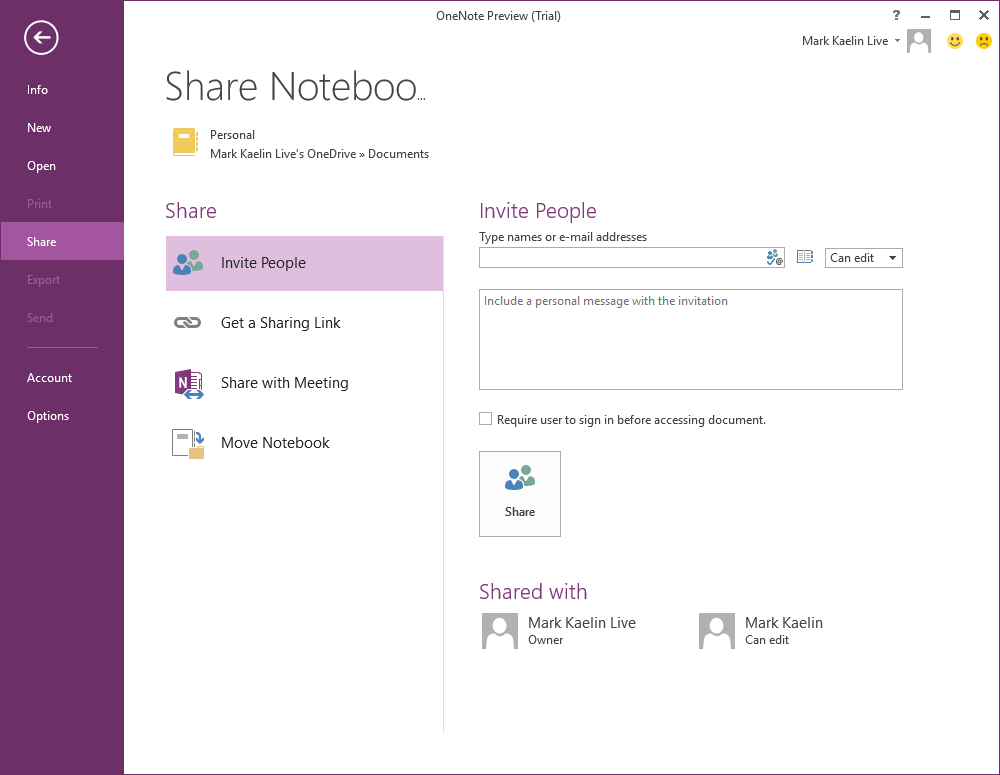
    ​OneNote 2016

    OneNote could be a major application in a user’s\r\nproductivity.

    Image: Mark Kaelin
  • noffice2016pre.png

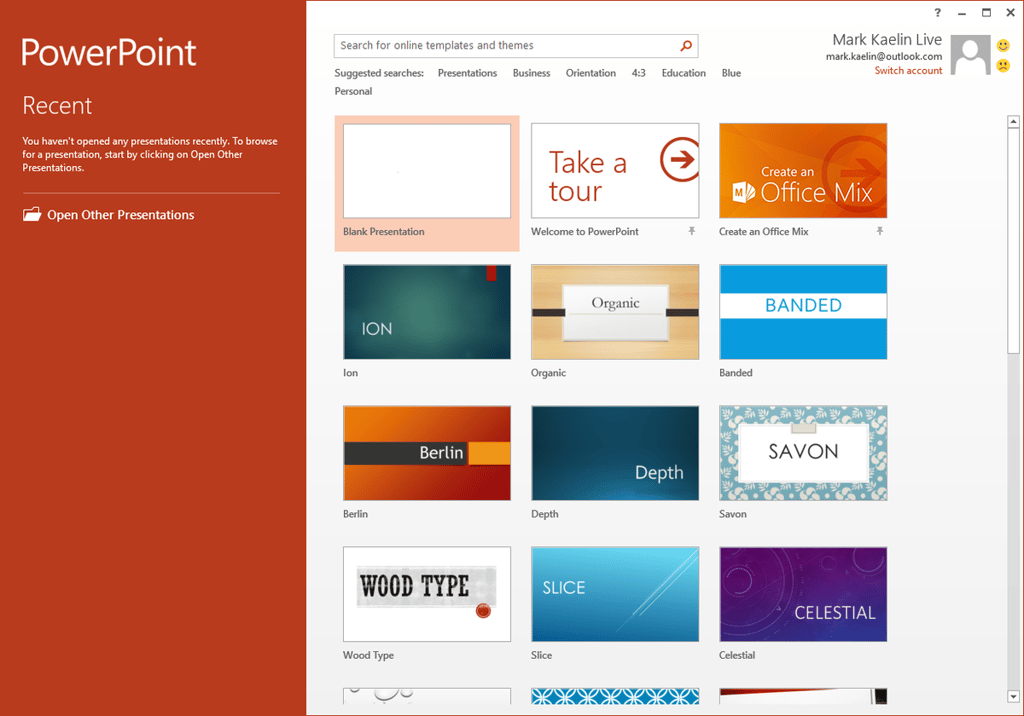
    PowerPoint 2016

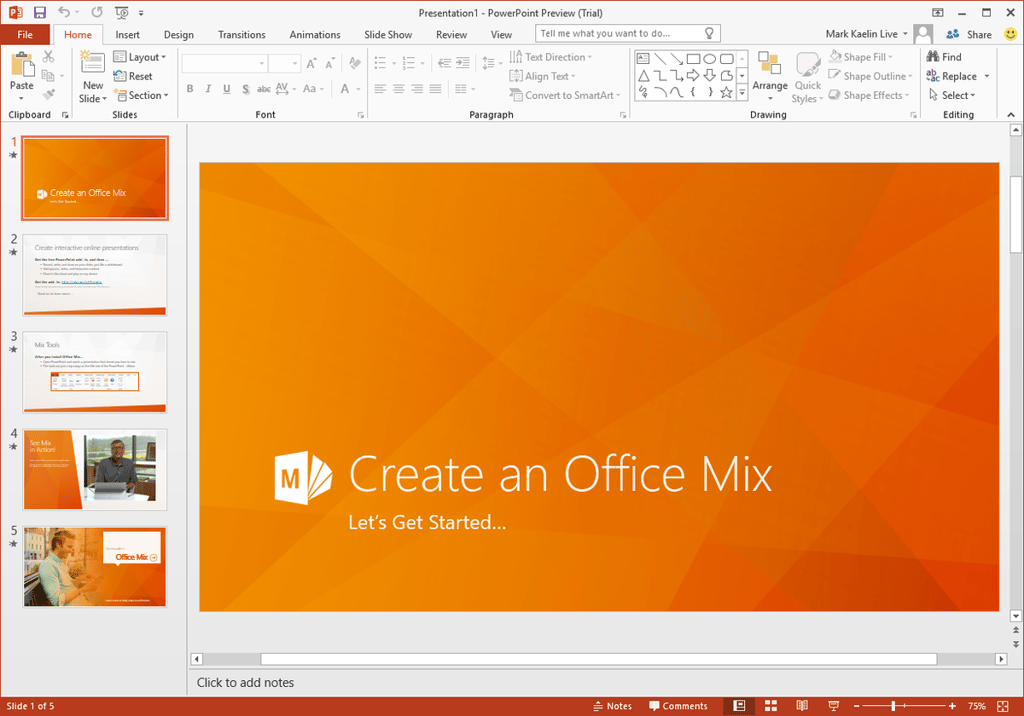
    And, of course, there’s the inevitable PowerPoint\r\npresentation creating application. It would be nice to see a few more (better)\r\ntemplates available, but these appear to be all holdovers from 2013.

    Image: Mark Kaelin
  • ooffice2016pre.png

    Slide presentations

    Slide presentations don’t strike me as collaborative,\r\nbut I suppose once a collaborative project is complete, the information and the\r\ndecisions that result from it must be disseminated.

    Image: Mark Kaelin
  • poffice2016pre.png

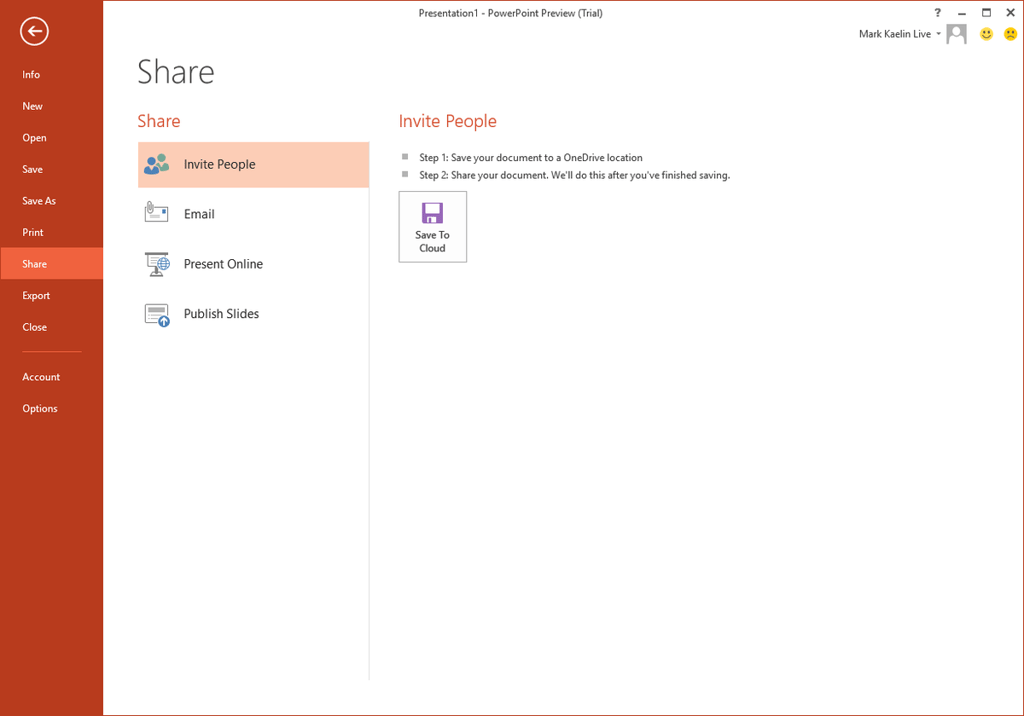
    Sharing PowerPoint presentations

    Sharing your PowerPoint presentations on an internal\r\ncloud storage server might save someone from having to attend a meeting or two,\r\nwhich is generally a good thing.

    Image: Mark Kaelin
  • qoffice2016pre.png

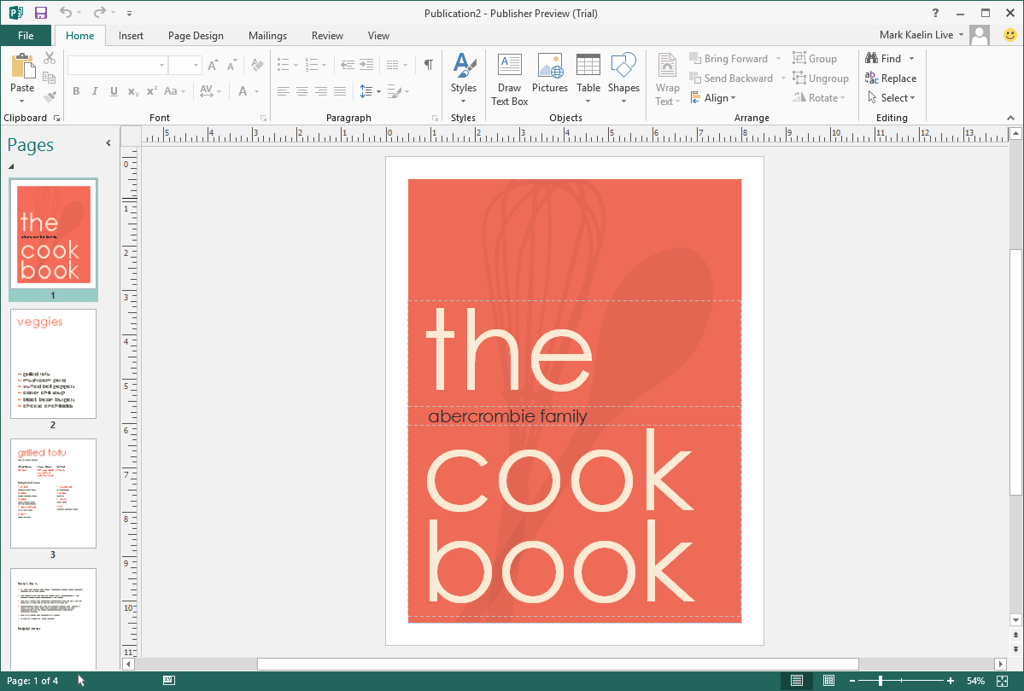
    Publisher 2016

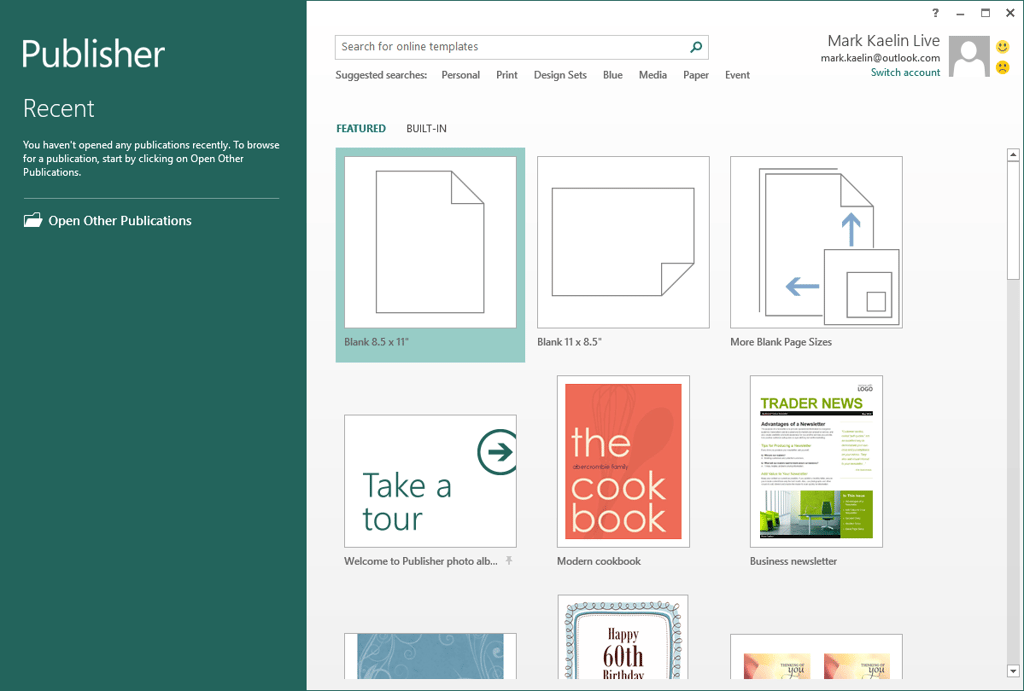
    Publisher is still around if you need to produce a\r\nwell-laid out physical copy.

    Image: Mark Kaelin
  • roffice2016pre.png

    No new Publisher templates

    There are no new templates in Publisher either,\r\nwhich is disappointing.

    Image: Mark Kaelin
  • soffice2016pre.png

    Microsoft Office 2016 is familiar

    Based on a cursory set of screenshots, Microsoft\r\nOffice 2016 is similar to Office 2013 and very familiar to users and\r\nsubscribers of Office 365. What differences there are, are subtle and generally\r\noperate behind the scenes. Microsoft’s plan to seamlessly integrate cloud\r\nservices into Office 2016 seems to be working, at least from the perspective of\r\nthe user interface.

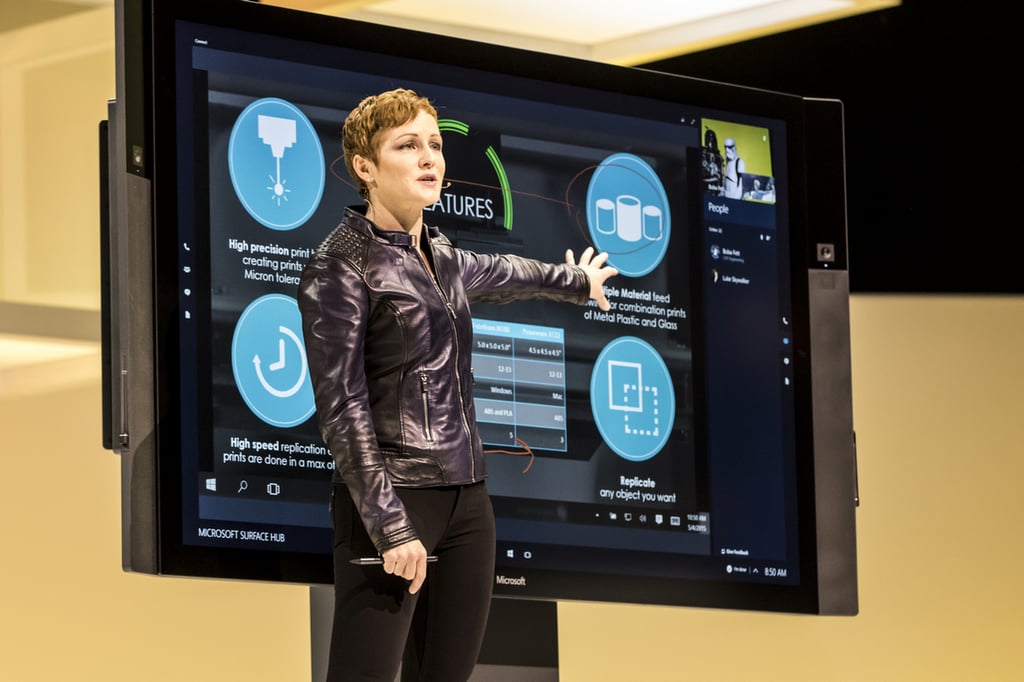
    This photo is of Julia White. She’s a General\r\nManager at Microsoft and is responsible for product management for Office,\r\nSharePoint, Exchange, and Office 365.

    If you really want to know how Office 2016 is going\r\nto work and what changes and features your users will be seeing in the next\r\nyear or so, I encourage you to watch her presentations at MicrosoftIgnite 2015.

    Image: Microsoft News
1 of 19
Mark W. Kaelin

Mark W. Kaelin has been writing and editing stories about the information technology industry, software, hardware, gaming, finance, accounting, and technology geekdom for more than 30 years.