Screenshots: Protect your system with one of these five free anti-malware tools - TechRepublic

Screenshots: Protect your system with one of these five free anti-malware tools

  • Introduction

    Although malware was once predicted to become extinct, it\r\nremains a constant threat. Thankfully, countless tools are available to help\r\nprotect your PC against such security threats–including the popular (and free)\r\nanti-malware products on this list.

    Note:\r\nThis gallery is also available as an article.

    Image: iStockphoto.com/DragonImages
  • Malwarebytes Anti-Malware Free

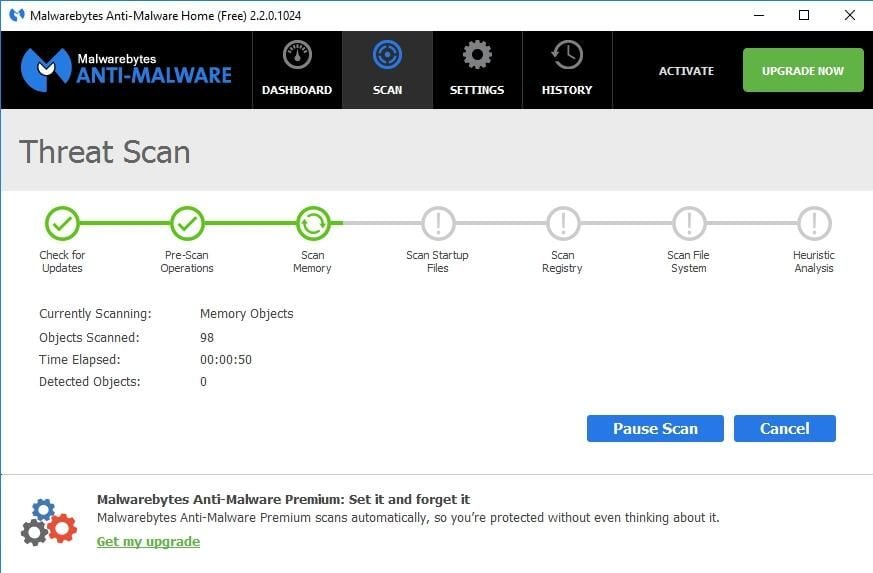
    Malwarebytes Anti-Malware Free

    The disadvantage to using Malwarebytes Anti-Malware Free is\r\nthat unlike the premium version, it does not support real-time protection. You\r\ncan scan your PC for malware at any time, but you won’t be alerted to\r\ninfections in real time unless you upgrade to the paid version.

  • Avast Free Antivirus 2016

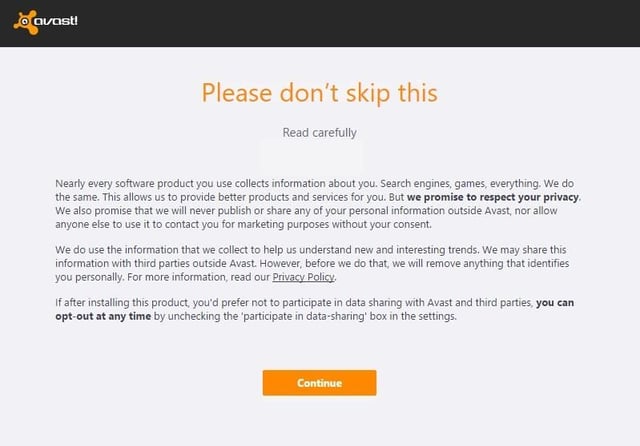
    Avast Free Antivirus 2016

    During the hour or so that I used Avast Free Antivirus, it\r\ndid not attempt to take over my browser or engage in any other obnoxious\r\nbehavior. The software does, however, prominently display a warning message\r\nduring the installation process telling you in no uncertain terms that Avast\r\nFree Antivirus 2016 collects personal information. At least it gives you a way\r\nto opt out of this data collection.

  • Panda Free Antivirus

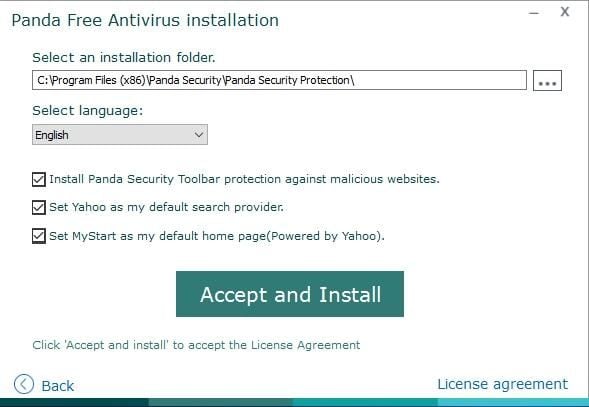
    Panda Free Antivirus

    Panda Free Antivirus is another free anti-malware solution that requires a bit of caution during the installation process—otherwise, Panda will install a browser toolbar and change your home page and your default search provider.

  • YAC

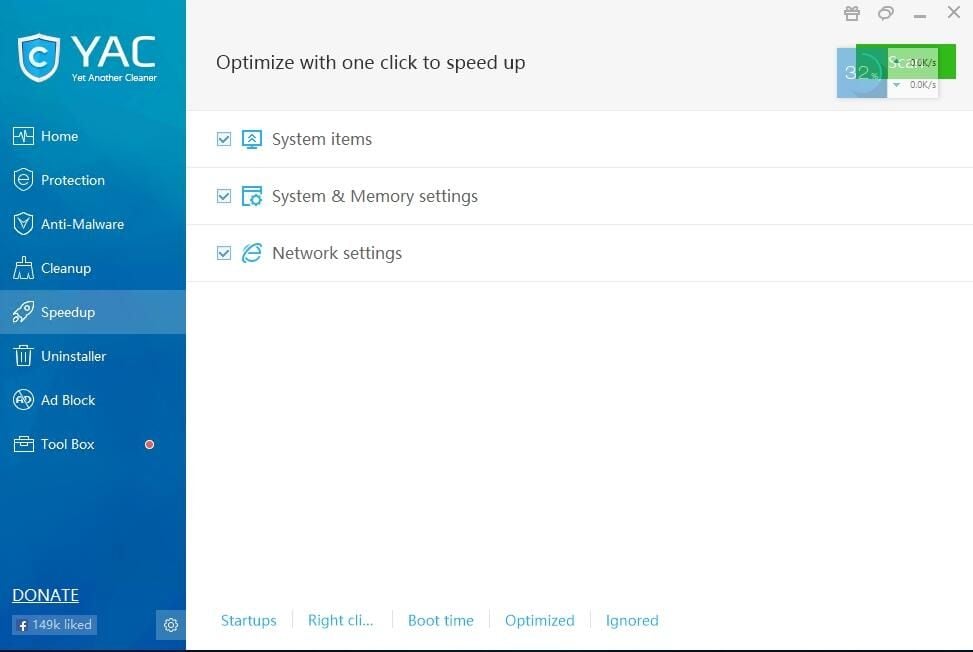
    YAC

    In addition to its basic anti-malware capabilities, YAC\r\nincludes some nice extras, such as a tool for speeding up your computer, an\r\nuninstaller, and an ad blocker. The primary disadvantage to using YAC is that\r\nyou have to upgrade to the paid version if you want to receive real-time\r\nprotection. Otherwise, you’ll have to initiate anti-malware scans manually.

1 of 5
Brien Posey

* 1988 - Started teaching myself about computers \ * 1992 - Mainframe programmer for an insurance company \ * 1993 - Network Administrator for a different insurance company \ * 1996 - Author for The Cobb Group \ * 1998 - Network Administrator for Fort Knox \ * 1999 - CIO for chain of hospitals \ * 2000 - Gave up the corporate rat race to work out of my home. I have been a full time technical author ever since. Visit my Web sites at http://www.brienposey.com and http://www.relevanttechnologies.com \