Screenshots: Record your notes using one of these free tools - TechRepublic

Screenshots: Record your notes using one of these free tools

  • Intro

    Introduction

    When you need to take a note, but you don’t have both hands free,\r\nwhat do you do? You dictate. If you take a look at the Google\r\nPlay Store, you’ll find plenty of tools ready to take your notes. Some\r\nare straight-up audio recorders; others are voice-to-text apps. Both options\r\nare viable solutions, so I decided to highlight some of each here. Whether\r\nyou’re looking for an audio recorder or a speech-to-text note tool, one of\r\nthese will certainly meet your needs.

    Note: This gallery is also available as an article.

    Image: iStockphoto.com/izkes
  • Google Now\/Keep

    Google Now/Keep

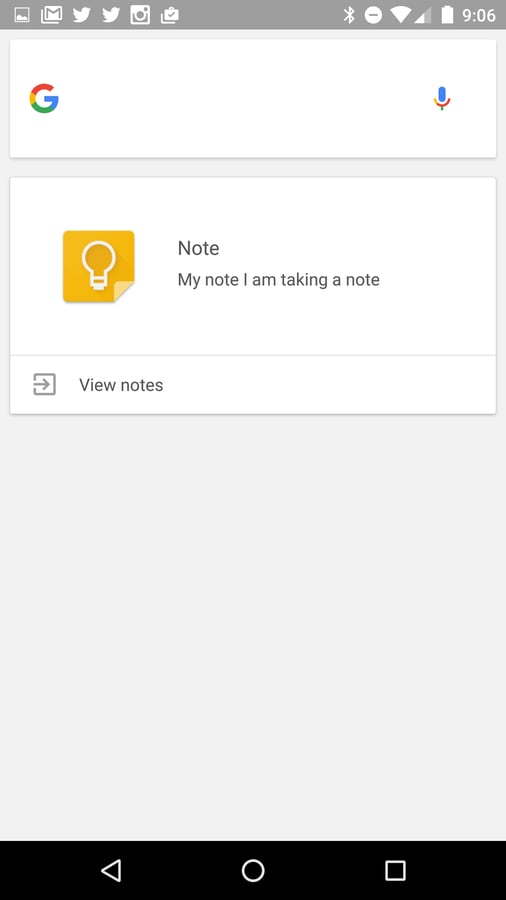
    Once the note is saved to your Google Keep\r\naccount, it will be available to Google Keep on all your devices that are\r\nattached to your Google account. From my experience, this is one of the best\r\nways to dictate notes to Android. Of course, I happen to depend upon Google\r\nKeep, so this is a no-brainer for me.

  • Smart Voice Recorder

    Smart Voice Recorder

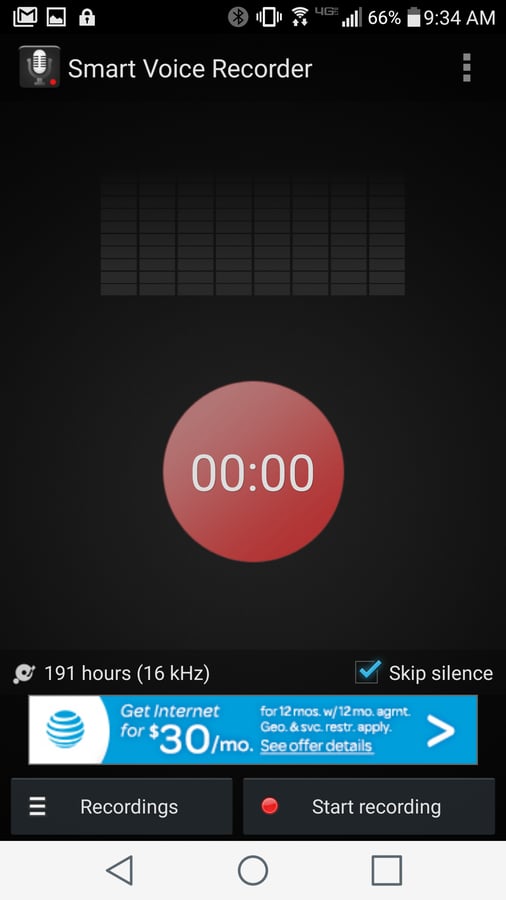
    The skip silence feature alone makes Smart Voice Recorder\r\nworth using. If you tend to pause while you dictate, you’ll find skip silence\r\nan absolute must.

    There are ads with the free version of SVR. You can get rid\r\nof them with an in-app purchase ($1.49 USD).

  • Note to Self 2.0

    Note to Self 2.0

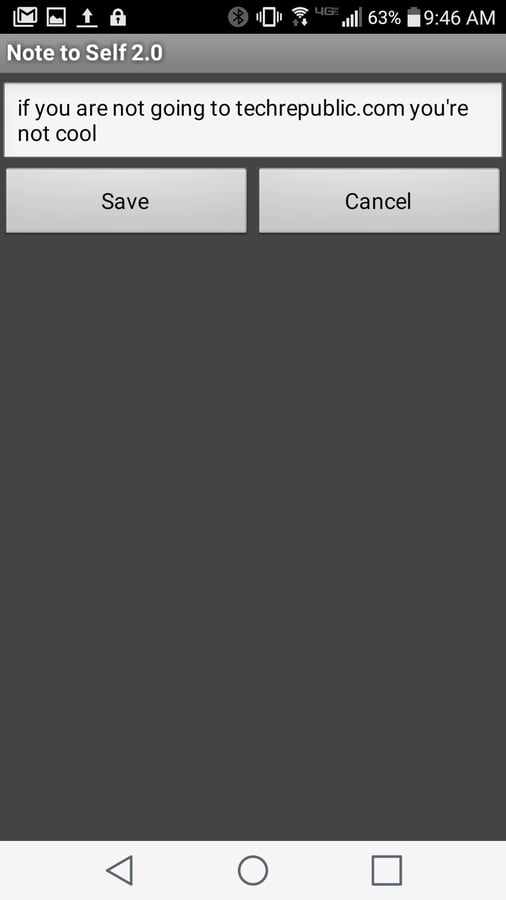
    You won’t find any settings for the app and the interface is\r\nminimal. If you tap on a note and then tap the Edit button, you can edit the\r\nsaved note (on the off-chance the speech-to-text misheard you or when you just\r\nneed to add more information after the fact).

  • ListNote

    ListNote

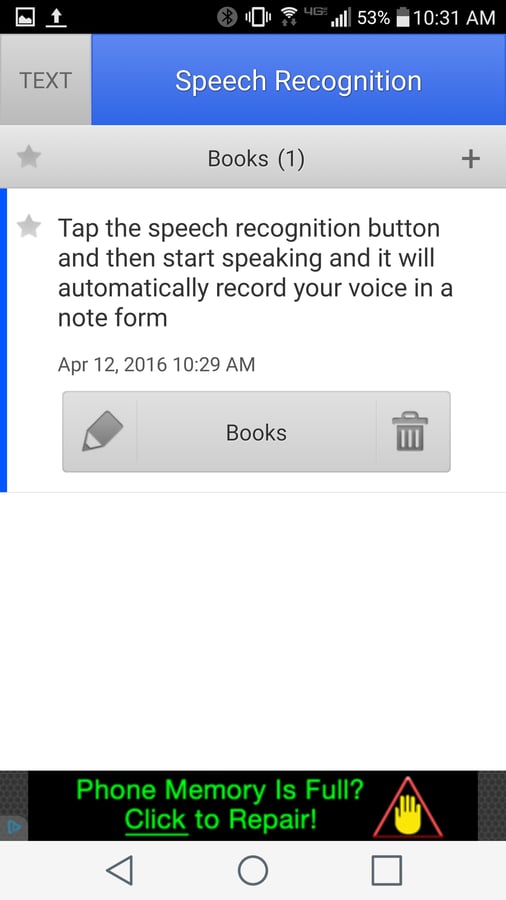
    ListNote also lets you create categories so you can better\r\nmanage your notes. To record a speech-to-text note, tap the category button,\r\nselect your category, tap the Speech Recognition button and immediately start\r\nspeaking. Once you’ve finished recording your note, tap Done and the note will\r\nbe saved. You can then edit the note manually or trash it.

1 of 5
Jack Wallen

Jack Wallen is an award-winning writer for TechRepublic, The New Stack, and Linux New Media. He's covered a variety of topics for over twenty years and is an avid promoter of open source. For more news about Jack Wallen, visit his website jackwallen.com.