


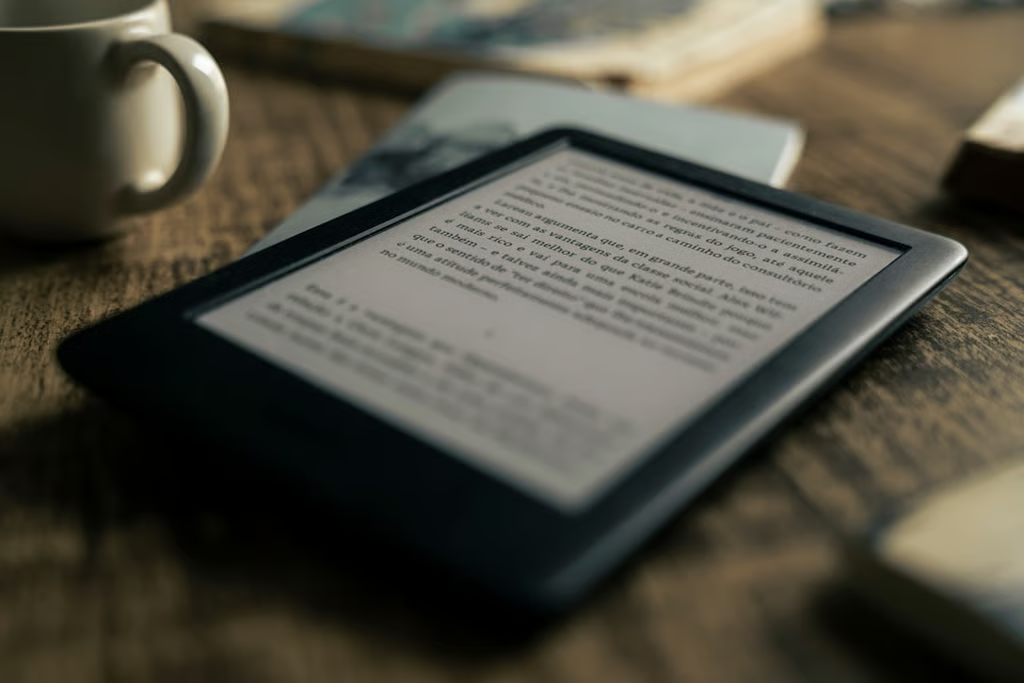
Amazon’s latest price increase makes shopping beyond the Kindle lineup more compelling than it was a week ago. The base 16GB Kindle now costs $149.99, the 16GB Paperwhite is $199.99, and the 16GB Colorsoft has climbed to $289.99.
That does not automatically make every Kindle alternative cheaper. Some cost more than Amazon’s entry-level reader, but they can offer advantages Kindle does not, including built-in library borrowing, native EPUB support, physical page-turn buttons, handwritten notes, repairable hardware, or access to several ebook-store apps on one device.
Amazon’s latest Kindle price increases are therefore only one part of the decision. I compared current alternatives by price, display, ebook-store access, library borrowing, note-taking, file support, and how tightly each device locks buyers into one store.
- Best Kindle alternatives at a glance
- Kobo Clara BW: Best overall Kindle alternative
- Kobo Clara Colour: Best lower-cost color alternative
- Kobo Libra Colour: Best for page-turn buttons and handwritten notes
- BOOX Go 7: Best for Kindle, Kobo, and other apps on one device
- NOOK GlowLight 4: Best for Barnes & Noble readers
- Which Kindle alternative should you buy?
Best Kindle alternatives at a glance
| E-reader | Best for | Official price | Display | Library borrowing | Note-taking | Openness |
|---|---|---|---|---|---|---|
| Kobo Clara BW | Best overall | $139.99 sale; $159.99 list | 6-inch monochrome | Built-in OverDrive/Libby in supported markets | No stylus | High |
| Kobo Clara Colour | Lower-cost color | $159.99 sale; $179.99 list | 6-inch color | Built-in OverDrive/Libby in supported markets | No stylus | High |
| Kobo Libra Colour | Page buttons and notes | $259.99 | 7-inch color | Built-in OverDrive/Libby in supported markets | Optional Kobo Stylus 2 | High |
| BOOX Go 7 | Multiple ebook stores | $249.99 | 7-inch monochrome | Through compatible Android apps | Optional InkSense stylus | Very high |
| NOOK GlowLight 4 | Barnes & Noble readers | $149.99 | 6-inch monochrome | Adobe DRM/ADE support | No stylus | Medium |
Kobo was running a $20 promotion on both Clara models when checked on August 26, so those sale prices may not last. Their regular list prices are $159.99 for the Clara BW and $179.99 for the Clara Colour.
Here is where each alternative makes the strongest case.
Kobo Clara BW: Best overall Kindle alternative
The Kobo Clara BW is the easiest recommendation for someone who wants a straightforward black-and-white e-reader without moving to another heavily closed platform.
Its 6-inch E Ink Carta 1300 display, 16GB of storage, adjustable ComfortLight PRO, and IPX8 waterproofing put it in the same general class as mainstream Kindles. Kobo also supports EPUB, EPUB3, PDF, MOBI, CBZ, and CBR files natively rather than requiring EPUB files to pass through Amazon’s Send to Kindle system.
Library borrowing is another advantage. Kobo’s built-in OverDrive and Libby support lets compatible devices browse, borrow, and place holds directly from the reader in supported countries, including the US. Availability still depends on the reader’s local library and individual titles.
The Clara BW is also designed to be repairable. That matters if the goal is to keep an e-reader for years rather than replace the whole device after a battery or other component fails.
At its current $139.99 promotional price, it is $10 cheaper than the newly repriced base Kindle. At its normal $159.99 list price, it is $10 more. The reason to choose it, then, isn’t simply price: it is the combination of EPUB support, direct library borrowing, waterproofing, and repairability.
Kobo Clara Colour: Best lower-cost color alternative
For readers who want color without paying $289.99 for a Kindle Colorsoft, the Kobo Clara Colour makes the price difference much larger.
Its regular $179.99 list price is $110 below the new Colorsoft price, and Kobo was selling it for $159.99 when checked. The tradeoff is screen size: the Clara Colour uses a 6-inch Kaleido 3 panel, while the Colorsoft has a larger 7-inch display.
Black-and-white content renders at 300 ppi on the Clara Colour, while color content renders at 150 ppi. It also has 16GB of storage, IPX8 waterproofing, native EPUB support, built-in library borrowing where available, and a repairable design.
There is no stylus support, so this is better for readers who want colored covers, illustrations, comics, and highlighting than for people who plan to handwrite notes.
Kobo Libra Colour: Best for page-turn buttons and handwritten notes
The $259.99 Kobo Libra Colour costs more than a Paperwhite but still comes in $30 below the new $289.99 Colorsoft list price.
The extra money over the Clara Colour buys a 7-inch Kaleido 3 display, 32GB of storage, physical page-turn buttons, Google Drive and Dropbox integration, and compatibility with the separately sold Kobo Stylus 2.
That stylus support allows handwritten annotations and notebooks, giving the Libra Colour a capability the standard Colorsoft does not offer. Amazon reserves pen input for its larger Scribe family.
Repairability is another differentiator. iFixit sells genuine parts for the Libra Colour, including its battery and screen assembly.
This is the strongest Kobo option for someone who wants color, physical controls, and note-taking without moving to a much larger writing-focused e-paper tablet.
BOOX Go 7: Best for Kindle, Kobo, and other apps on one device
The BOOX Go 7 takes a different approach. Instead of building an e-reader around one bookstore, BOOX runs Android 13 and includes the Google Play Store.
That means buyers can install compatible Android reading apps such as Kindle, Kobo, Google Play Books, and library apps instead of choosing one store at the hardware level. For someone with years of Kindle purchases who wants different hardware, that is particularly useful because the Kindle app can still provide access to the existing Amazon library.
The $249.99 Go 7 has a 7-inch 300 ppi monochrome Carta 1300 display, 64GB of storage, a microSD slot, physical page-turn buttons, and optional BOOX InkSense stylus support. Its native reader also supports a long list of formats, including EPUB, PDF, CBZ, CBR, AZW3, and MOBI.
The tradeoff is complexity. A Kobo or Kindle behaves primarily like an appliance built for reading. BOOX behaves more like an Android tablet built around an e-paper display, so there are more settings, apps, and potential distractions to manage.
It is also water-repellent rather than waterproof, so it is not the best choice for reading around a pool or bathtub.
NOOK GlowLight 4: Best for Barnes & Noble readers
The NOOK GlowLight 4 is the simplest alternative for someone already buying ebooks from Barnes & Noble.
At $149.99, it now matches the base Kindle’s list price. It has a 6-inch monochrome display, 32GB of storage, physical page-turn buttons, Night Mode, and weeks of advertised battery life.
NOOK also gives readers more sideloading flexibility than a store-only comparison might suggest. Barnes & Noble supports transferring EPUB and PDF files, including Adobe DRM-protected ebooks, through Adobe Digital Editions.
That process is less convenient than Kobo’s built-in library borrowing, however, and the standard GlowLight 4 lacks some of the extras found on the $199.99 GlowLight 4 Plus, including waterproofing and audiobook support.
The GlowLight 4 makes the most sense for existing Barnes & Noble customers or readers who specifically want a low-cost monochrome reader with physical page buttons.
Which Kindle alternative should you buy?
For most people starting without a large ebook library, the Kobo Clara BW has the best balance of price, straightforward software, EPUB support, library integration, waterproofing, and repairability.
The Clara Colour is the stronger value if color matters. The Libra Colour earns its higher price for page-turn buttons and handwritten notes. BOOX is the best fit when access to several ebook stores matters more than having the simplest interface, while NOOK remains most compelling for readers already invested in Barnes & Noble.
Existing Kindle purchases deserve special attention before switching. DRM-protected books generally do not transfer directly from the Kindle Store into Kobo or NOOK libraries. BOOX partly avoids that problem because it can run the Kindle Android app alongside competing reading apps.
If you’re shopping simply because your existing Kindle is getting old, check whether it is among the older Kindles losing support before replacing it. A functioning model that still meets your reading needs may be cheaper than changing platforms at all.
Amazon’s price hike has made the alternatives more competitive, but there is no universal Kindle replacement. Kobo offers the clearest route toward EPUB files and direct library borrowing, BOOX provides the broadest app access, and NOOK is the most natural fit for Barnes & Noble customers.
The best choice depends on where your books already live and which restrictions you are willing to keep.
Also read: Amazon recently made Alexa+ free on Fire TV for eligible US devices, another change affecting buyers across its consumer hardware lineup.