


Power users of presentation applications go beyond the
standard-issue text and fancy backgrounds for their slides. Their presentations frequently include sounds, images, and sometimes video. Fortunately, with the open source flagship office suite LibreOffice,
embedding videos into a presentation is as simple as adding text to a slide. I’ll demonstrate how simple it is to embed video into a
LibreOffice Impress slide.
A caveat: The only format that is readily supported is the Ogg Vorbis video. Fear
not — there are plenty of ways to convert nearly any format into an Ogg Vorbis
video. I will first show one method of converting your video, and then
we’ll embed that video into a presentation.
Converting your video format
My conversion method of choice is done with the help of OpenShot Video Editor. With this editor, you can import
nearly any format and export it to almost any format. Here’s how to get your
video into a suitable format for embedding into a presentation:
- Open OpenShot.
- Go to File | Import Files and add your file.
- Go to File | Export Video and in the Export window select
All Formats from the Profile drop-down (Figure A). - Give the file a name.
- Select the Export To Folder location.
- Select Ogg (theora/vorbis) from the Target
drop-down. - Select DV/DVD NTSC from the Video Profile
drop-down. - Select
either Med or High for Quality. - Click the Export Video button.
Figure A
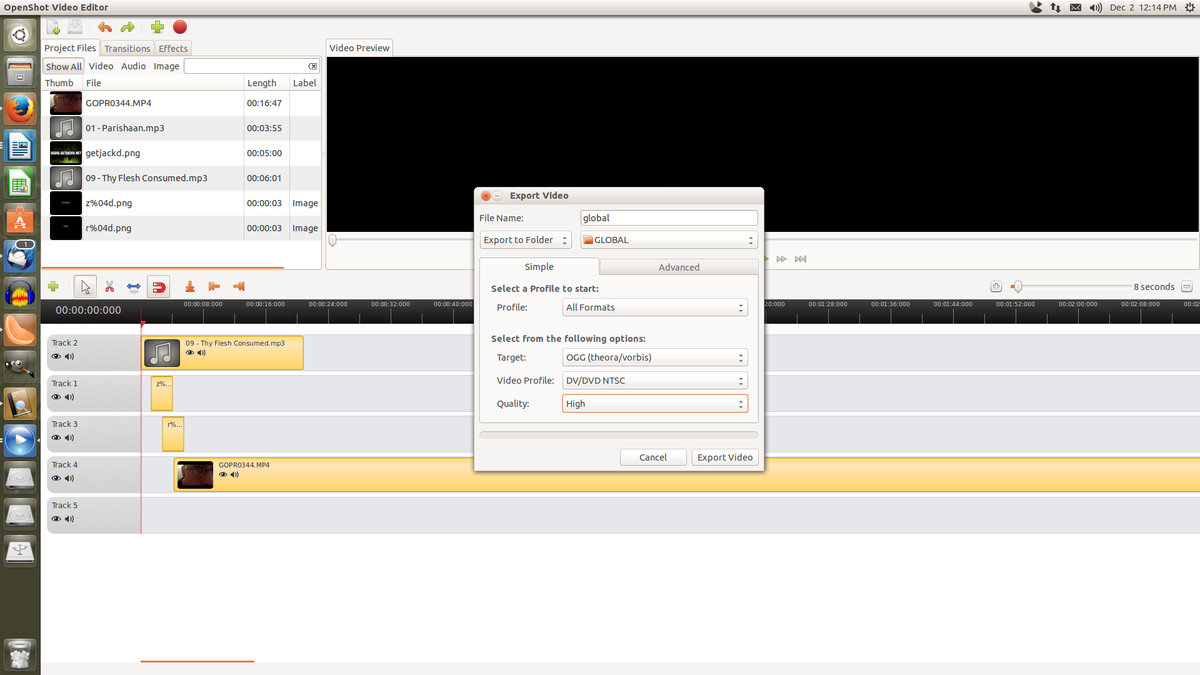
Exporting your video to the Ogg Vorbis format.
Embedding the video into a presentation
The
size of your video will seriously affect the size of your overall presentation; it will also dictate the how much time is required to handle the actual
embedding. If the file is large (I’ve embedded files that are larger than 600 MB), Impress
might become temporarily unresponsive and look as if it will crash at any moment.
Wait for the embedding to complete before force closing the
application.
Here’s how to embed your video:
- Open a presentation.
- Go to Insert | Movie and Sound.
- Locate the video to be inserted and click Open.
Once embedded (which may take a while), you can test to make sure
the video plays by clicking F5, which will start the slide show (Figure B).
Figure B
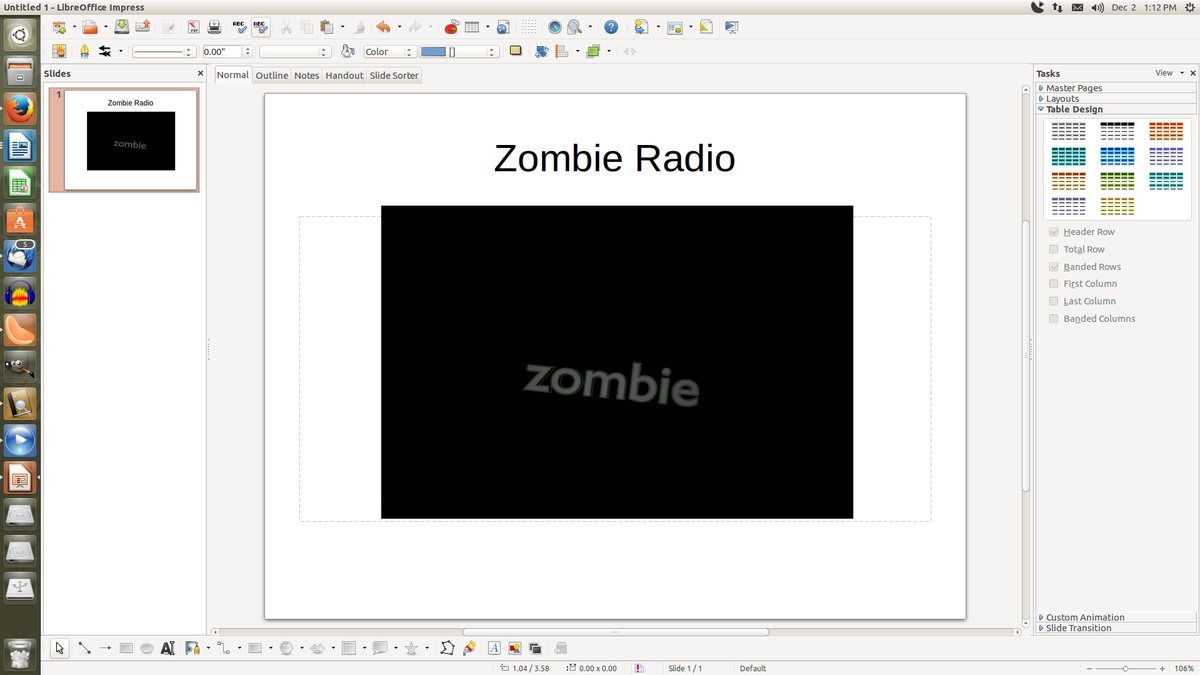
The video file embedded into a slide.
To give the video-embedded slide more of a seamless
look, you might get rid of any text on the page and change the page
background to black. To change the background color and give the video-embedded site a cleaner appearance, follow these steps:
- Go to Format | Page.
- Select Color from the Fill drop-down.
- Select Black.
- Click OK.
- When asked, do this for only this page (not all
pages).
Summary
The embedding of video into your Impress slide shows
is an easy way to dazzle your audience. You could even use this technique to create self-guided presentations, which could be especially useful if you have a paralyzing fear of public speaking.
More about LibreOffice on TechRepublic
- Fact sheet: LibreOffice 4.1
- Create a photo slide show presentation in LibreOffice 4.1
- Help migrate users from Microsoft Office to LibreOffice 4.1
- Give the new LibreOffice Sidebar a try