


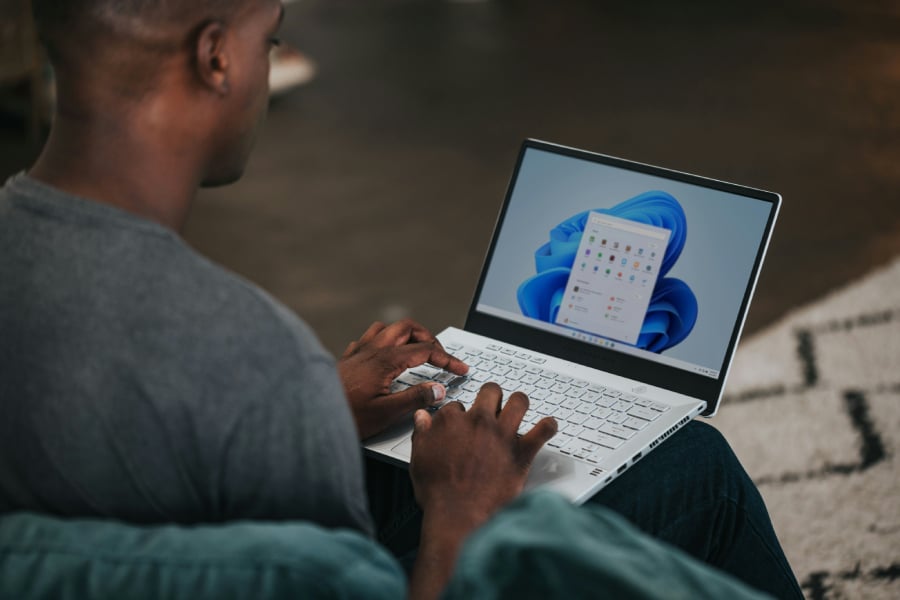
Microsoft is proving that Patch Tuesdays don’t have to be boring.
The upcoming February 2026 update for Windows 11 is set to bridge the gap between your pocket and your desk, making it easier to pick up exactly where you left off on your mobile device.
Picking up the slack (and your apps)
The standout feature in this rollout is the expansion of Cross-Device Resume.
This isn’t just about syncing tabs anymore; it’s about flow. If you’ve been working on a Word document or a PowerPoint deck on your Android phone during your commute, you can now hop onto your PC and resume that exact activity directly from the Taskbar.
According to Microsoft, you can “continue activities from your Android phone on your PC based on the apps and services you use, including resuming Spotify playback, working in Word, Excel, or PowerPoint, or continuing a browsing session.”
The update also brings specific perks for users of HONOR, OPPO, Samsung, Vivo, and Xiaomi devices. If you open online files in the Microsoft Copilot app on these phones, they will now seamlessly open in the corresponding Microsoft 365 app on your desktop.
Security without the headache
For a long time, Windows power users have had a love-hate relationship with Smart App Control (SAC). While it’s great for blocking untrusted apps, it previously required a total system reinstallation if you ever wanted to turn it off. That frustration is finally ending.
According to Microsoft, you can “turn Smart App Control (SAC) on or off without any clean install requirement.” You can find this toggle under the App & Browser Control section of Windows Security.
Additionally, biometric security is moving to the external. Windows Hello Enhanced Sign-in Security (ESS), which was previously limited to built-in sensors, now supports peripheral fingerprint readers. This means desktop users can finally enjoy the same high-level biometric protection that laptop users have had for years.
Better tools for creators and accessibility
Musicians have a reason to celebrate this month. Microsoft is overhauling its MIDI (Musical Instrument Digital Interface) infrastructure.
The update introduces “full WinMM and WinRT MIDI 1.0 support with built‑in translation, shared MIDI ports across apps, custom port names, loopback and app‑to‑app MIDI,” according to the company. These under-the-hood changes aim to reduce lag and improve reliability for digital audio workstations.
Accessibility is also getting a polish. Voice Access now features a redesigned setup wizard to help users pick the right microphone and download speech models quickly. Meanwhile, Voice Typing adds a “Wait time before acting” setting, allowing users to adjust how quickly the computer executes a command after they finish speaking.
More Microsoft news
- Inside Microsoft’s Real-Time War Against Cybersecurity Threats
- Project Ire: Microsoft Tests AI That Autonomously Detects Malware
- Microsoft Targets ‘Critical AI Talent’ from Meta to Dominate Next AI Breakthroughs
- Windows 10 Support Ends Soon, Though Extended Security Updates Offers Are Available
Under the hood: Speed and stability
Beyond the flashy features, Microsoft is tackling the laggy reputation of File Explorer. The update includes specialized fixes to improve responsiveness when navigating network locations.
Other notable fixes include:
- Settings agent: Now supports more languages, including Italian, Hindi, and Simplified Chinese.
- Device info: A new card on the Settings home page displays your PC’s specs at a glance.
- Start menu fixes: Resolved issues where the menu appeared on the wrong side of the screen or cut off warning messages.
How to get it
The update (Builds 26100.7701 and 26200.7701) is currently in the Release Preview Channel and is expected to hit the Stable Channel on February 10, 2026.
Users can manually check for updates in Settings > Windows Update by enabling “Get the latest updates as soon as they’re available.”
Given recent update issues reported by users, it’s best to create a system restore point or a full backup before installing.
Overall, this February update is less about revolutionary change and more about meaningful polish, making the connection between your gadgets smoother, your security settings less frustrating, and your overall daily grind on Windows a bit more harmonious.
Also read: A leaked Windows 11 test shows Copilot in File Explorer could let users ask Copilot to find documents and files inside folders.