


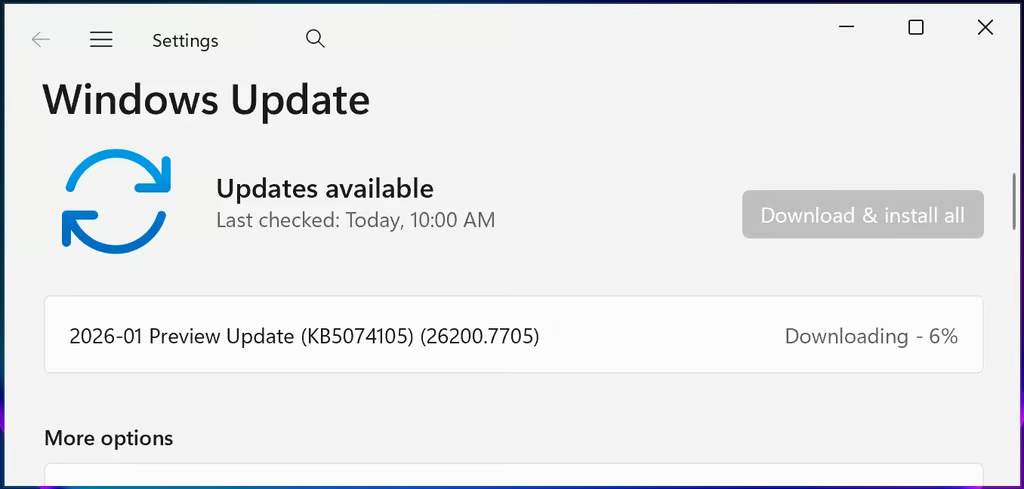
Microsoft has released a massive stability patch for Windows 11, fixing the notorious missing password icon and other system bugs.
The optional KB5074105 patch, released on Jan. 29, resolved the missing password icon and marked the end of lingering issues from the August 29, 2025, KB5064081 update. Its optional status indicates the non-security update is designed to deliver stability improvements to users ahead of the next mandatory Patch Tuesday.
The update includes 32 fixes and improvements, according to BleepingComputer. Its broad scope highlights Microsoft’s attempt to improve overall system reliability. One additional key resolution included fixing an iSCSI boot failure that previously prevented system startup. Another resolution addressed an issue that caused Explorer.exe to hang.
While Microsoft didn’t list fixing these in KB5074105’s release notes, reports from BleepingComputer indicated that the update fixed the issues.
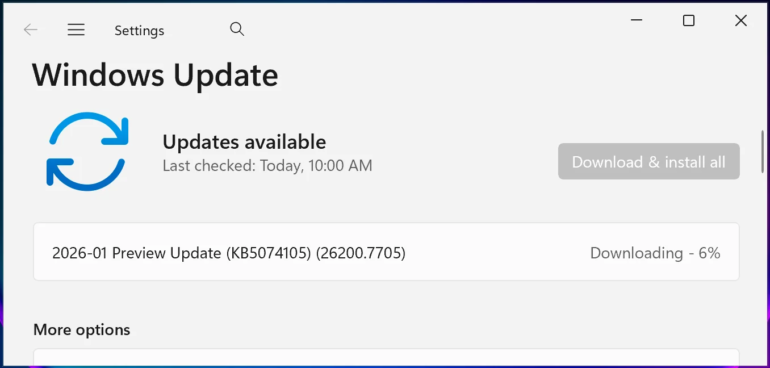
A breakdown of the issue and its fix
On August 29, 2025, Microsoft released the KB5064081 update. However, it was later discovered that the update introduced four issues, namely:
- Network Device Interface streaming performance issue
- Unexpected User Account Control (UAC) prompt when doing MSI repair operations
- Problems playing protected content in some Blu-ray/DVD/Digital TV apps
- Missing or invisible password icons in the lock screen sign-in options
Microsoft fixed the first three bugs in two separate September 2025 updates, while the last on the list got fixed last month.
The bug affected Windows users who received the Aug. 29 update and later versions, and also enabled multiple sign-in options on their computers, BleepingComputer added. The bug caused their password sign-in option to disappear. As a result, users encountering this error had to hover over the password sign-in option.
Microsoft acknowledged the bug and noted that it was unlikely to affect users of Home and Pro versions.
As of the time of writing this article, Microsoft has yet to receive any issues arising from installing the update. If it does, and happens to receive it within this week, there’s a chance that the next Patch Tuesday may carry its fix.
More about these updates causing bugs
Despite being recorded as “known issues” in later Microsoft updates, this update isn’t a direct sequel to the January updates that patched bugs from an update meant to patch bugs, following Jan. 13 Patch Tuesday. However, it addressed the Windows bugs caused by a previous update.
The current update isn’t the first time Microsoft has had to fix a bug caused directly by a previous update. It’s common for software updates to temporarily destabilize the devices they are meant to fix. However, the frequency with which Microsoft’s updates break users’ systems is a growing concern.
Also read: Microsoft says it’s shifting focus to Windows 11 performance after months of reliability complaints and buggy updates.