Five Apps: Organize your note taking with these five apps - TechRepublic

Five Apps: Organize your note taking with these five apps

  • 1_note_taking_9-9.png

    Five apps for note taking and organization

    This\r\ngallery is also available as a TechRepublic article.

    When\r\nyou need to jot down that quick idea, or need to record more elaborate details\r\nto a business plan or tackle an agenda, you might want to consider dropping Notepad\r\nout of your workflow to incorporate a feature-rich and proper note taking app\r\nwhich can help you better organize your thoughts and words. To that end, here are\r\nfive apps for Windows that I believe are a nice fit for recording your musings\r\non the fly.

    \r\n\r\n

    Credit: Images by Matthew Nawrocki for TechRepublic

  • a1_OneNote_1.png

    OneNote 1

    Five Apps

    \r\n\r\n

    1. Microsoft OneNote

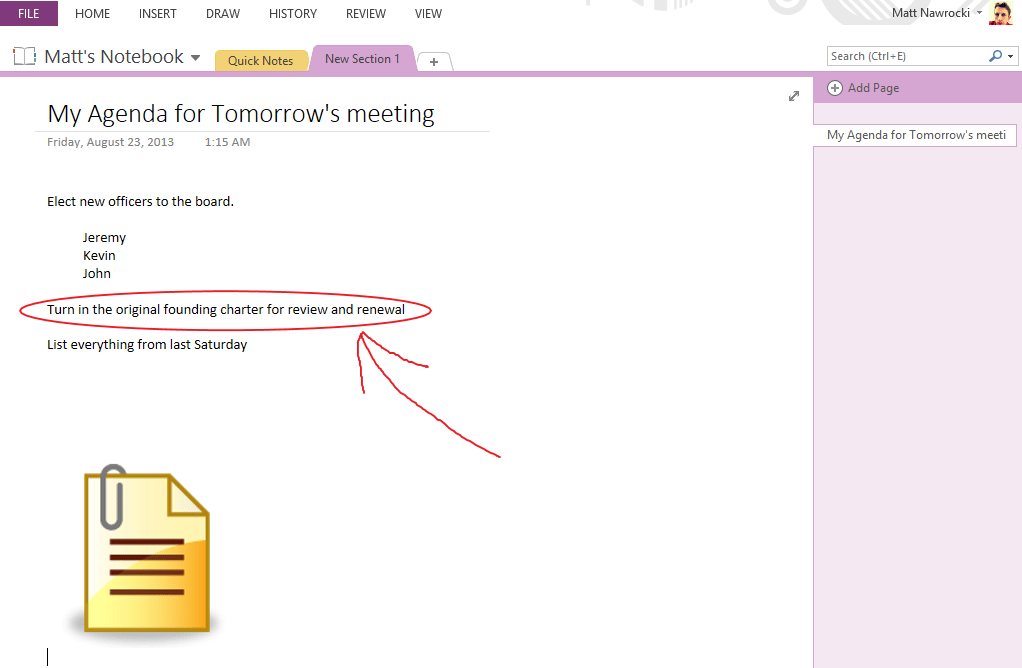
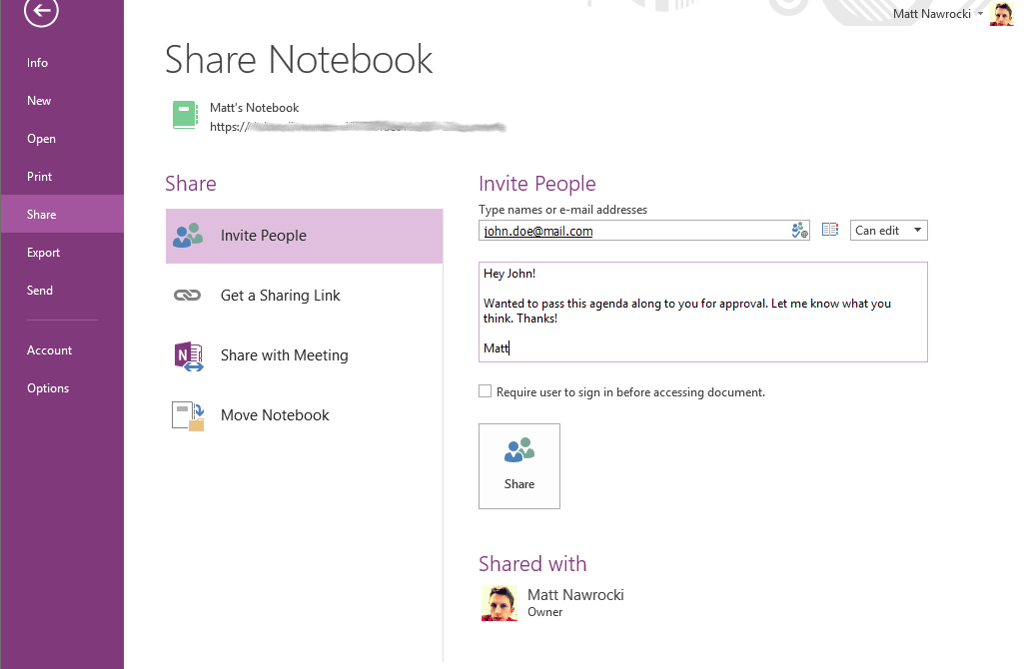
    \r\n\r\nOnce again, Microsoft has a\r\nstellar offering in this category of software. Not only are you able to\r\norganize your notes by pages, you are also able to sync everything between all\r\nof your devices connected to your Microsoft account, embed recorded audio and\r\nvideo, draw directly within notes you create, and more. The deep integration\r\nwith Exchange Server, SharePoint, and other Microsoft Office products grants\r\nOneNote a level of integration that you won’t see in other note applications.

    \r\n\r\n

    Credit: Images by Matthew Nawrocki for TechRepublic

  • a2_OneNote_2.png

    OneNote 2

    Credit: Images by Matthew Nawrocki for TechRepublic

  • b1_Evernote_1.png

    Evernote 1

    2. Evernote

    \r\n\r\n

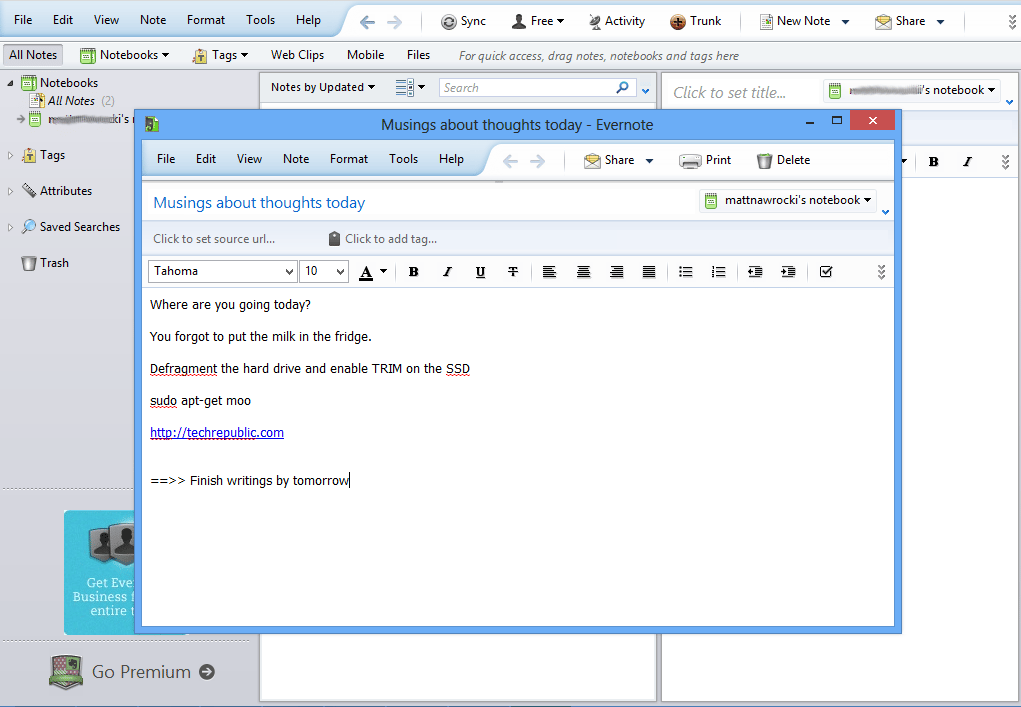
    Started back in 2008, Evernote has grown in popularity\r\nwithin the past few years and is probably the premiere freeware (mostly) note\r\ntaking app, not just for Windows PCs, but also for Macs and several mobile\r\nplatforms, such as Android and iOS. Like OneNote, you are also able to sync to\r\nany computers and devices tied to your account, but you are limited to a paltry\r\n60MB of monthly bandwidth for syncing purposes. If your note taking needs are\r\nfairly regular, you might want to consider the premium upgrade for $45 a year,\r\nwhich raises the bandwidth ceiling to 1GB per month.

    \r\n\r\n

    Credit: Images by Matthew Nawrocki for TechRepublic

  • c1_KeepNote_1.png

    KeepNote 1

    3. KeepNote

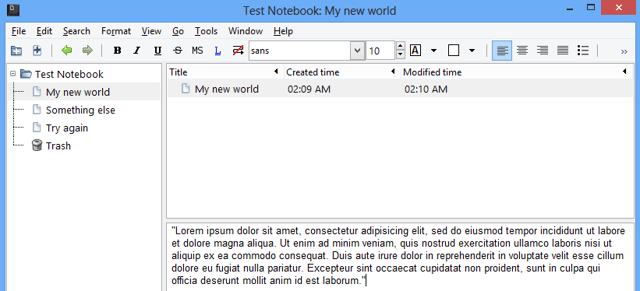
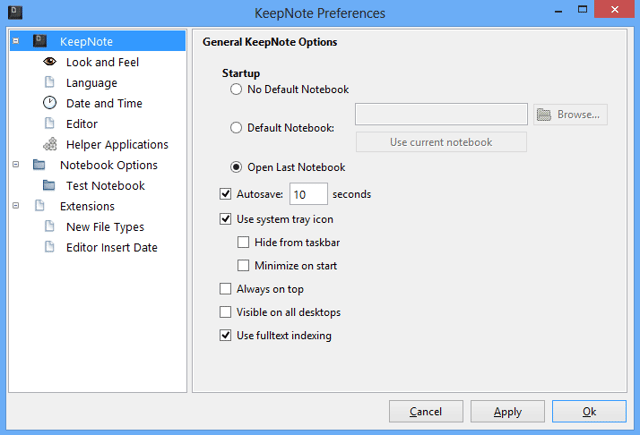
    \r\n\r\nIf you are looking for\r\nsomething more bare-bones, KeepNote might be right for you. The product is\r\nquite lightweight and runs nicely even on slower systems. The only thing you\r\nwould probably miss is the fact that KeepNote lacks any proper sync\r\nfunctionality. The interface is well designed and also quite responsive too. If\r\nyou have Python coding experience, you can easily build upon this application\r\nas desired, since KeepNote is based on the Python language. KeepNote is\r\nlicensed as open source under the GPL.

    \r\n\r\n

    Credit: Images by Matthew Nawrocki for TechRepublic

  • c2_KeepNote_2.png

    KeepNote 2

    Credit: Images by Matthew Nawrocki for TechRepublic

  • d1_WikidPad_1.png

    WikidPad 1

    4. WikidPad

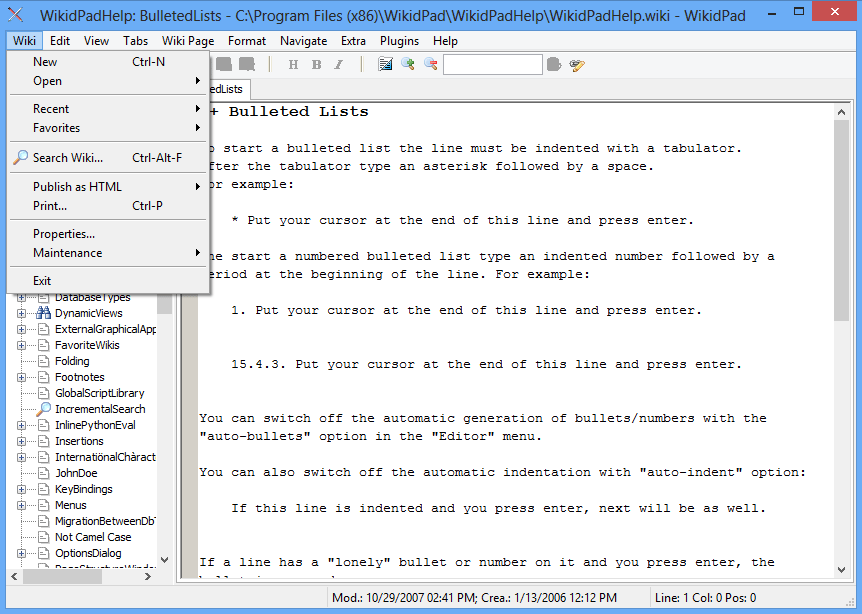
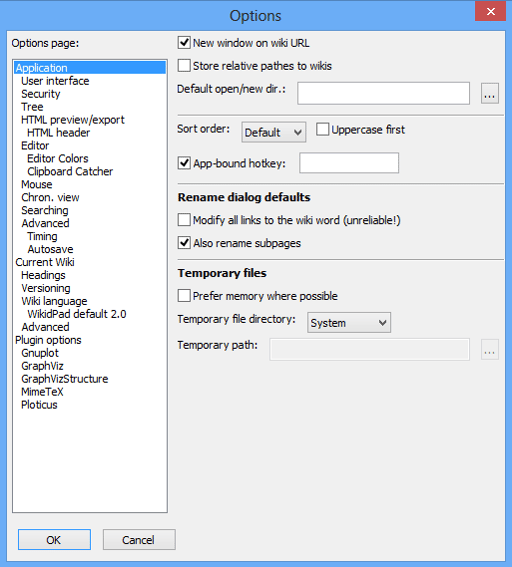
    \r\n\r\nFor a more power-user or\r\ndeveloper approach to crafting notes, WikidPad looks quite interesting. This\r\nsoftware offers an easy to use IDE-style editor which can crank out HTML based\r\nnotes on the fly without having to have extensive knowledge of web design. This\r\nalternative approach can come in handy if you want to output notes in a format\r\nthat can be read in all web browsers. Example pages are provided for\r\nconvenience. WikidPad is licensed as open source under the GPL.

    \r\n\r\n

    Credit: Images by Matthew Nawrocki for TechRepublic

  • d2_WikidPad_2.png

    WikidPad 2

    Credit: Images by Matthew Nawrocki for TechRepublic

  • e1_CintaNotes_2.png

    CintaNotes

    5. CintaNotes

    \r\n\r\n

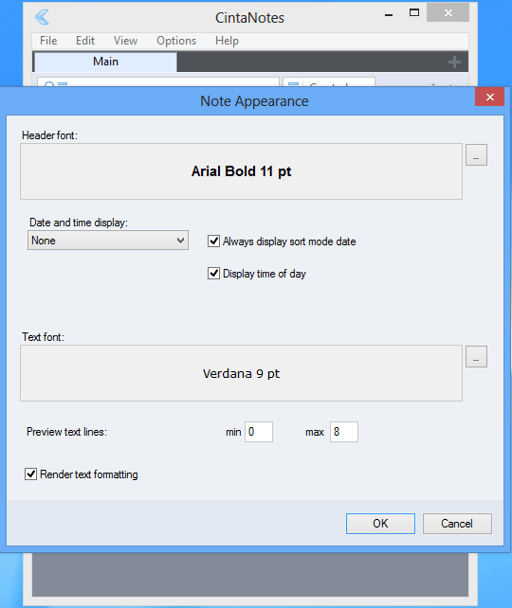
    And last, but not least, CintaNotes offers an incredibly\r\nminimalistic UI that simply tries to get out of your way when you create\r\ncontent. You can sync your notes using the Simplenotes platform, but not\r\nwithout paying a one-time $25 dollar upgrade fee for the pro release. Honestly,\r\nif the notes you decide to take are that important to keep around, paying the\r\nfee for the added peace of mind is likely worth it in the long run.

    \r\n\r\n

    Credit: Images by Matthew Nawrocki for TechRepublic

1 of 9
Matthew Nawrocki

A former avid technology writer and an IT guru, Matthew is here to help bring the best in software, hardware and the web to the collective consciousness of TechRepublic's readership. In addition to writing for TechRepublic, Matthew currently works as a Customer Success Professional for Ultimate Software in Santa Ana, California.