Fed up with social media? Sick and tired of hiding from identity thieves? It’s not easy to eliminate your online presence, but it can be done if you’re willing to put in the legwork.
Here are some tools, tips, and strategies for getting rid of your internet footprint.
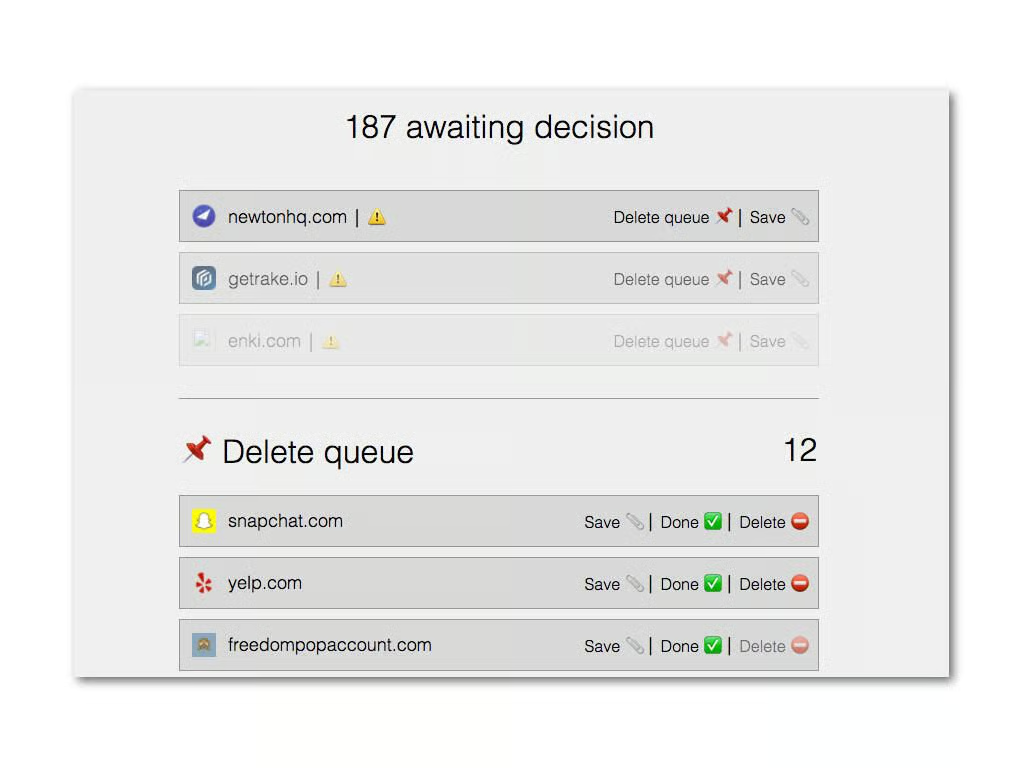
Deseat.me requires you to log in with either a Google or Outlook account, but if you’re getting to wipe your internet presence out that shouldn’t be too big of a concern.
Once you log in, Deseat.me will comb the account you logged in with for other accounts. All you have to do is choose whether you want to keep or delete that account and Deseat.me will do the work for you (some accounts have to be closed manually and Deseat.me will take you to the appropriate page in that case).
If you want to get rid of a bunch of accounts you forgot you had, Deseat.me is a good place to start.
Image: TechRepublic\/Brandon Vigliarolo
Find the ones you may have missed at JustDeleteMe
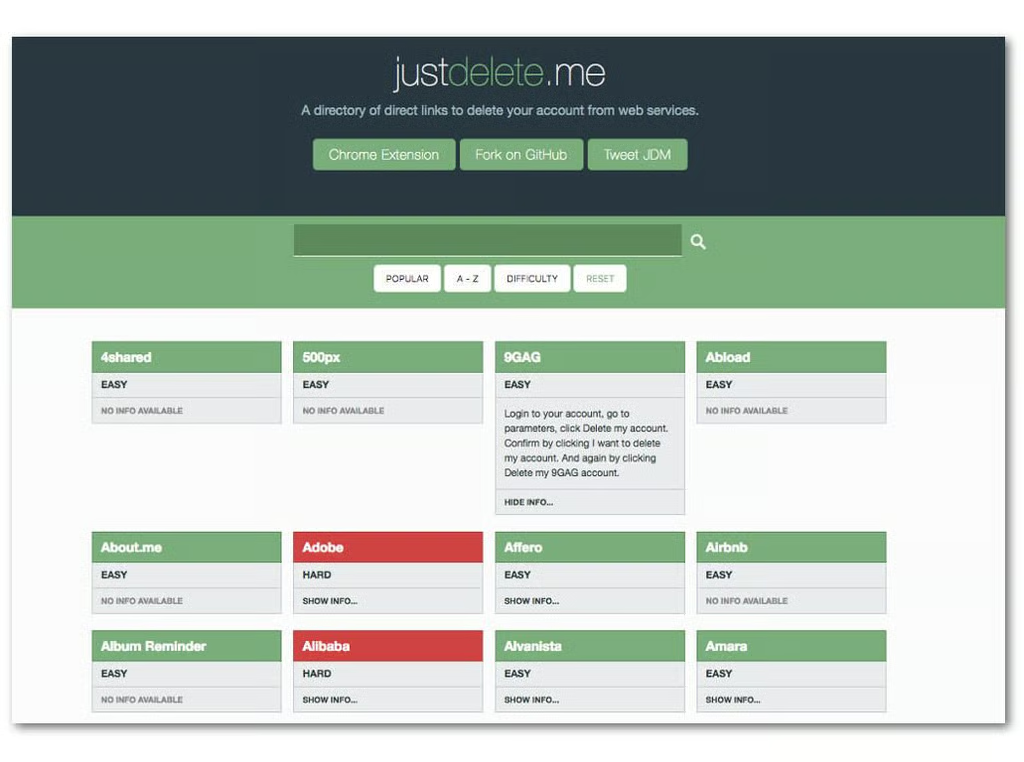
JustDelete.me is a huge index of sites you may have signed up for along with steps on how to remove your account. If Deseat.me missed a few, this is the place to go to find the rest and get rid of them.
Image: TechRepublic\/Brandon Vigliarolo
Can't delete an account?
If you have one or more accounts you can’t, or don’t want to, delete the best thing to do is make some changes to your identity on those sites. Change your email address, birthdate, your name, your phone number … any identifying info that you don’t want possibly being used to figure out who you are.
Image: iStock\/hanieriani
Ask Google to scrub your personal info
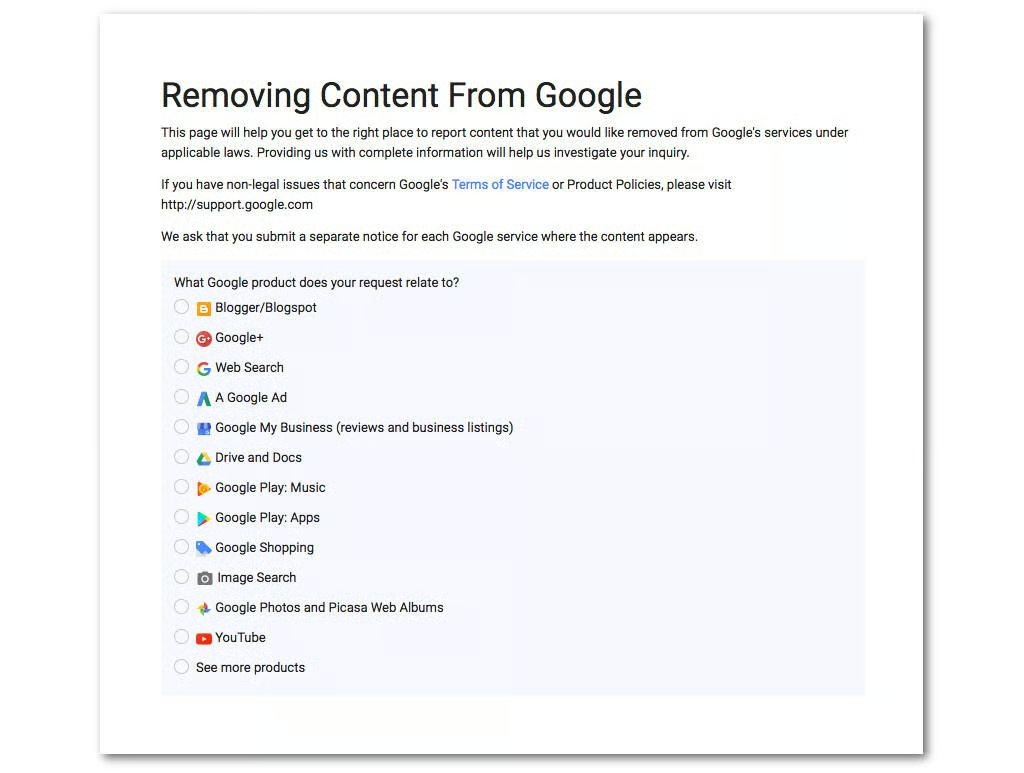
If you’ve had a particular piece of personal info posted on the internet you can ask Google to scrub it with a submission on this page. Photos, addresses, social security numbers, and other illegally shared info can all be removed, but don’t expect it to be instant–Google reviews each case individually and that can take time.
Image: TechRepublic\/Brandon Vigliarolo
Get Google to delist old information
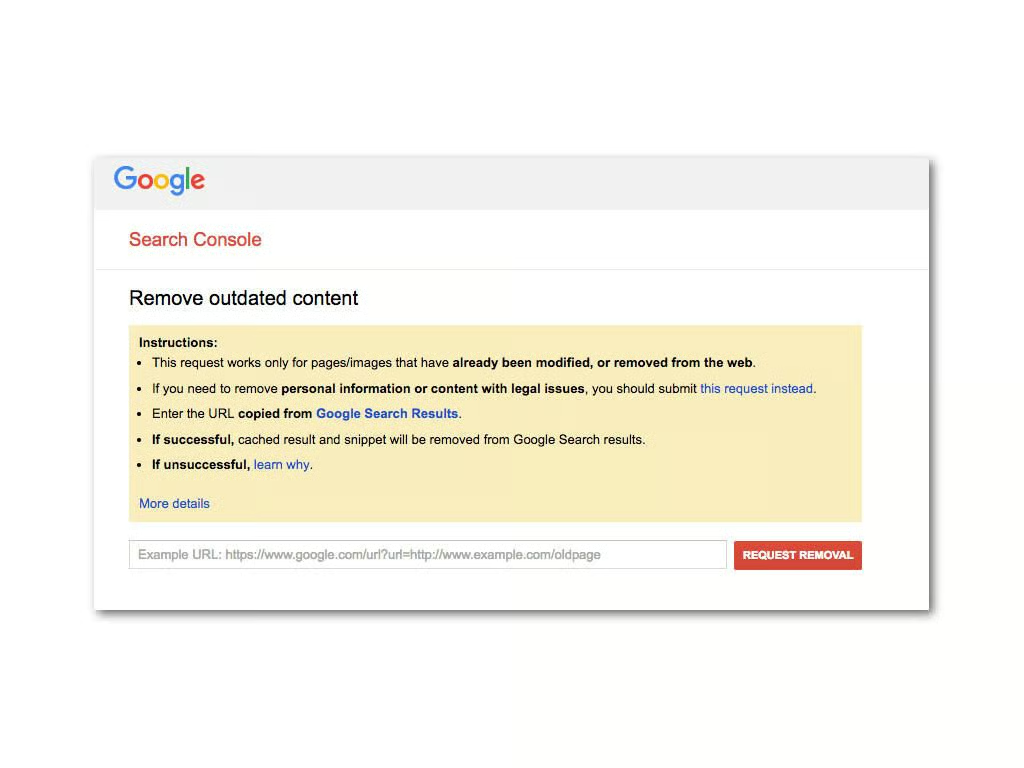
Google can eliminate outdated links that pertain to you. It’s a simple request–just paste the link as it appears on a Google search into the appropriate field on this page and wait. Again, this can take some time.
Image: TechRepublic\/Brandon Vigliarolo
Databrokers: The worst of the worst
Intelius, Acxiom, PeopleFinder–those are just a few examples of the dozens of data broker websites out there that buy and sell your personal info. Getting yourself free of their clutches can be tricky too: Delisting methods vary per site and some even require you to fax in paper forms for verification.
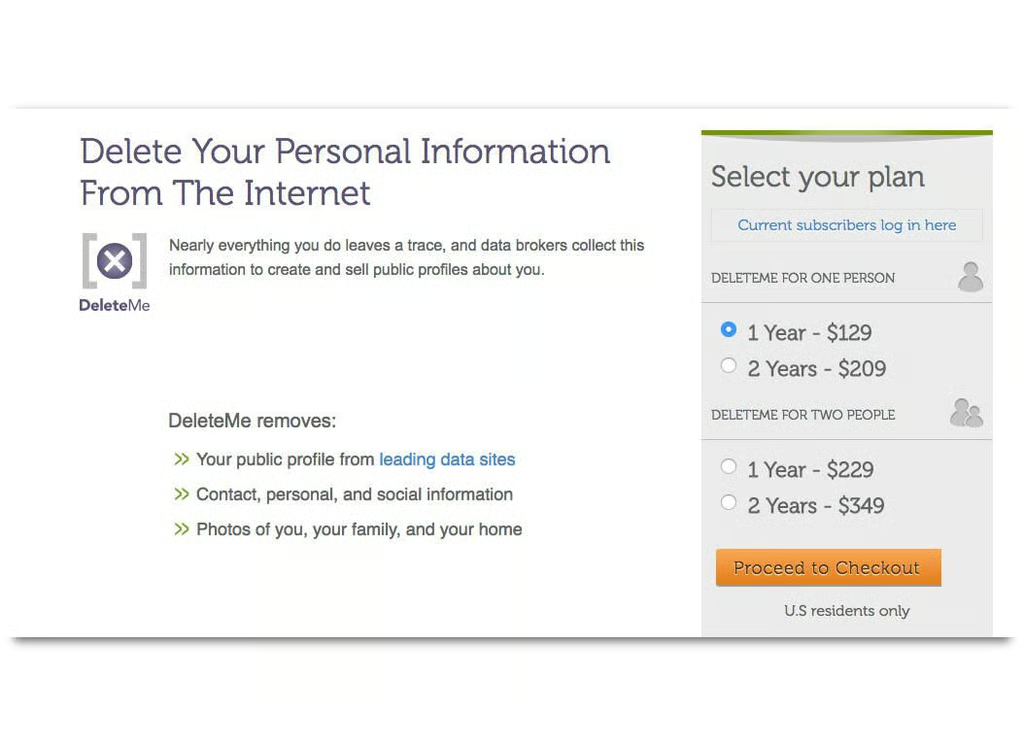
You’ll have to go through the myriad data brokers one by one to get rid of your personal info but there is an easier, albeit costly, method: DeleteMe. For a yearly fee of $129 (for one individual) DeleteMe will remove your info, and keep it removed, from data broker websites. If you really want to go dark on the internet this is almost a must-have.
Image: TechRepublic\/Brandon Vigliarolo
De-Facebooking
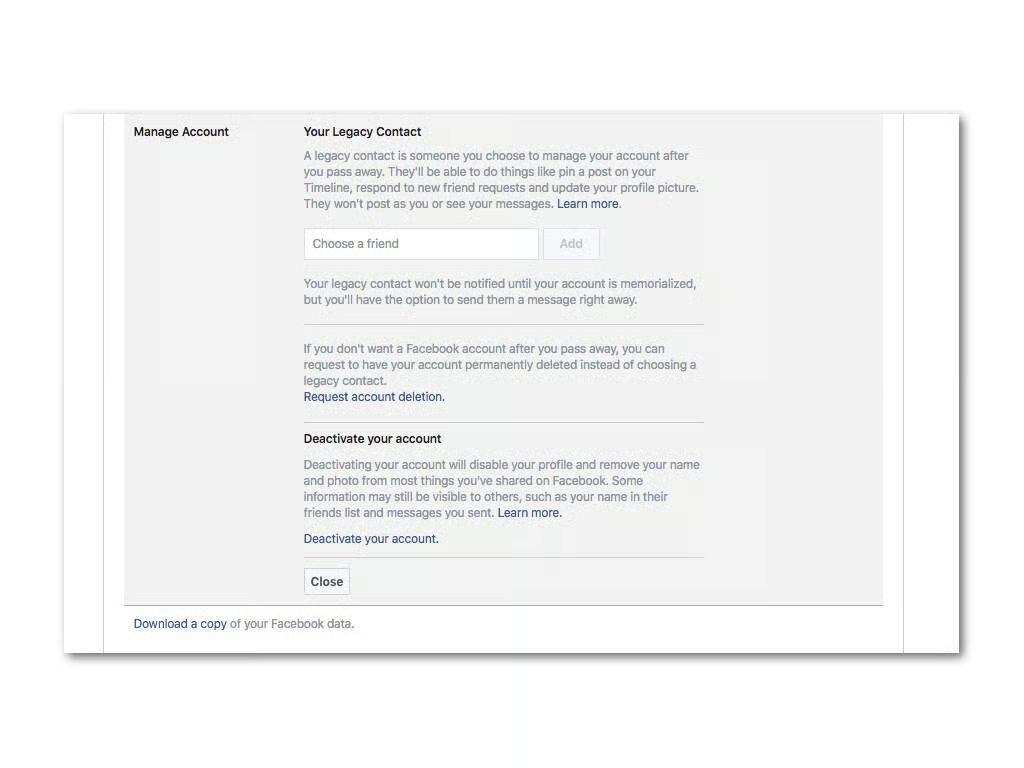
Getting rid of your Facebook account is a task in itself. If you want to close it follow these steps:
On the main Facebook page click the arrow in the upper-right corner.
Click on Settings from the dropdown menu that appears.
Click on Manage Account.
From here you can click on Deactivate Your Account to be walked through the steps of closing it.
If you want to save photos and other info you’ve accumulated on Facebook over the years you can do that by clicking on Download A Copy Of Your Facebook Data” at the bottom of the page.
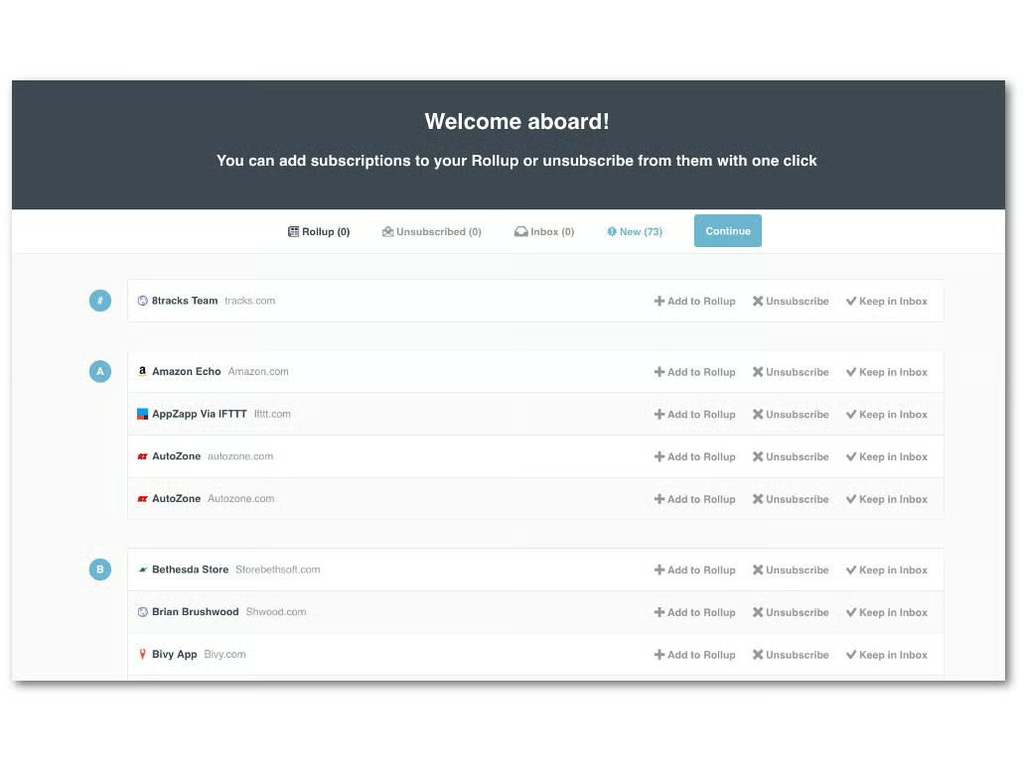
If you don’t unsubscribe from mailing lists you’re leaving a bit of personal data out there, so it’s a good idea to get rid of them. Even if you don’t want to leave the internet it’s still a good idea to get rid of old mailing list subscriptions once in awhile–they take up a lot of inbox space!
I recommend using Unroll.me. When you sign up with your email account Unroll.me will scan your inbox to find all the mailing lists you’re subscribed to. Go down the list and click Unroll on the ones you want to get rid of.
Brandon is a Staff Writer for TechRepublic. He's an award-winning feature and how-to writer who previously worked as an IT professional and served as an MP in the US Army.