Give your ideas free rein with these five brainstorming apps - TechRepublic

Give your ideas free rein with these five brainstorming apps

  • mindmap_iStock_000004207029Small.jpg

    Give your ideas free rein with these five brainstorming apps

    Sometimes you need to\r\nsee your thoughts laid out before you so you can come up with the perfect\r\nsolution. Often, this just means a scrap of paper and a pen. But if you prefer\r\na more organized tool to help sort out your inner chaos, these mind-mapping applications\r\nmay help.

    Note: This gallery is also available as an article.

    Image: iStock
  • 01coggle_1.png

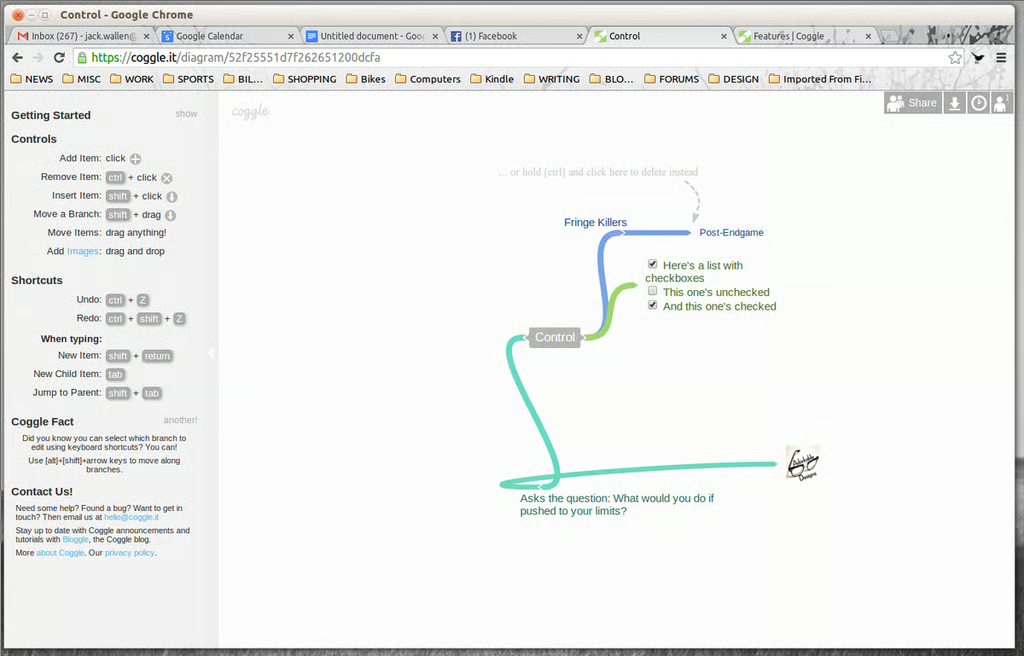
    Coggle

    Coggle is a web-based mind-mapping app with a\r\nstraightforward interface. Once you sign in with your Google account, you can\r\nadd unlimited items (images, check boxes, links, and more), format text, and drag\r\nand drop items to build your map.\r\n

  • 03the_brain_1.png

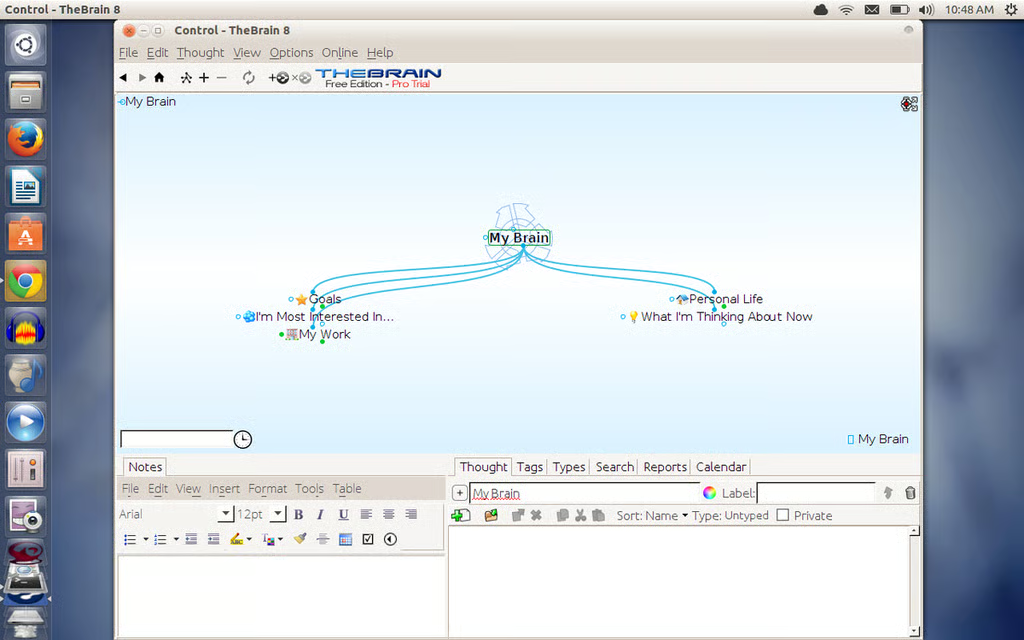
    The Brain

    The Brain is a\r\nJava-based mind-mapping tool for Windows, Linux, and Mac. There are two\r\nversions: Free and Pro. You get a free, 30-day trial of the Pro version with a\r\nsingle download. After the 30 days, you can add thoughts and notes, but you\r\nwon’t be able to add attachments (such as documents), see additional views,\r\nsearch with web pages, or use auto-folder visualization and templates.

  • 05freemind_1.png

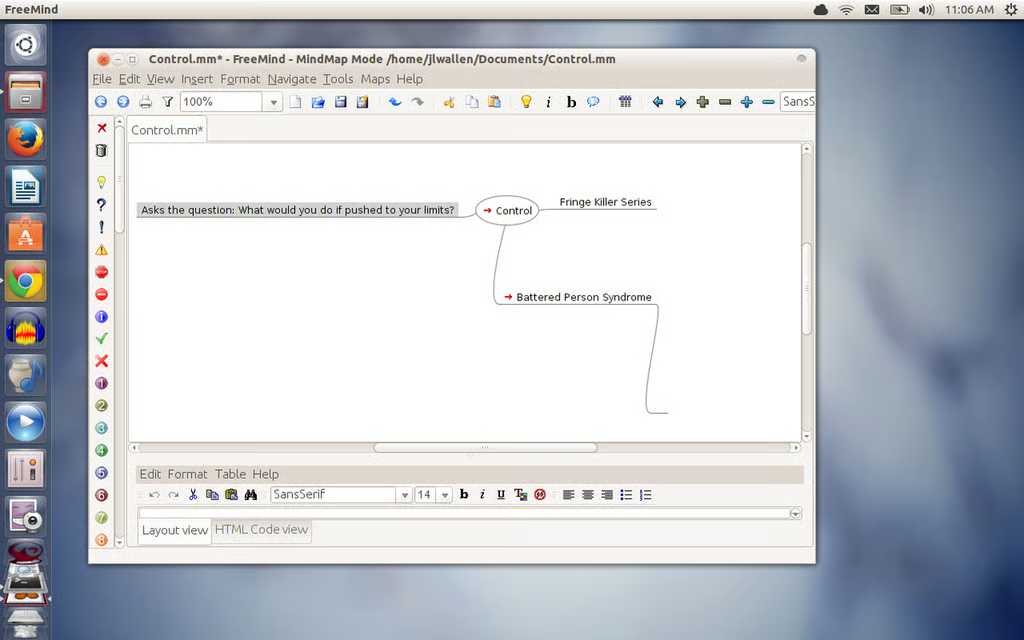
    FreeMind

    FreeMind is another cross-platform mind-mapping\r\ntool that runs on Windows, Linux, and Mac. Released under the GNU General\r\nPublic License, FreeMind is one of the best open source mind-mapping tools\r\navailable. It’s flexible, consistent across platforms, allows for complex\r\ndiagrams (with nearly unlimited branches), and lets you add links, graphics, icons,\r\nand encrypted nodes.\r\n

  • 07simplemind_1.png

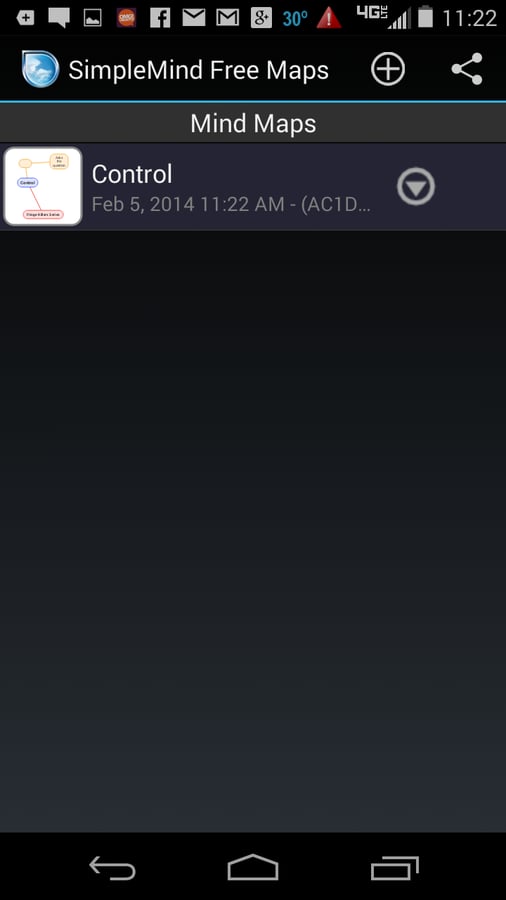
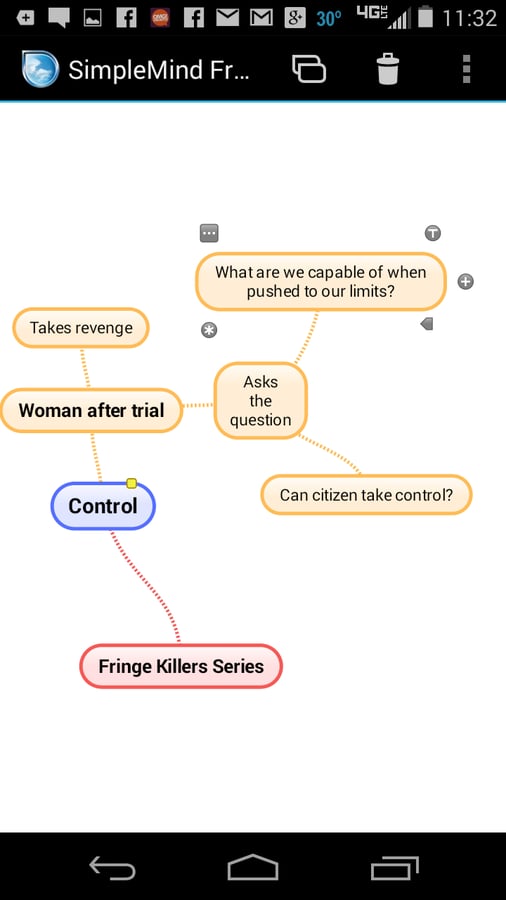
    SimpleMind Free

    SimpleMind Free is an Android and IOS mind-mapping\r\ntool that offers an easy-to-use interface with drag, arrange, and edit topic\r\nability on the Mind Map page. You can add multiple mind maps and as many items\r\nas needed.\r\n

  • 08simplemind_2.png

    SimpleMind Free

    SimpleMind Free doesn’t let you\r\nadd hyperlinks or links to files, and there are other limitations as well. But it\r\ndoes let you undo/redo, reconnect topics using drag and drop, cut/copy/paste, and\r\napply visual styles. It also offers unlimited page size for maps.\r\n

  • 09labyrinth_1.png

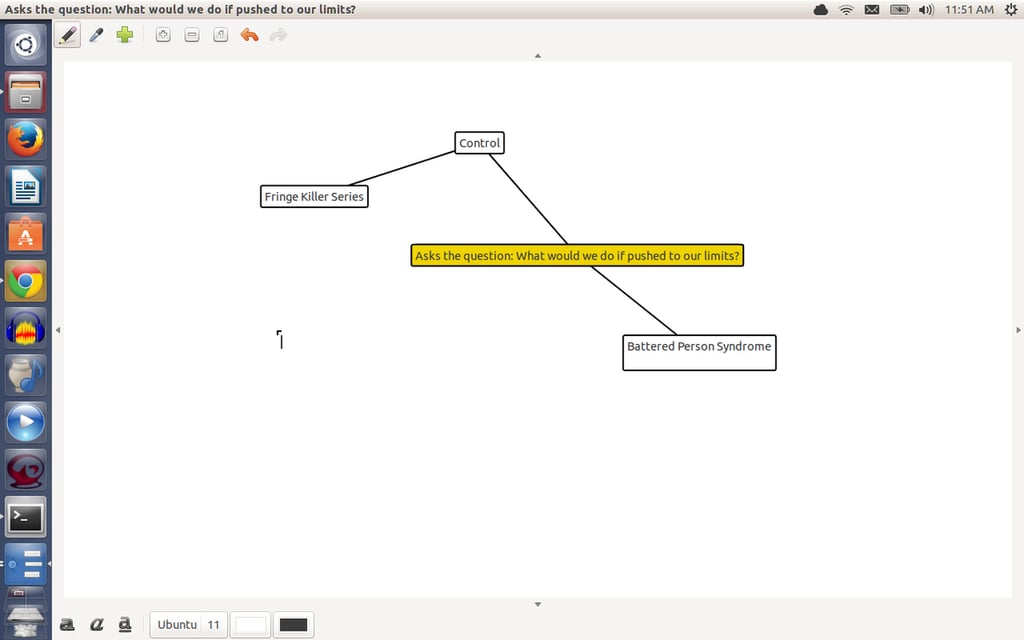
    Labyrinth

    Labyrinth is a Linux-only mind-mapping tool written\r\nin Gtk and Cairo. It offers a bare-bones interface that allows you to create\r\nmind maps quickly, with zero learning curve. Labyrinth is the tool you need\r\nwhen you don’t want bells and whistles getting in the way of creating simple,\r\nquick mind maps. A mind map can be as large as you need it and you can navigate\r\naround it using the edge arrows of the Labyrinth window.\r\n

1 of 7
Jack Wallen

Jack Wallen is an award-winning writer for TechRepublic, The New Stack, and Linux New Media. He's covered a variety of topics for over twenty years and is an avid promoter of open source. For more news about Jack Wallen, visit his website jackwallen.com.