Hands-on with the Seidio Innocase II Surface for the HTC ThunderBolt - TechRepublic

Hands-on with the Seidio Innocase II Surface for the HTC ThunderBolt

  • TBOLT_Seidio01.jpg

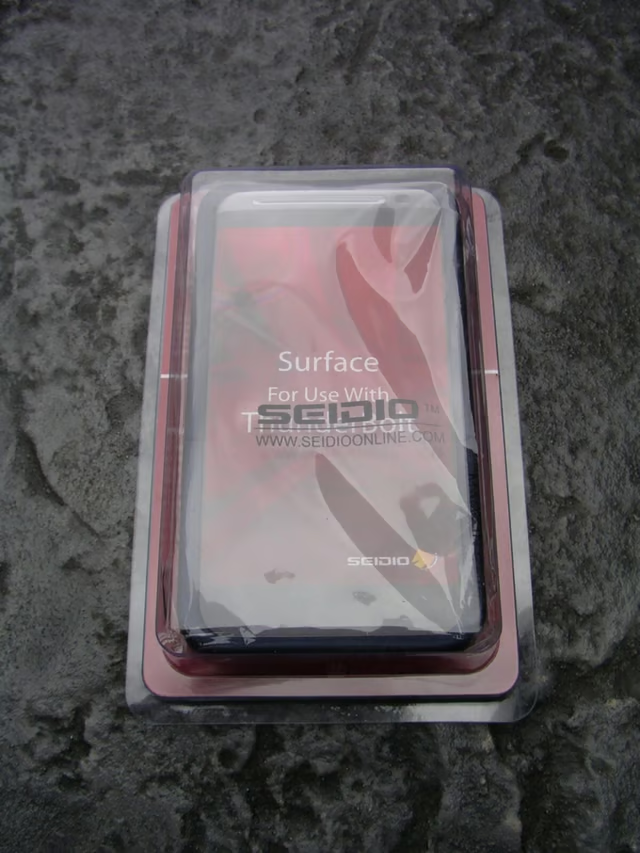
    Innocase II Surface retail package

    \n\tThe Innocase II Surface comes in a simple plastic box to keep it safe during transit.

    \n

    \n\tMake sure to check out my review of the case and story of the fall on my ZDNet Smartphones & Cell Phones blog.

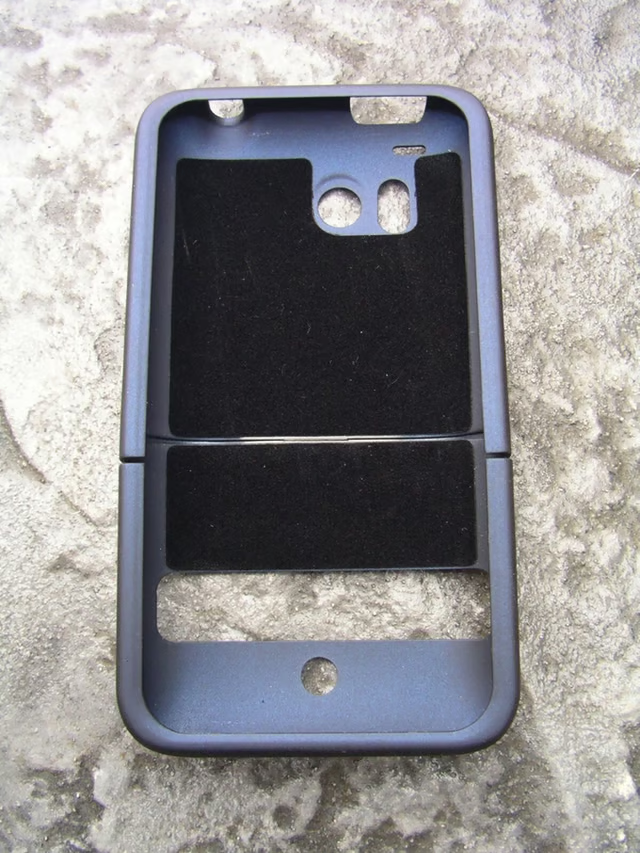
  • Front of the ThunderBolt case

    \n\tThe front of the case without my device inserted shows the openings and black felt lining.

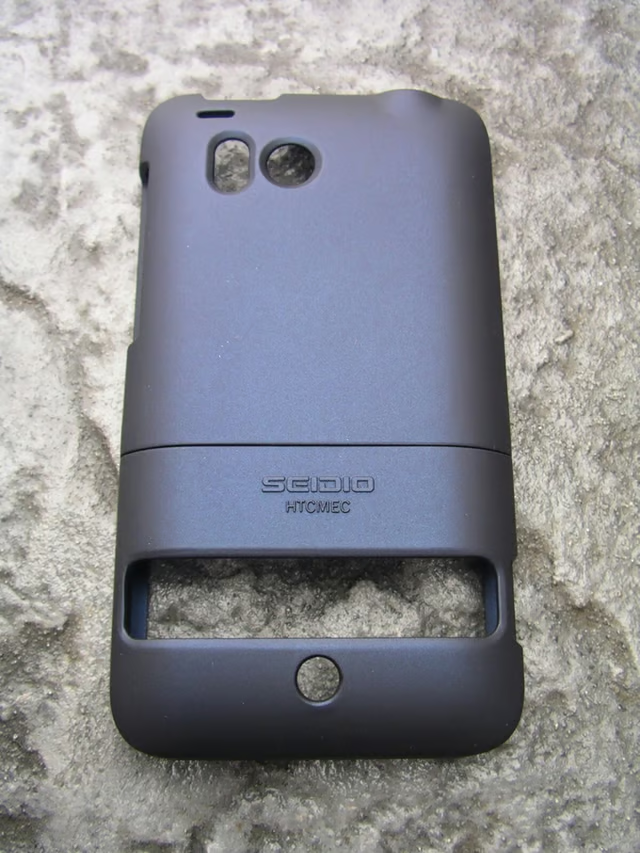
  • Back of the case without the ThunderBolt inserted

    \n\tThe back shows the openings and seam where the two pieces come together securely.

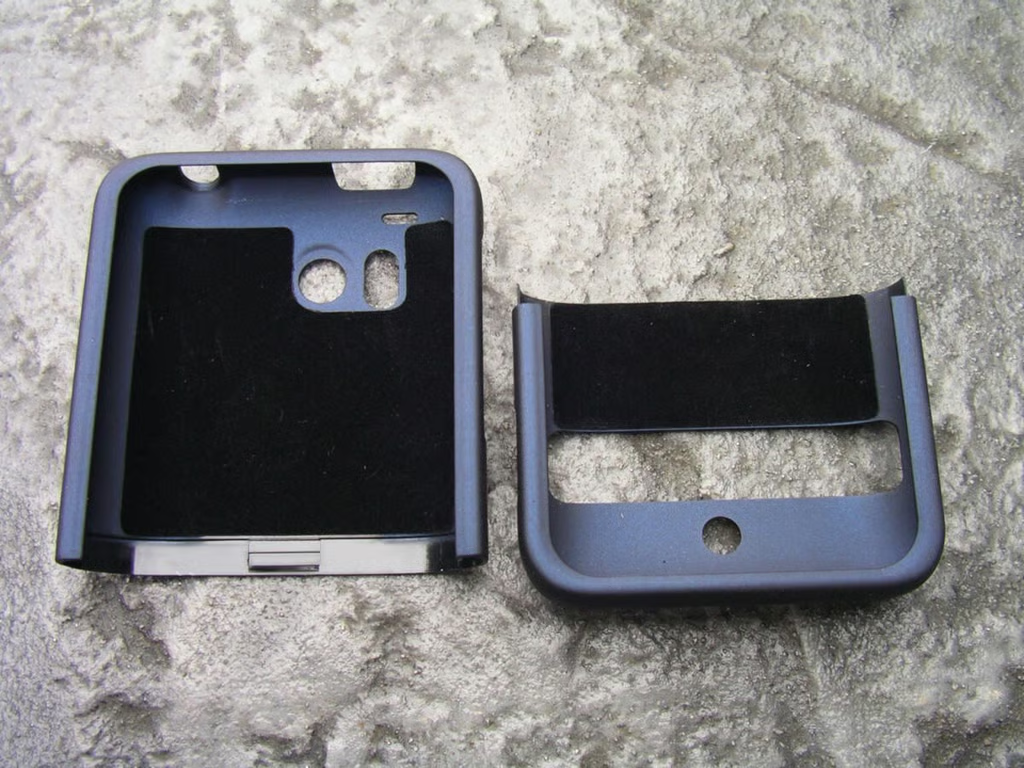
  • Two pieces of the Innocase II Surface case

    \n\tAfter pulling the case out of the package you then separate the two pieces so you can insert the ThunderBolt.

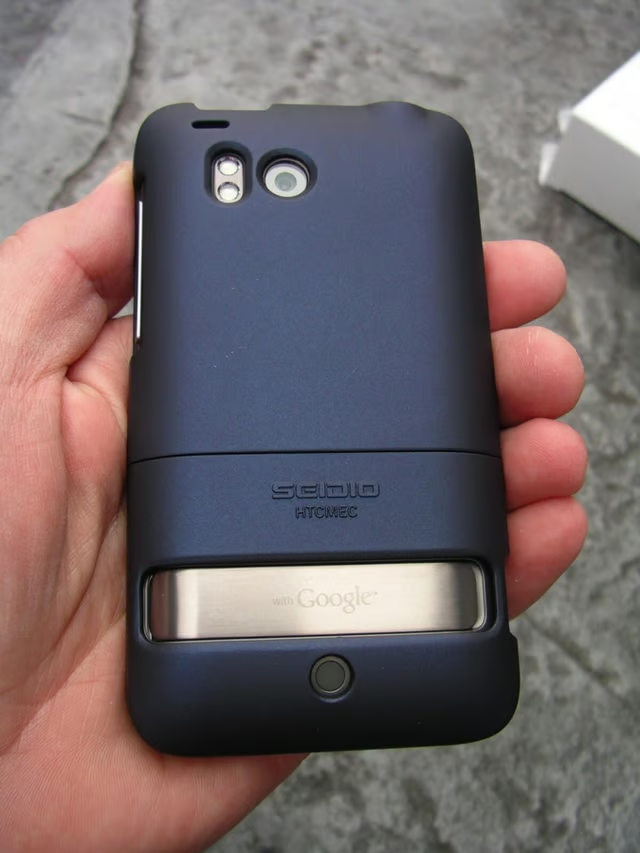
  • Back of the case with ThunderBolt inserted

    \n\tNow that the ThunderBolt is in the case you can see there are openings for everything so you do not compromise any functionality.

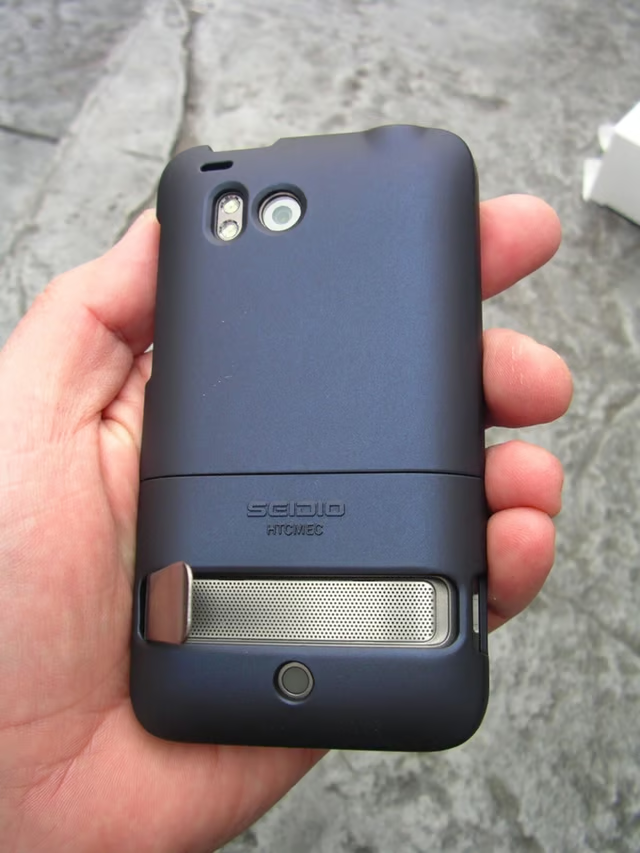
  • Extending the kickstand in the case

    \n\tAs you can see the large kickstand full extends in the case.

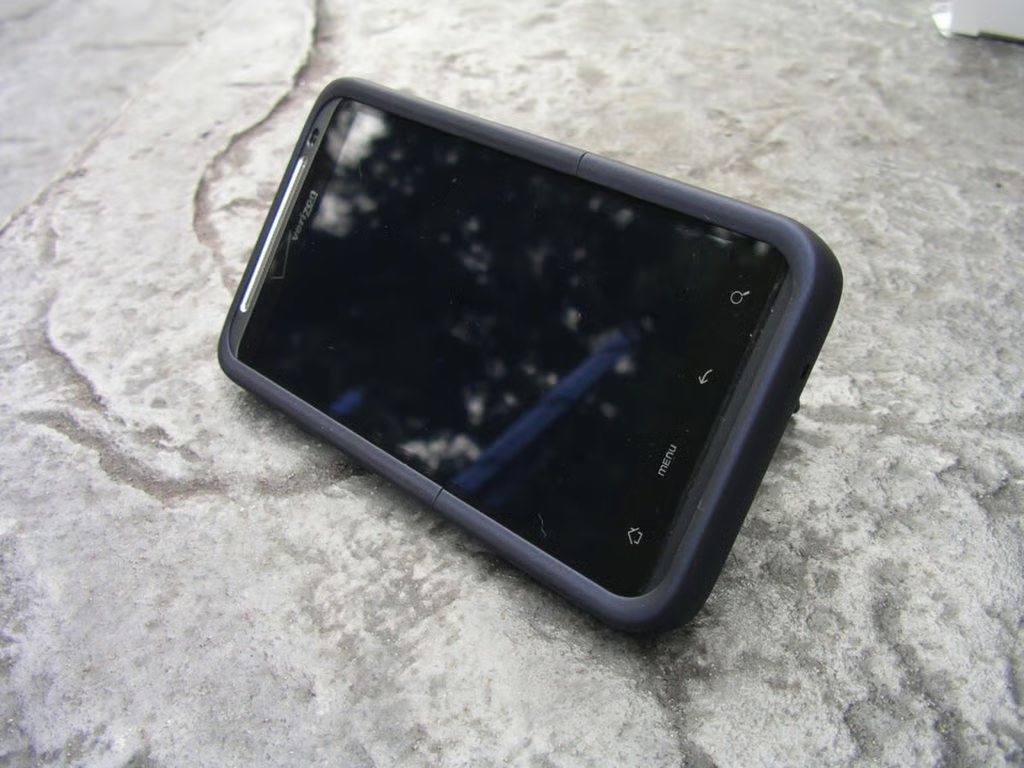
  • Kickstand works just fine with the case on

    \n\tThe kickstand props up the ThunderBolt, even with the Innocase II Surface case placed on the device.

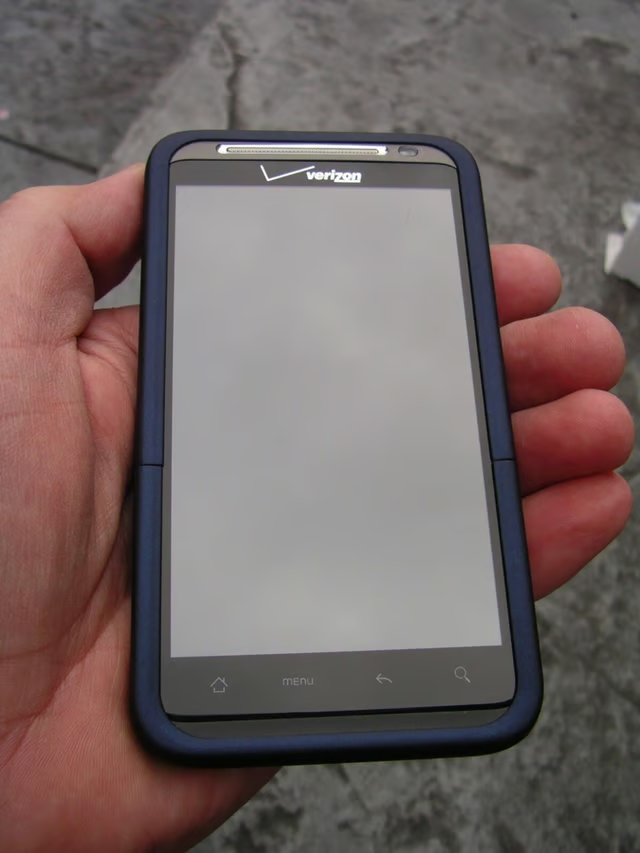
  • ThunderBolt and case in hand

    \n\tThe Innocase II Surface adds very little to the ThunderBolt bulk.

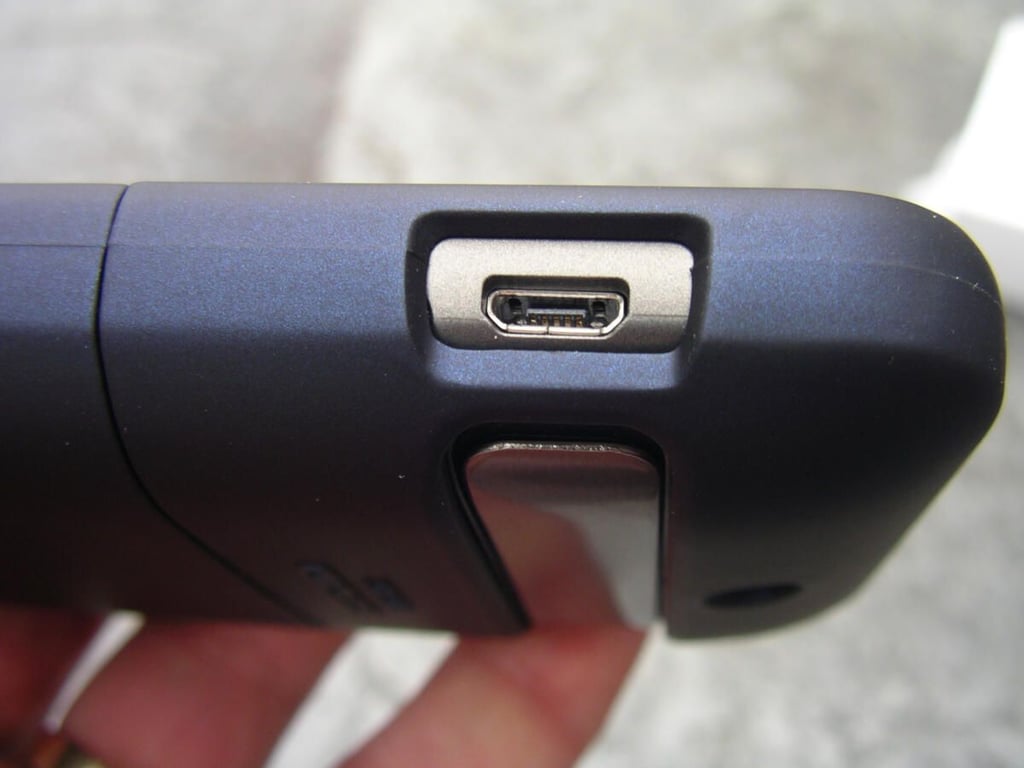
  • Bottom left openings

    \n\tHere you can see the opening for the microUSB port and kickstand.

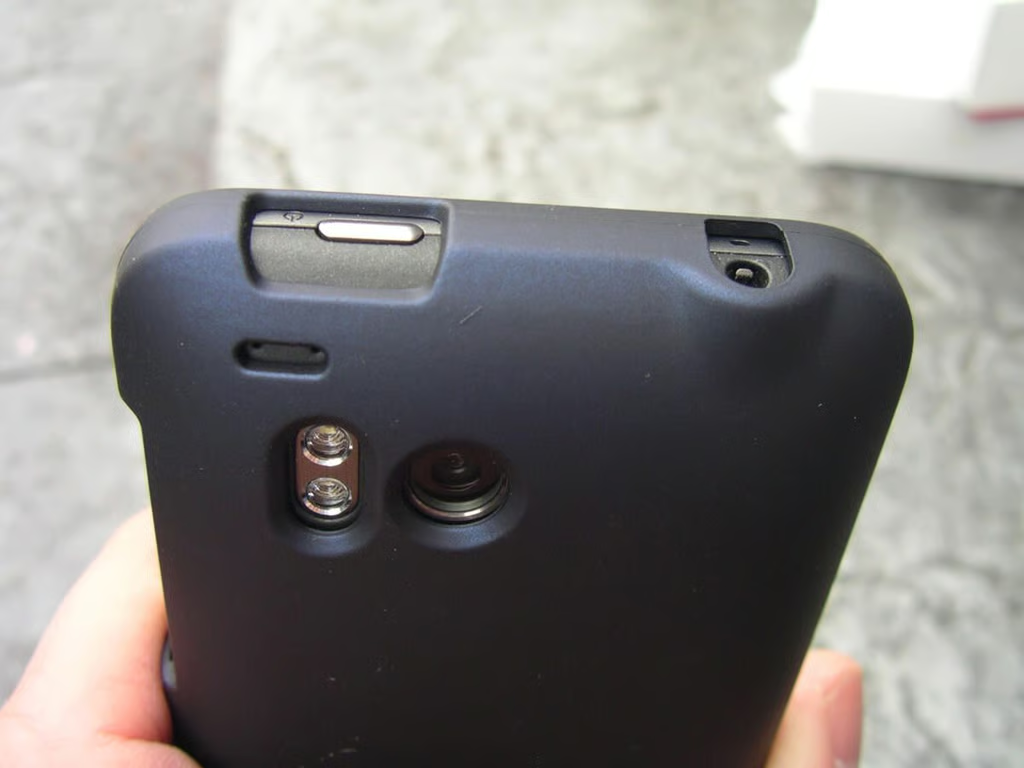
  • Openings along the top of the case

    \n\tThis photo shows the camera, flash, mic, power button, and 3.5mm headset jack openings.

  • Innocase II Surface image gallery 1

    \n\tInnocase II Surface image gallery 1

  • Innocase II Surface image gallery 2

    \n\tInnocase II Surface image gallery 2

1 of 12