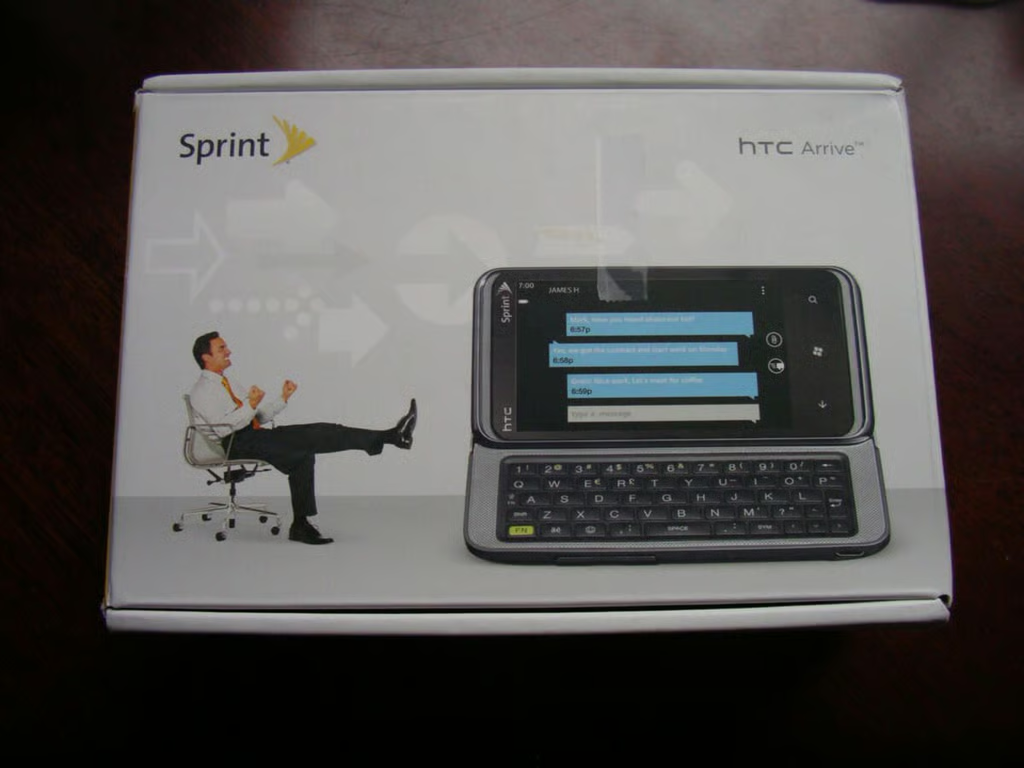
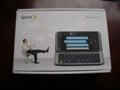
\n\tThe Sprint HTC Arrive comes in a solid compact box.
\n
\n\tCheck out my ZDNet Smartphone & Cell Phones blog for detailed thoughts and a video of the device in action.
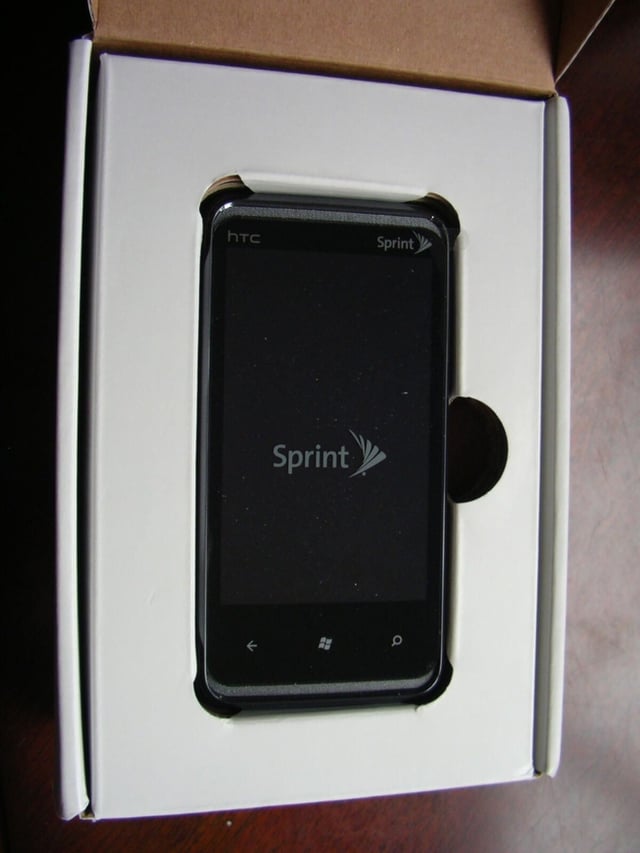
\n\tWhen you open the lid of the box, you will find the Arrive sitting in a formed compartment.
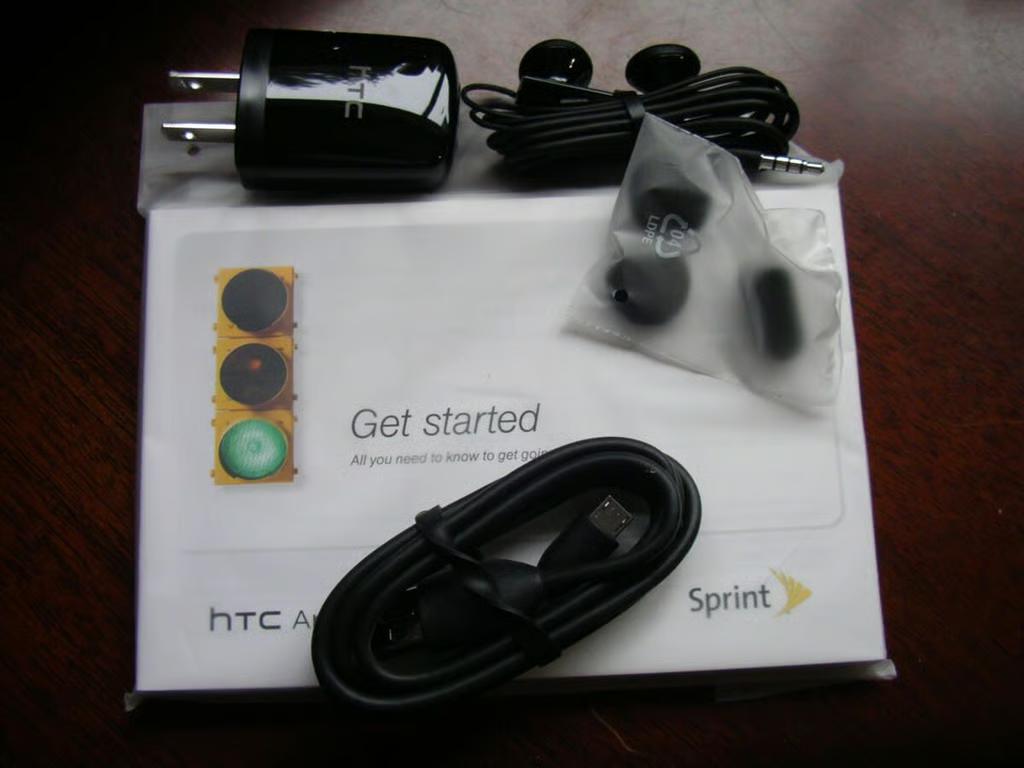
\n\tThe included accessories consist of the charging cable and USB A/C adapter, wired stereo headset, and pamphlets.
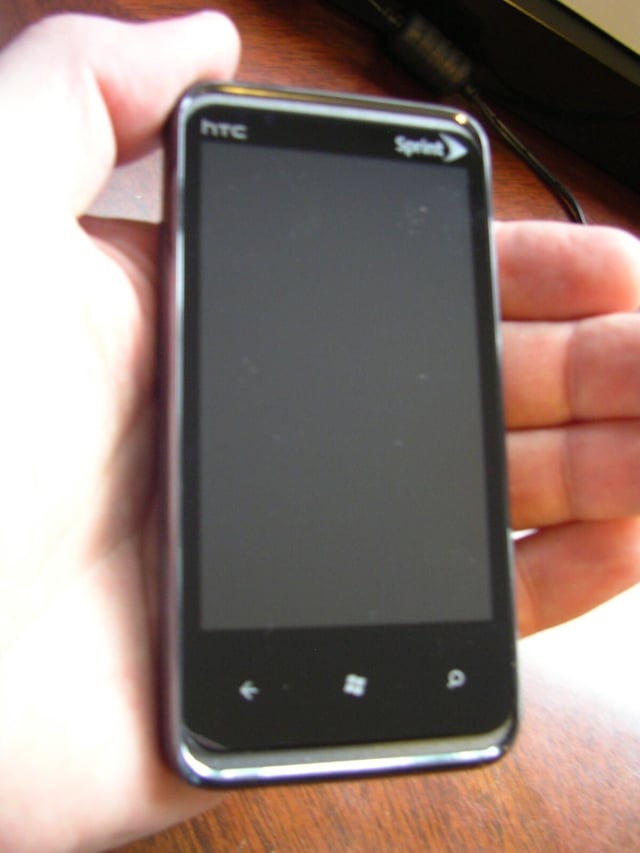
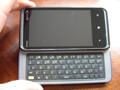
\n\tThe HTC Arrive is a rather compact Windows Phone 7 device with 3.6 inch display.
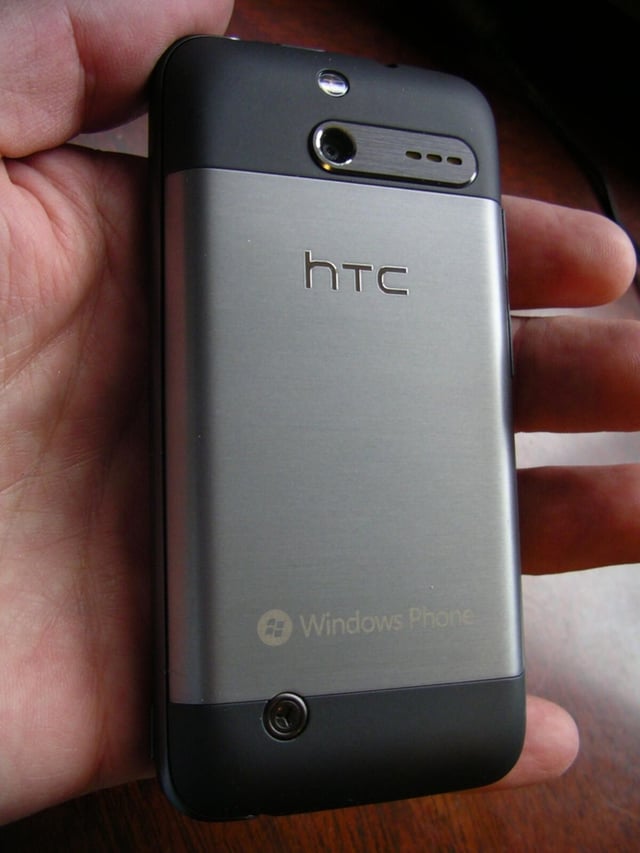
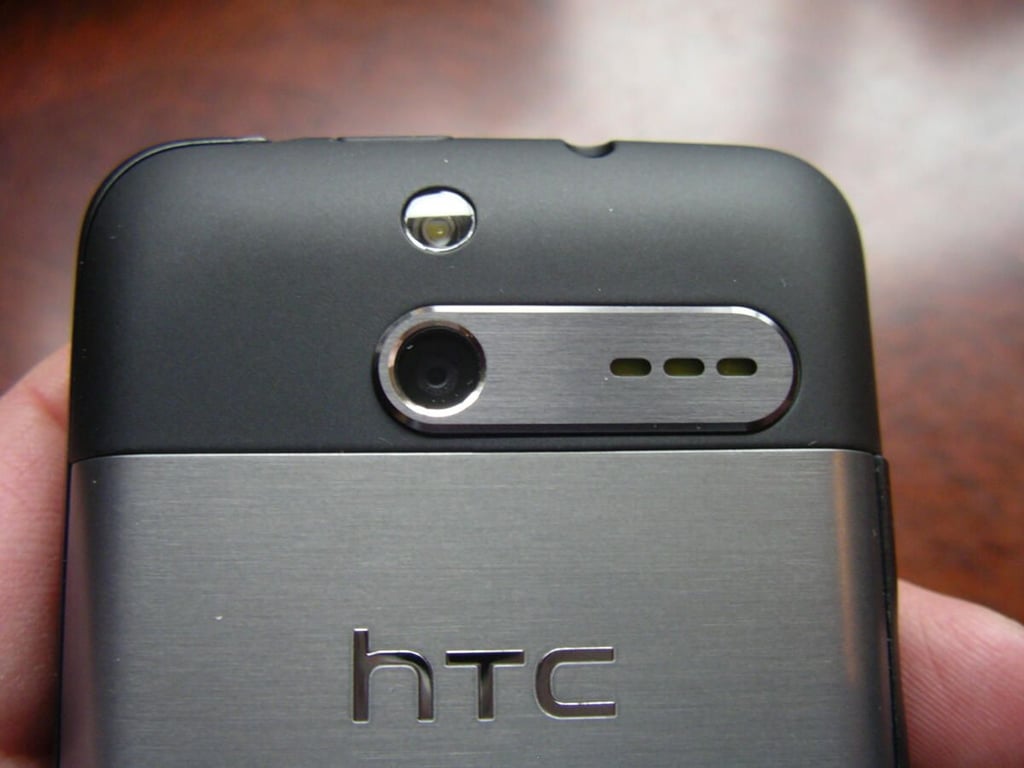
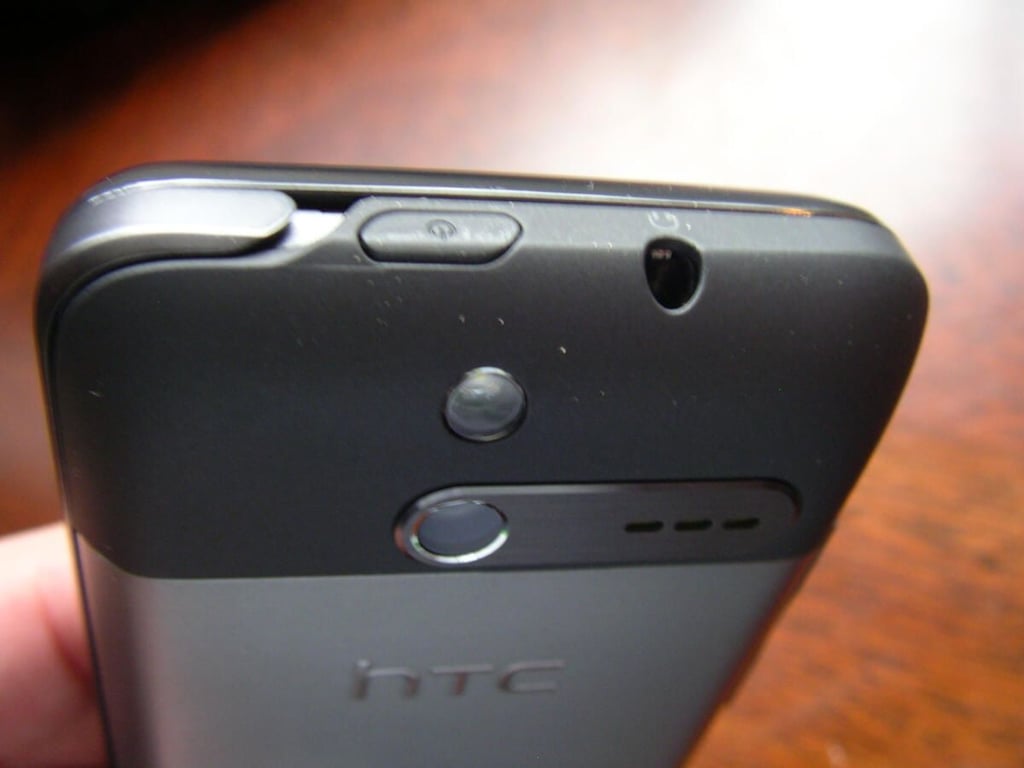
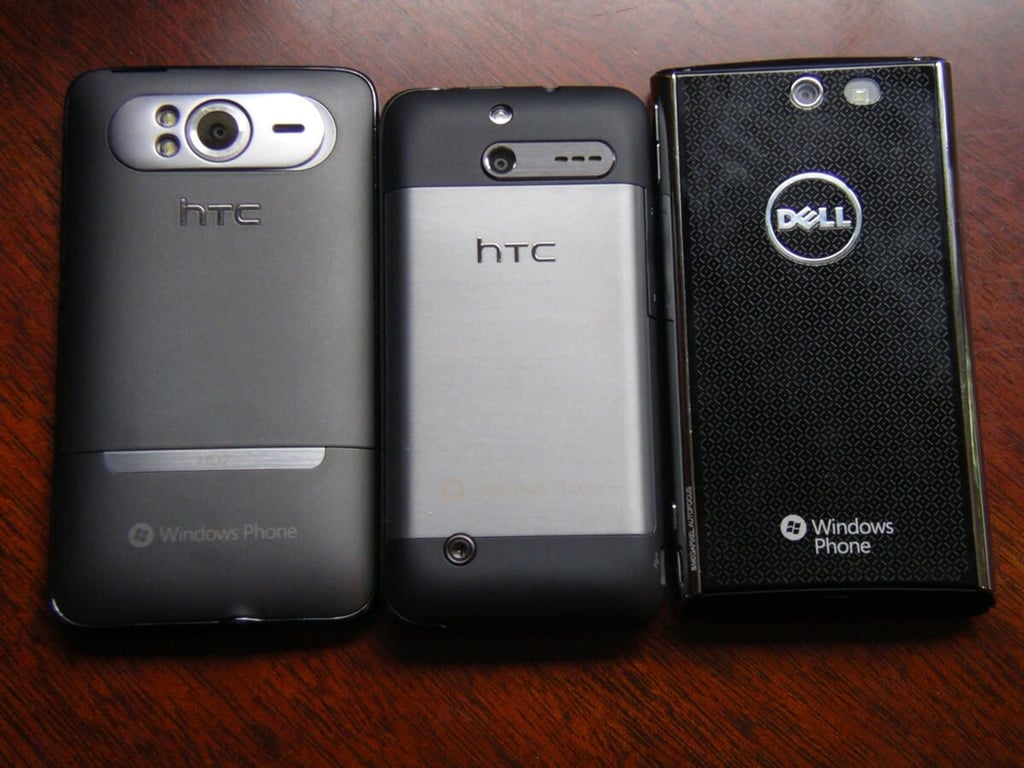
\n\tThe back of the HTC Arrive consists of a metal battery cover, speaker, 5 megapixel camera, and LED flash.
\n\tThe upper part of the HTC Arrive is very attractive and well built.
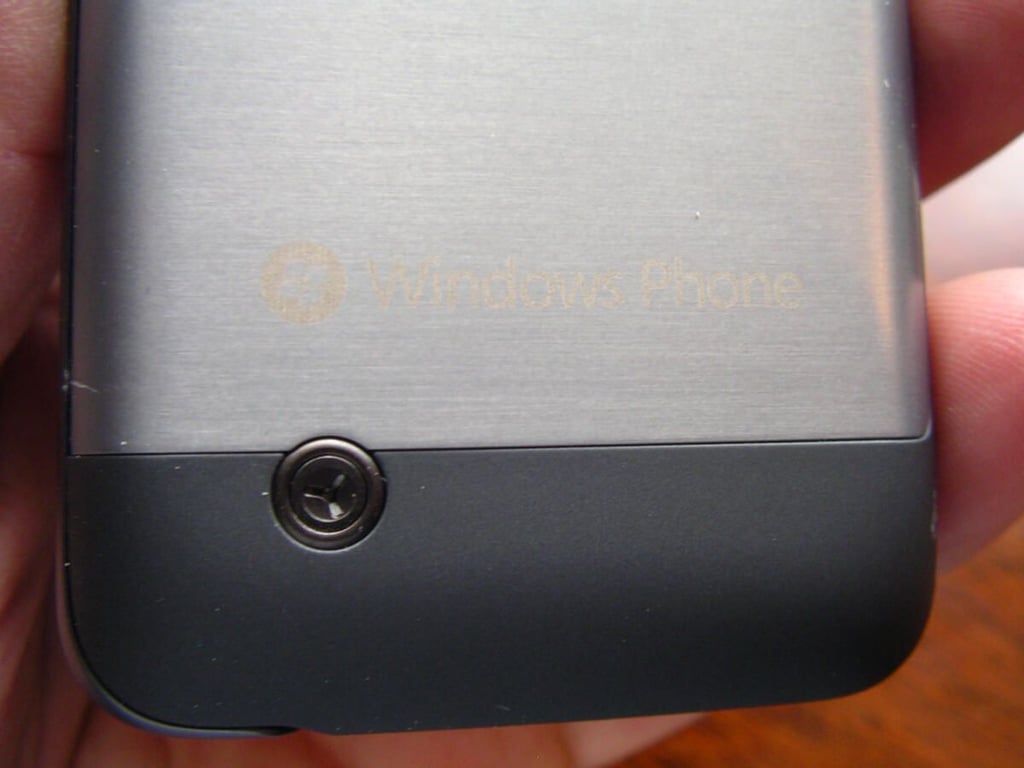
\n\tThe screw on the back is not used to remove the cover like might thing and is more of a decoration than something you should mess with.
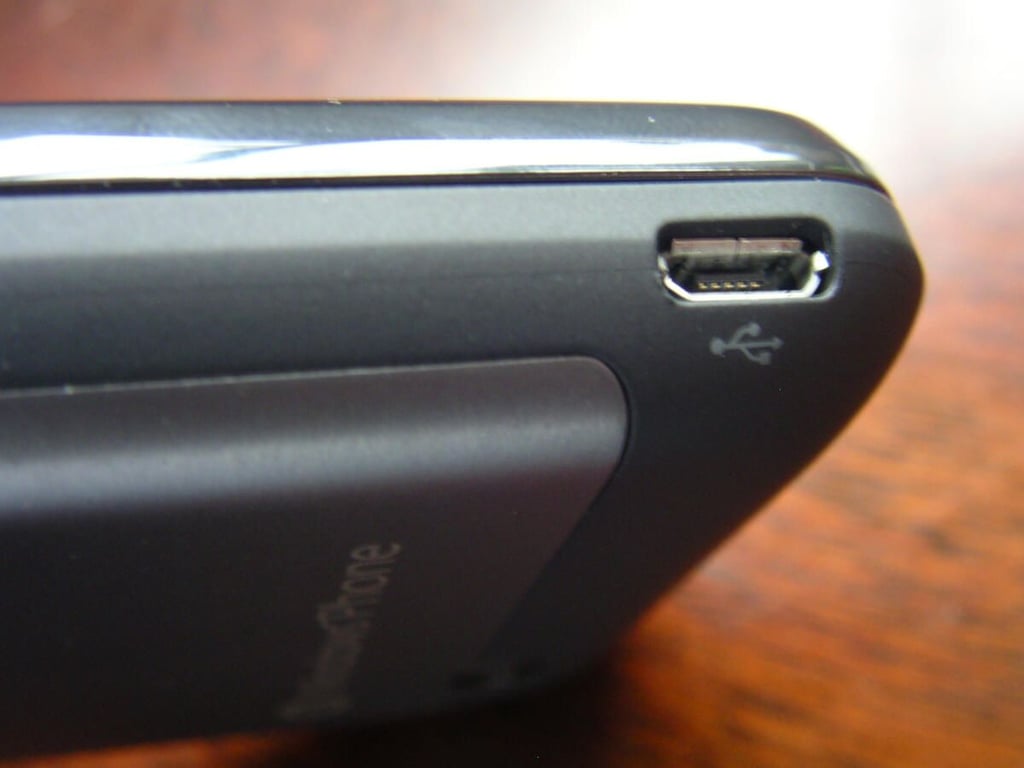
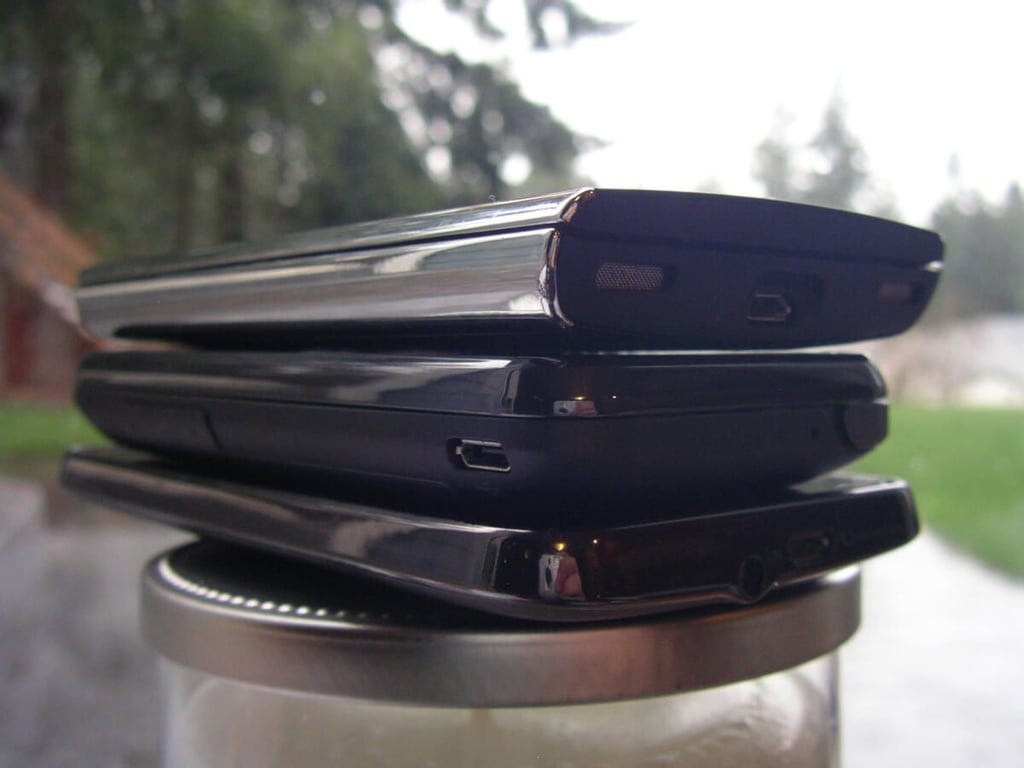
\n\tThe lower left side is where you will find the microUSB port.
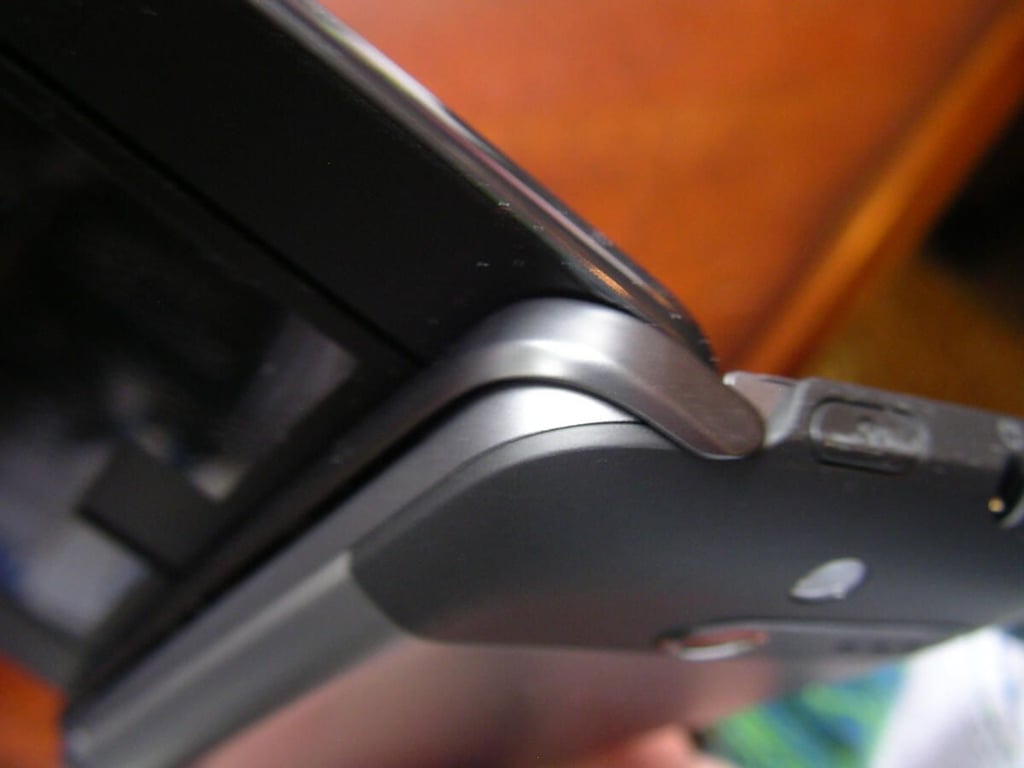
\n\tThe 3.5mm headset jack and power button are found on the top. You can see part of the rear hinge on the left side of the top.
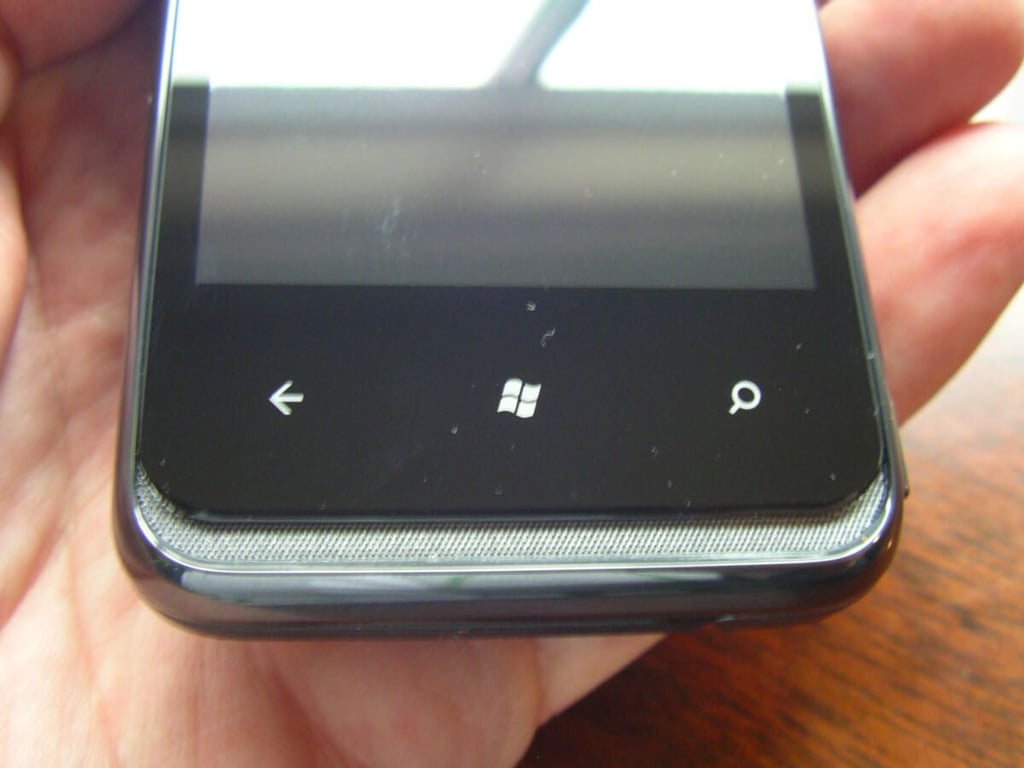
\n\tThe HTC Arrive has the same three touch sensitive buttons required on Windows Phone 7.
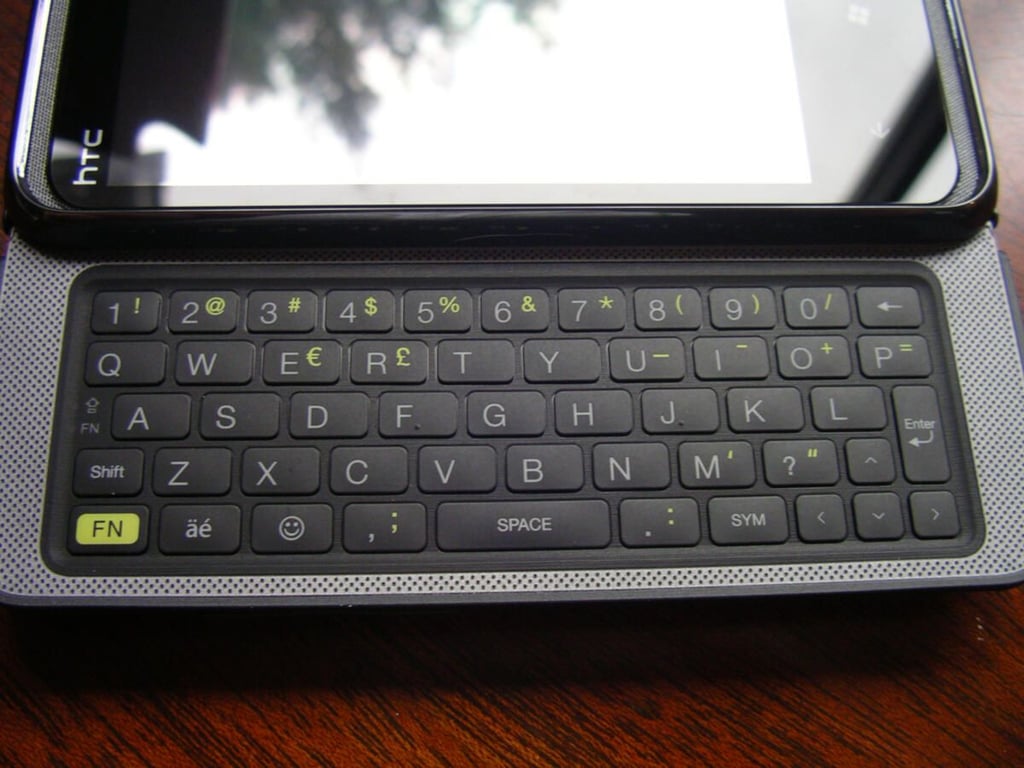
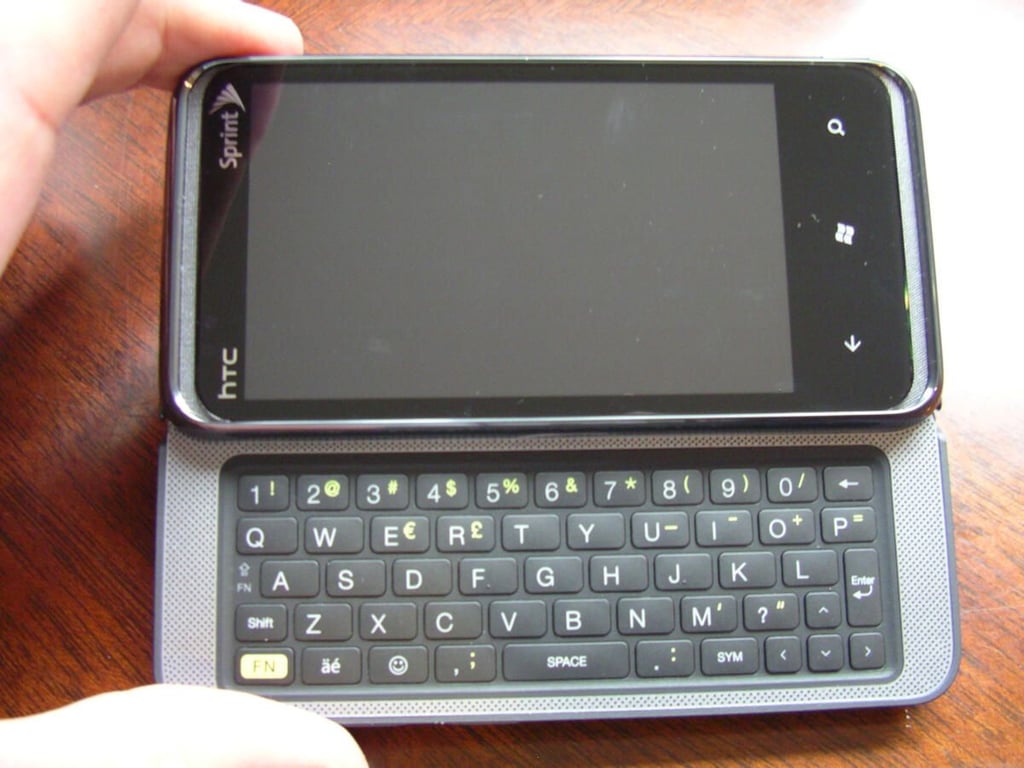
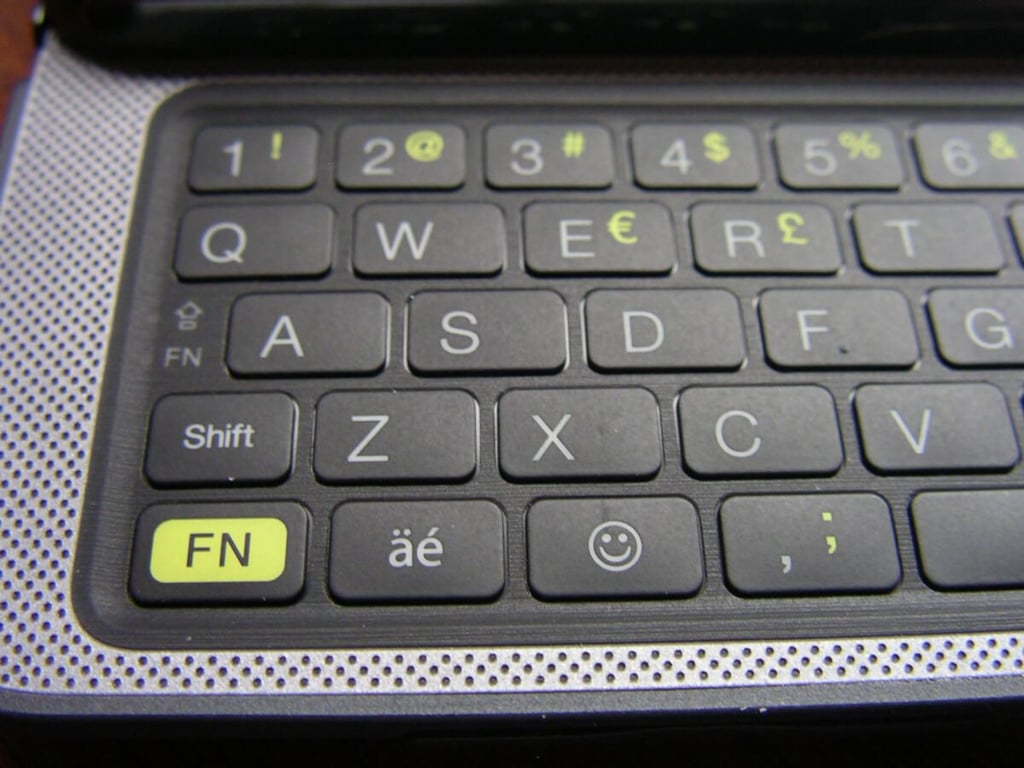
\n\tThe landscape QWERTY keyboard on the HTC Arrive is nearly the same as the HTC Touch Pro 2 and is the BEST QWERTY keyboard on any smartphone.
\n\tThe HTC Arrive landscape QWERTY keyboard is wonderful.
\n\tThe left side of the HTC Arrive shows you the available keys on the device, including the FN, emoticon, comma, shift, and other keys.
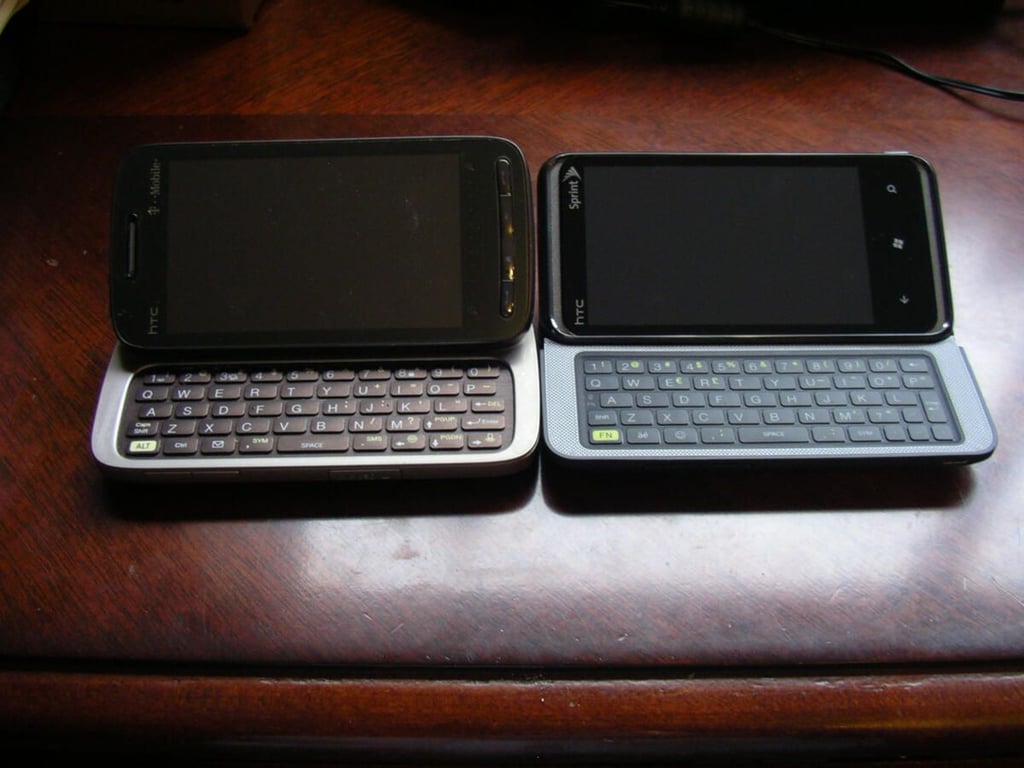
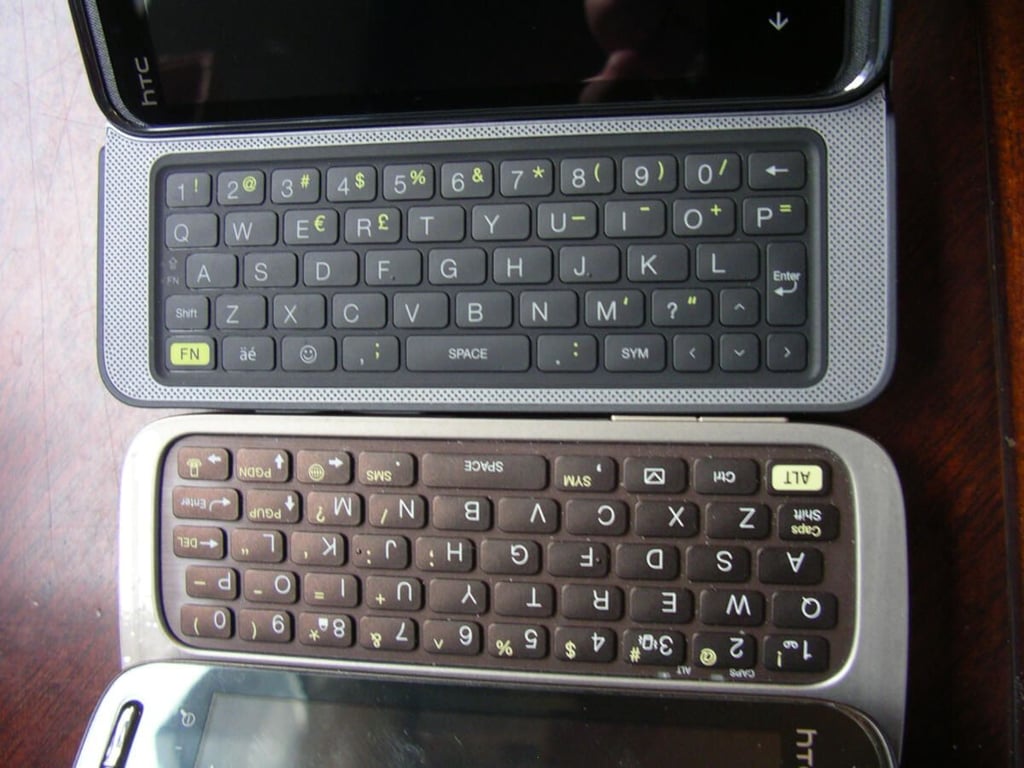
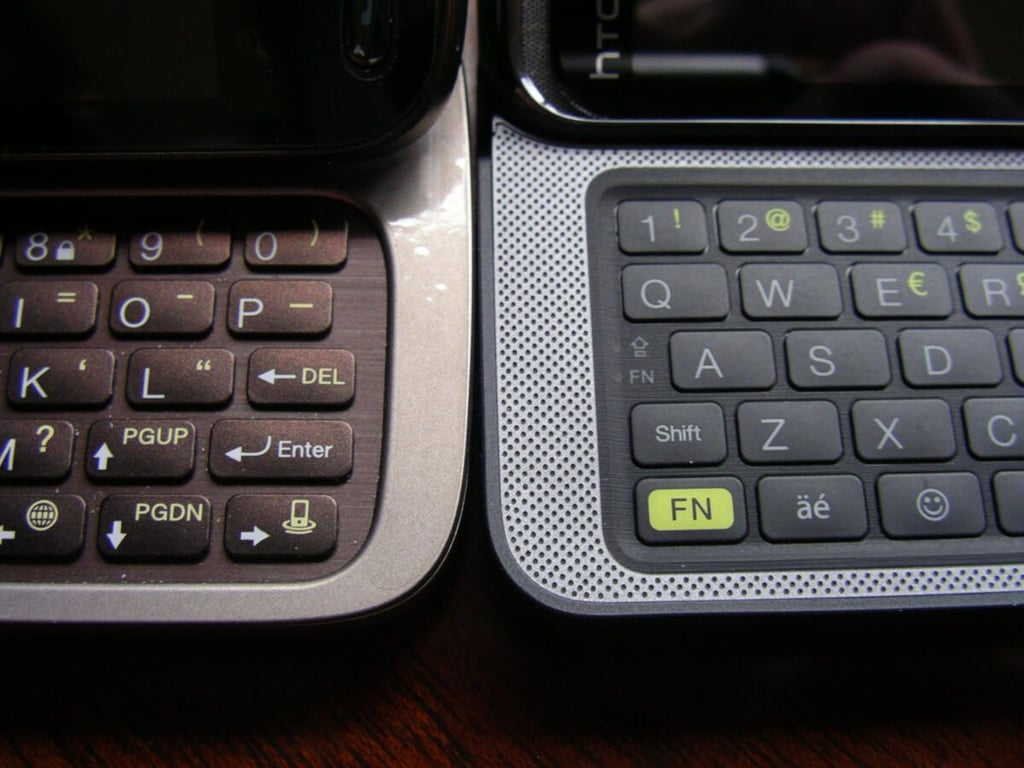
\n\tThe HTC Touch Pro 2 keyboard closely matches the HTC Arrive as the best ever on a phone.
\n\tHere you can see the keyboards head-to-head and note how good they are.
\n\tThe Touch Pro 2 and Arrive both have five rows of button goodness.
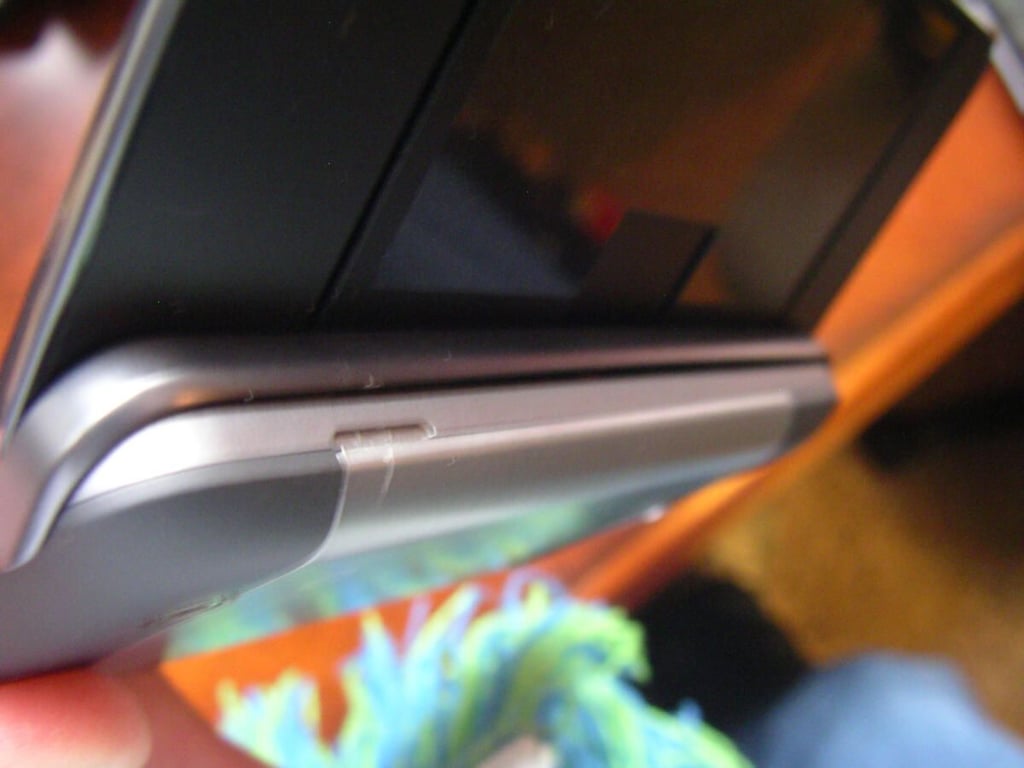
\n\tThe hinge is a bit unique with a couple large springs used to pop it up after it is extended.
\n\tThe keyboard first comes out flat before it pops up in place.
\n\tThe HTC HD7, HTC Arrive, and Dell Venue Pro match up as the best in Windows Phone 7.
\n\tThe HTC Arrive is stacked in between the Dell Venue Pro and HD7.
\n\tHTC Arrive gallery 1
\n\tHTC Arrive gallery 2