Upgrading Window XP to Windows Vista - TechRepublic

Upgrading Window XP to Windows Vista

  • 39509.jpg

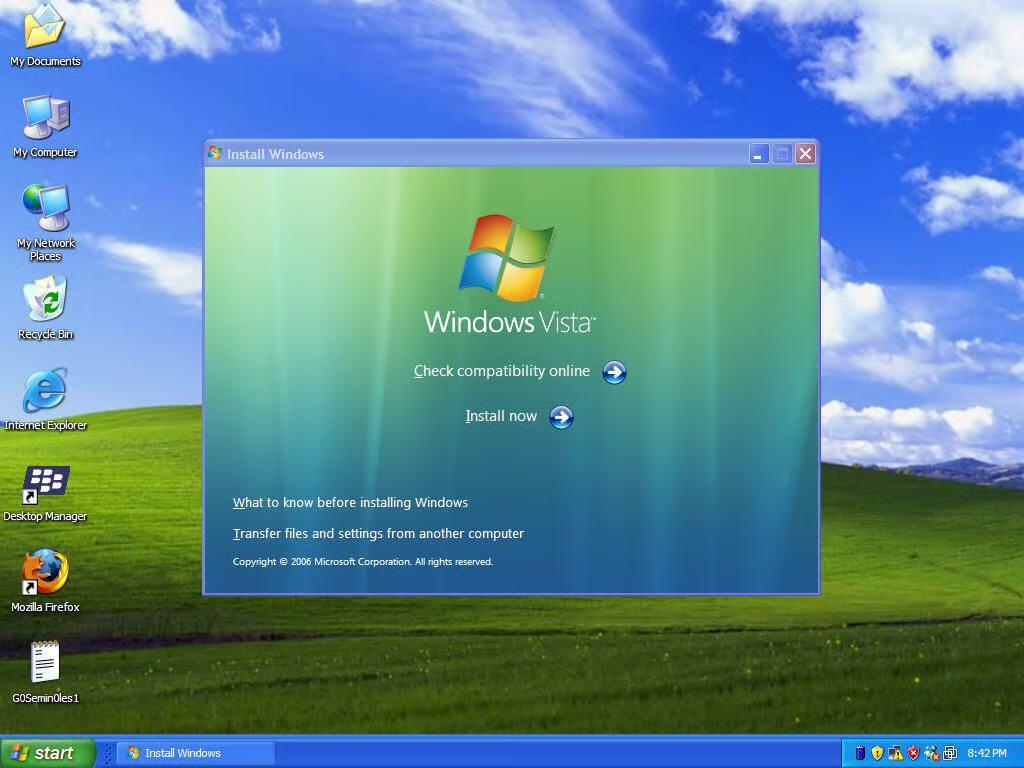
    Windows Vista Welcome Screen

    This gallery walks you through the installation screens you will see if you decide to forego doing a new install and choosing to upgrade.

    Check out my blog on upgrading Windows XP to Windows Vista.

    After placing the upgrade DVD in your drive, you are presented the Welcome Screen.

    Please Check Compatibility online to make sure you qualify for an upgrade. Note: If you are using a laptop, the upgrade requires you to plug in your machine.

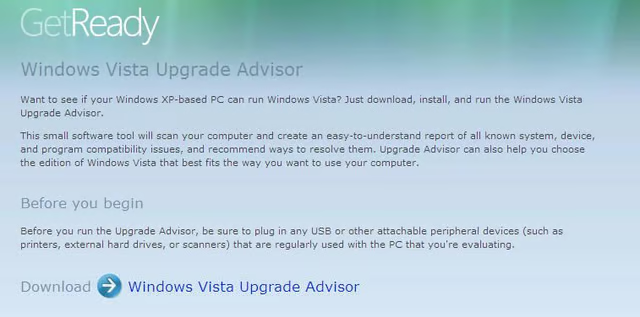
  • Windows Vista Upgrade Advisor

    I encourage you to run the upgrade advisor prior to starting your upgrade. It will tell you what is and isn’t compatible.

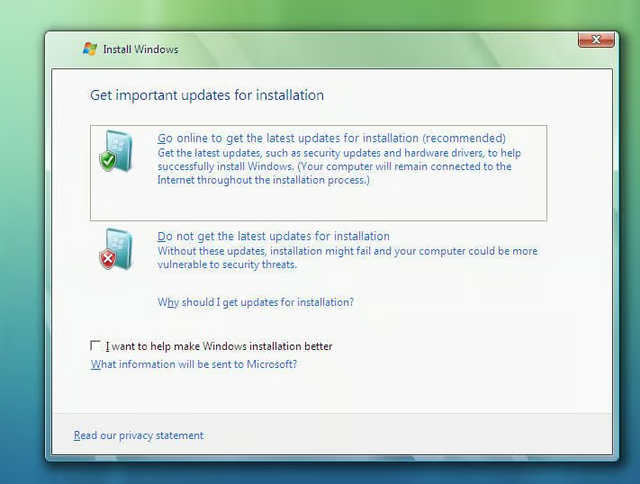
  • Update your Installation Files

    On this window,you can go online to grab any updates you might need for a clean upgrade. If you do not have Internet access, you can still proceed.

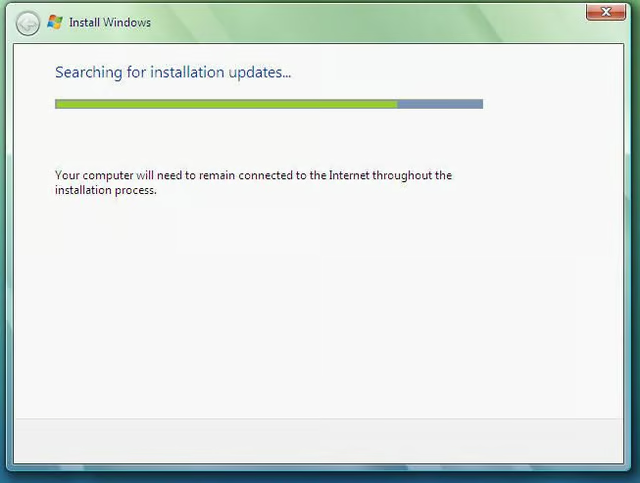
  • Please Wait!

    Grab a cup of coffee 🙂

  • Did you finish that coffee yet?

    Have another sip.

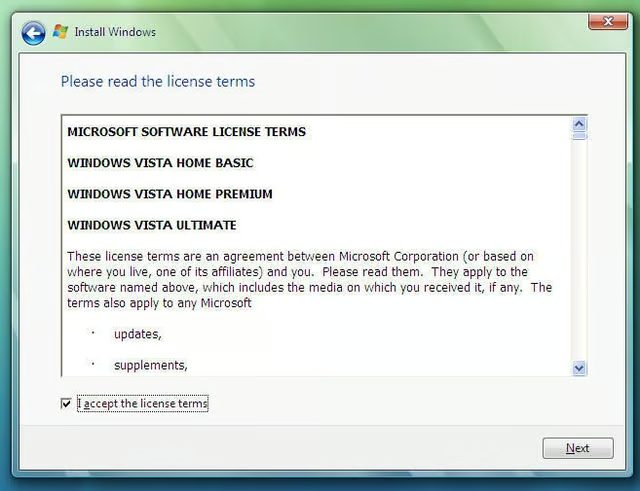
  • Please read the license terms

    You know the drill.

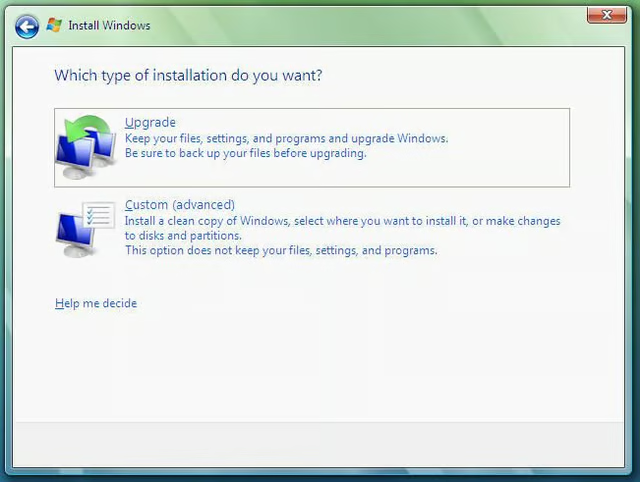
  • Upgrade or Clean Installation of Windows Vista

    You can choose to do a new install or upgrade. If you are upgrading and you find that the option is disabled, then you need more disk space.

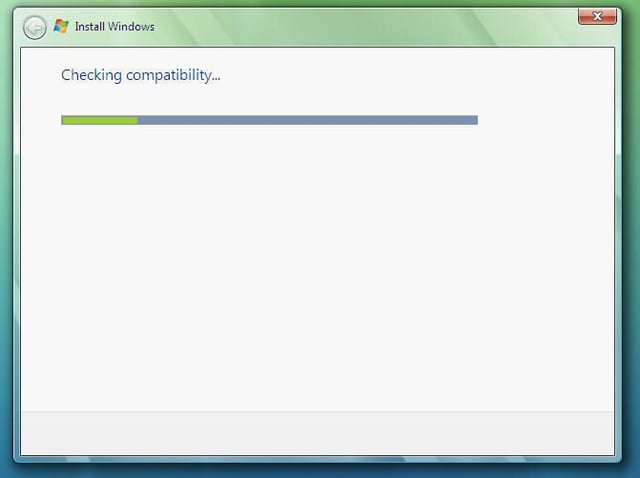
  • Compatibility Check

    The upgrade looks at the state of your current upgrade and makes sure you meet requirements.

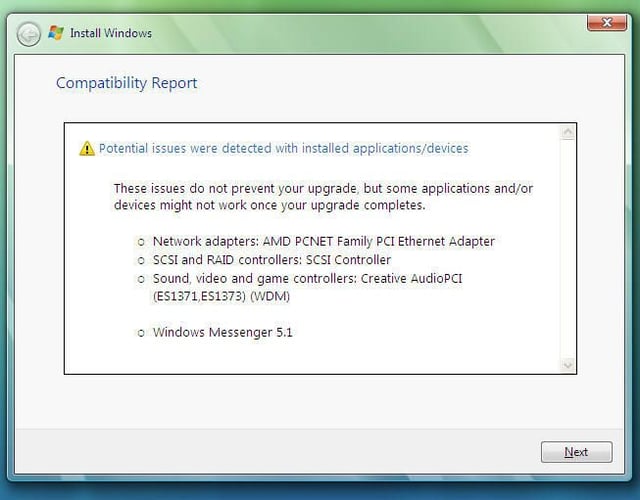
  • Compatibility Report

    This reports shows you any potential issues that may impede your upgrade.

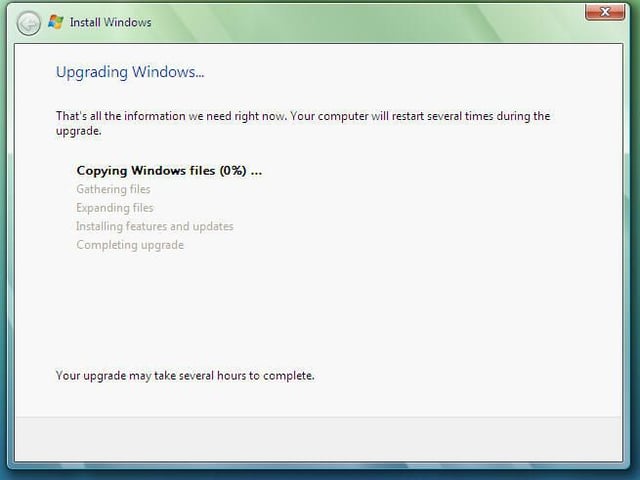
  • Sit back and relax!

    You can probably check email and make some phone calls.

  • Upgrade progress bar

    Did I mention to grab another cup of java?

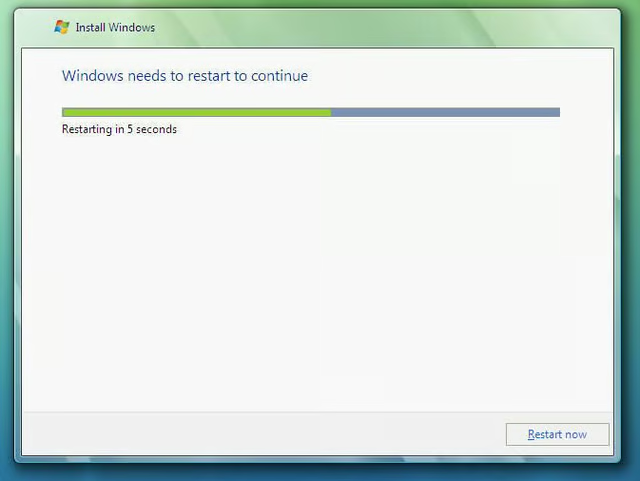
  • Automatic Restart

    Vista will automatically restart during the upgrade process.

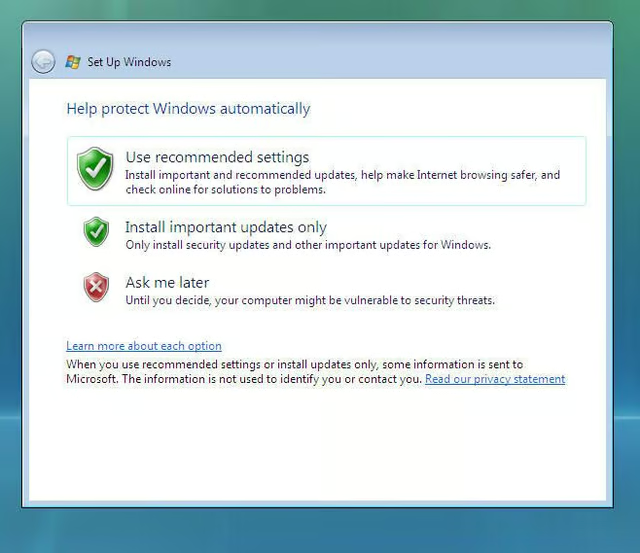
  • Use the Recommended Settings

    This screen allows your installation to be up-to-date from the beginning.

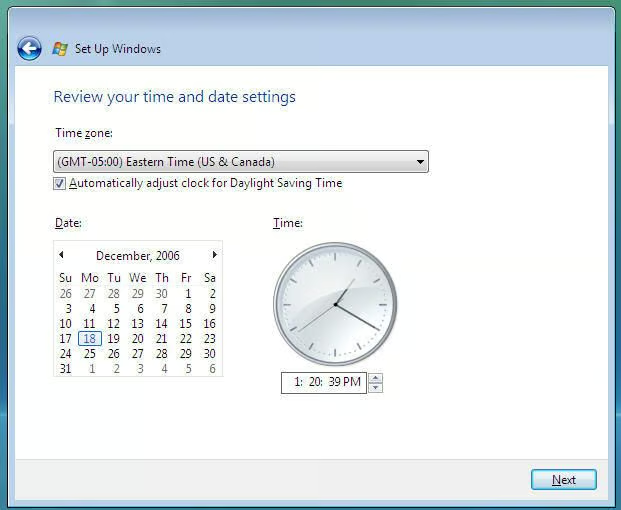
  • Time Zone

    On this screen, you simply choose the correct time zone for your particular installation of Windows Vista.

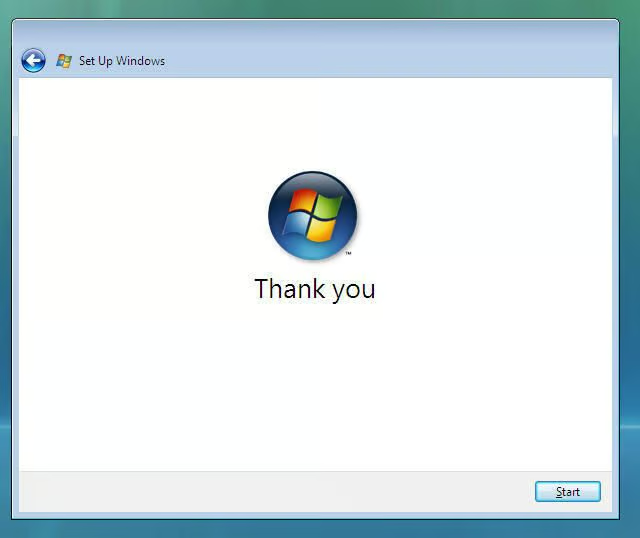
  • Thank you!

    Nice graphic.

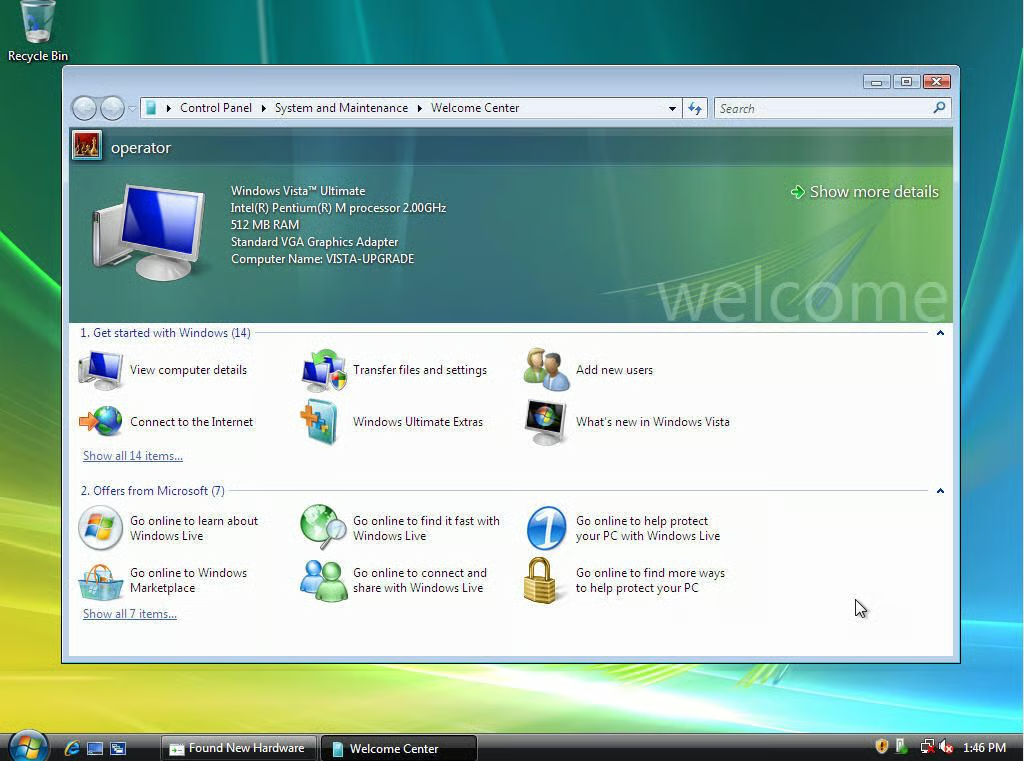
  • Welcome to Windows Vista!

    You have successfully upgraded Windows XP to Windows Vista. Happy Testing!

1 of 16
Steven S. Warren

Steven S. Warren is a popular author residing in Winter Haven, Florida with his wife and 2 children. As a columnist on such well-known IT web sites as Techrepublic.com, CNET, and ZDNET, Steven has published numerous articles. Additionally, Steven holds the following certifications: MCDBA, MCSE, MCSA, CCA, CIW-SA, CIW-MA, Network+, and I-Net+. You can visit his web site at http:\\\\www.stevenscottwarren.com. \ \ He is also a Microsoft Most Valuable Professional and has book on VMware Workstation 5 forthcoming.