The Rackspace Cloud is an IaaS cloud service that offers cloud hosted servers. The sign-up was pretty straight forward and creating a cloud server was quite easy — it took about 15 minutes.
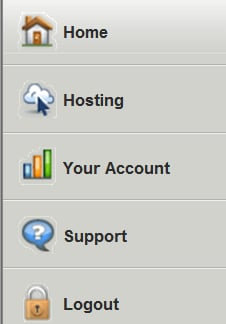
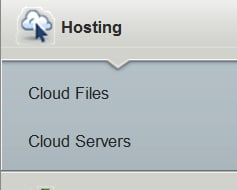
First, create an account at rackspacecloud.com and log in to it. Then, select Hosting.
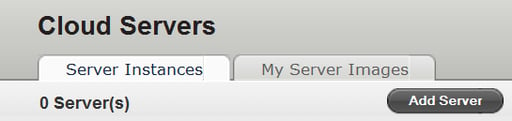


Select the image that you want your server based on.
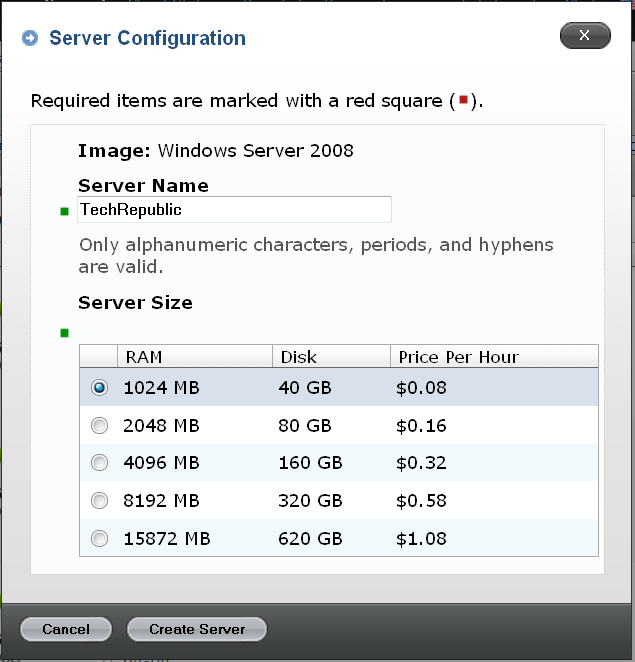
Give your server a name and select the server size, and then press Create Server.
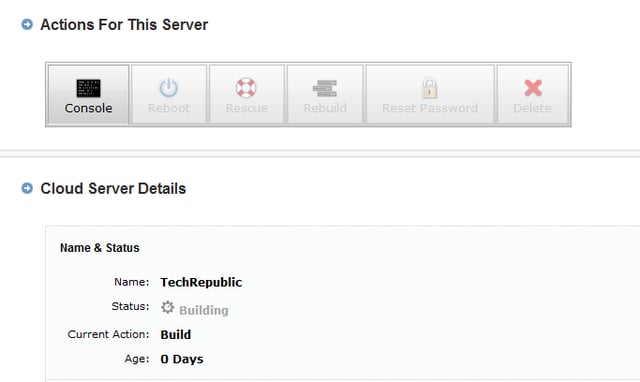
The server will now be built. You will see a rotating progress icon.
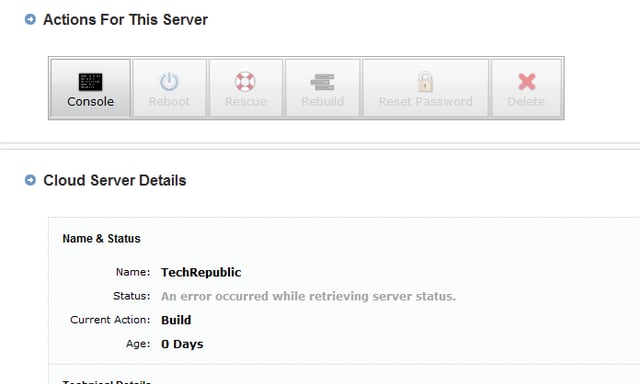
Every time I built a server, I received this error. However, If you refresh the page the error should disappear.
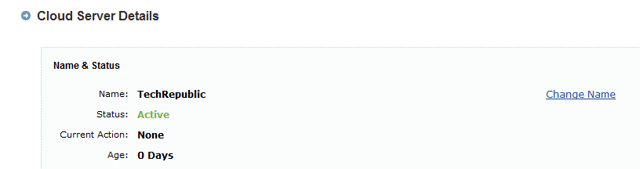
After you refresh the error page, you should see this page, confirming that your server has been built successfully.

Selena Frye is a former Senior Editor for TechRepublic. Her background is in technical writing, editing, and research. I edit the Data Center, Linux and Open Source, Apple in the Enterprise, and IT Security blogs.


