What are your favorite web-based admin tools? After you look through this list, tell us about your own favorites.
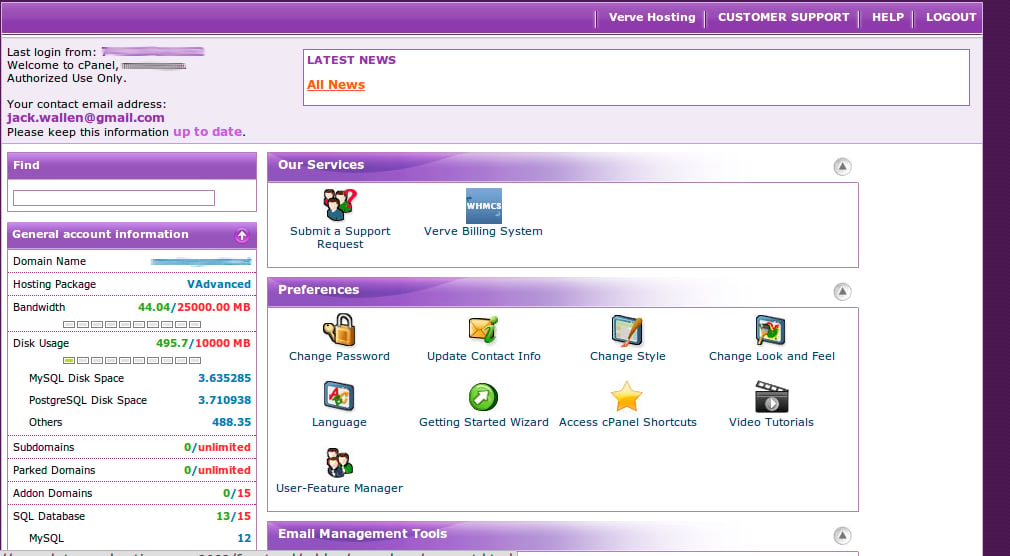
cPanel is one of the industry standards in taking a standalone server and turning it into a power-house, automated hosting platform. With cPanel your clients can enjoy one of the single most user-friendly administration panels you will find, bar none. From this control panel your clients can build their own sites (using Fantastico), manage email/user/ftp/domains/databases, view log files, and much more.
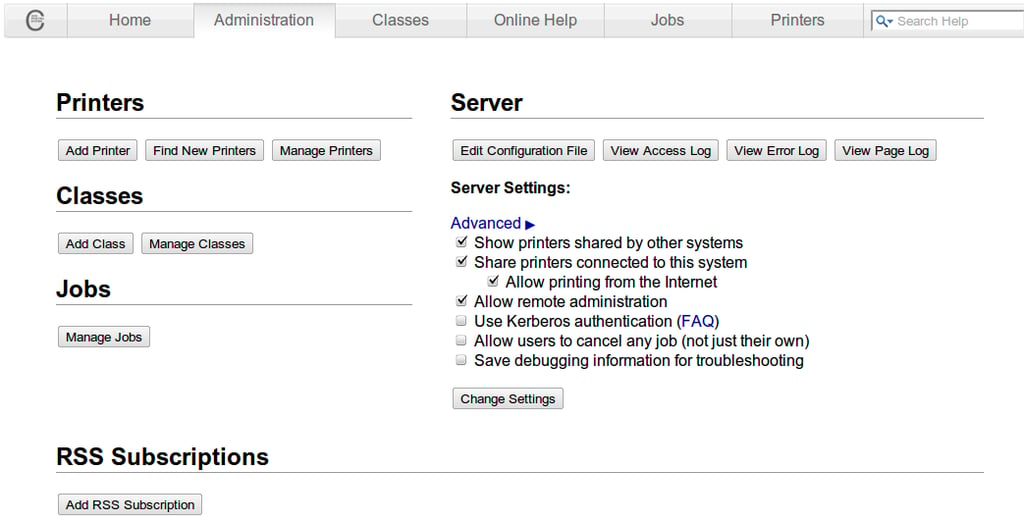
For anyone that manages a Linux-based print server, the CUPS web-based interface will be a blessing. Instead of having to be seated at that print server, or remoting into the machine itself, you can fire up http://ADDRESS_OF_SERVER:631 (Where ADDRESS_OF_SERVER is the actual address of the print server). From this interface you can manage printers/printer groups/print jobs, as well as control who has access to which printers. This printer admin tool is installed by default with CUPS.
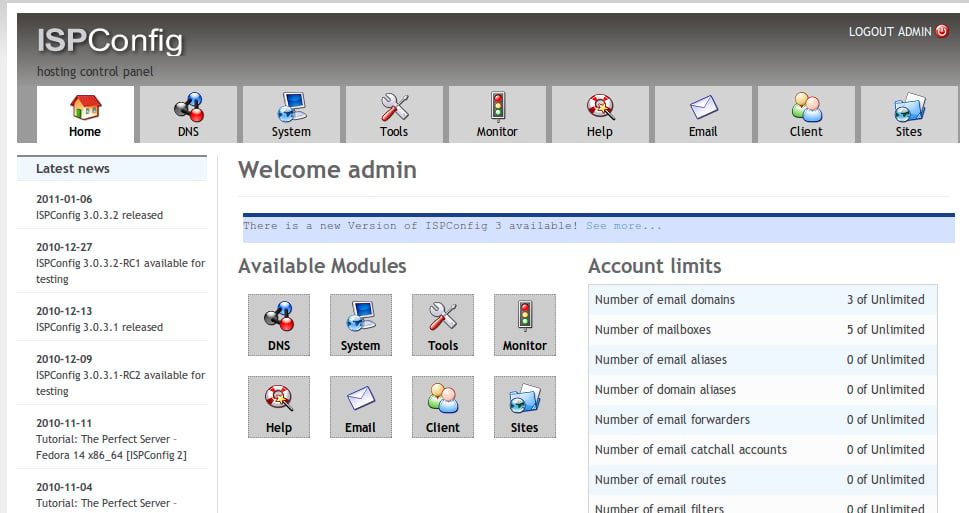
If you are an ISP, or you are looking to start an ISP, then you should not overlook ISPConfig. This administration tool makes the task of administering multiple servers, multiple domains, and multiple clients a snap. From a single web interface you can administer everything. And since ISPConfig is open source, you are also welcome to modify the source to fit your needs.
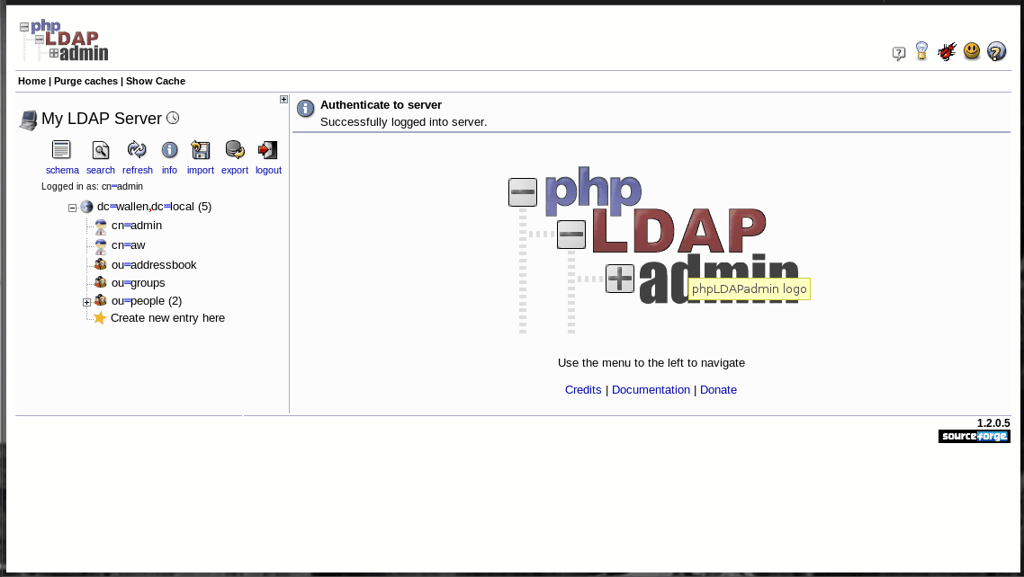
If you know of the php administration tools, you should know about phpLDAPadmin. This web-based tool makes the administration of LDAP data very easy. For those of you who prefer not to have to deal with learning all of the command-line tools for LDAP, you will be glad to know this admin tool is practically all point-and-click.
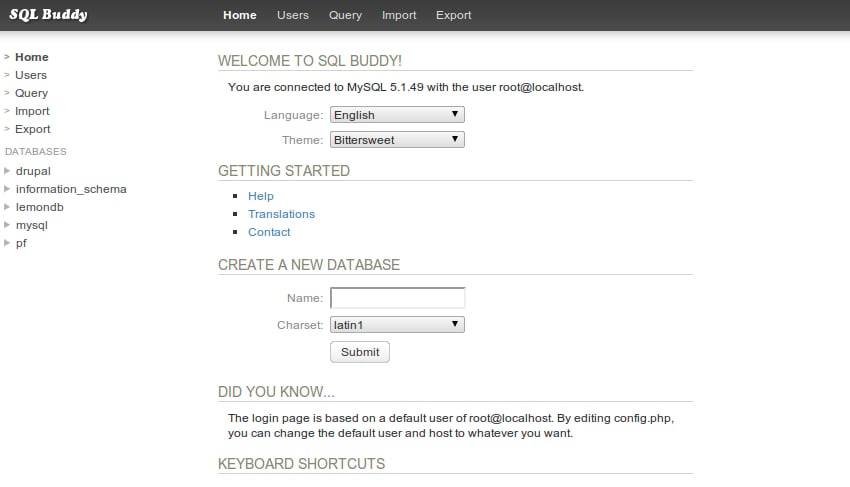
If you’ve had any trouble installing phpMyAdmin, and you’re desperate for a web-based MySQL administration tool, I highly recommend SQL Buddy. This tool is as simple as it gets. With a working MySQL server already up and running (along with a web server), unpack the SQL Buddy archive, place it in the document root of your web server, and log in. With zero configuration, you can be managing your databases within minutes.
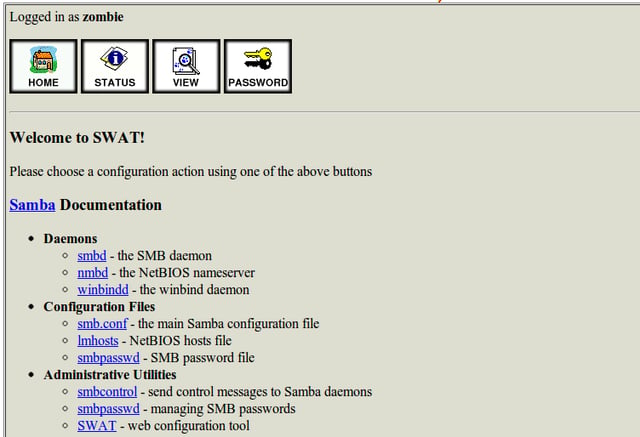
If you have a SAMBA server (or SAMBA installed on a desktop) and you want to be able to manage SAMBA from any machine with nothing more than a web browser, that is what SWAT will do for you. With SWAT you can start/stop your smbd daemon, you can modify your smb.conf and lmhosts files, and you can even manage smb passwords for users.
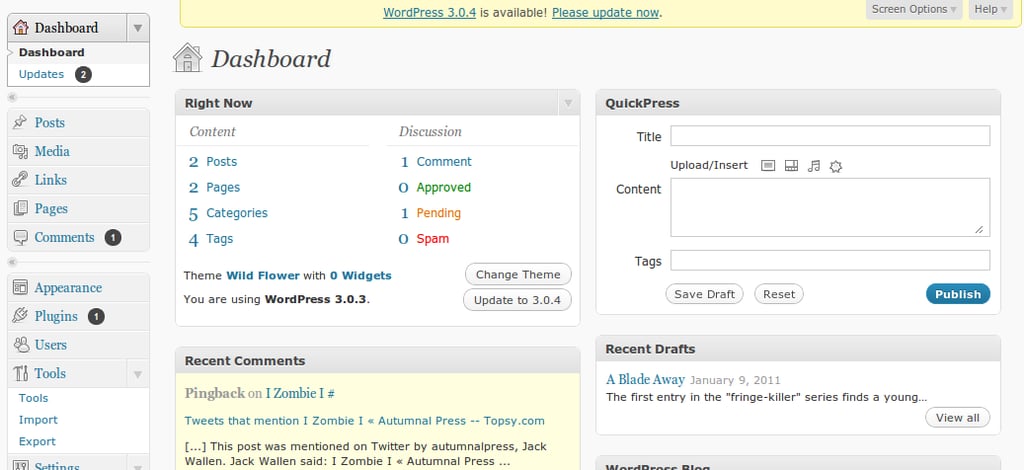
One of the most user-friendly and wide-spread online blogging tools, WordPress also has one of the easiest to use administration interfaces you will find. From wp-admin you can manage the look and feel of your WordPress-based blog, add/remove widgets, manage users, moderate comments and trackbacks, and much more. The WordPress admin interface is as user-friendly as is its WYSIWYG editor.

Jack Wallen is an award-winning writer for TechRepublic, The New Stack, and Linux New Media. He's covered a variety of topics for over twenty years and is an avid promoter of open source. For more news about Jack Wallen, visit his website jackwallen.com.


