\n\tDesktop Gadgets in Microsoft Windows 7 are more sophisticated and more useful than in previous versions of the operating system. Here are 10+ gadgets that should be in your desktop management portfolio.
\n\t
\n\tNote: Earlier Deb Shinder gave us her Top 10 Windows 7 desktop gadgets and while there are some similarities between our lists, there are also some significant differences.
\n\t
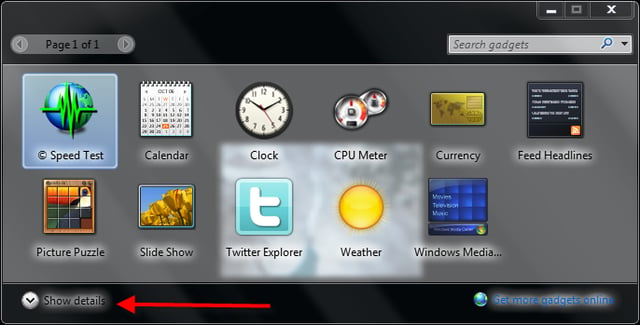
\n\tTo get to the Windows Desktop Gadgets installation application, search Gadgets in the Start menu search box. You will be presented with a list of gadgets already installed onto your system. Click the details button to reveal more information about each gadget.
\n\t
\n\tImages by Mark Kaelin for TechRepublic. The gallery was originally published in July 2010.
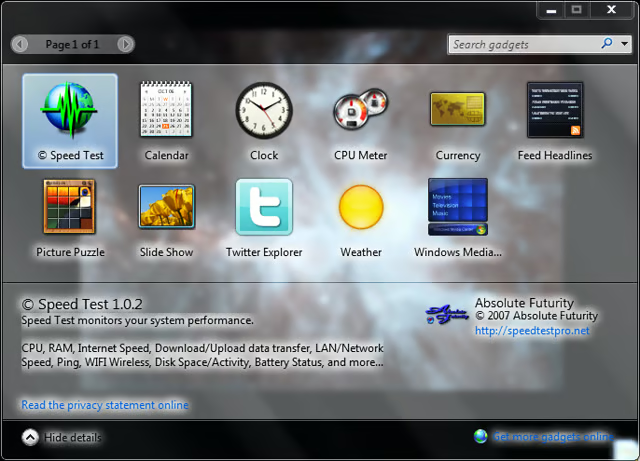
You can get additional information by clicking the details button.
Images by Mark Kaelin for TechRepublic.
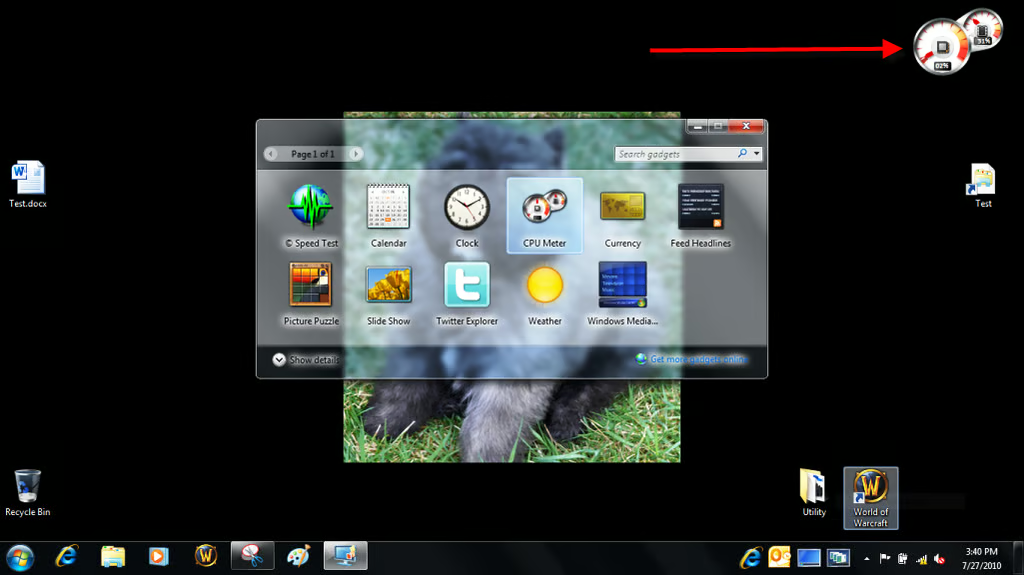
One of the first gadgets everyone seems to try is the CPU monitor that ships with Windows.
Images by Mark Kaelin for TechRepublic.
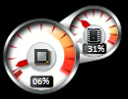
This CPU monitor uses a speedometer metaphor.
Images by Mark Kaelin for TechRepublic.
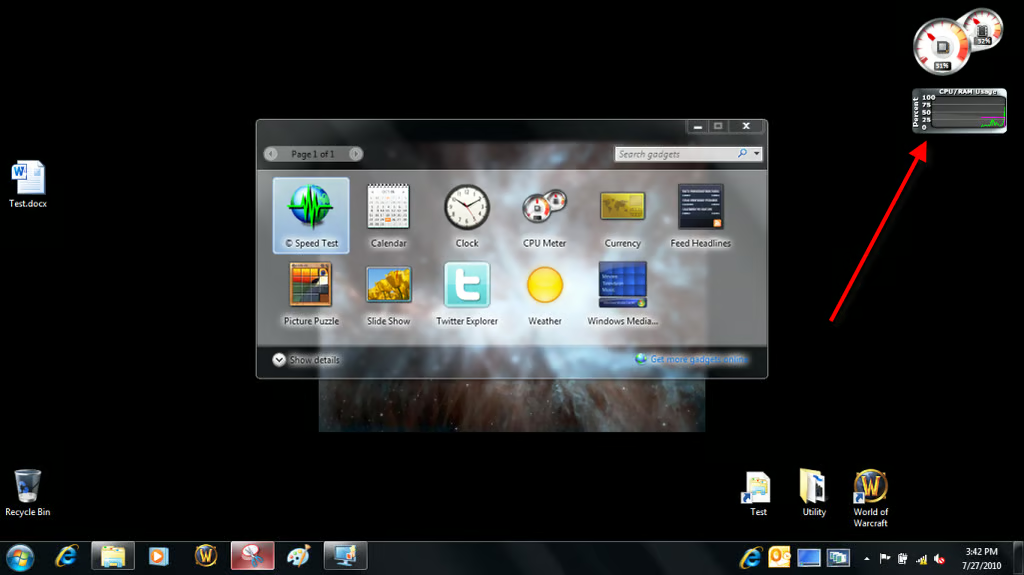
There is a better CPU monitor available from the Microsoft Windows Gadget Downloads Website.
Images by Mark Kaelin for TechRepublic.
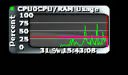
CPU activity is displayed in a line graph.
Images by Mark Kaelin for TechRepublic.

Slideshows of your favorite photos is always popular and so, of course, there is a gadget for that.
Images by Mark Kaelin for TechRepublic.
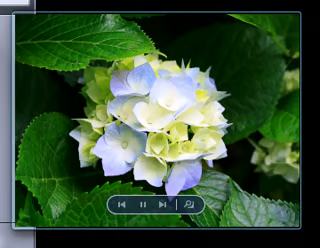
One of the nice features of many Windows 7 gadgets is the way they can be displayed in two sizes – thumbnail and something more than thumbnail size but less than screen size.
Images by Mark Kaelin for TechRepublic.
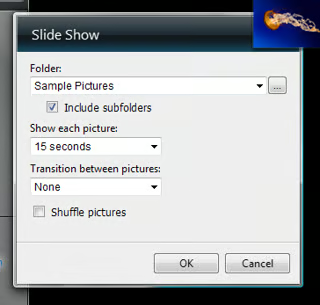
With the slide show gadget and most of the other gadgets in this gallery, you can make adjustments to the configuration and behavior of the gadget using the tools and settings screen associated with each one.
Images by Mark Kaelin for TechRepublic.
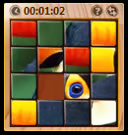
If there is on thing proven over and over again it is that people love puzzles. Can you reconstruct the photo by sliding the blocks around?
Images by Mark Kaelin for TechRepublic.
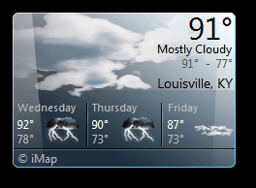
There are several weather gadgets available, but they all do essentially the same thing – give you brief look at current conditions and a brief forecast for the next 12 hours of so.
Images by Mark Kaelin for TechRepublic.
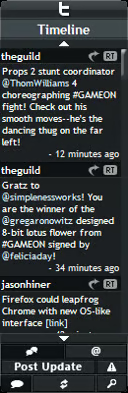
There are several social media themed gadgets available for download, but I like Twitter Explorer. You can view your Twitter feed in a thin mode.
Images by Mark Kaelin for TechRepublic.

You can also view your Twitter feed in a slightly larger view. There are also gadgets for keeping up to date with Facebook, eBay auctions, and Amazon deals.
Images by Mark Kaelin for TechRepublic.
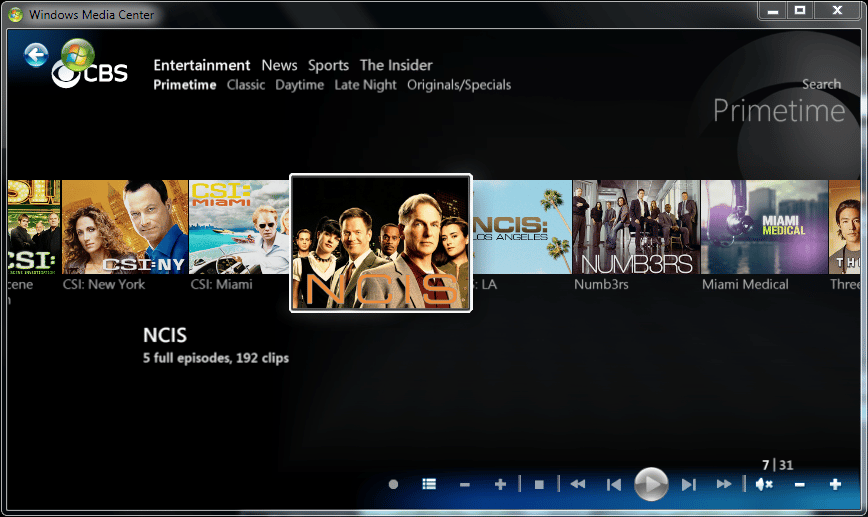
Hey look, its a bunch of CBS shows available for free on the Internet. What are the odds?
Images by Mark Kaelin for TechRepublic.
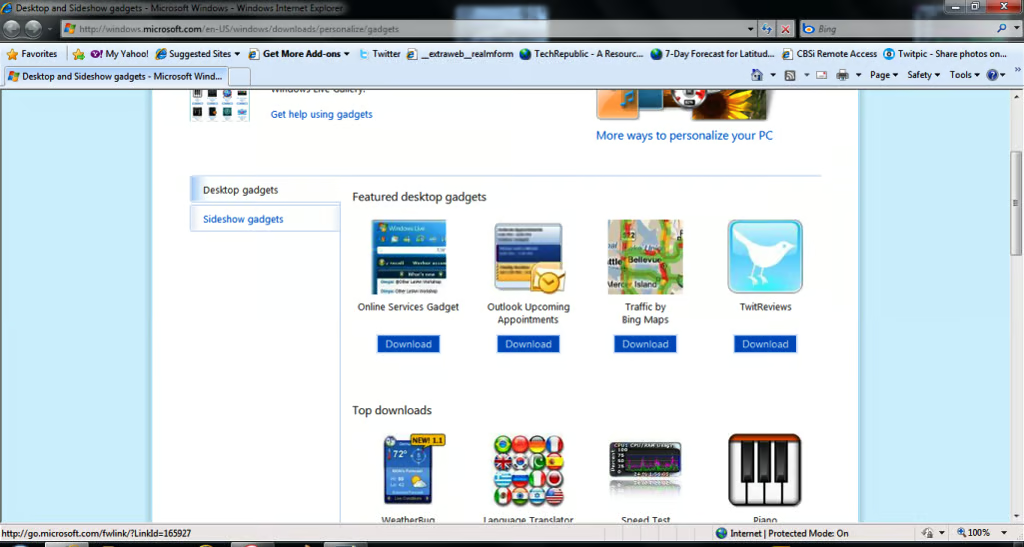
All of the gadgets in this gallery came from the Microsoft Windows Gadgets Website. There are hundreds of gadgets to choose from and they have user ratings and comments so you can find the best ones.
Images by Mark Kaelin for TechRepublic.
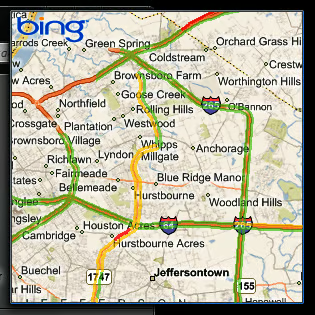
For a quick map of an area and a check of traffic problems you can use this Bing Maps gadget.
Images by Mark Kaelin for TechRepublic.
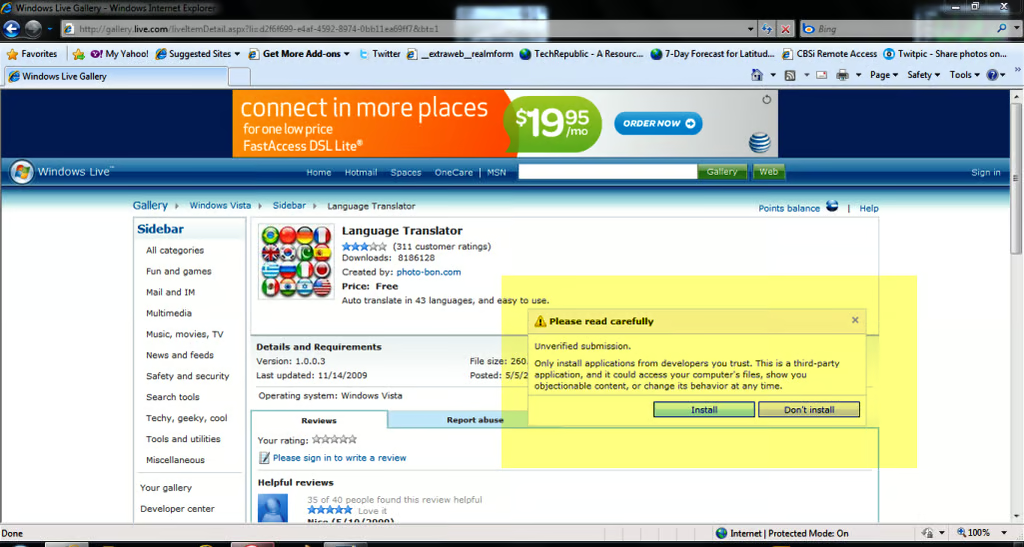
There is one caveat to consider – many of these Windows Desktop Gadgets are developed by third parties and carry this rather dire warning when you try to install them. I have yet to run into a problem, but you should always be wary. A translator would be nice, but do I trust the parties involved.
Images by Mark Kaelin for TechRepublic.
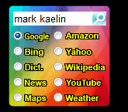
This desktop gadget has been around for a long time. Type in a search term, choose your engine, and away you go.
Images by Mark Kaelin for TechRepublic.
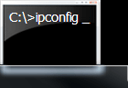
TechRepublic’s Windows guru Greg Shultz has programed several desktop gadgets that perform tasks important to network administrators. For example, the ipconfig gadget.
Images by Mark Kaelin for TechRepublic.
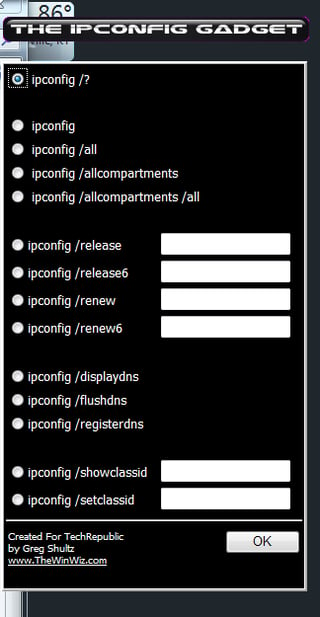
All of Greg’s gadgets expand when clicked to give users access to the various parameters associated with the function in question. Here you can set parameters for the ipconfig command.
Images by Mark Kaelin for TechRepublic.
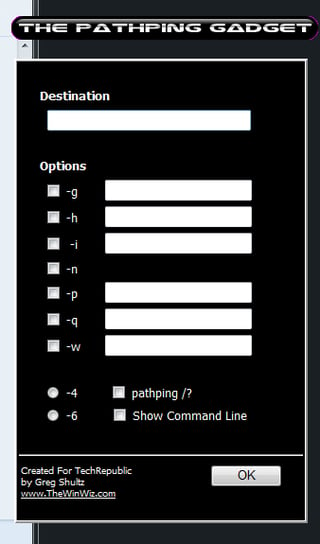
Provide a ping IP address.
Images by Mark Kaelin for TechRepublic.
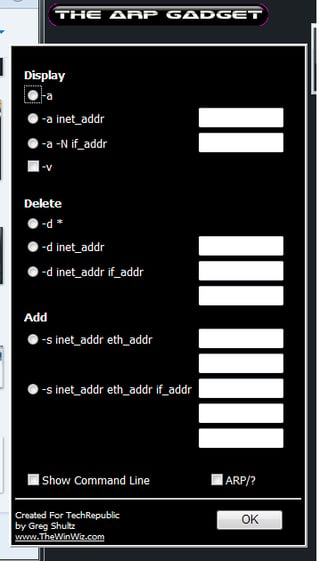
Greg’s last gadget – ARP.
Images by Mark Kaelin for TechRepublic.
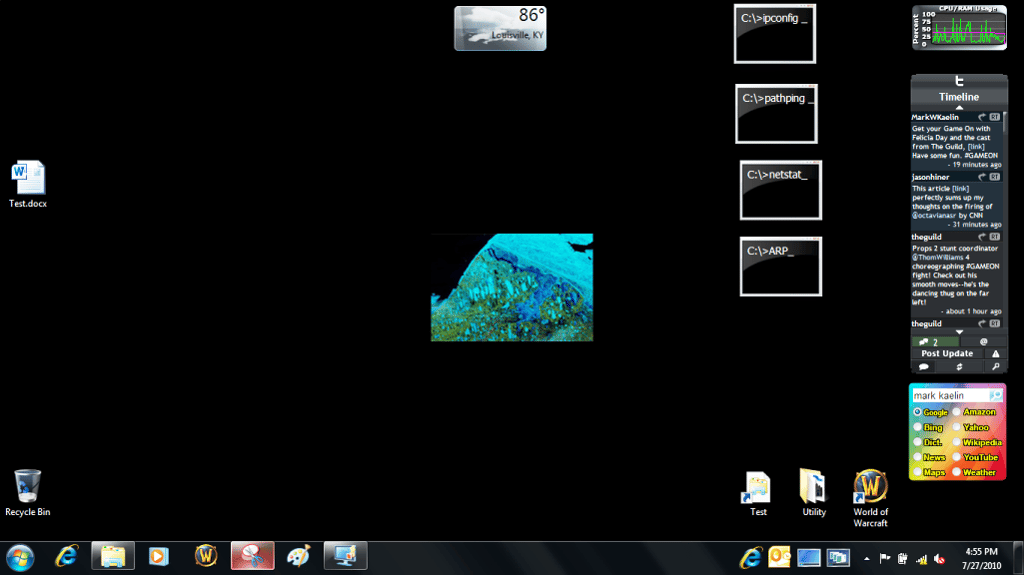
Greg’s gadgets poised and waiting for a click.
Images by Mark Kaelin for TechRepublic.

There are several gadgets designed to interface with iTune, but this one is the one I like. You can play music from your iTunes library without having to keep iTunes open.
Images by Mark Kaelin for TechRepublic.

One of the more geek-friendly gadgets is NASA TV – where you can see all of the television NASA streams during a day.
Images by Mark Kaelin for TechRepublic.
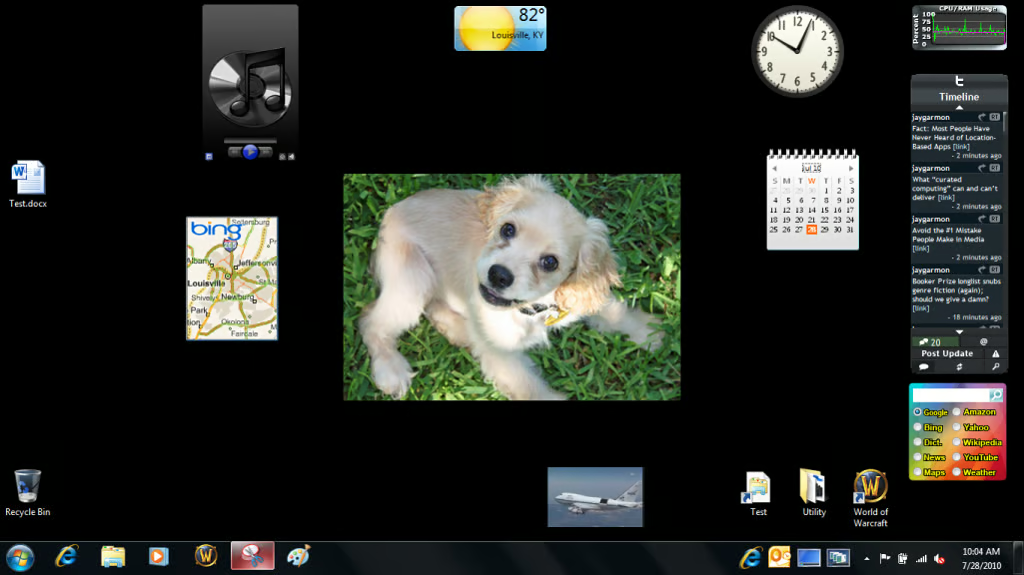
Windows 7 gadgets can be docked anywhere on the desktop which can get a bit cluttered if you are not careful. But these gadgets can really come in handy it is nice to have them available when you need them.
Have you got a favorite gadget – one that you have come to depend on? Share it with us, we’d like to hear about it.
Images by Mark Kaelin for TechRepublic.

Mark W. Kaelin has been writing and editing stories about the information technology industry, software, hardware, gaming, finance, accounting, and technology geekdom for more than 30 years.


