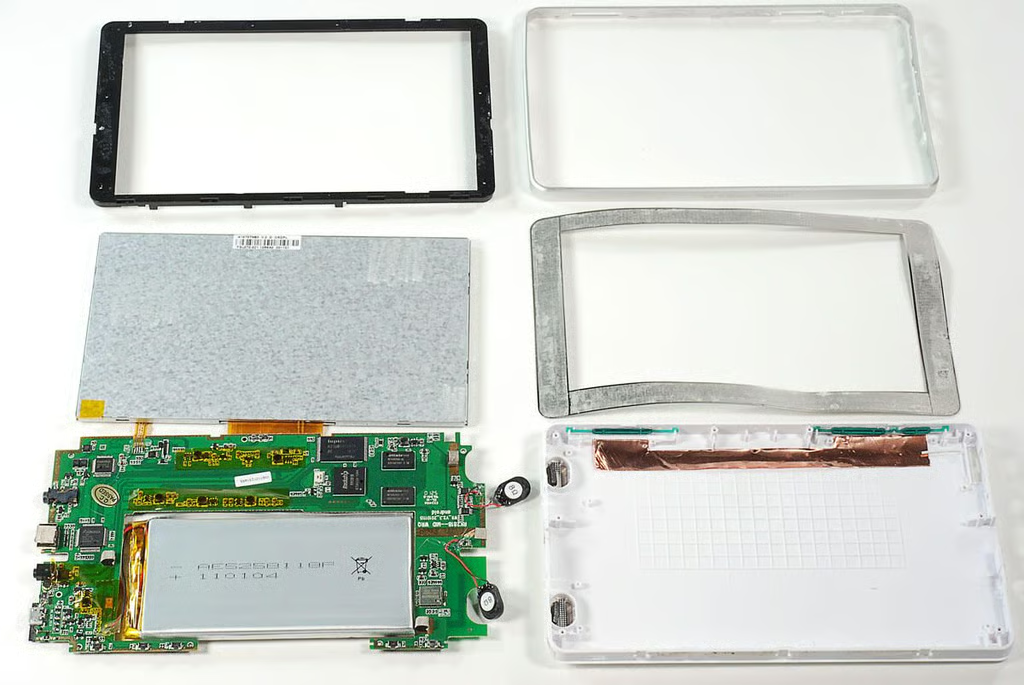
\n\tWant a tablet, but don’t want to spend $499 for an Apple iPad 2 or $799 for a Motorola XOOM? Then you might be tempted to purchase one of the low-cost Android tablets that are floating around the Web.
\n\t
\n\tIn February 2011, we reviewed and cracked open the $100 LY-706 MID Android tablet (distributed in the U.S. by FocalPrice.com) in February 2011:
\n
\n\t
\n
\n
\n\tWe’re back with another low-cost tablet, the $180 RAMOS MID W9
\n\t(also distributed in the U.S. by FocalPrice.com). Follow along as we take a peek at the hardware inside this sub-$200 tablet.
\n\t
\n\tPhoto by: Bill Detwiler / TechRepublic
\n\tCaption by: Bill Detwiler
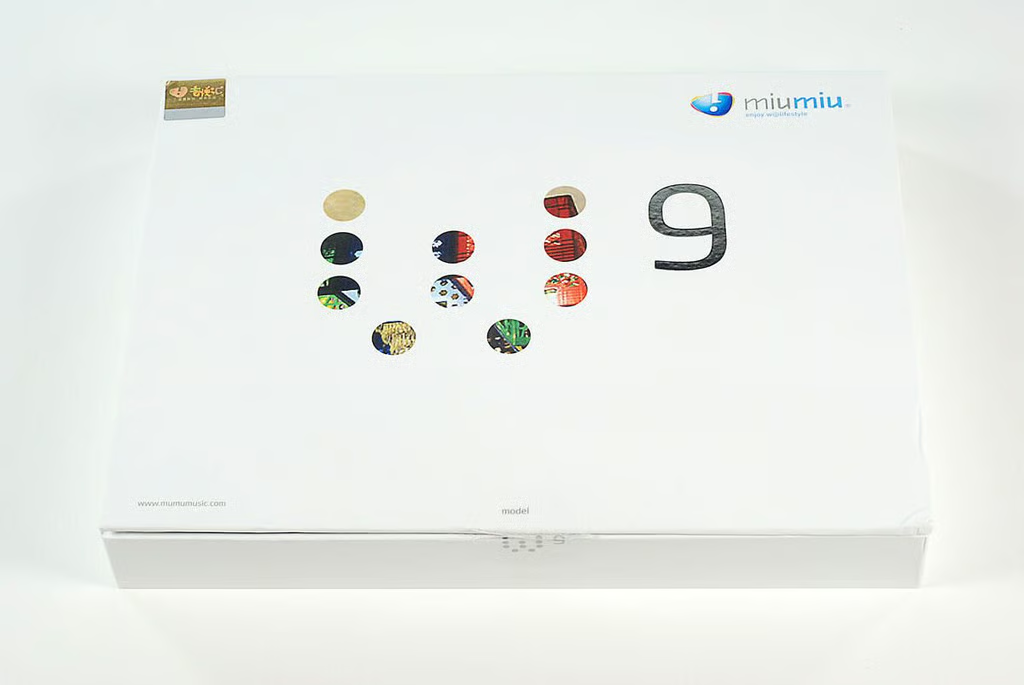
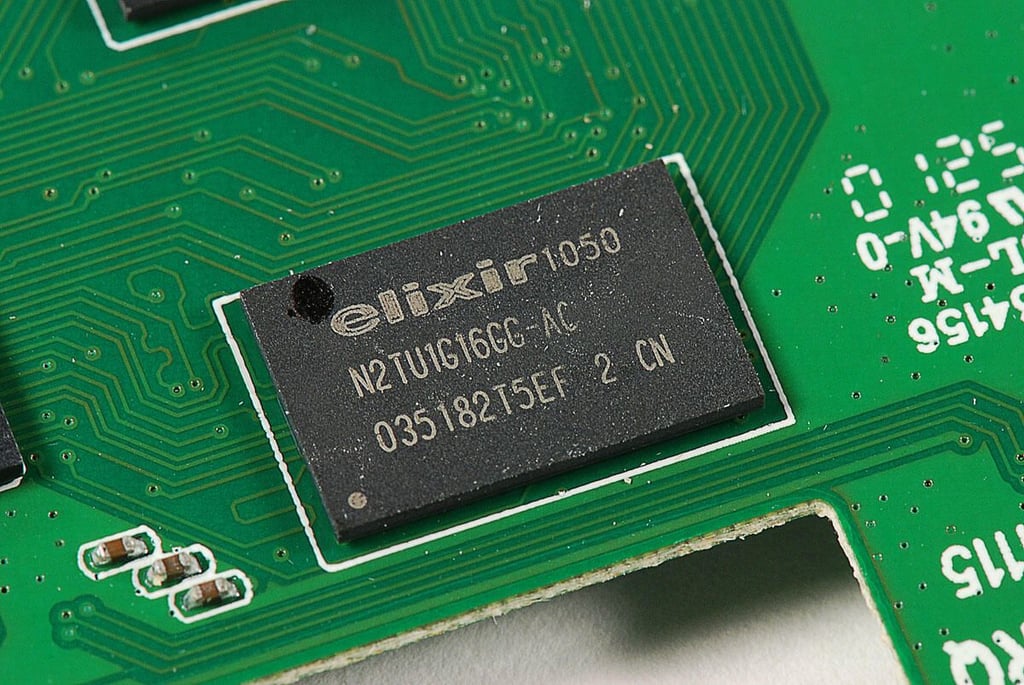
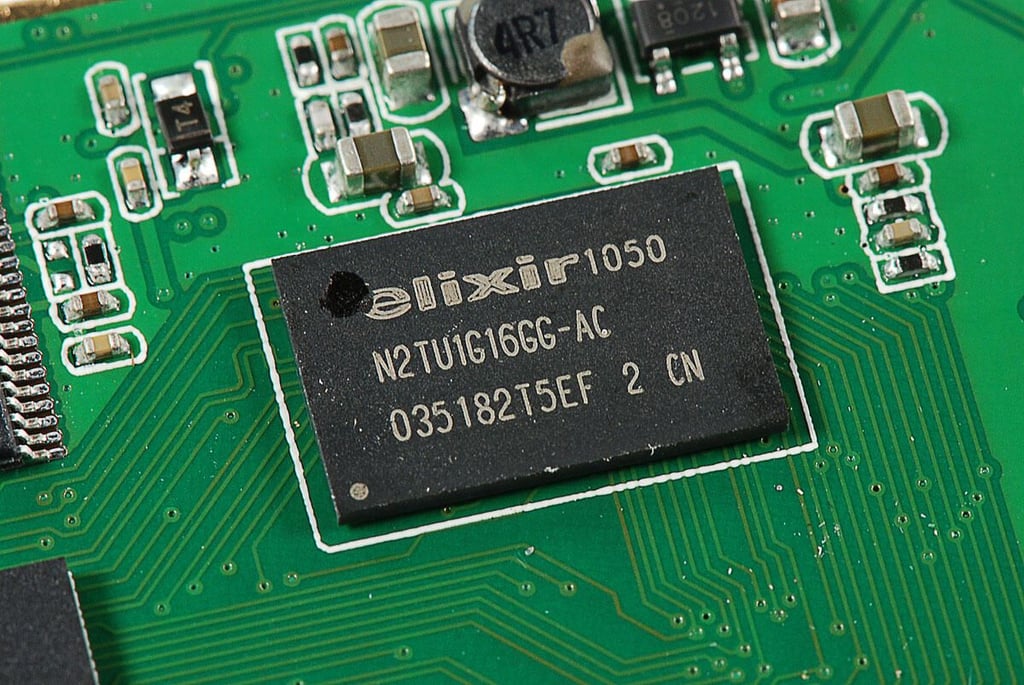
\n\tAs of this writing, FocalPrice lists the RAMOS MID W9 at $179.90 (US) with free shipping. The device has a 7-inch TFT-LCD (800×480 resolution) with resistive touchscreen, HDMI output, and runs Android 2.1. Inside the W9, you’ll find a Rockchip 2818 processor (which can operate at up to 640 MHz), 8GB of NAND flash storage, and 2GB system memory. It also supports Wi-Fi and 3G.
\n\t
\n\tNote: Several of the technical specifications listed on FocalPrice’s website appear to be mislabeled. For example, the company reports that the W9’s “Max RAM Support” is 32G and the “Hard Drive Capacity” is 2G. Neither of these values make sense. When most new laptops come with 4GB of RAM, I doubt a low-cost tablet is getting 32GB of RAM. Furthermore, I would expect even a sub-$200 tablet like the W9 to have more than 2GB of storage. After looking at the chips, I believe the W9 we tested actually has 2GB of system memory (RAM) and 8GB of storage.
\n\t
\n\tPhoto by: Bill Detwiler / TechRepublic
\n\tCaption by: Bill Detwiler
\n\t
\n\tPhoto by: Bill Detwiler / TechRepublic
\n\tCaption by: Bill Detwiler
\n\t
\n\tPhoto by: Bill Detwiler / TechRepublic
\n\tCaption by: Bill Detwiler
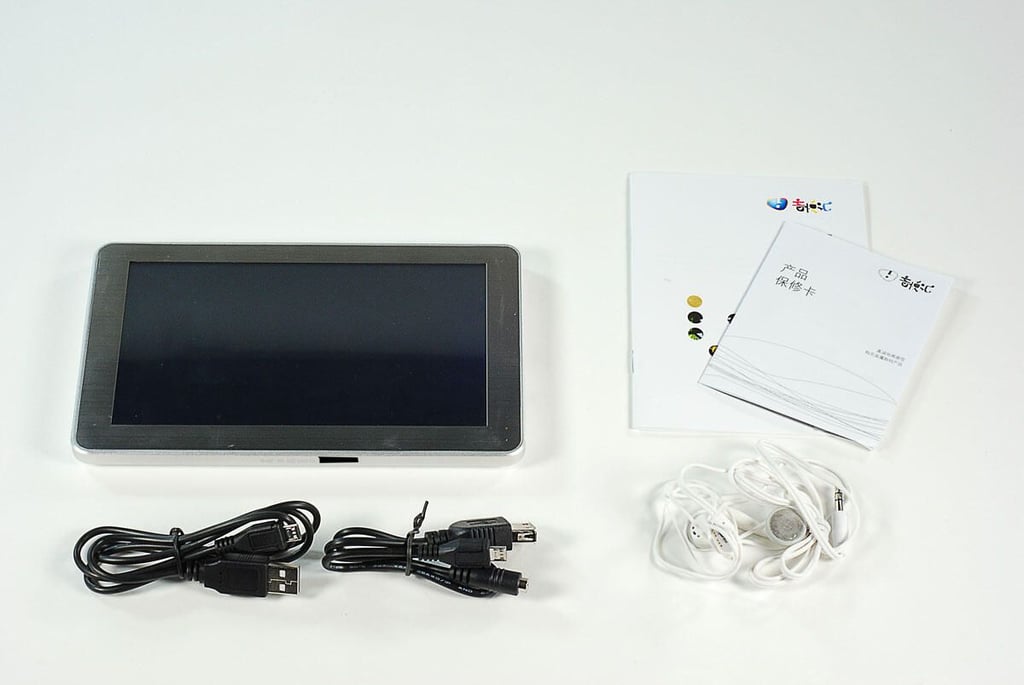
\n\tThe RAMOS MID W9 comes with a USB cable, a set of earphones, a connecting cable (not sure what this is for), and product documentation (written in Chinese).
\n
\n\t
\n\tPhoto by: Bill Detwiler / TechRepublic
\n\tCaption by: Bill Detwiler
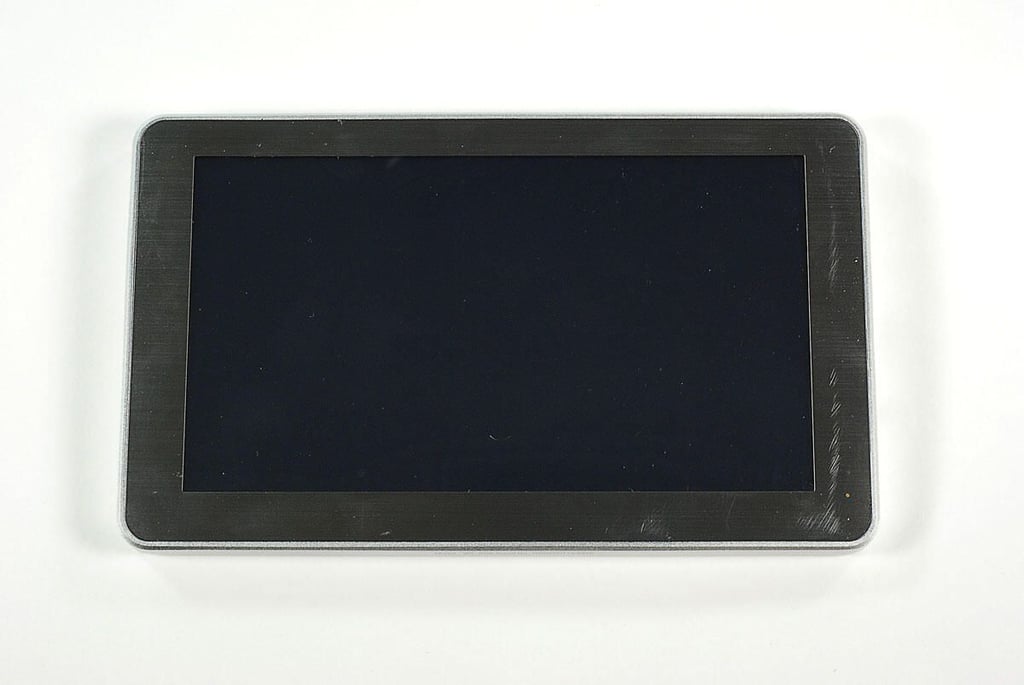
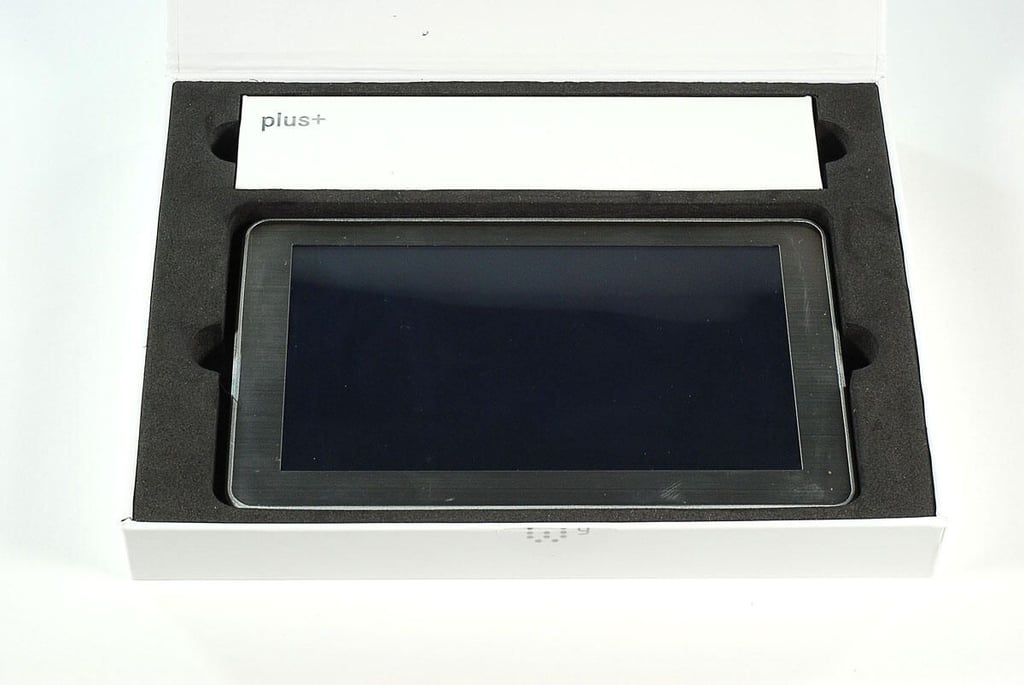
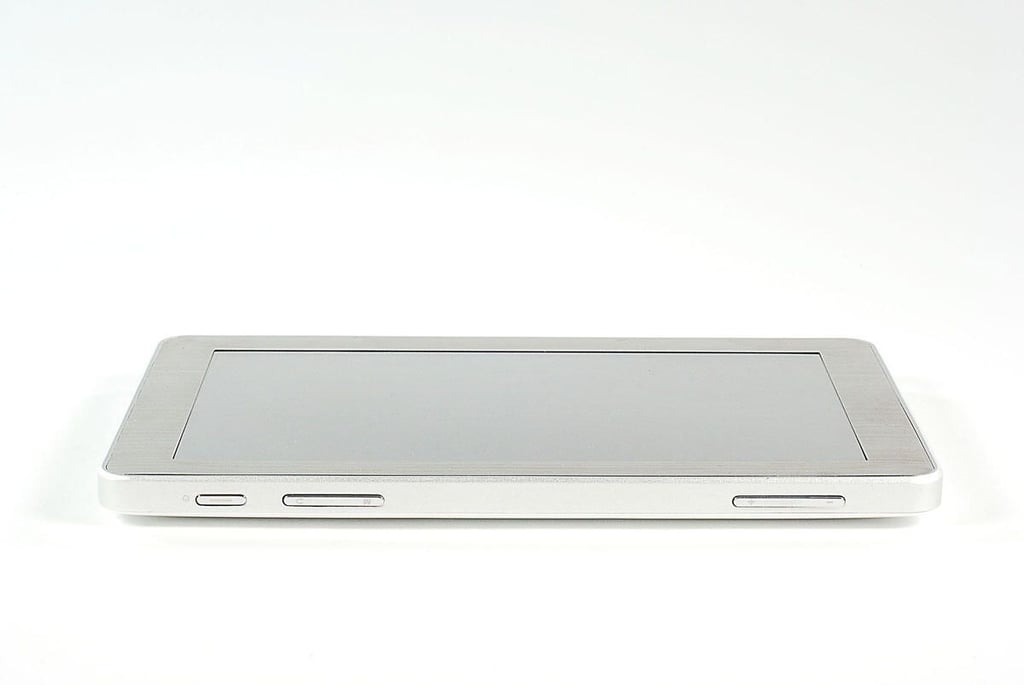
\n\tThere are no physical buttons along the front of the RAMOS MID W9.
\n
\n\tPhoto by: Bill Detwiler / TechRepublic
\n\tCaption by: Bill Detwiler
\n\t
\n\tPhoto by: Bill Detwiler / TechRepublic
\n\tCaption by: Bill Detwiler
\n\t
\n\tPhoto by: Bill Detwiler / TechRepublic
\n\tCaption by: Bill Detwiler
\n\t
\n\tPhoto by: Bill Detwiler / TechRepublic
\n\tCaption by: Bill Detwiler
\n\t
\n\tPhoto by: Bill Detwiler / TechRepublic
\n\tCaption by: Bill Detwiler
\n\t
\n\tPhoto by: Bill Detwiler / TechRepublic
\n\tCaption by: Bill Detwiler
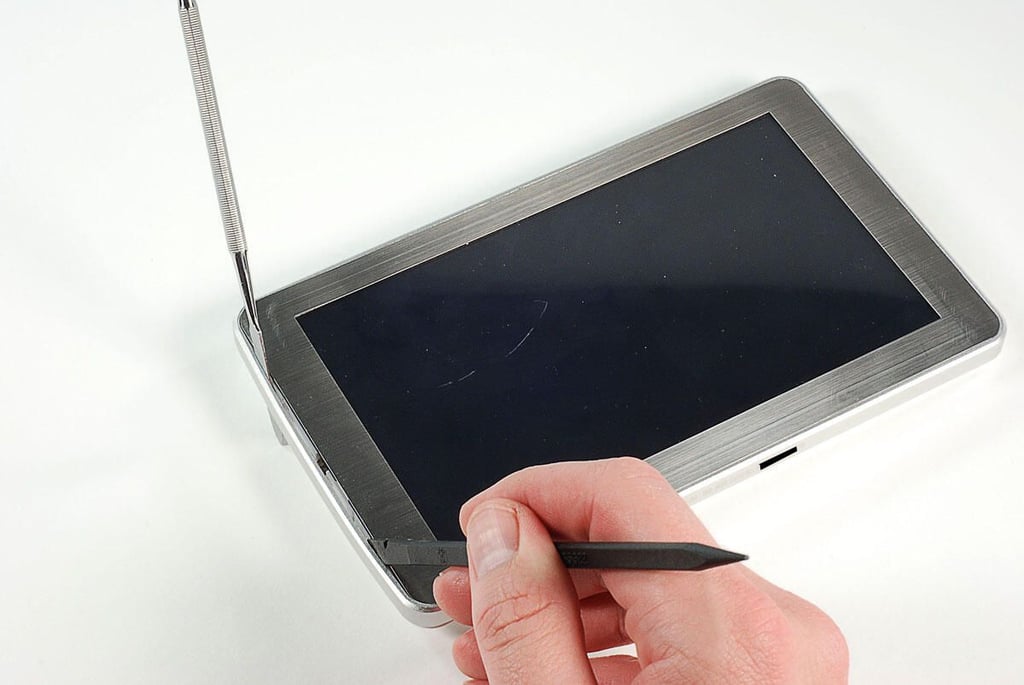
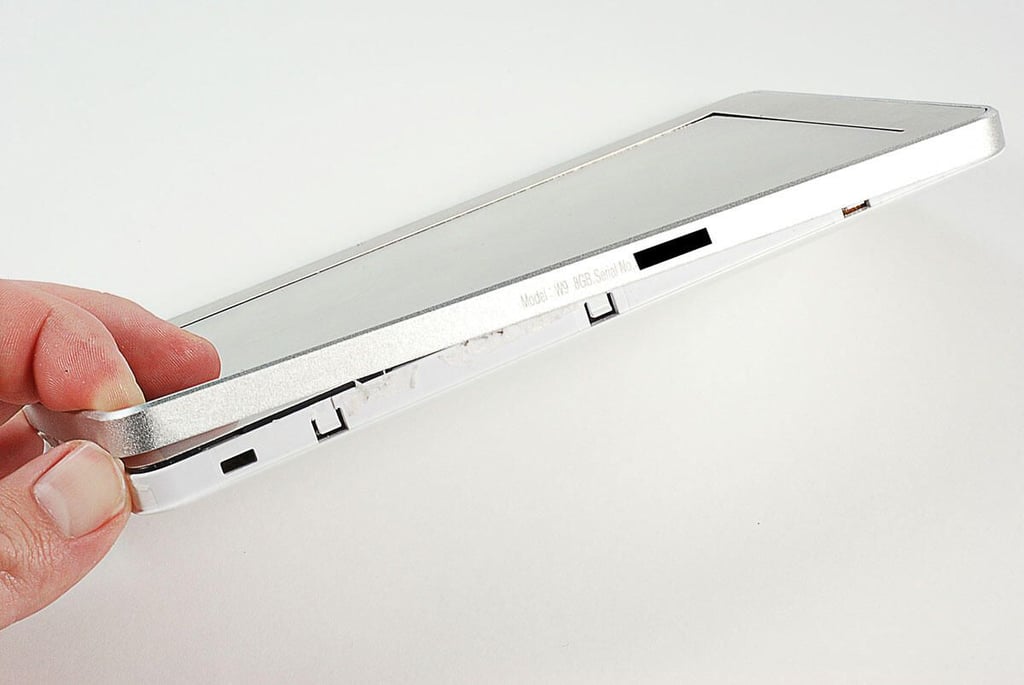
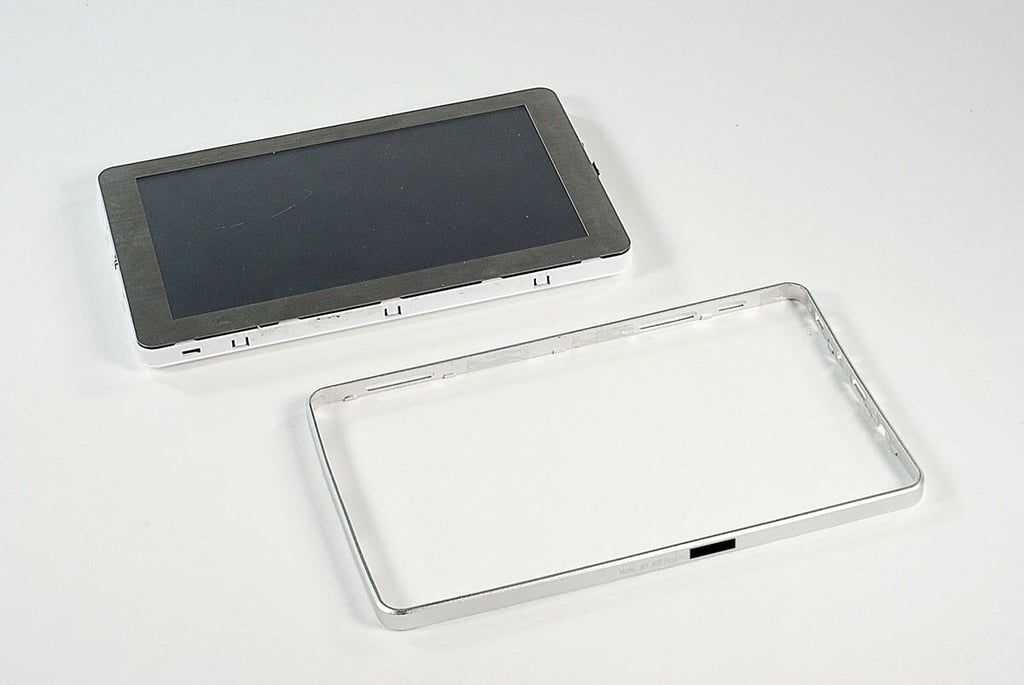
\n\tUsing a thin metal blad and plastic spudger, I detached the RAMOS MID W9’s metal rim.
\n
\n\tPhoto by: Bill Detwiler / TechRepublic
\n\tCaption by: Bill Detwiler
\n\t
\n\tPhoto by: Bill Detwiler / TechRepublic
\n\tCaption by: Bill Detwiler
\n\t
\n\tPhoto by: Bill Detwiler / TechRepublic
\n\tCaption by: Bill Detwiler
\n\t
\n\tPhoto by: Bill Detwiler / TechRepublic
\n\tCaption by: Bill Detwiler
\n\t
\n\tPhoto by: Bill Detwiler / TechRepublic
\n\tCaption by: Bill Detwiler
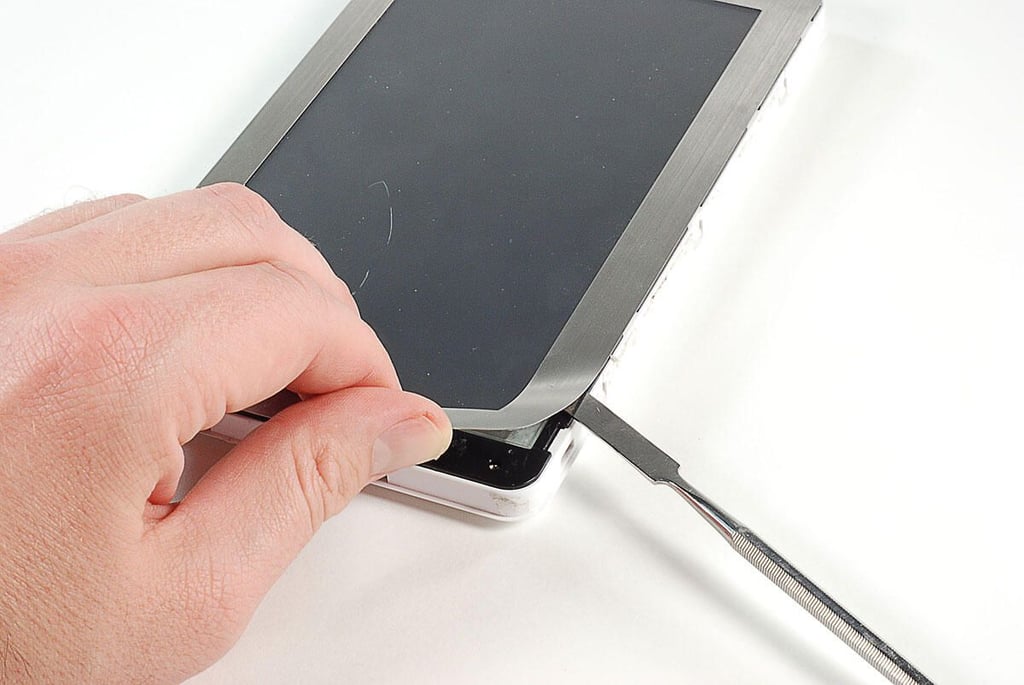
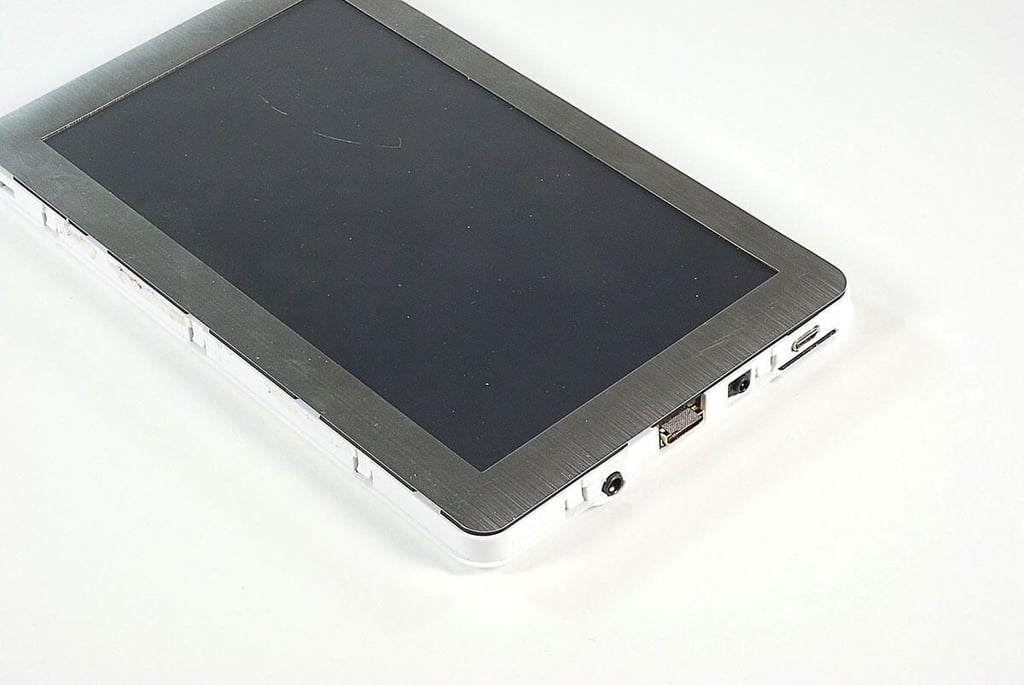
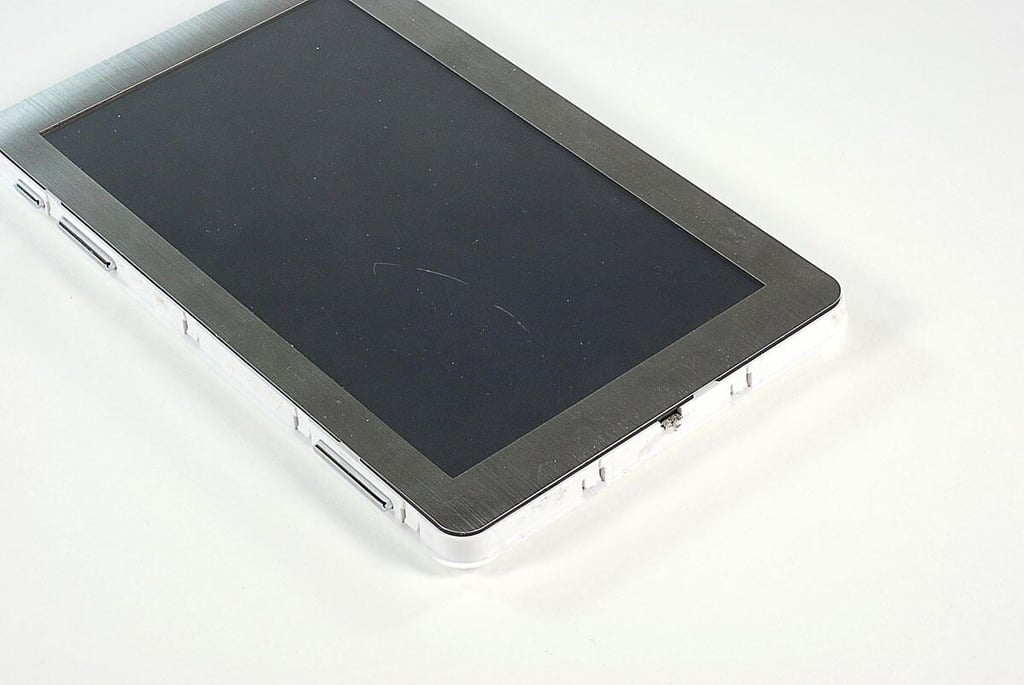
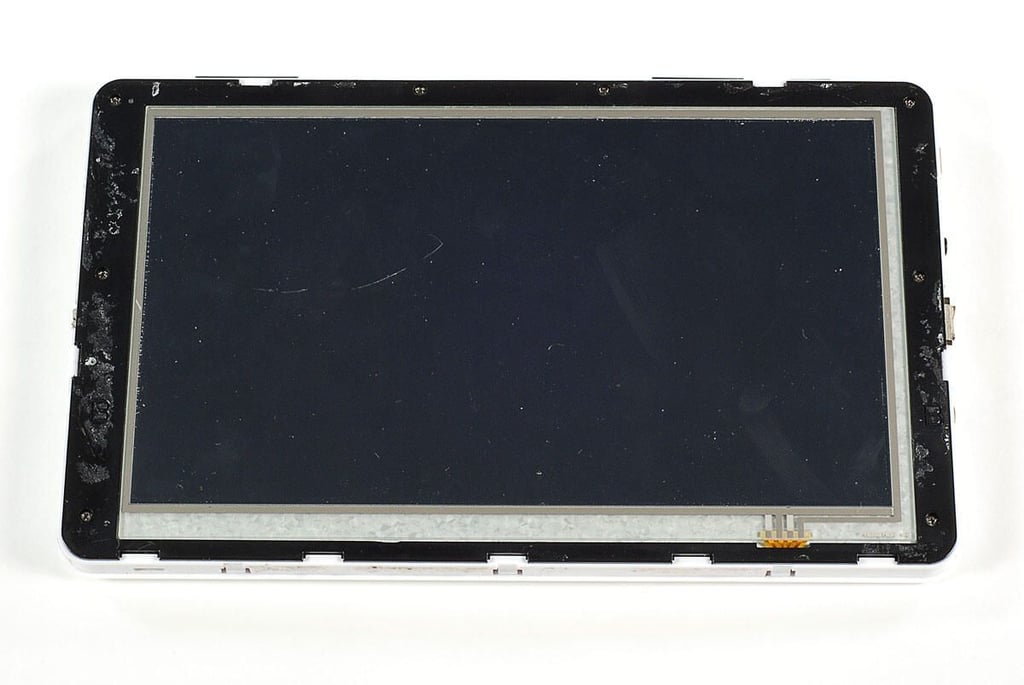
\n\tThin metal edging surrounds the RAMOS MID W9’s LCD. It is held in place with adhesive and covers several screws. I removed the edging with a thin metal blade.
\n
\n\tPhoto by: Bill Detwiler / TechRepublic
\n\tCaption by: Bill Detwiler
\n\t
\n\tPhoto by: Bill Detwiler / TechRepublic
\n\tCaption by: Bill Detwiler
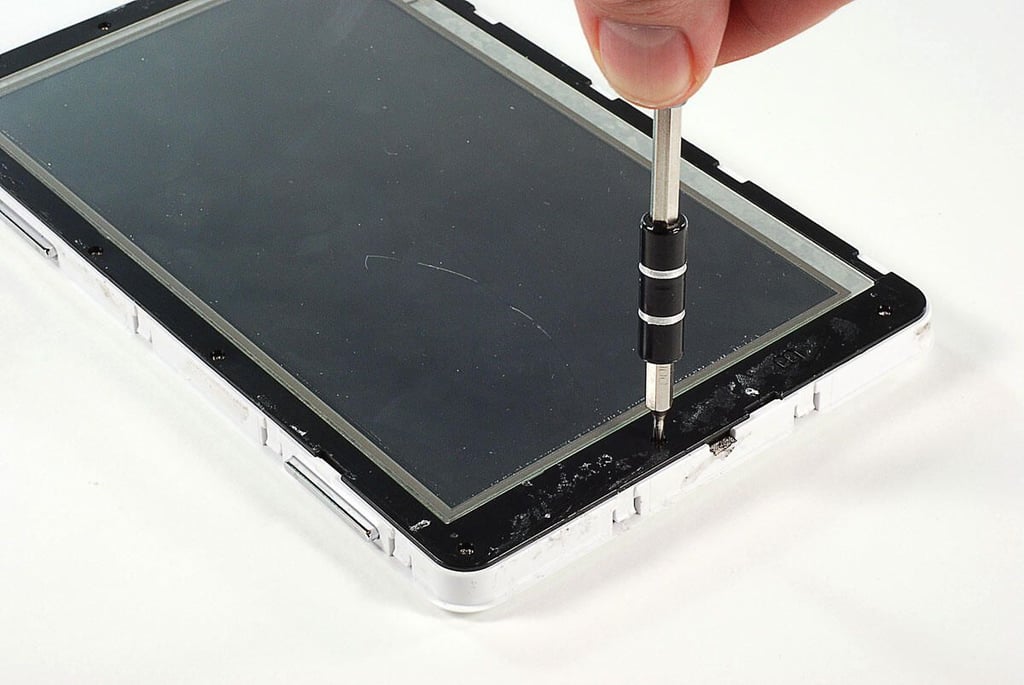
\n\tUsing a Phillips #000 screwdriver, I removed the screws that hold the touchscreen assembly’s plastic bezel in place.
\n
\n\tPhoto by: Bill Detwiler / TechRepublic
\n\tCaption by: Bill Detwiler
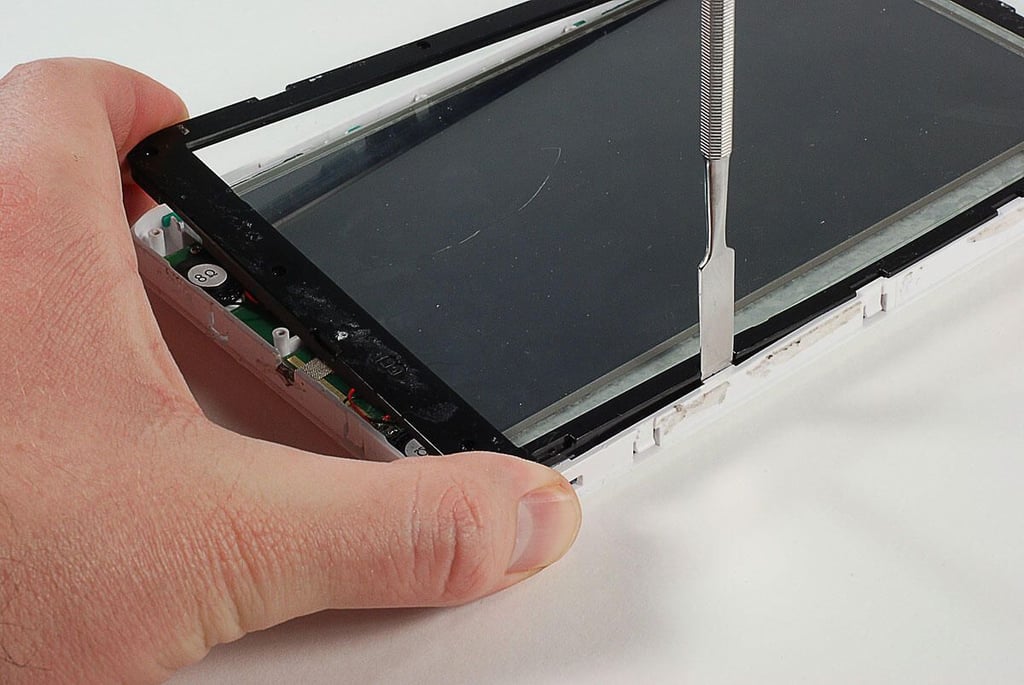
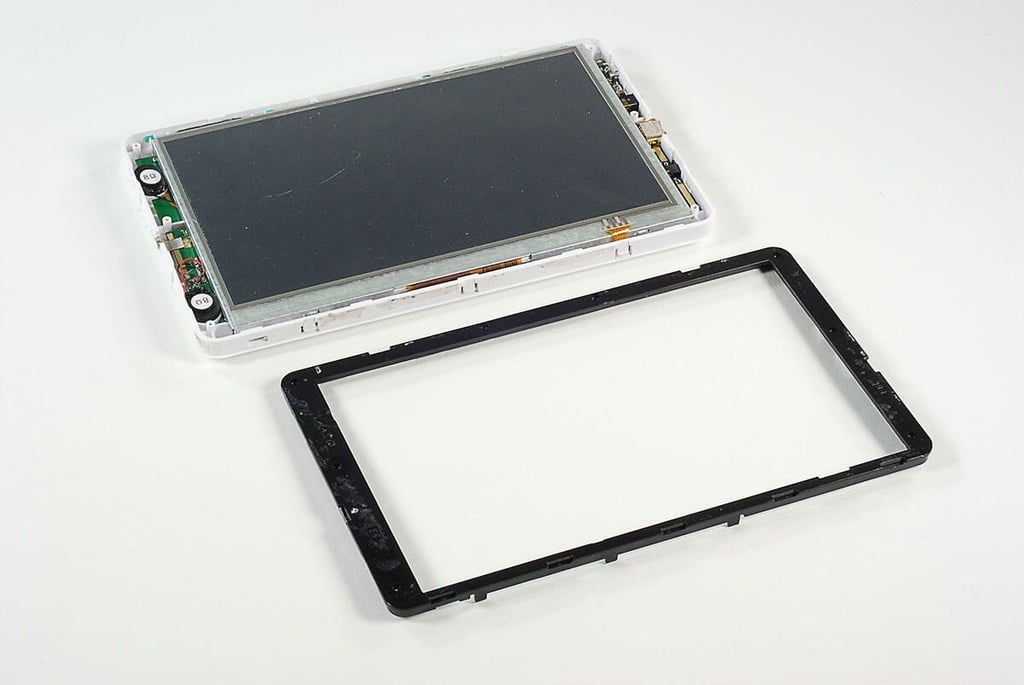
\n\tWith the screws removed, I used a thin metal blade to pop loose the plastic bezel.
\n
\n\tPhoto by: Bill Detwiler / TechRepublic
\n\tCaption by: Bill Detwiler
\n\t
\n\tPhoto by: Bill Detwiler / TechRepublic
\n\tCaption by: Bill Detwiler
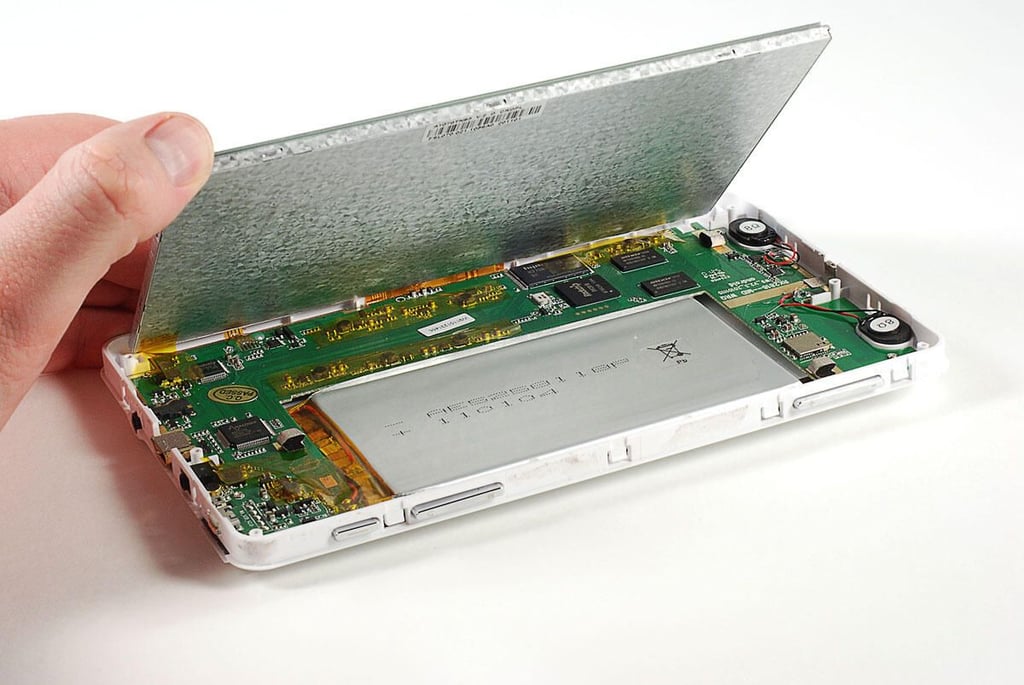
\n\tWith the plastic bezel removed, we can lift the touchscreen display assembly up from the main PCB and case.
\n
\n\tPhoto by: Bill Detwiler / TechRepublic
\n\tCaption by: Bill Detwiler
\n\t
\n\tPhoto by: Bill Detwiler / TechRepublic
\n\tCaption by: Bill Detwiler
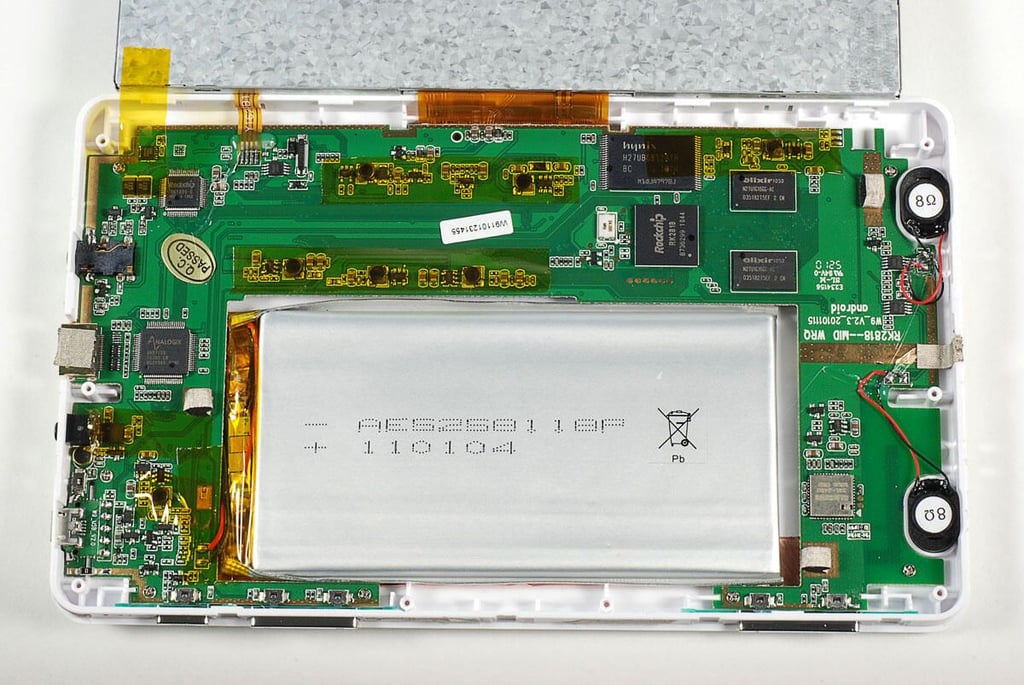
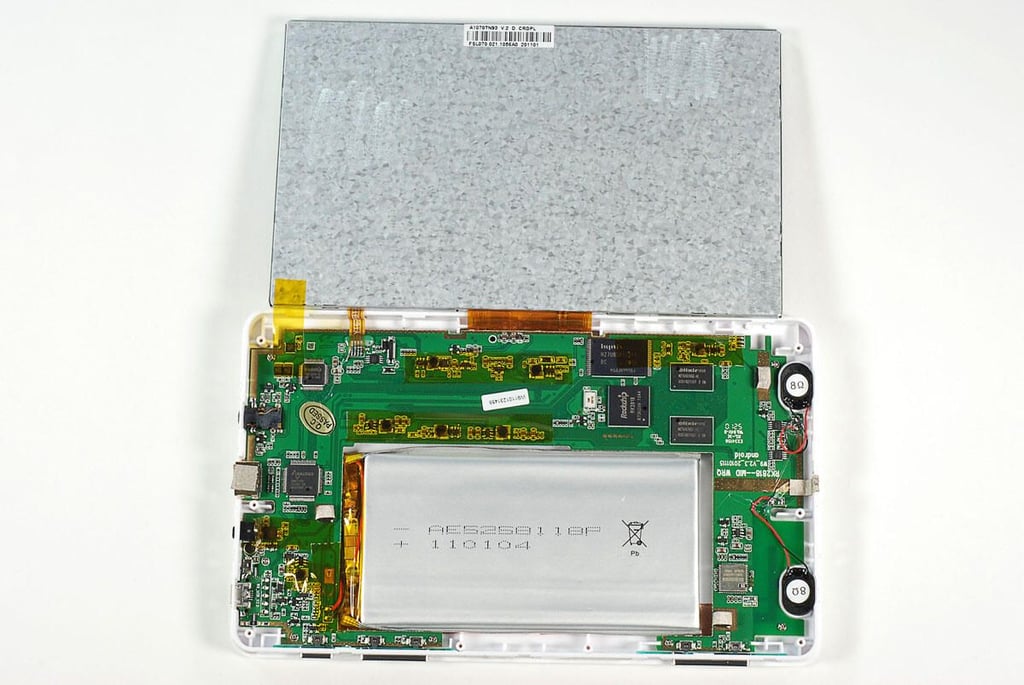
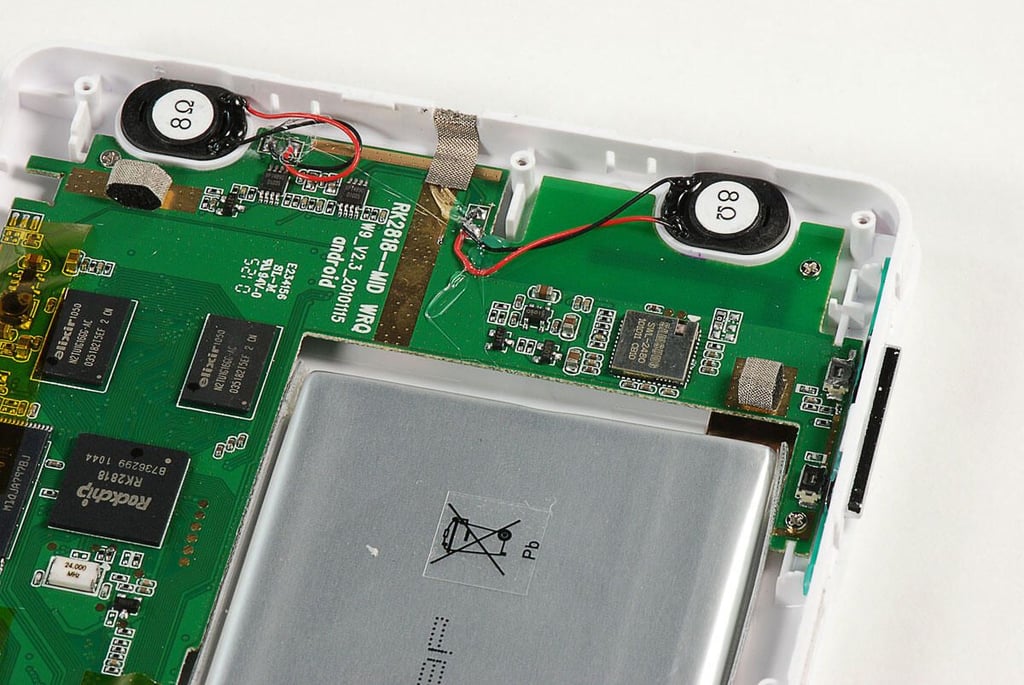
\n\tThe RAMOS MID W9’s battery takes up a significant portion of the case inside the case.
\n
\n\tPhoto by: Bill Detwiler / TechRepublic
\n\tCaption by: Bill Detwiler
\n\t
\n\tPhoto by: Bill Detwiler / TechRepublic
\n\tCaption by: Bill Detwiler
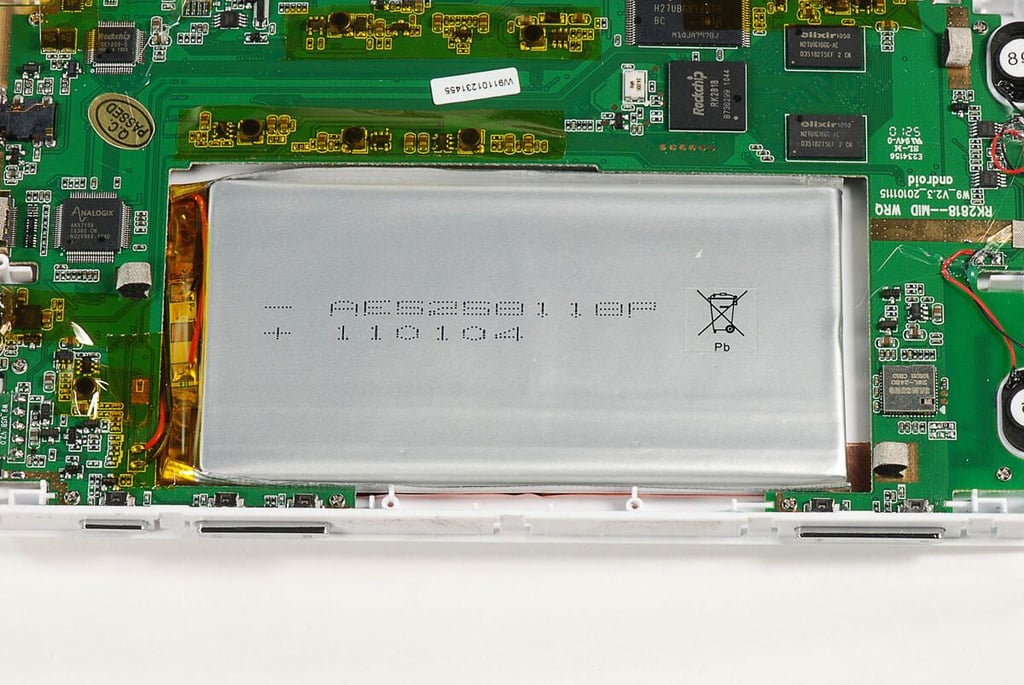
\n\tThe RAMOS MID W9’s battery is soldered to the main PCB. There are limited markings on this battery, but it appears to be an AE5258118P 3750mAh battery.
\n
\n\tPhoto by: Bill Detwiler / TechRepublic
\n\tCaption by: Bill Detwiler
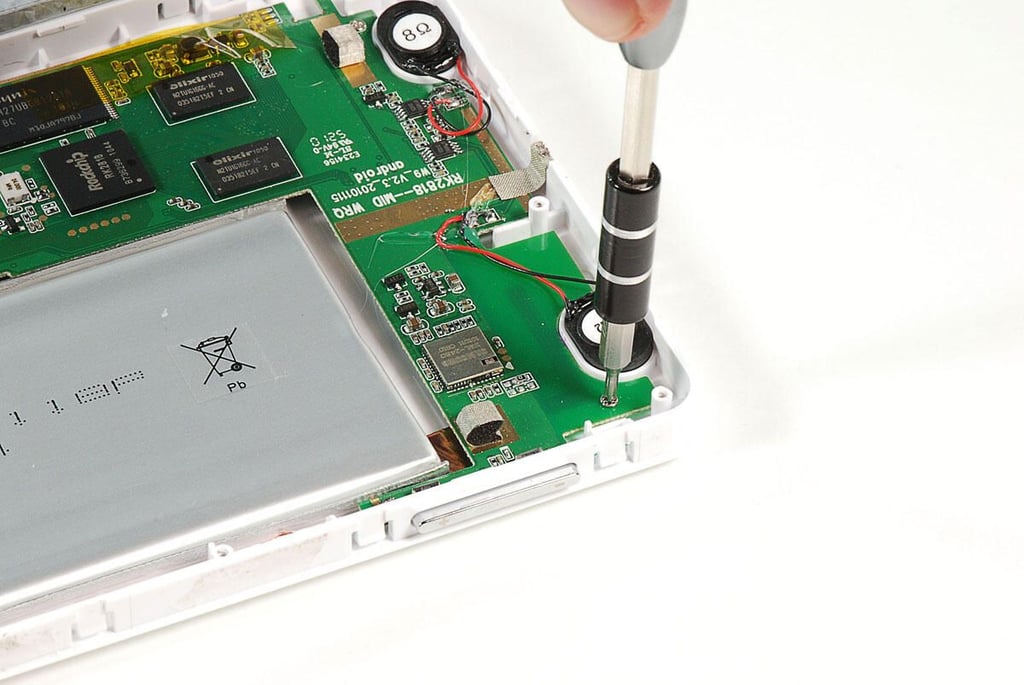
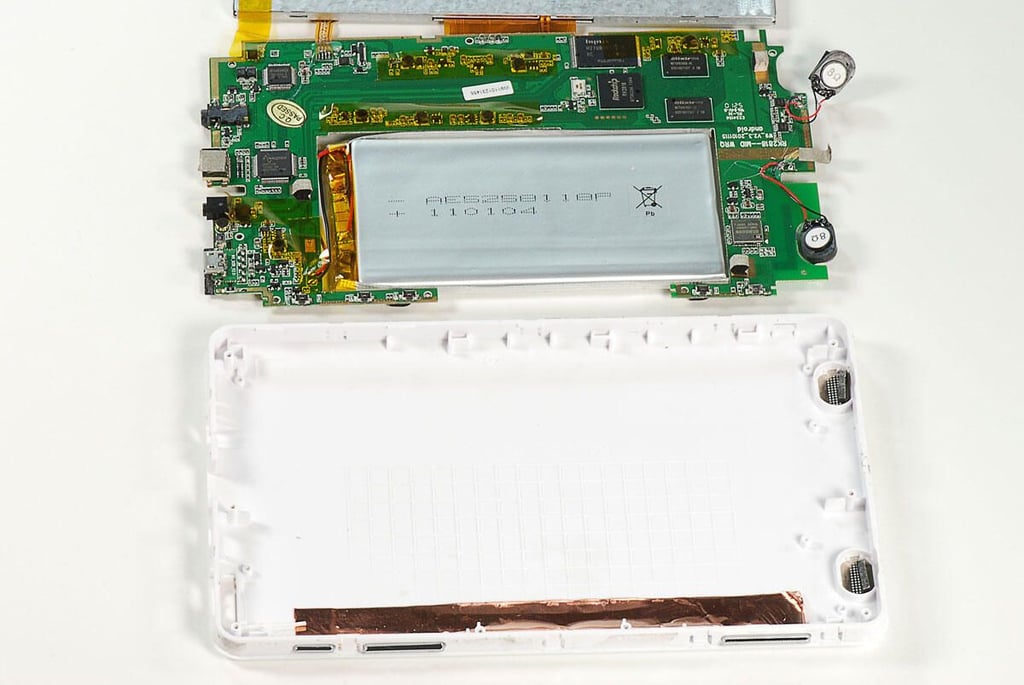
\n\tSeveral Phillips #000 screws hold the RAMOS MID W9’s main PCB to the white plastic case.
\n
\n\tPhoto by: Bill Detwiler / TechRepublic
\n\tCaption by: Bill Detwiler
\n\t
\n\tPhoto by: Bill Detwiler / TechRepublic
\n\tCaption by: Bill Detwiler
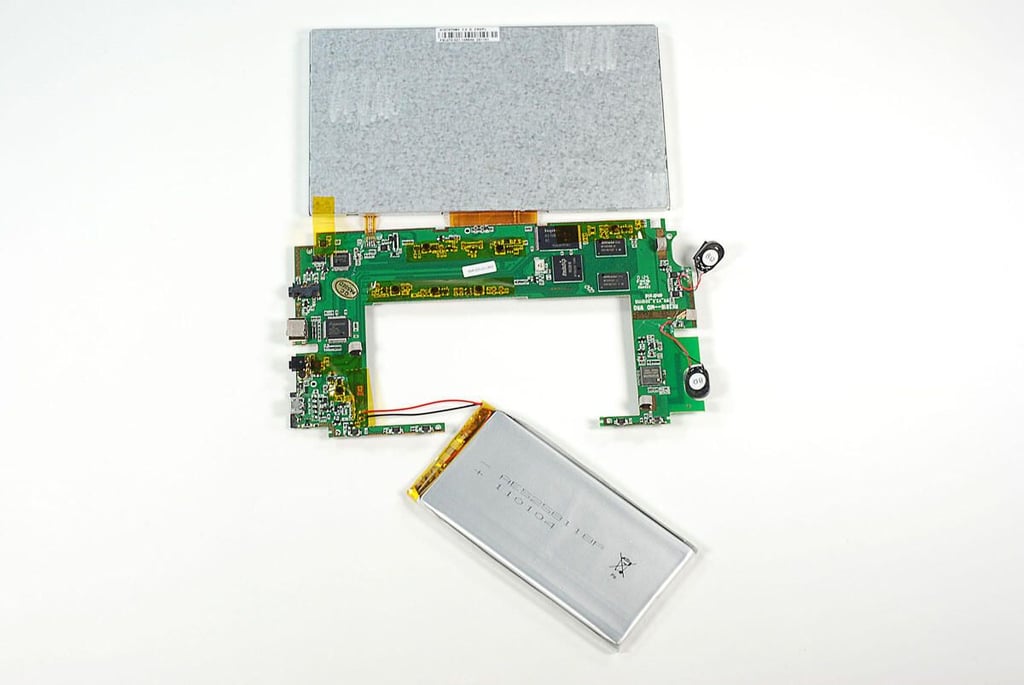
\n\t
\n\tPhoto by: Bill Detwiler / TechRepublic
\n\tCaption by: Bill Detwiler
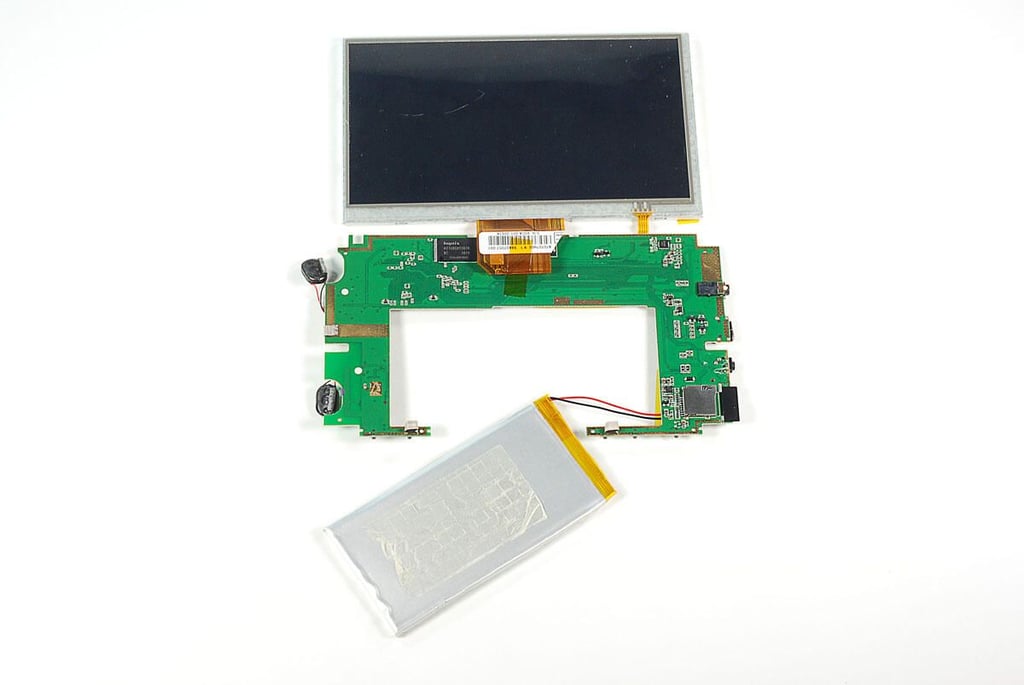
\n\t
\n\tPhoto by: Bill Detwiler / TechRepublic
\n\tCaption by: Bill Detwiler
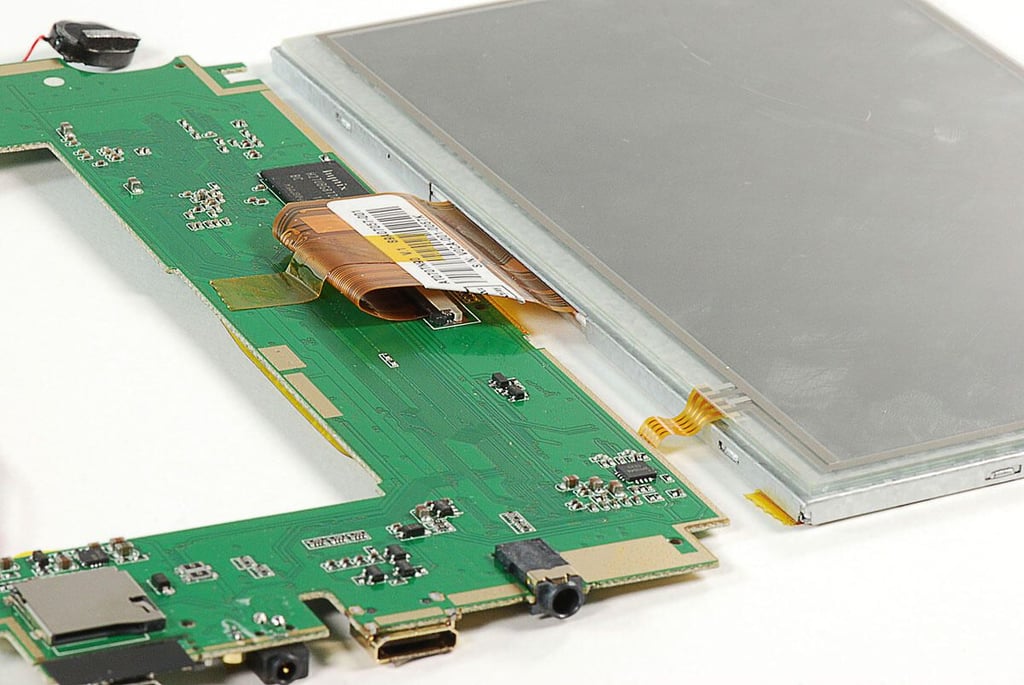
\n\tThe RAMOS MID W9’s LCD uses a removable ribbon cable, but the touchscreen’s cable is soldered to the main PCB.
\n
\n\tPhoto by: Bill Detwiler / TechRepublic
\n\tCaption by: Bill Detwiler
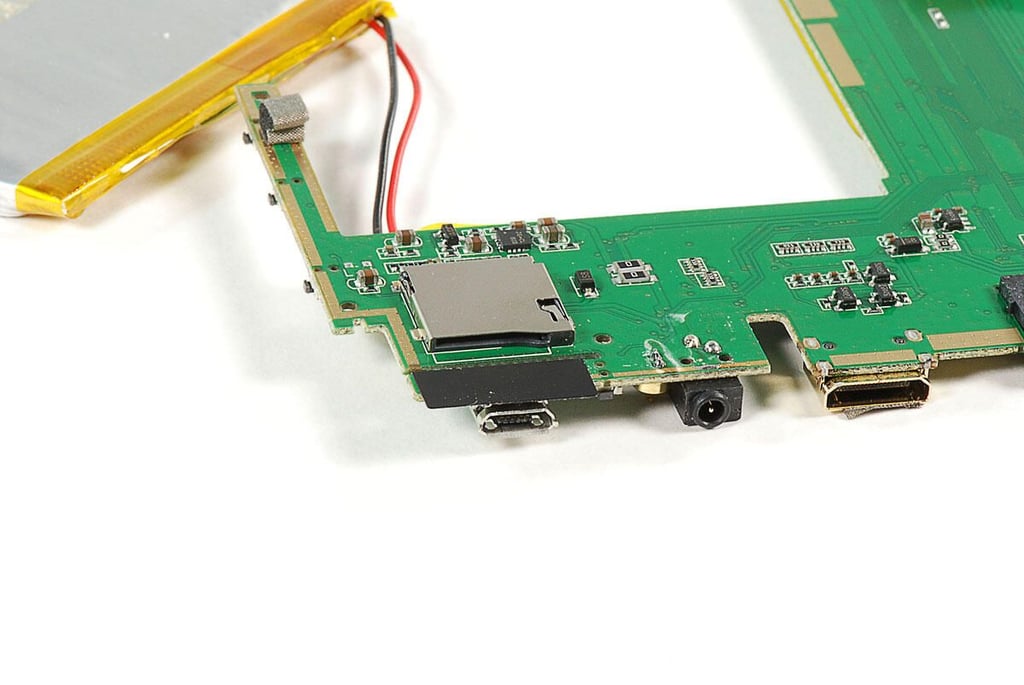
\n\t
\n\tPhoto by: Bill Detwiler / TechRepublic
\n\tCaption by: Bill Detwiler
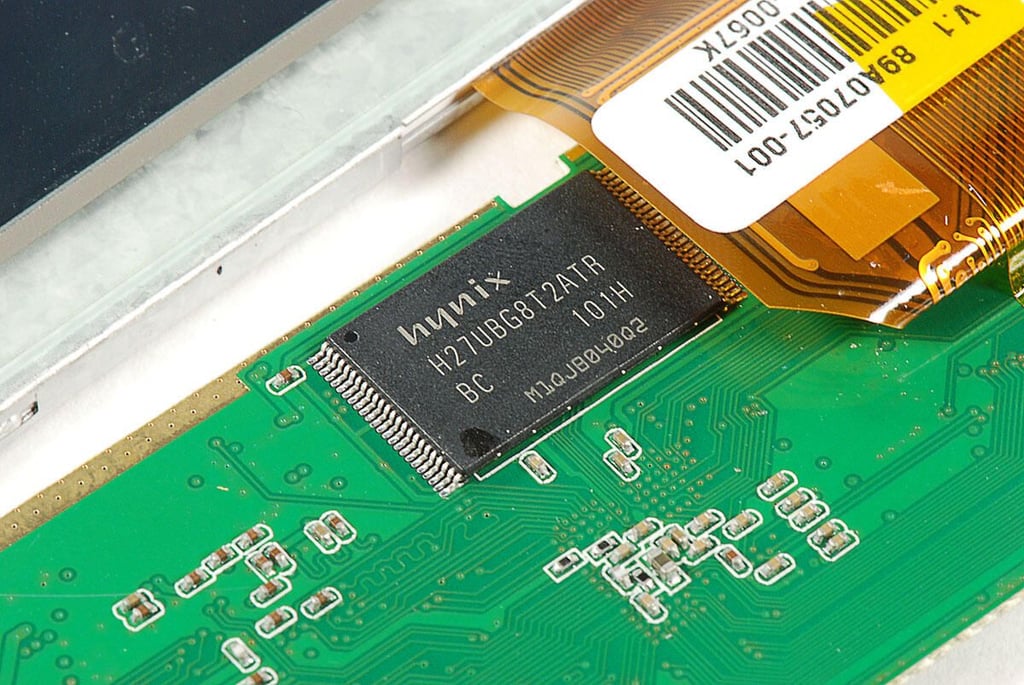
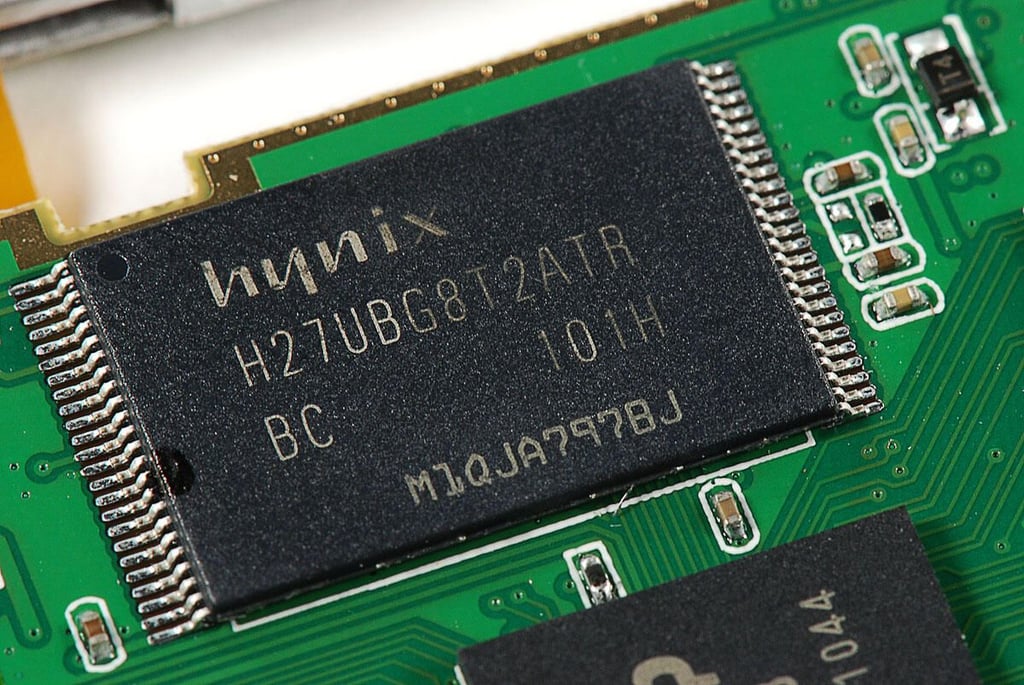
\n\tThe RAMOS MID W9 has two Hynix H27UBG8T2ATR NAND Flash chips. I believe each of these chips provides 4GB of storage–giving the device a total storage capacity of 8GB.
\n
\n\tPhoto by: Bill Detwiler / TechRepublic
\n\tCaption by: Bill Detwiler
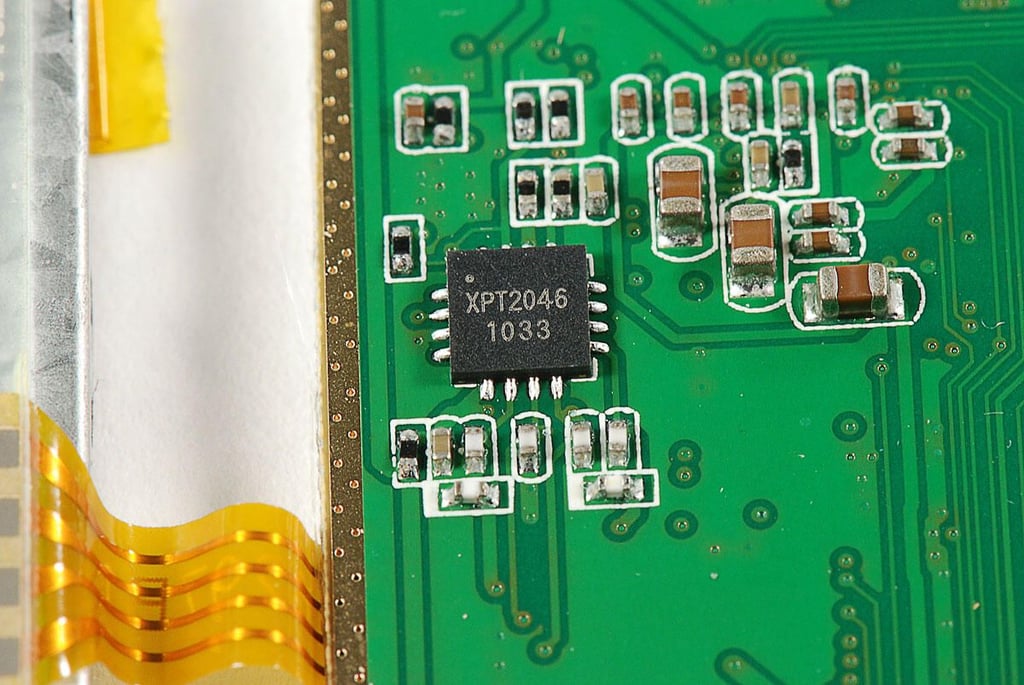
\n\tThe RAMOS MID W9 has an XPT2046 4-wire touchscreen I/O controller.
\n
\n\tPhoto by: Bill Detwiler / TechRepublic
\n\tCaption by: Bill Detwiler
\n\t
\n\tPhoto by: Bill Detwiler / TechRepublic
\n\tCaption by: Bill Detwiler
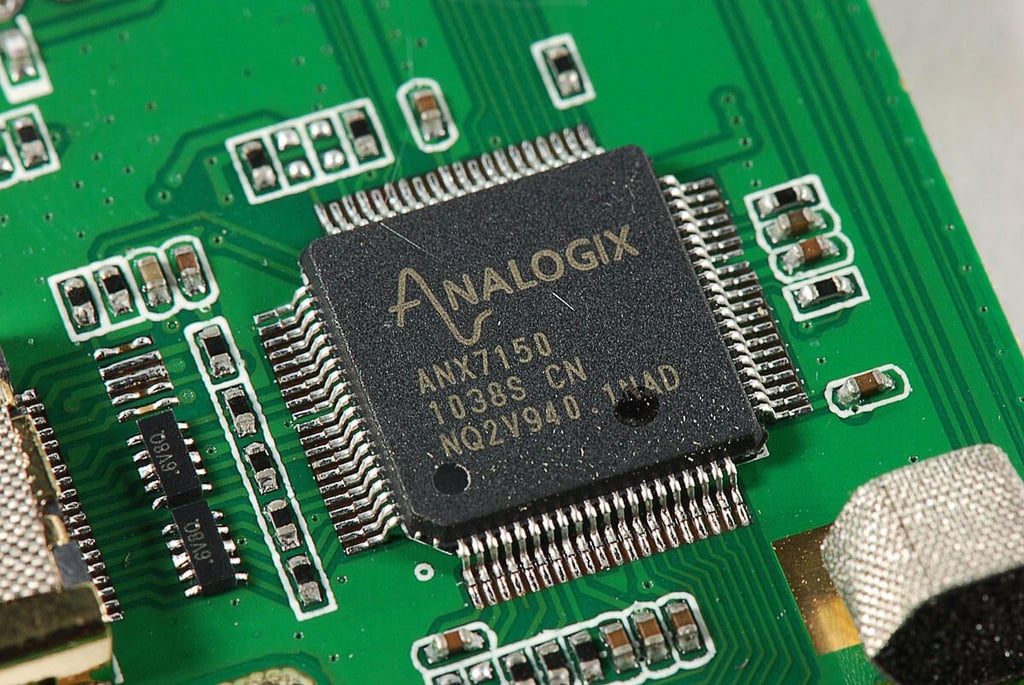
\n\tThe RAMOS MID W9 uses an Analogix ANX7150 HDMI Transmitter.
\n
\n\tPhoto by: Bill Detwiler / TechRepublic
\n\tCaption by: Bill Detwiler
\n\t
\n\tPhoto by: Bill Detwiler / TechRepublic
\n\tCaption by: Bill Detwiler
\n\t
\n\tPhoto by: Bill Detwiler / TechRepublic
\n\tCaption by: Bill Detwiler
\n\t
\n\tPhoto by: Bill Detwiler / TechRepublic
\n\tCaption by: Bill Detwiler
\n\t
\n\tPhoto by: Bill Detwiler / TechRepublic
\n\tCaption by: Bill Detwiler
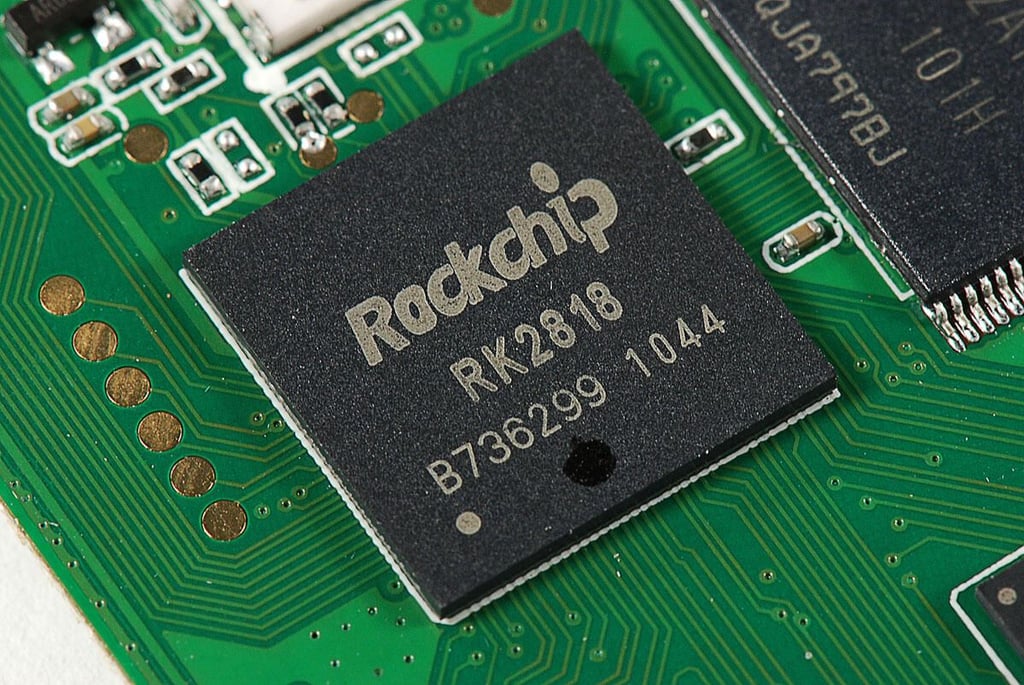
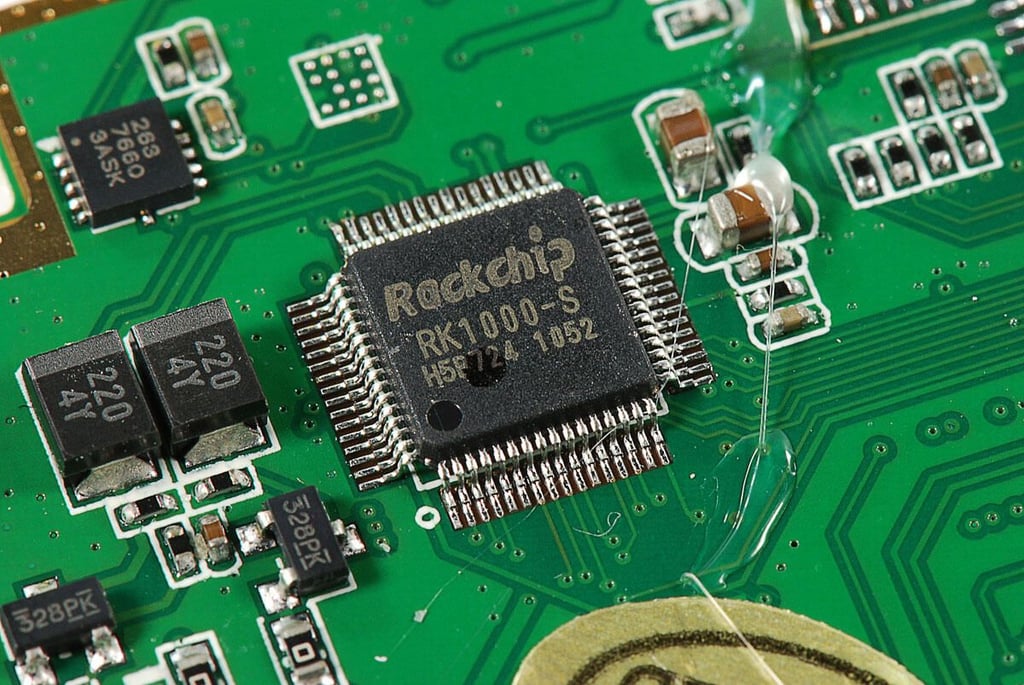
\n\tFocal price provide no specific frequency data on the RAMOS MID W9’s processor. But, the Rockchip RK2818 processor is capable of working as frequencies up to 640 MHz.
\n
\n\tPhoto by: Bill Detwiler / TechRepublic
\n\tCaption by: Bill Detwiler
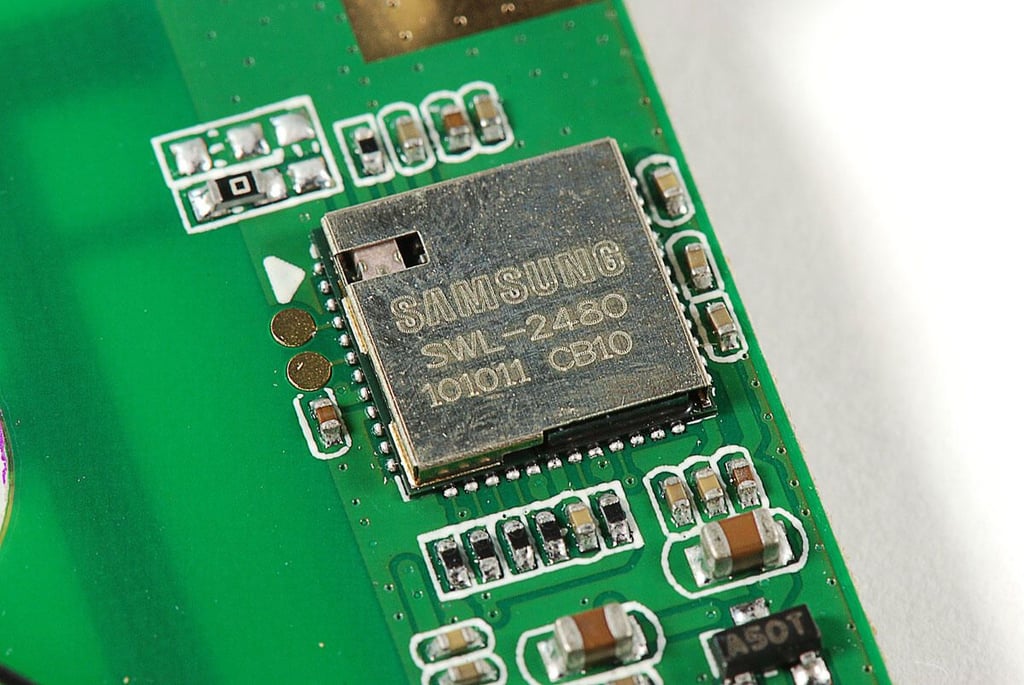
\n\tThe RAMOS MID W9 uses a Samsung SWL-2480 802.11b/g Wi-Fi module.
\n
\n\tPhoto by: Bill Detwiler / TechRepublic
\n\tCaption by: Bill Detwiler
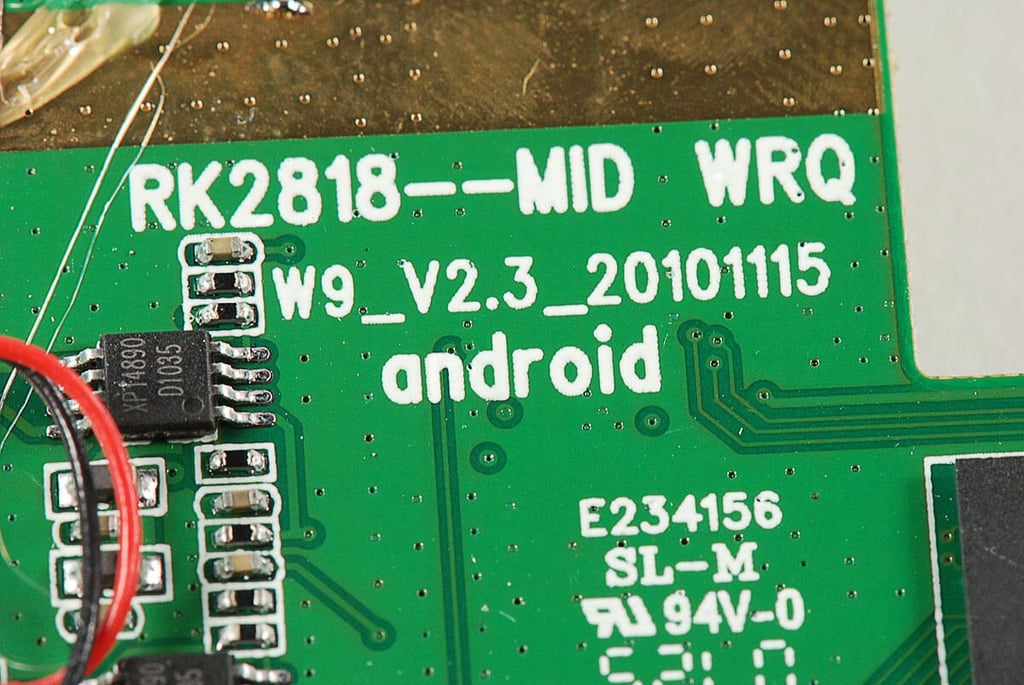
\n\tThe RAMOS MID W9 maind PCB has markings that indcate the board was either made by, or for Rockchip, which isn’t surprising as the device uses the Rockchip RK2818 processor.
\n
\n\tPhoto by: Bill Detwiler / TechRepublic
\n\tCaption by: Bill Detwiler
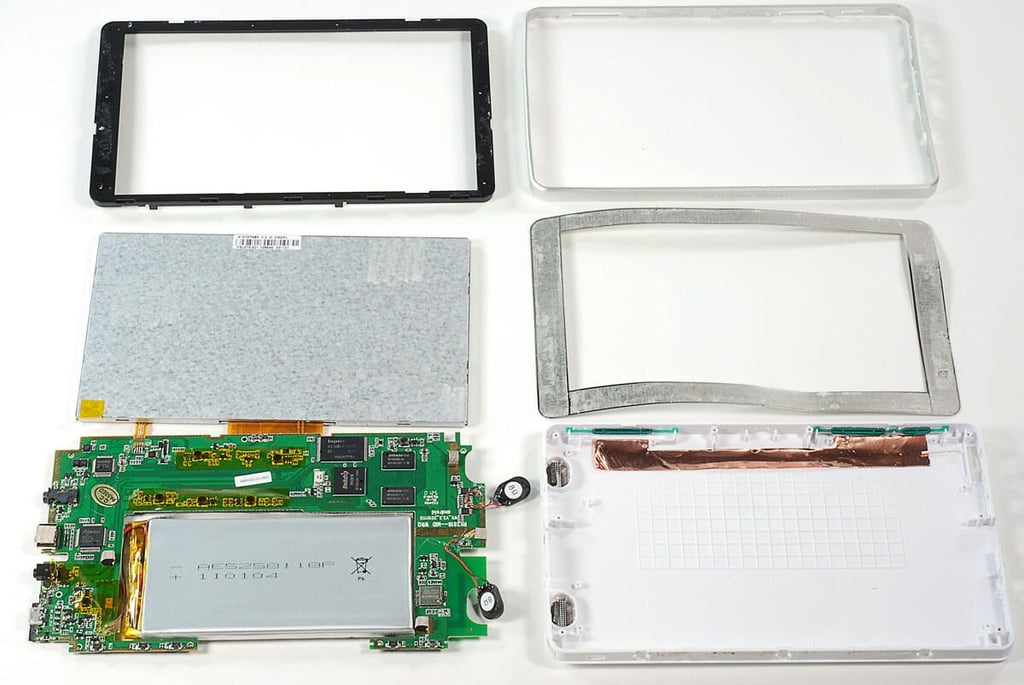
\n\tThe RAMOS MID W9 wasn’t difficult to crack open. Unfortunately, the fact that its internal components are soldered to the main PCB make is very difficult to repair.
\n
\n\tFor a complete review of the RAMOS MID W9, check out Mark Kaelin’s TechRepublic review.
\n
\n\tPhoto by: Bill Detwiler / TechRepublic
\n\tCaption by: Bill Detwiler
Bill Detwiler is the Editor for Technical Content and Ecosystem at Celonis. He is the former Editor in Chief of TechRepublic and previous host of TechRepublic's Dynamic Developer podcast and Cracking Open, CNET and TechRepublic's popular online show. Previously, Bill was an IT manager in the social research and energy industries. He has bachelor's and master's degrees from the University of Louisville, where he has also lectured on computer crime and crime prevention.


