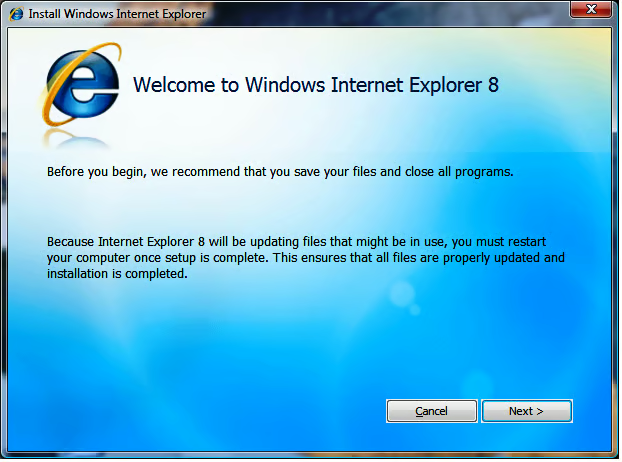
The Web browser war continues to rage in a sort of Cold War fashion and the latest salvo in the battle between Microsoft Internet Explorer and Mozilla Firefox is IE8 beta. Take a look at this TechRepublic Photo Gallery to see what this newest version of Internet Explorer brings to the Web browser.
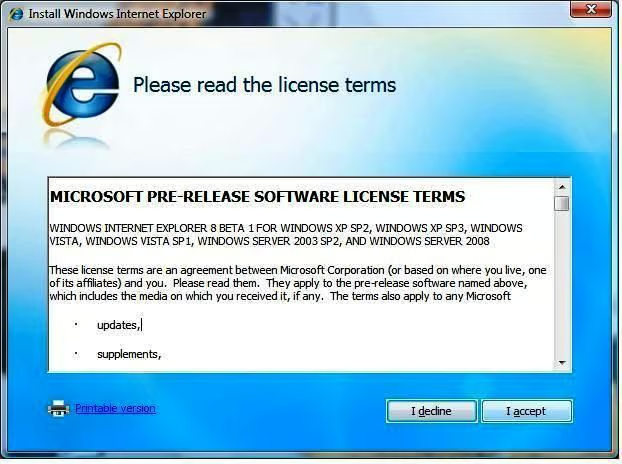
The License/User Agreement makes it clear that this is a beta version of Internet Explorer.
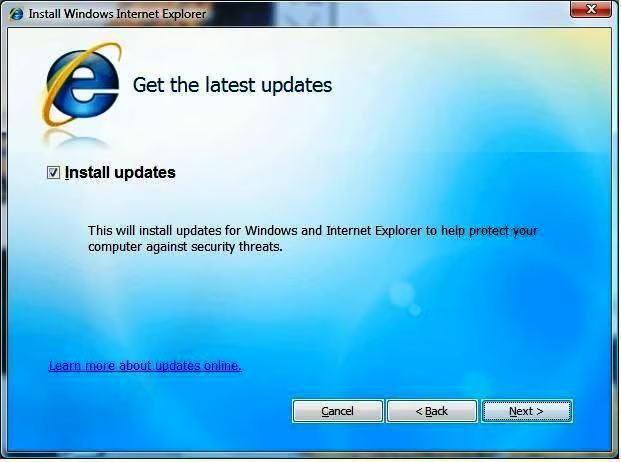
Part of the installation process involves acquiring updates from Microsoft via an Internet connection.
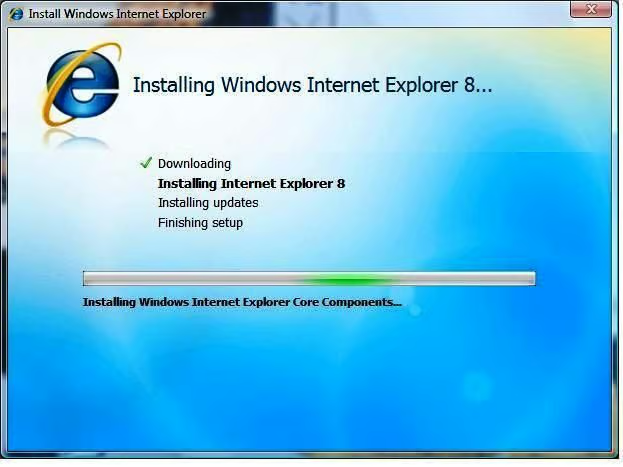
Installation of Microsoft Internet Explorer 8 (beta) only takes a couple of minutes.
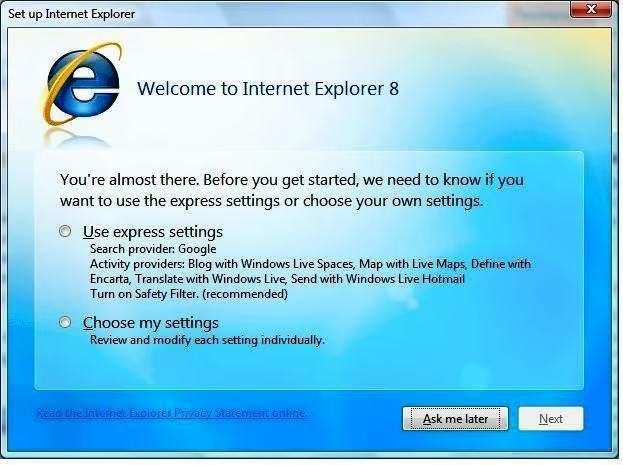
The first time you start IE8 beta, you’ll be given the opportunity to set your settings. The Express radio button should be all most users need.
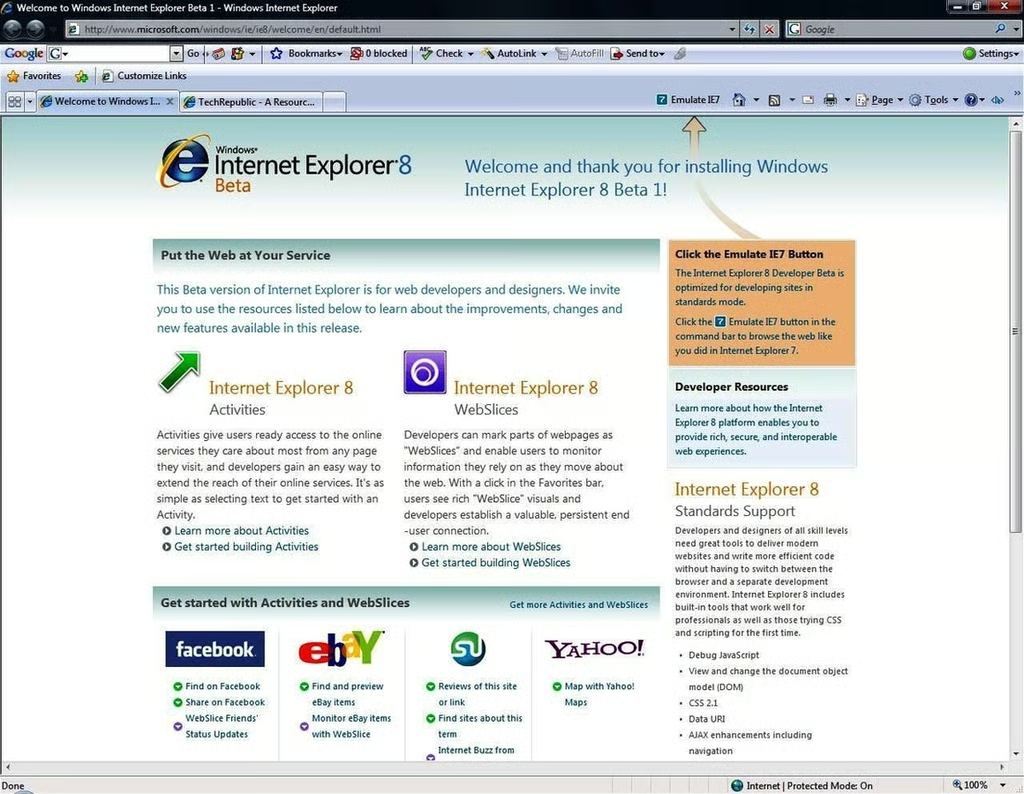
Besides your normal home page, your new beta browser will load the Internet Explorer. “What’s new!” page.
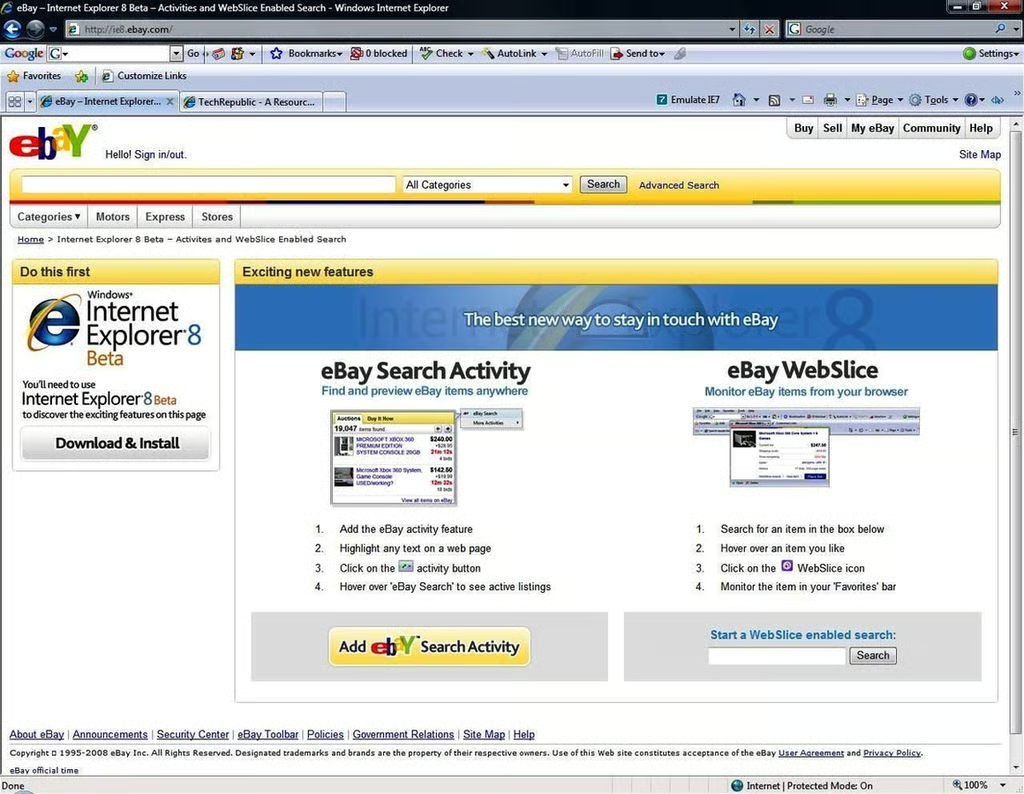
Among the new features in IE8 are the plugins Microsoft has dubbed Activities and WebSlices.
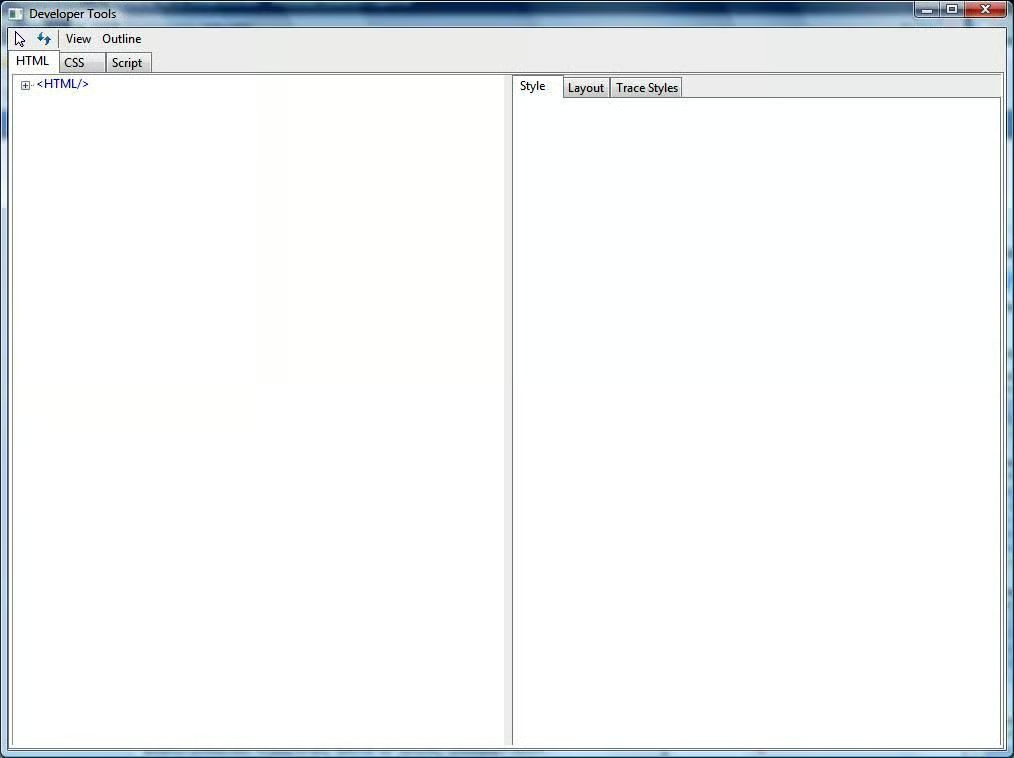
One of the new icons on the top of the IE8 page in the menu section will display this developer scratch pad. This feature needs additional exploration. Any takers?
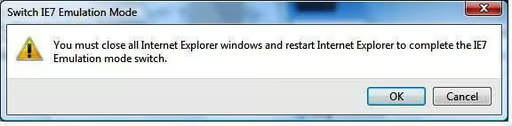
To turn on emulation of IE7 you’ll have to close all the open browser windows.
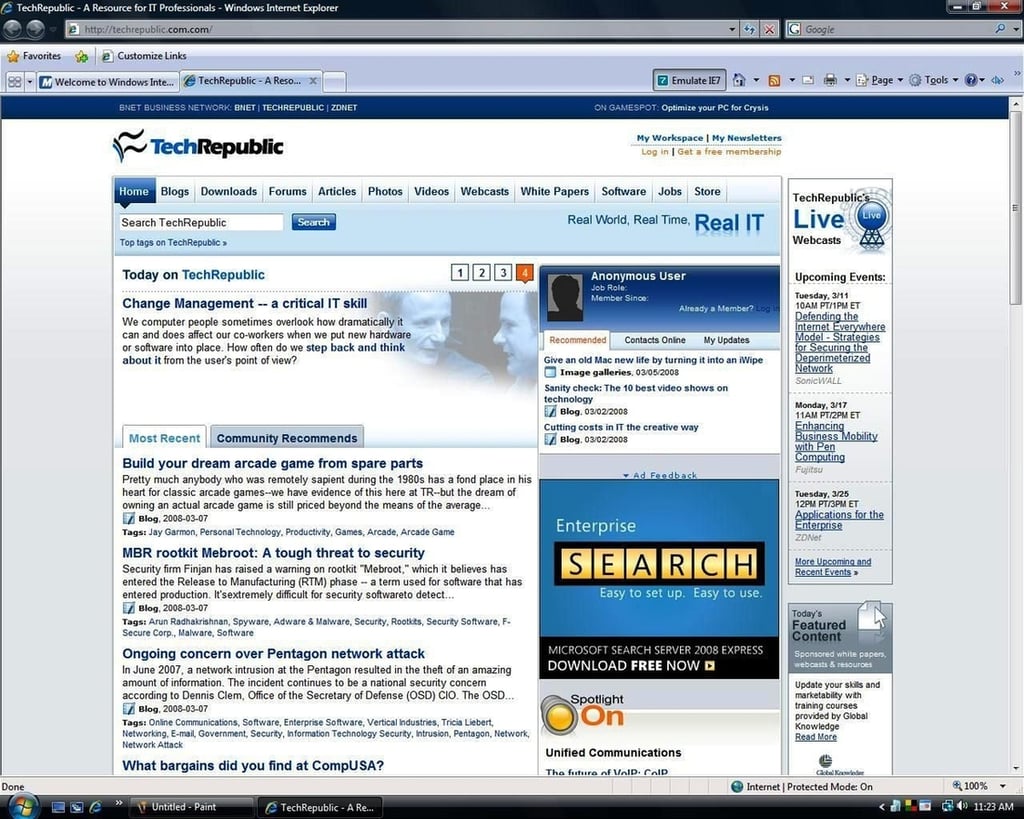
With IE7 emulated by the IE8 beta, the top of the TechRepublic page once again displays correctly. Looks like our engineers are going to have to do some tweaking. Something to keep in mind in your Web programming.

Mark W. Kaelin has been writing and editing stories about the information technology industry, software, hardware, gaming, finance, accounting, and technology geekdom for more than 30 years.


