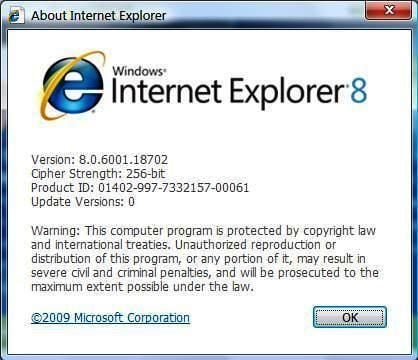
Just when you think the battle of the Web browser has been won, the other side comes out with a new version that draws us into the war of words all over again. This time the culprit is Microsoft and Internet Explorer 8.
Images by Mark Kaelin for © TechRepublic
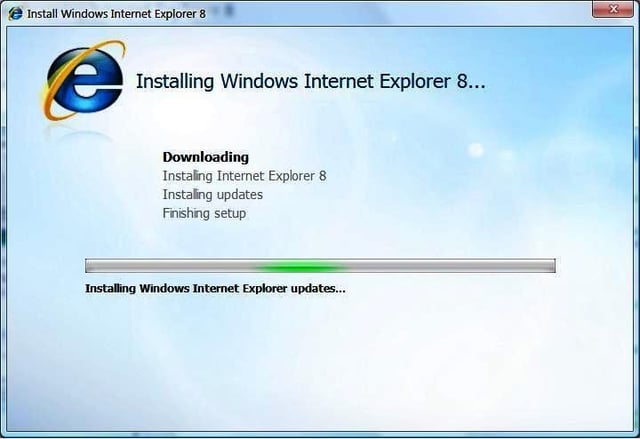
I saw some comments recently about how long it takes to install IE8. Maybe I’m so used to it, but the length of time it took complete the installation seemed pretty typical to me — about 1/2 hour.
Images by Mark Kaelin for © TechRepublic
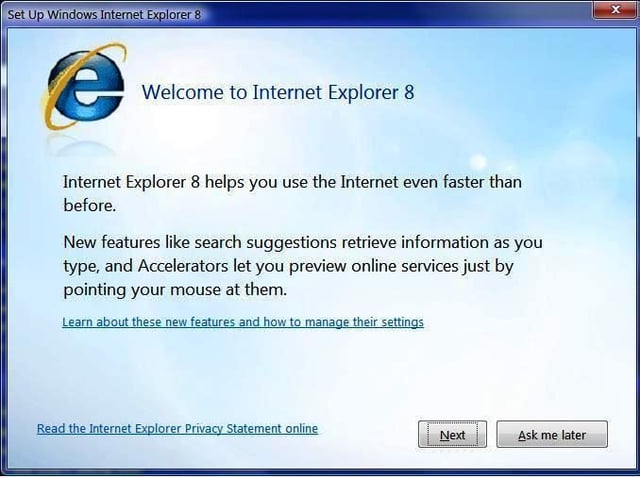
The first splash screen mentions two “features” that I will never likely use.
Images by Mark Kaelin for © TechRepublic
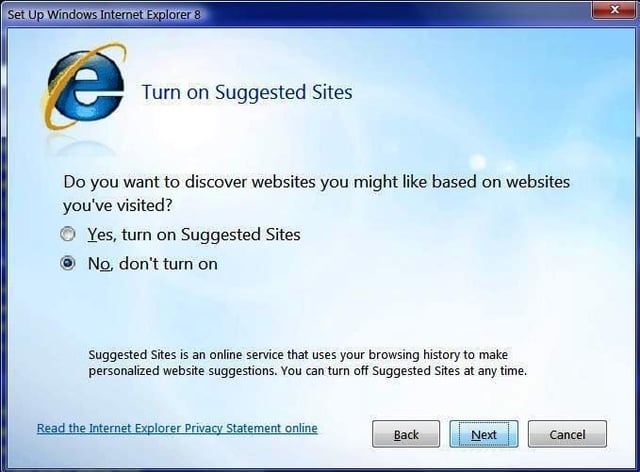
I love technology, but I NEVER want my browser to suggest Web sites. I know where I want to go thank you very much.
Images by Mark Kaelin for © TechRepublic
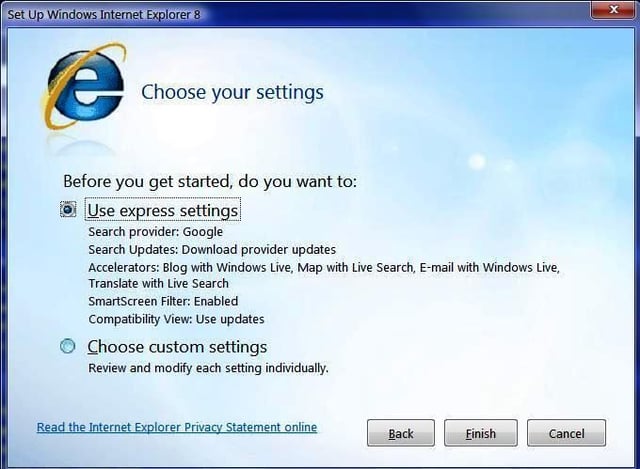
Some tight integration with Windows Live. I guess I’ll have to venture over to Windows Live and see what gives. The last time I was there I was not impressed.
Images by Mark Kaelin for © TechRepublic
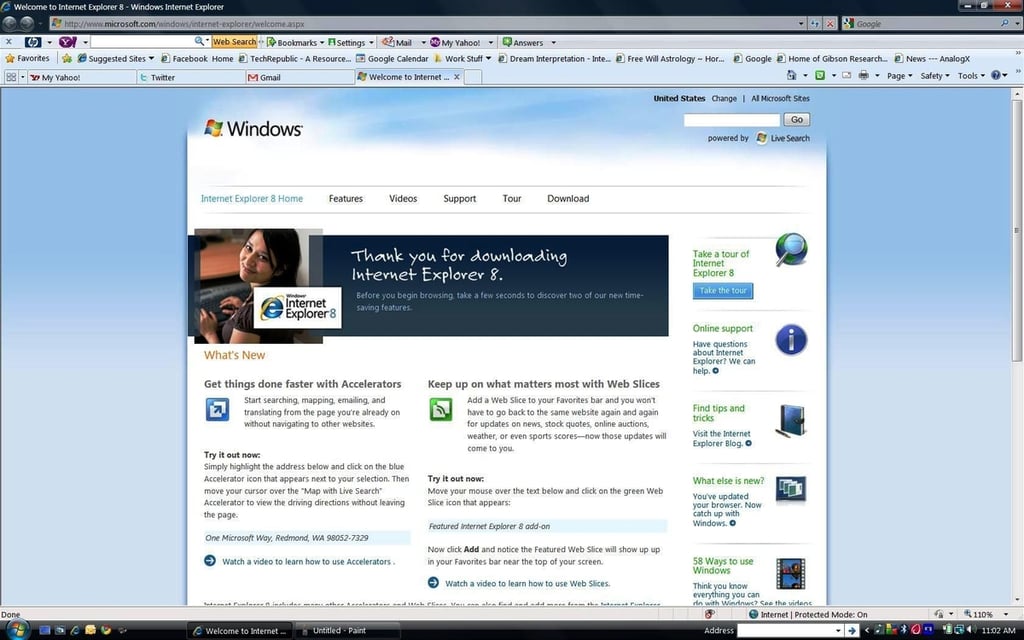
Here is the place where you can find information on the new features in IE8.
Images by Mark Kaelin for © TechRepublic
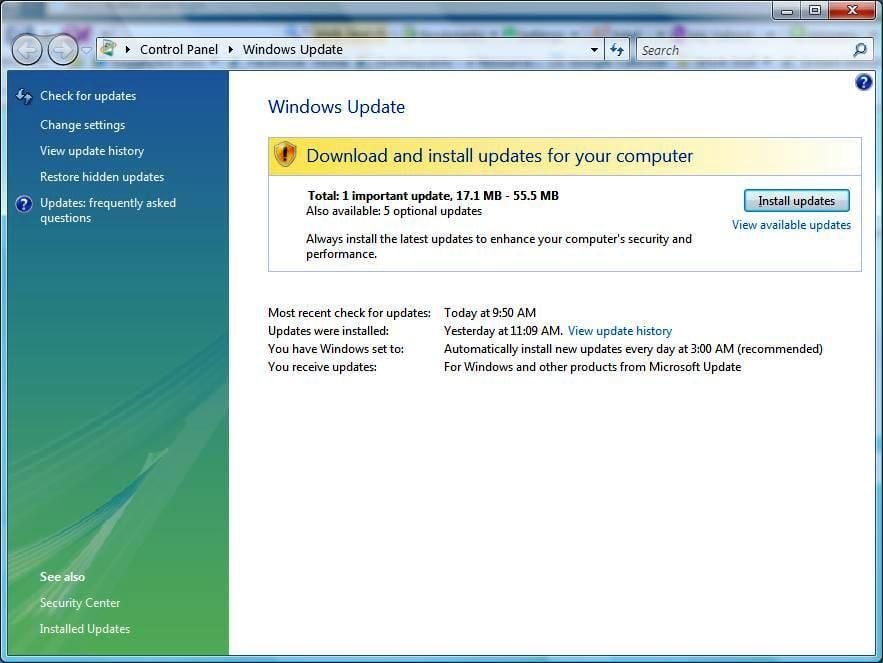
But before we can anything, we need to perform another Windows update.
Images by Mark Kaelin for © TechRepublic
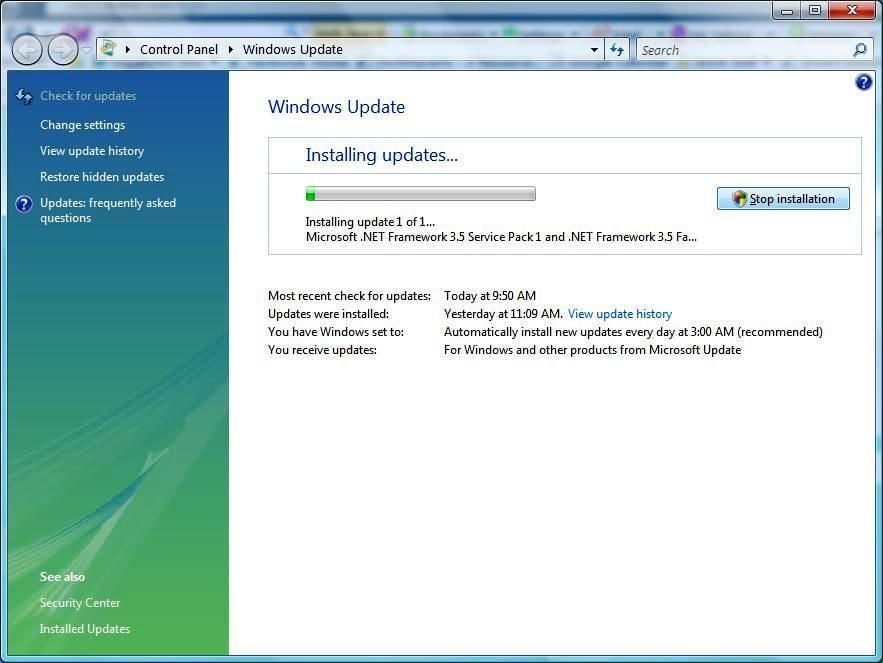
Updating the .NET Framework.
Images by Mark Kaelin for © TechRepublic
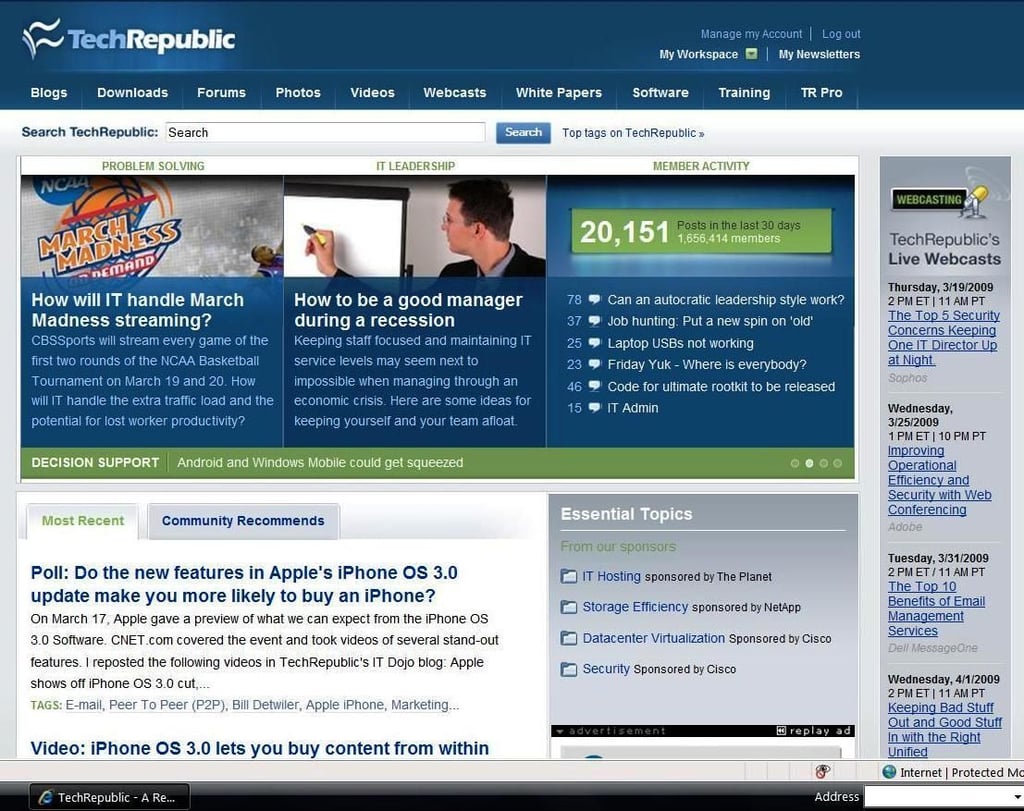
The front door page of TechRepublic seems to load correctly.
Images by Mark Kaelin for © TechRepublic
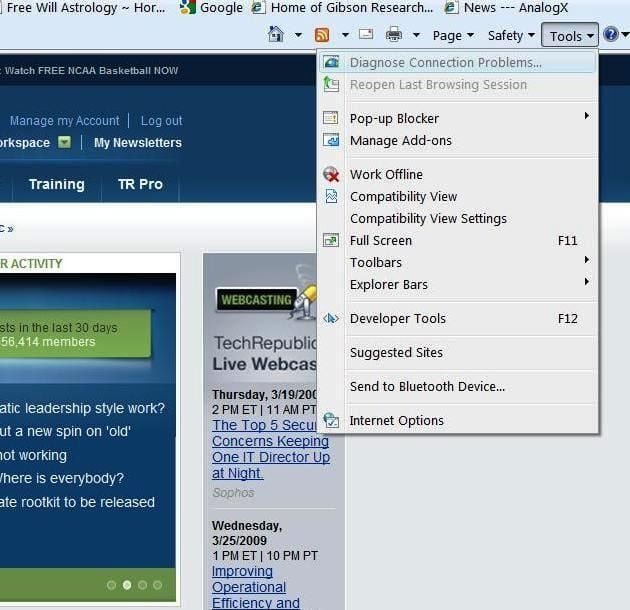
Here is what is on the IE8 Tools menu.
Images by Mark Kaelin for © TechRepublic
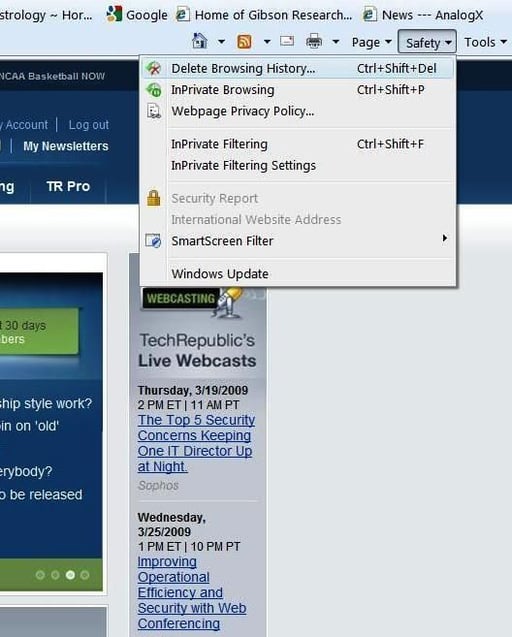
The Safety menu is new in IE8. There are several security settings and features to be found.
Images by Mark Kaelin for © TechRepublic
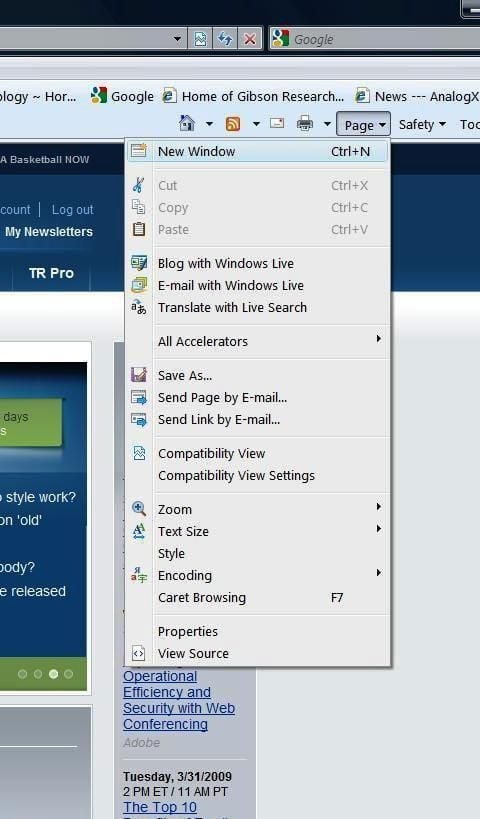
Several menu items refer to Windows Live.
Images by Mark Kaelin for © TechRepublic
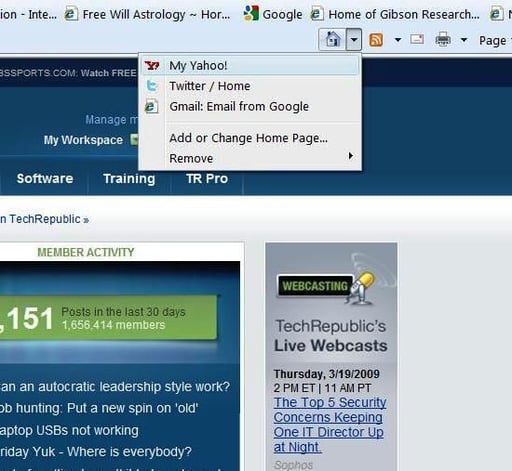
My home set of tabs is still intact after upgrading from IE7.
Images by Mark Kaelin for © TechRepublic
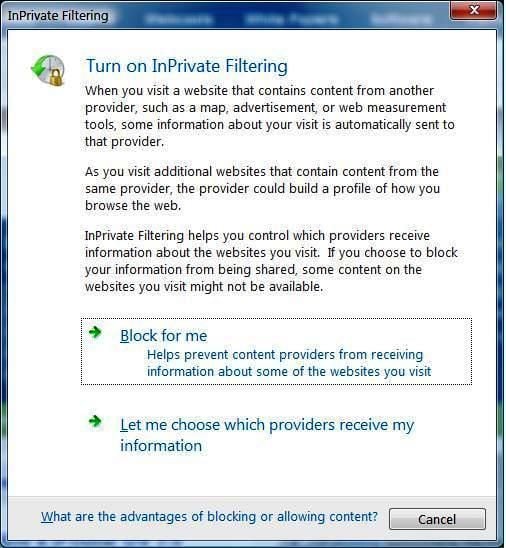
The InPrivate Filtering system will give some control to users concerned about privacy.
Images by Mark Kaelin for © TechRepublic
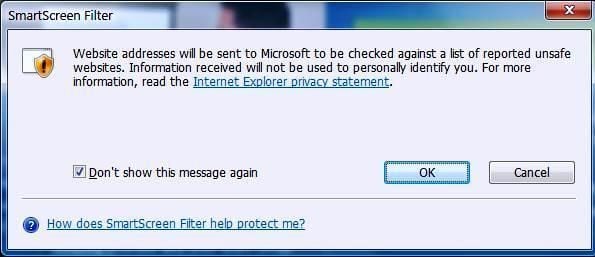
Users can send a Web page to a central location to determine if someone has marked a particular Web page as “unsafe.” The merits of this system are dubious to me.
So the real question is Microsoft Internet Explorer 8 a better Web browser? The jury is still out on that question I think, but I can find no glaring reason to throw it out of my default browser position. IE8 seems to be a capable browser, but it is so similar to IE7 that there is really no catalyst to drive a massive migration.
Images by Mark Kaelin for © TechRepublic

Mark W. Kaelin has been writing and editing stories about the information technology industry, software, hardware, gaming, finance, accounting, and technology geekdom for more than 30 years.


