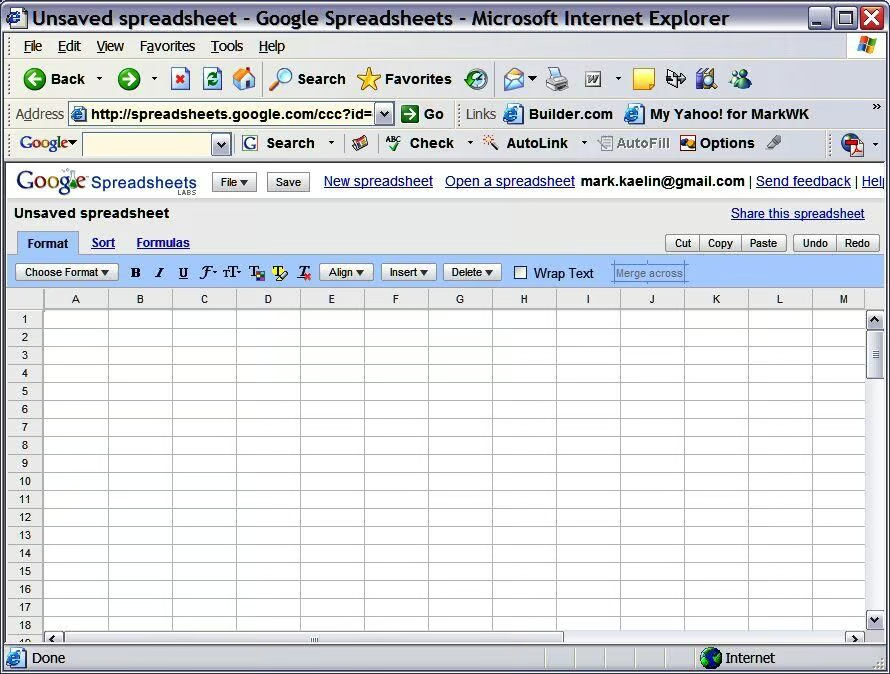
As you can see — the Google spreadsheet looks like any other spreadsheet. The only difference is that the Google spreadsheet has more of a “on the Web” feel.
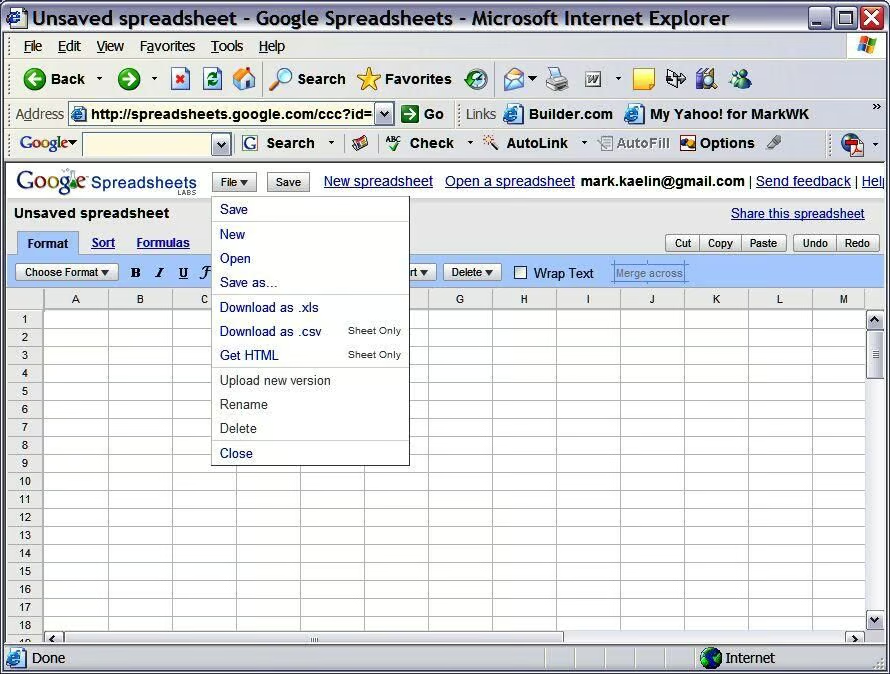
You can save spreadsheets to a Google location or to you local or network hard drive.
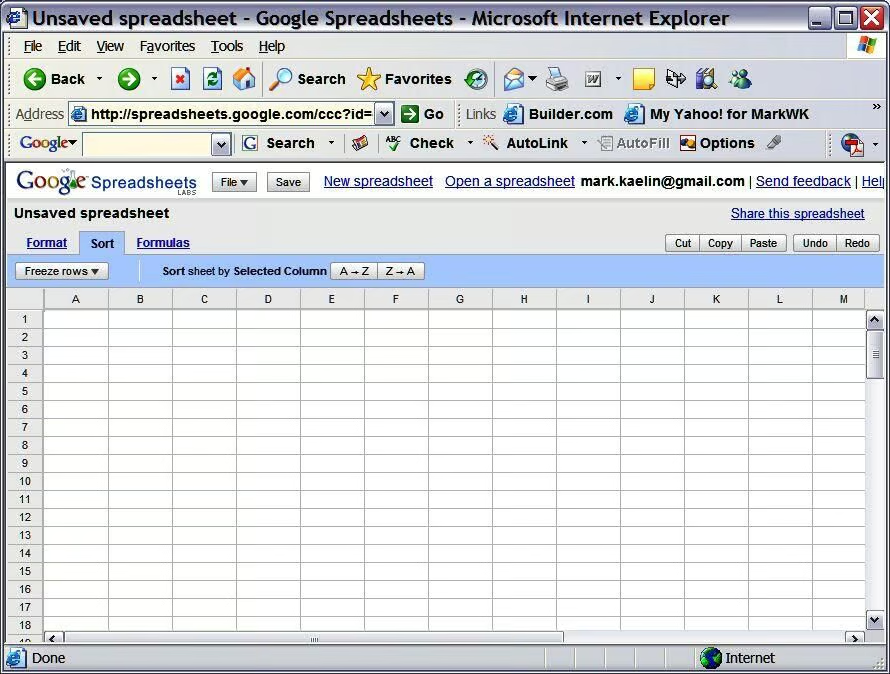
The Google spreadsheet has the normal sorting features.
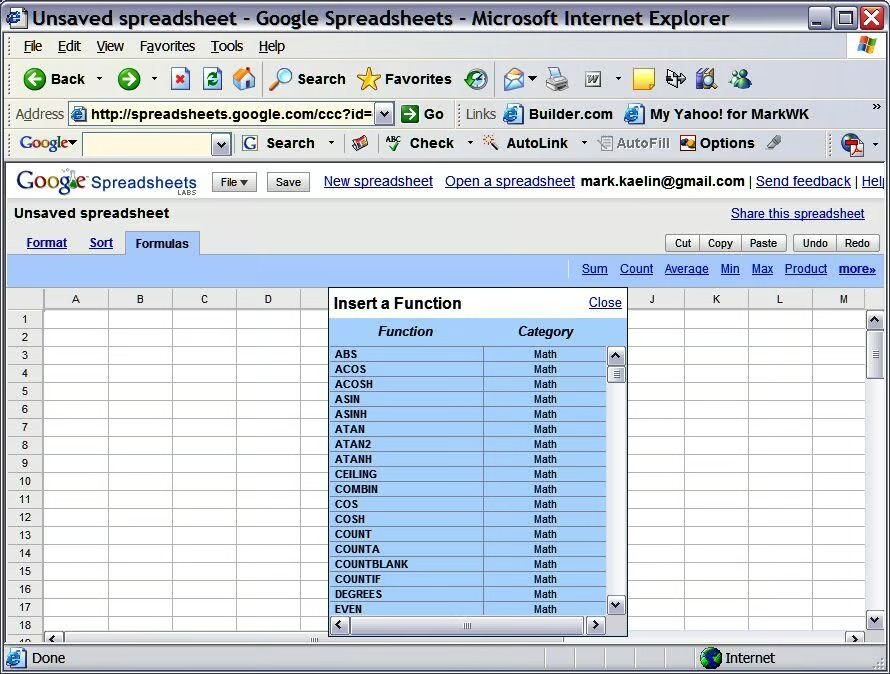
The number of formulas and functions supported by the Google spreadsheet is nearly as many as you will find in Excel. You would be hard pressed to name a function that is not available.
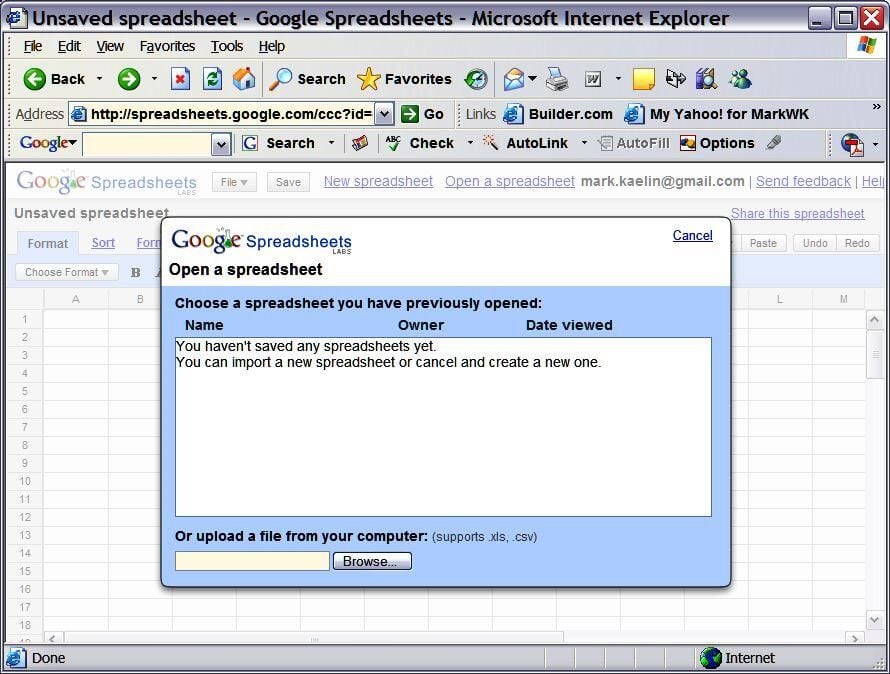
You can import an existing Excel spreadsheet directly into the Google app. However, in my test, the Depreciation Spreadsheet I created and published last year on TechRepbulic would not load.
You can share spreadsheets during the beta, but only to people with existing gmail accounts.
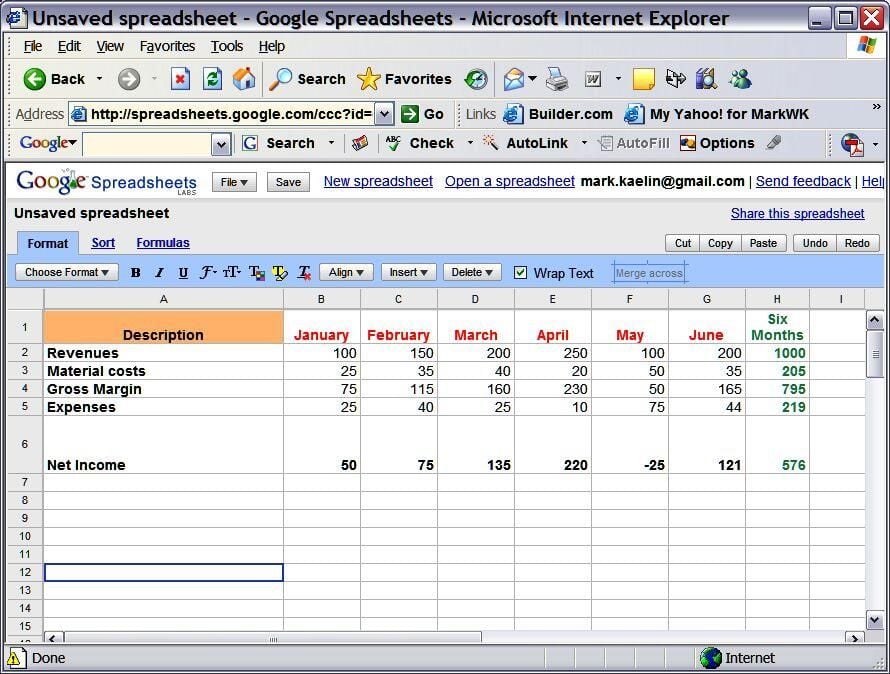
This is a simple example spreadsheet I created for this gallery. The Gross Margin and the Net Income cells are calculated with a simple subtraction formula. The 6 Months column is calculated with the sum(a:b) function.
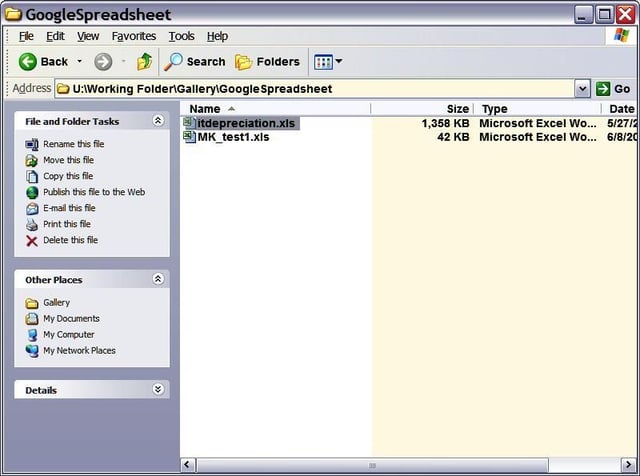
I was able to save my example spreadsheet to my network drive.
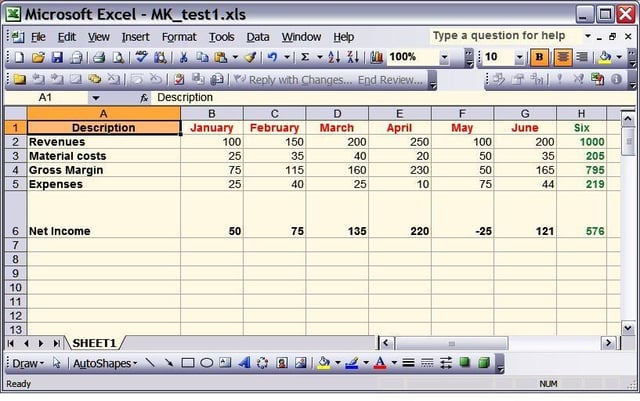
I was able to open that saved example spreadsheet in Microsoft Excel — it looks like I made it in Excel.

Mark W. Kaelin has been writing and editing stories about the information technology industry, software, hardware, gaming, finance, accounting, and technology geekdom for more than 30 years.


