Next,agree to the license and click Next.
Choose a path and click Next.
Click Install and the installer does the rest.
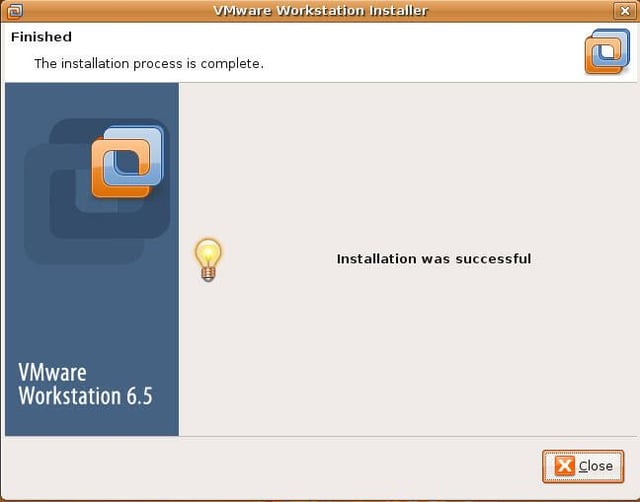
The Linux installer does the rest and configures Workstation 6.5. It is the easiest Linux install for Workstation I have seen. What do you think?
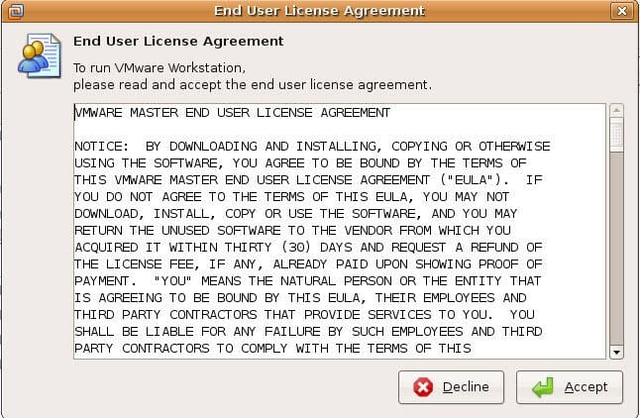
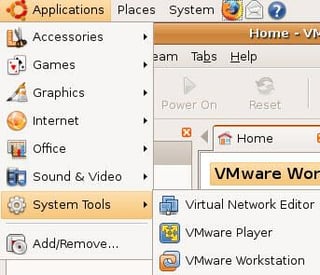
You can now start VMware Workstation from Application | System Tools | VMware Workstation.
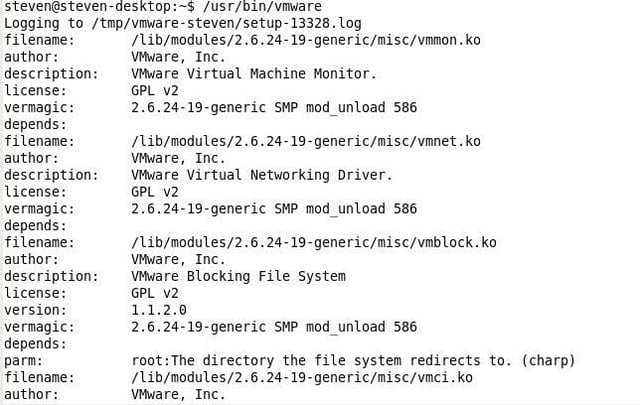
You can still run VMware Workstation by opening up a Terminal window and typing /usr/bin/vmware.

Steven S. Warren is a popular author residing in Winter Haven, Florida with his wife and 2 children. As a columnist on such well-known IT web sites as Techrepublic.com, CNET, and ZDNET, Steven has published numerous articles. Additionally, Steven holds the following certifications: MCDBA, MCSE, MCSA, CCA, CIW-SA, CIW-MA, Network+, and I-Net+. You can visit his web site at http:\\\\www.stevenscottwarren.com. \ \ He is also a Microsoft Most Valuable Professional and has book on VMware Workstation 5 forthcoming.


