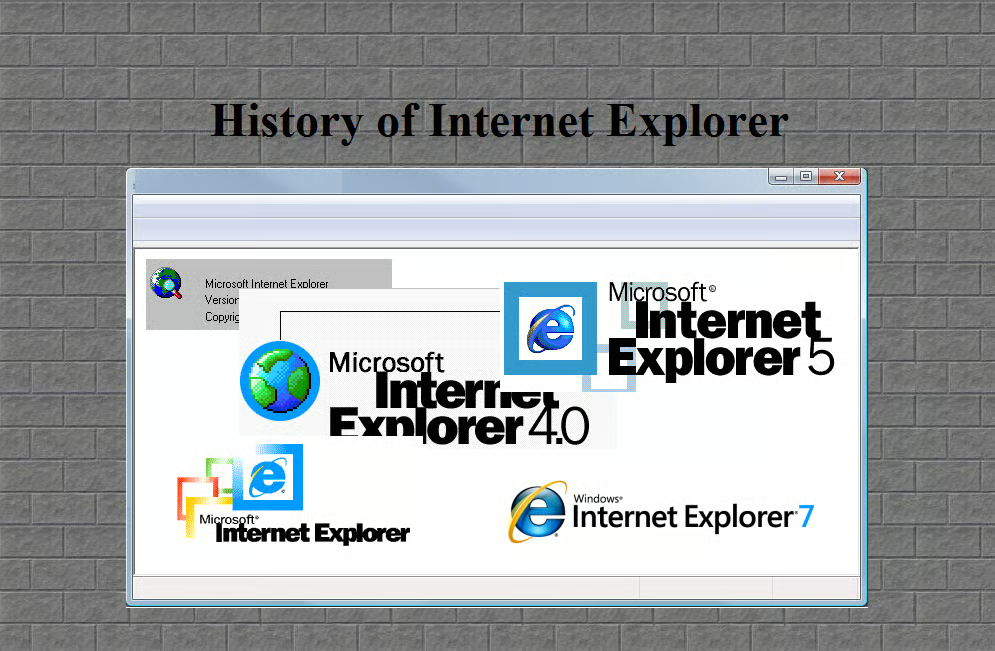
It’s a safe bet that most Windows users have used multiple versions of Internet Explorer. After all, it has been around for years now!
As each new version comes along, we move right into the new user interface and new features and promptly forget what it was like to use the previous version. As such, with IE9 looming, it is quite a trip down memory lane to take a look back at the earlier versions.
In this gallery, you’ll be able to browse through the main user interface and several common dialog boxes from Internet Explorer 1 to Windows Internet Explorer 9.
By the way, you can now test drive IE9.
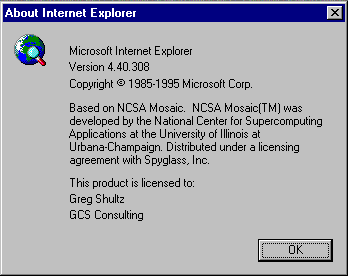
In August 1995, Microsoft releases the Windows 95 Plus! Pack, which includes Internet Explorer 1.
It is interesting to note that Microsoft picked up the version numbering scheme where NCSA Mosaic left off rather than actually christening this version 1.
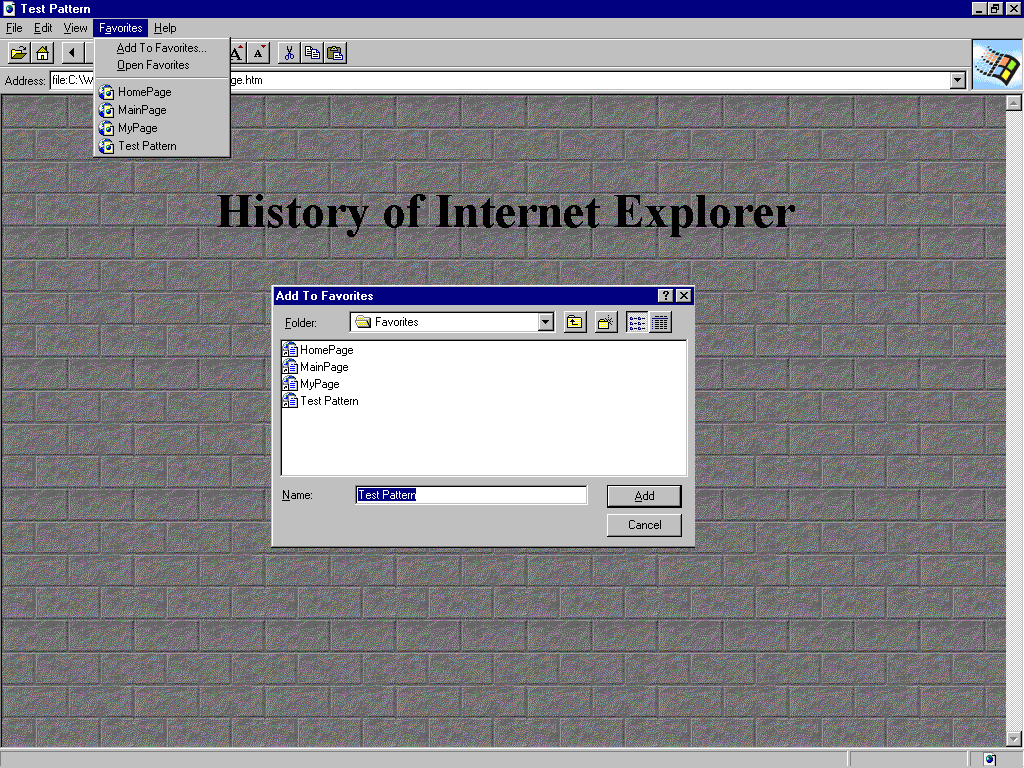
The Favorites menu as well as the Add to Favorites dialog box are quite simple.
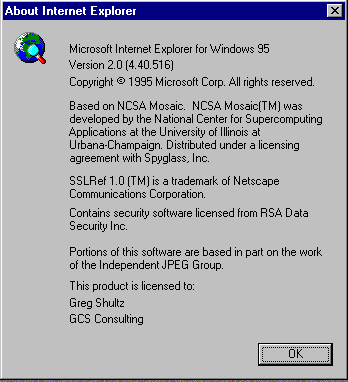
In November 1995, Microsoft releases Internet Explorer 2 for both Windows and Mac. This version supports JavaScript, frames, Secure Socket Layer (SSL), cookies and newsgroups (NNTP).
Note that this is actually listed as version 2, but the NCSA Mosaic numbering scheme is now in parentesis.
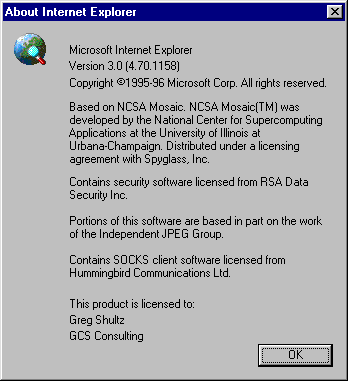
In August 1996, Microsoft releases Windows 95 OSR2, which includes Internet Explorer 3. This version supports CSS, the ability to display gifs and jpg files, play MIDI sound files, and introduces the animated Blue e logo.
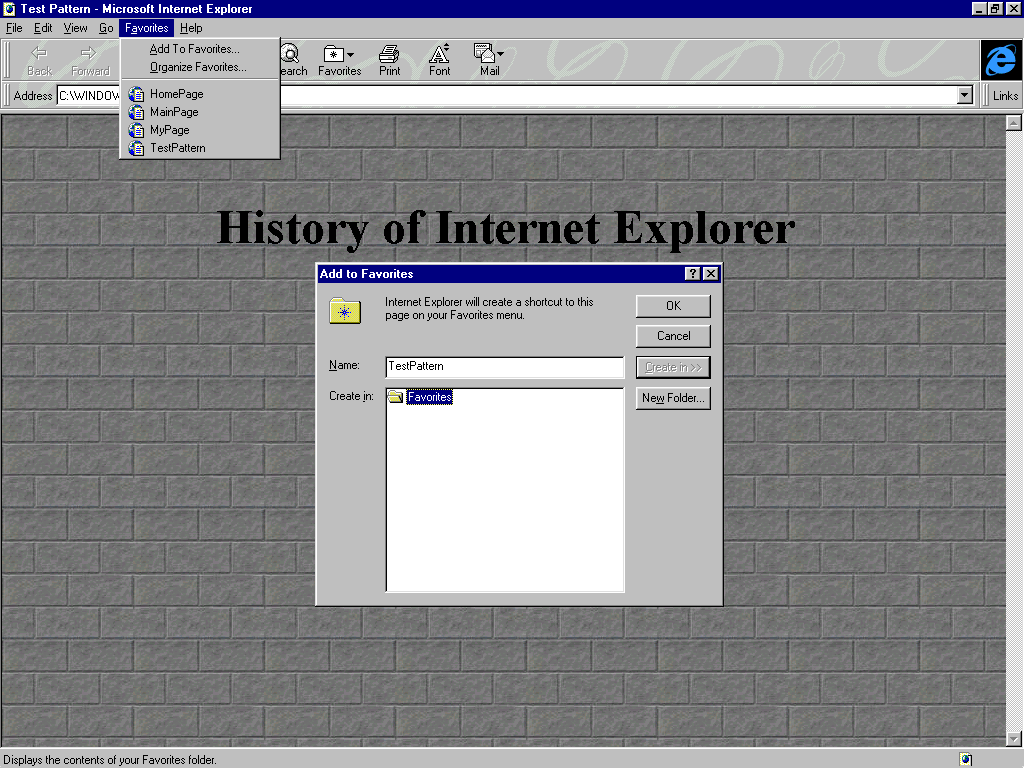
While the Favorites menu remains the same, the Add to Favorites dialog box is redesigned in order to make organizing your links that much easier.
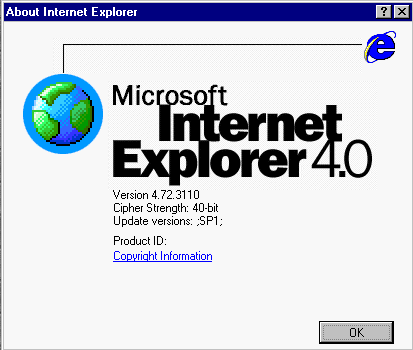
While Microsoft releases Internet Explorer 4 in September of 1997, it doesn’t really enter the mainstream until June of 1998 when Microsoft releases Windows 98, which includes Internet Explorer 4, Active Desktop and support for DHTML.
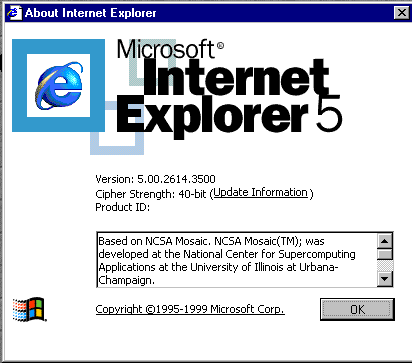
In May 1999, Microsoft releases Windows 98 Second Edition, which includes Internet Explorer 5. This version supports XML, XSL, and improved CSS functionality.
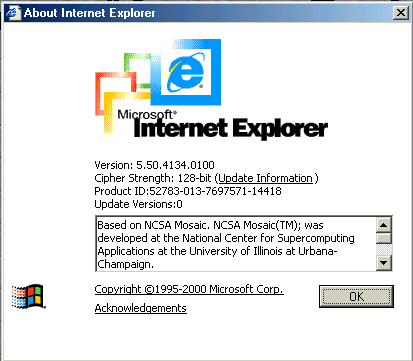
In September of 2000, Microsoft releases Windows Millennium Edition, which includes Internet Explorer 5.5. While most of the improvements in this version are behind the scenes, it is the first version to ship with 128 bit encryption.
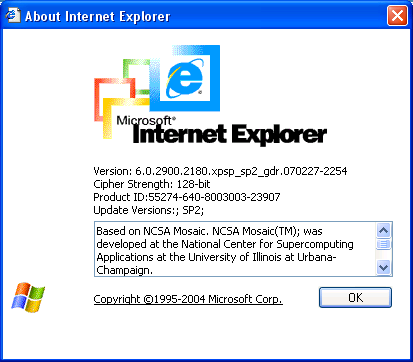
In October 2001, Microsoft releases Windows XP, which includes Internet Explorer 6. This version introduces auto image resizing and print preview. In Windows XP SP2, Internet Explorer 6 gets a pop-up blocker.
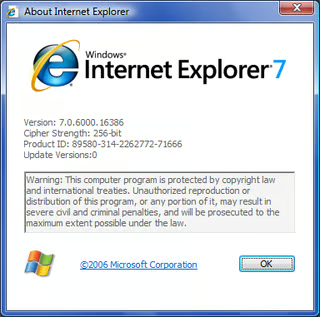
In late 2006, Microsoft releases a rebranded Windows Internet Explorer 7, which is then included in Windows Vista in January 2007. In addition to the new name, this version supports tabbed browsing, RSS, Page Zoom, Quick Tabs, an Anti-Phishing filter as well as a number of other security protection features.
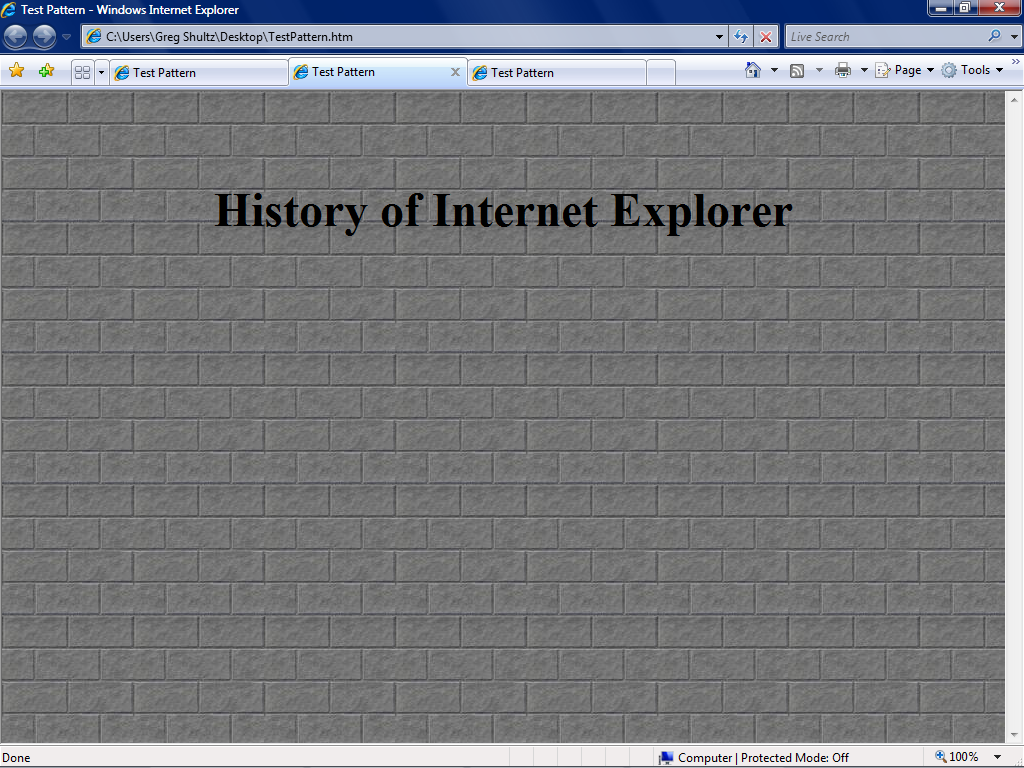
A more refined arrangment of the toolbar and the tabbed interface makes using internet Explorer 7 a dream.
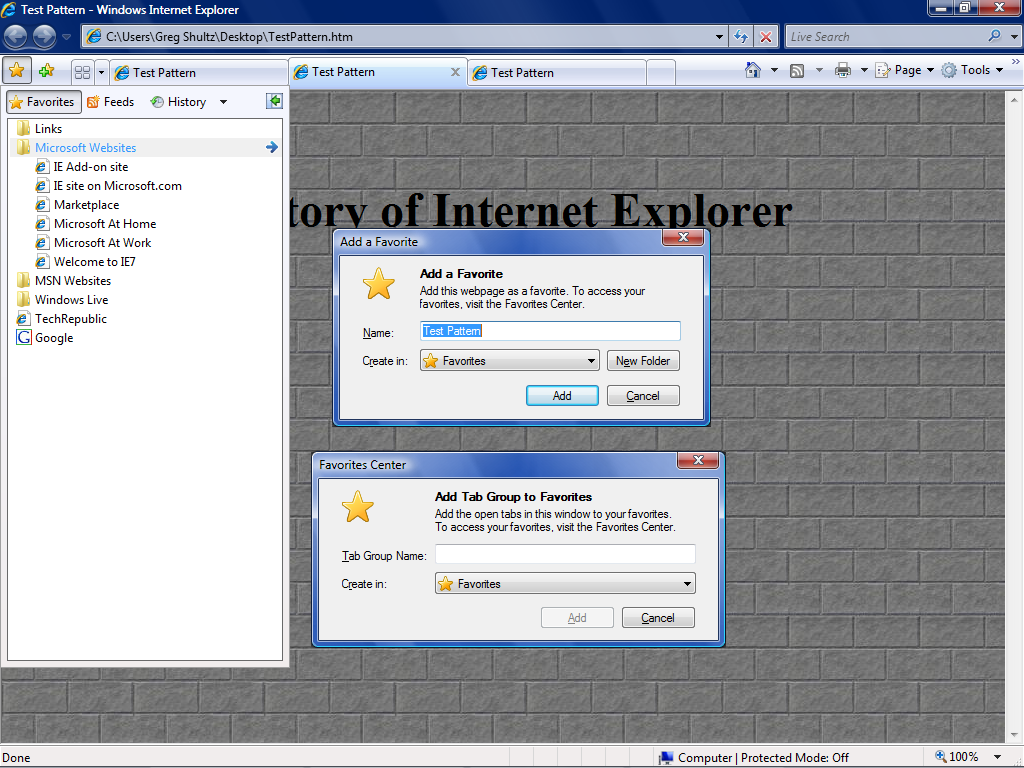
The Favorites menu behaves more like the drop down menu of old, yet adds new features like Feeds and incorporates old features like History. You can add individual favorites as well as tab goups.
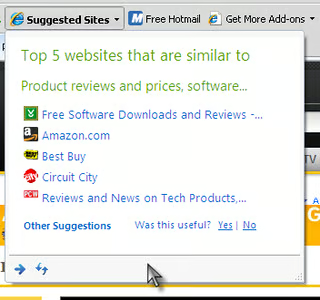
One new feature touted in Internet Explorer 8 is the capability to enable site suggestions.
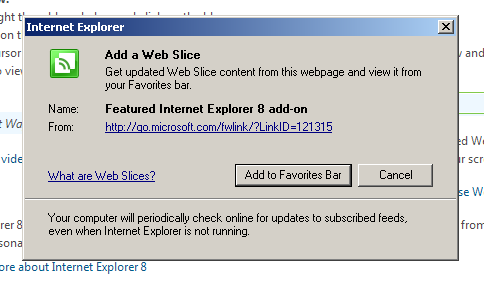
Web Slice is another new feature that’s related to your Favorites. Web Slice serves as a sort of visual RSS for your favorite sites. When a page can be turned into a Web Slice, you’ll see an icon you can click to add it to your gallery. When your favored page updates, the Web Slice will become highlighted.
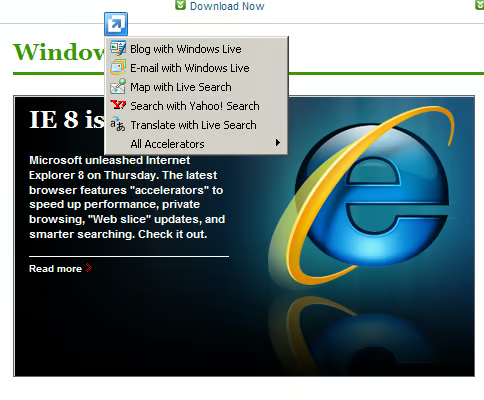
IE8 introduced the Accelerator feature which is a separate context menu that appears when you highlight a word or phrase. Internet Explorer’s “accelerators” speed up your follow-through by offering shortcuts to blog, e-mail, map, search, define the word, and so on–without starting a new action in another screen.
Credit: Jessica Dolcourt CNET
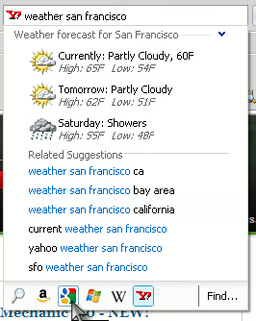
Internet Explorer’s visual search field previews information without opening a new Web page. After entering a search term, you can click a partnered search-engine icon below the text field to get a preview of the results. From here, you’ll be able to quickly navigate to the Web site, or in this case, click elsewhere on the screen and continue what you’re doing.
Credit: Jessica Dolcourt CNET
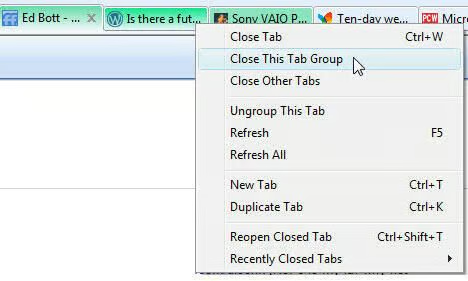
If you begin from a search results page, you might open several new tabs from links on that page. When you do, the parent tab and each new tab pick up a distinctive color.
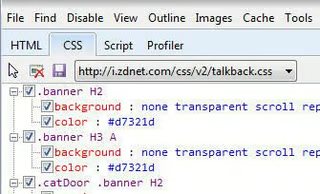
With the developer toolbar, you can clear the browser cache, disable images for the current page, and delete cookies (including session cookies) from the current domain by hitting F12.
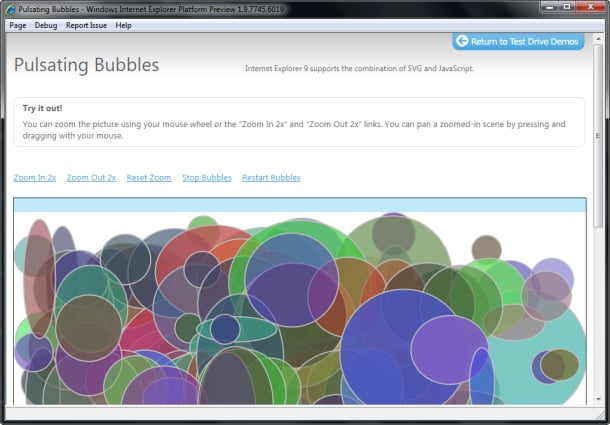
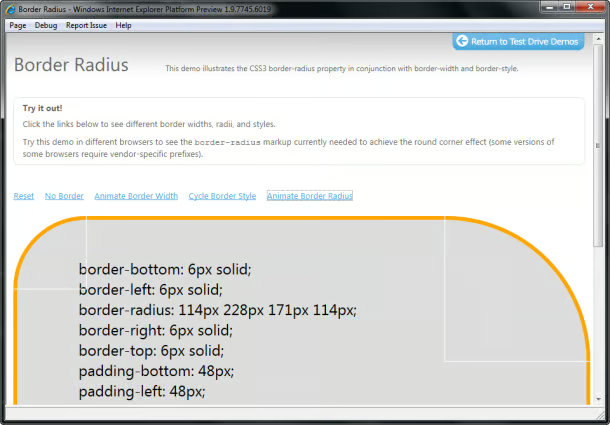
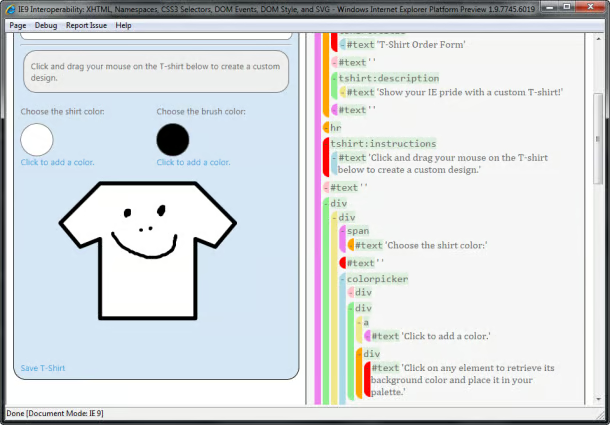
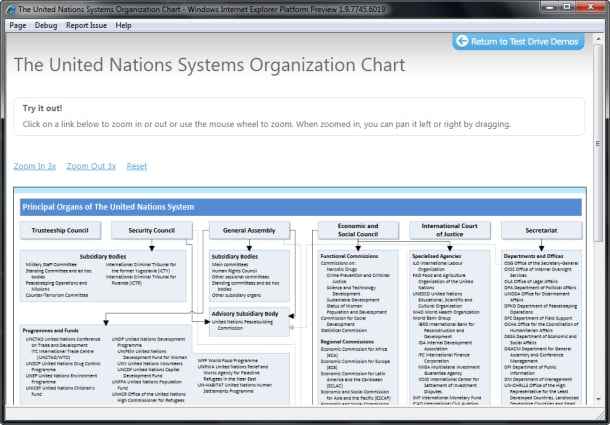
A demo.

My first computer was a Kaypro 16 \"luggable\" running MS-DOS 2.11 which I obtained while studying computer science in 1986. After two years, I discovered that I had a knack for writing documentation and shifted my focus over to technical writing.


