Click here to see Matthew Miller’s original blog post.
The Nokia N73 and Nokia N93 are two high end S60 3rd Edition smartphones that include 3.2 megapixel cameras with Carl Zeiss optics. This image gallery shows the hardware details of the two devices with comparison to their predecessors, the N70 and N90.
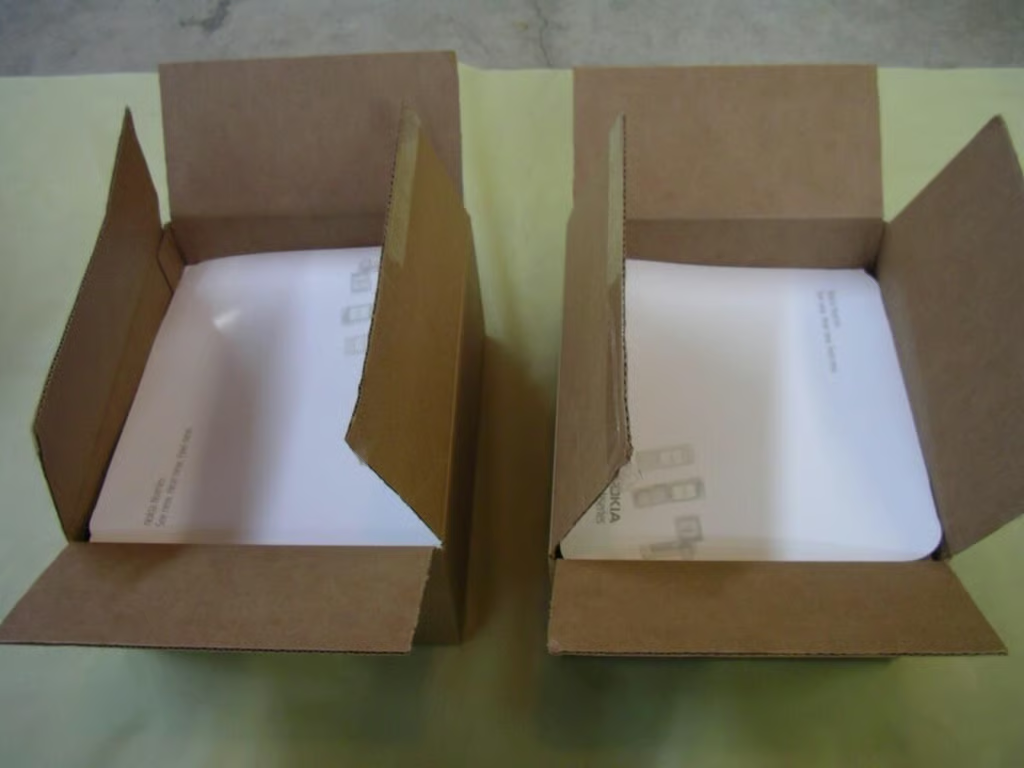
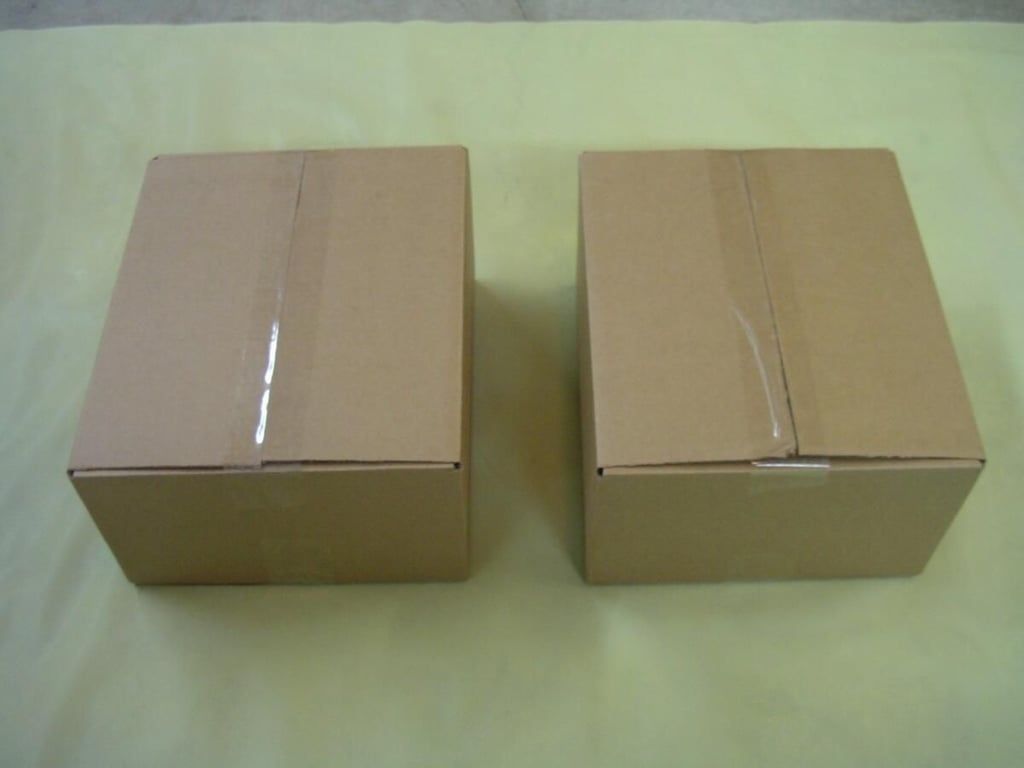
The Nseries program sends out the devices with cool Nokia packaging
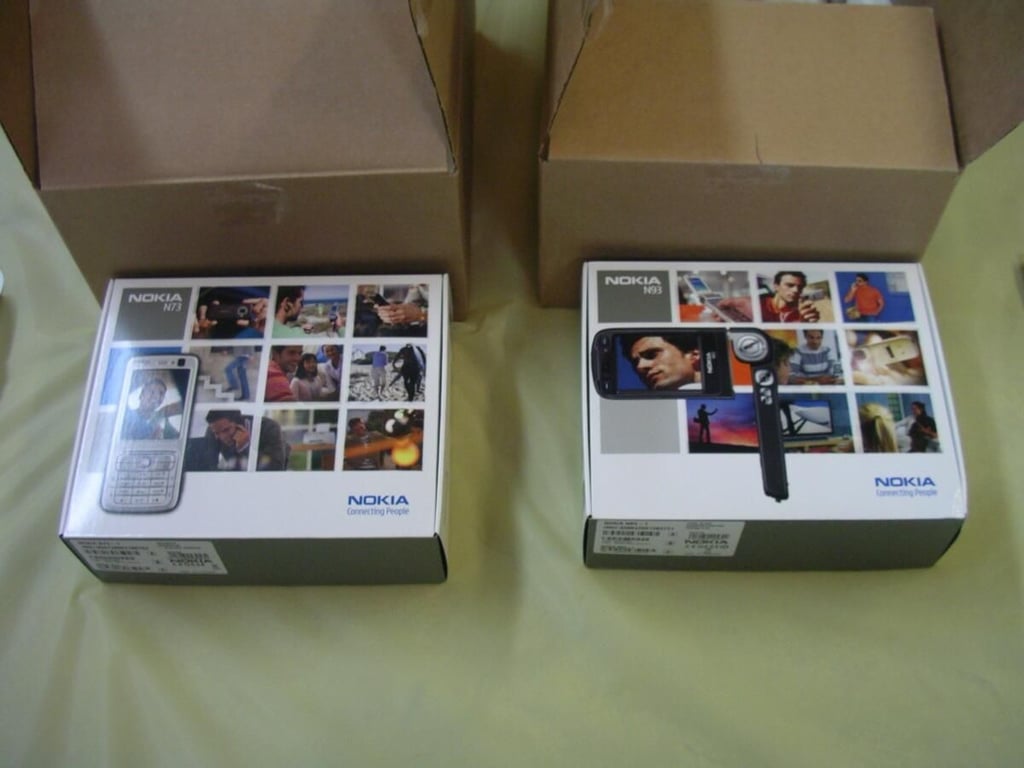
The N73 retail box is on the left and the N93 is on the right.
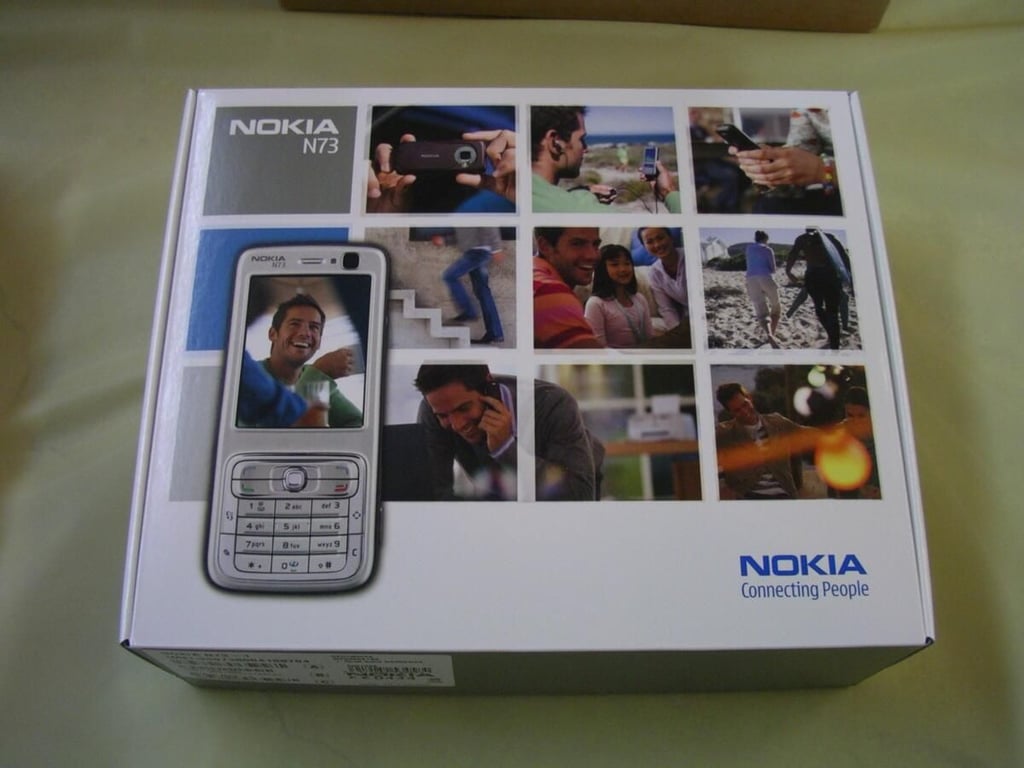
Close-up of the N73 retail box.
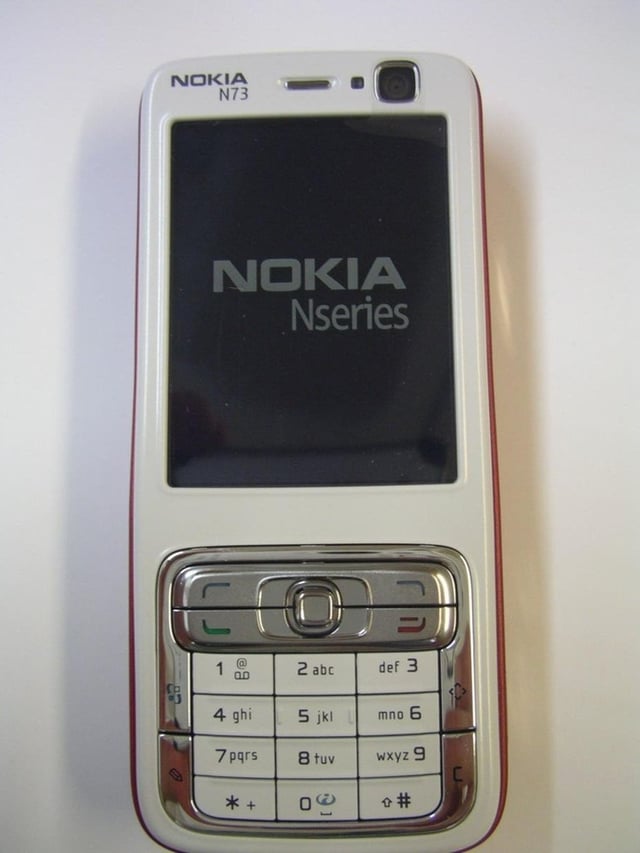
Frontal view of the N73 out of the box.
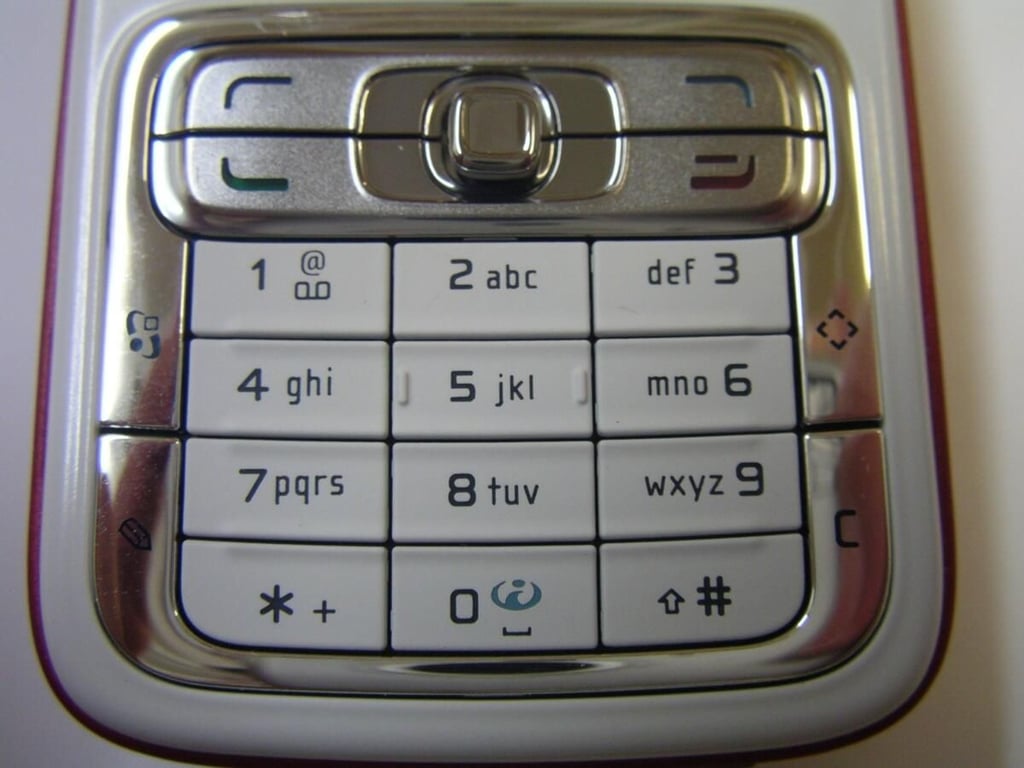
The keypad, surrounding 9 hardware buttons, and center joystick.
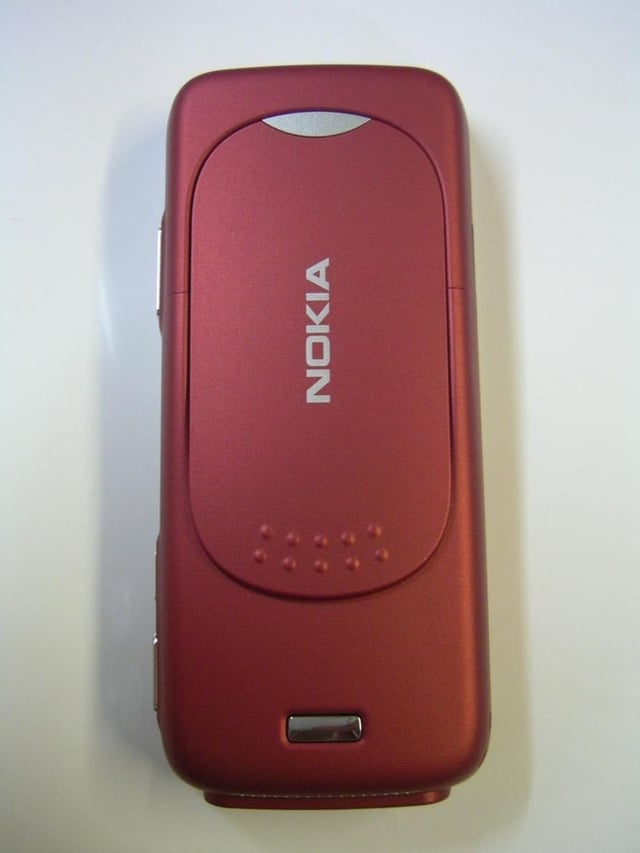
The back of the metallic red color N73.
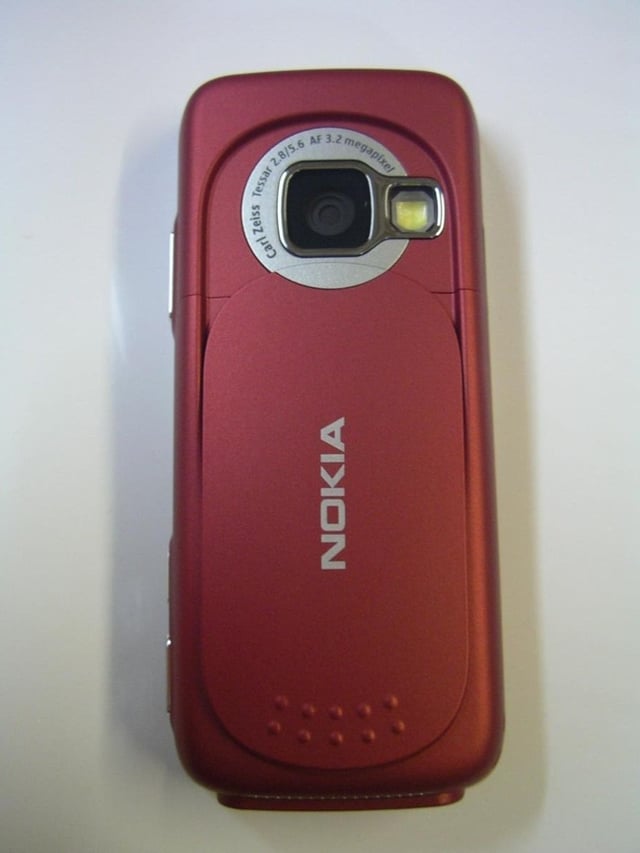
The cover is slid down to reveal the 3.2 megapixel camera.
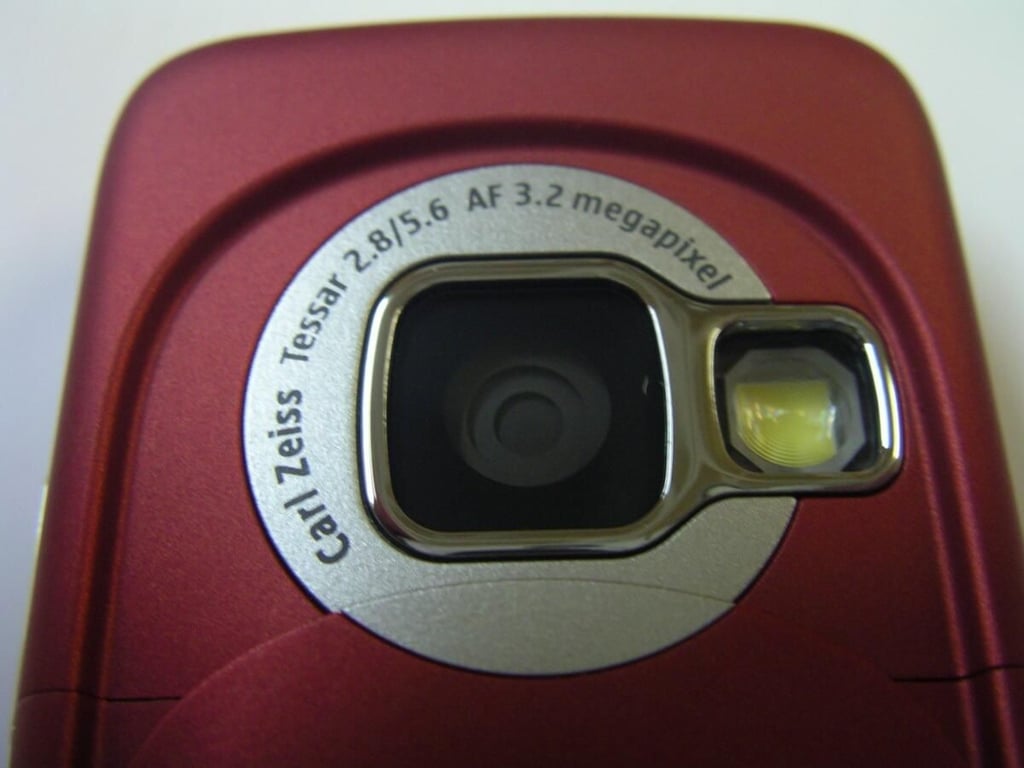
The N73 3.2 megapixel camera with Carl Zeiss optics.
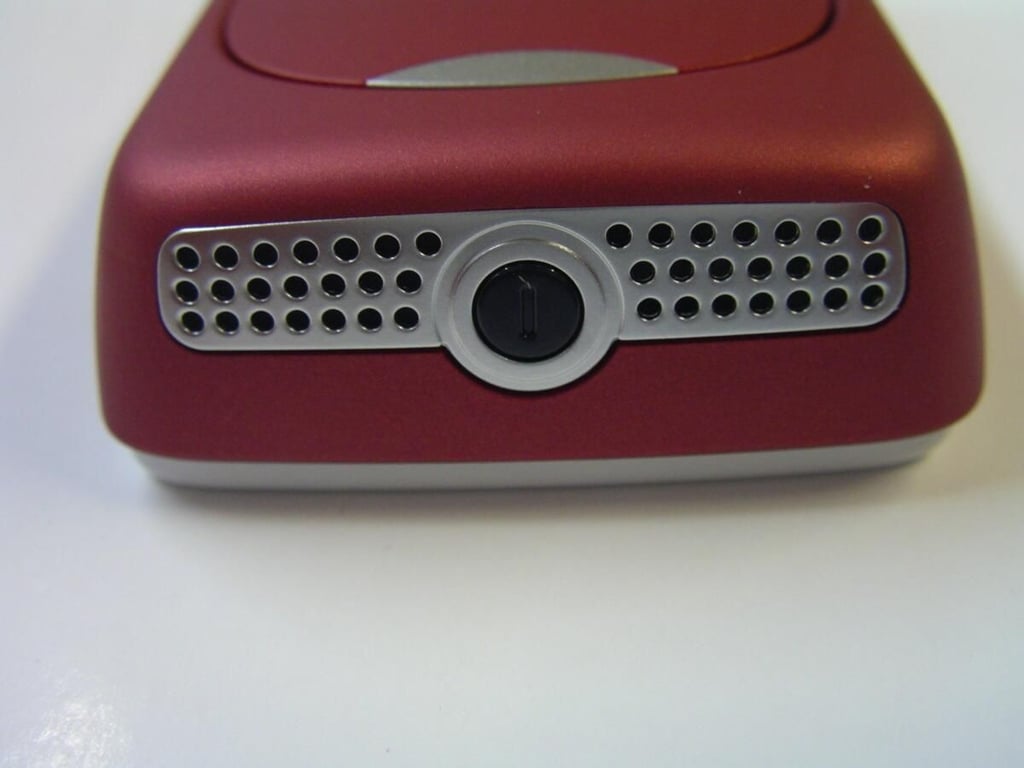
The power button is centered between the loud stereo speakers.
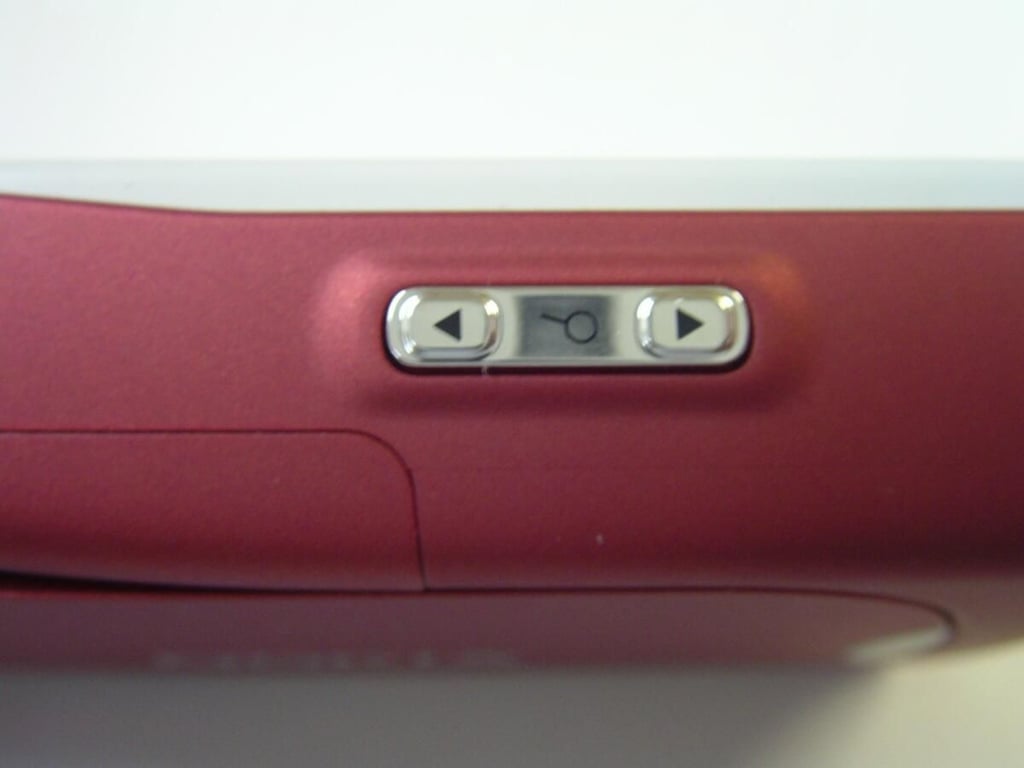
The zoom button on the right side or top in landscape.
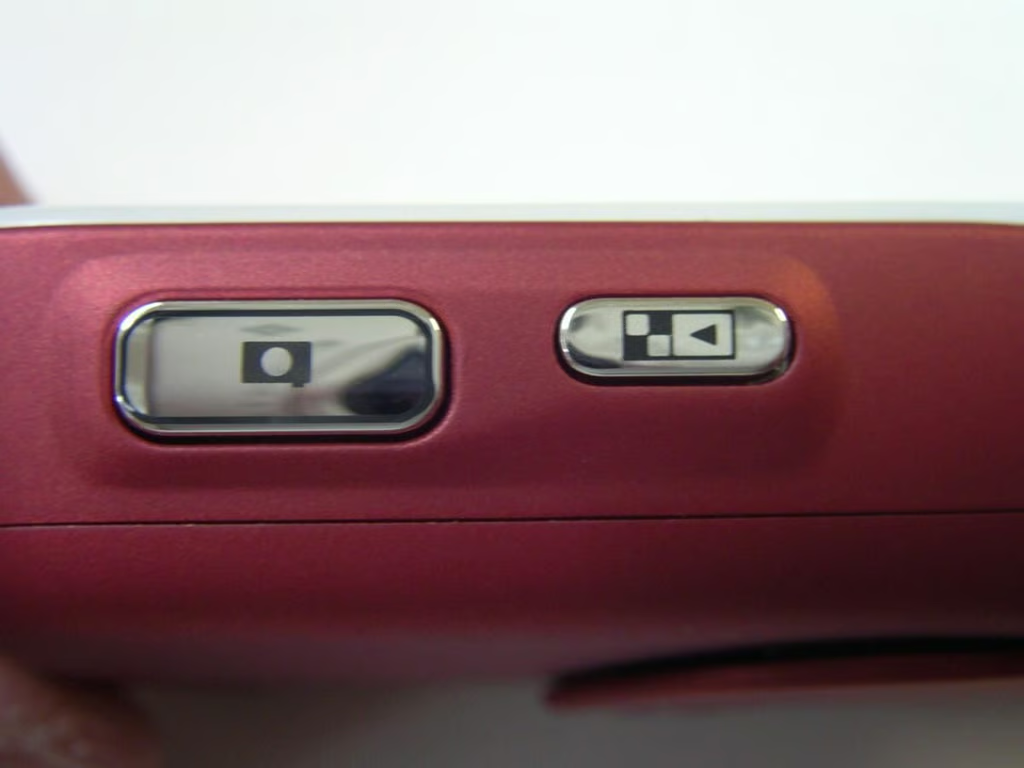
Easily take photos in landscape orientation with the N73.
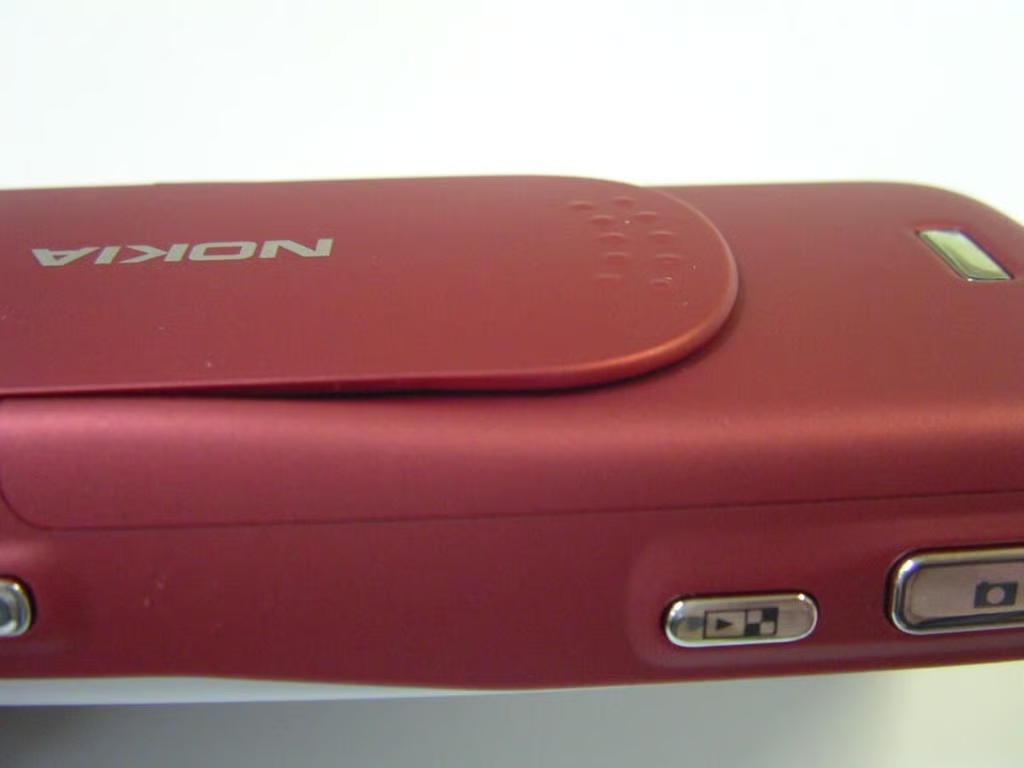
Here you can see how the slider cover sits on the N73 in closed mode.
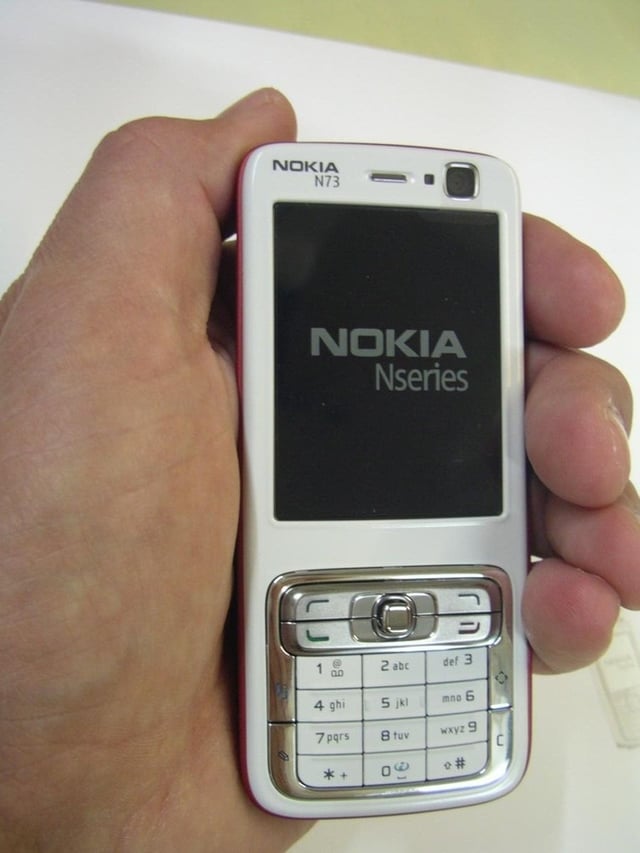
The N73 is a fairly standard candy bar form factor.
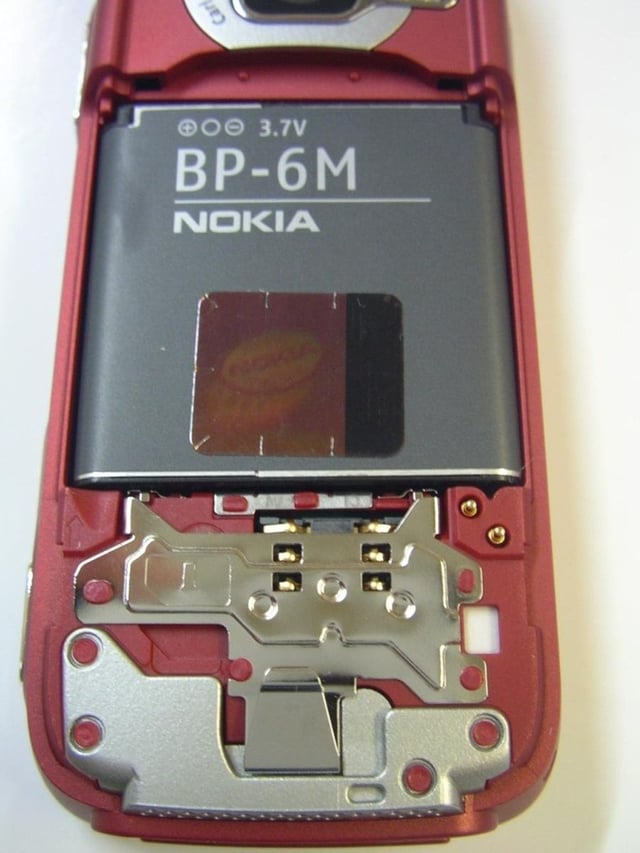
The back cover open showing the battery and SIM card slot. The battery has to be removed to insert the SIM card.
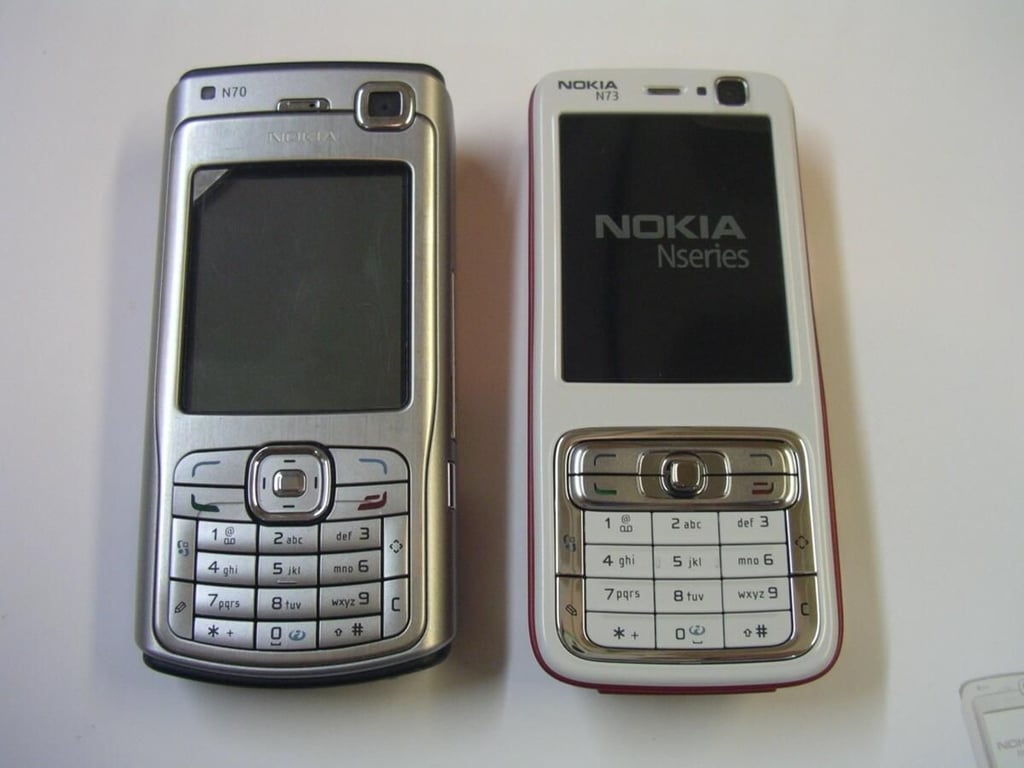
Frontal comparion of the N70 and N73 devices.
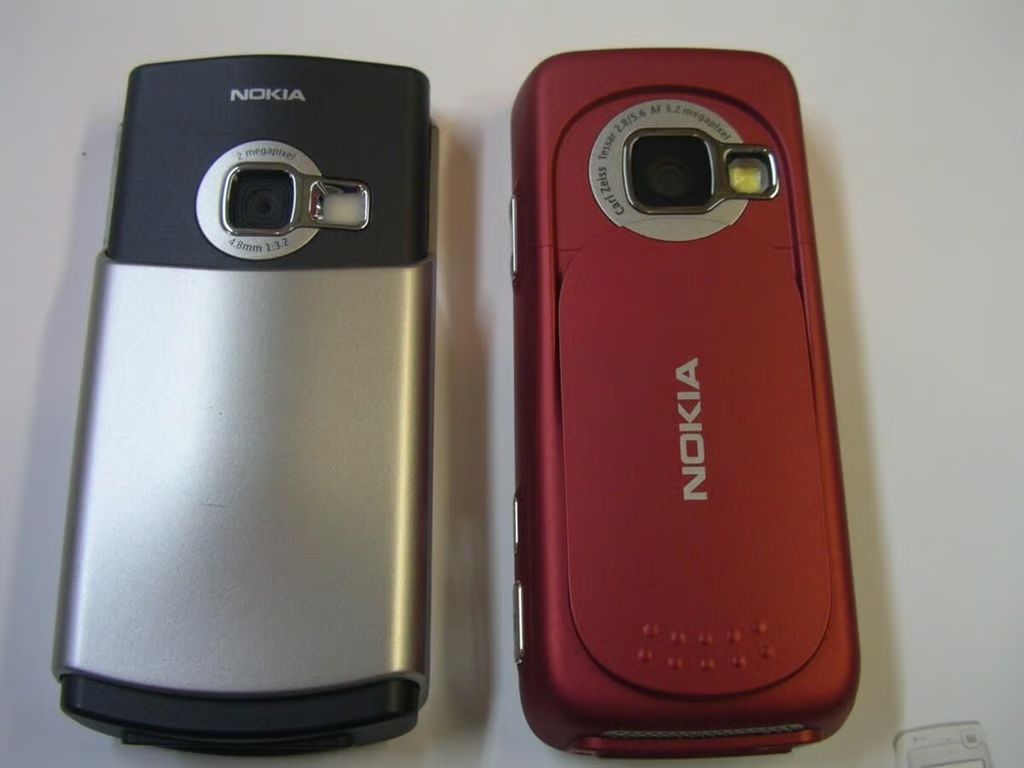
The back of the N70 and N73 showing the slider down and camera revealed.
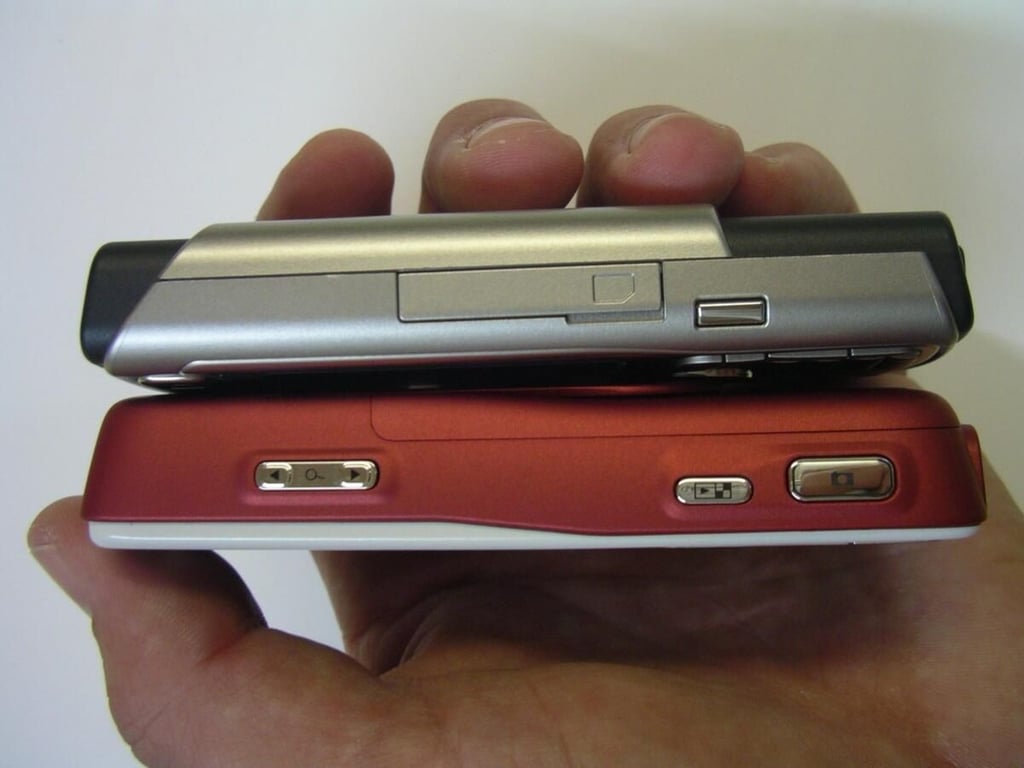
The N70 on the N73 with the right sides showing.
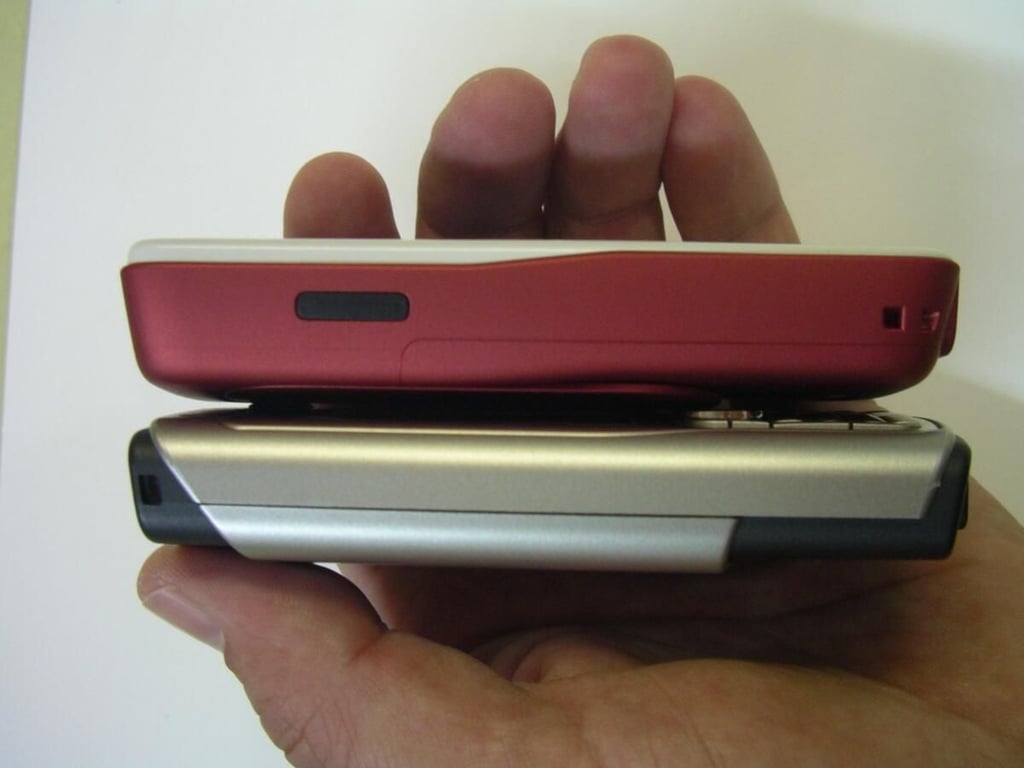
The N73 on the N70 and showing the left sides. See the IR port on the N73 device?
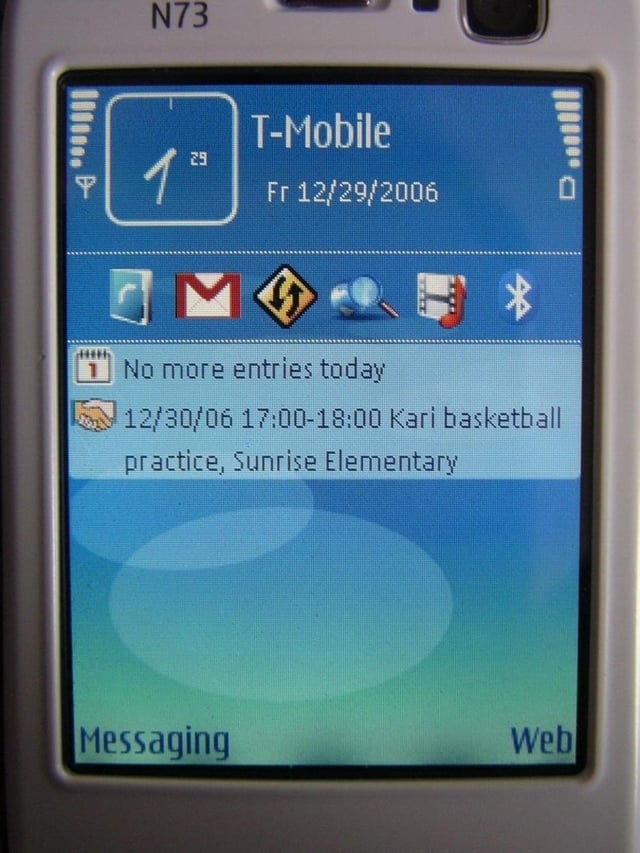
This is the standby display. The photo looks good, but in real life the display looks even better.
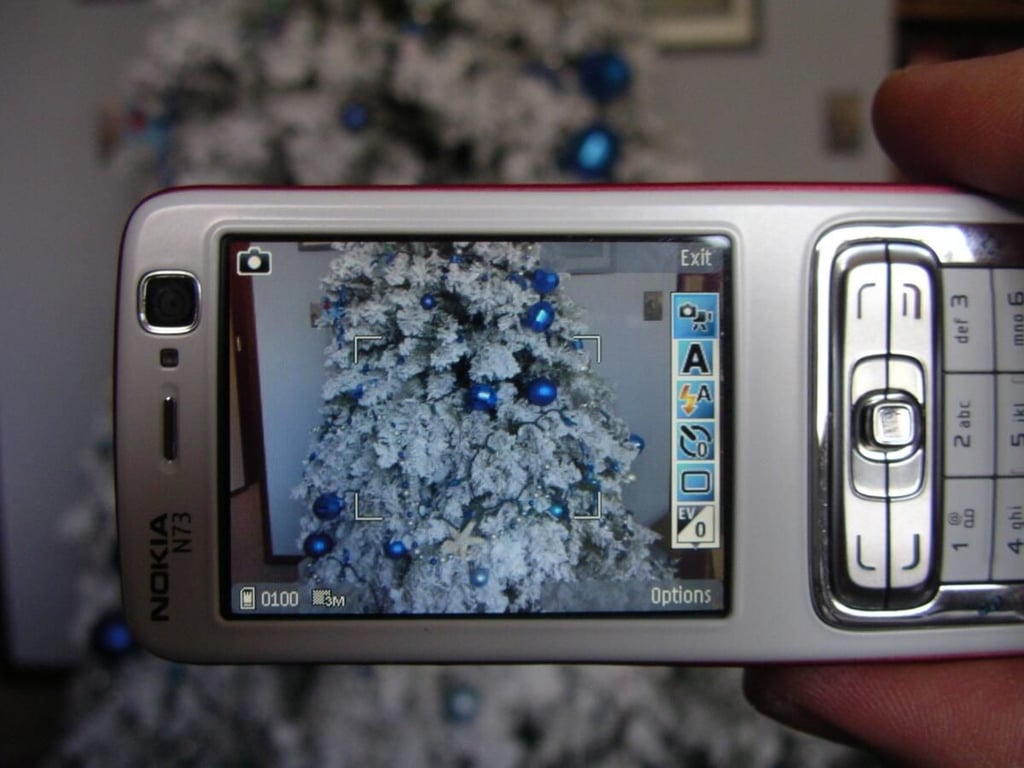
Taking a photo in landscape mode with the N73.
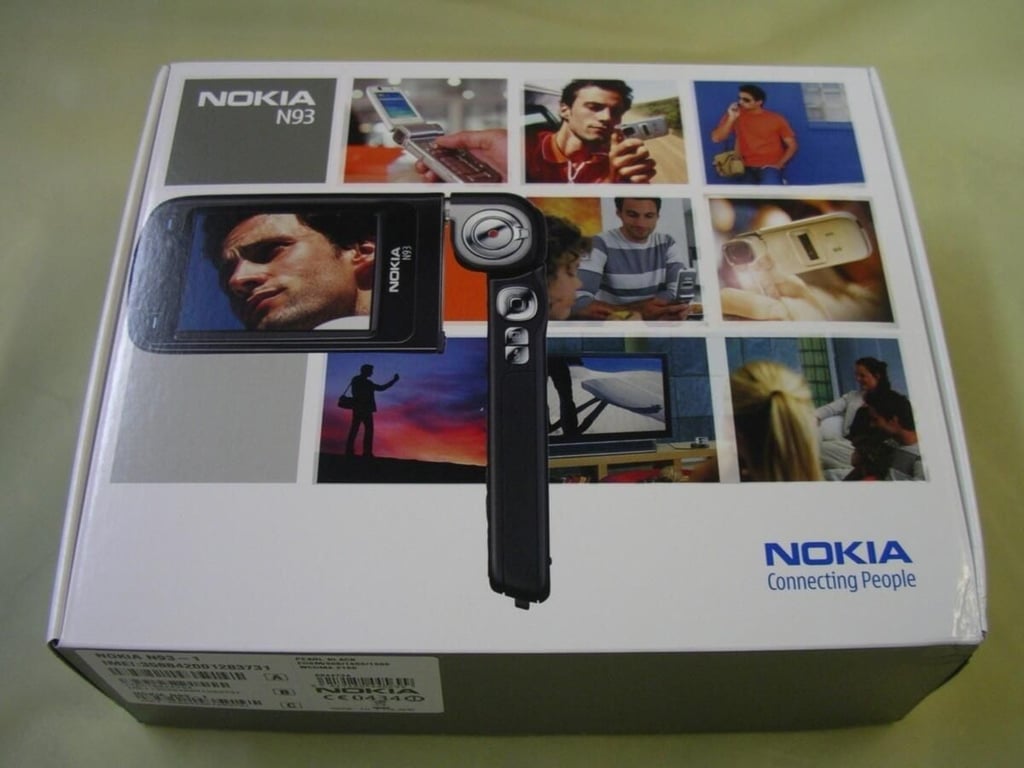
Retail box of the Nokia N93.
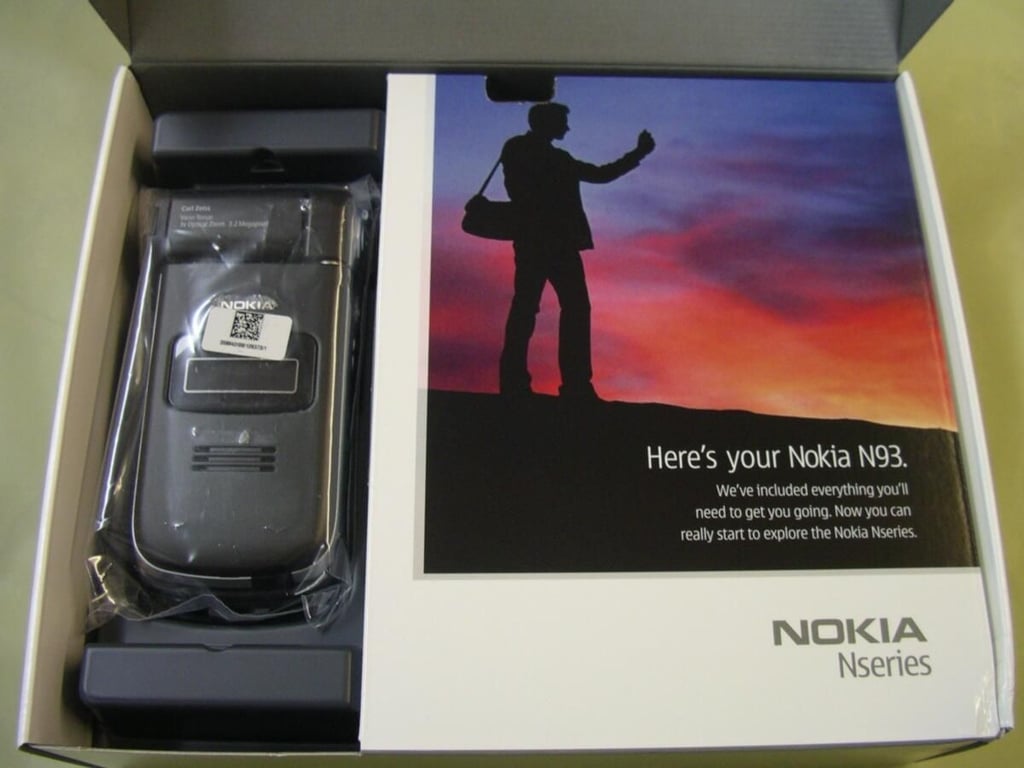
There is the N93 after first opening the top flap.
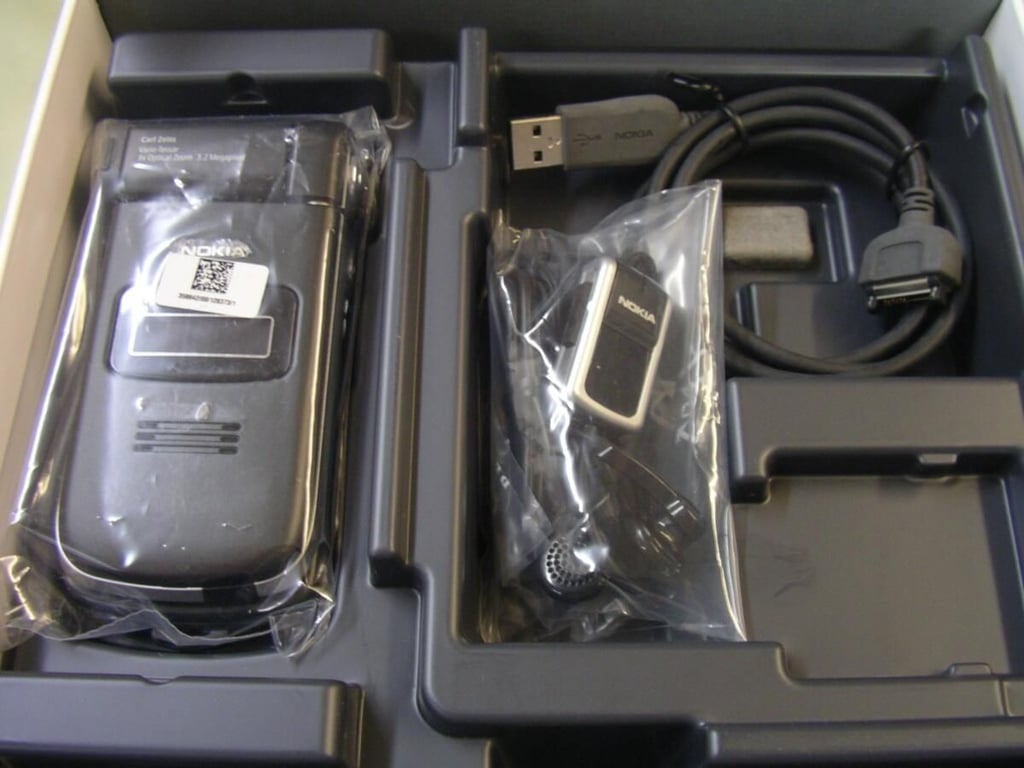
Under the first flap you will find some of the accessories.
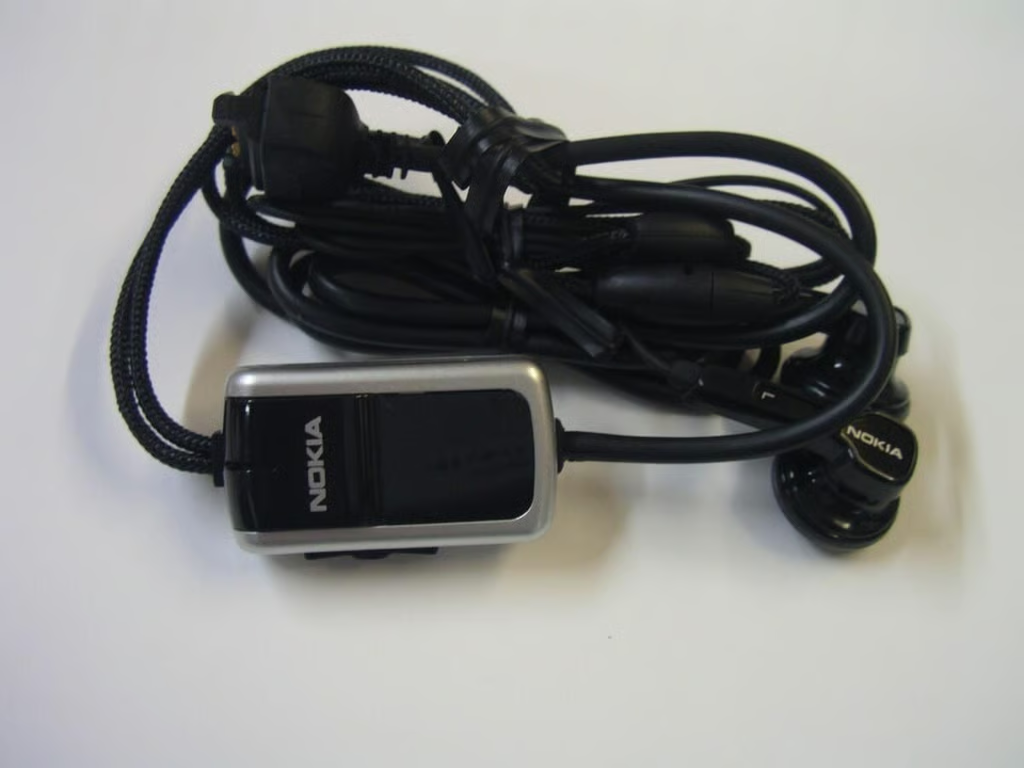
This wired headset is included with the N93.
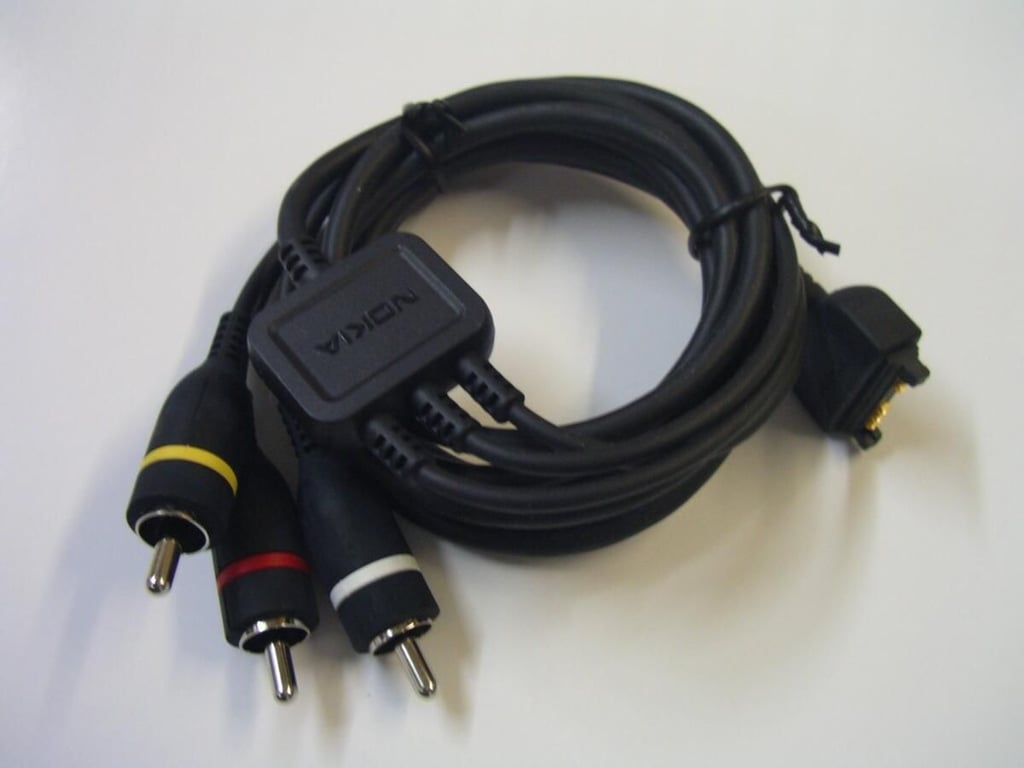
This AV cable allows you to connect your N93 to an external monitor.
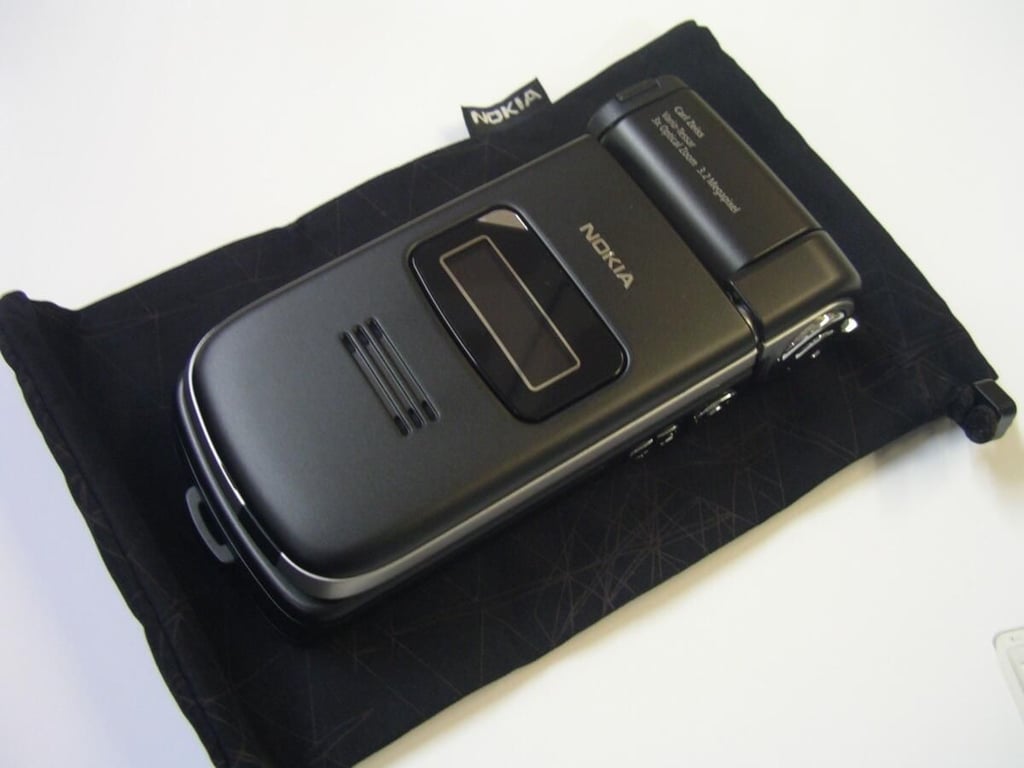
A cloth slip case is provided to protect and carry your N93.
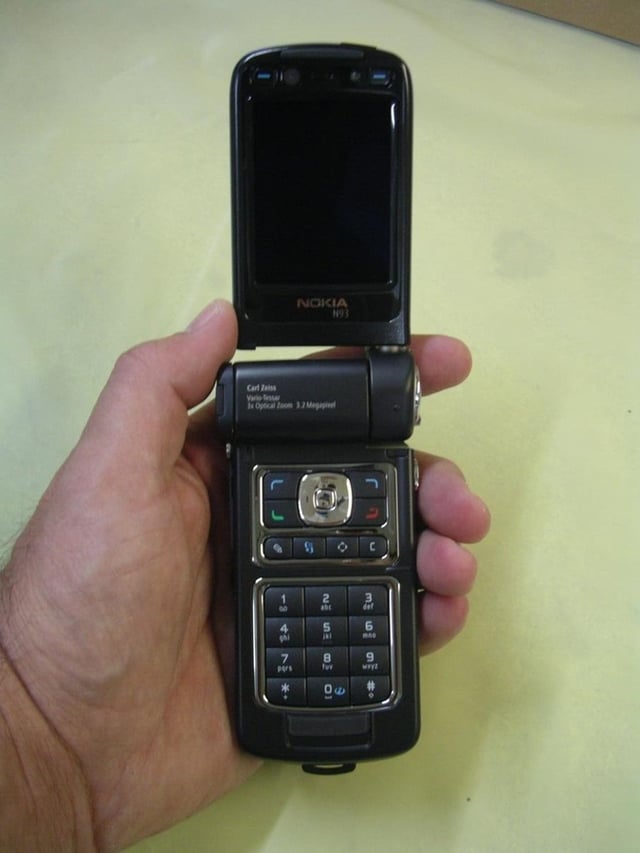
You can see the opened N93 is quite long and this is not a small mobile phone.
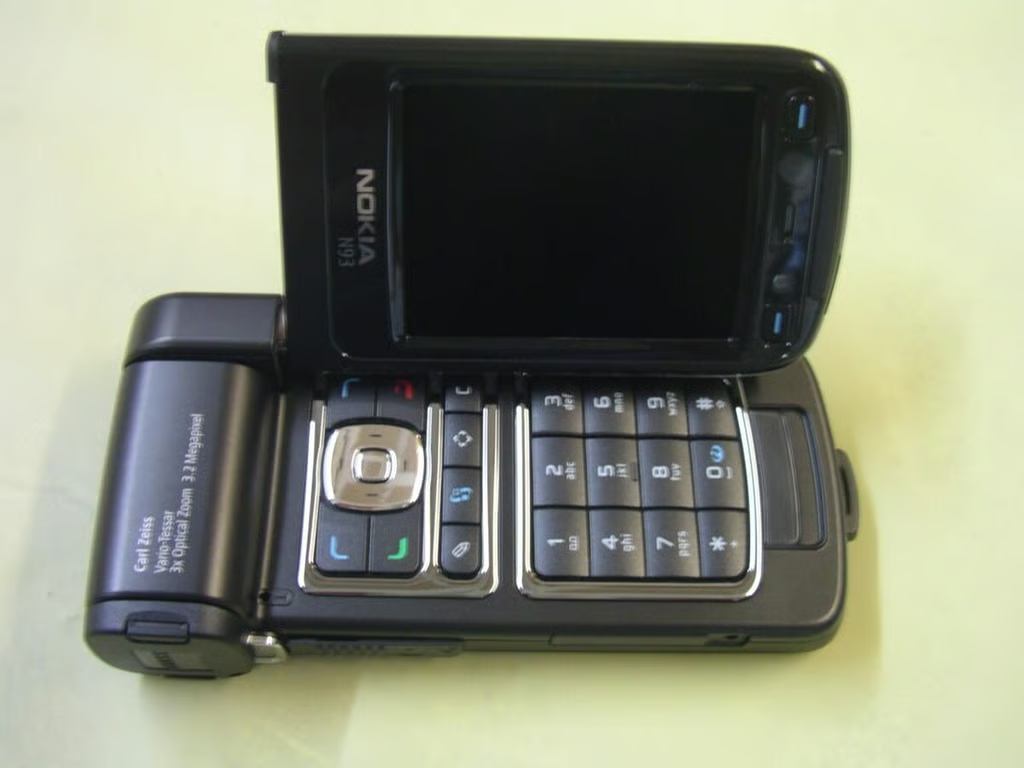
You can watch video, browse photos, surf the internet and more in this landscape, mini-laptop mode.
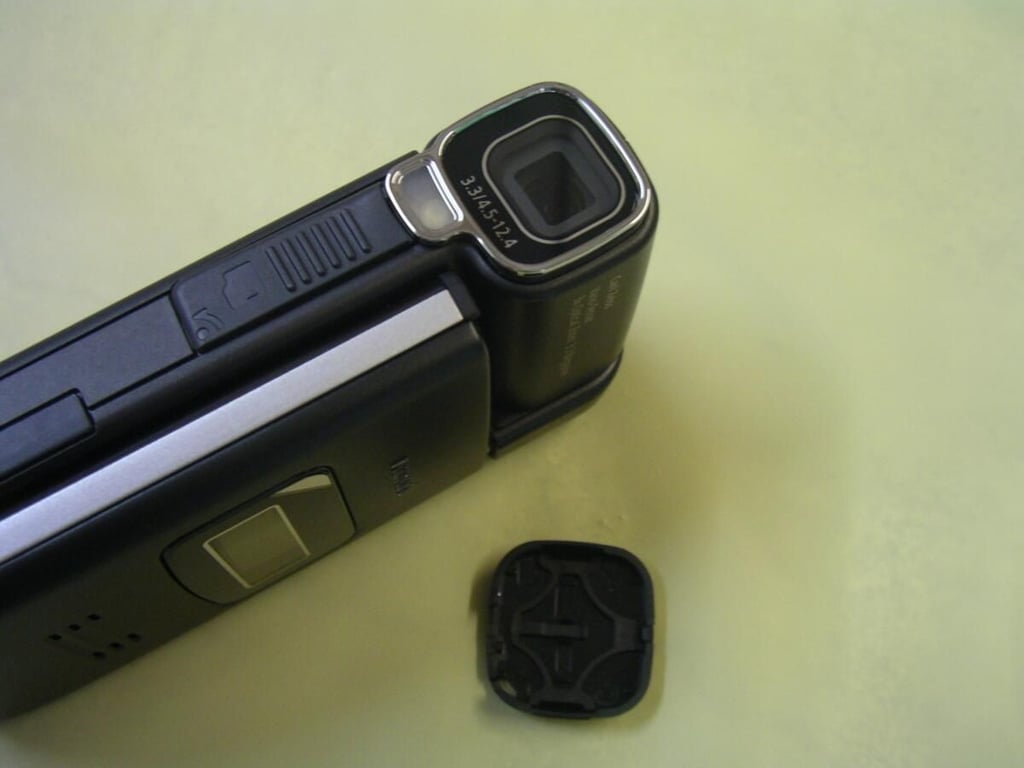
The lens sits on the left of the N93 and is protected by a detachable lens cover. Use the included lanyard so you don’t lose the cover.
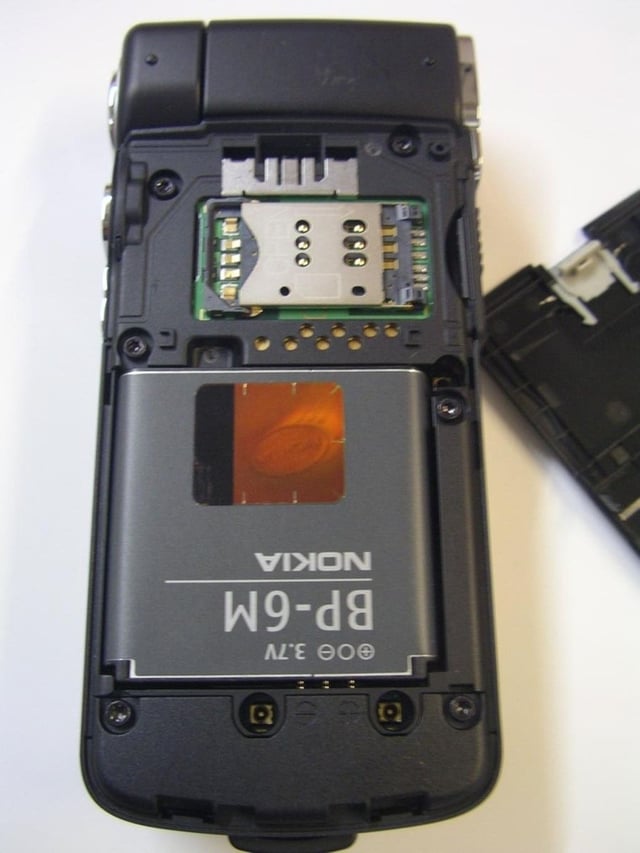
The cover is off the N93, showing the battery and SIM card slot.
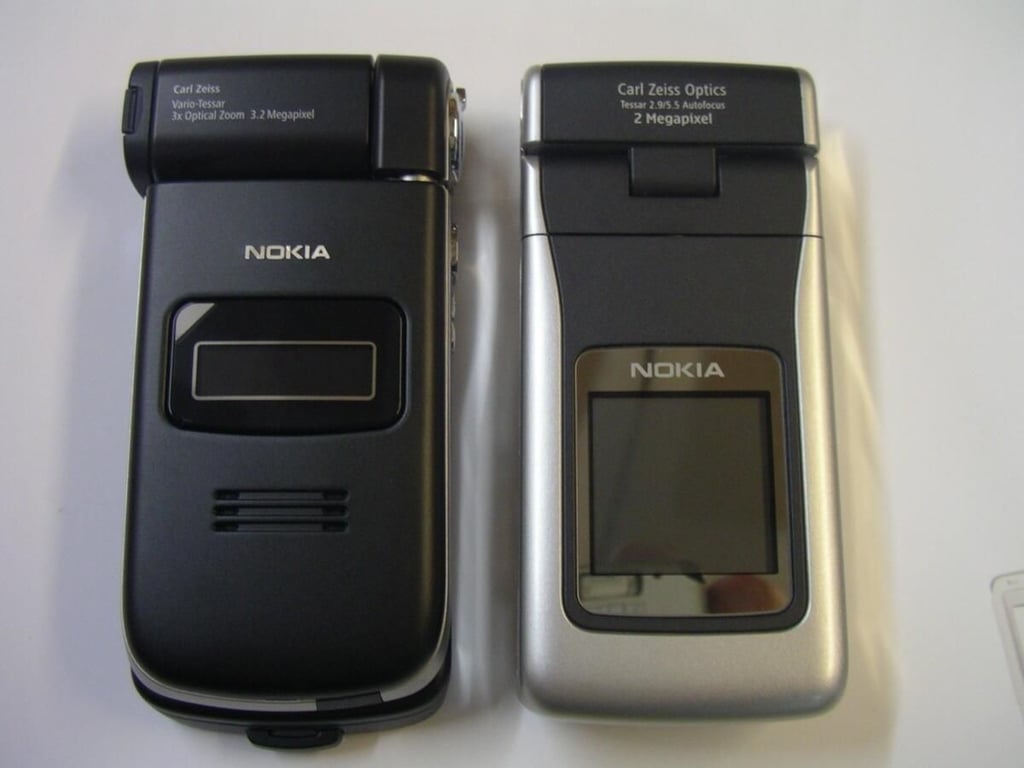
Here the N93 is shown in closed mode with the Nokia N90.
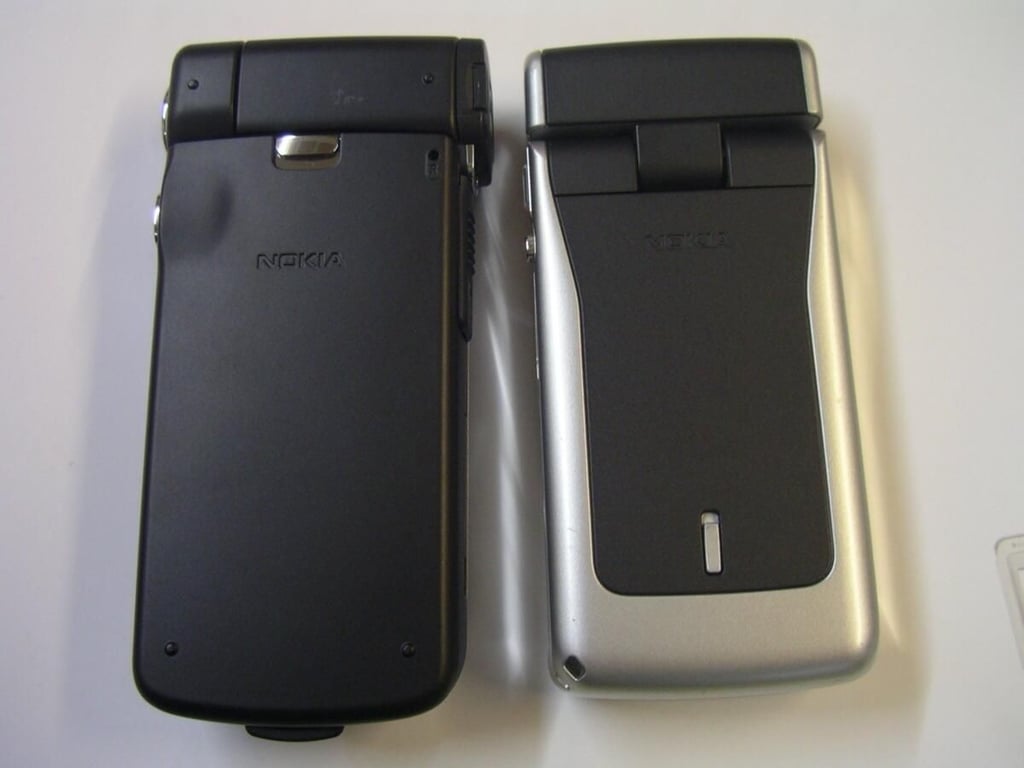
A back view of the two similar devices.
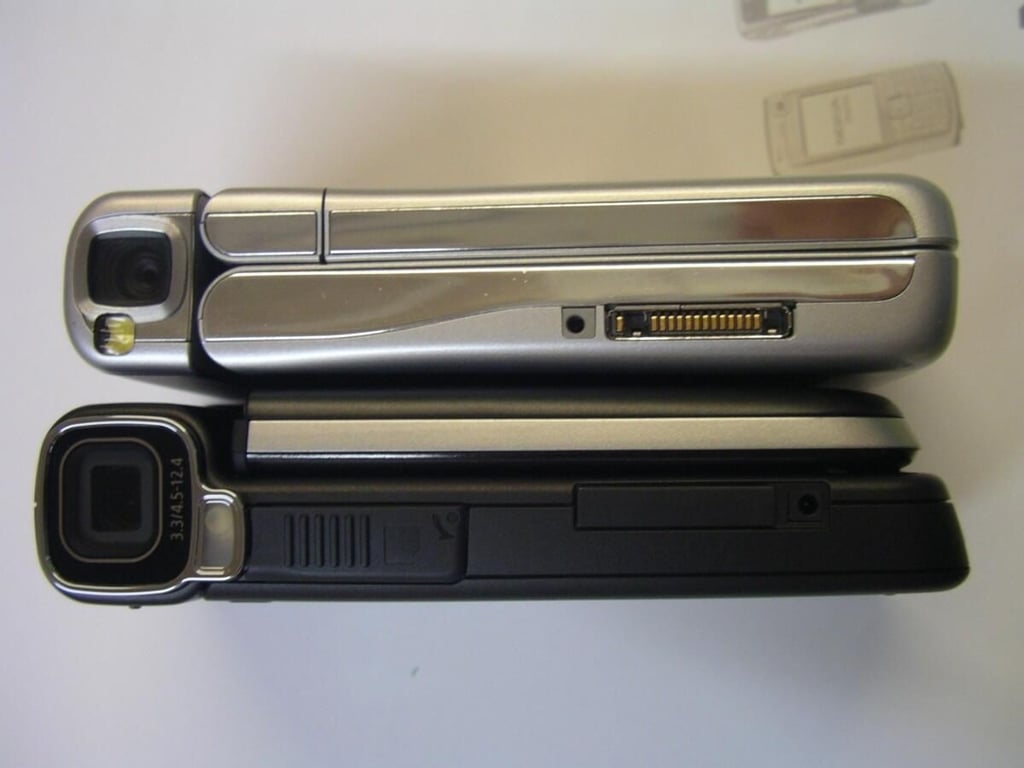
This photo show the left side of both devices.
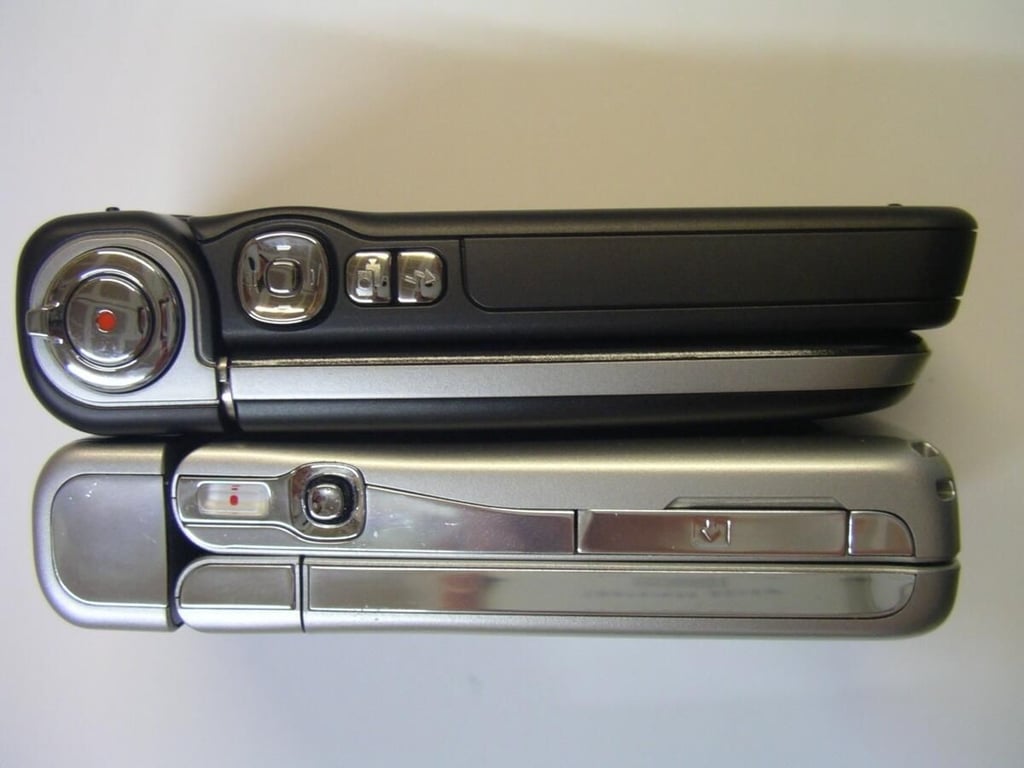
This photo shows the right side of both devices where the camera capture controls are located.
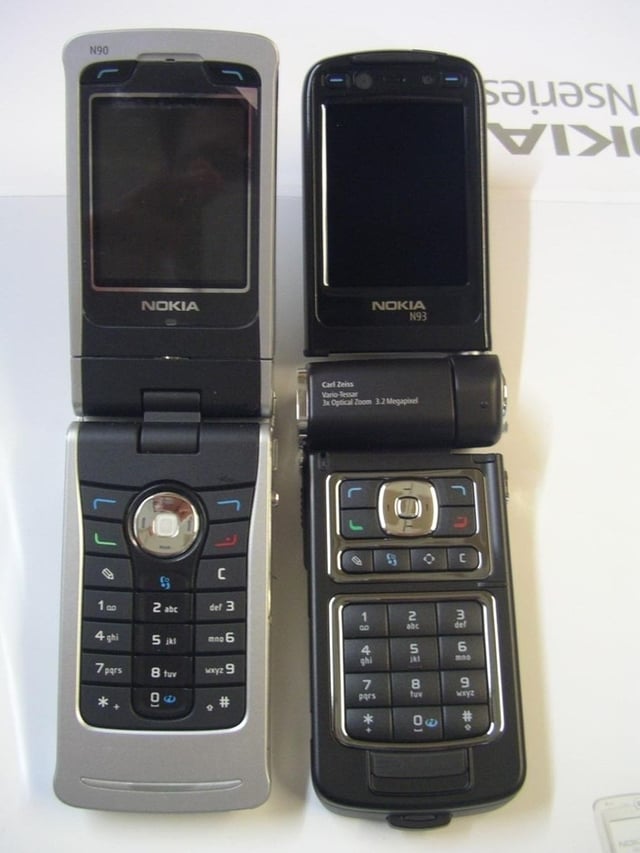
Both devices are opened in phone mode.
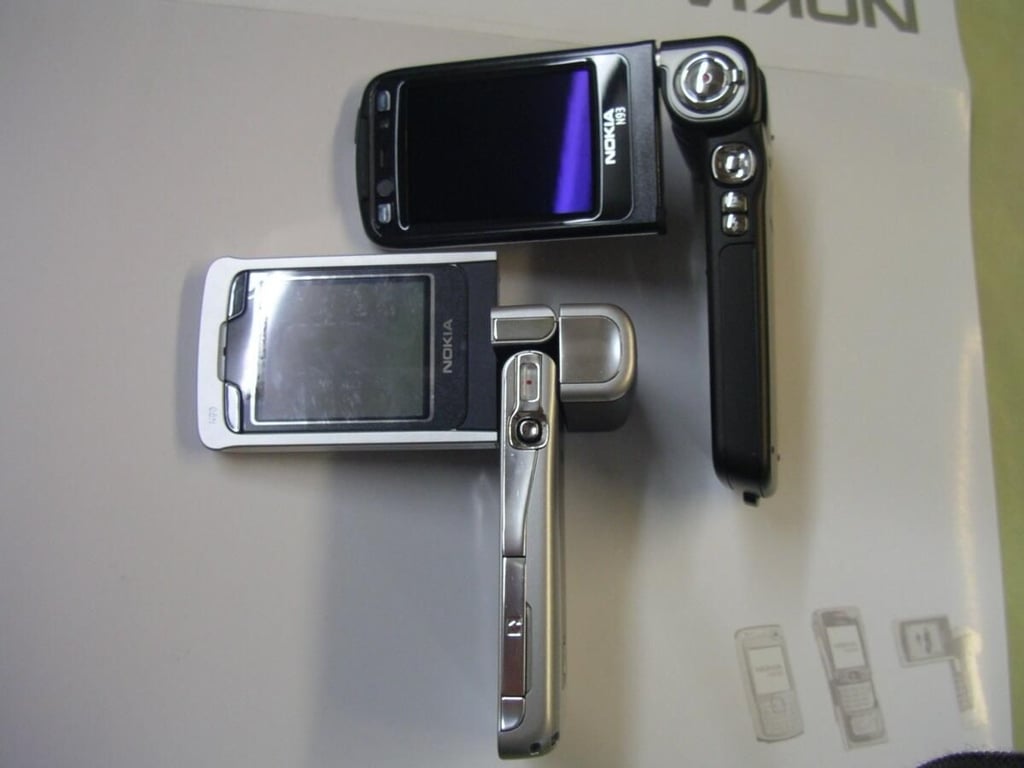
Here both devices are opened and ready to capture photos and video.
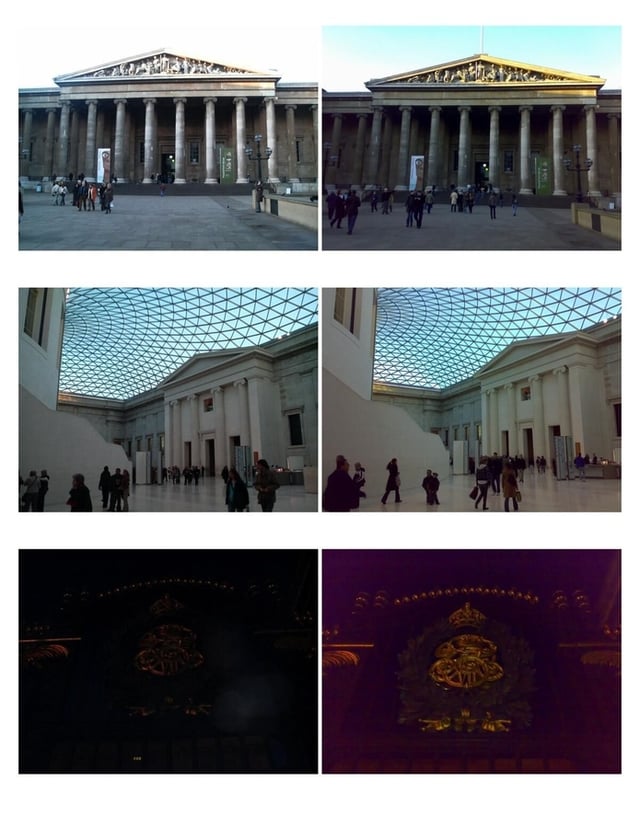
The N93 photos of London are in the left column and the N73 photos are in the right column.


