\n\tTake a long look at your computer monitor. Is the contrast and brightness right? Have you calibrated the color correctly? Have you ever calibrated the display at all? For the amount of time you spend staring at the pixels that monitor generates, calibration should be something you do at least once. It is not a difficult process and Microsoft Windows 7 includes built-in applications that make the process really simple.
\n\t
\n\tGamma, brightness and contrast
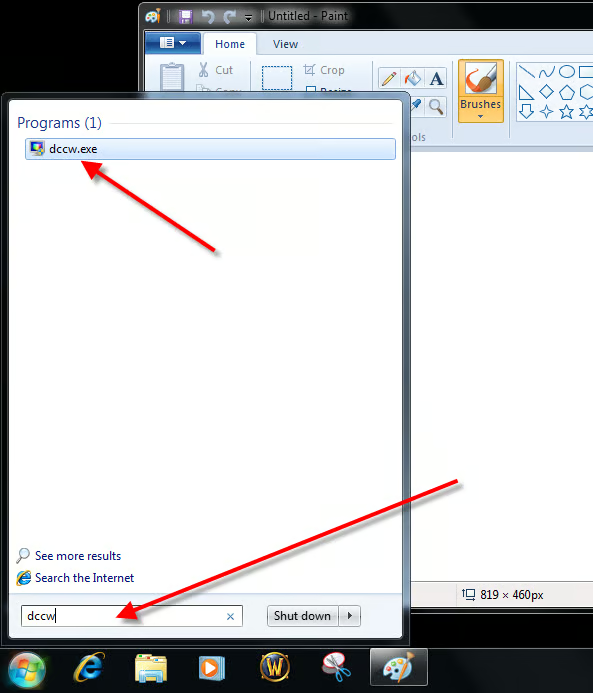
\n\tTo start the display calibration process in Windows 7, type dccw in the Desktop Search box, and click the dccw.exe file.
\n\t
\n\tThis gallery is also available as a TechRepublic blog post and download. Image created by Mark Kaelin for TechRepublic. The gallery was originally published in August 2010.
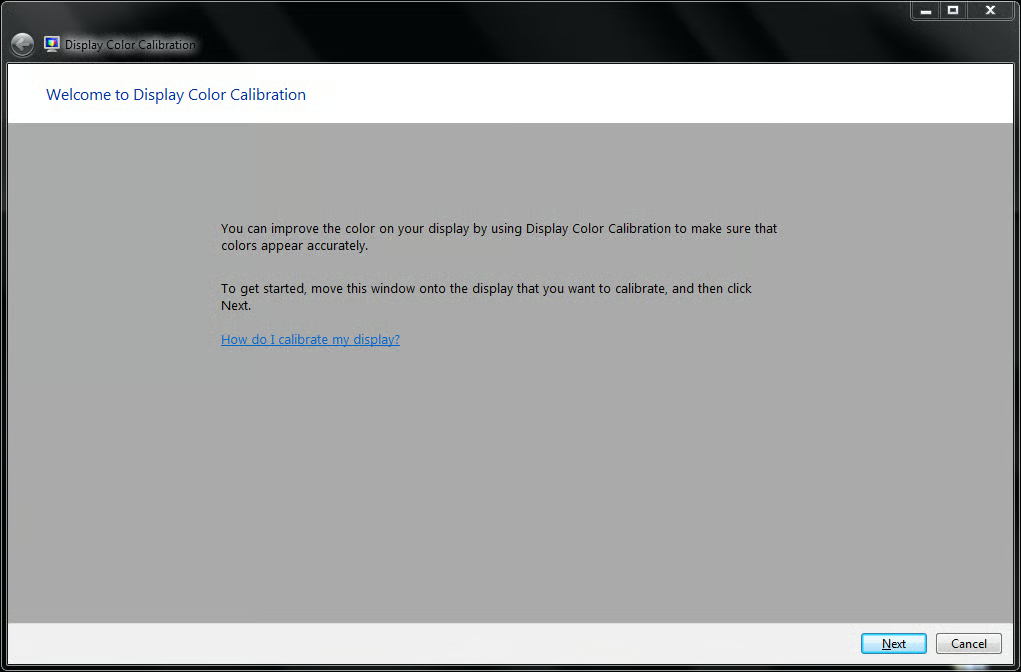
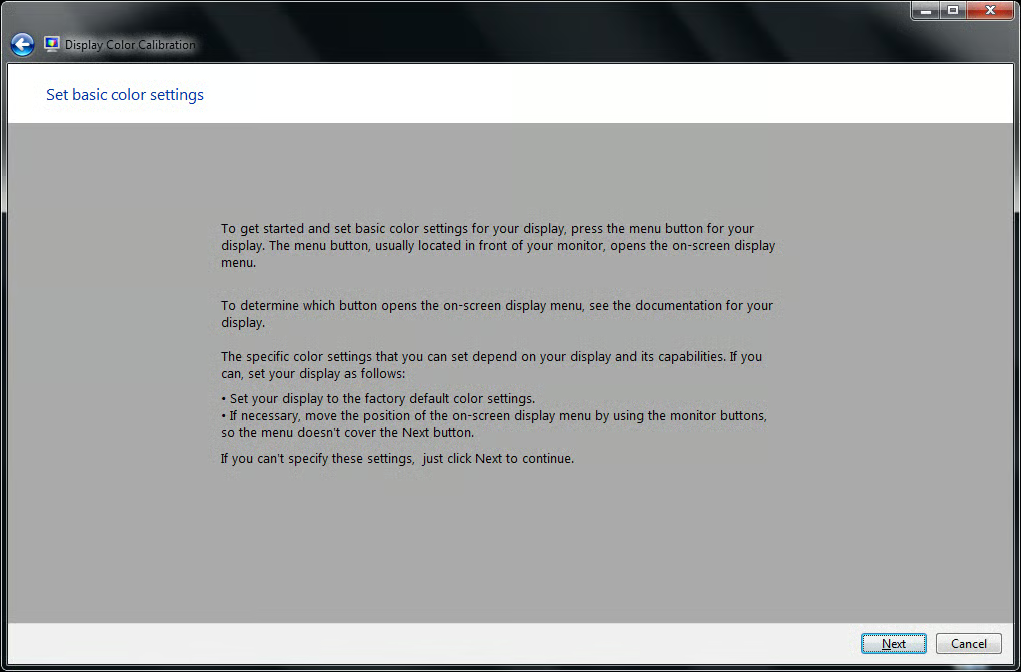
The first step the Display Color Calibrator asks you to do is to load the factory defaults. If you are like most people that is what the monitor is set to, so you really don’t have to do anything but click the Next button.
This gallery is also available as a TechRepublic blog post and download. Image created by Mark Kaelin for TechRepublic.
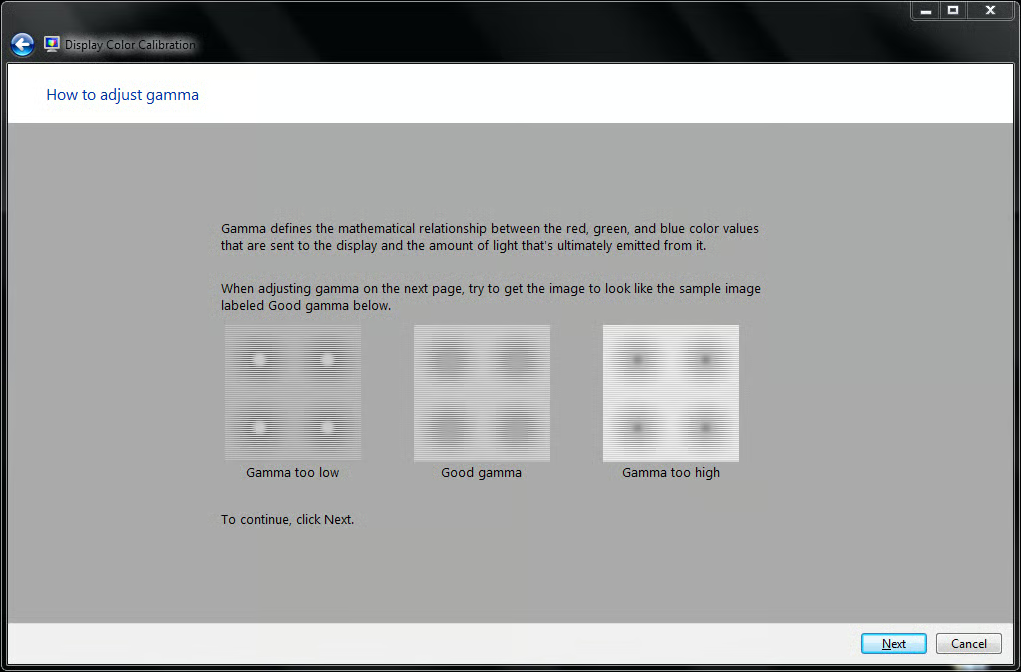
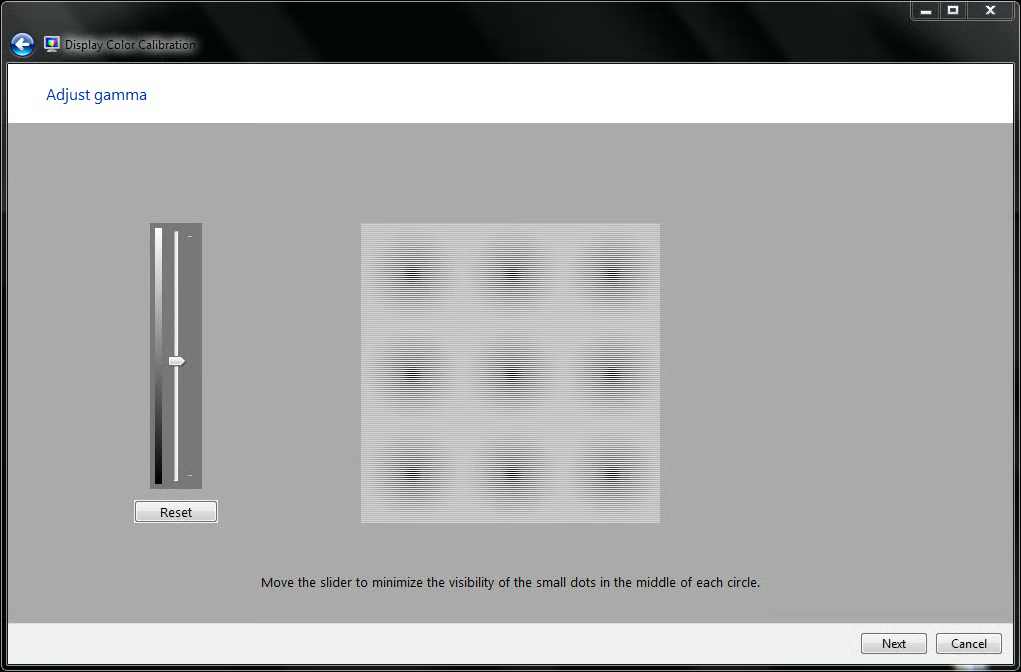
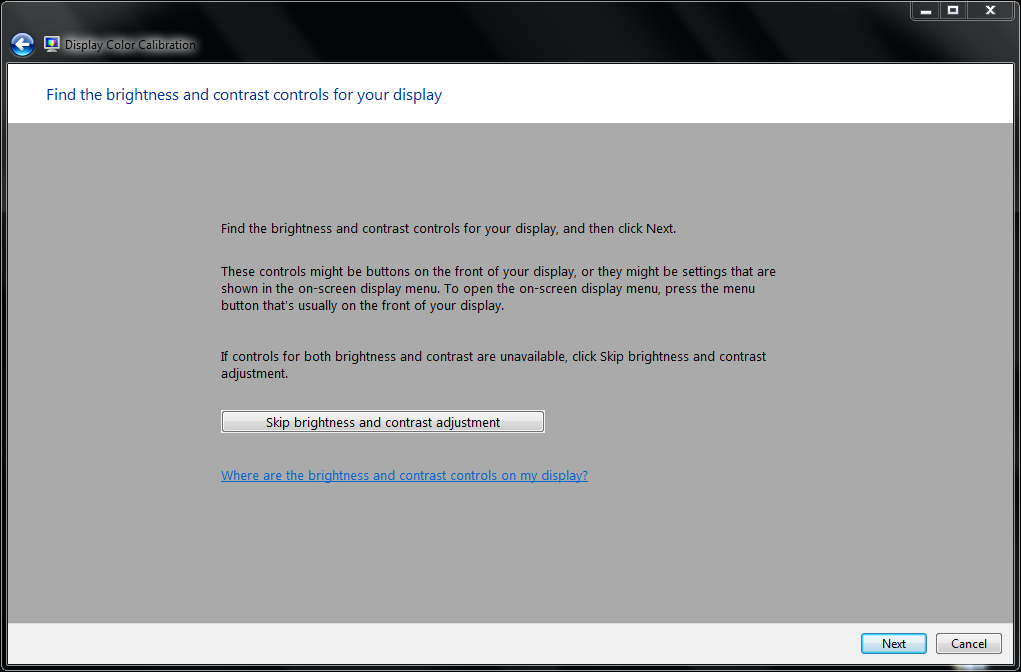
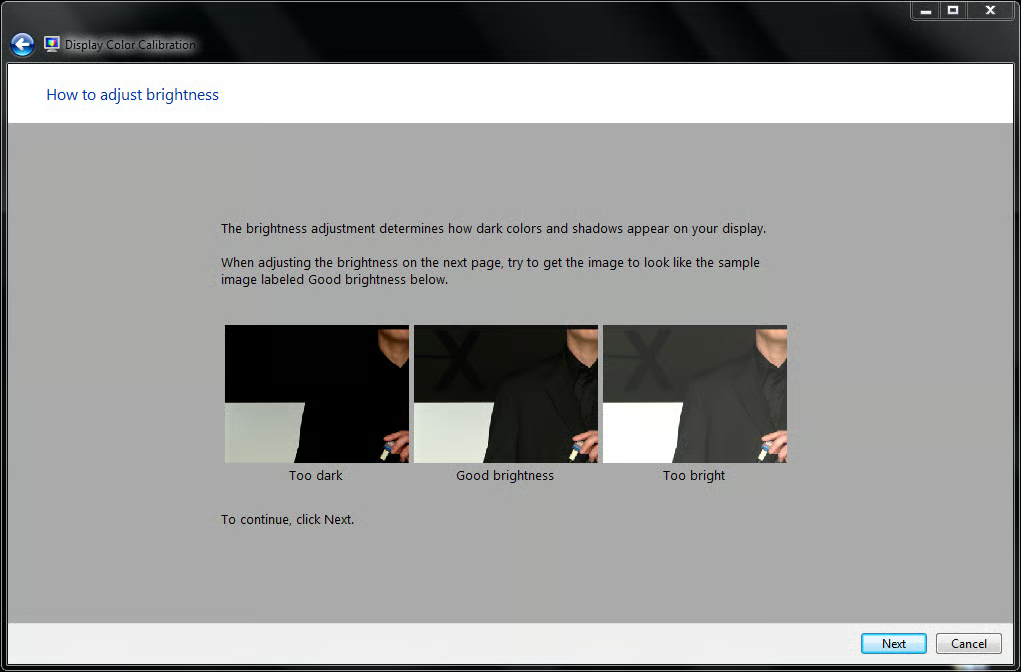
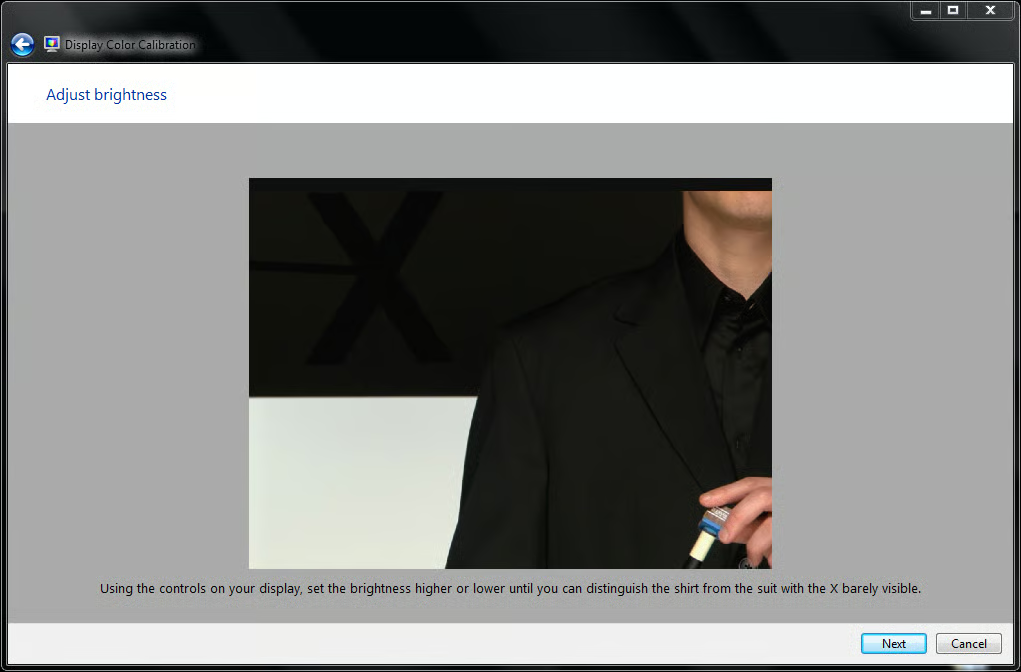
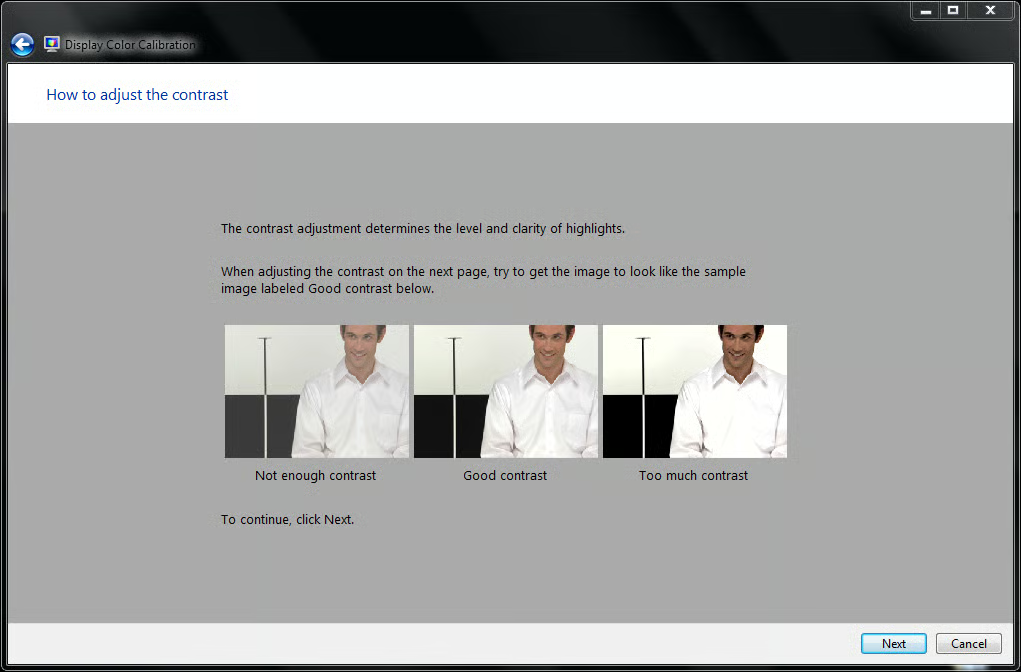
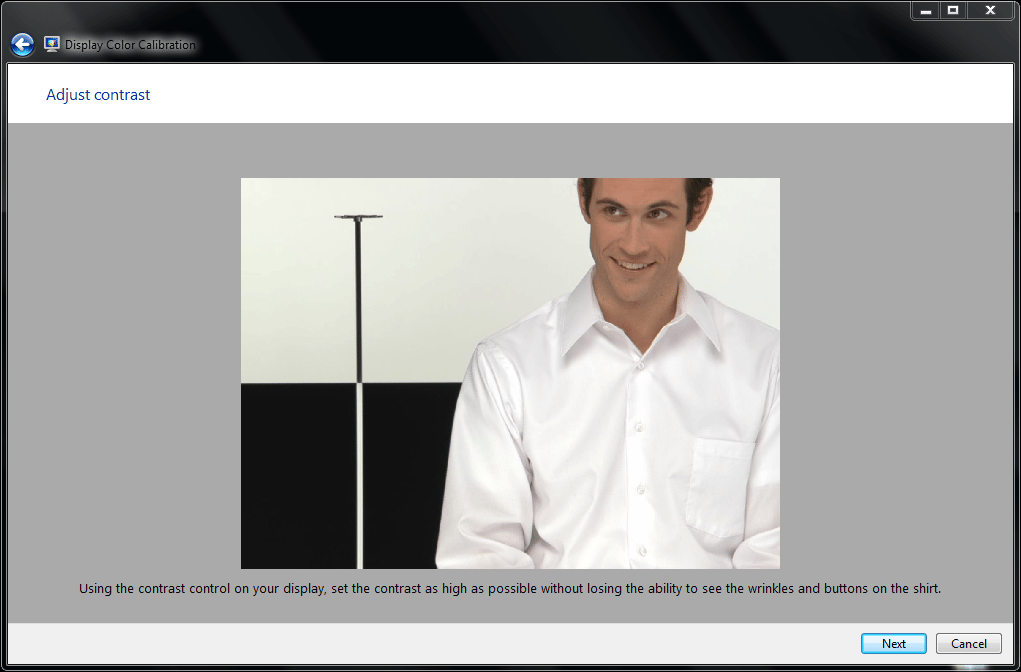
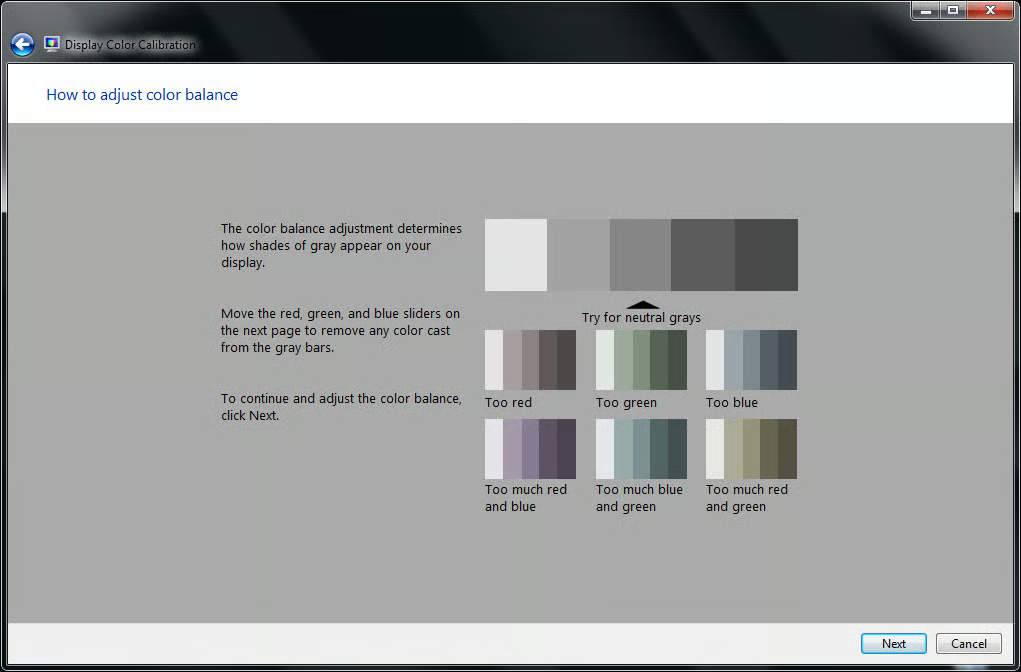
Color calibration is often necessary because manufacturers and retailers like to up the color saturation of the monitors as they leave the factory to make them stand out to consumers.
This gallery is also available as a TechRepublic blog post and download. Image created by Mark Kaelin for TechRepublic.
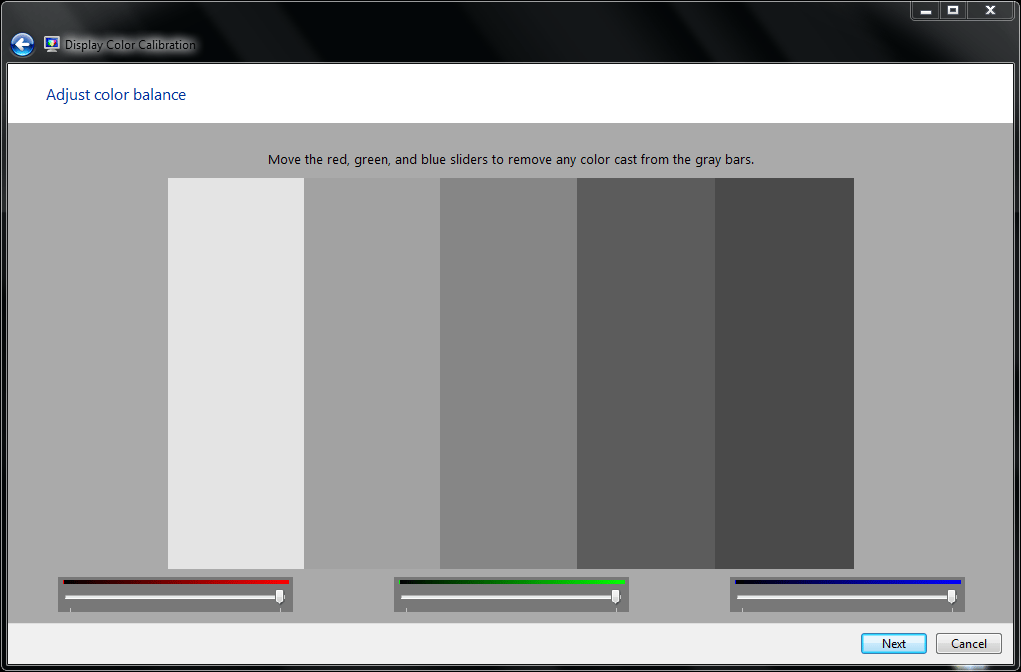
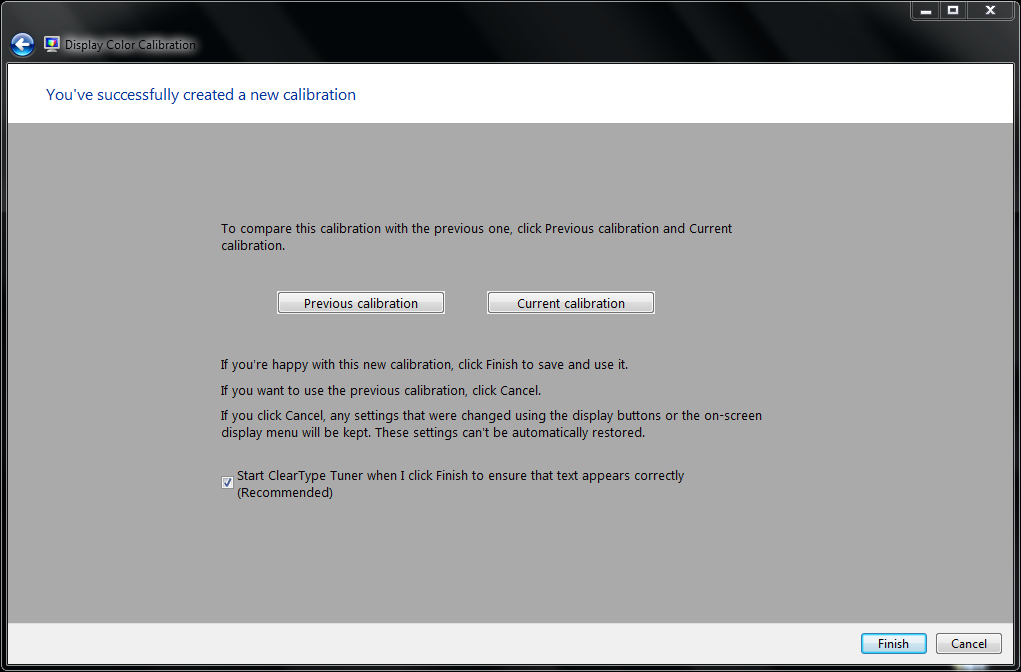
Assuming you made adjustments, you can look at the quality of your display before and after calibration. If you did it right, your display should look better after calibration. If it doesn’t, perhaps you would like to use a piece of hardware to calibrate your display? We’ll get to that in a bit.
This gallery is also available as a TechRepublic blog post and download. Image created by Mark Kaelin for TechRepublic.
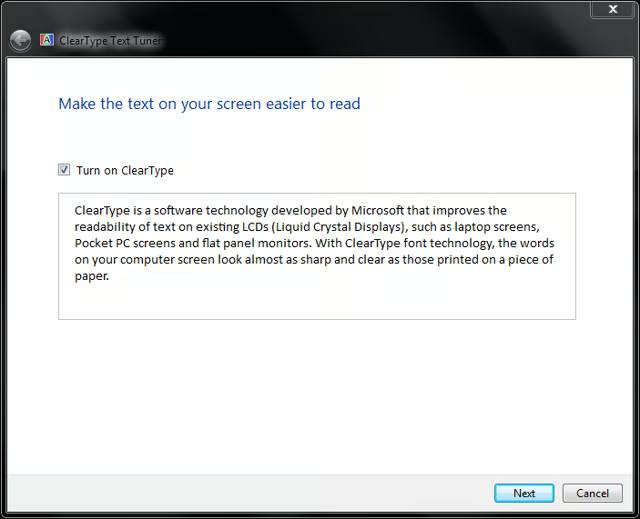
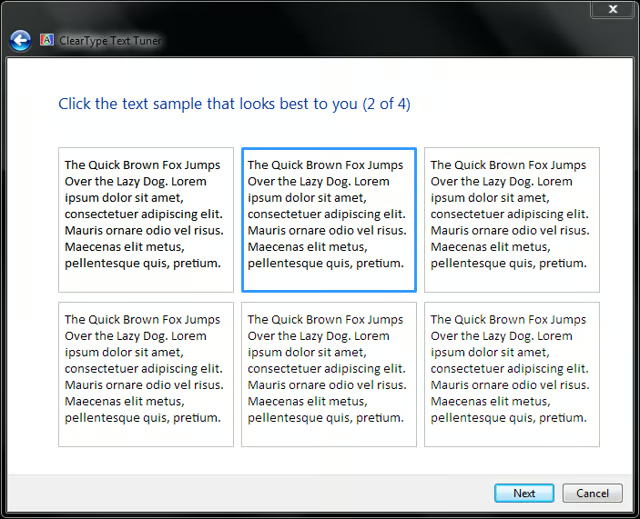
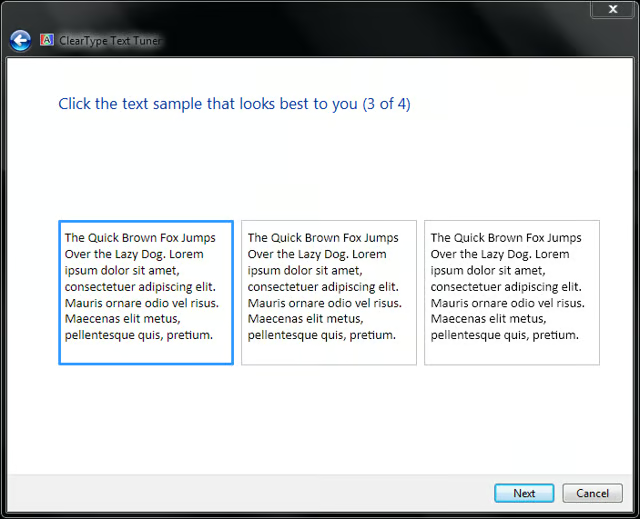
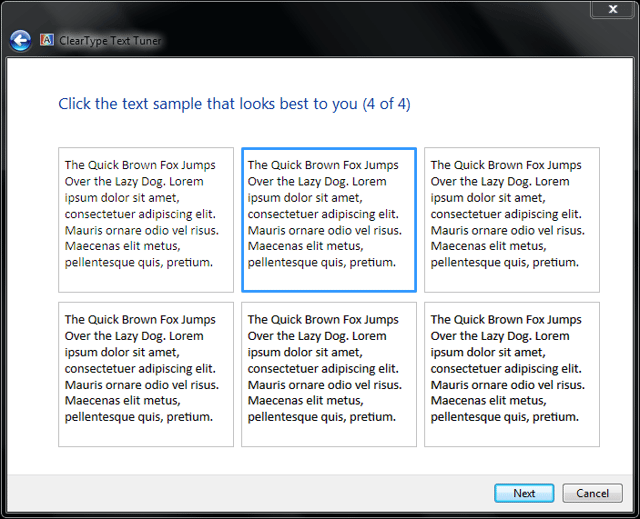
Moving on to the Clear Type calibration is an important step – at least as far as I am concerned. As someone who spends hours looking at text, I really need my text to be displayed as clear as it can possibly be. All my Windows PC operate with Clear Type turned on.
This gallery is also available as a TechRepublic blog post and download. Image created by Mark Kaelin for TechRepublic.
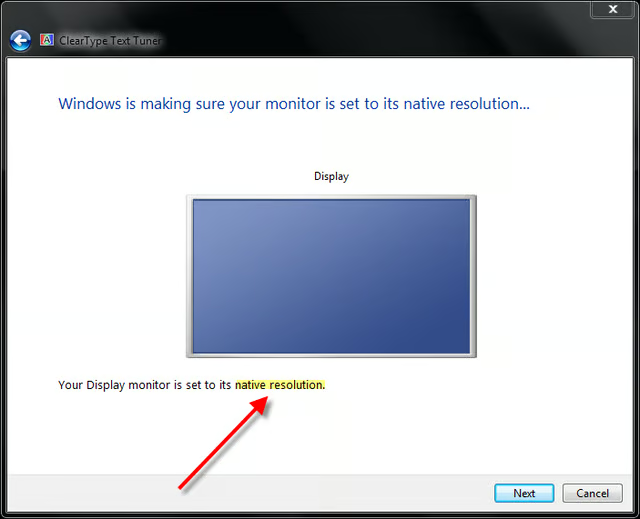
The next screen talks about native resolution. For LCD monitors in particular, this is a very important consideration for proper calibration. An LCD will always display a better quality image when it is in its native resolution.
This gallery is also available as a TechRepublic blog post and download. Image created by Mark Kaelin for TechRepublic.
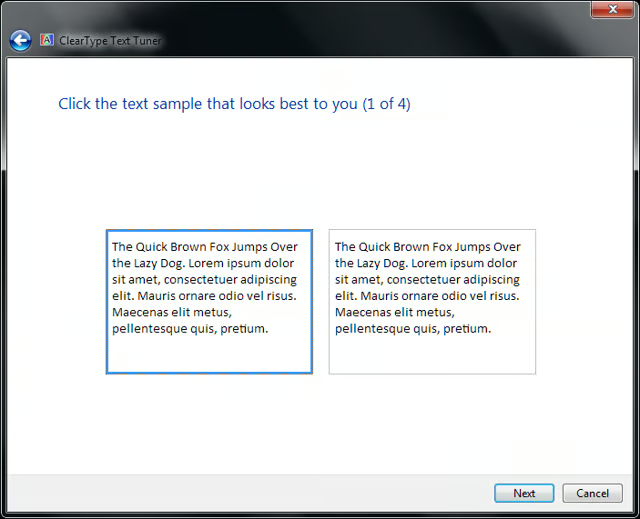
The next four screens show text boxes of varying attributes. Each individual is likely to pick a different combination, so don’t be persuaded to choose what I have because this is really a calibration test that matches text to your eye.
This gallery is also available as a TechRepublic blog post and download. Image created by Mark Kaelin for TechRepublic.
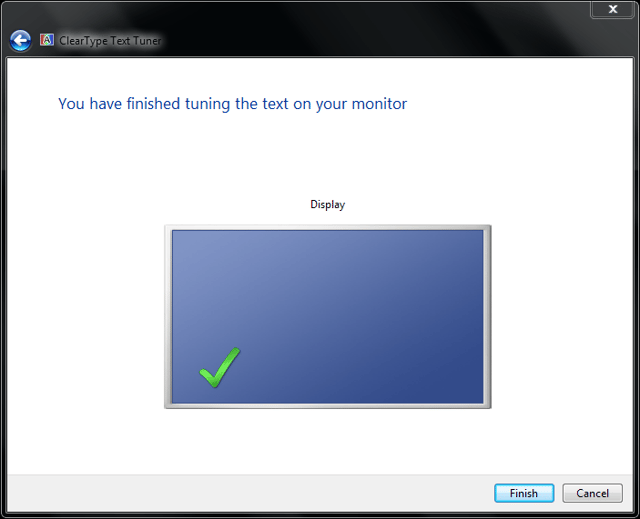
Make your calibration choices and you will reach the end with a display with better attributes than you stared with. However, if you really want to get a true gamma, brightness, contrast, and color calibration and adjustment, you will have to invest in a specialized piece of hardware, like the Eye-One Display 2.
This gallery is also available as a TechRepublic blog post and download. Image created by Mark Kaelin for TechRepublic.
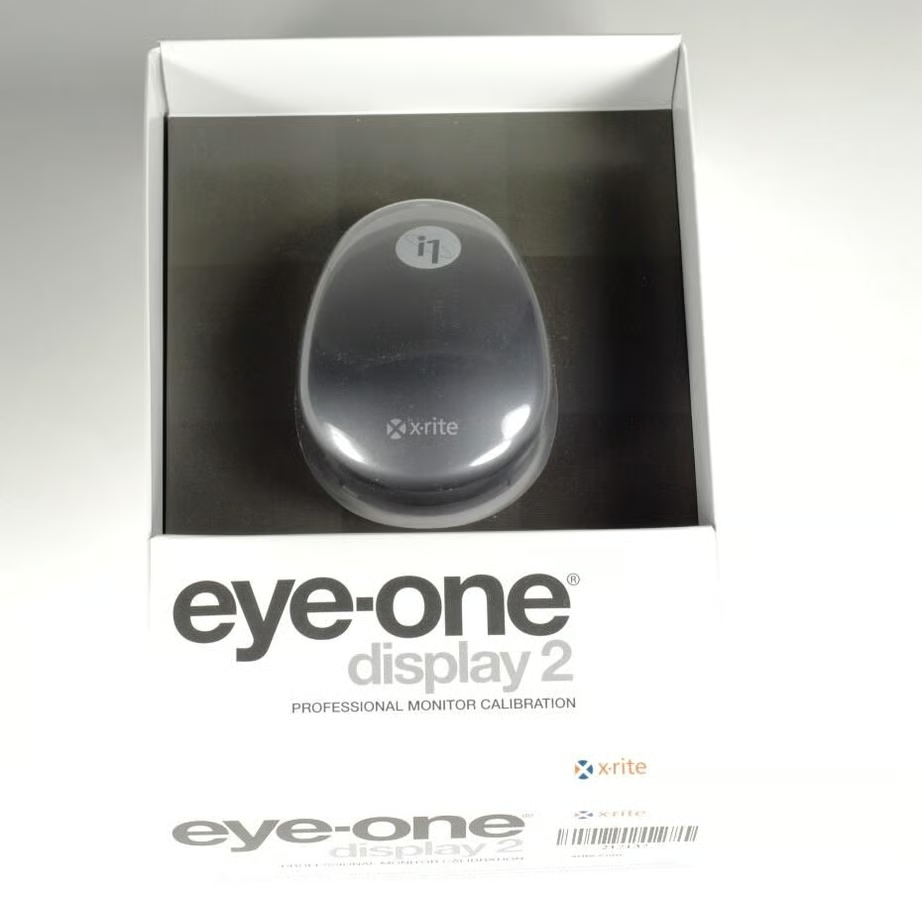
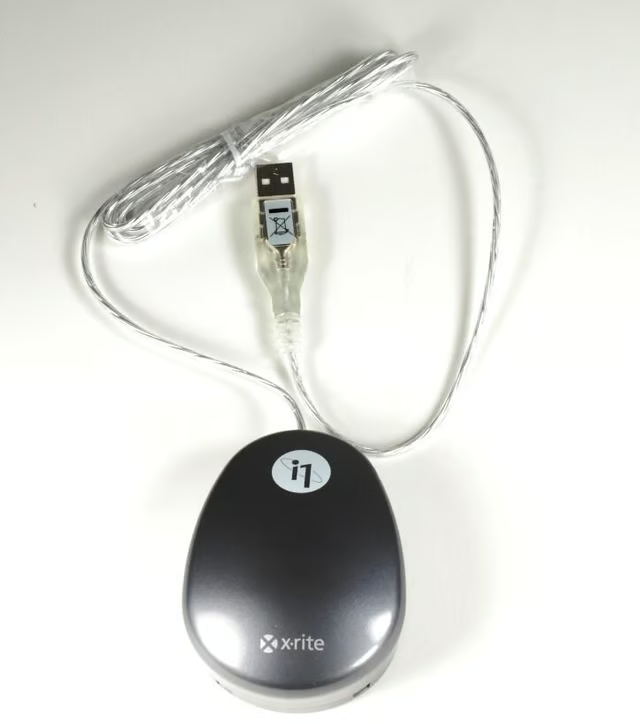
The X-Rite Eye-One Display 2 is a small piece of hardware that looks much like a mouse.
This gallery is also available as a TechRepublic blog post and download. Image created by Mark Kaelin for TechRepublic.
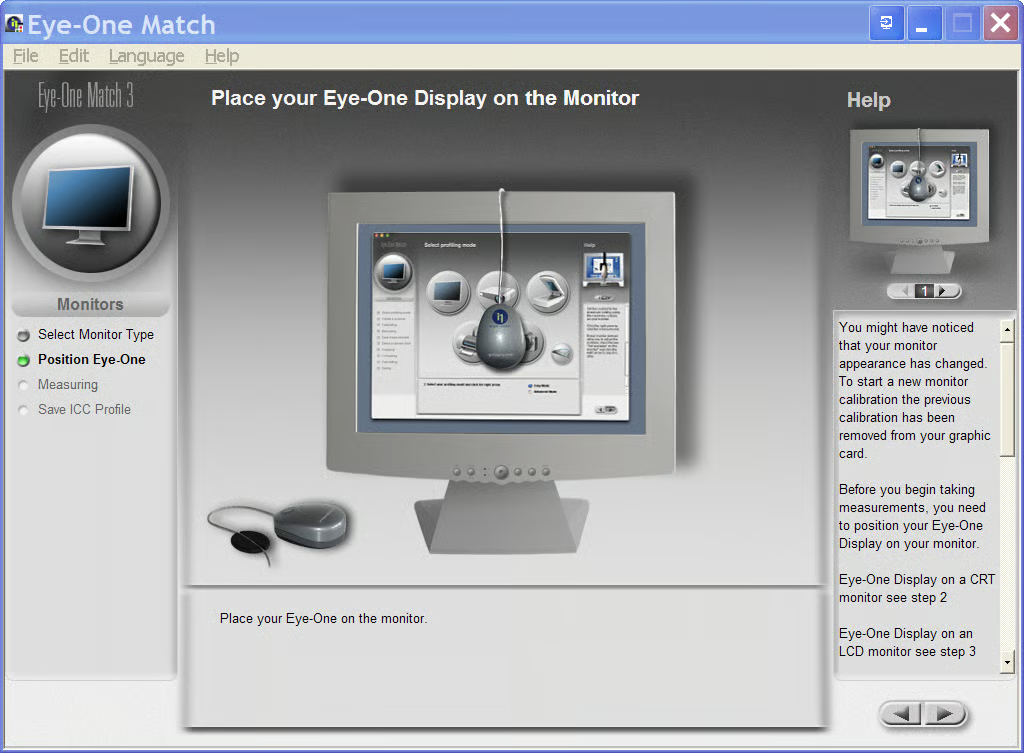
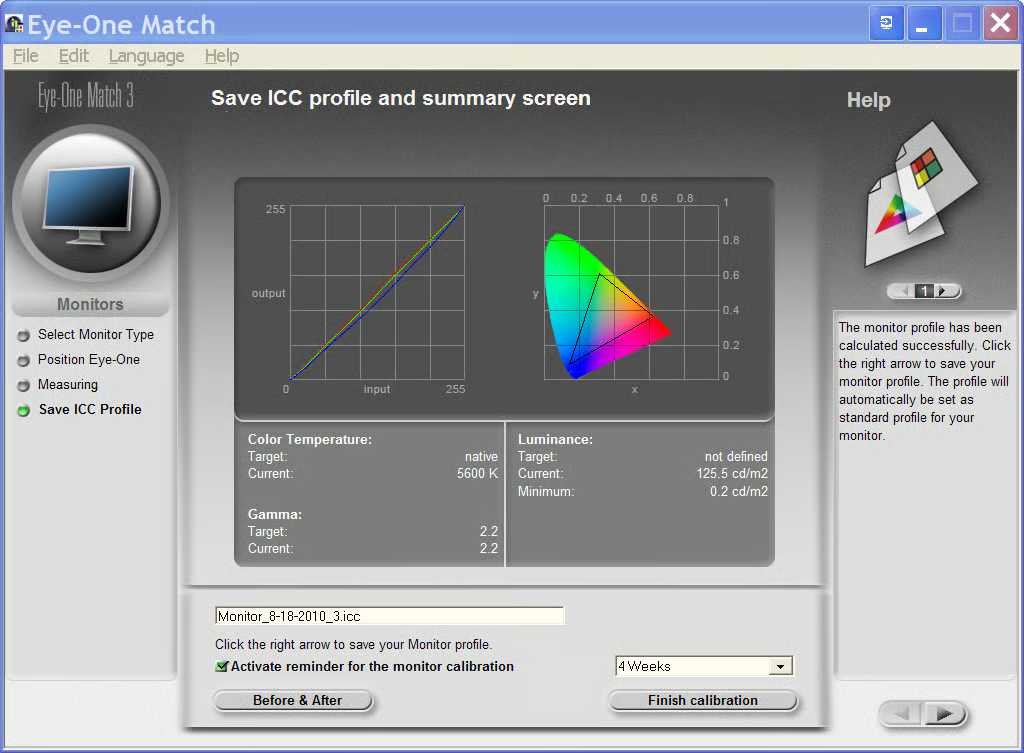
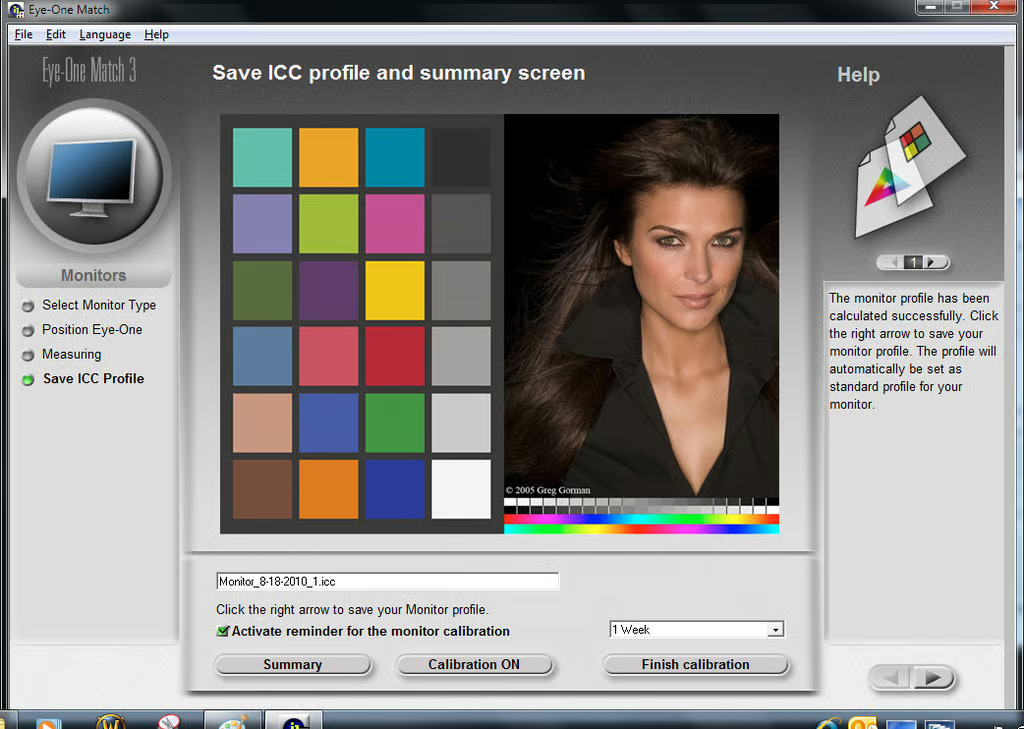
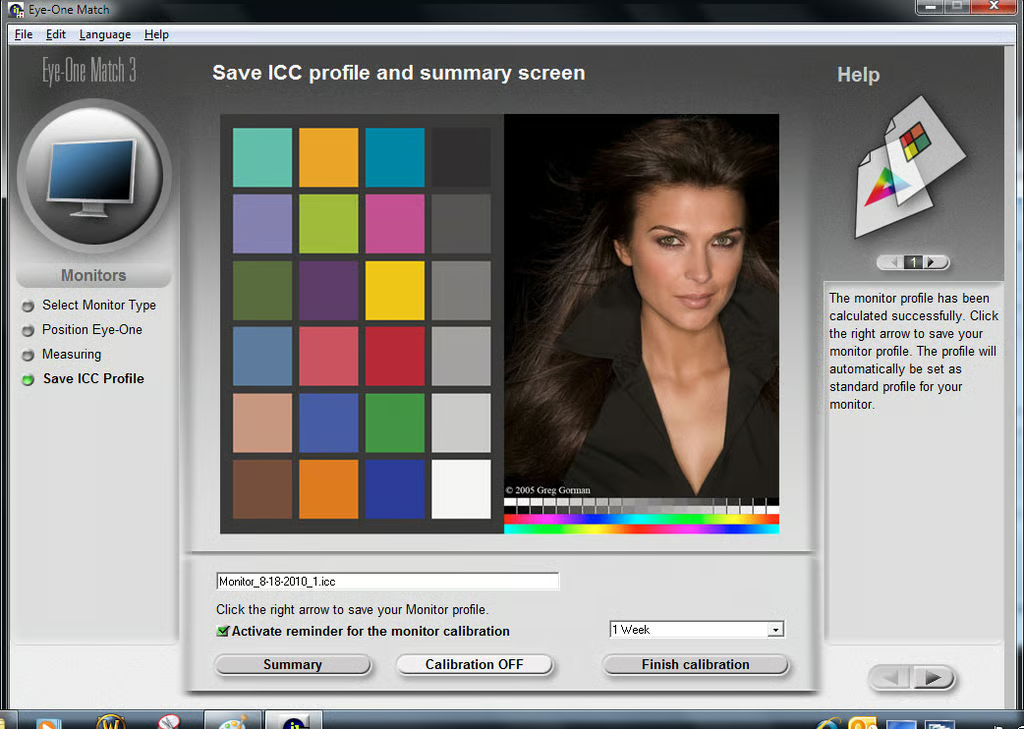
The Eye-One Match 3 software will automatically calibrate and adjust your monitor depending on what the device actually sees when it is stuck to your monitor.
This gallery is also available as a TechRepublic blog post and download. Image created by Mark Kaelin for TechRepublic.

Mark W. Kaelin has been writing and editing stories about the information technology industry, software, hardware, gaming, finance, accounting, and technology geekdom for more than 30 years.


