Computers are such common fixtures of modern life, many users forget the sensitive electronics that lurk under the PC’s plastic skin. And, unless you’re running a specialized cooling system, these electronics don’t like liquids.
Unfortunately, these careless users haven’t heeded this advice. Whether it’s beer, wine, water, or powered candy, these users still haven’t learned to protect their PCs from spills.
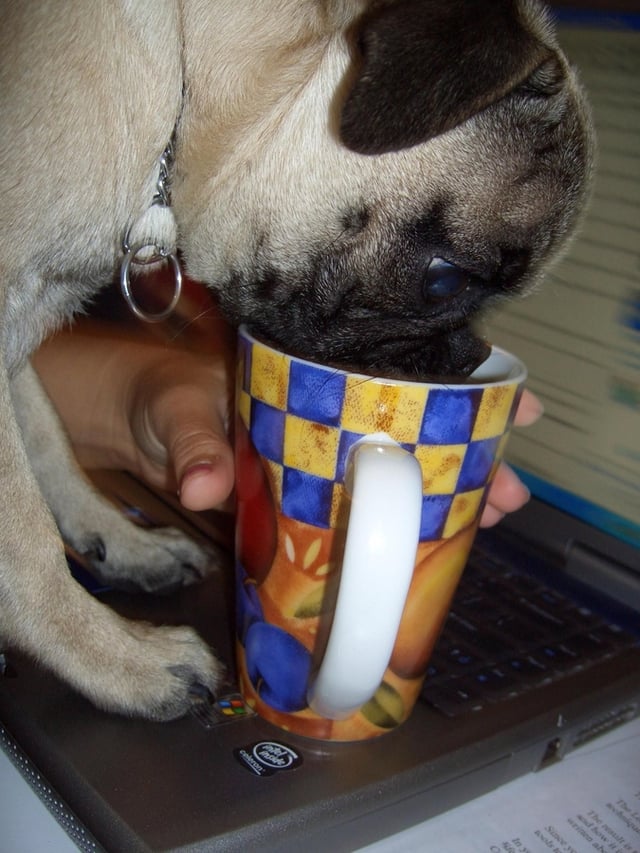
This photo may be cute, but a pug, a cup of coffee, and a laptop is a recipe for trouble. What happens if the pooch takes a fancy to drinking out of the cup when the owner isn’t around?
© Webshots – kelleh411
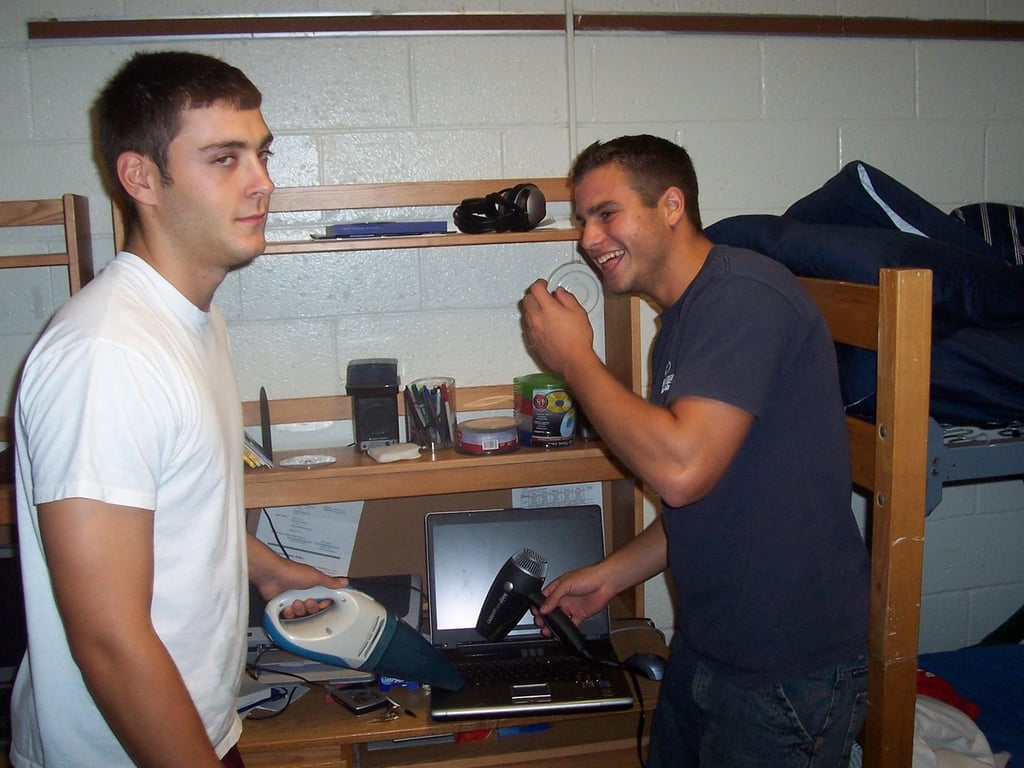
Gatorade’s combination of electrolytes and carbohydrates may help athletes maintain peak performance, but it can definitely ruin your laptop.
© Webshots – huffkid
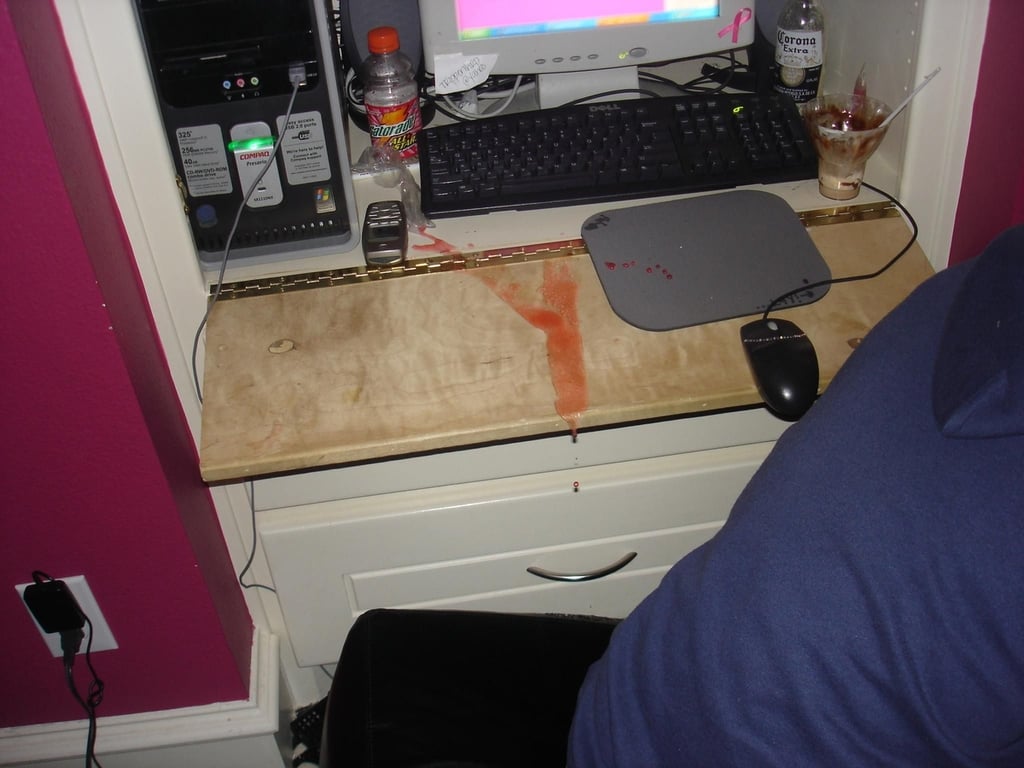
Hopefully this spill was confined to the desk and the mouse pad.
© Webshots – x3thecrew
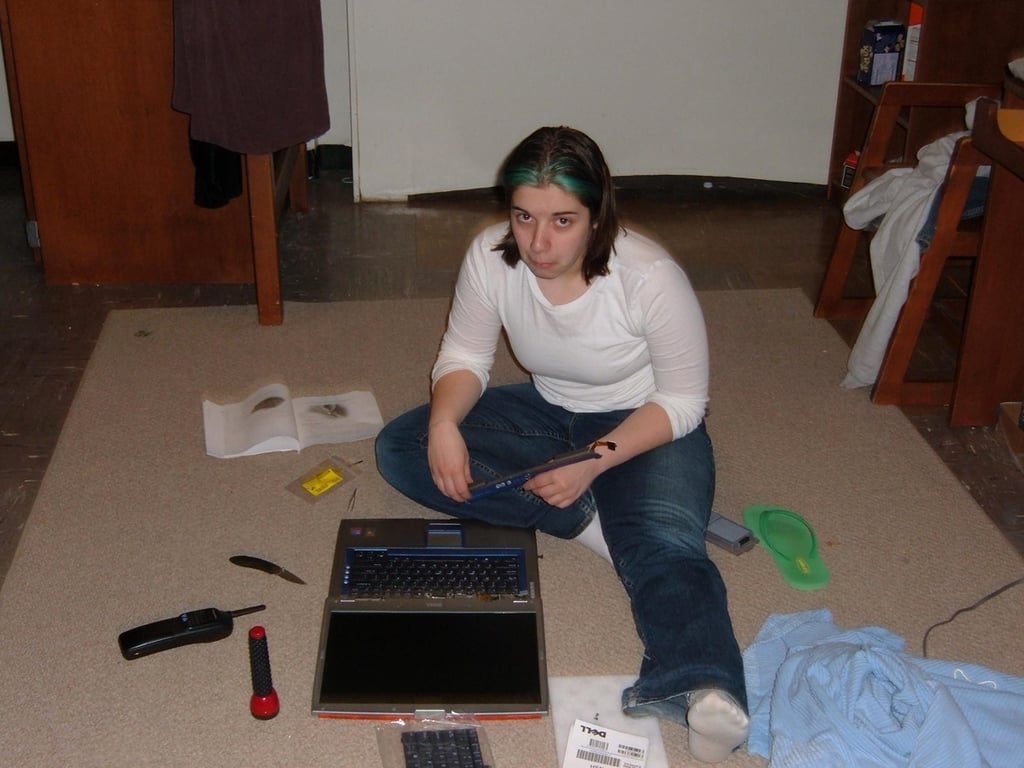
This user spilled tea on her laptop. It appears, she’s had to order a replacement keyboard.
© Webshots – snowyevans86

These two ladies appear to be having a good time. I’m sure they wouldn’t do anything careless–like hold their drinks dangerously close to that laptop.
© Webshots – ntash11
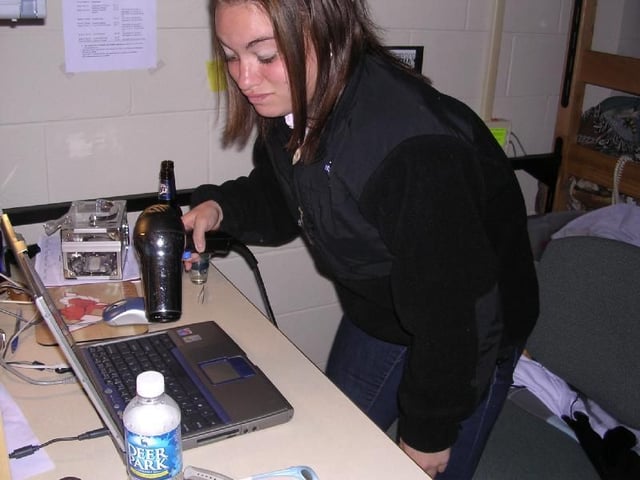
Perhaps these ladies shouldn’t have held their beers next to the laptop.
© Webshots – ntash11
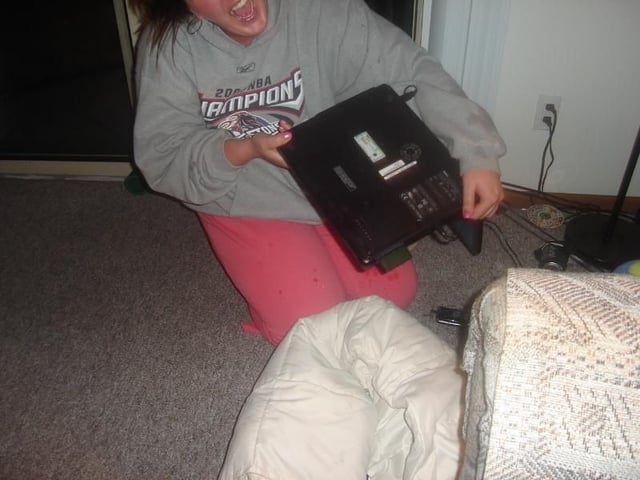
Is it just me, or does this user still have the power cord connected to her laptop, which is now covered with beer?
© Webshots – andrea14oo
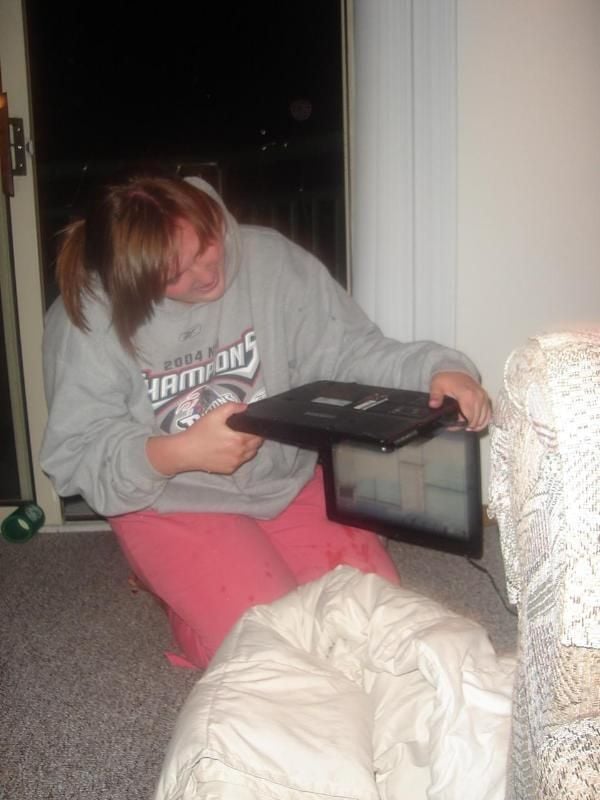
Not only does this unfortunate individual still have the power cord attached, but the laptop is still running. First rule of spills: Turn of the device and kill the power. Then, completely dry the device before powering it back up.
© Webshots – andrea14oo

This lady is all smiles as she poses for an impromptu photo.
© Webshots – jillybriz
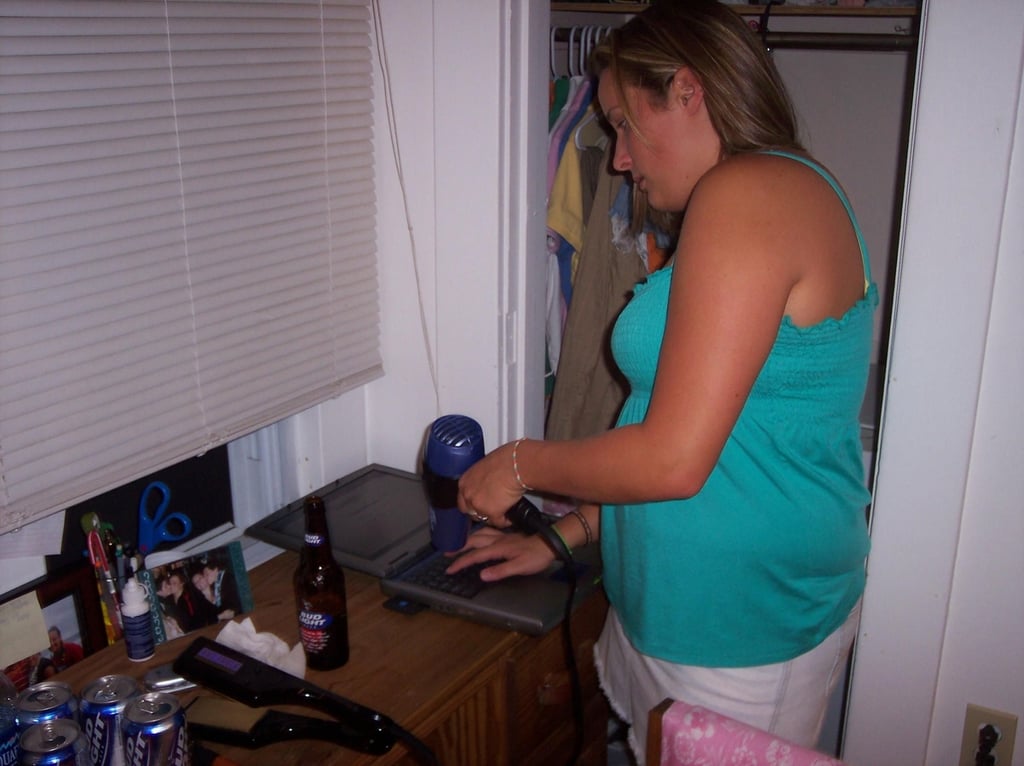
After spilling beer on her laptop, this lady has changed her expression.
© Webshots – jillybriz
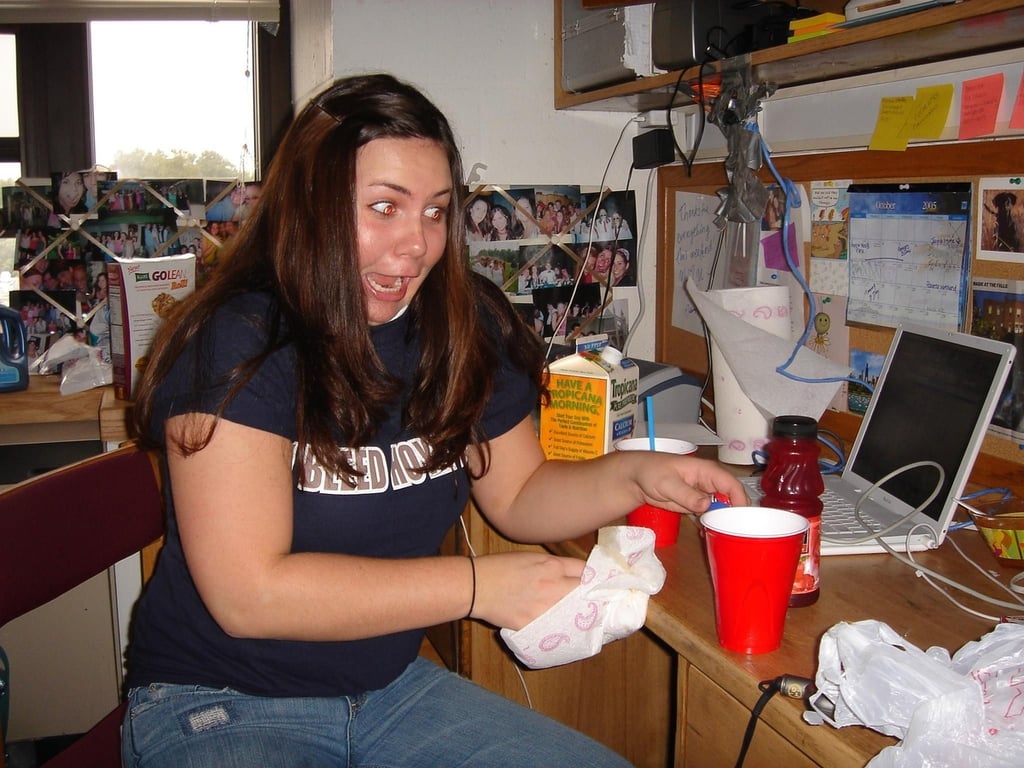
Someone spilled orange juice on this laptop while mixing drinks at 11 AM.
© Webshots – jillgeorgetown
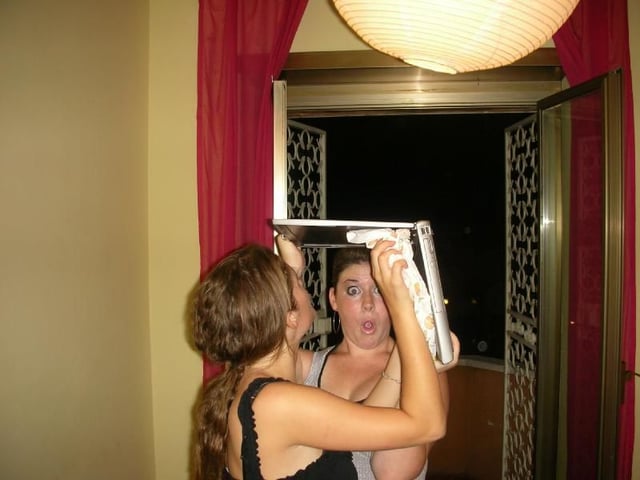
During a semester in Rome, these ladies spilled wine on this laptop. I’m not really sure why they are hold the machine over their heads. But, I love the one girl’s expression. I’m not sure if she’s shocked or amused.
© Webshots – kadie10
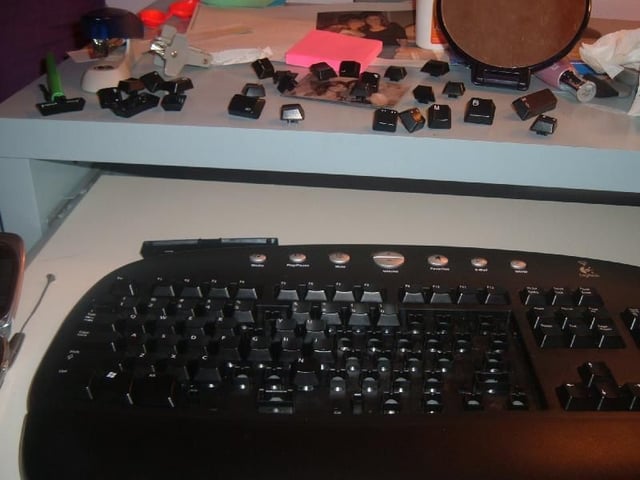
After spilling apple juice on this keyboard, the user decided to remove the key and clean out the juice. It’s a solid plan. I hope they remember where all the keys go.
© Webshots – malbaby17
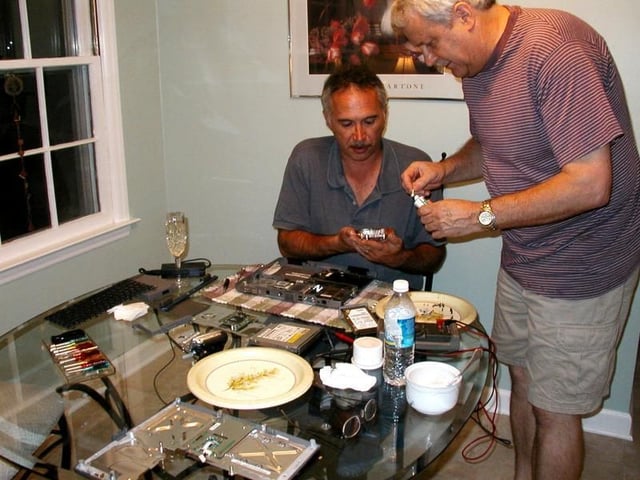
After a champagne spill killed this machine, these guys decided they had nothing to lose by taking it apart and attempting a repair.
© Webshots – netcrasher26
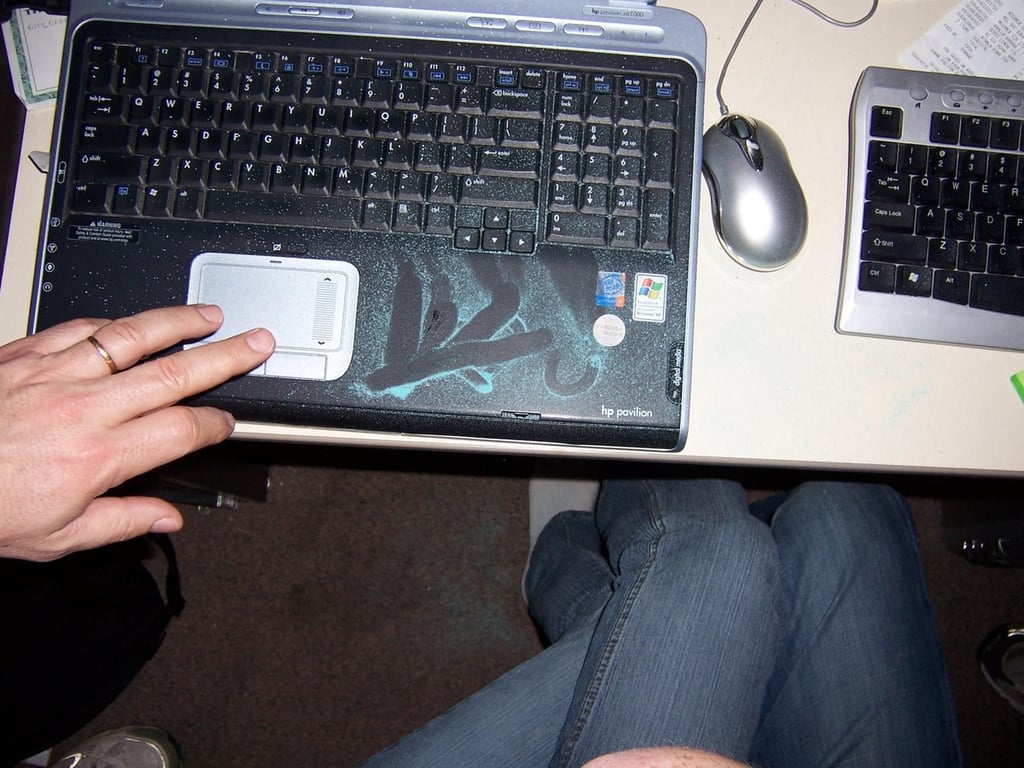
While not as potentially dangerous as a liquid, this powered candy from Nestle can still cause a mess. According to this individual, his girlfriend cause the spill. “Were Bre not so awesome,” he wrote, “this would be a break-up offense.”
© Webshots – atheose
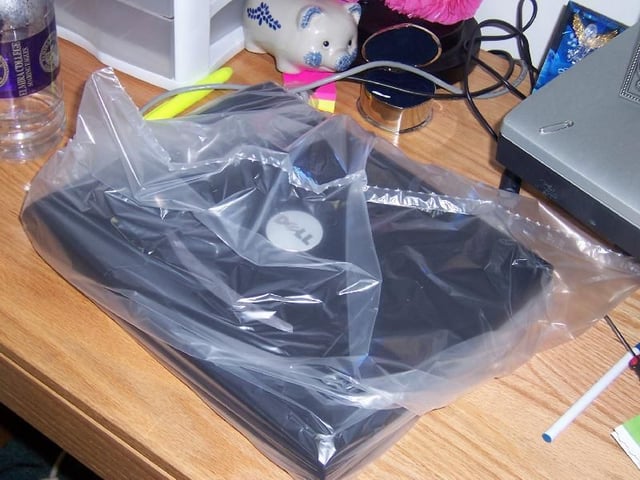
I don’t know whether this laptop was the victim of a previous spill, but at least its owner is being proactive and protecting it from a possible spill.
© Webshots – blaquedominica22
Bill Detwiler is the Editor for Technical Content and Ecosystem at Celonis. He is the former Editor in Chief of TechRepublic and previous host of TechRepublic's Dynamic Developer podcast and Cracking Open, CNET and TechRepublic's popular online show. Previously, Bill was an IT manager in the social research and energy industries. He has bachelor's and master's degrees from the University of Louisville, where he has also lectured on computer crime and crime prevention.


