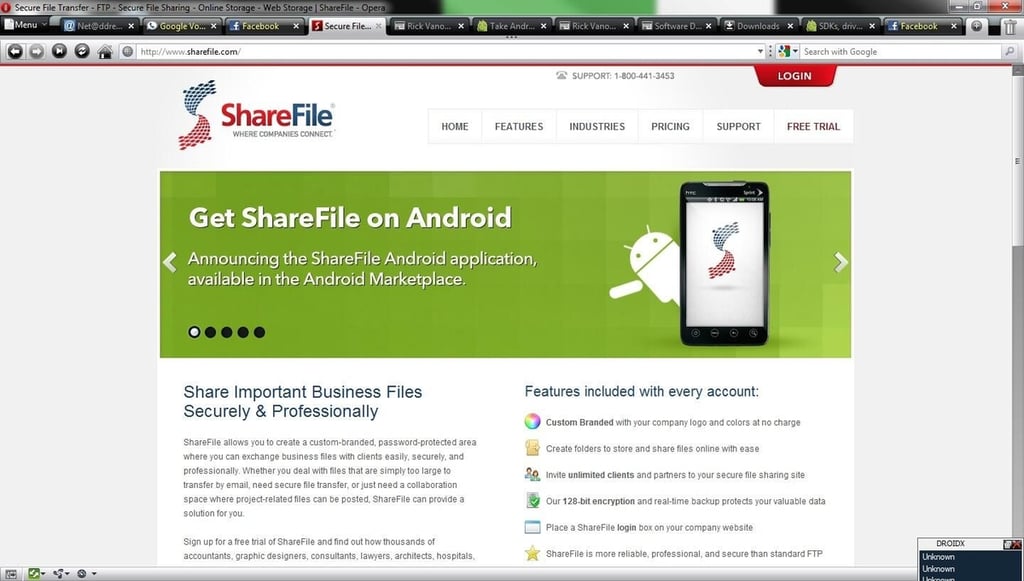
\n\tShareFile is a full-featured file exchange solution, built on cloud storage. ShareFile recently announced ShareFile Mobile Website Access, which brings access to your data directly on mobile devices. The Android application is currently available. ShareFile has a number of features including synchronization across multiple computers as well as a server synchronization option.
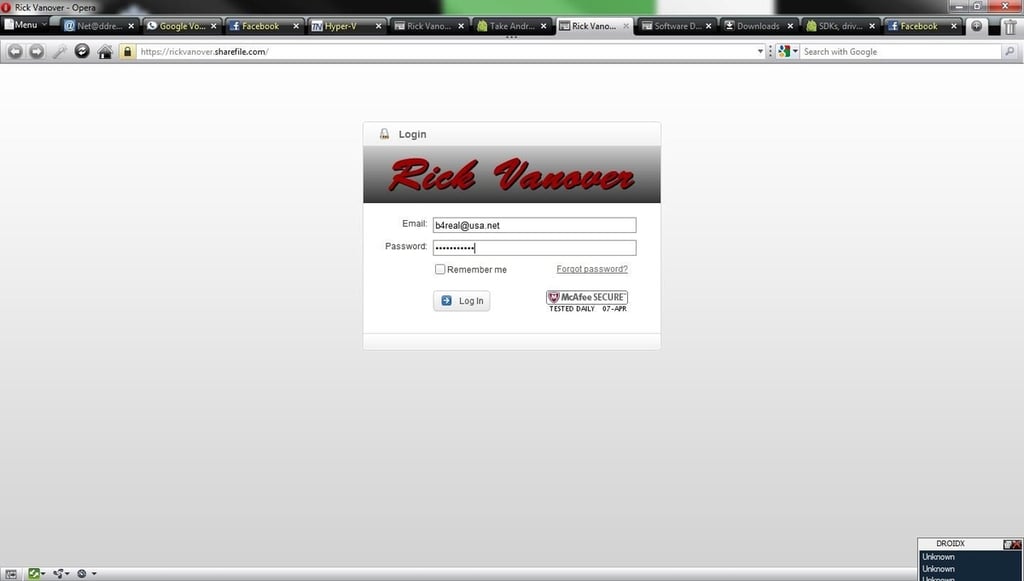
\n\tEach ShareFile account is given a personalized domain name and branding options, as shown in this example. This example isn’t so exciting, but you get the point that a custom image or logo can be placed in to the web front end of ShareFile.
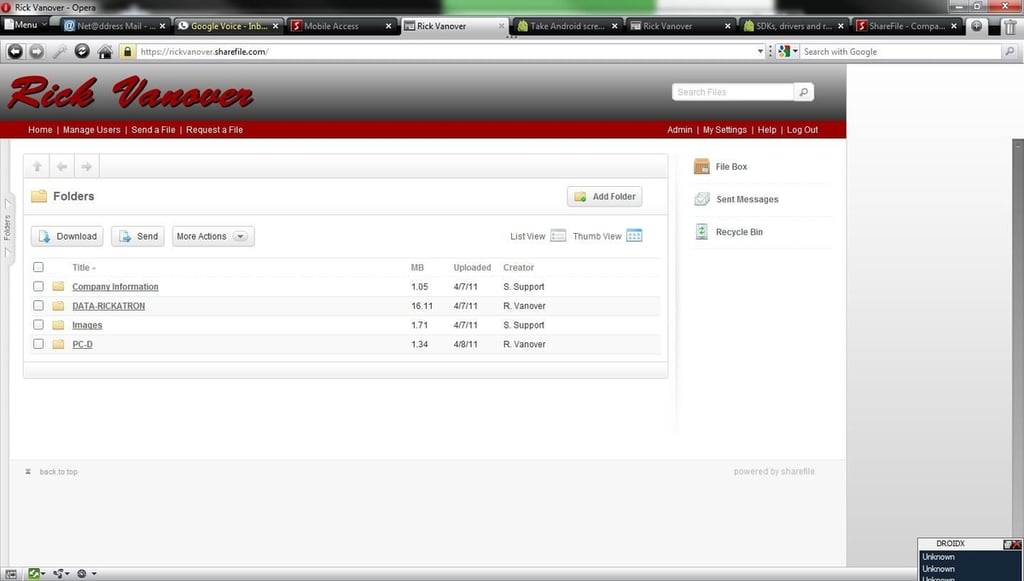
\n\tOnce in the web interface, this is one of the many ways to add data to the ShareFile account. In this example, I’ve done a few things. I’ve uploaded (the Add Folder button) a number of files in the DATA-RICKATRON folder. Also in this view, I used the ShareFile Sync functionality for the same account to add the PC-D folder.
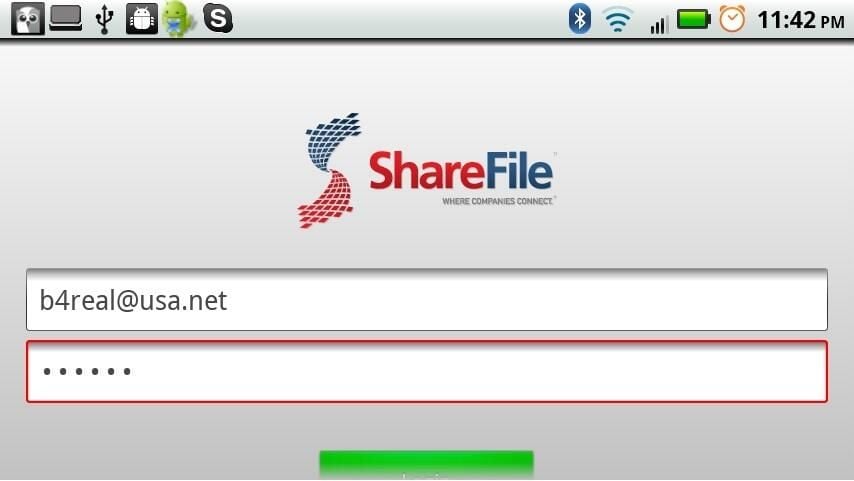
\n\tThe ShareFile account is entered into the Android application. Different ShareFile accounts give different levels of functionality, including the Enterprise Gold account type which offers 150 employee accounts that can be used for logins such as this.
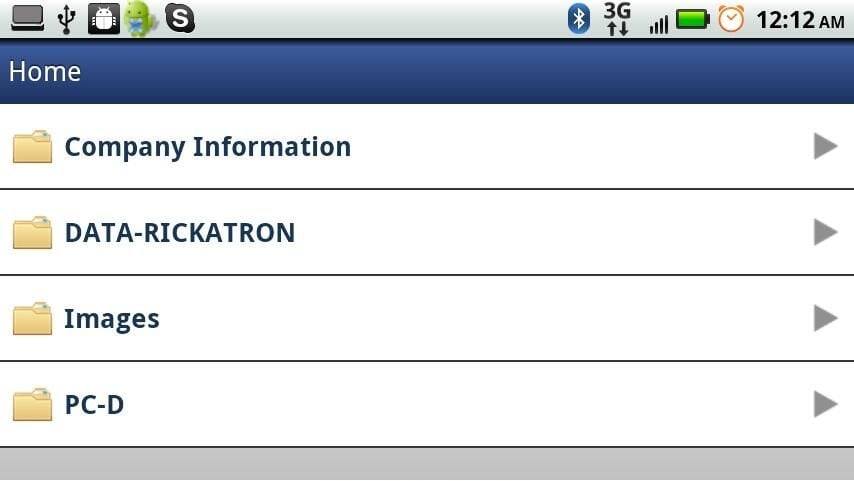
\n\tUpon logon, the folders displayed on the mobile device match the provisioning in the web portal. Notice that the PC-D folder is present, which is a different Windows Server with the ShareFile Sync application replicating (two-way or one-way) a folder on a PC to the ShareFile account.
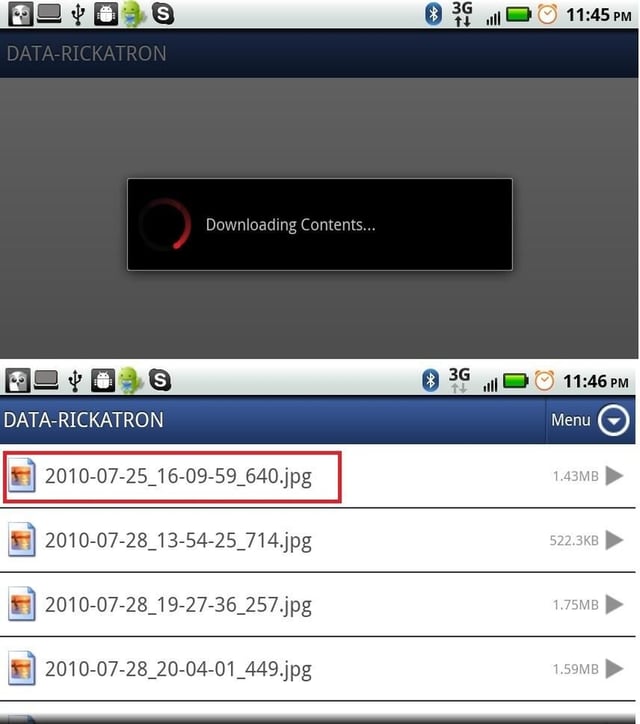
\n\tThe folders can be browsed quickly, and the interface is very simple and snappy on the Android platform. In the DATA-RICKATRON folder, there are some pictures that were uploaded. Like other Android gestures, we can click on the file and send an email of the file, view it, or download it.
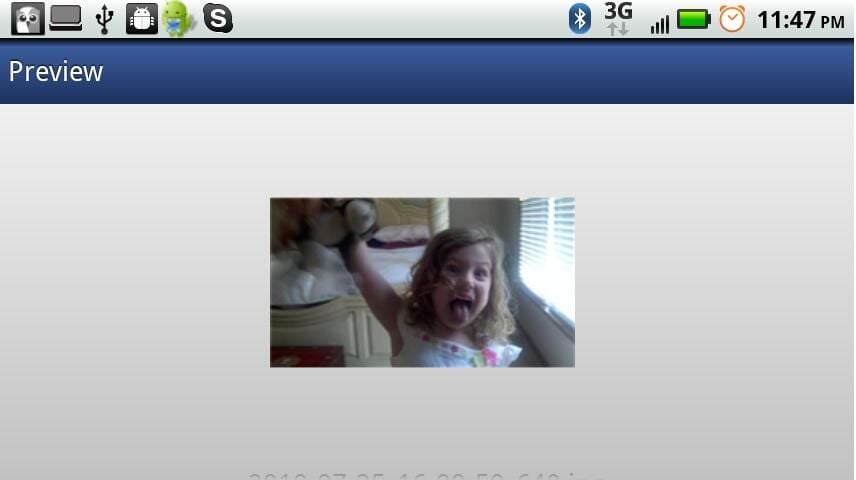
\n\tViewing the file directly in ShareFile on Android is fine, and many viewers work natively with the Android phone to deliver the best experience.
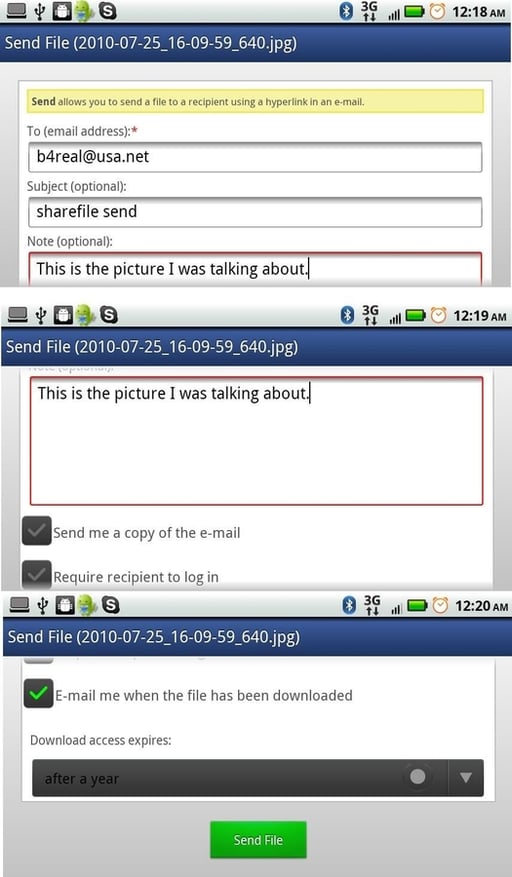
\n\tThe email option of the files is a very refined experience. Many times, emailing files directly from a mobile device is relatively pointless as the files are too large or the interface is too cryptic.
\n
\n\tThe email is actually sent from ShareFile, which is brilliant considering we frequently work with very large files. Options exist to have a login required to download the file as well as making the download time limited.
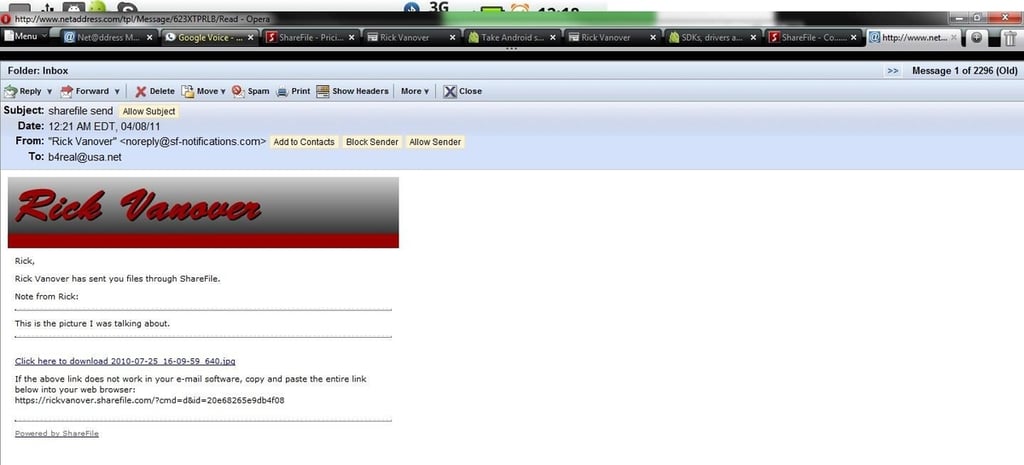
\n\tThe email that arrives is a very refined message with a link to download the file, and is sent very quickly. There is no extra round-trip traffic to the phone to send the file, which can be an issue if the file is large.
\n
\n\tThe email that was sent from the phone was able to resolve the local contact list, even though it wasn’t the native email-sending mechanism for the phone.
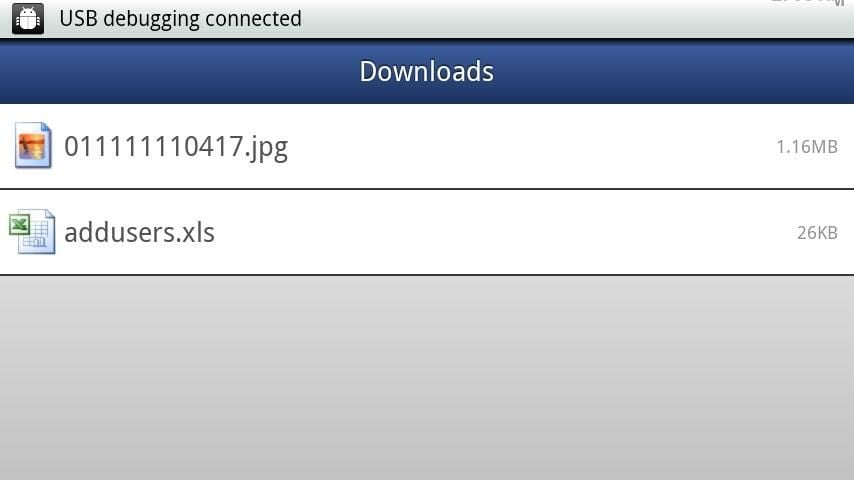
\n\tOn the other hand, if a file must be downloaded from ShareFile, the download link will put it locally on the Android device. From there, it can be opened with any viewers locally installed on the device and copied to the local \\sdcard\\sharefile path on the device.
\n
\n\tThoughts on ShareFile Mobile Website Access
\n
\n\tThis is a pretty slick solution. Combine the mobile access with the ShareFile Sync option, including a server edition, and the access is pretty broad for a managed cloud solution.
\n
\n\tMy only critique of the ShareFile solution is the cost for the accounts. While they have a free trial for all levels of service, and packages starting as low as $29.95 per month; I still feel it is a little high. I’ll admit that this is because of my knee-jerk association with cloud storage. ShareFile isn’t cloud storage; it’s a file exchange solution that leverages cloud storage.
\n
\n\tShareFile is optimized for interactive exchange across organizations and across devices, which is where traditional cloud storage differs in that having an API is not a solution. ShareFIle does deliver a robust solution for file exchanges, including easy access on the Android mobile platform.

Rick Vanover is an IT Infrastructure Manager for Alliance Data in Columbus, Ohio. Rick's IT certifications include VMware VCP, Microsoft Windows Server 2008 MCITP, Windows Server 2003 MCSA and others. \ \ Previous experiences included working for Dematic Corp (formerly Siemens L&A, Siemens Dematic, Rapistan)in Grand Rapids, MI in various capacities deploying custom software solutions to the material handling industry using a mix of current hardware and software products. You can reach Rick at b4real@usa.net. Follow rick on Twitter at @RickVanover


