Cracking Open an ultrabook ancestor the Compaq Armada M300
Cracking Open the Compaq Armada M300
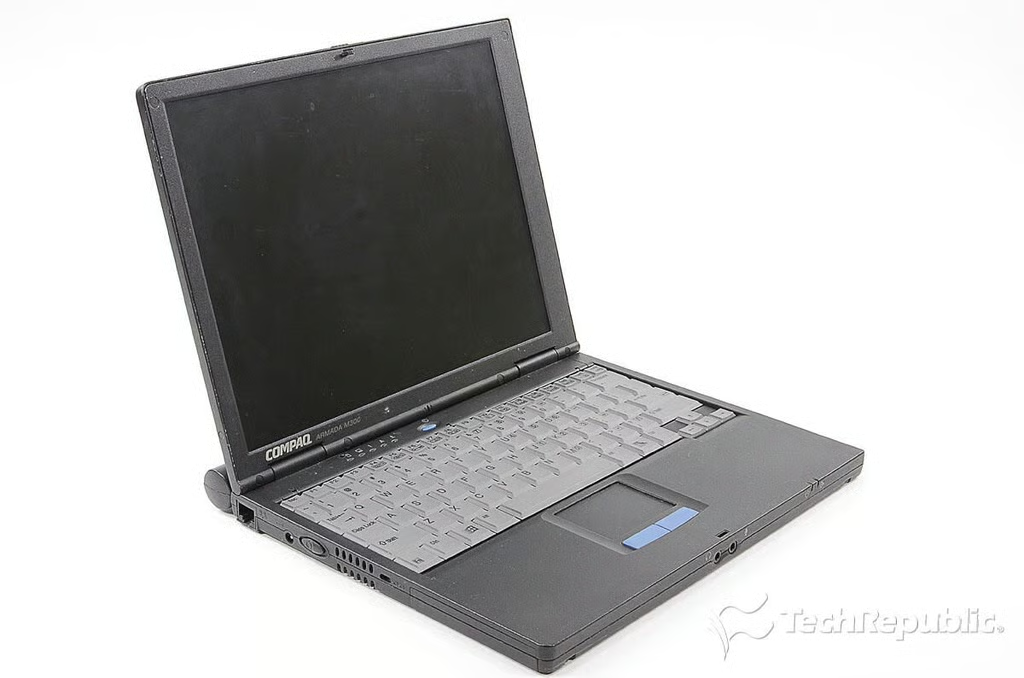
\n\tLong before Intel dreamed up the term “ultrabook”, computer makers were selling laptops designed to be highly portable. These machines were thinner and lighter than traditional laptops with only slightly less power.
\n
\n\tI used one such machine when I first started at TechRepublic–the Compaq Armada M300. It served me well for many years, and I couldn’t think of a more fitting tribute than to crack it open.
\n\t
\n\tPhoto by: Bill Detwiler / TechRepublic
\n\tCaption by: Bill Detwiler
Cracking Open the Compaq Armada M300: Hardware specifications
\n\tThe Compaq Armada M300 was available with either an 11.3″ or 12.1″ display and came in a variety of hardware configurations.
Cracking Open the Compaq Armada M300: Dimensions
\n\tThe 11.3″ Compaq Armada M300 measures 10.4″ W x 0.9″ H x 9.0″ D and weighs ~3.1 lbs.
\n\t
\n\tPhoto by: Bill Detwiler / TechRepublic
\n\tCaption by: Bill Detwiler
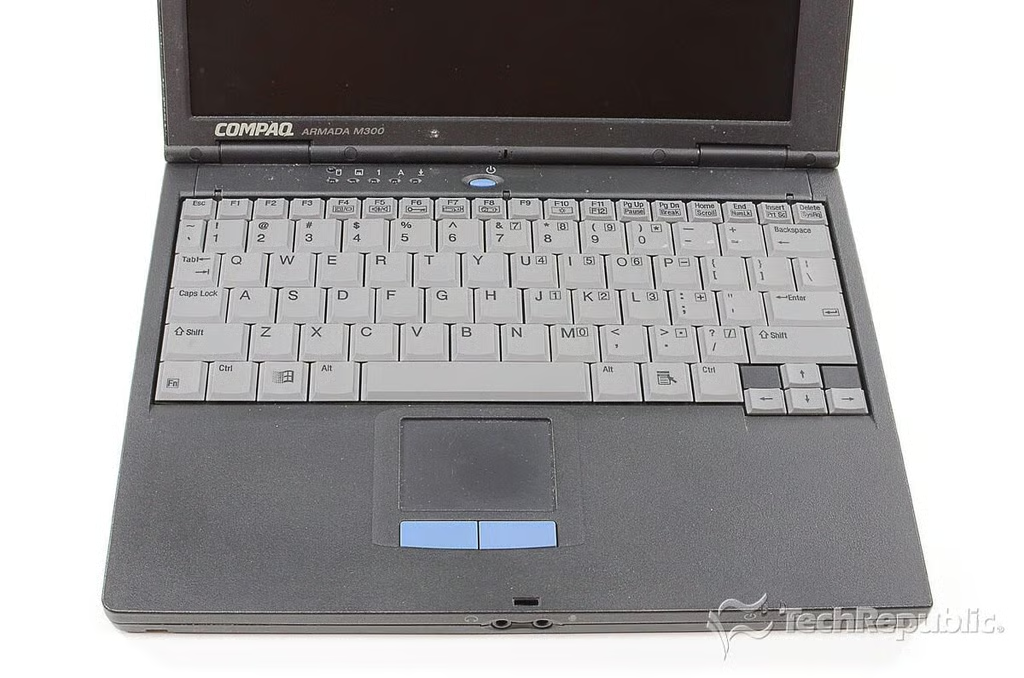
Cracking Open the Compaq Armada M300: Keyboard and track pad
\n\tAccording to Compaq, the Armada M300’s keyboard is 95 percent the size of a standard laptop keyboard.
\n
\n\tPhoto by: Bill Detwiler / TechRepublic
\n\tCaption by: Bill Detwiler
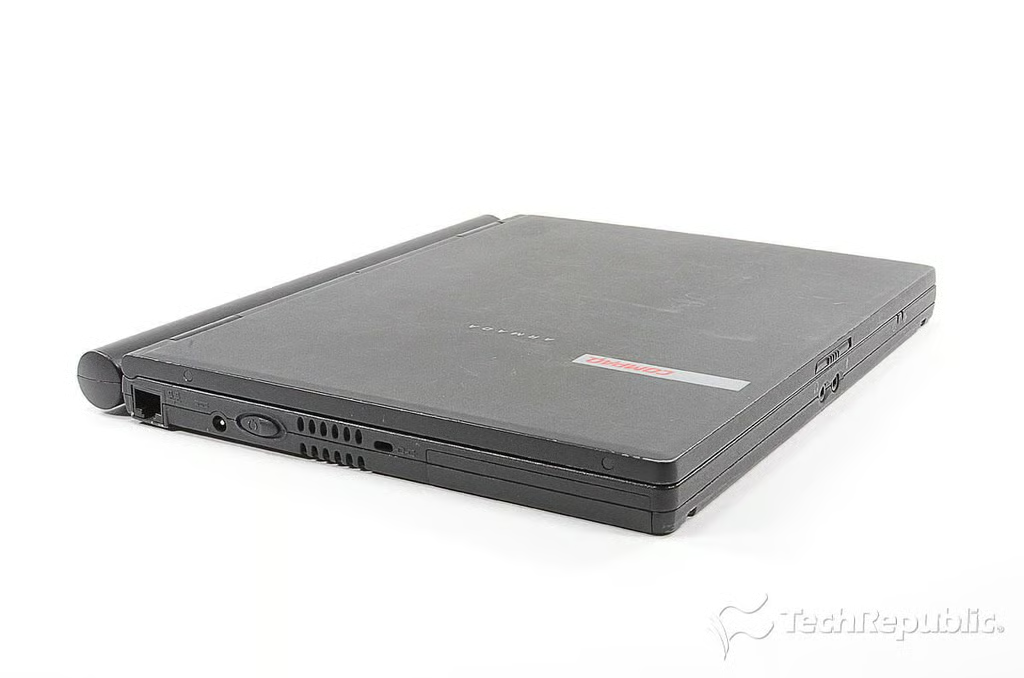
Cracking Open the Compaq Armada M300: Rear ports
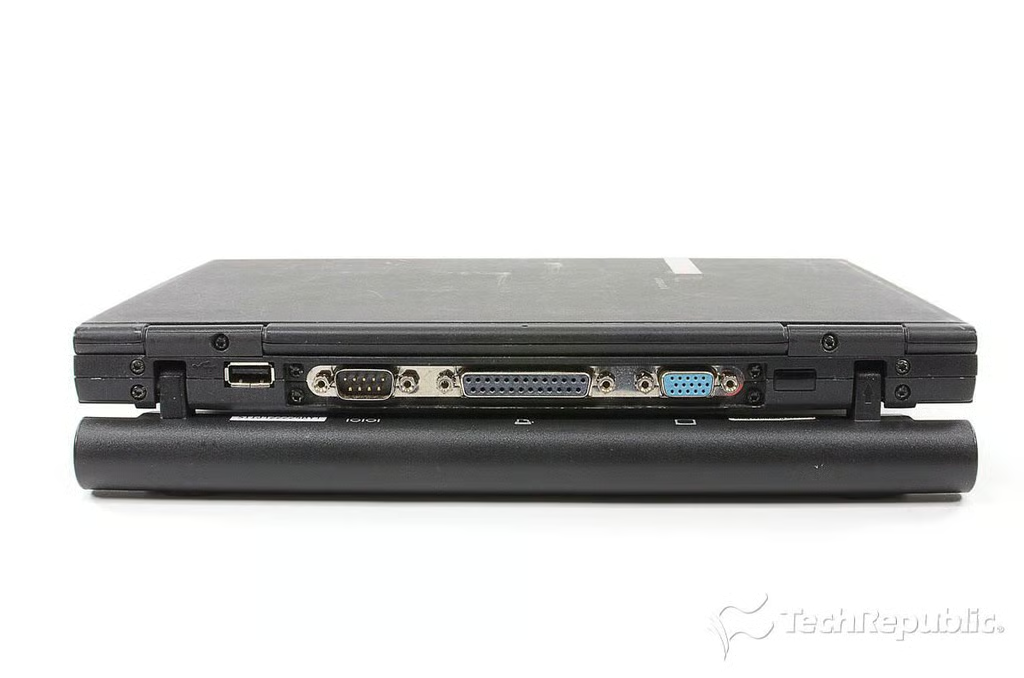
\n\tThe Compaq Armada M300’s battery could be rotated downward. This positioned the laptop at a slight incline for easier typing.
\n
\n\tPhoto by: Bill Detwiler / TechRepublic
\n\tCaption by: Bill Detwiler
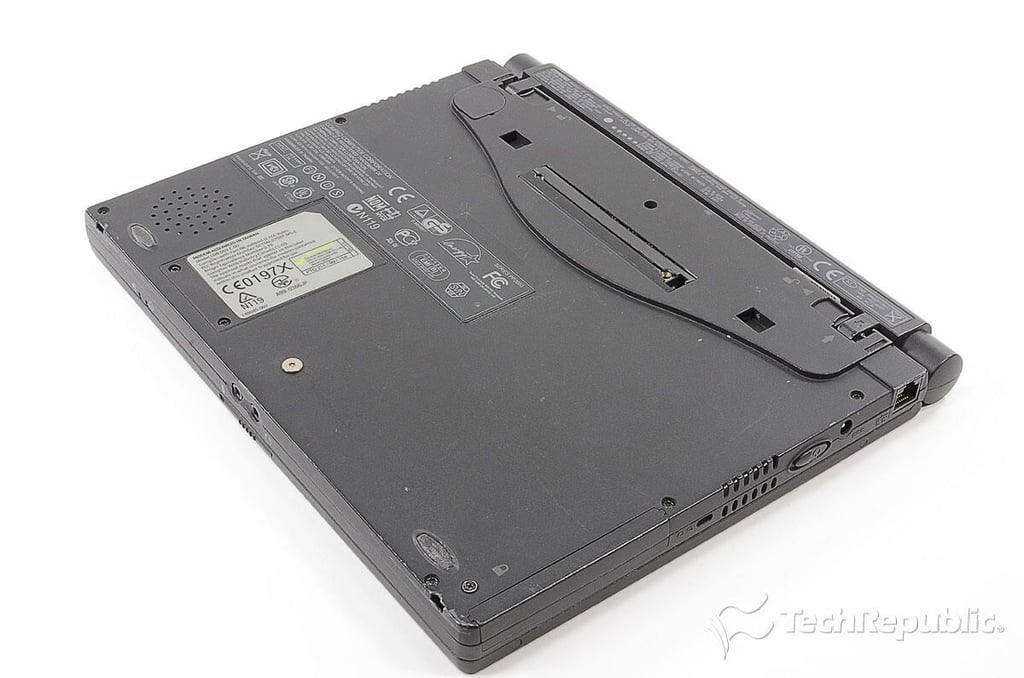
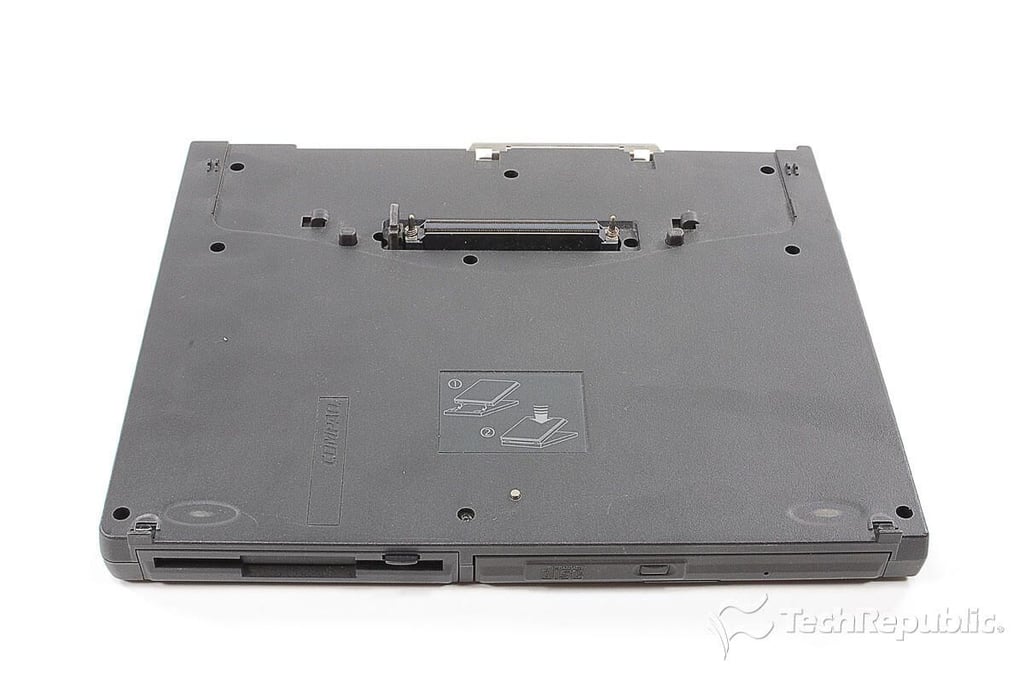
Cracking Open the Compaq Armada M300: Docking station
\n\tAs the Compaq Armada M300 had no built-in optical or floppy drives, Compaq sold a docking station with a 1.44 floppy drive and a CD-ROM or DVD drive.
\n
\n\tPhoto by: Bill Detwiler / TechRepublic
\n\tCaption by: Bill Detwiler
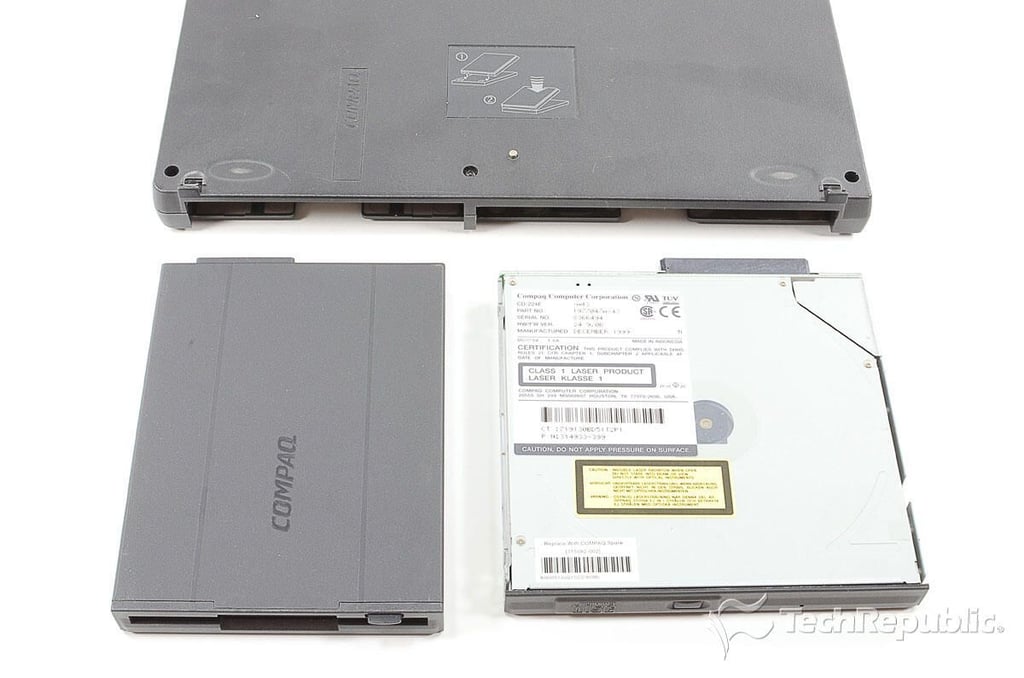
Cracking Open the Compaq Armada M300: Floppy and CD-Rom drives
Cracking Open the Compaq Armada M300: 3.5" 1.44 MB floppy drive and CD-ROM
\n\tThe docking station’s floppy and optical drives are removable.
\n
\n\tPhoto by: Bill Detwiler / TechRepublic
\n\tCaption by: Bill Detwiler
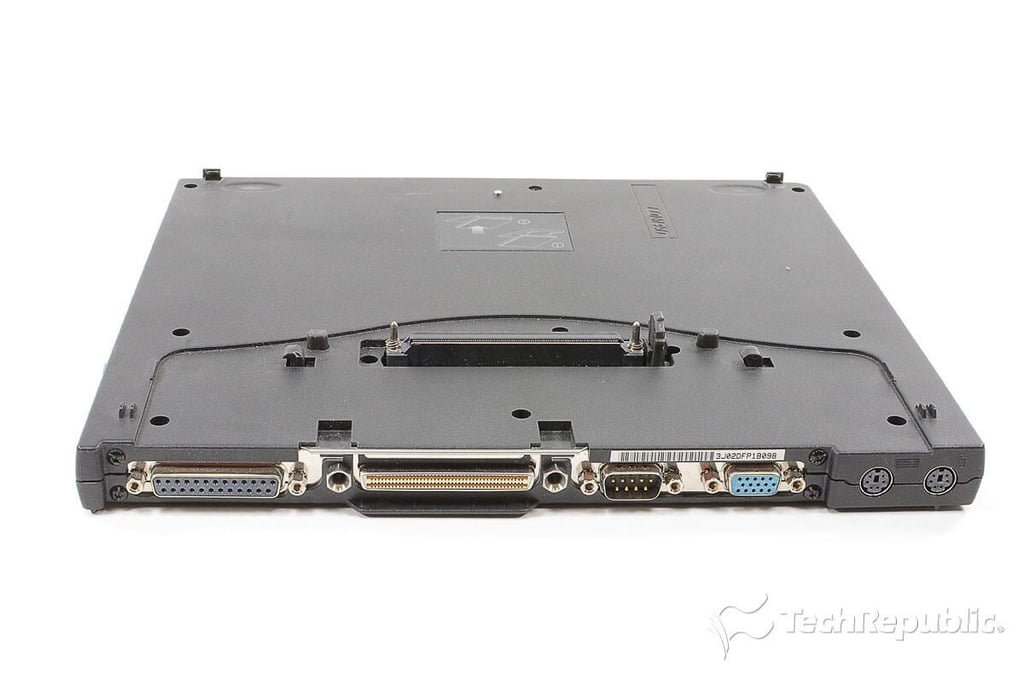
Cracking Open the Compaq Armada M300: Docking station ports
\n\tThe docking station also had a variety of ports.
\n
\n\tPhoto by: Bill Detwiler / TechRepublic
\n\tCaption by: Bill Detwiler
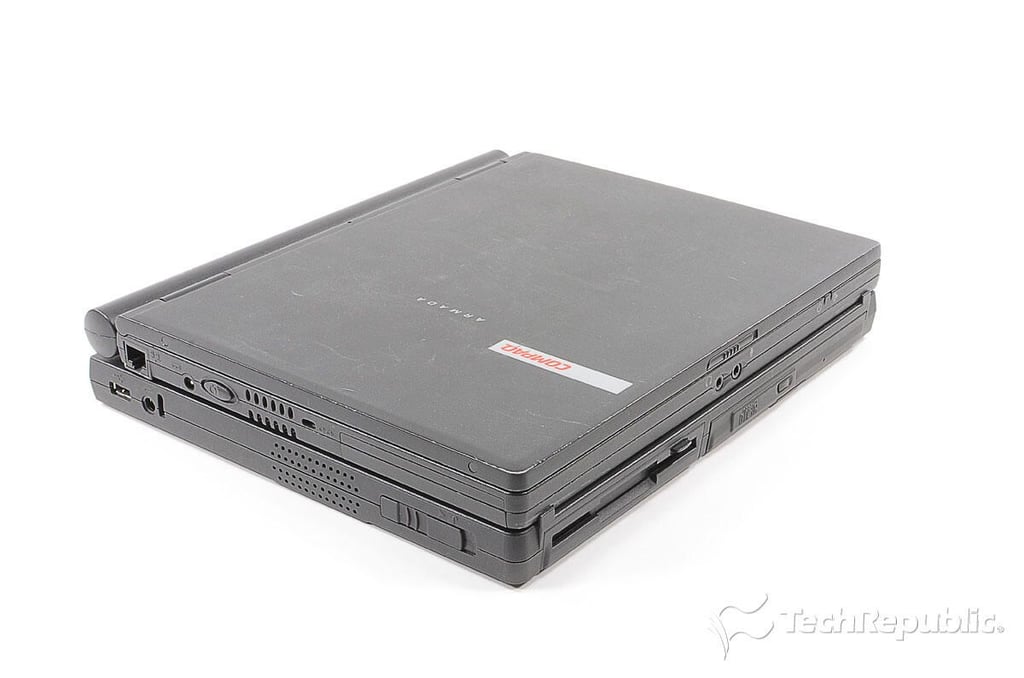
Cracking Open the Compaq Armada M300: Mounted on docking station
\n\tAttaching the Compaq Armada M300’s docking station nearly doubled its height.
\n
\n\tPhoto by: Bill Detwiler / TechRepublic
\n\tCaption by: Bill Detwiler
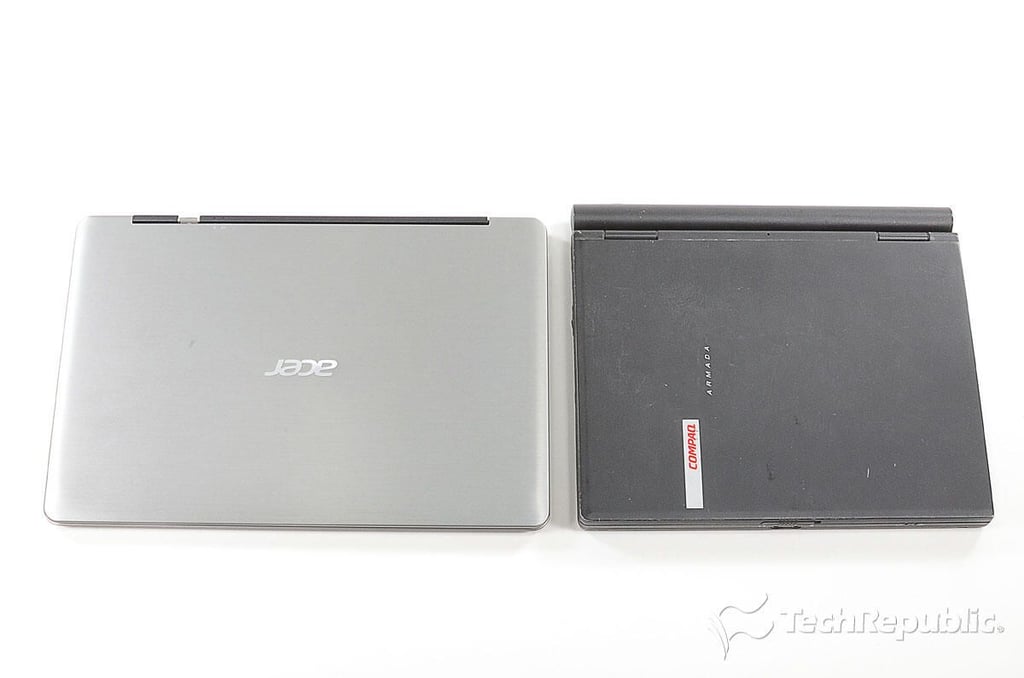
Cracking Open the Compaq Armada M300: Side-by-side with the Acer Aspire S3 Ultrabook
\n\tCompared to a modern ultrabook, the Acer Aspire S3, the Armada M300 deeper but also narrower.
\n
\n\tPhoto by: Bill Detwiler / TechRepublic
\n\tCaption by: Bill Detwiler
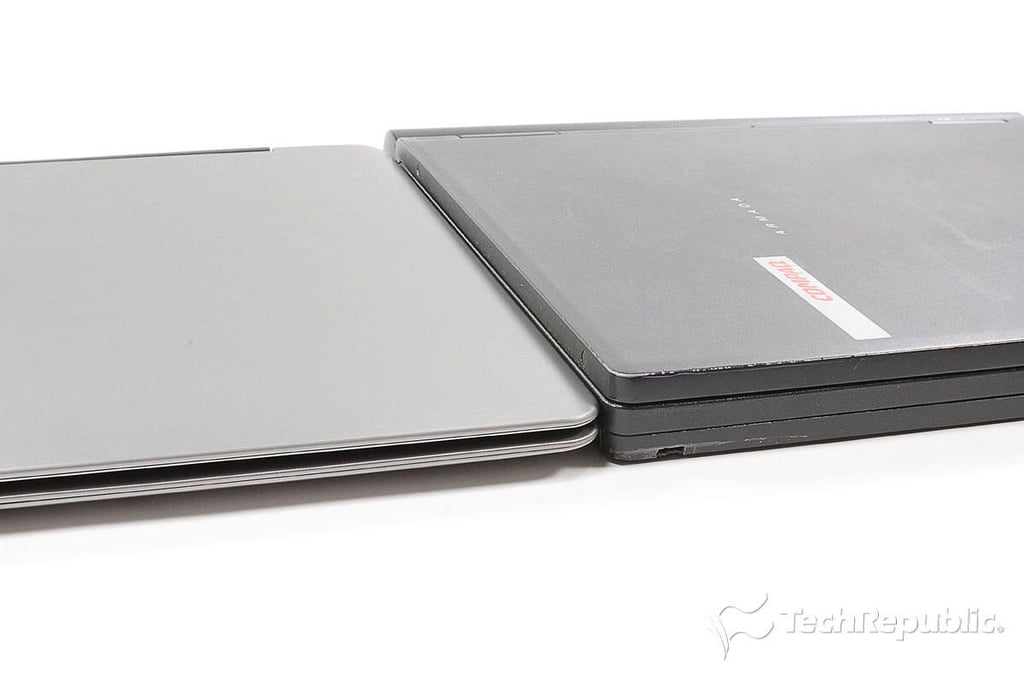
Cracking Open the Compaq Armada M300: Not quite as thin as an ultrabooks from 2011
\n\tThe Acer Aspire S3 is slightly thinner than the old Compaq Armada M300.
\n
\n\tPhoto by: Bill Detwiler / TechRepublic
\n\tCaption by: Bill Detwiler
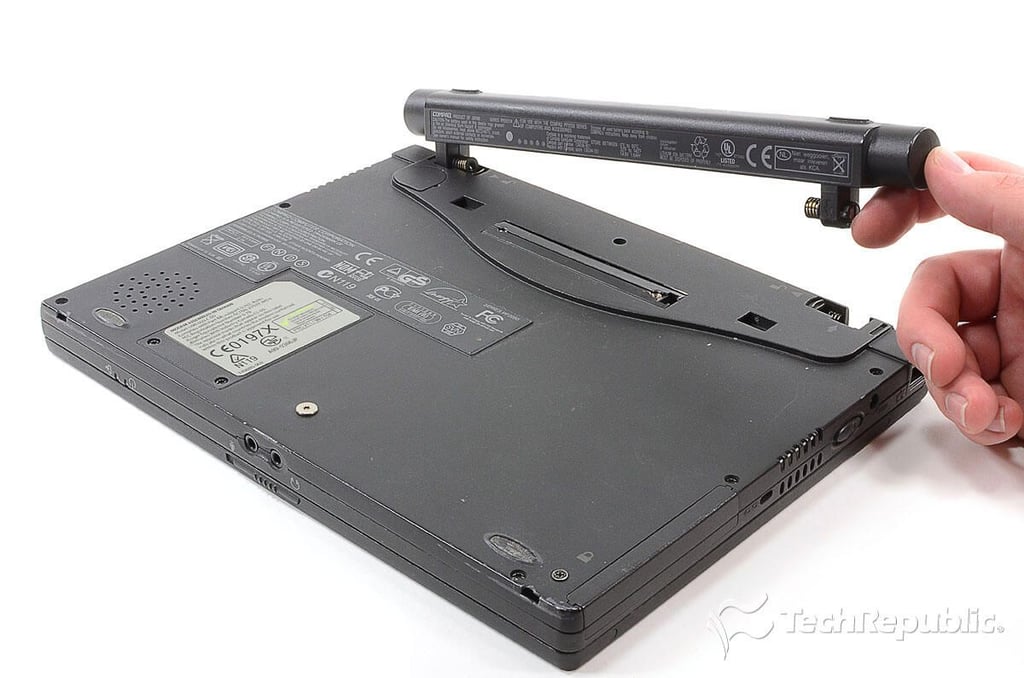
Cracking Open the Compaq Armada M300: Removing the battery
\n\tThe first step in cracking open the Armada M300 is removing the battery.
\n
\n\tPhoto by: Bill Detwiler / TechRepublic
\n\tCaption by: Bill Detwiler
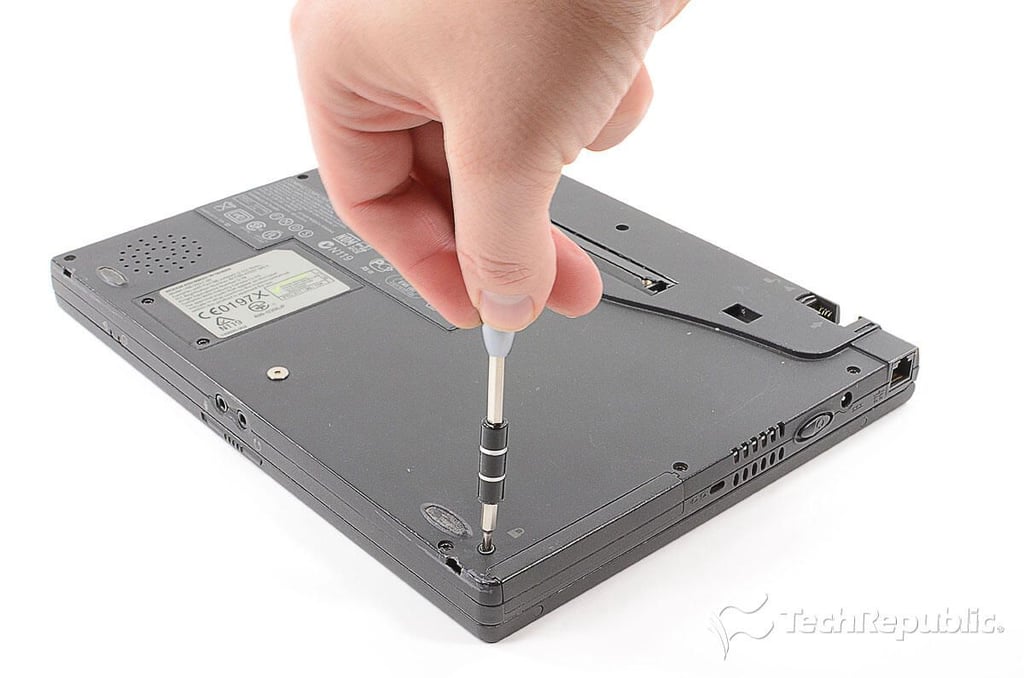
Cracking Open the Compaq Armada M300: Removing the HDD lock screw
\n\tAfter removing the battery, I removed the hard drive locking screw.
\n
\n\tPhoto by: Bill Detwiler / TechRepublic
\n\tCaption by: Bill Detwiler
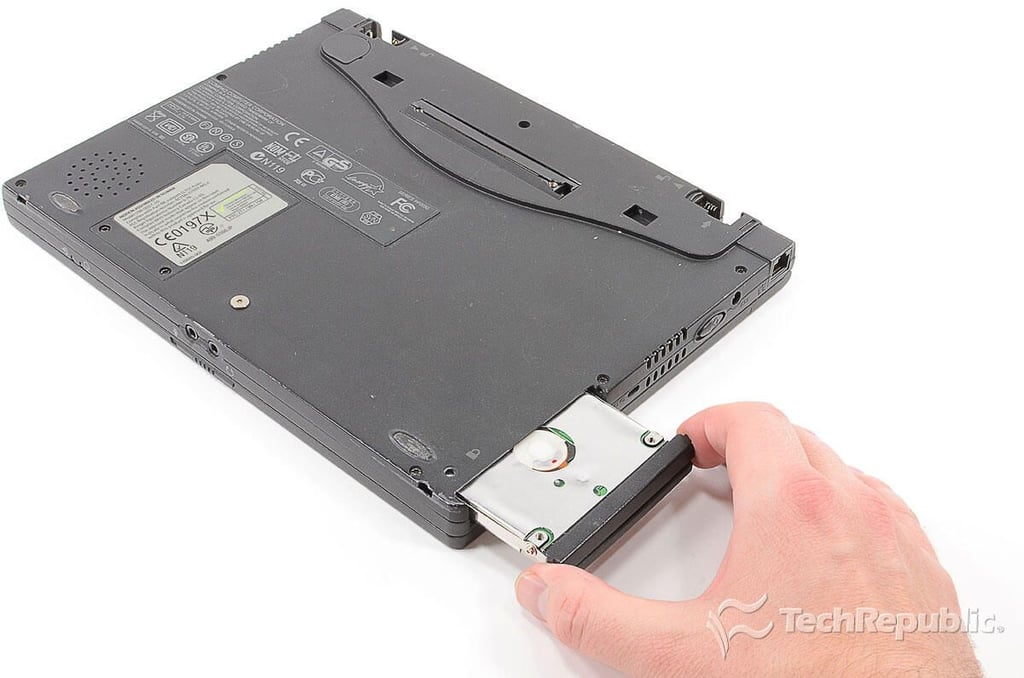
Cracking Open the Compaq Armada M300: Removing the HDD
\n\tWith the its locking screw removed, the Armada M300’s HDD slides out.
\n
\n\tPhoto by: Bill Detwiler / TechRepublic
\n\tCaption by: Bill Detwiler
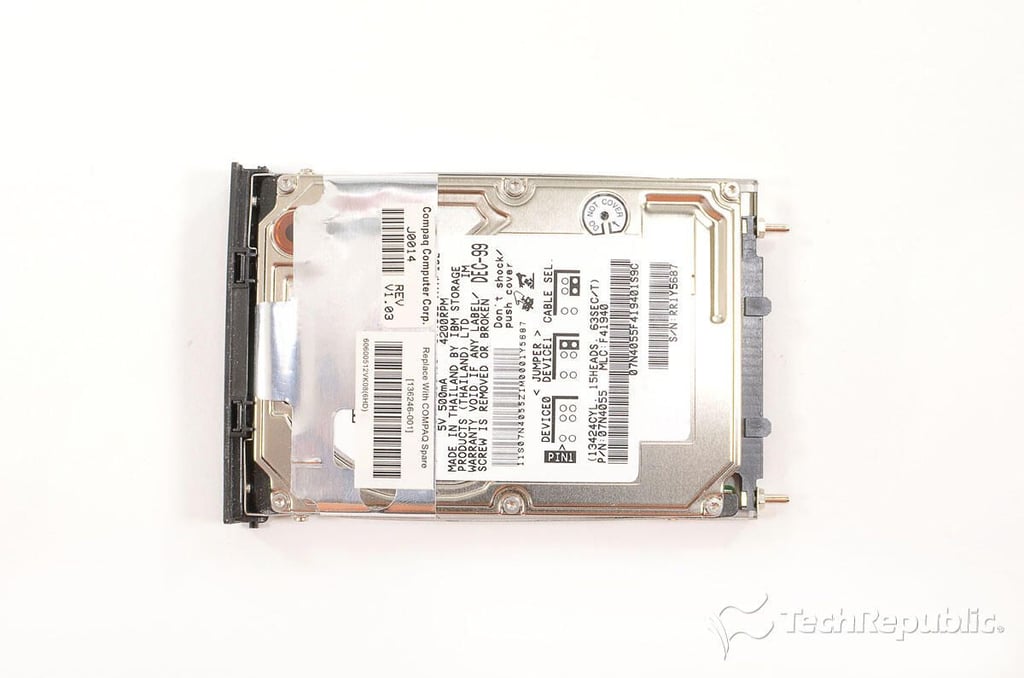
Cracking Open the Compaq Armada M300: 6.4GB 2.5" IBM Travelstar hard drive
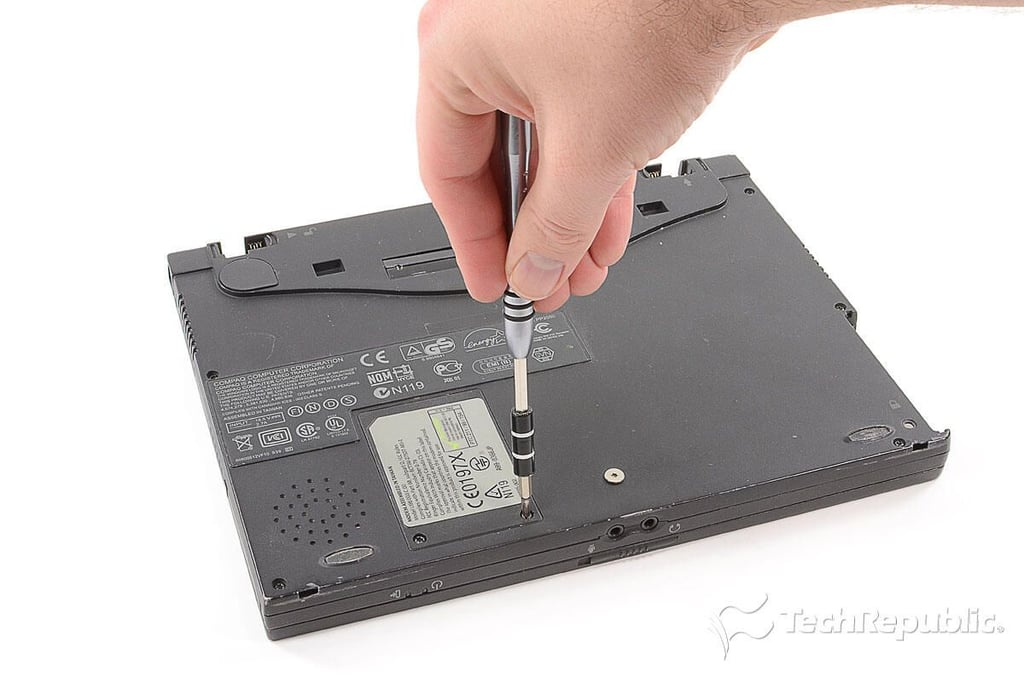
Cracking Open the Compaq Armada M300: Removing the modem board cover screws
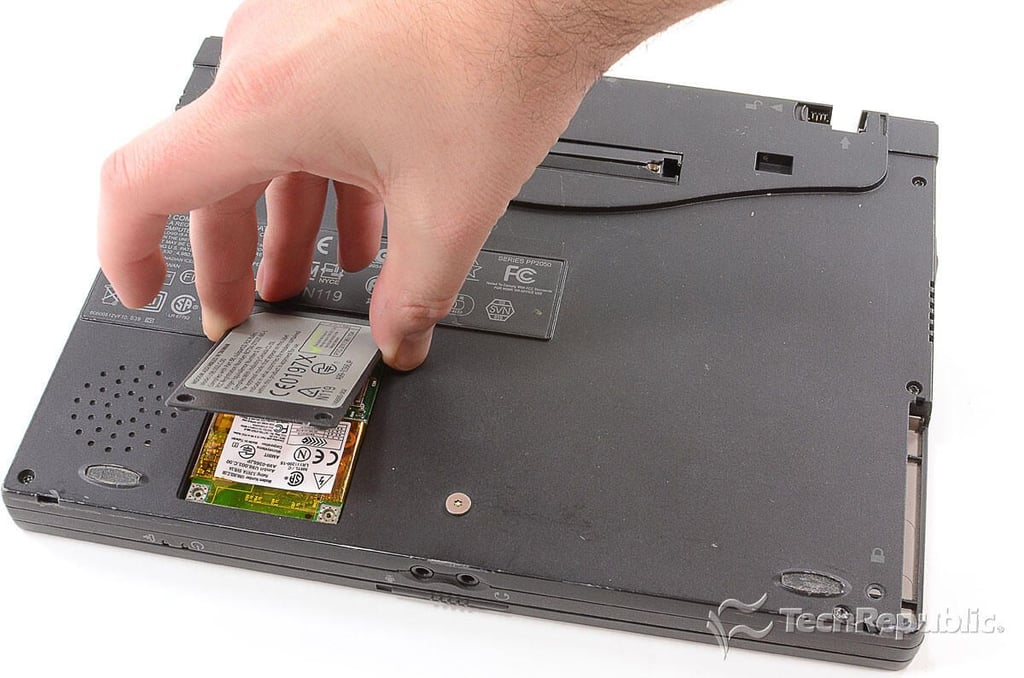
Cracking Open the Compaq Armada M300: Removing the modem board cover
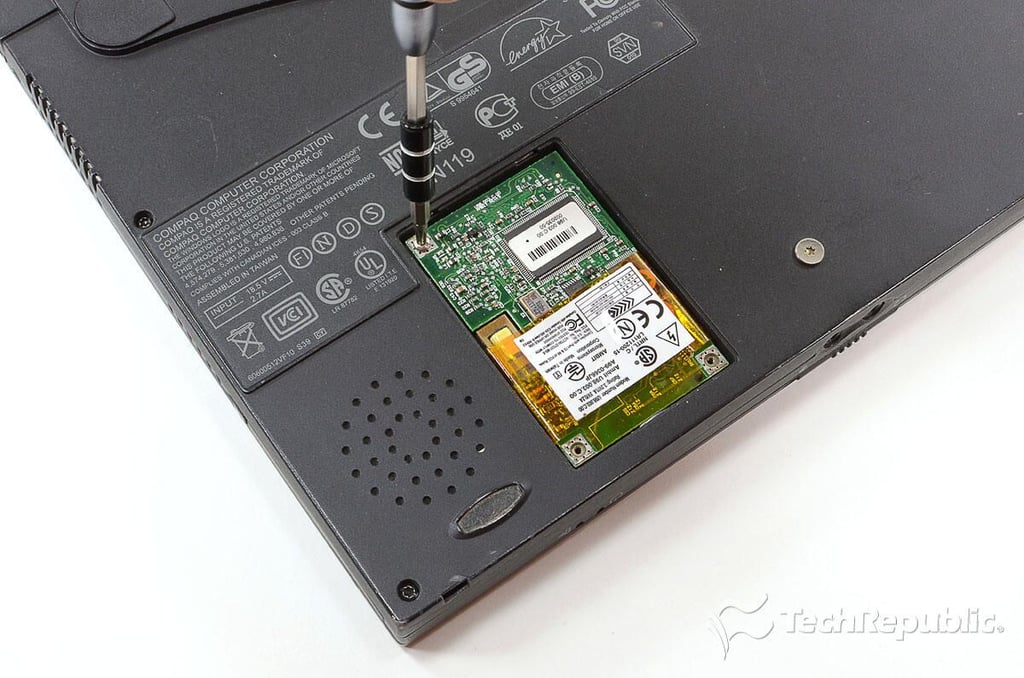
Cracking Open the Compaq Armada M300: Removing the modem screws
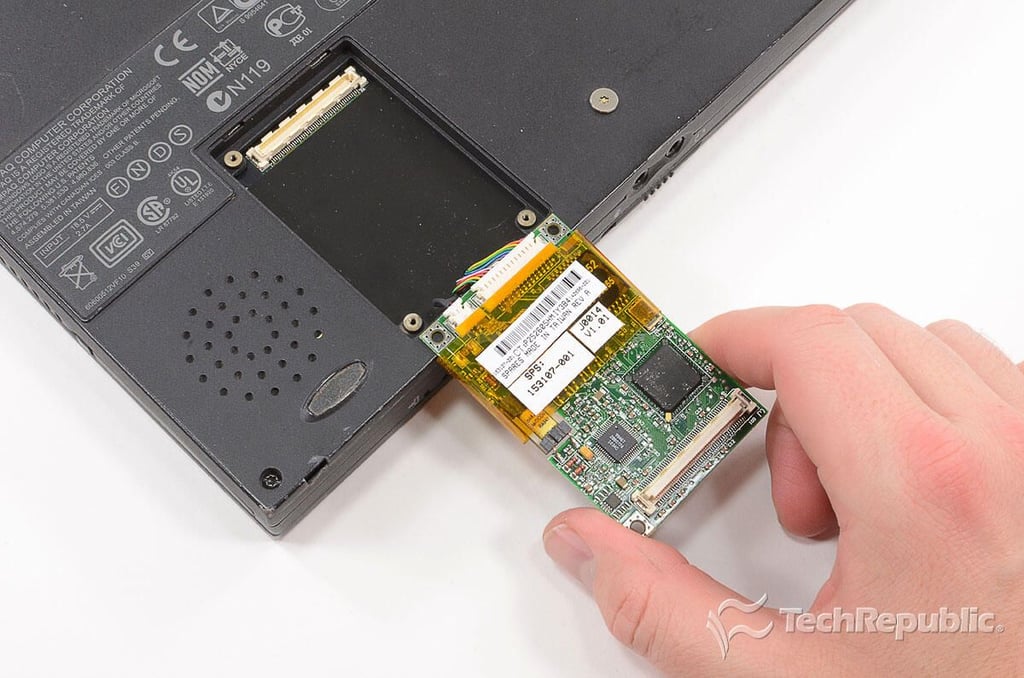
Cracking Open the Compaq Armada M300: Removing the modem
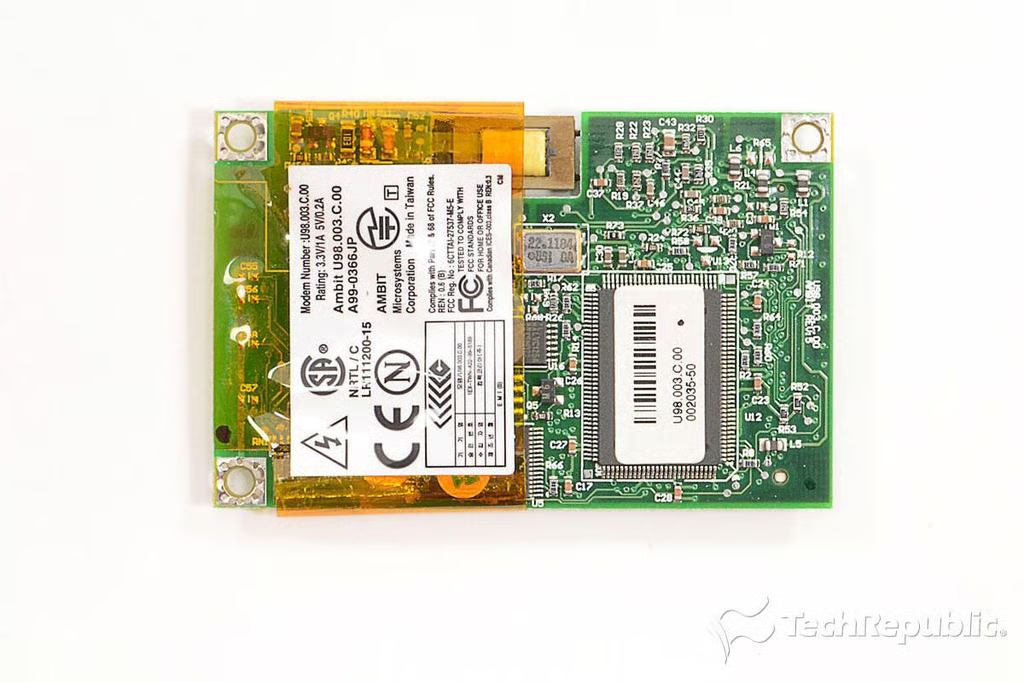
Cracking Open the Compaq Armada M300: Ambit Microsystems U98.003.C.00 modem plus 10/100 NIC combo card
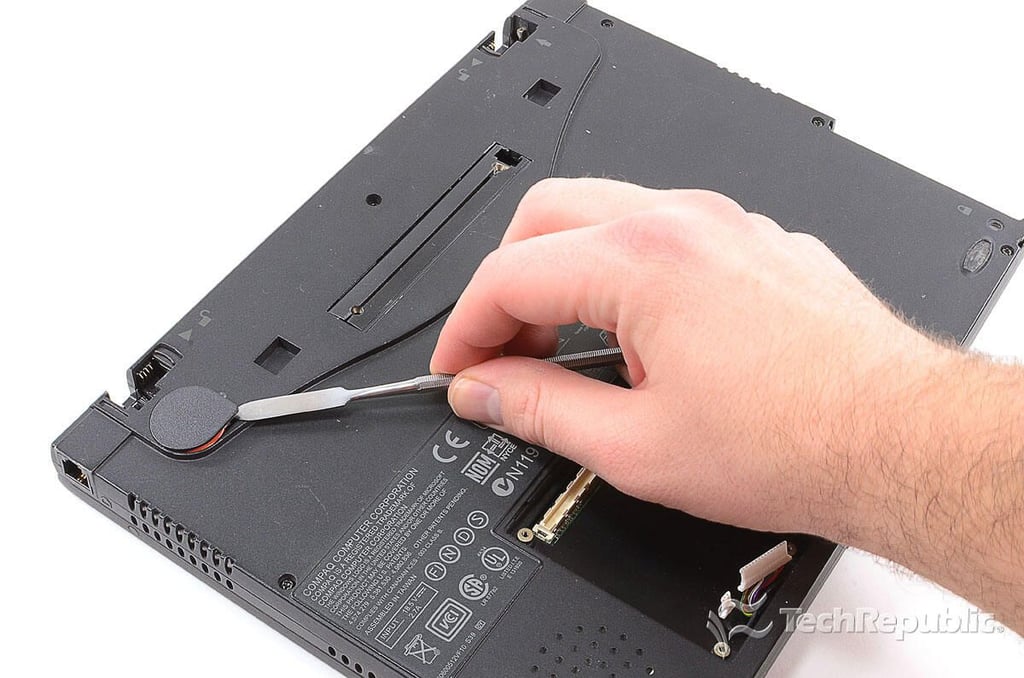
Cracking Open the Compaq Armada M300: Removing the system battery cover
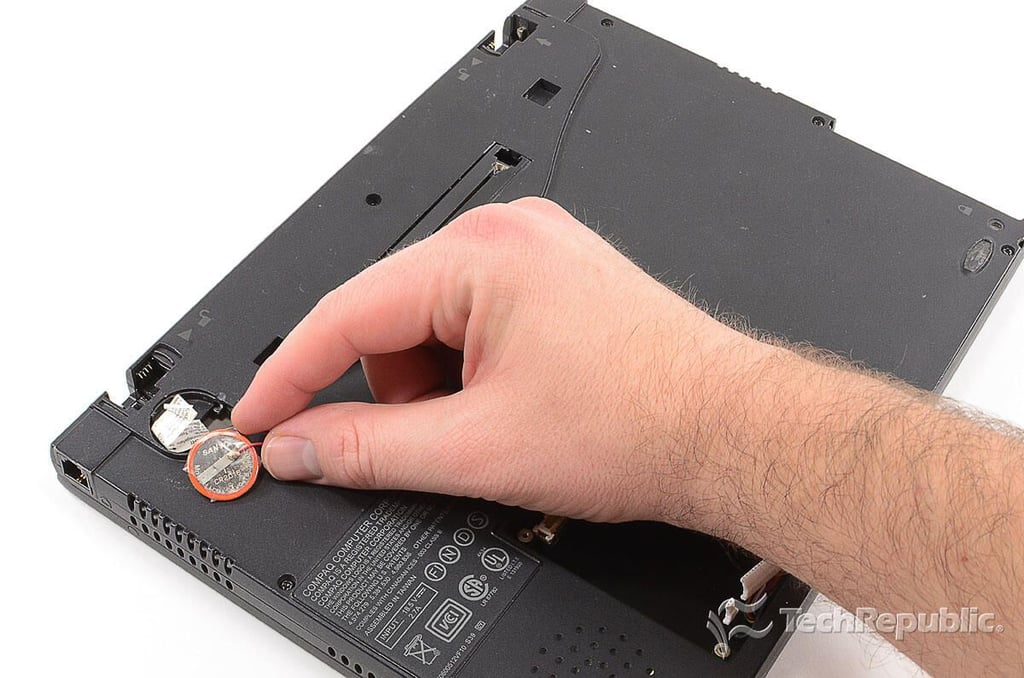
Cracking Open the Compaq Armada M300: Removing the system battery
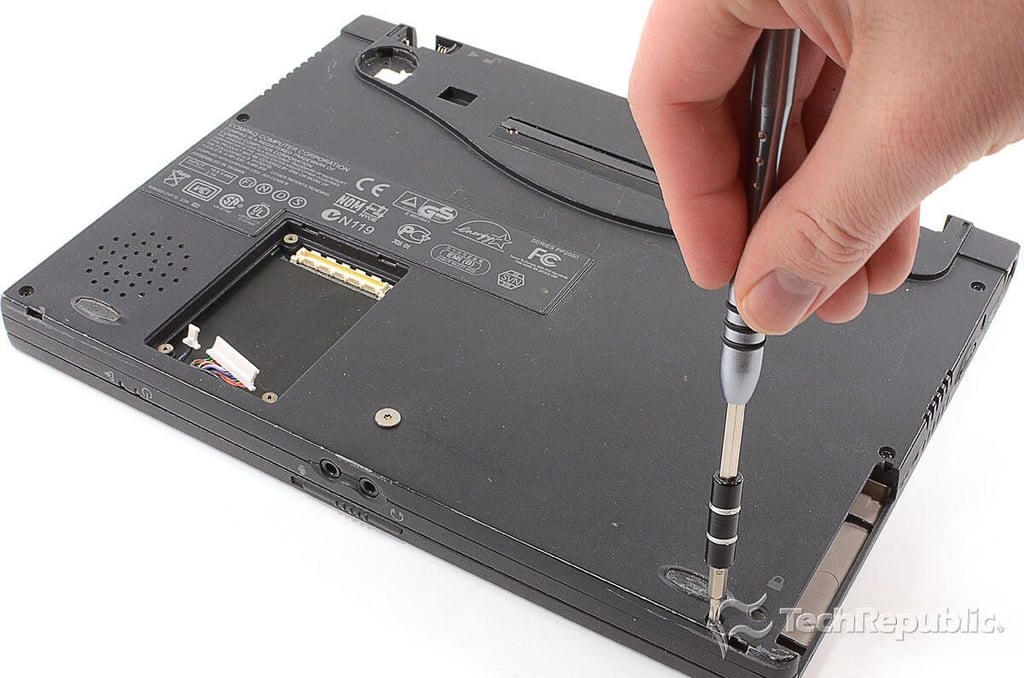
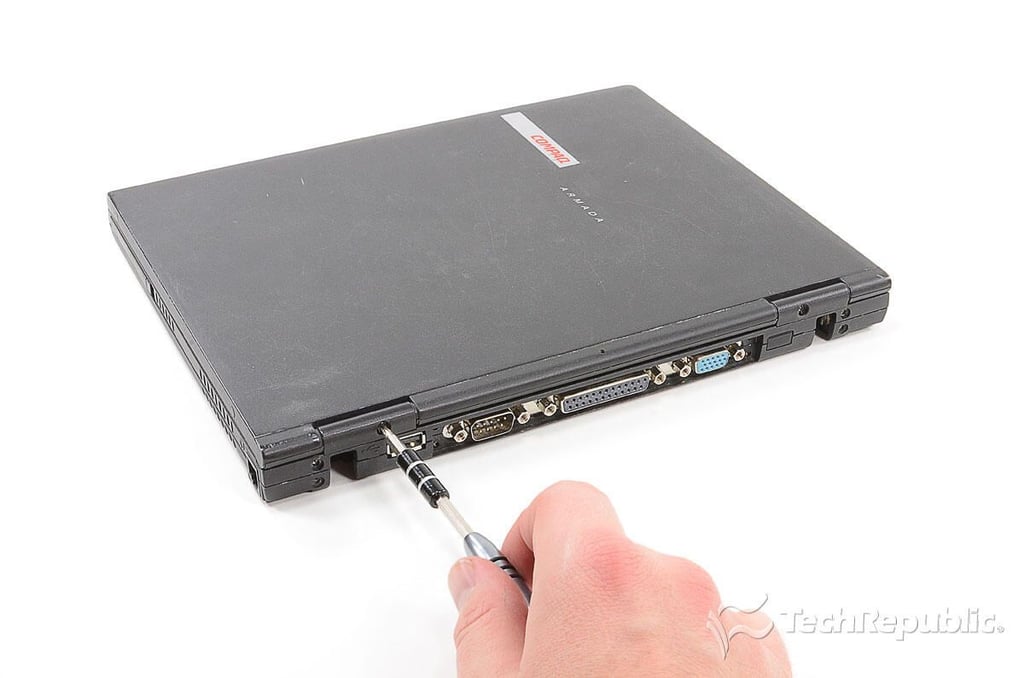
Cracking Open the Compaq Armada M300: Removing the bottom case screws
Cracking Open the Compaq Armada M300: Removing the rear case screws
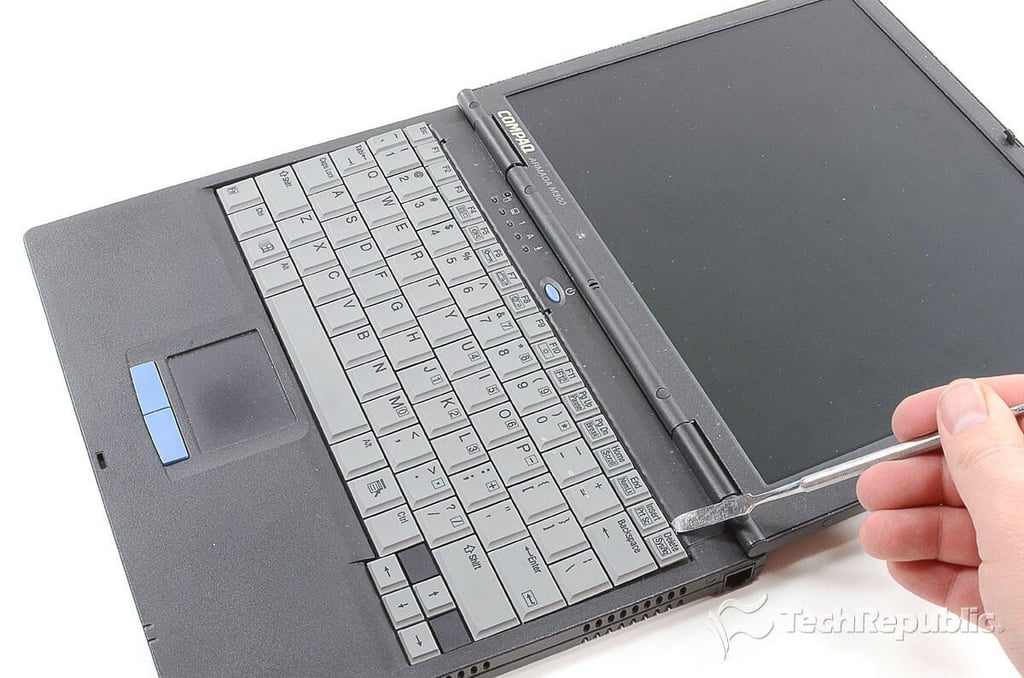
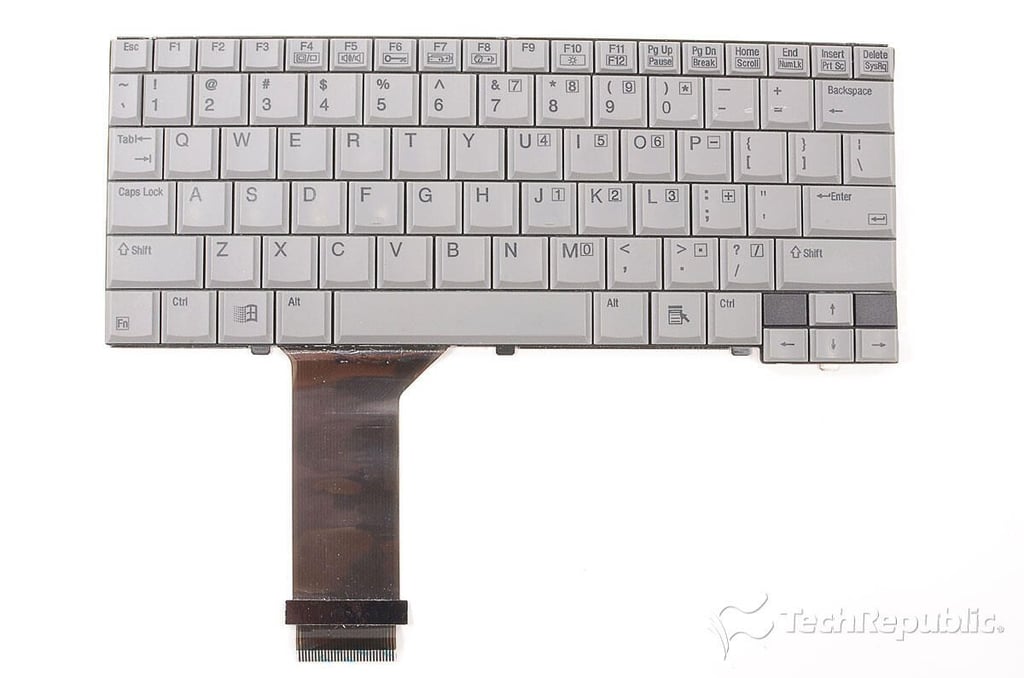
Cracking Open the Compaq Armada M300: Popping loose the keyboard
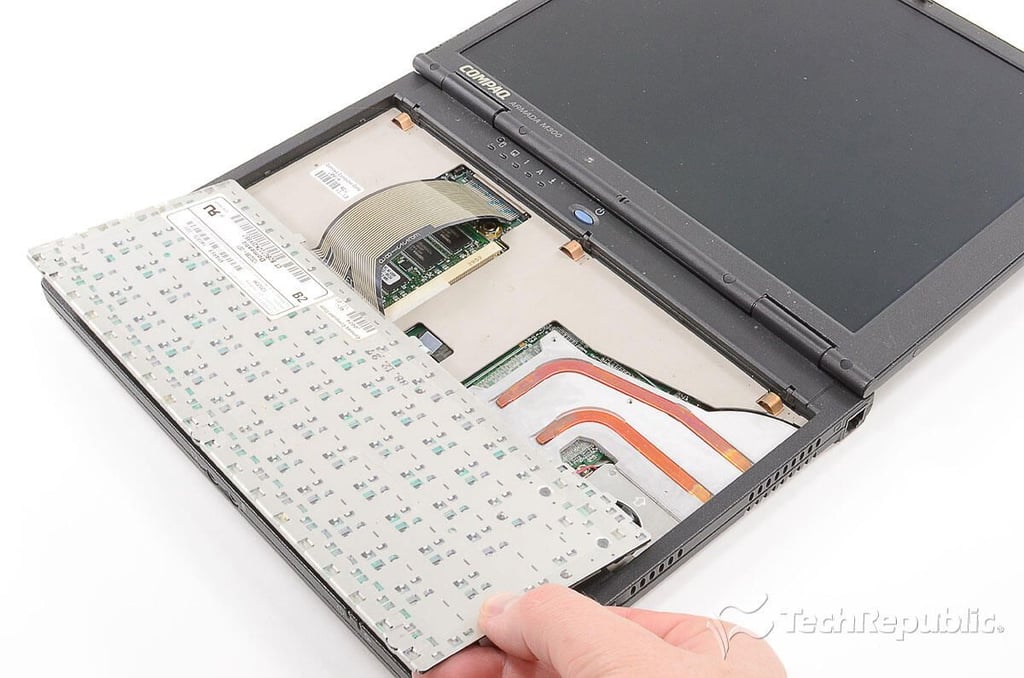
Cracking Open the Compaq Armada M300: Removing the keyboard
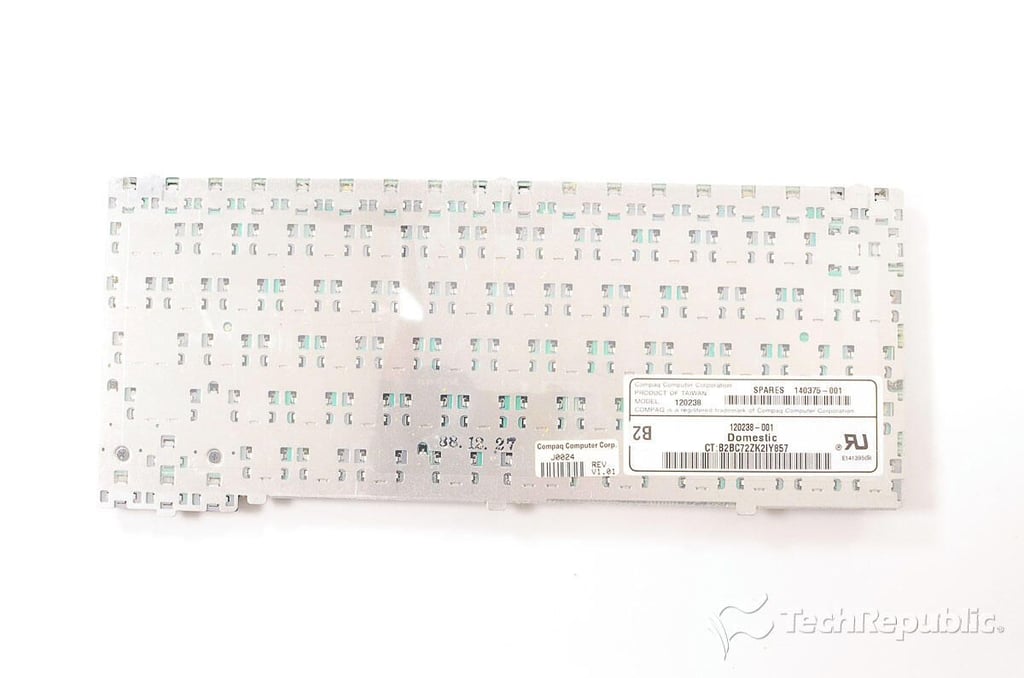
Cracking Open the Compaq Armada M300: Compaq Model 120238 keyboard
Cracking Open the Compaq Armada M300: Keyboard
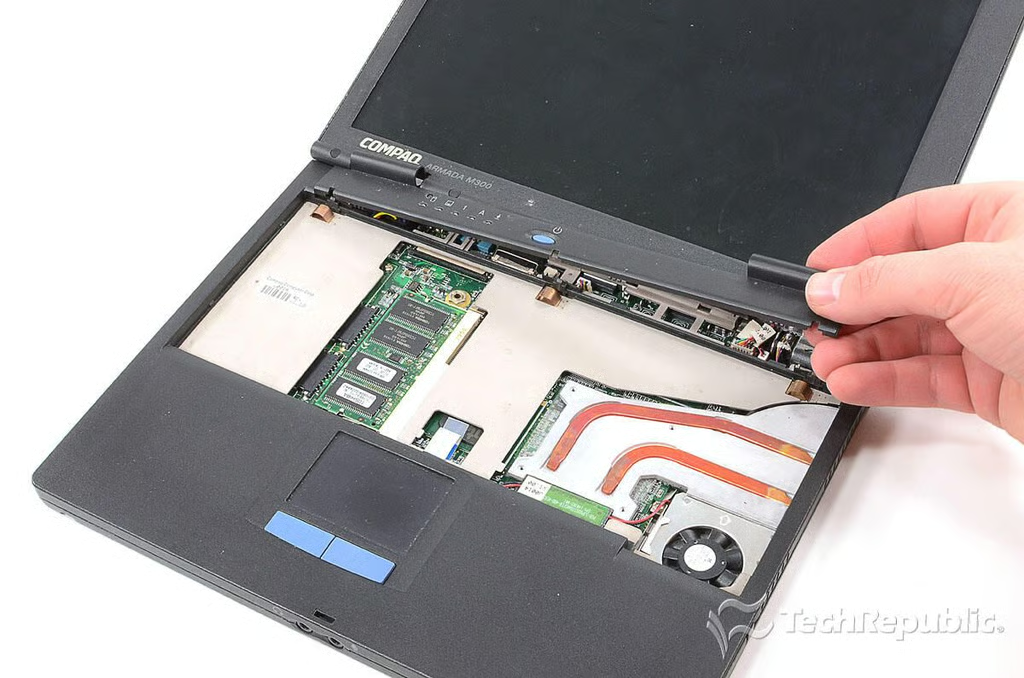
Cracking Open the Compaq Armada M300: Removing the upper lid/display hinge cover
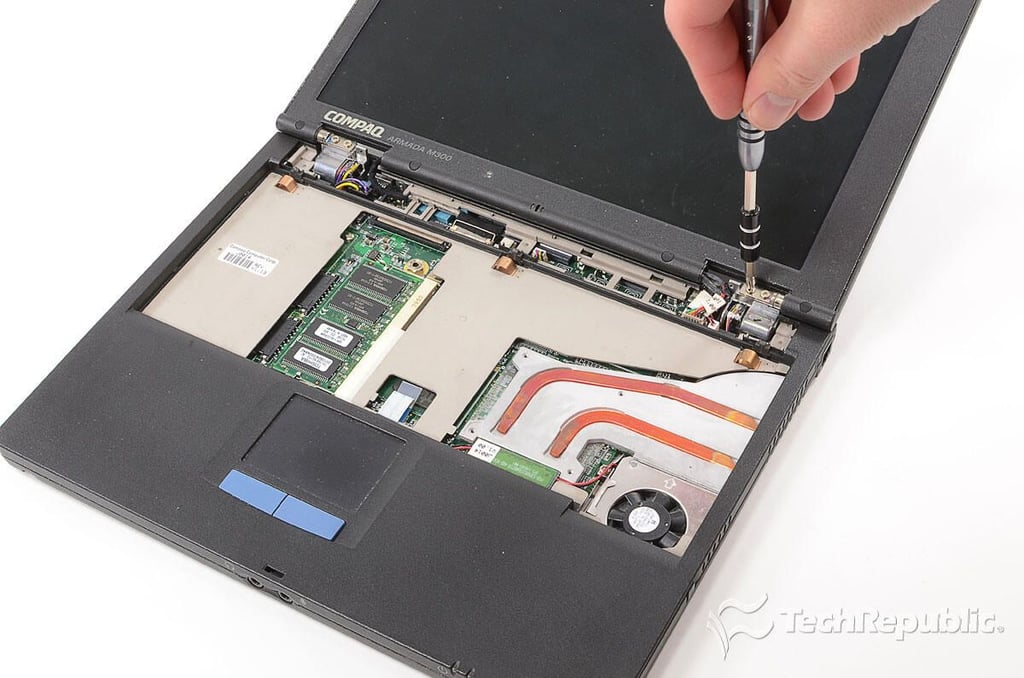
Cracking Open the Compaq Armada M300: Removing the lid/display hinge screws
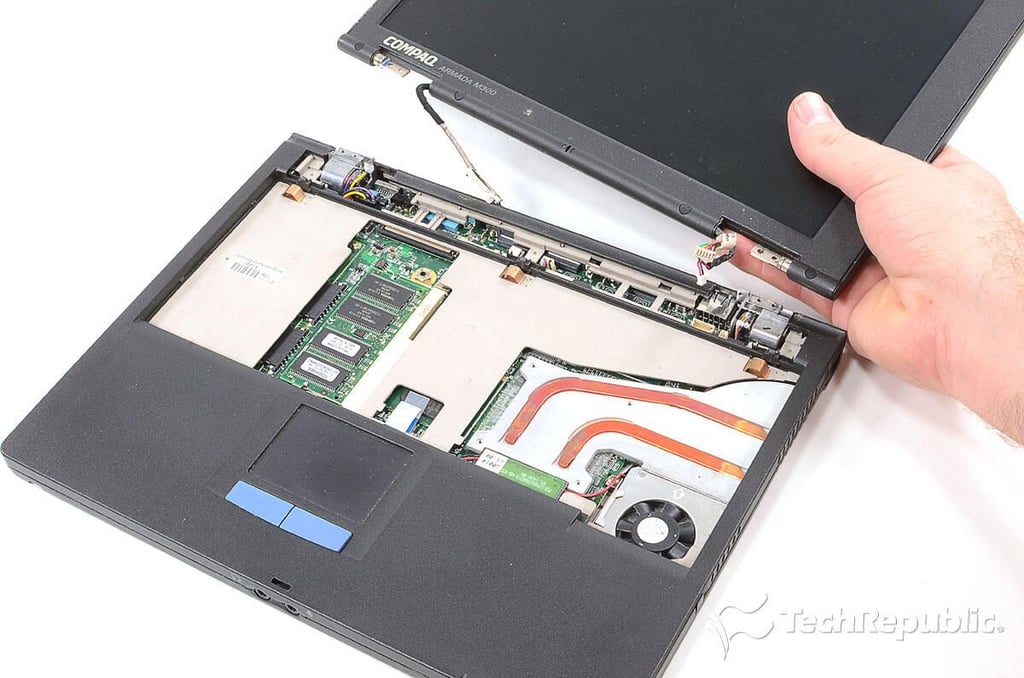
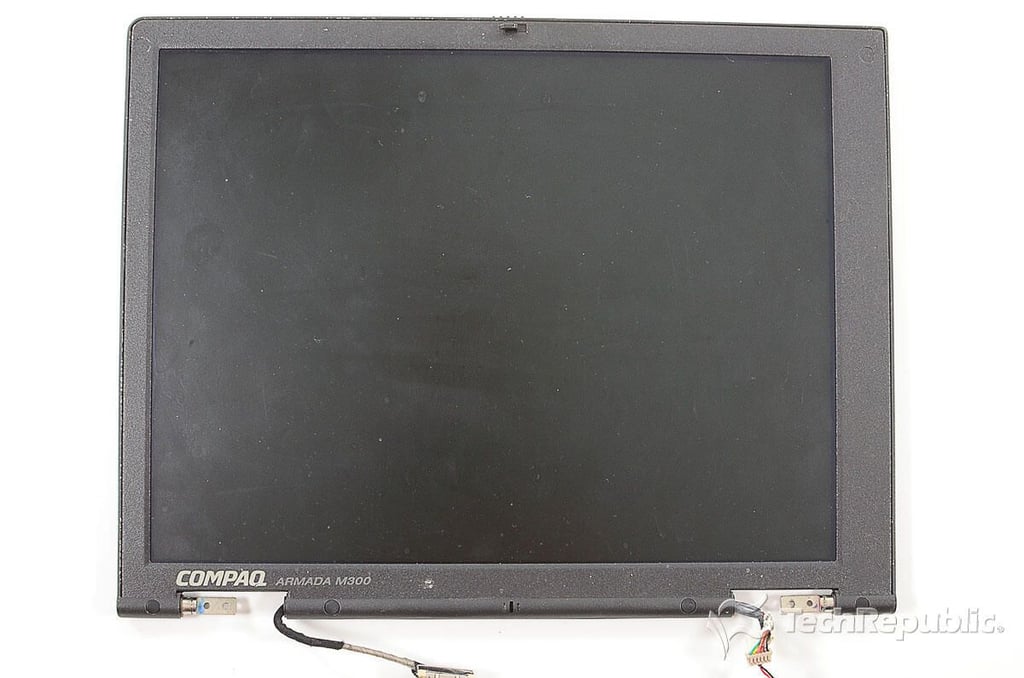
Cracking Open the Compaq Armada M300: Removing the lid/display
Cracking Open the Compaq Armada M300: 11.3" display
Cracking Open the Compaq Armada M300: Lid/display removed
Cracking Open the Compaq Armada M300: Disconnecting the trackpad connector
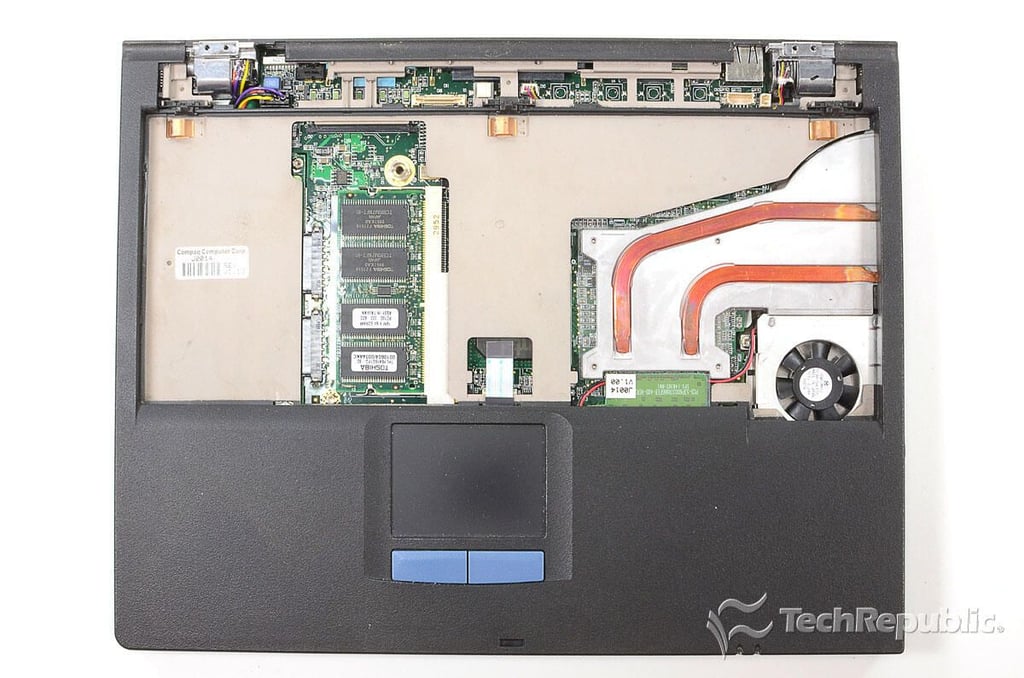
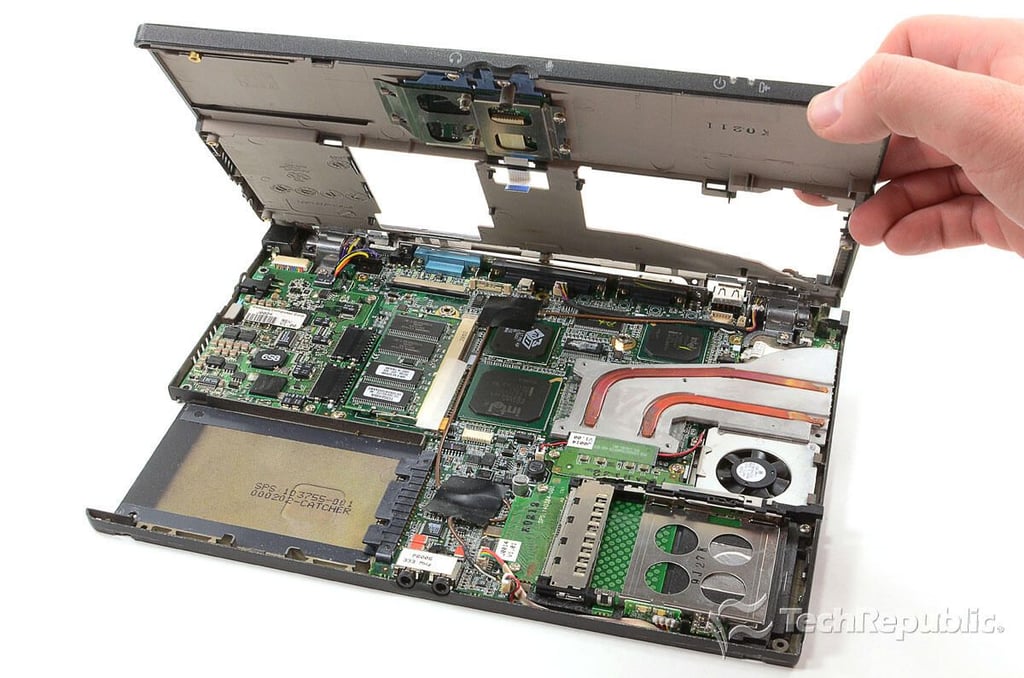
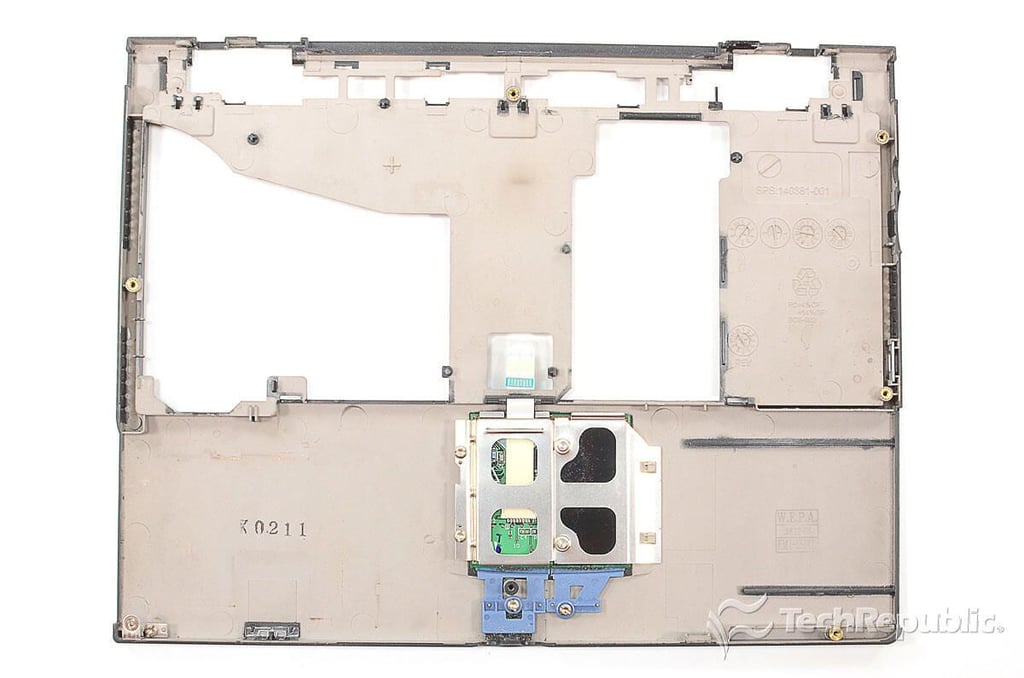
Cracking Open the Compaq Armada M300: Removing the upper half of the case
Cracking Open the Compaq Armada M300: Upper case and trackpad
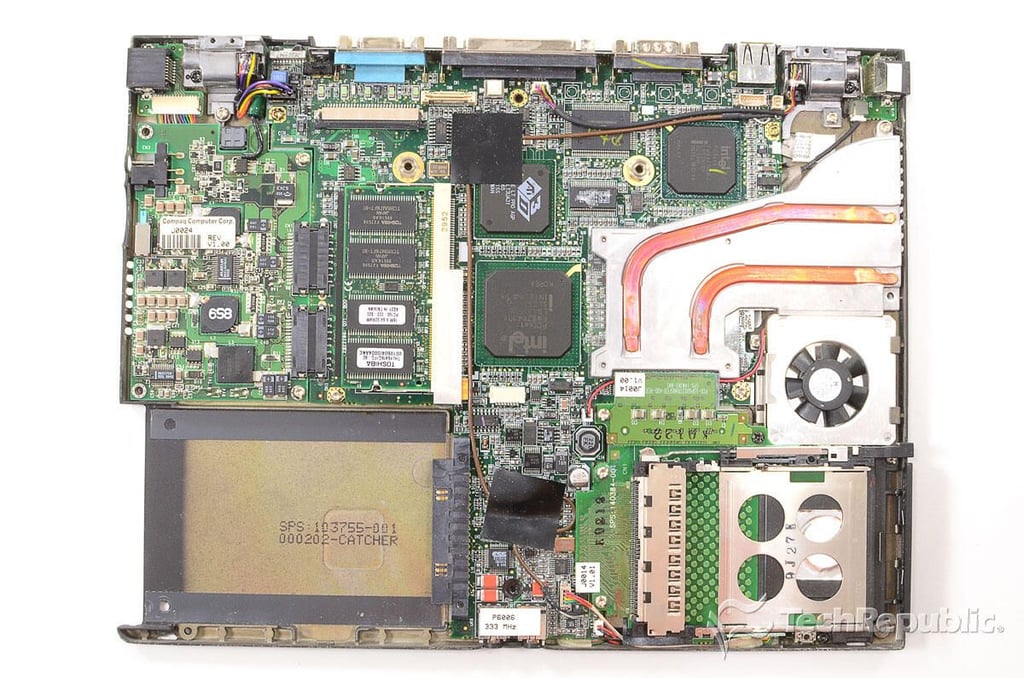
Cracking Open the Compaq Armada M300: Internal hardware
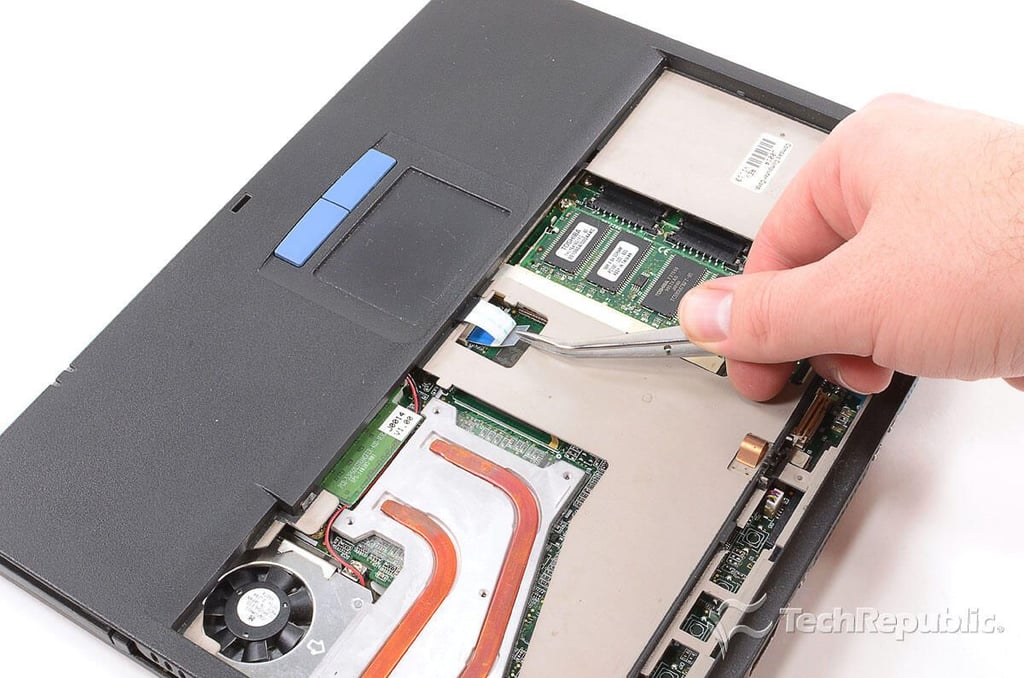
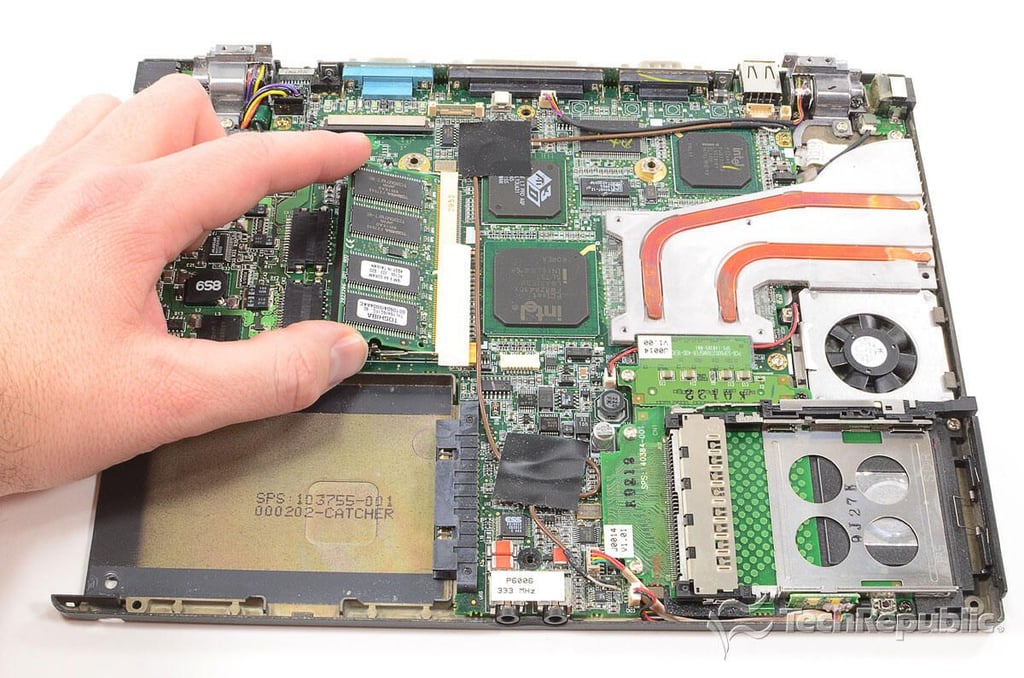
Cracking Open the Compaq Armada M300: Removing the RAM
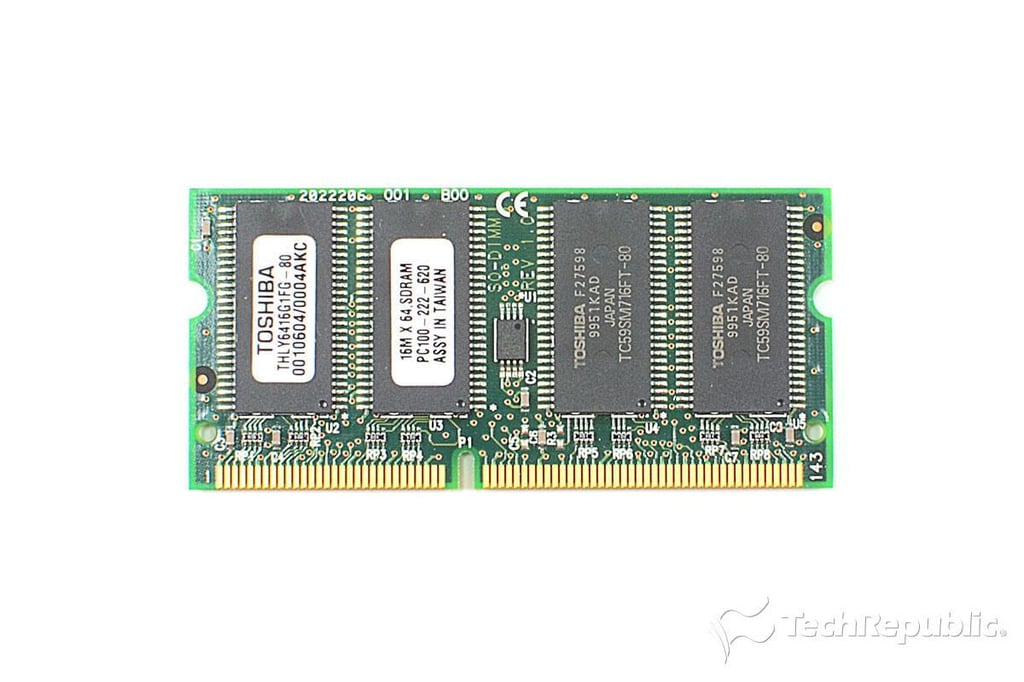
Cracking Open the Compaq Armada M300: 128MB Toshiba THLY6416G1FG-80 SD RAM 100MHz
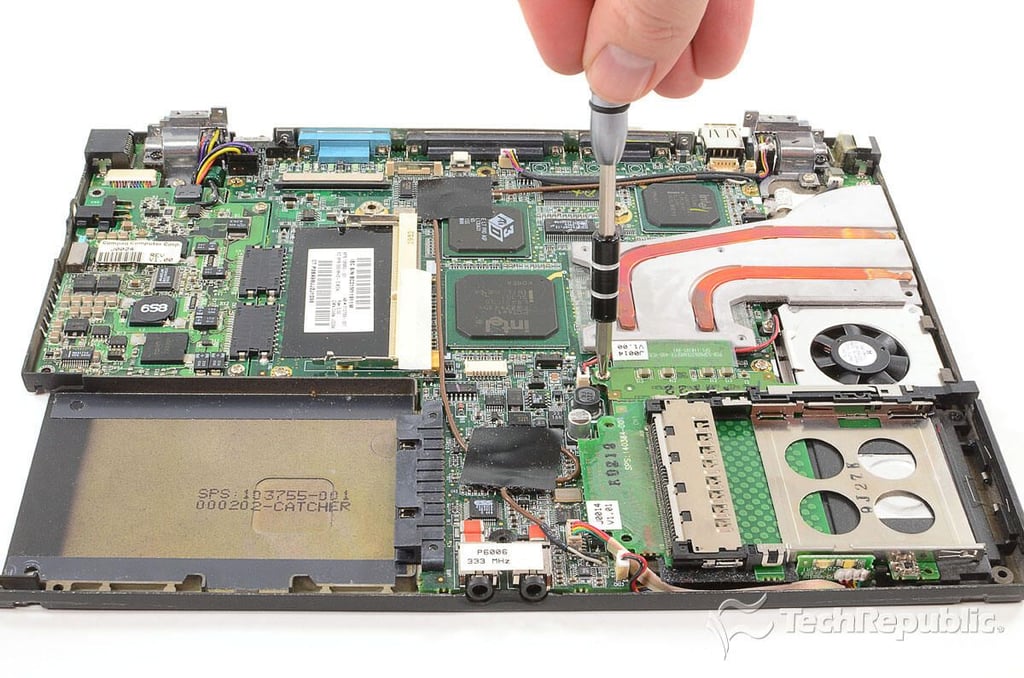
Cracking Open the Compaq Armada M300: Removing the HDD and modem PCB screws
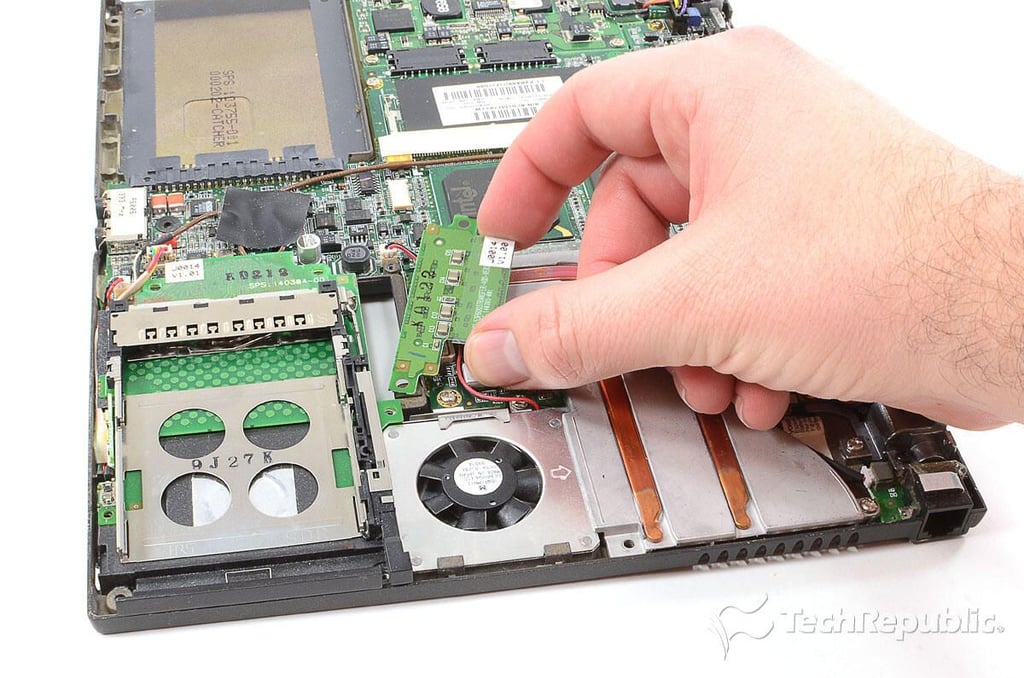
Cracking Open the Compaq Armada M300: Removing the modem connector PCB
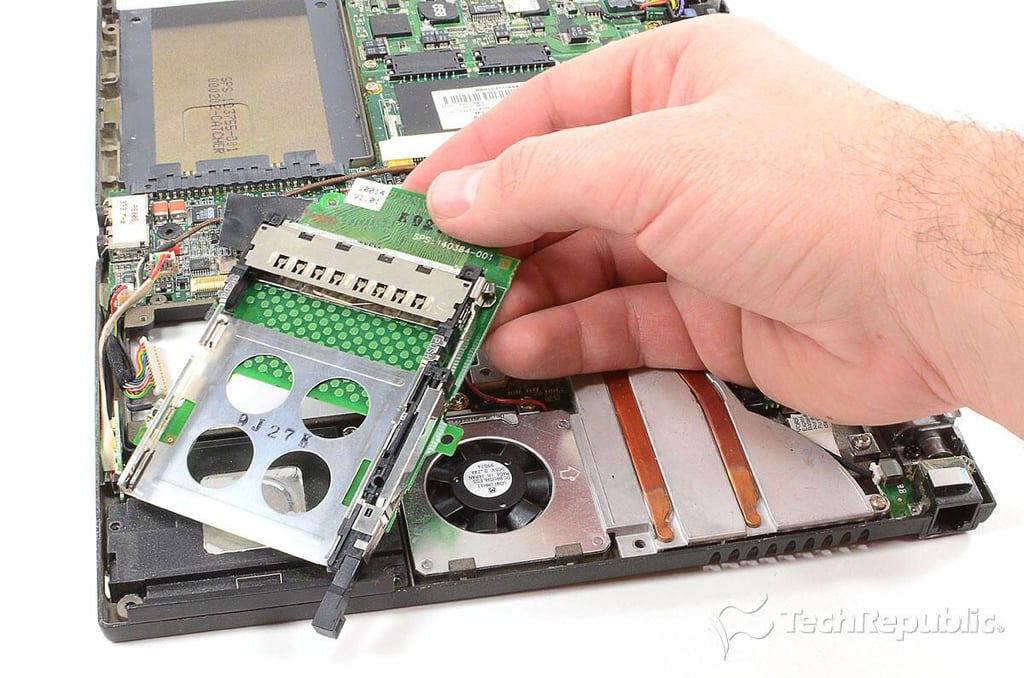
Cracking Open the Compaq Armada M300: Removing the HDD connector PCB
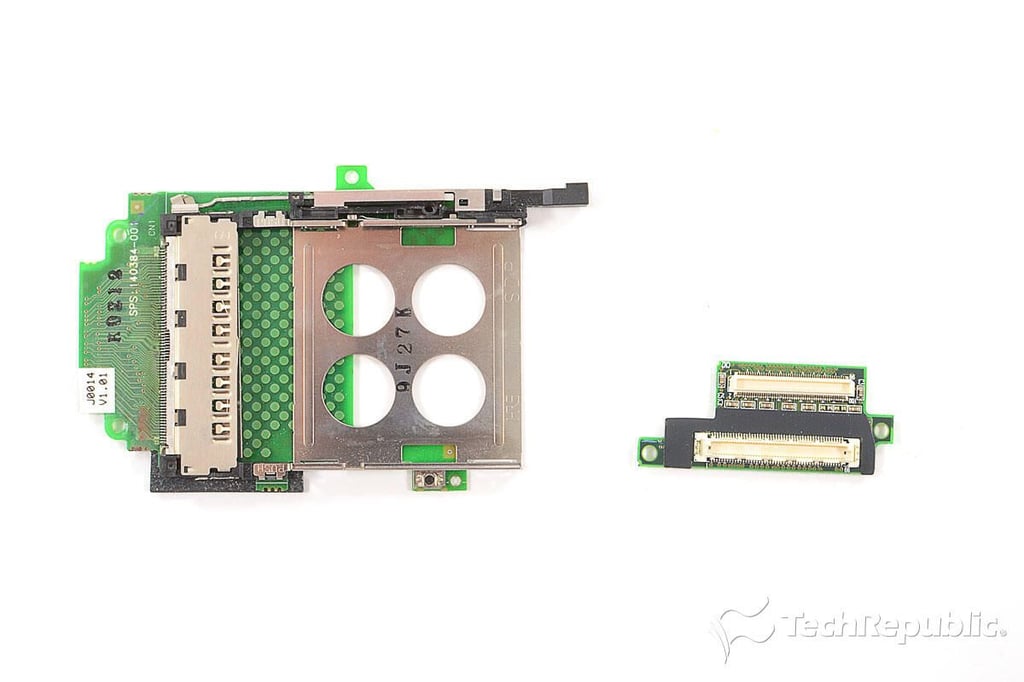
Cracking Open the Compaq Armada M300: HDD and modem connector PCBs
Cracking Open the Compaq Armada M300: Disconnecting all the motherboard connectors
Cracking Open the Compaq Armada M300: Removing the motherboard screws
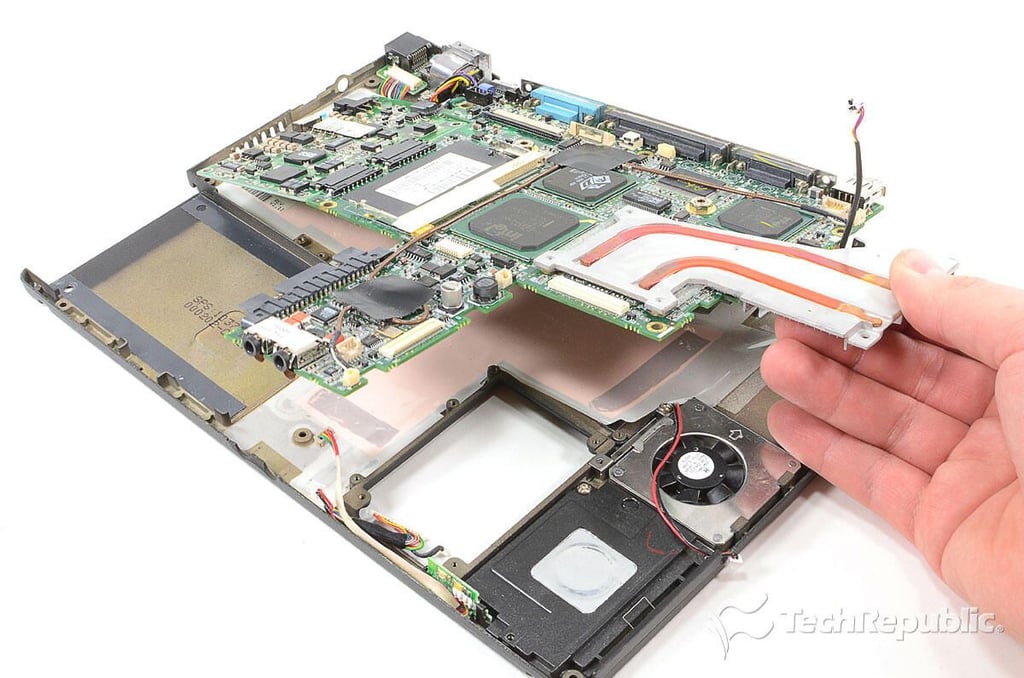
Cracking Open the Compaq Armada M300: Removing the motherboard
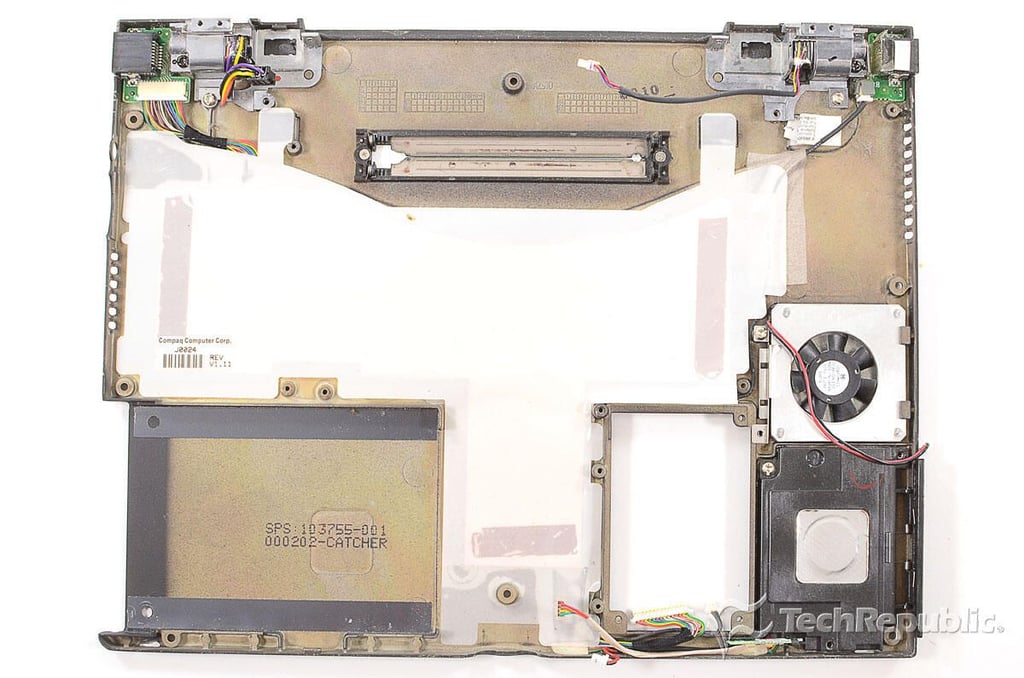
Cracking Open the Compaq Armada M300: Lower case with internal speaker, fan, modem, and Ethernet ports
Cracking Open the Compaq Armada M300: Motherboard and power supply PCB
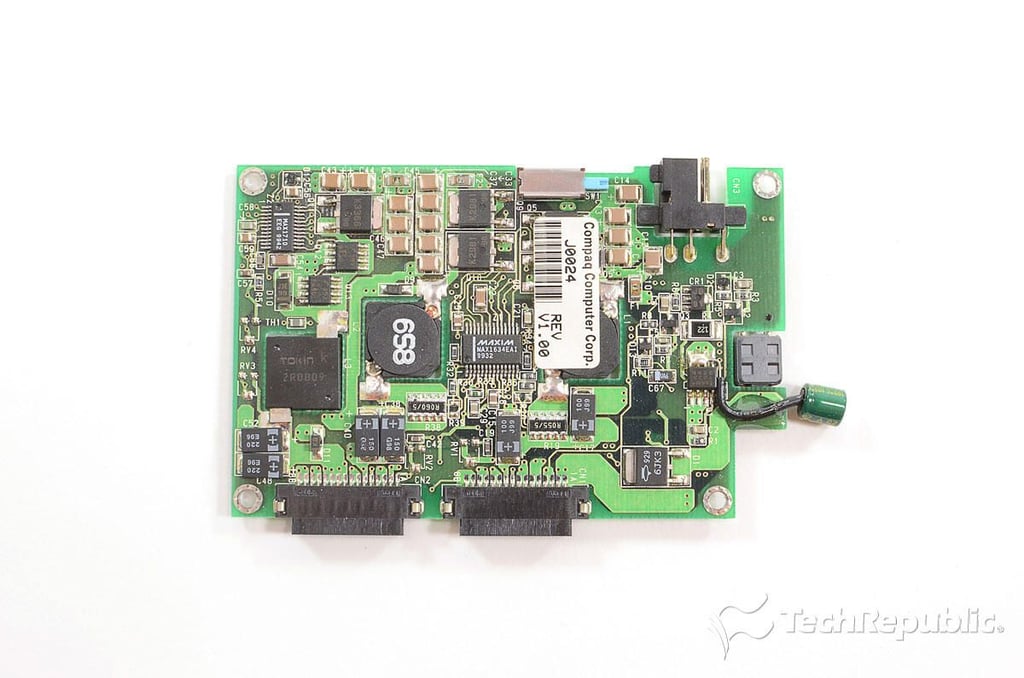
Cracking Open the Compaq Armada M300: Power supply PCB - Top
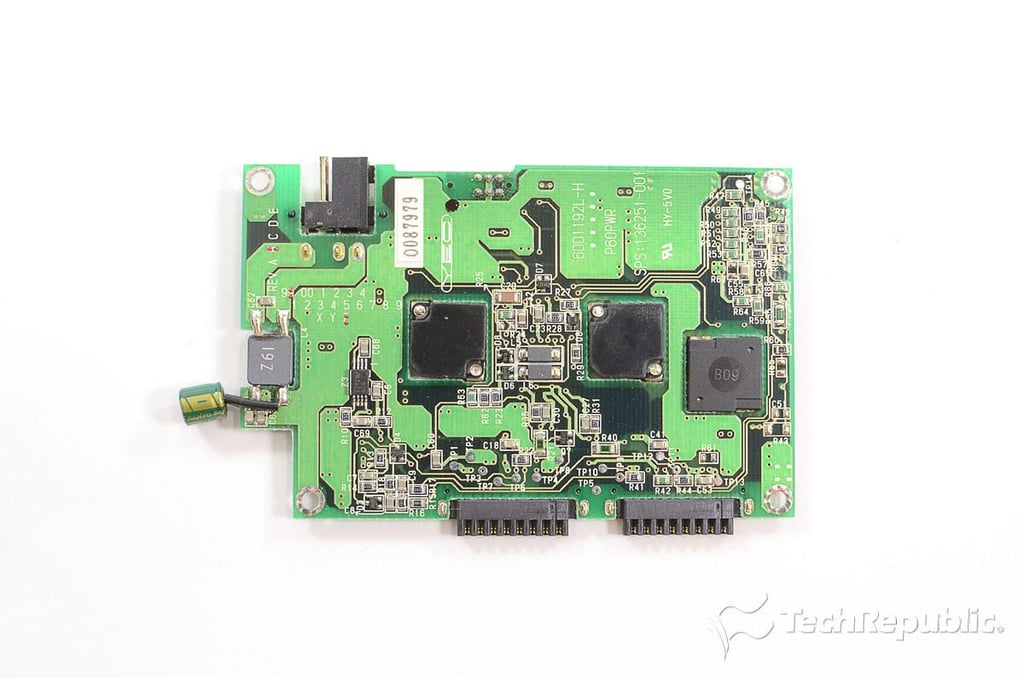
Cracking Open the Compaq Armada M300: Power supply PCB - Bottom
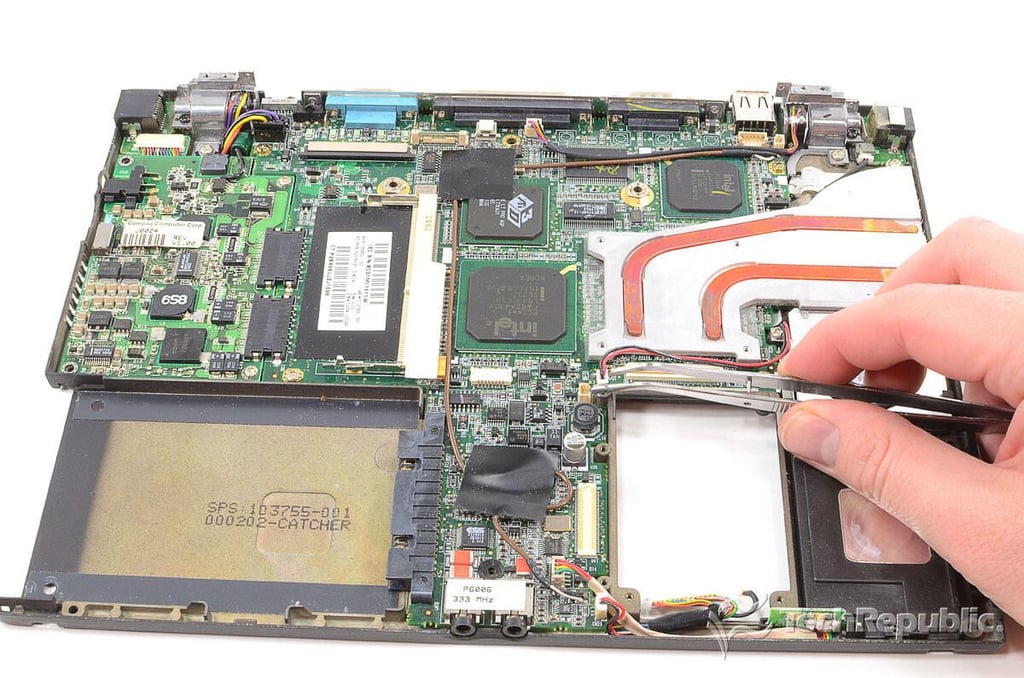
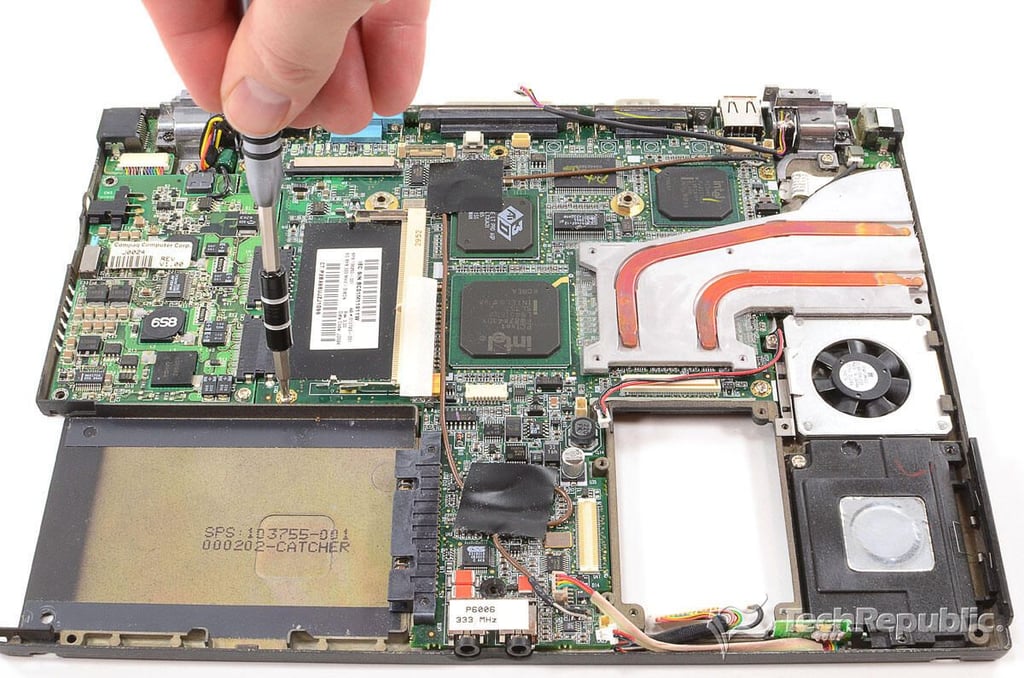
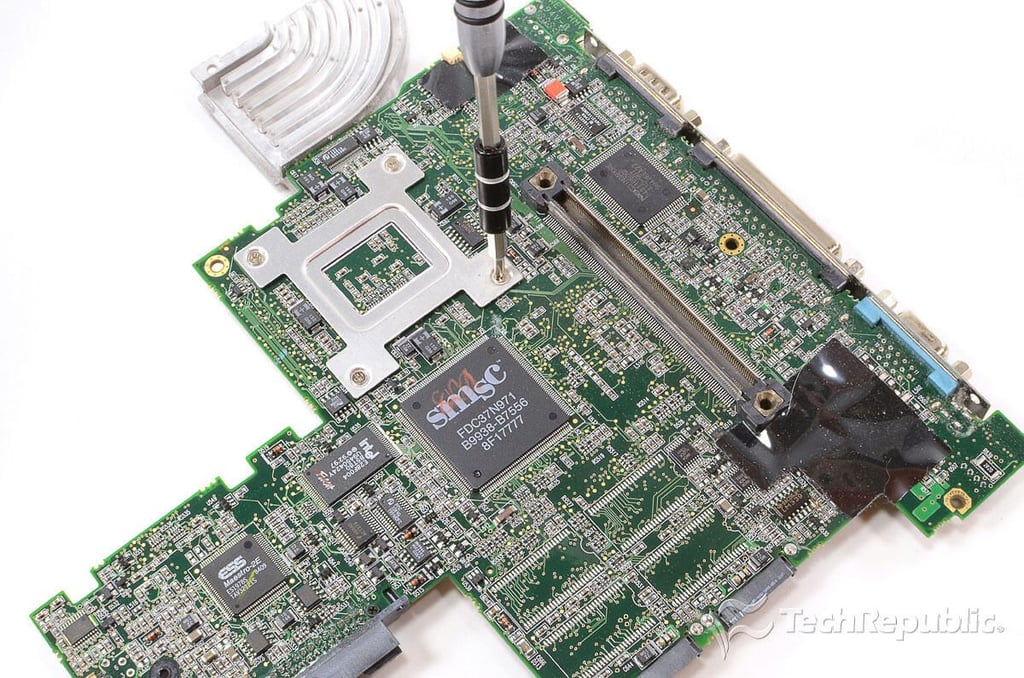
Cracking Open the Compaq Armada M300: Removing the cooling assembly screws
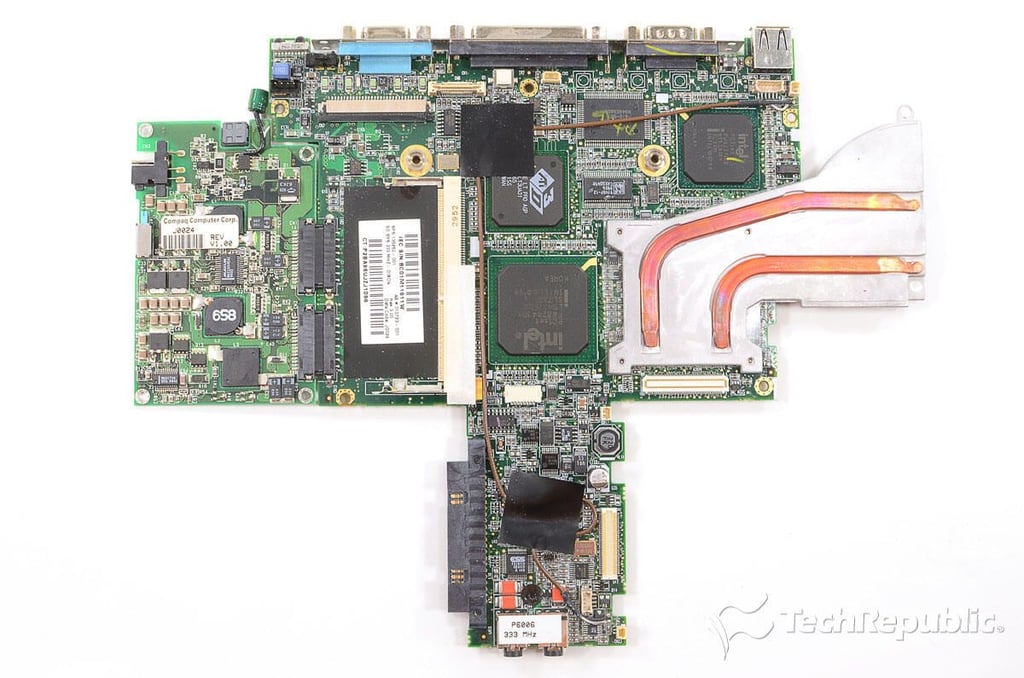
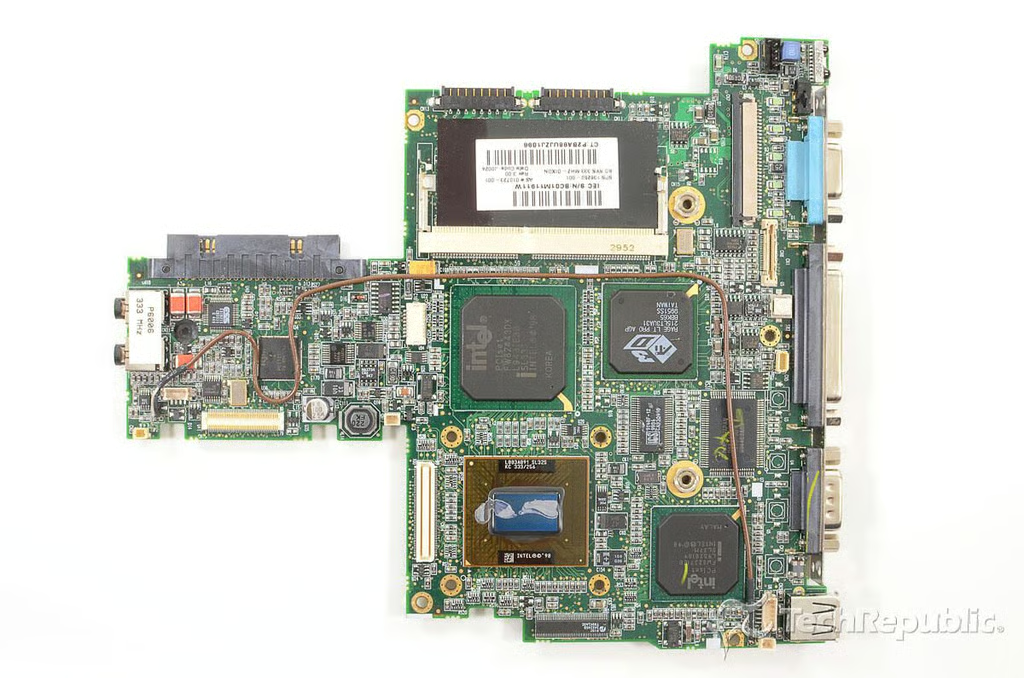
Cracking Open the Compaq Armada M300: Motherboard - Top
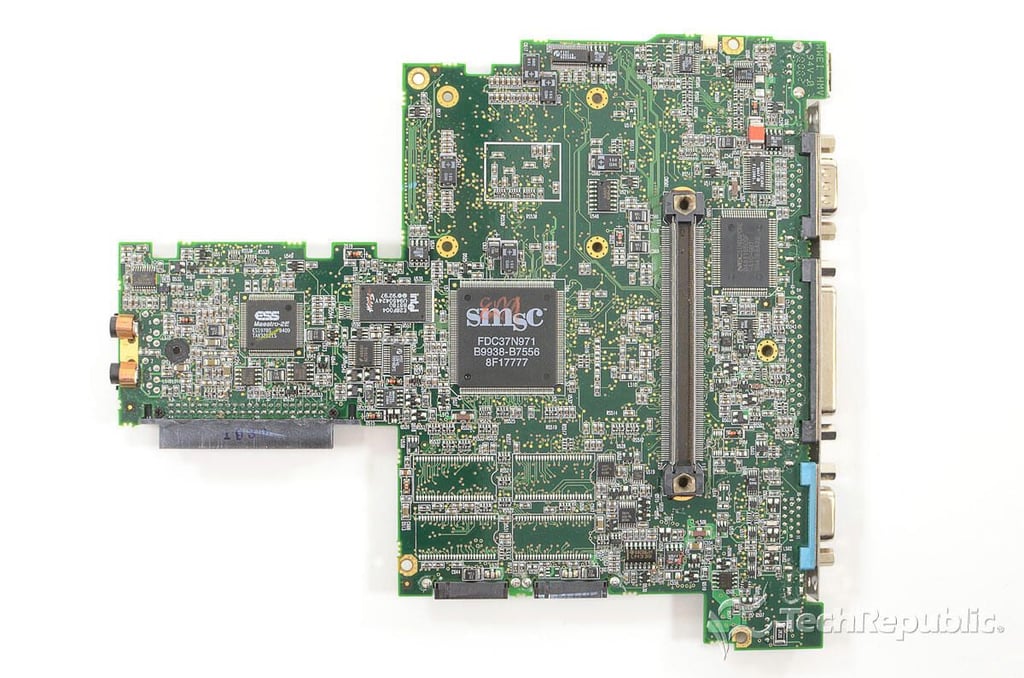
Cracking Open the Compaq Armada M300: Motherboard - Bottom
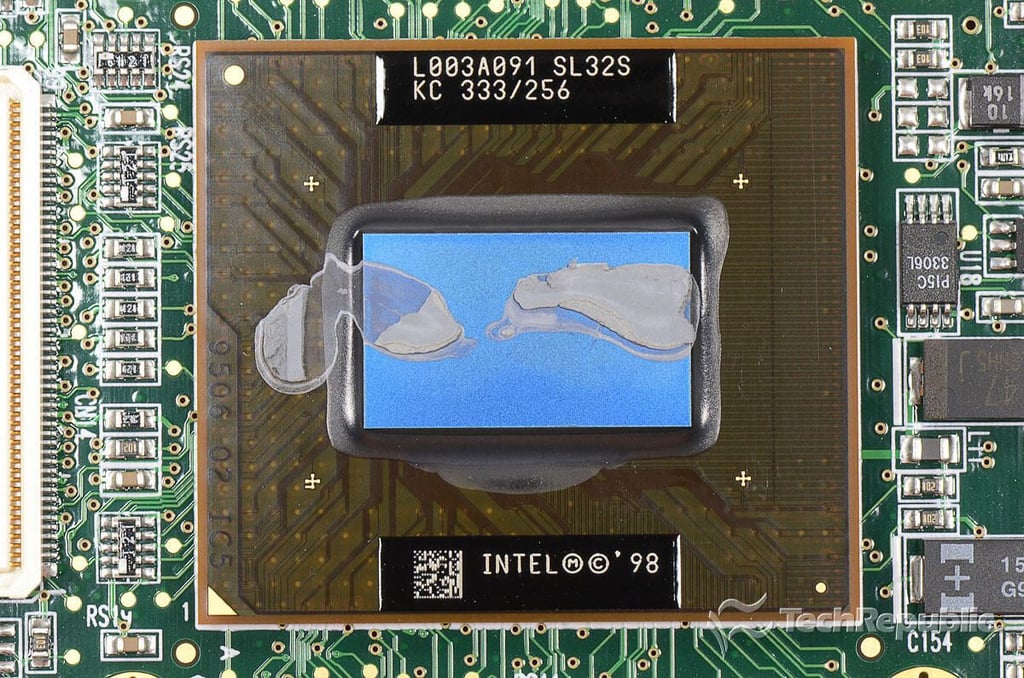
Cracking Open the Compaq Armada M300: 333 Mhz Mobile Pentium II CPU (L003A091 SL32S KC 333/256)
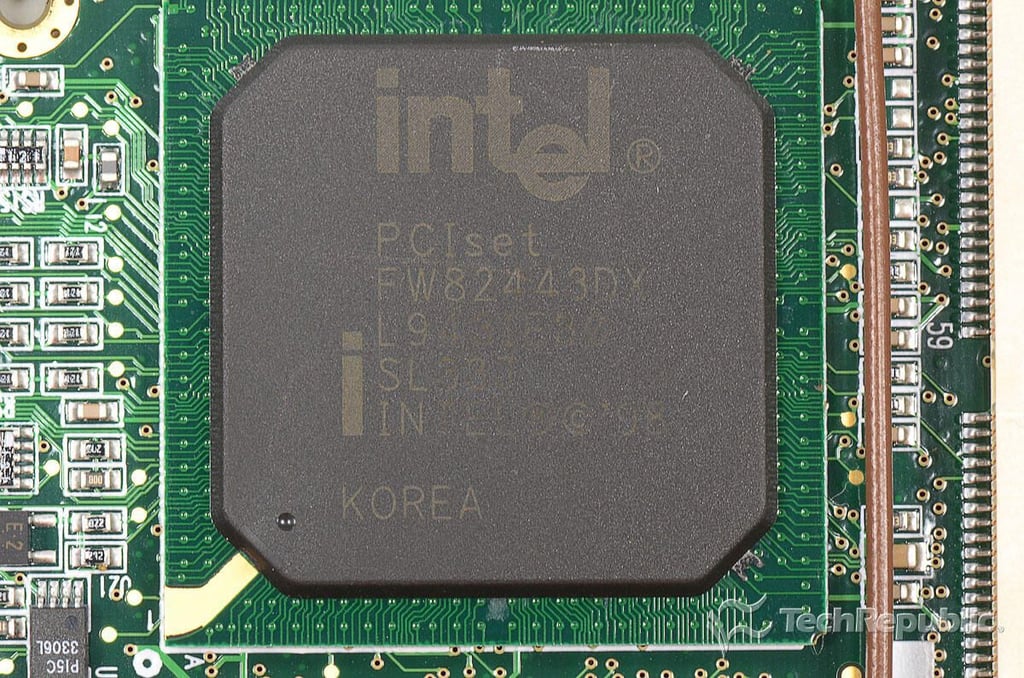
Cracking Open the Compaq Armada M300: Intel PCIset FW82443DX
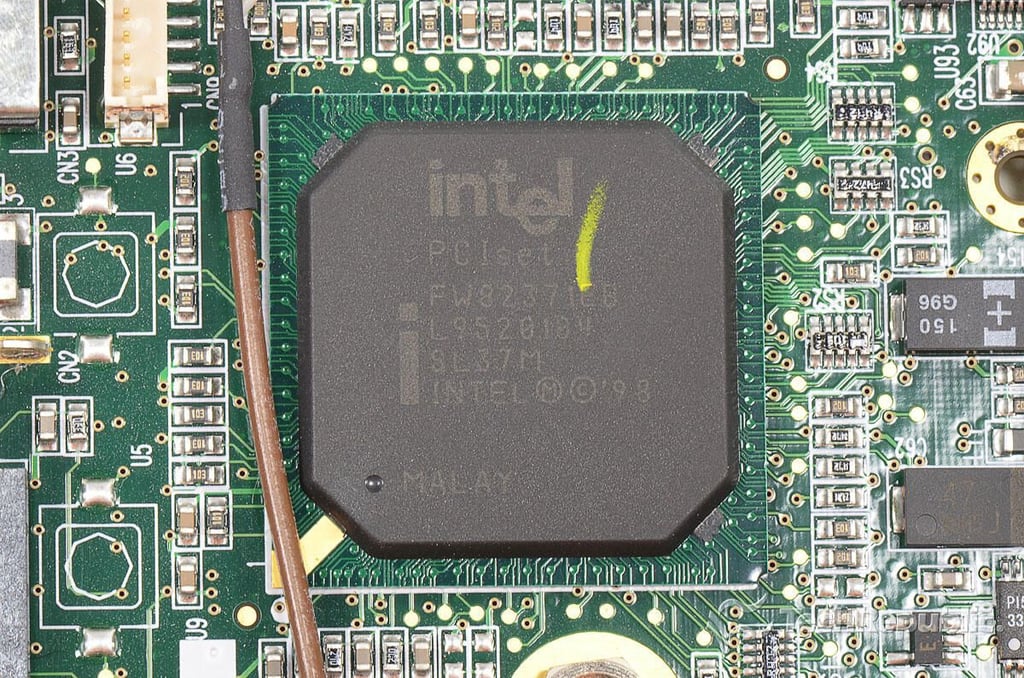
Cracking Open the Compaq Armada M300: Intel PCIset FW82371EB
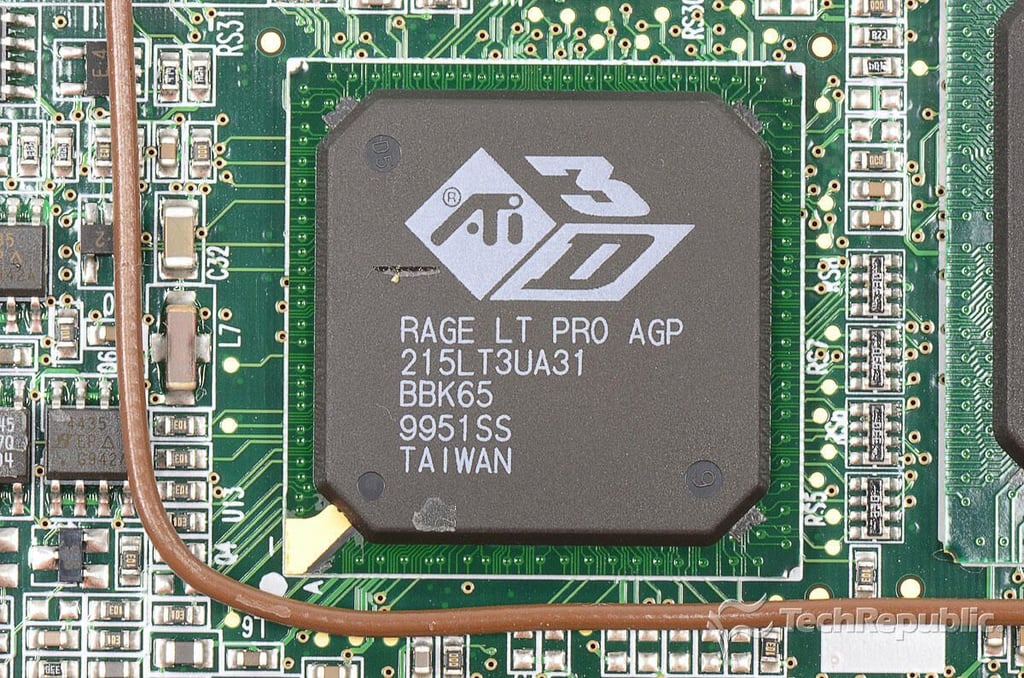
Cracking Open the Compaq Armada M300: ATI 3G Rage LT Pro GPU
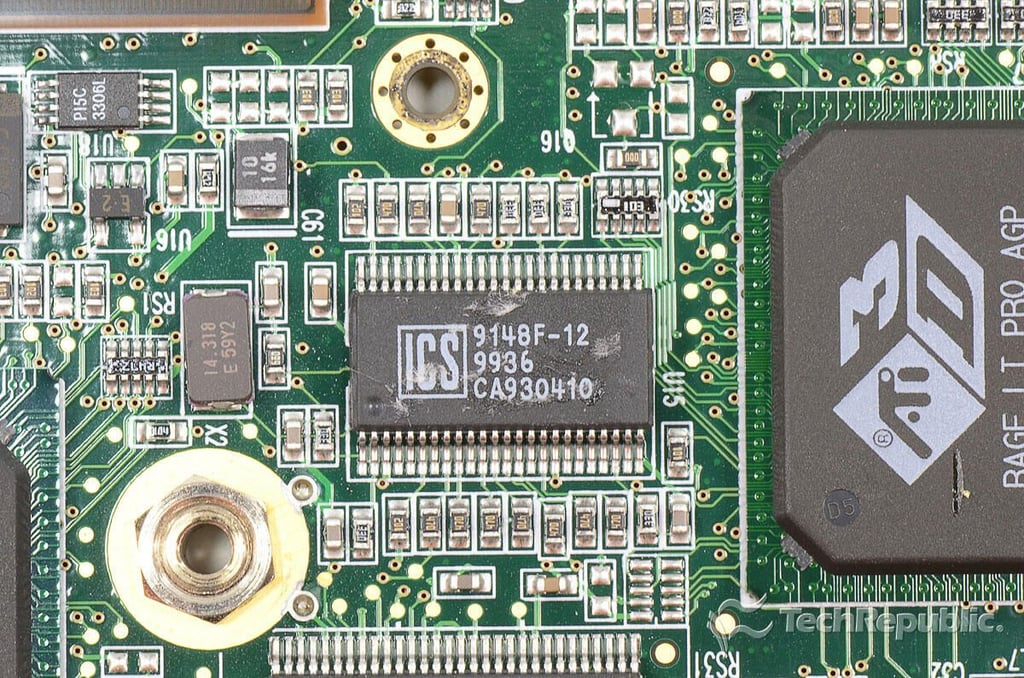
Cracking Open the Compaq Armada M300: Integrated Circuit Systems (ICS) 9148F-12 9936 CA930410
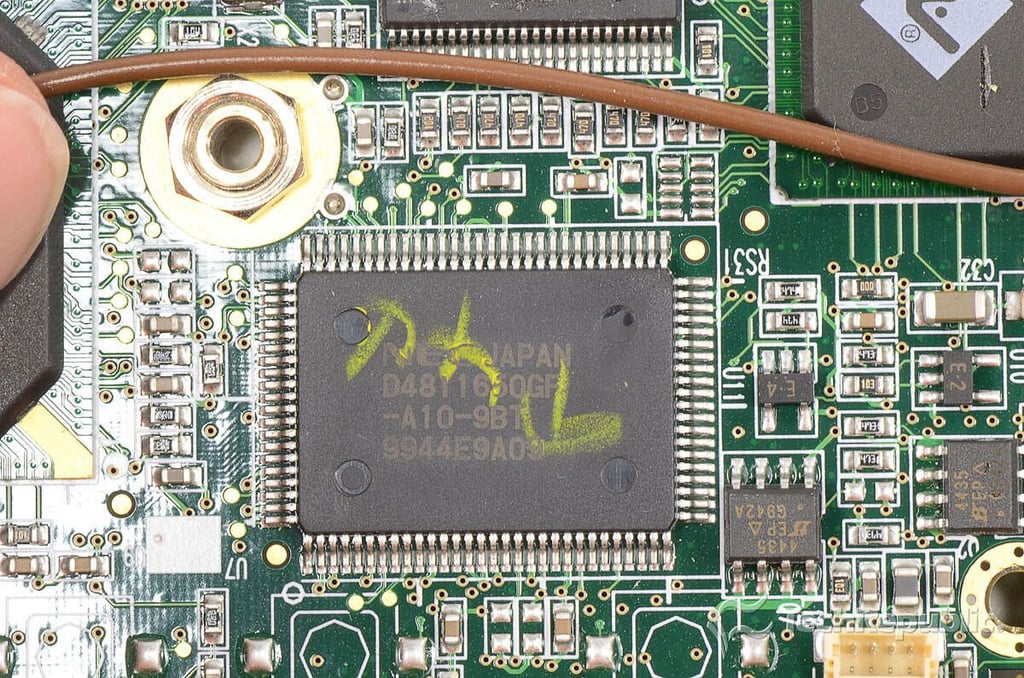
Cracking Open the Compaq Armada M300: NEC D4811650GF-A10-9BT
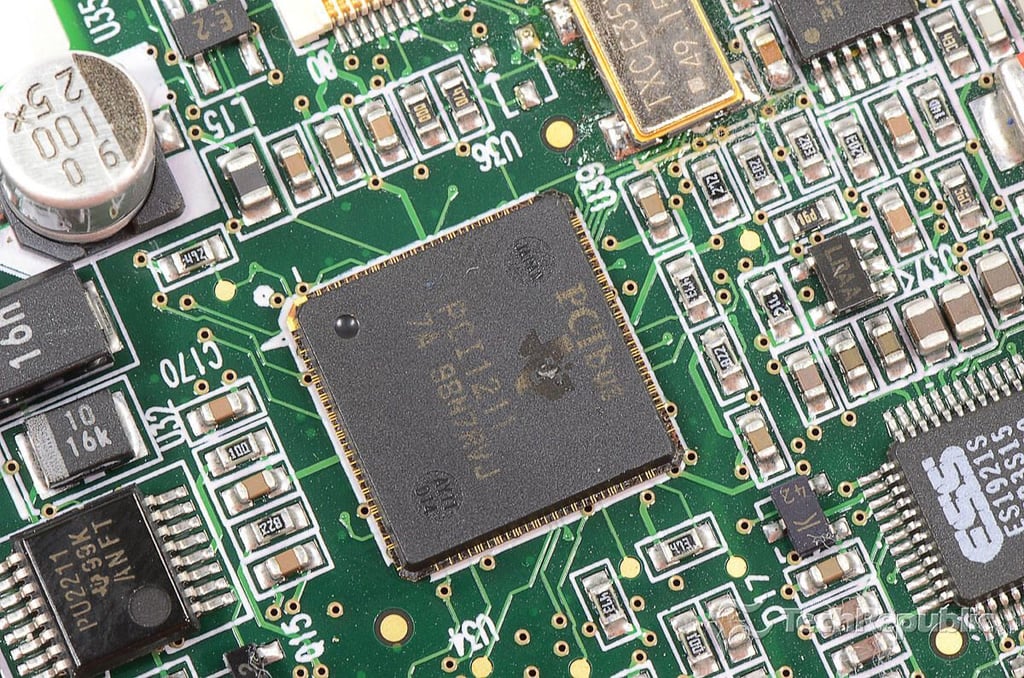
Cracking Open the Compaq Armada M300: Texas Instruments PCI 7A 98N7RVJ
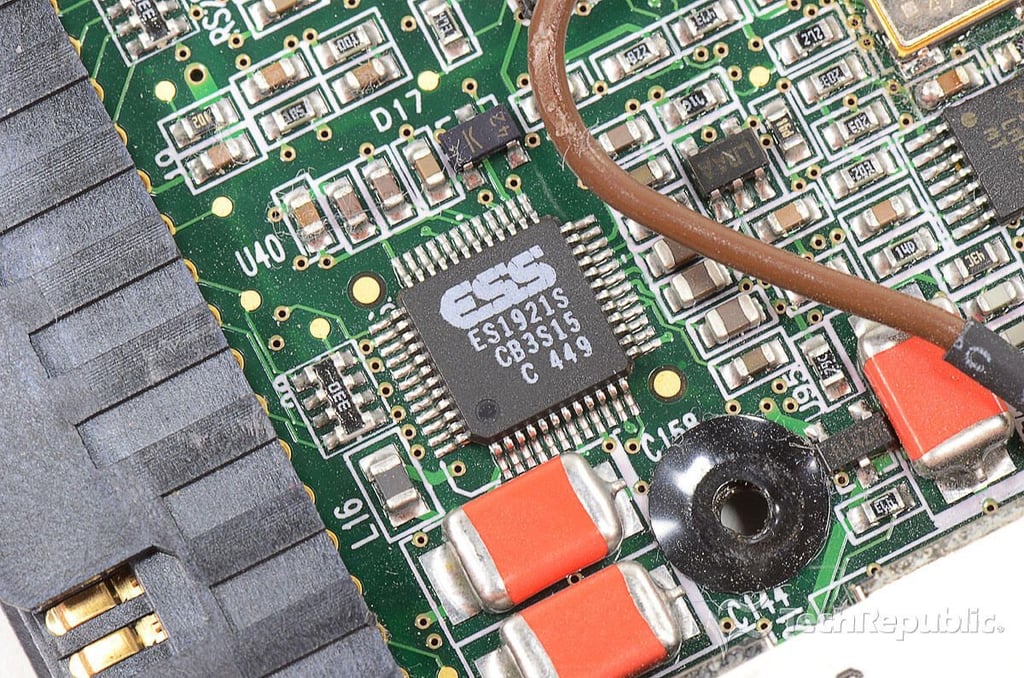
Cracking Open the Compaq Armada M300: ESS ES1921S CB3S15 C 449
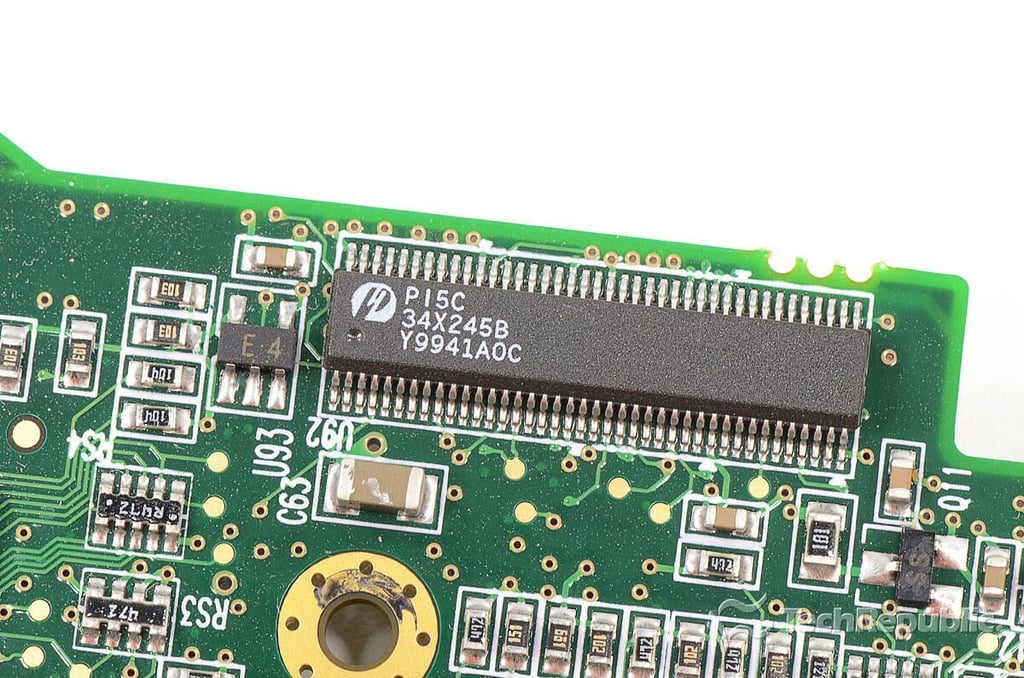
Cracking Open the Compaq Armada M300: P15C 34X245B Y9941A0C
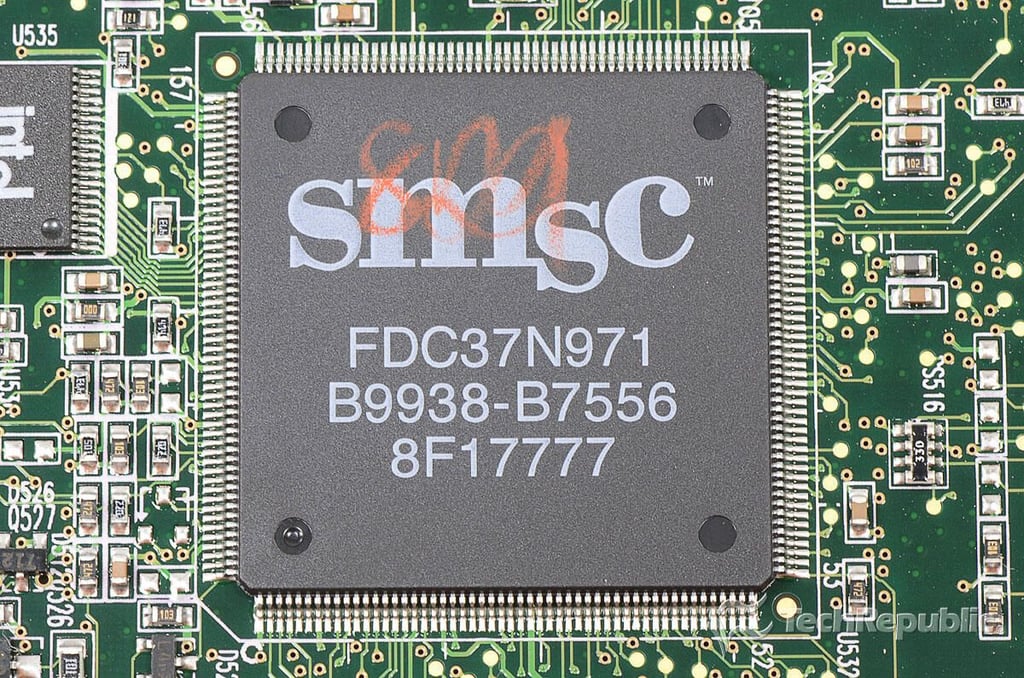
Cracking Open the Compaq Armada M300: SMSC FDC37N971 B9938-B7556 8F17777
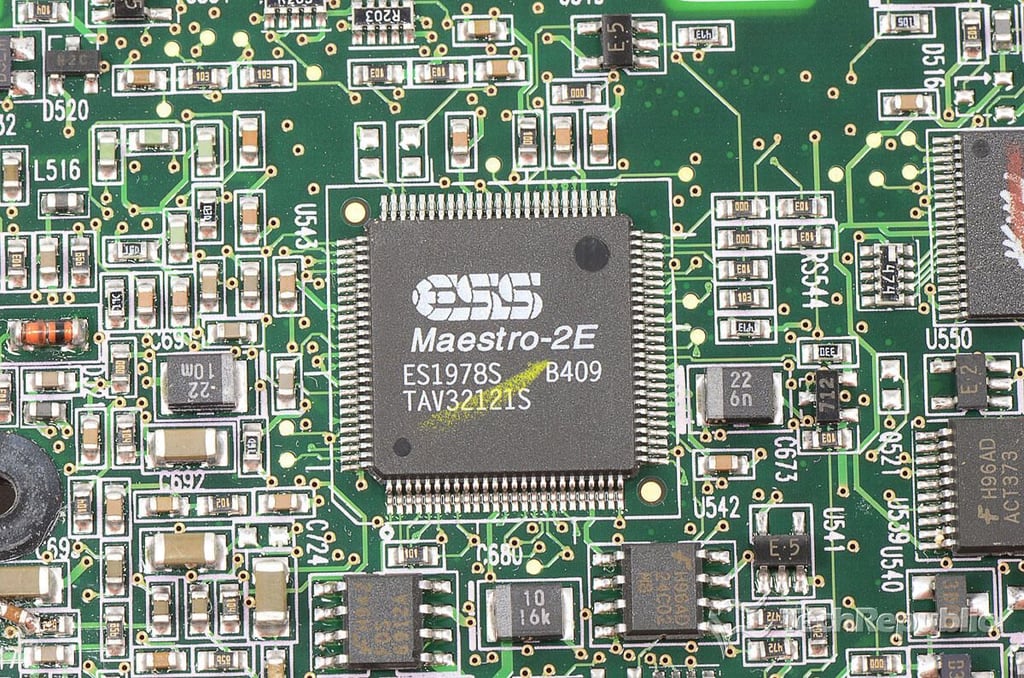
Cracking Open the Compaq Armada M300: ESS MAESTRO-2E ES1978S B409 TAV32121S
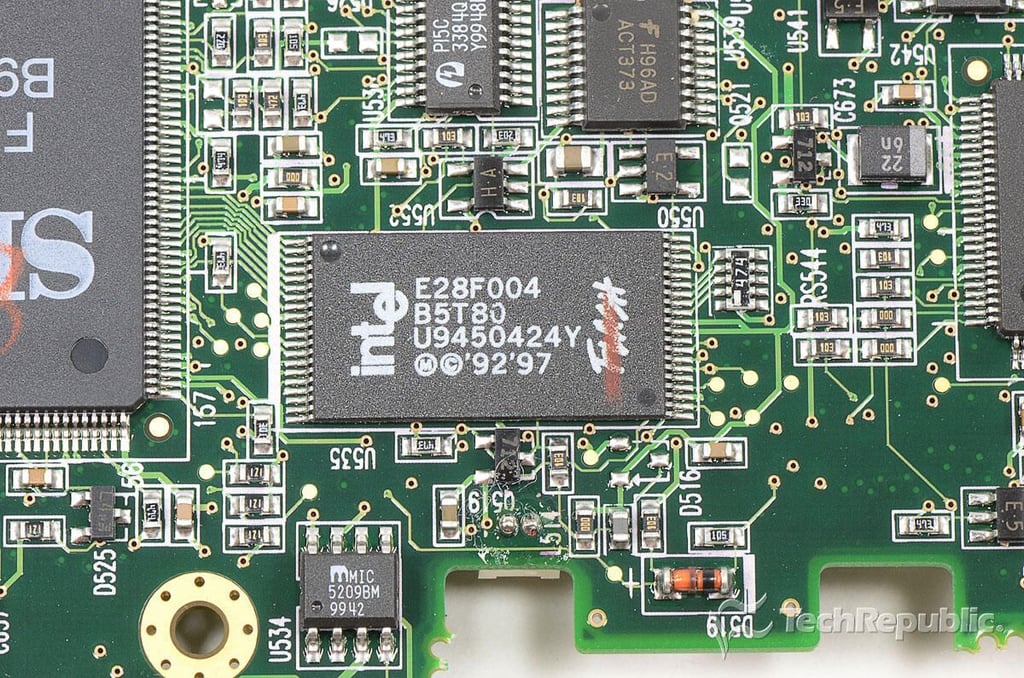
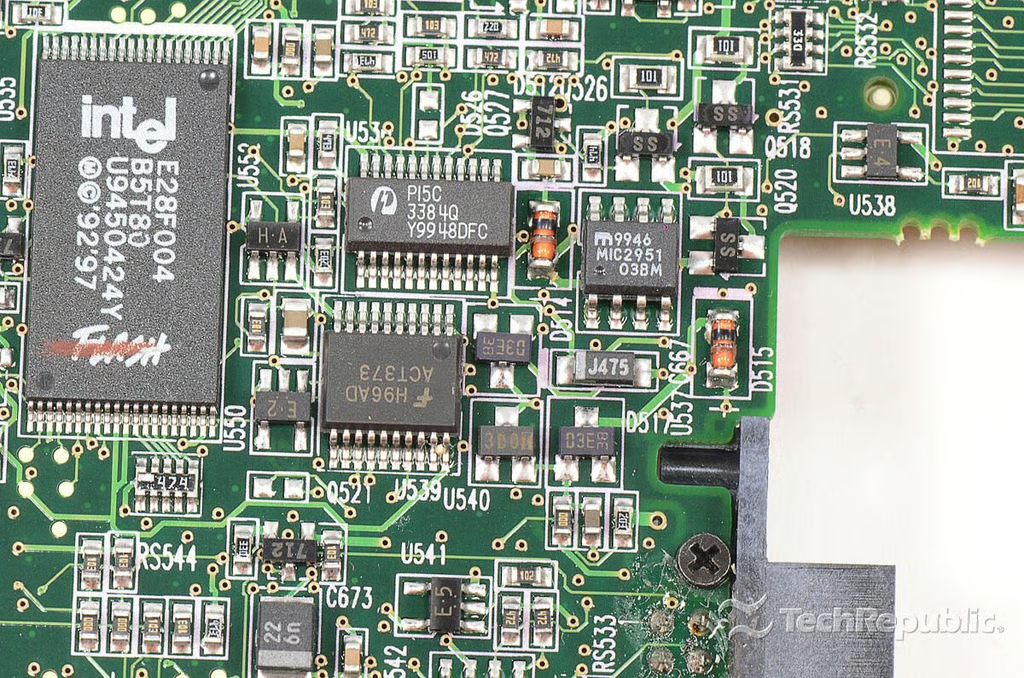
Cracking Open the Compaq Armada M300: Intel E28F004 B5T80 U9450424Y
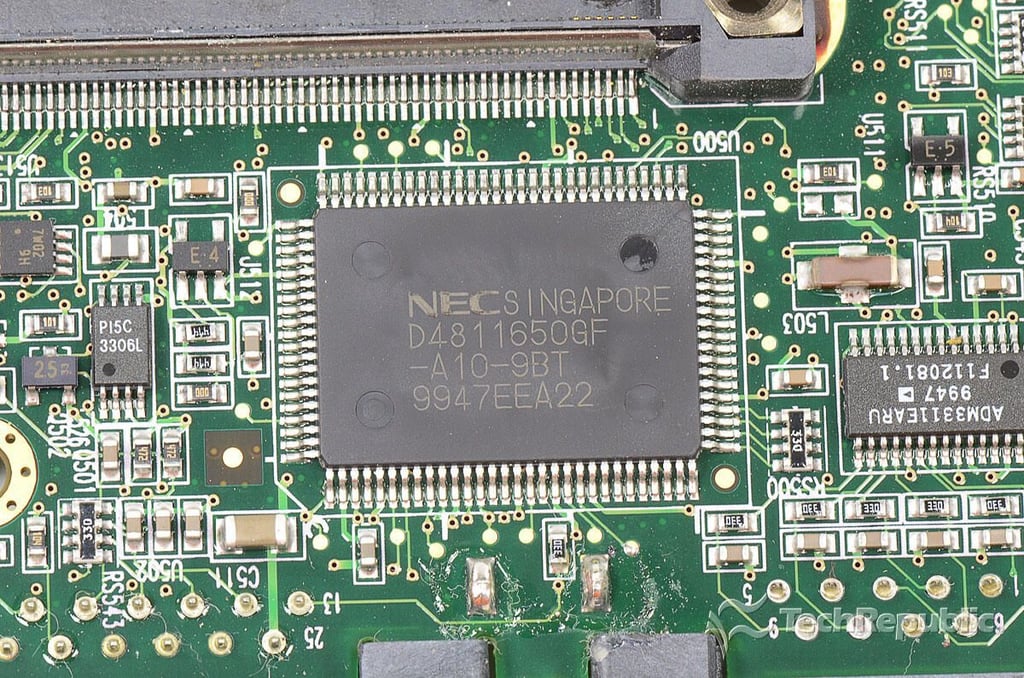
Cracking Open the Compaq Armada M300: NEC D4811650GF-A10-9BT 9947EEA22
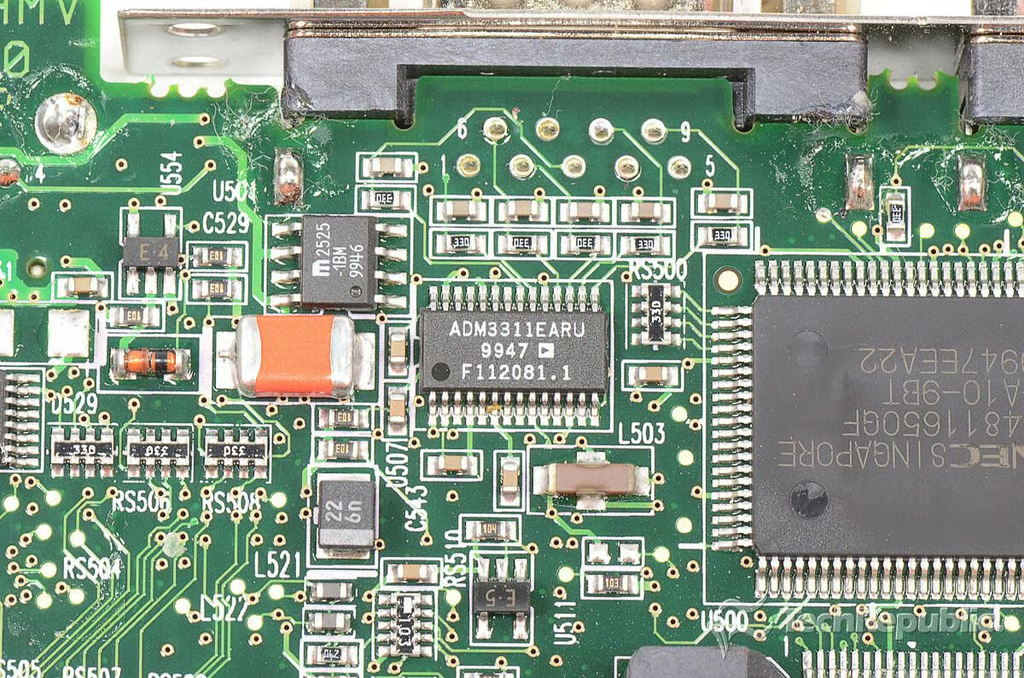
Cracking Open the Compaq Armada M300: ADM3311EARU 9947 F112081.1
Cracking Open the Compaq Armada M300: Misc. chips
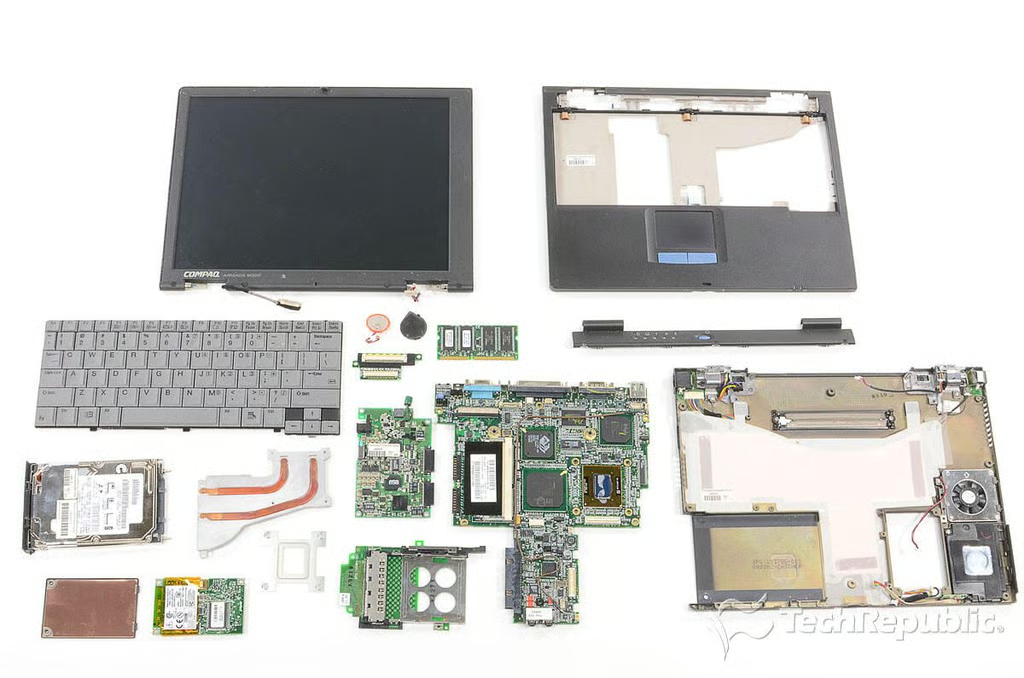
Cracking Open the Compaq Armada M300: Completely disassembled
Bill Detwiler is the Editor for Technical Content and Ecosystem at Celonis. He is the former Editor in Chief of TechRepublic and previous host of TechRepublic's Dynamic Developer podcast and Cracking Open, CNET and TechRepublic's popular online show. Previously, Bill was an IT manager in the social research and energy industries. He has bachelor's and master's degrees from the University of Louisville, where he has also lectured on computer crime and crime prevention.