\n\tBy Erik Eckel
\n\t
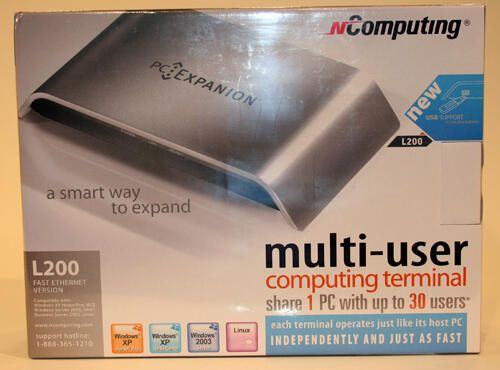
\n\tThe L200 PC Expanion packaging boasts the ability to connect 30 users to a single system.
\n\t
\n\tCurious about whether it is the Right Tool for the Job? Read a concise summary of the nComputing L200 PC Expanion’s strengths and weaknesses in this blog post.
\n\t
\n\tView this image gallery to see what I found when I cracked it open.
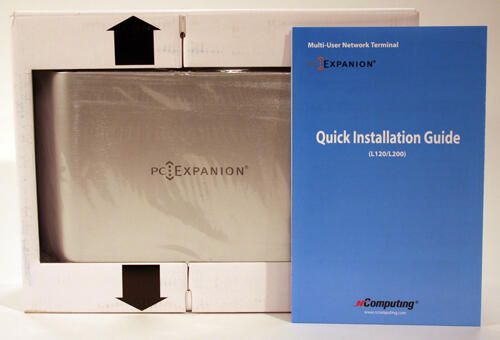
The PC Expanion ships in a box with a power adapter, quick installation guide, the PC Expanion device itself, a CD, Ethernet cable and a User’s Guide.
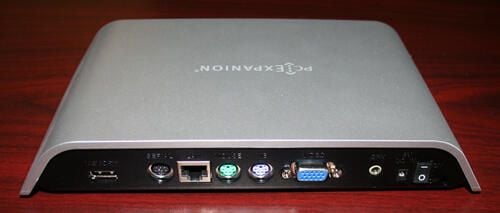
The PC Expanion’s rear possesses all the ports required to connect a user to a shared host. In addition to serial and USB ports, the unit boasts Ethernet, PS/2, VGA and speaker ports.
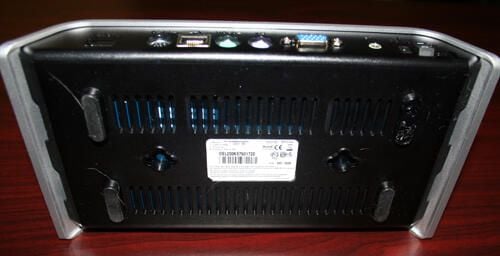
The PC Expanion’s bottom features a molded plastic shell possessing numerous vents.
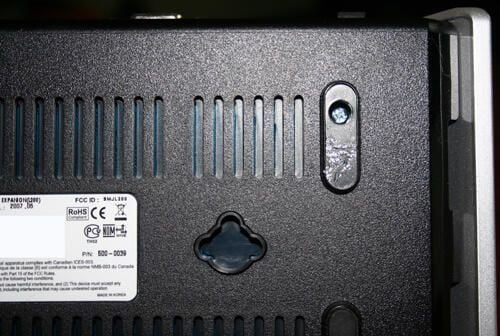
Removing the rubberized feet reveals Philips heads screws. The four screws (one in each corner) must be removed to disassemble the computer terminal.
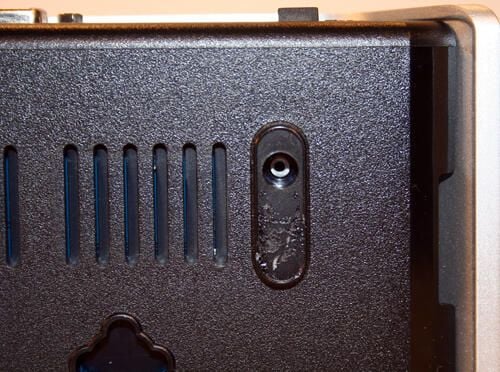
The L200’s Philips head screws are easily removed from beneath the unit’s rubberized feet.
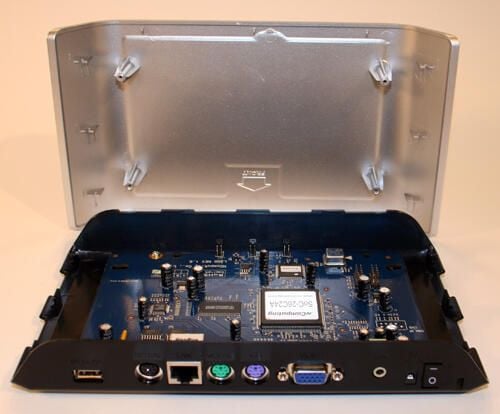
Once the four Philips head screws are removed, the unit’s top cover easily slides free.
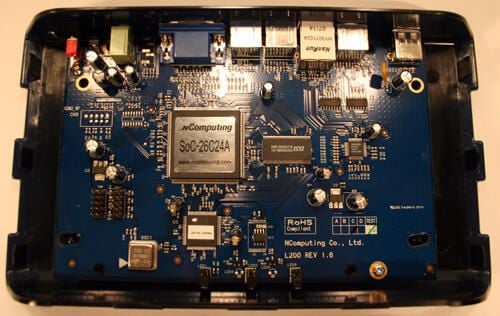
With the top cover removed, here’s a glimpse inside the PC Expanion. Readily evident, just to the left of center, is the CPU that powers the computer access terminal.
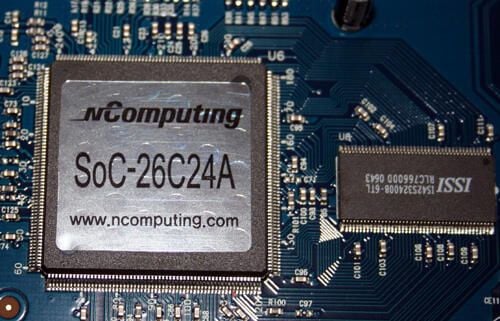
Here’s a close up look at the nComputing proprietary CPU, as well as a supporting Integrated Silicon Solution, Inc. (ISSI) chip (to the right).
The nComputing device uses a UTMA platform design using System on Chip (SoC) architecture, 512KB flash ROM for the network computer operating system (NCOS) and 8MB SDRAM.
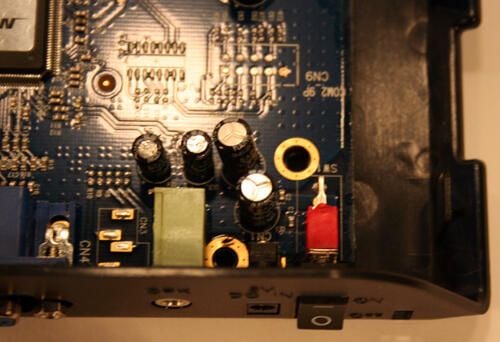
In addition to several capacitors that help power the access terminal’s printed circuit board and corresponding components, you can make out the power adapter switch connection (red) to the bottom right in this view.
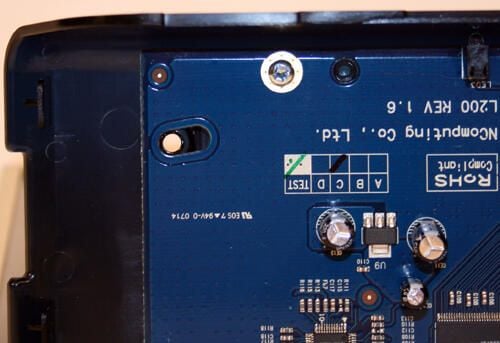
The entire circuit board is secured to the L200’s bottom plastic case by a single Philips head screw (shown here).
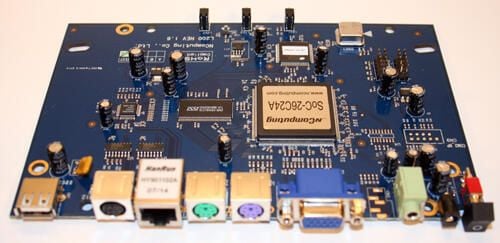
With the single securing Philips head screw removed, the nComputing access terminal’s circuit board is easily removed from its plastic housing.
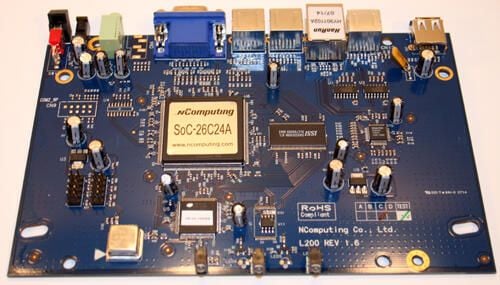
Here’s a close look, from the front, of the nComputing circuit board. nComputing manufacturers the board, as well as the main processor.
Scanning the board, moving from the top left to right, you can see the power switch (with the red connector), the power adapter port, the stereo speaker connection (in green), the (blue) VGA port, the keyboard and mouse PS/2 connectors, the Ethernet and serial ports and the USB port.
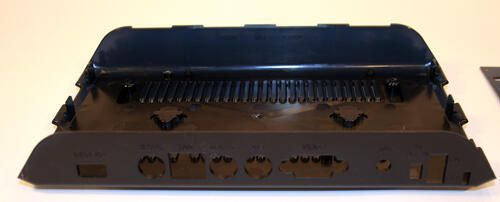
This is the black bottom plastic shell that holds the nComputing circuit board. In this image the backside of the bottom shell is closest to you.
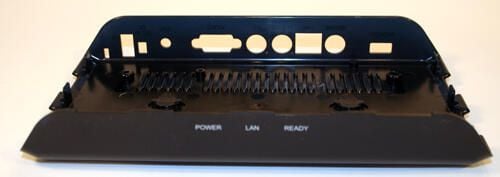
Here’s the PC Expanion’s bottom plastic shell, upside right and seen from the front.
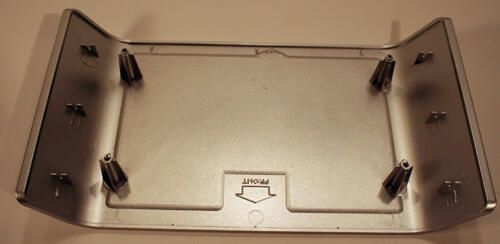
Here’s a look inside the L200’s top cover.
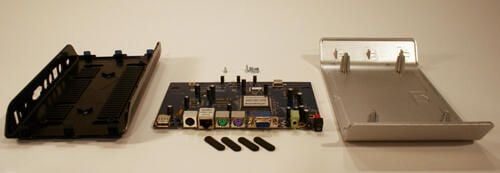
Here are all the components that compose the L200 PC Expanion.
The black bottom plastic cover can be seen to the left, while the circuit board (and corresponding screws and rubberized feet) occupy the center. To the right is the unit’s silver plastic top.
Curious about whether the L200 PC Expanion is the Right Tool for the Job? Read a concise summary of the nComputing L200 PC Expanion’s strengths and weaknesses in this blog post.

Erik Eckel is a managing partner at Louisville Geek and president of Eckel Media Corp. He previously served as Executive Editor at TechRepublic. He received Microsoft Engineer accreditation from Sullivan University and earned his Bachelor's Degree in English from the University of Louisville. He's earned Network+, Windows NT 4.0 MCP+I and MCSE, and Windows 2000 Professional MCP accreditations.


